
Photos from current listings. Actual item, color, and included accessories may vary.
Xbox Console Buying Guide
Xbox consoles span four generations with radically different performance ceilings, disc/media capabilities, and long-term service status. The core trade-off is between buying a current 4K-capable Series X|S for new releases versus a legacy Xbox One or Original Xbox for backlog or modding—only the Series family receives new games. The decision rule: buy Series X for 4K/60-120 fps and a disc drive, Series S for budget 1440p digital-only play, and any prior generation strictly as a secondary retro or media box with no new-game support.
Median $299.95 · New listings
Key takeaways
- Series X delivers native 4K at up to 120 fps with a 12-teraflop RDNA 2 GPU, 16 GB GDDR6, 1 TB custom NVMe SSD, and a 4K UHD Blu-ray drive; Series S targets 1440p at up to 120 fps with a 4-teraflop GPU, 10 GB GDDR6, and 512 GB–1 TB SSD, digital-only.
- Xbox One X is the only last-gen model with a 6-teraflop GPU and 12 GB GDDR5 for checkerboard 4K, while base Xbox One and One S render at 900p–1080p; Original Xbox outputs 480p over composite or component and requires a system-link cable for LAN play.
- Quick Resume on Series X|S stores multiple game states in SSD-backed memory, and the Storage Expansion Card (Seagate/WD, PCIe Gen4 x2) is the only way to run optimized Series games from external storage—USB drives play only backward-compatible titles.
At a glance
- Category
- Console & Handheld Hardware
- Last updated
- Nov 28, 2026
Current offers
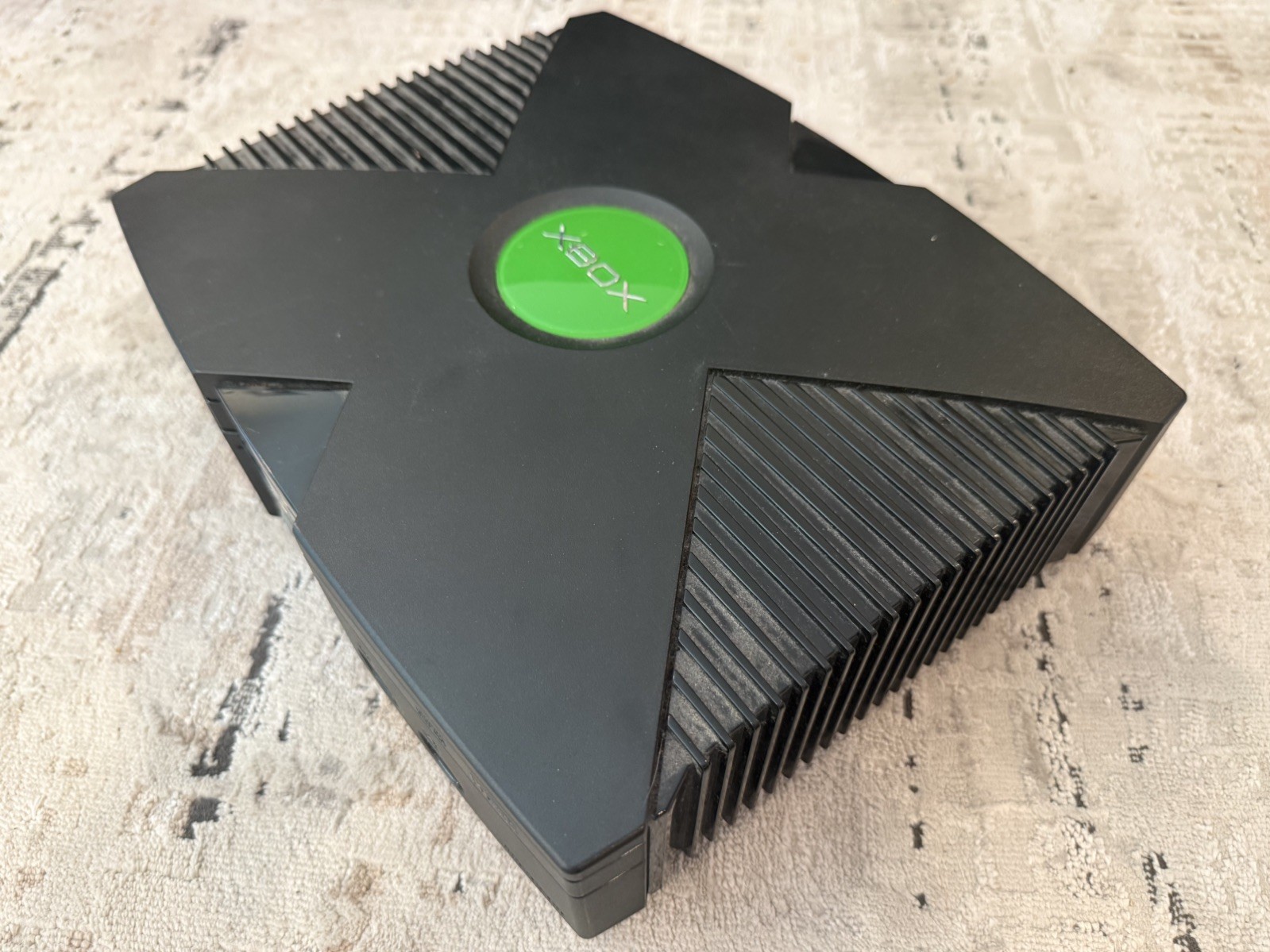 Original Xbox Console and accessories Microsoft Works Except DVD drive errors$55.00View on eBay
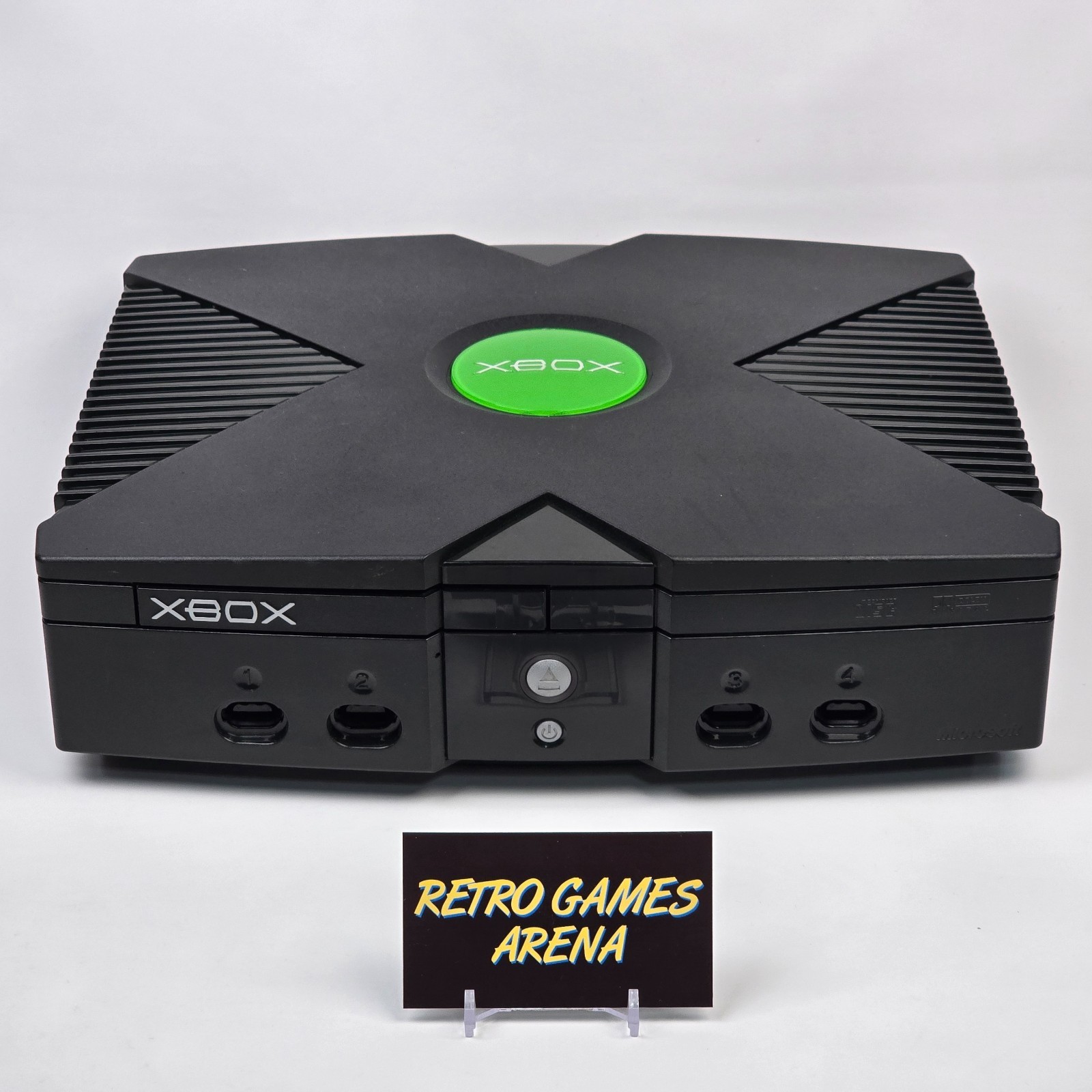 💿 REFURBISHED Original Xbox Console Only THOROUGHLY CLEANED & TESTED💿$299.95Last checked Nov 18, 2026View on eBay
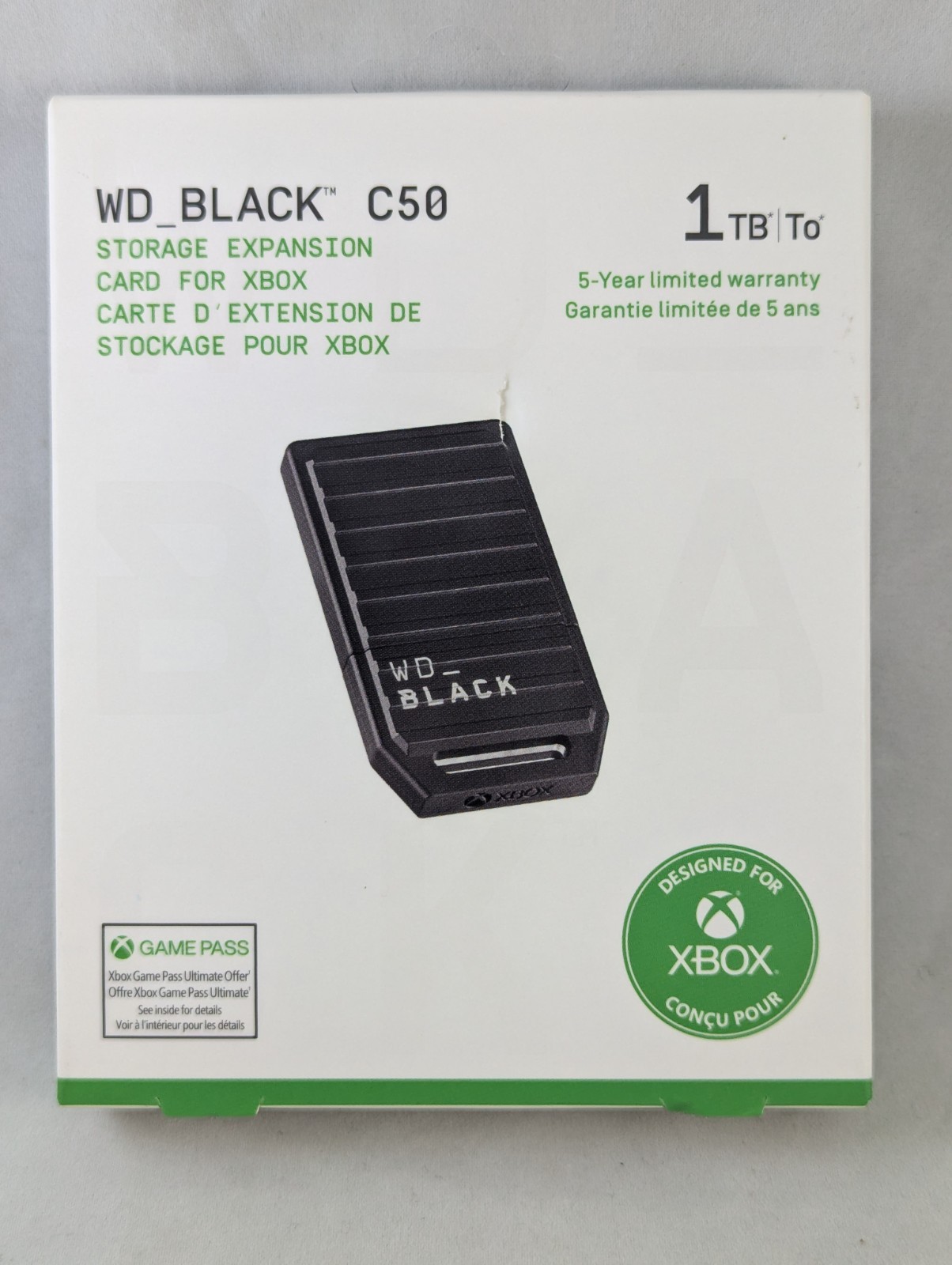 WD Black 1TB C50 Xbox Series X S Storage Expansion Card BNIB Sealed Box New 1 tb$339.99New · Last checked Nov 24, 2026View on eBay
Highlights
- Series X delivers native 4K at up to 120 fps with a 12-teraflop RDNA 2 GPU, 16 GB GDDR6, 1 TB custom NVMe SSD, and a 4K UHD Blu-ray drive; Series S targets 1440p at up to 120 fps with a 4-teraflop GPU, 10 GB GDDR6, and 512 GB–1 TB SSD, digital-only.
- Xbox One X is the only last-gen model with a 6-teraflop GPU and 12 GB GDDR5 for checkerboard 4K, while base Xbox One and One S render at 900p–1080p; Original Xbox outputs 480p over composite or component and requires a system-link cable for LAN play.
- Quick Resume on Series X|S stores multiple game states in SSD-backed memory, and the Storage Expansion Card (Seagate/WD, PCIe Gen4 x2) is the only way to run optimized Series games from external storage—USB drives play only backward-compatible titles.
- Original Xbox and Xbox 360 online services are discontinued; Xbox One and Series consoles use Xbox Network, and backward compatibility runs supported 360 and Original Xbox discs natively on One and Series X|S.
Best use cases
- Buy Series X if you own a 4K/120 Hz TV, want a disc drive for 4K Blu-ray and cheap physical games, and need the full 16 GB memory pool for texture-heavy titles—skip Series S here because its 10 GB pool and 1440p target force resolution and asset cutbacks.
- Buy Series S if you game on a 1080p–1440p monitor, buy everything digitally, and want the lowest entry cost into new releases—skip it if you own physical 360/Original Xbox discs, since it has no drive and cannot play them.
- Buy a refurbished Xbox One X or One S only as a secondary Game Pass or Blu-ray box in a second room, and buy an Original Xbox only for modding, system-link LAN, or a physical retro library—neither plays new Series-exclusive releases.
Buying tips
- Match the console to your display: Series X for 4K/120 Hz HDMI 2.1 panels, Series S for 1080p–1440p/60–120 Hz panels, One X for 4K/60 Hz without HDMI 2.1, and Original Xbox for CRT or 480p scalers.
- Budget storage by game size: optimized Series titles run 50–150 GB each, so a 512 GB Series S holds roughly 3–5 large games; plan on the 1 TB model or the official PCIe Gen4 expansion card.
- For Original Xbox, confirm the disc drive works—DVD drive failure is the model's common aging fault—and check for a component HD AV pack or HDMI adapter, since composite cables cap output at 480i.
- For Xbox One and Series, verify the controller is the matching generation (Xbox One vs Series X|S with Share button) and that the power supply is internal (Series X|S, One S/X) versus the original One's external brick.
Specs
| Generation | Series X|S / One / 360 / Original |
|---|---|
| Peak Output | 4K120 (Series X) / 1440p120 (Series S) |
| Disc Drive | 4K UHD Blu-ray (X) / None (S) |
| Storage Type | Custom NVMe SSD + expansion card |
Related searches
What to check before buying
- Measure your TV stand or shelf: Series X is 15.1 × 15.1 × 30.1 cm standing and needs ~10 cm clearance above its top exhaust fan; Series S is 27.5 × 15.1 × 6.5 cm and can lie flat.
- Confirm your display's HDMI version and refresh rate—HDMI 2.1 is required for 4K/120 Hz on Series X, while 1440p/120 Hz on Series S works over HDMI 2.0.
- Check your region's plug type and voltage (100–127 V or 220–240 V) and that the console includes the correct regional power cable; Series X|S use internal universal supplies.
- For disc-based consoles, confirm the region code of your DVD/Blu-ray library and that you have an Xbox Network account for setup, updates, and Game Pass.
FAQ
Data sources: eBay / Amazon listings and product attribute feeds. Updated Nov 28, 2026.
Some links on this page are affiliate links. If you buy after clicking one, we may earn a commission at no extra cost to you. This does not change which products appear here or their order. Affiliate disclosure.