
Photos from current listings. Actual item, color, and included accessories may vary.
Retro Gaming Console Buying Guide
A retro gaming console recreates classic 8-, 16-, and 32-bit libraries either as a plug-and-play box with fixed built-in games or an emulation handheld that runs user-supplied ROMs. The defining trade-off is fixed convenience versus open emulation power: sealed all-in-one units cap you at their included library, while open handhelds depend on chipset tier, RAM, and screen quality. Buy sealed plug-and-play if you want zero setup and licensed or bundled classics; buy an open emulation device only if you accept ROM sourcing and want hardware headroom for whole systems.
Median $52.98
Key takeaways
- Plug-and-play TV boxes bundle fixed libraries (often 620-in-1 style) with composite AV output and dual wired controllers, but cannot add games.
- Open emulation handhelds like the Retroid Pocket 2+ (2GB RAM) run Android and can emulate up to 32-bit and some Dreamcast/PSP-era titles.
- Game-stick consoles such as the 128GB G36PRO pair an HDMI dongle with wireless pads, trading local storage for big preloaded ROM sets.
At a glance
- Category
- Console & Handheld Hardware
- Last updated
- Nov 29, 2026
Current offers
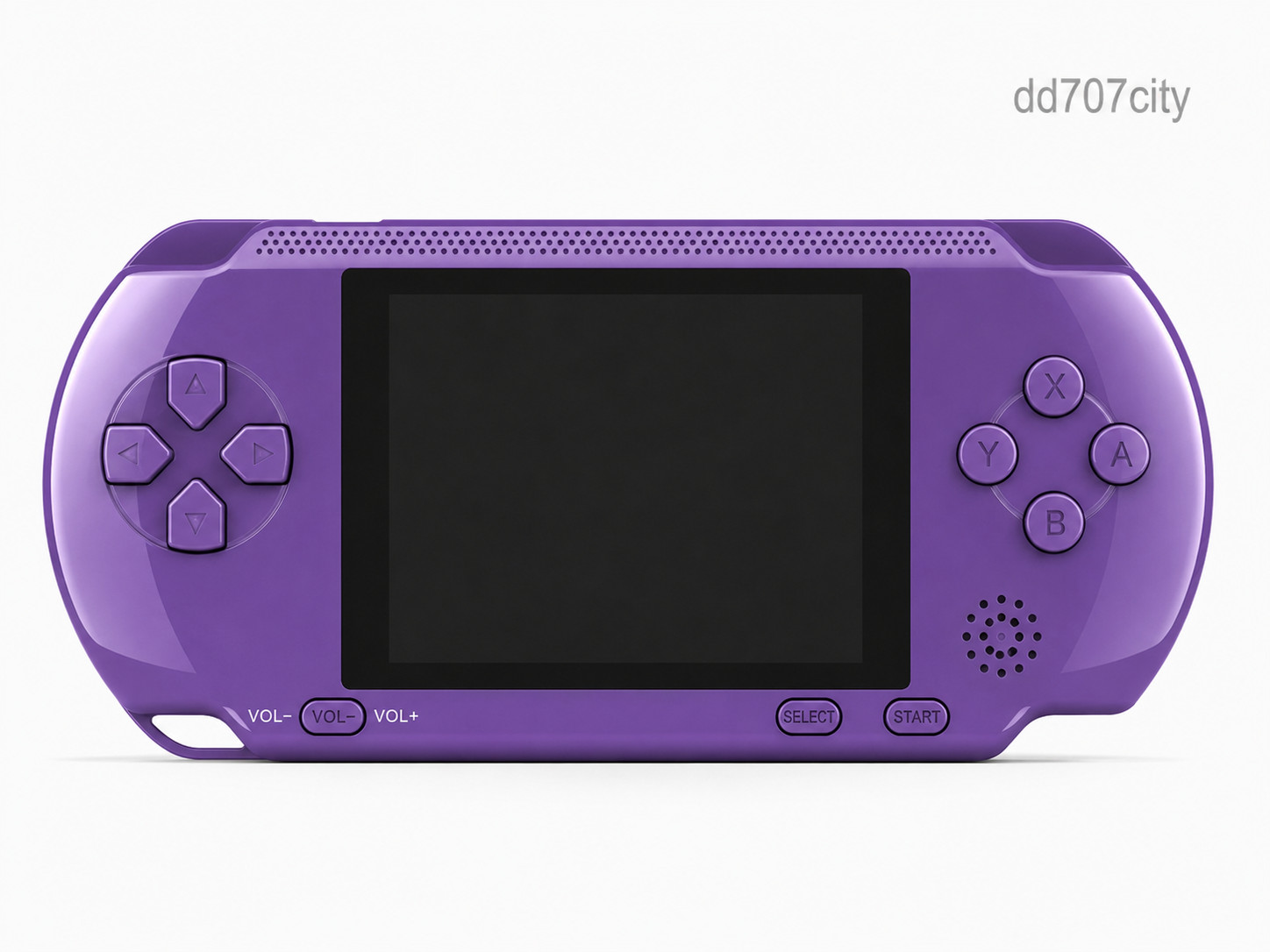 Portable Handheld Game Console Rechargeable Retro Gaming System Built In Games$10.99View on eBay
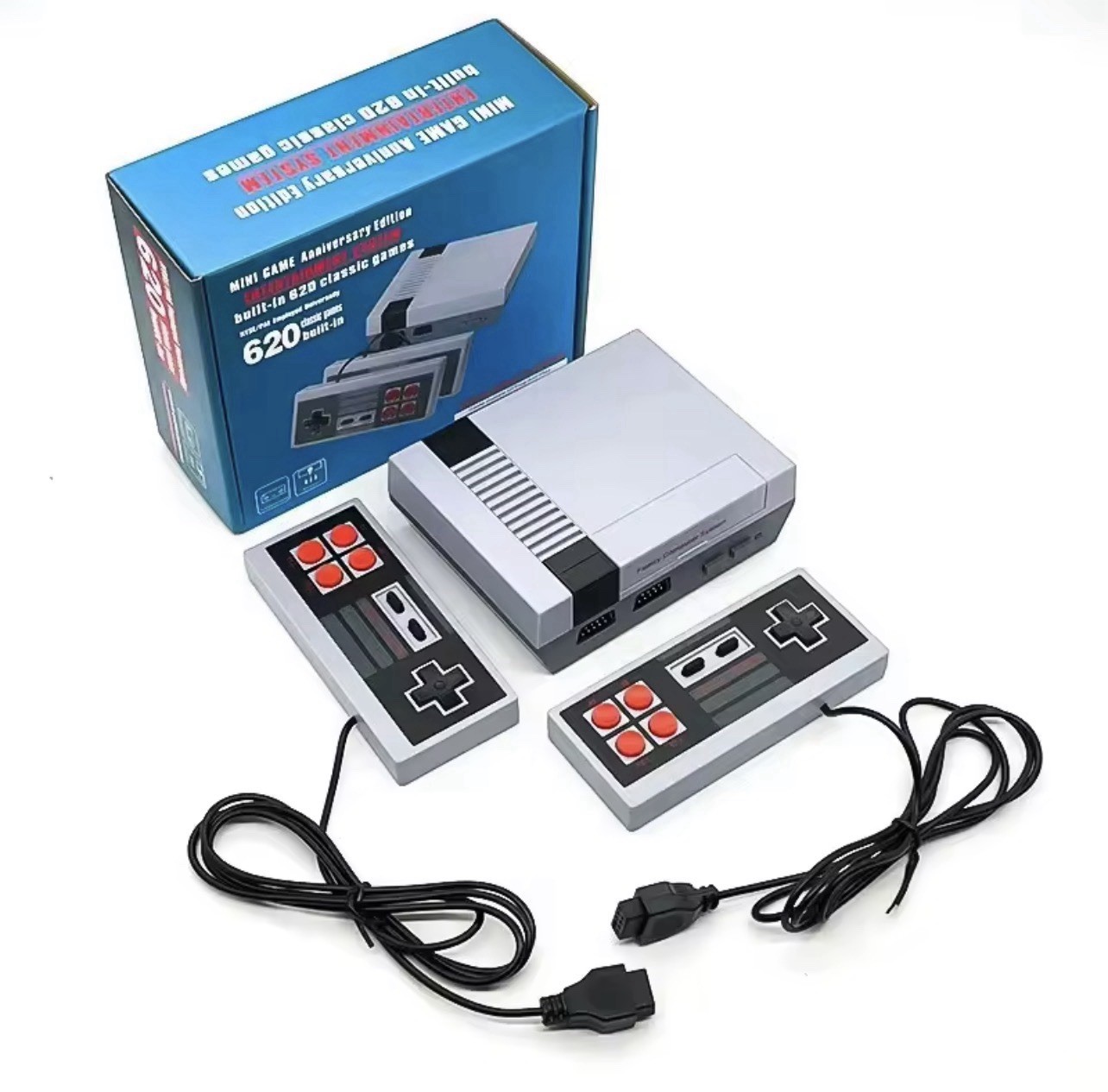 Retro Gaming Console with 620 Built-in Games Classic Gaming Console$30.00View on eBay
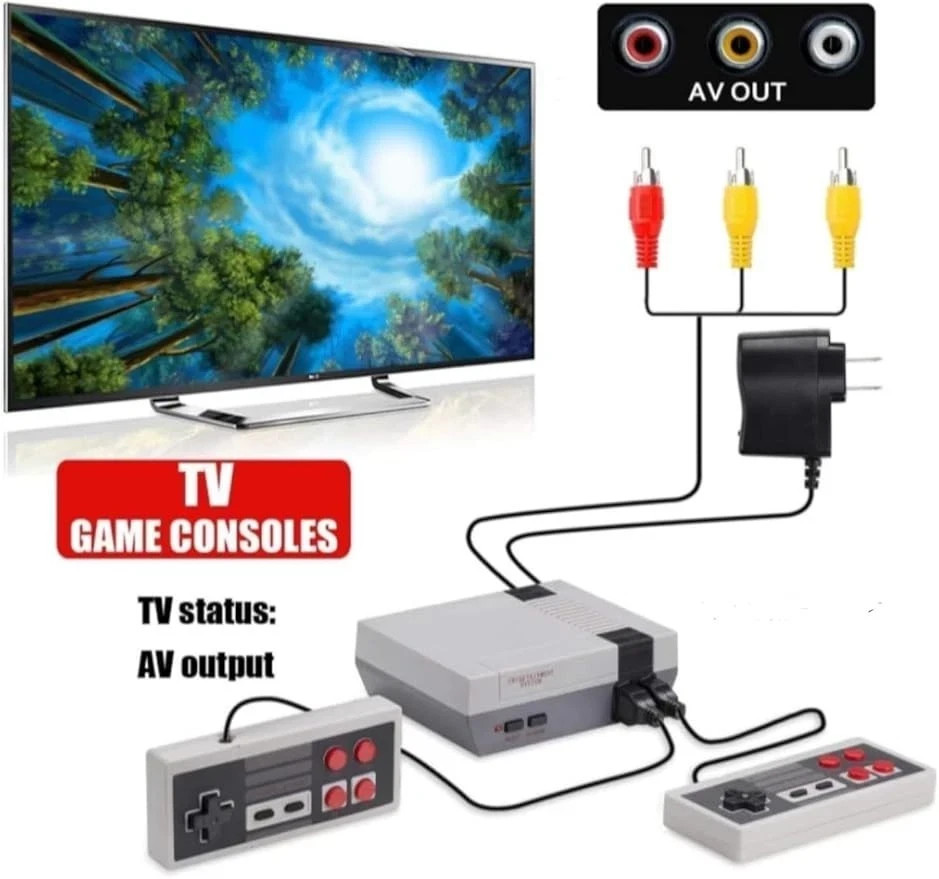 Retro Gaming Console with 620 Built-in Games Classic Gaming Console$34.95View on eBay
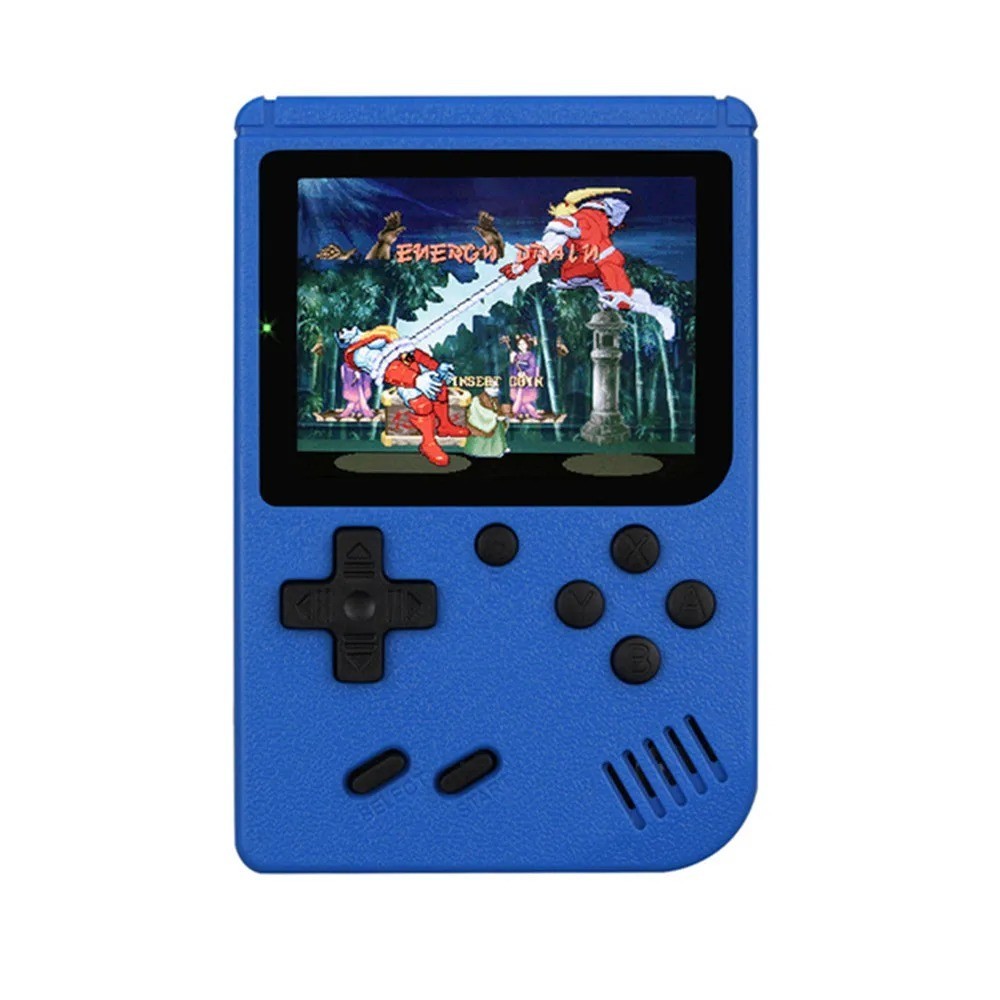 Portable Handheld Game Console 3.0 Inch Color LCD Retro Gaming Player$34.99View on eBay
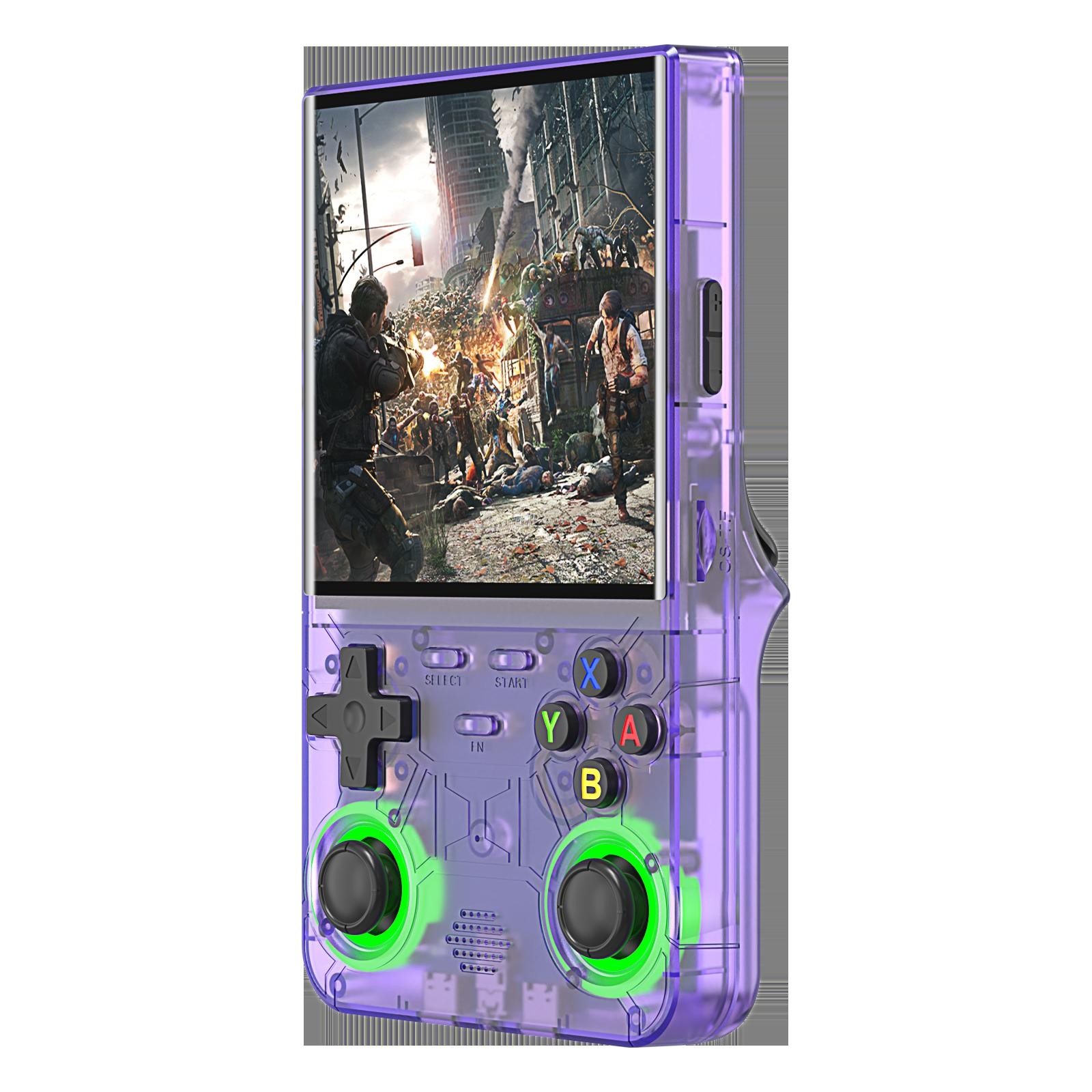 R36 Ultra 128GB Retro Handheld Game Console 4" Linux Portable Gaming System$37.99View on eBay
- Retro Gaming Console with 620 Built-in Games Classic Gaming Console$40.00View on eBay
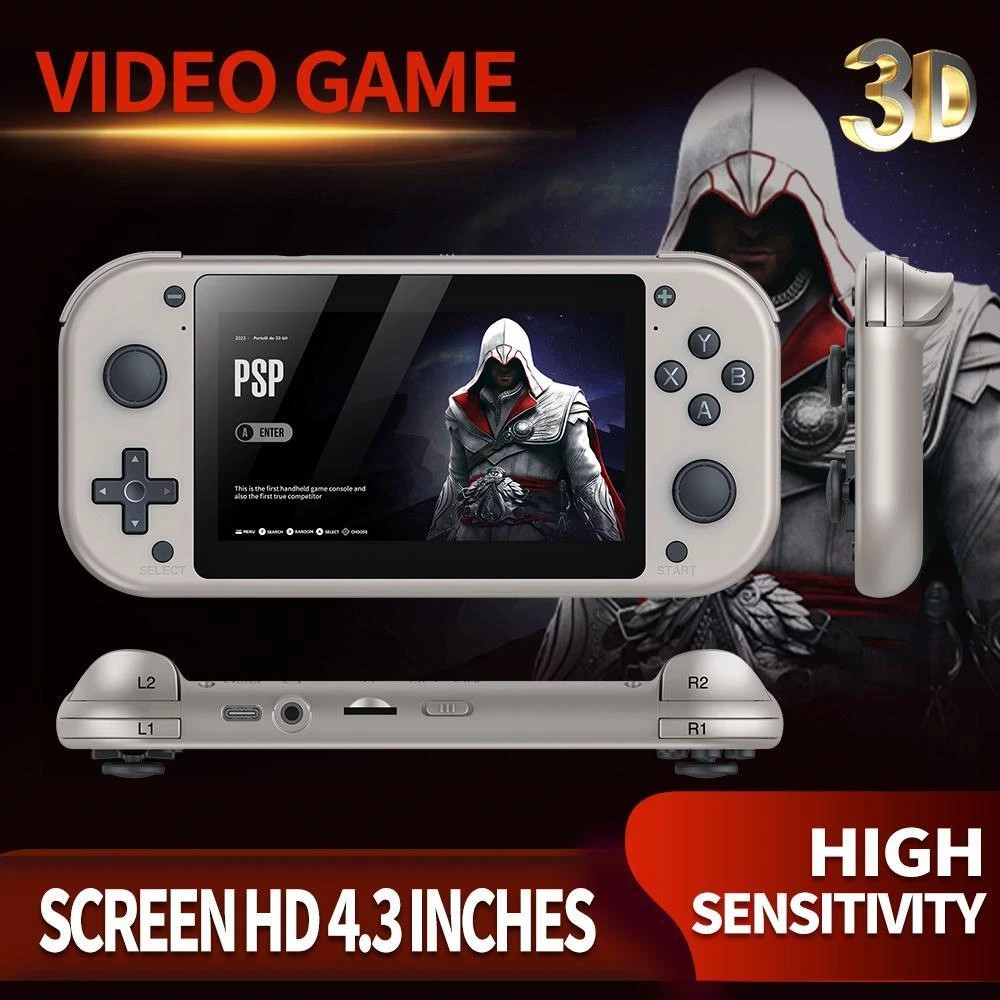 M17 Handheld Gaming Console, 4.3-inch 128G Retro Pandora Video Game Console Emul$52.98View on eBay
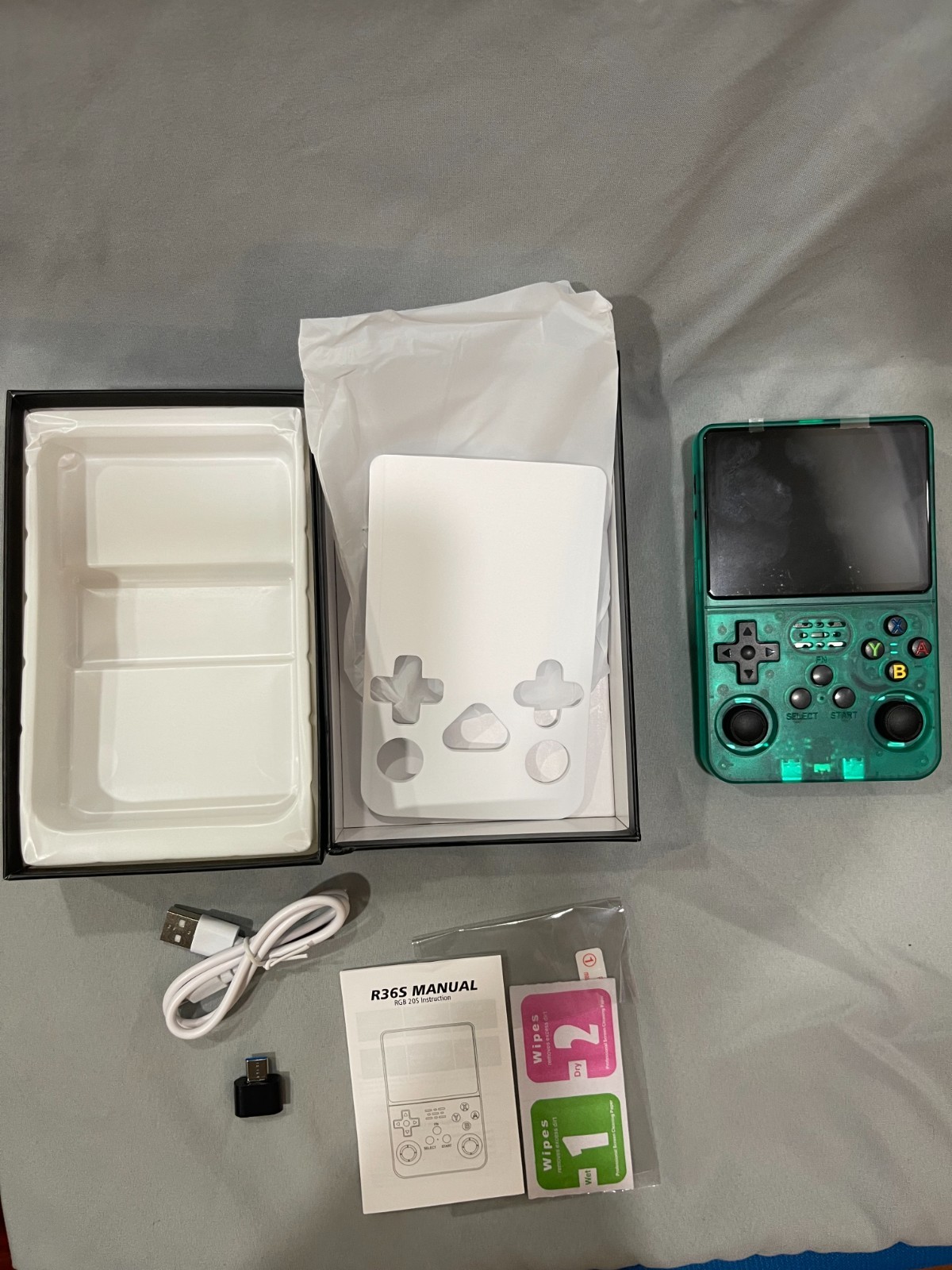 Retro Handheld Gaming Console (+22,000 Games)$57.00View on eBay
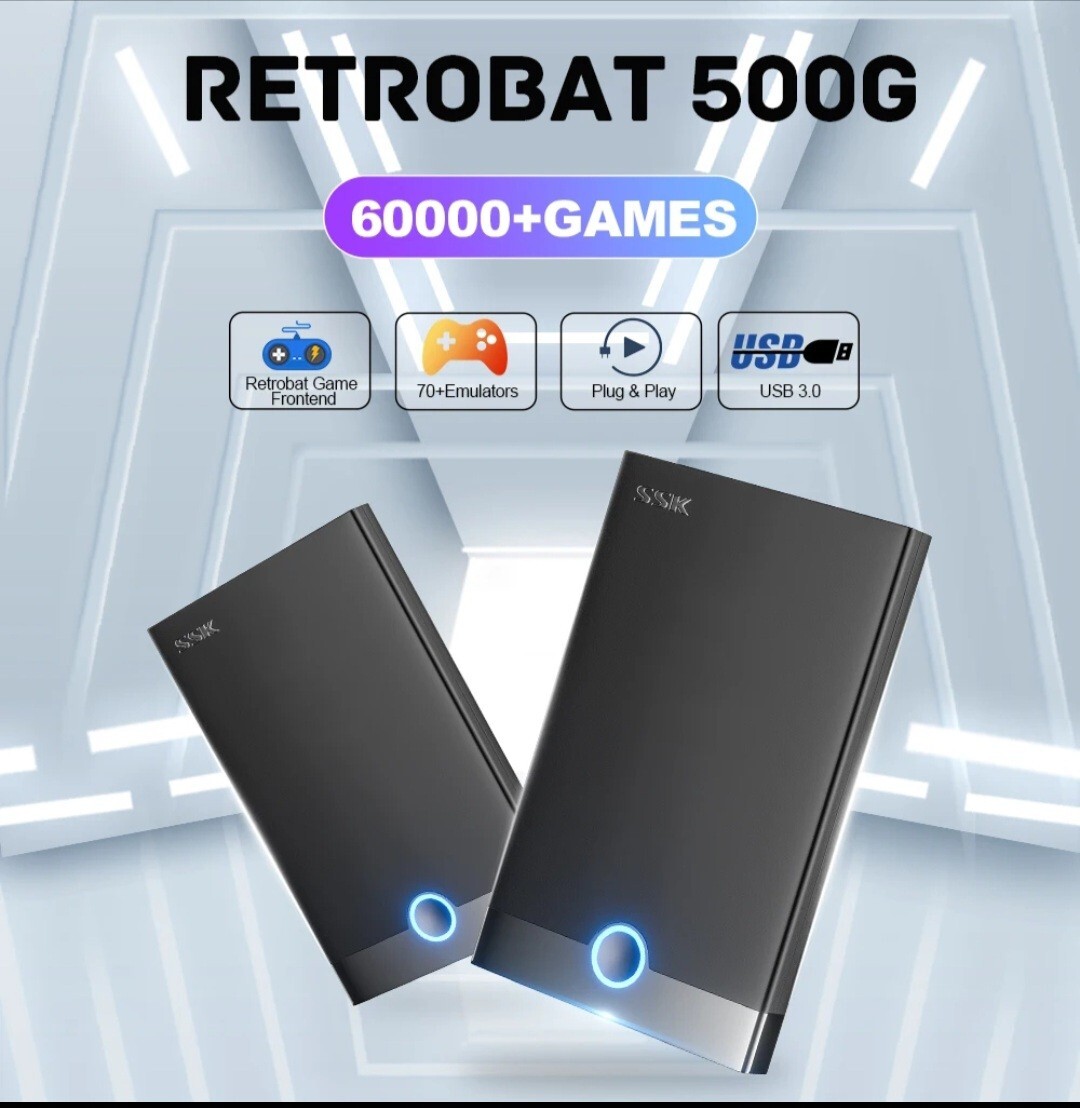 Retro Game Console 500gb HDD - External Gaming Hard Drive w/ 60000+ Video Games$59.99View on eBay
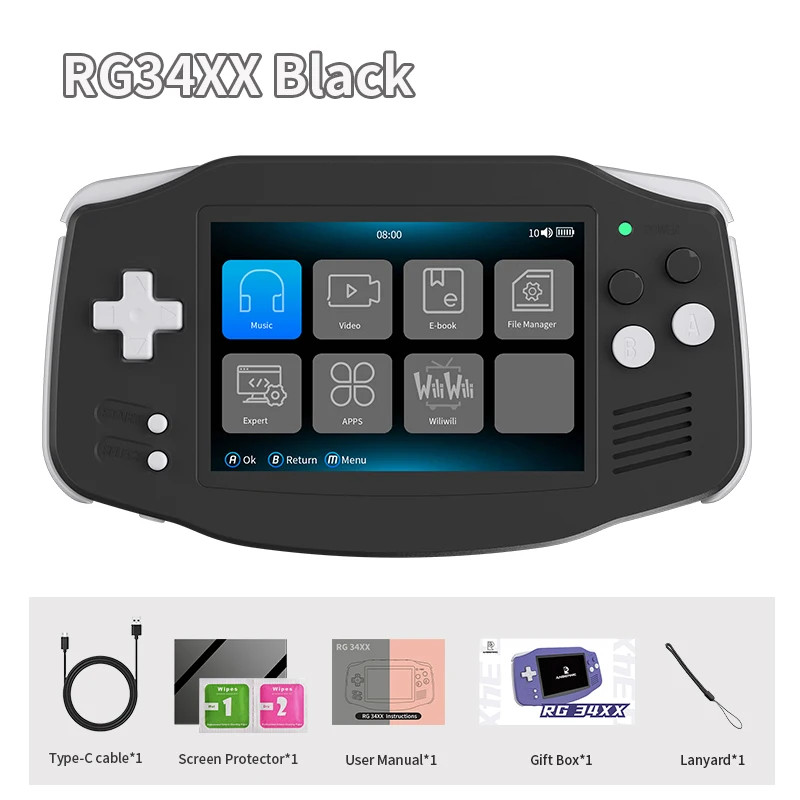 ANBERNIC RG34XX Retro Handheld Game Console 3.4" IPS Screen Video Gaming Player$79.99View on eBay
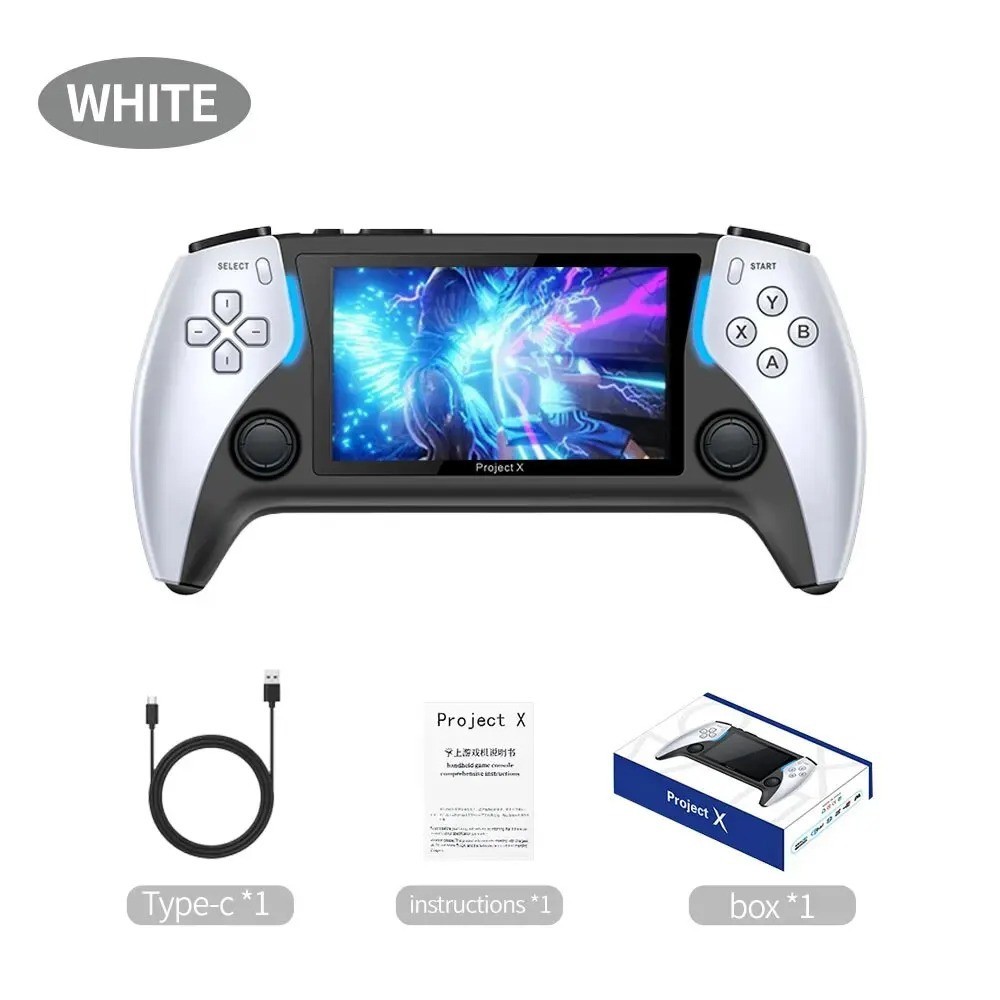 Handheld Retro Gaming Console IPS Screen Portable Arcade Game Emulator Systems$85.00View on eBay
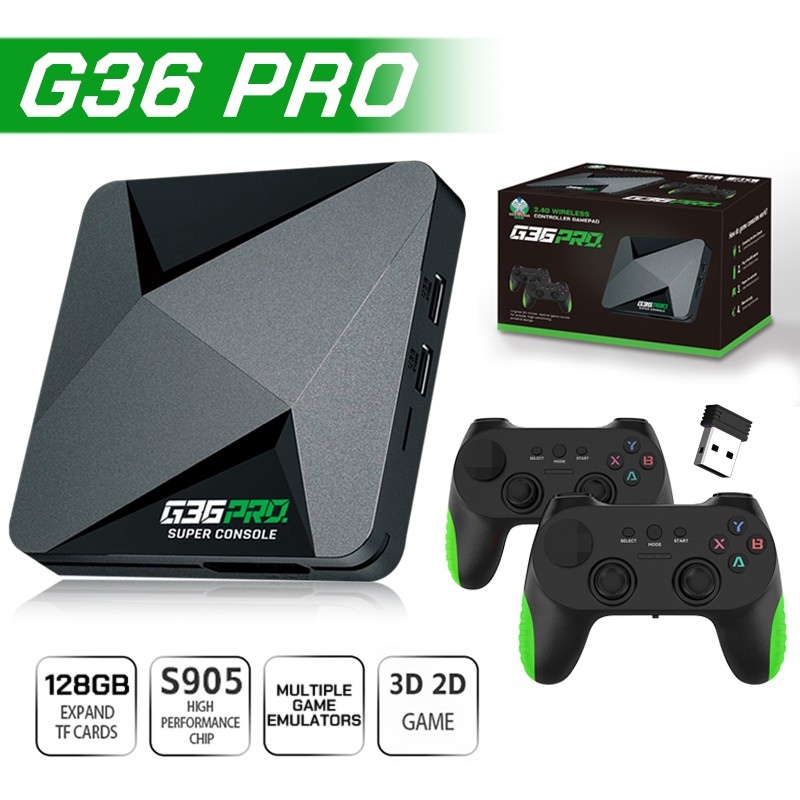 128GB G36PRO,HDMI TV Video Game Stick Retro Gaming Console Wireless Controller$88.99View on eBay
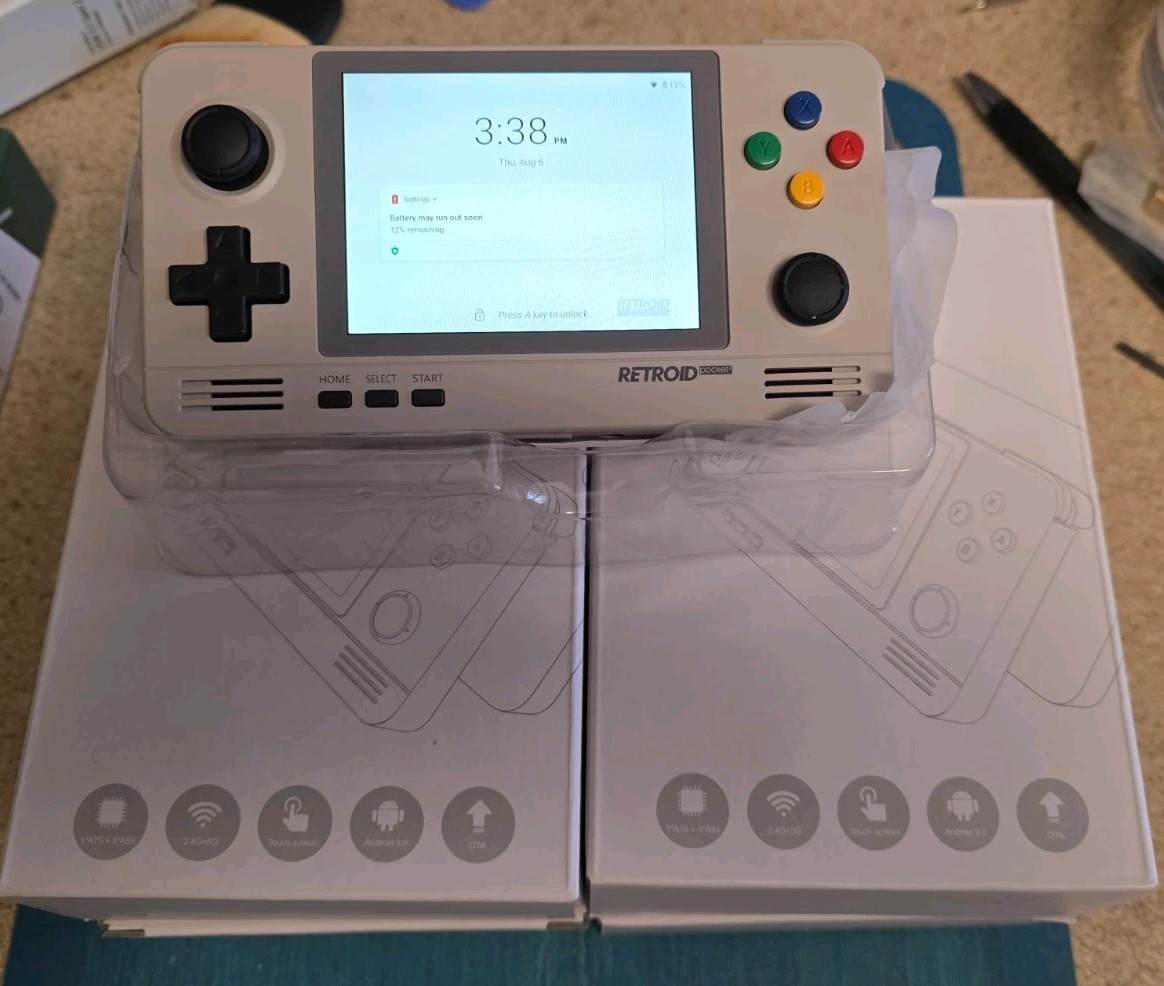 New Retroid Pocket 2+ Plus (2GB Ram) Multicolor Handheld Retro Gaming Console$98.96Last checked Nov 28, 2026View on eBay
Highlights
- Plug-and-play TV boxes bundle fixed libraries (often 620-in-1 style) with composite AV output and dual wired controllers, but cannot add games.
- Open emulation handhelds like the Retroid Pocket 2+ (2GB RAM) run Android and can emulate up to 32-bit and some Dreamcast/PSP-era titles.
- Game-stick consoles such as the 128GB G36PRO pair an HDMI dongle with wireless pads, trading local storage for big preloaded ROM sets.
- Screen and battery quality separate durable handhelds from toys: IPS panels and rechargeable Li-ion cells beat basic LCD and disposable AA designs.
Best use cases
- Family TV nostalgia on a budget: pick a sealed AV plug-and-play box with two included controllers; skip open emulation if you will not manage ROM files.
- Collector matching original feel: buy a device with correct button layout and IPS display; avoid oversized arcade-style handhelds for portable use.
- Couch multiplayer sessions: pick the HDMI game stick with wireless pads for big-screen play; skip handhelds that mirror only to small TVs.
Buying tips
- Match the chipset to your target systems: 8/16-bit runs on basic ARM chips, but N64, Dreamcast, and PSP need a modern mid-tier SoC.
- Demand at least 2GB RAM on Android handhelds; 1GB devices stutter on 32-bit systems and multi-disc games.
- For sealed boxes, count included controllers and confirm AV output type; composite RCA works on older TVs, HDMI needs a stick-style unit.
- Prefer microSD expansion over fixed internal storage so your library scales with cheap cards instead of a new console.
Specs
| Device Type | Plug-and-play box / emulation handheld |
|---|---|
| Output | Composite AV vs HDMI |
| Emulation RAM | 1GB basic / 2GB+ Android |
| Storage | Fixed built-in vs microSD |
Related searches
What to check before buying
- Measure TV inputs: confirm composite AV or HDMI ports exist before choosing a plug-and-play box.
- Check handheld screen size and weight for your grip; 3.5-4 inch IPS panels balance portability and readability.
- Verify battery type and capacity: rechargeable Li-ion beats AA cells for cost, but confirm USB charging standard.
- Confirm controller count and cable length for multiplayer, and whether wireless pads need separate batteries.
FAQ
Data sources: eBay / Amazon listings and product attribute feeds. Updated Nov 29, 2026.
Some links on this page are affiliate links. If you buy after clicking one, we may earn a commission at no extra cost to you. This does not change which products appear here or their order. Affiliate disclosure.