
Photos from current listings. Actual item, color, and included accessories may vary.
Retro Game Player Buying Guide
Shoppers hunting for a retro game player quickly discover two very different product classes: fixed-function mini consoles with a few hundred preloaded 8-bit titles and open-ended emulation handhelds that run ROM files from SD cards. Sizing the screen, controller count, and display output to how you actually play prevents buying a plug-and-play box when you wanted pocketable emulation—or vice versa.
Median $36.49
Key takeaways
- Fixed-function players typically bundle 500–821 titles on one chip; emulation handhelds like the RG34XX and SF3000 run user-supplied ROMs via microSD.
- Screen quality separates tiers: basic units use 3.0-inch color LCD, mid-tier uses 3.4-inch IPS, and large-format uses 4.5- to 5.5-inch panels.
- TV-output mini consoles add HD output and a second controller port, enabling two-player couch sessions the handheld-only models cannot match.
At a glance
- Category
- Console & Handheld Hardware
- Last updated
- Nov 29, 2026
Current offers
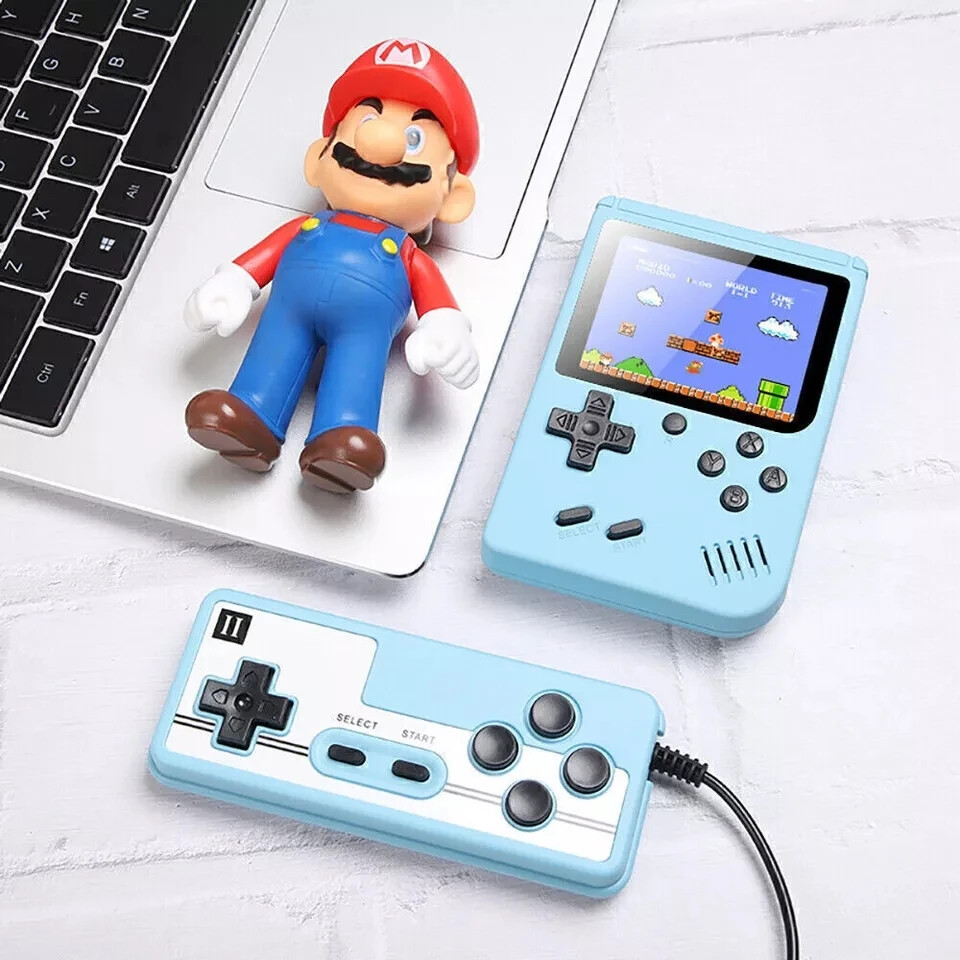 Mini Retro Video 500 Classic Games FC Game Console Player Handheld For Kid Adult$9.48Last checked Nov 28, 2026View on eBay
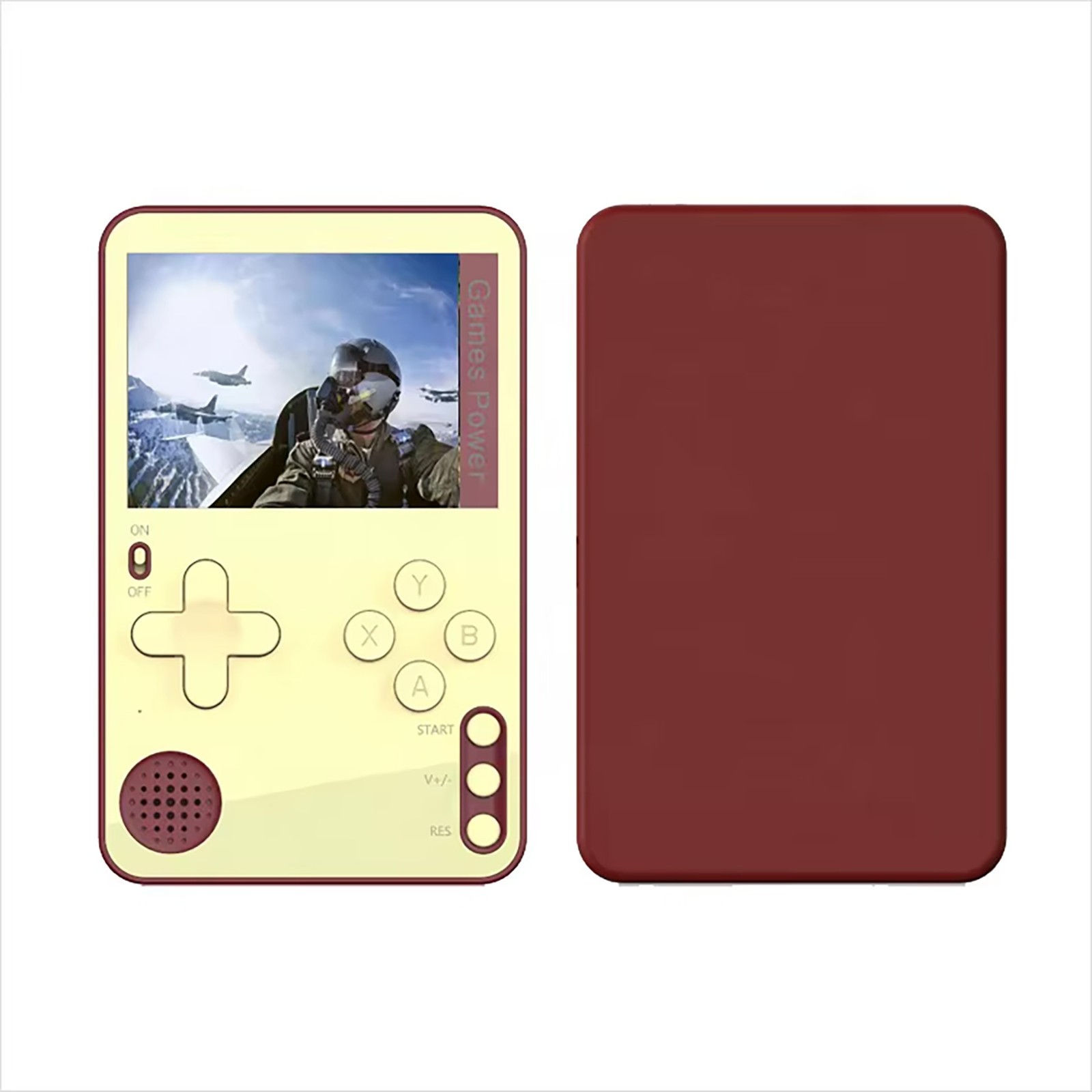 Retro Handheld Game Console 500 Built in Games Portable Mini Video Game Player$11.99View on eBay
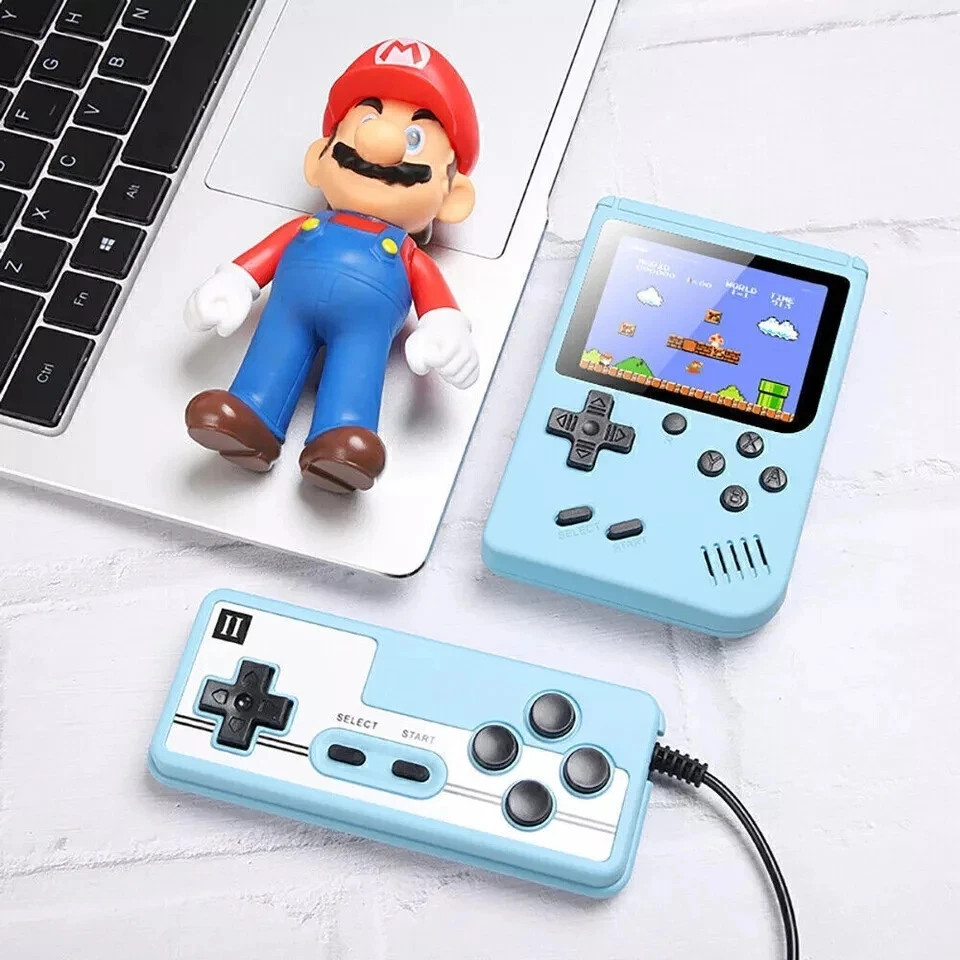 Mini Retro Video 500 Classic Games FC Game Console Player Handheld For Kid Adult$15.99Last checked Nov 28, 2026View on eBay
- 500 Classic Games Handheld Retro Video FC Game Console Player For Kids Adults$15.99Last checked Nov 27, 2026View on eBay
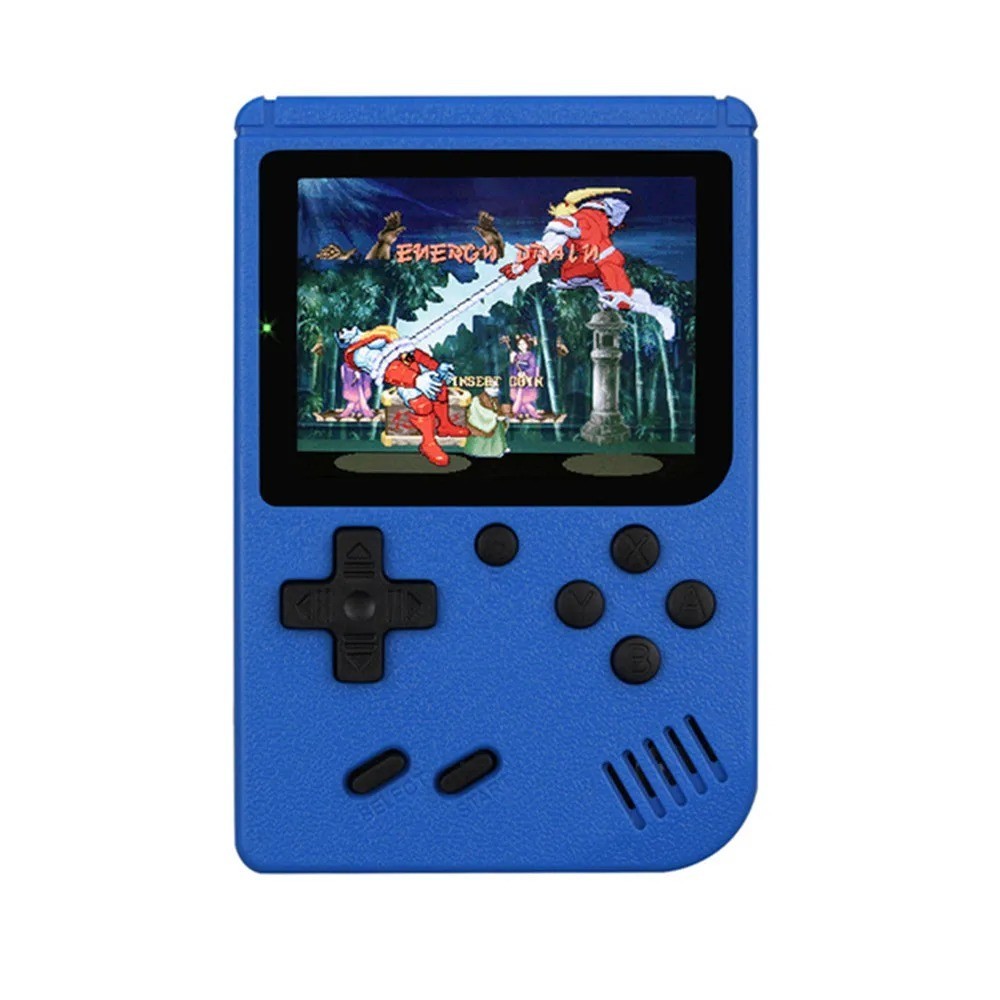 Portable Handheld Game Console 3.0 Inch Color LCD Retro Gaming Player$34.99View on eBay
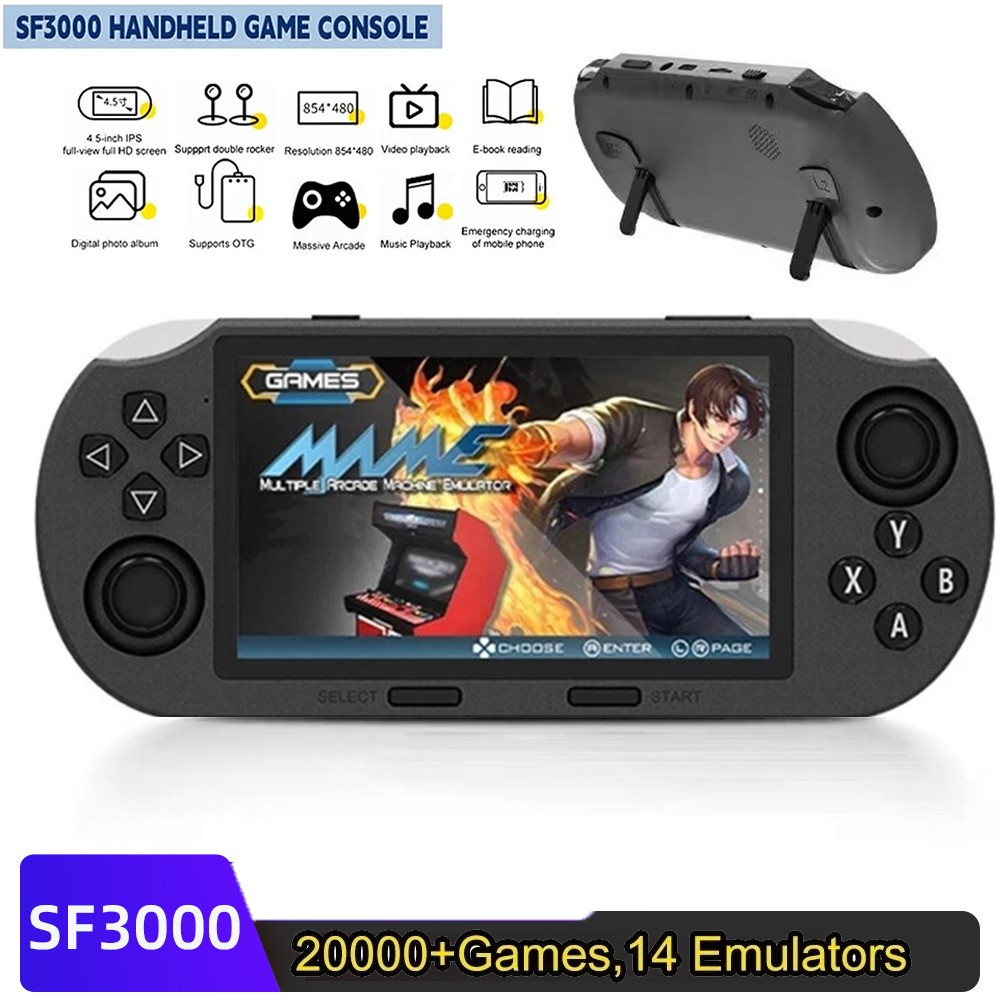 New SF3000 Retro Game Handheld Console Player Emulator 4.5 Inch With 20000 Games$37.99View on eBay
- SF3000 Retro Game Handheld Console IPS Player Emulator 4.5 Inch With 20000 Games$37.99View on eBay
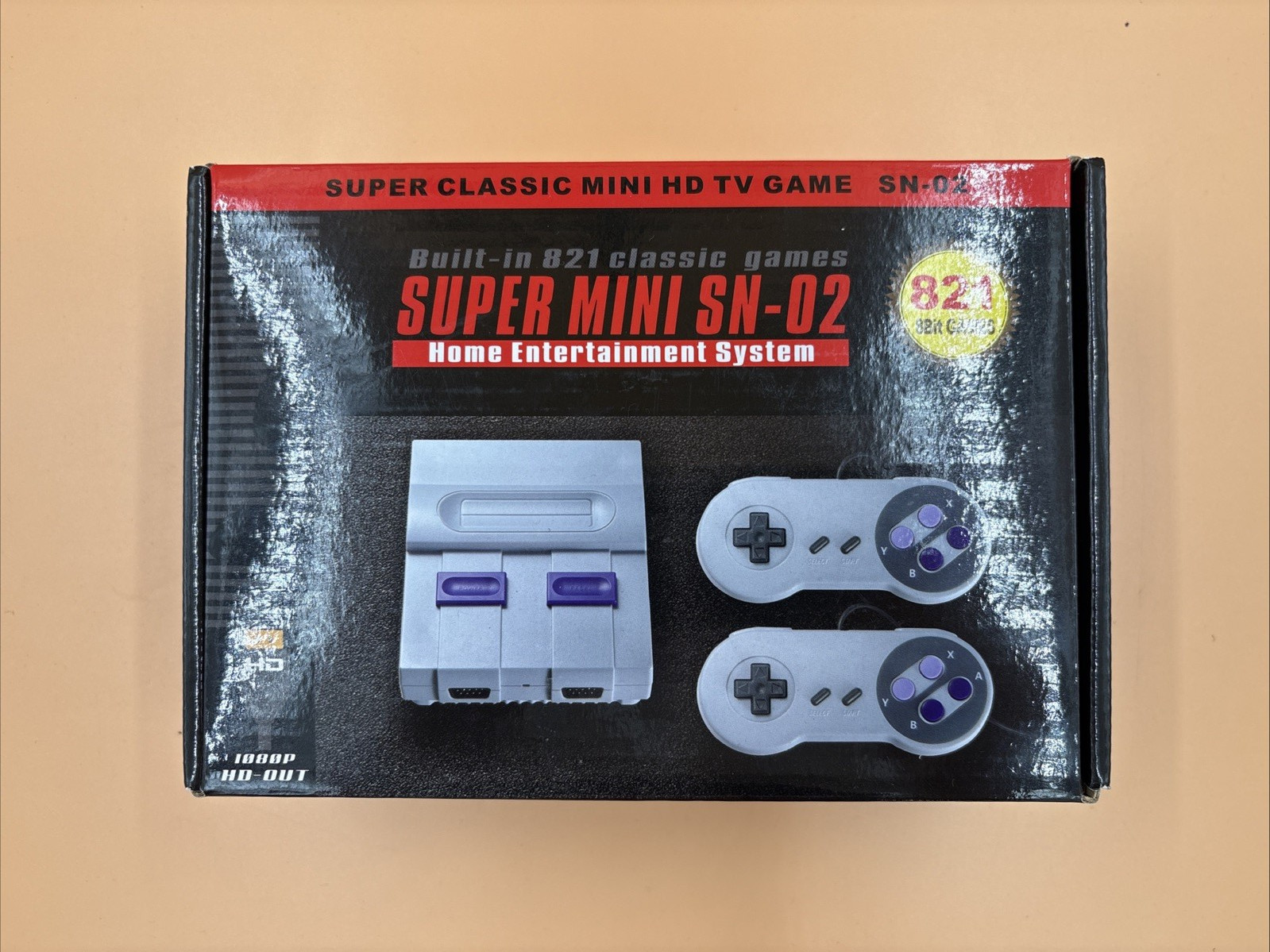 Super Mini SN-02 Retro Game Console 821 Built-in Games HD TV 2 Player Classic$42.00View on eBay
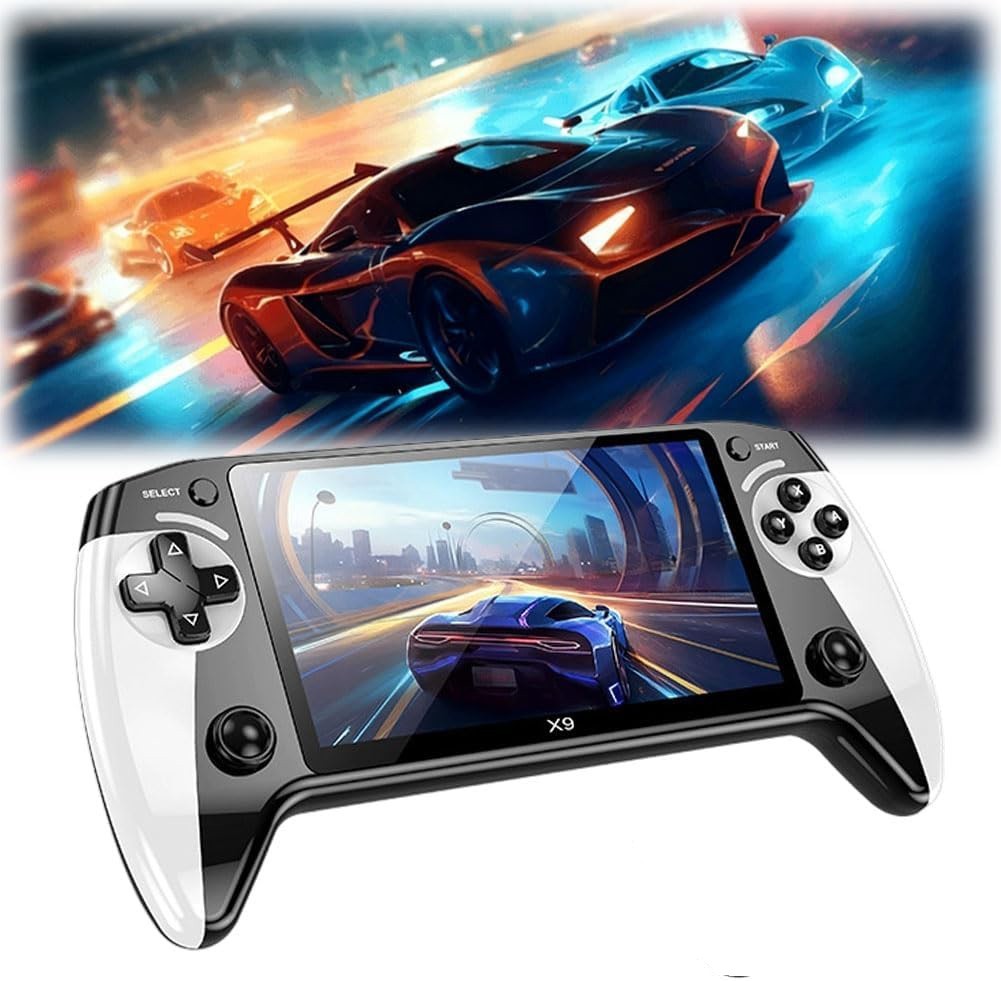 X9 Retro Handheld Game Console 5.5 Inch | 20000+ Games | Portable Gaming Player$49.97View on eBay
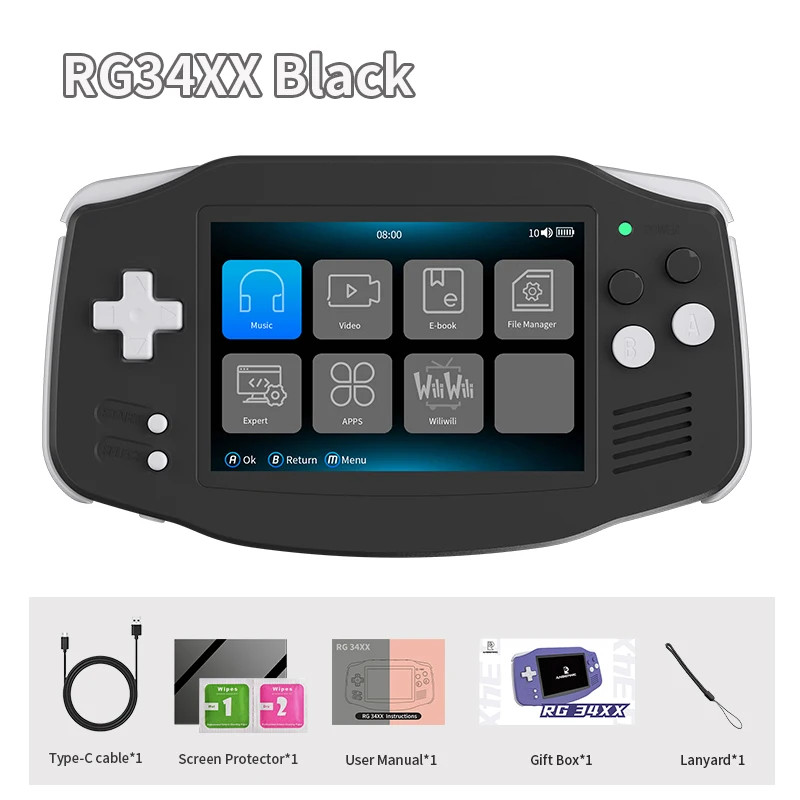 ANBERNIC RG34XX Retro Handheld Game Console 3.4" IPS Screen Video Gaming Player$79.99View on eBay
Highlights
- Fixed-function players typically bundle 500–821 titles on one chip; emulation handhelds like the RG34XX and SF3000 run user-supplied ROMs via microSD.
- Screen quality separates tiers: basic units use 3.0-inch color LCD, mid-tier uses 3.4-inch IPS, and large-format uses 4.5- to 5.5-inch panels.
- TV-output mini consoles add HD output and a second controller port, enabling two-player couch sessions the handheld-only models cannot match.
- Emulation handhelds rely on chipset class (e.g., Allwinner H700 in RG34XX) to determine which consoles' ROM libraries run at full speed.
Best use cases
- Buy a fixed-function 500-in-1 mini console if you want zero setup and only 8-bit classics; skip it if you need save states or additional consoles.
- Pick an open emulation handheld like the RG34XX or SF3000 for Game Boy through PlayStation-era ROMs; avoid if you refuse to source and manage ROM files.
- Choose a TV-output mini console with two controller ports for family couch play; a pocket handheld alone cannot drive a second player on a TV.
Buying tips
- Confirm the screen technology: IPS panels (RG34XX, SF3000) give wider viewing angles and better color than basic 3.0-inch LCDs.
- Check whether storage is fixed internal memory or microSD-expandable; only expandable models let you add or swap ROM libraries.
- Verify controller count and TV-out before buying a mini console—single-player handhelds cannot run two-player couch sessions.
- Inspect battery type and runtime per charge on handhelds; fixed-function minis often rely on AA cells or short built-in packs.
Specs
| Game Source | Built-in fixed library vs microSD ROMs |
|---|---|
| Screen Type | 3.0" LCD vs 3.4-5.5" IPS |
| TV Output | HDMI/composite vs handheld-only |
| Players | Single-player vs 2-player controller ports |
Related searches
What to check before buying
- Measure pocket or bag space against the handheld's body and screen size (3.0 to 5.5 inches) before choosing a form factor.
- Confirm your TV has the matching input (HDMI or composite) and that the console ships the required cable.
- Check whether the unit includes a microSD card and which ROM formats its emulator front-end accepts.
- Verify the power standard: USB-C or micro-USB charging and the plug type for your region.
FAQ
Data sources: eBay / Amazon listings and product attribute feeds. Updated Nov 29, 2026.
Some links on this page are affiliate links. If you buy after clicking one, we may earn a commission at no extra cost to you. This does not change which products appear here or their order. Affiliate disclosure.