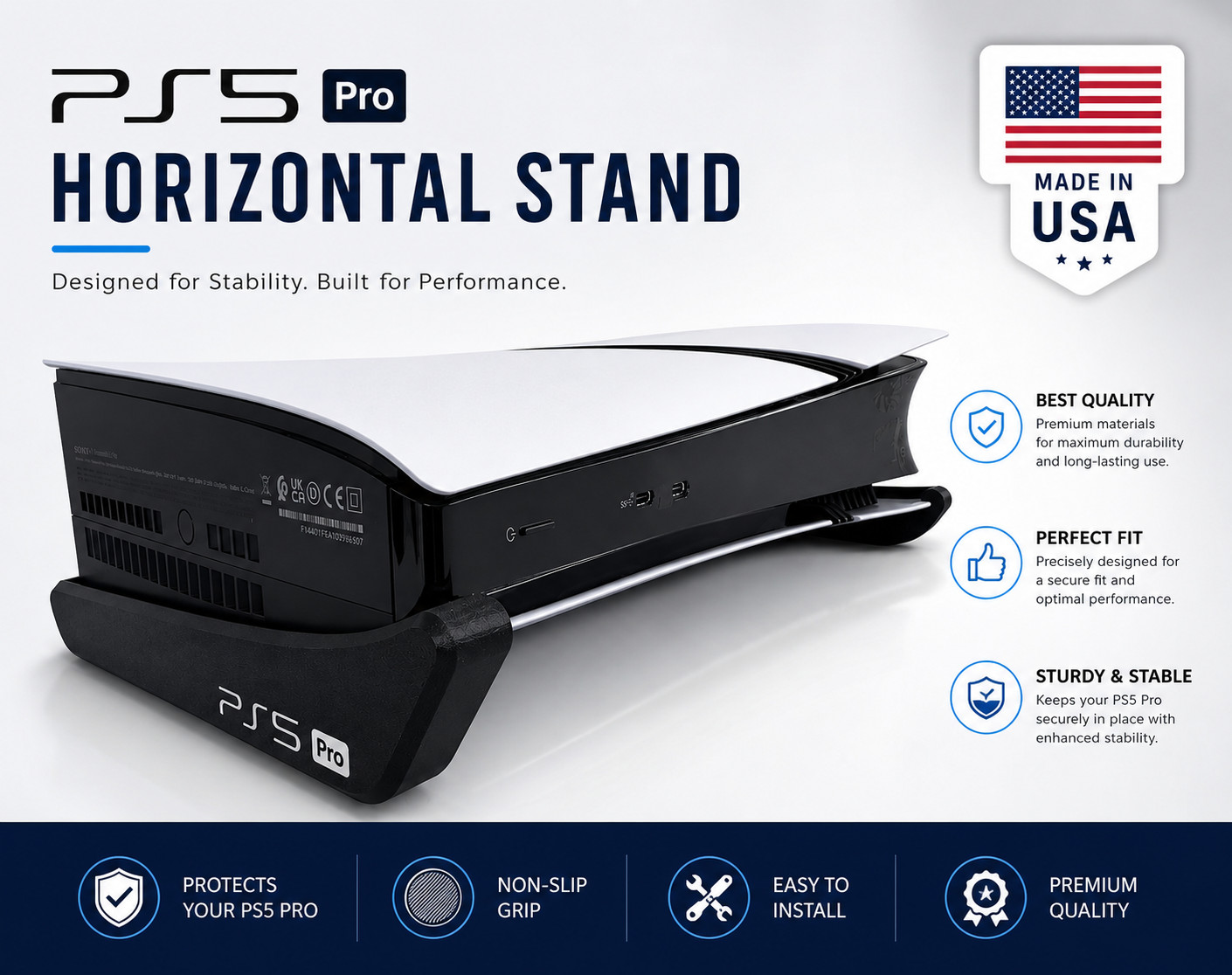

Photos from current listings. Actual item, color, and included accessories may vary.
PS5 Retro Buying Guide
Shoppers looking for 'PS5 retro' are usually trying to solve one of two problems: playing legacy PlayStation titles on a PS5, or pairing a modern PS5 with retro-style controllers and accessories. The decisive factor is understanding Sony's actual backward-compatibility tiers and the difference between native PS1 emulation, PS2 Classics, and third-party retro controller adapters. Skip vague 'retro bundle' listings and instead lock onto the specific generation and connection standard you need.
Key takeaways
- PS5 backward compatibility is tiered: PS4 discs and digital titles run natively, while PS1, PS2, and PSP games are only available through the PlayStation Plus Classics Catalog with emulation wrappers and no disc support.
- Retro-style controllers for PS5 must use DualSense-compatible Bluetooth or a licensed USB adapter; generic 2.4GHz retro pads often lack the PS button and touchpad handshake the console requires.
- PS5 disc drives only read PS4 and PS5 discs, not PS1, PS2, or PS3 discs, so any 'retro' physical media collection requires original hardware or a separate emulation device.
At a glance
- Category
- Console & Handheld Hardware
- Last updated
- Nov 29, 2026
Current offers
Highlights
- PS5 backward compatibility is tiered: PS4 discs and digital titles run natively, while PS1, PS2, and PSP games are only available through the PlayStation Plus Classics Catalog with emulation wrappers and no disc support.
- Retro-style controllers for PS5 must use DualSense-compatible Bluetooth or a licensed USB adapter; generic 2.4GHz retro pads often lack the PS button and touchpad handshake the console requires.
- PS5 disc drives only read PS4 and PS5 discs, not PS1, PS2, or PS3 discs, so any 'retro' physical media collection requires original hardware or a separate emulation device.
- Licensed arcade sticks and retro pads from Hori, 8BitDo, and Retro-Bit use the PS5's USB HID profile and work for PS4 titles and supported classics, but require the original DualSense for system navigation and PS5-native games.
Best use cases
- Best fit: You own PS4 disc or digital games and want to replay them on PS5 with a retro-style pad — buy a licensed USB retro controller from 8BitDo or Retro-Bit and skip unlicensed Bluetooth pads.
- Best fit: You want PS1 and PS2 classics via Sony's own emulation — subscribe to PlayStation Plus Premium and use the Classics Catalog; skip third-party 'retro console' bundles that claim PS5 compatibility.
- Wrong fit: You expect to insert a PS1 or PS2 disc into the PS5 and play it — the drive is not compatible with those formats, so plan on original hardware or a dedicated emulation box instead.
Buying tips
- Confirm the controller uses a licensed PS5 USB adapter or official DualSense Bluetooth handshake, not a generic 2.4GHz dongle that may fail the console's authentication.
- Prioritize PlayStation Plus Premium if your goal is Sony-published PS1 and PS2 classics, since disc-based backward compatibility does not exist on PS5 for those generations.
- Inspect retro arcade sticks for PS5-specific firmware or a licensed adapter, as many PS4-era sticks need a firmware update to work on PS5 titles.
- Avoid 'retro bundle' listings that promise PS5 compatibility without naming the adapter chipset or license, since these frequently ship with unlicensed dongles that break after system updates.
Specs
| PS1/PS2 Support | Digital only via PS Plus Premium |
|---|---|
| PS3 Compatibility | Streaming only (Premium tier) |
| PS4 Backward Compat | Disc + digital, native |
| Retro Controller Link | Licensed USB or DualSense BT |
Related searches
What to check before buying
- Verify your TV or monitor has an available HDMI 2.1 or 2.0 port and that your PS5 is updated to the current system software before pairing retro accessories.
- Measure shelf or desk clearance for arcade sticks and retro pads, since many retro-style controllers are wider than a DualSense and need stable, flat surfaces.
- Check that your PlayStation Plus tier includes the Classics Catalog if you plan to play PS1 or PS2 titles, as the Essential tier does not include it.
- Confirm the retro controller or adapter lists explicit PS5 compatibility, not just PS4 or PC, because PS5 system navigation requires the DualSense or a licensed equivalent.
FAQ
Data sources: eBay / Amazon listings and product attribute feeds. Updated Nov 29, 2026.
Some links on this page are affiliate links. If you buy after clicking one, we may earn a commission at no extra cost to you. This does not change which products appear here or their order. Affiliate disclosure.