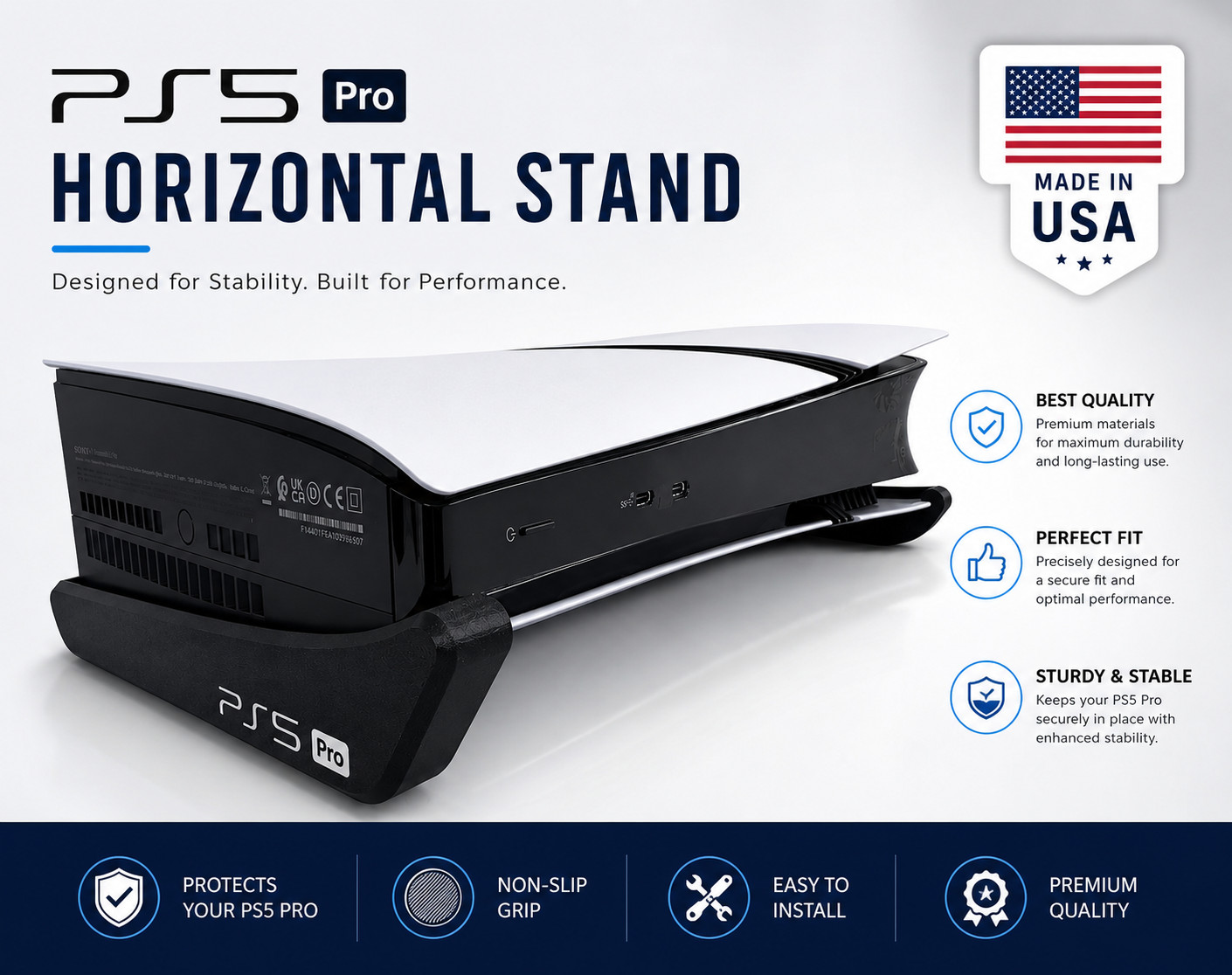

Photos from current listings. Actual item, color, and included accessories may vary.
PS5 Console Buying Guide
The PS5 family consists of three distinct hardware tiers—original, Slim, and Pro—each with different cooling, storage, and performance profiles. The core trade-off is between physical footprint, disc-drive flexibility, and GPU power, not brand. Buy the tier whose die-shrink and drive configuration match your TV resolution and game library; skip cross-generation stands and accessories that don't match your chassis revision.
Key takeaways
- PS5 Pro uses a larger GPU (67 CU vs 36 CU) with AI upscaling (PSSR) for 4K/60 targets; original and Slim share the same 10.3 TFLOP architecture.
- Slim is a 30% smaller chassis with a 1TB SSD and detachable disc drive; launch original is 825GB/1TB with a fixed drive.
- All tiers use NVMe M.2 2280 expansion (PCIe 4.0), but Pro and Slim ship with 1TB or 2TB internal storage versus 825GB on early originals.
At a glance
- Category
- Console & Handheld Hardware
- Last updated
- Nov 29, 2026
Current offers
Highlights
- PS5 Pro uses a larger GPU (67 CU vs 36 CU) with AI upscaling (PSSR) for 4K/60 targets; original and Slim share the same 10.3 TFLOP architecture.
- Slim is a 30% smaller chassis with a 1TB SSD and detachable disc drive; launch original is 825GB/1TB with a fixed drive.
- All tiers use NVMe M.2 2280 expansion (PCIe 4.0), but Pro and Slim ship with 1TB or 2TB internal storage versus 825GB on early originals.
- Disc vs Digital is a chassis-level decision: Slim and Pro detachable drives require the matching model's drive module; original Digital cannot be upgraded.
Best use cases
- Best for 4K/120 displays with demanding AAA libraries: PS5 Pro, which targets higher internal resolution and stable frame rates via PSSR.
- Best for mixed physical/digital libraries in a media console: PS5 Slim Disc, whose detachable drive keeps footprint low and accepts used discs.
- Best for all-digital buyers on a 1080p/1440p monitor: PS5 Slim Digital or original Digital—skip the Pro's GPU premium at that resolution.
- Wrong fit: buying a horizontal stand before confirming chassis—Slim/Pro stands are not cross-compatible with the original's larger shell.
Buying tips
- Match the stand/dock to the exact chassis: original PS5 is ~15.4 in wide horizontally; Slim and Pro are narrower and use different base molds.
- Choose Disc if you rent, borrow, or buy used games; the drive pays for itself across a handful of titles versus digital store pricing.
- Plan for NVMe expansion: any PCIe 4.0 M.2 2280 drive with a heatsink works across all tiers; budget 1TB–2TB for a 10–20 game library.
- For 1440p monitors, enable 1440p output in settings; the Pro's advantages shrink below 4K, so allocate budget to storage or a second controller instead.
Specs
| GPU Compute | 10.3 TFLOPS (orig/Slim) vs Pro higher |
|---|---|
| Storage | 825GB orig / 1TB Slim & Pro |
| Disc Drive | Fixed (orig) / Detachable (Slim, Pro) |
| Expansion | PCIe 4.0 M.2 2280 NVMe |
Related searches
What to check before buying
- Measure your shelf depth and height: original PS5 needs ~15.4 × 10.2 in vertical clearance; Slim and Pro need less but still vent clearance on all sides.
- Confirm your TV/monitor supports HDMI 2.1 for 4K/120 and VRR—without it, Pro gains are marginal and Slim is the better value.
- Check your region's plug type and PSU: all PS5 models are internal 100–240V, but the bundled AC cable is region-specific.
- If wall-mounting or using a horizontal stand, verify the mount lists your exact model (original, Slim, or Pro)—the chassis screw patterns differ.
FAQ
Data sources: eBay / Amazon listings and product attribute feeds. Updated Nov 29, 2026.
Some links on this page are affiliate links. If you buy after clicking one, we may earn a commission at no extra cost to you. This does not change which products appear here or their order. Affiliate disclosure.