
Photos from current listings. Actual item, color, and included accessories may vary.
Portable Game Console Buying Guide
A portable game console is a self-contained handheld system with an integrated screen and controls, ranging from fixed-function retro toys to open-source Linux emulation devices. The core trade-off is fixed-function simplicity versus open-source flexibility: fixed ROM handhelds are cheap but non-expandable, while Linux/Android handhelds cost more but support ROM libraries and emulators. The decision rule: buy a fixed-function unit only for casual nostalgia under 200 built-in games, and step up to an open-source or name-brand handheld if you need expandable storage, IPS display quality, or emulator compatibility.
Median $69.99
Key takeaways
- Display grade separates tiers: fixed ROM toys use 2.4-2.5-inch TN LCDs with poor viewing angles, while open-source units use 3.5-inch IPS panels with 640x480 or higher resolution.
- Processor architecture dictates capability: 8-bit fixed ROM chips run built-in games only, while ARM Cortex-A35 or RK3326-class SoCs in Linux handhelds emulate up to 16-bit and some 32-bit systems.
- Storage and OS: open-source handhelds boot from microSD (often 64GB bundled) and run Linux frontends like EmuELEC, versus soldered ROM in fixed-function units.
At a glance
- Category
- Console & Handheld Hardware
- Last updated
- Nov 29, 2026
Current offers
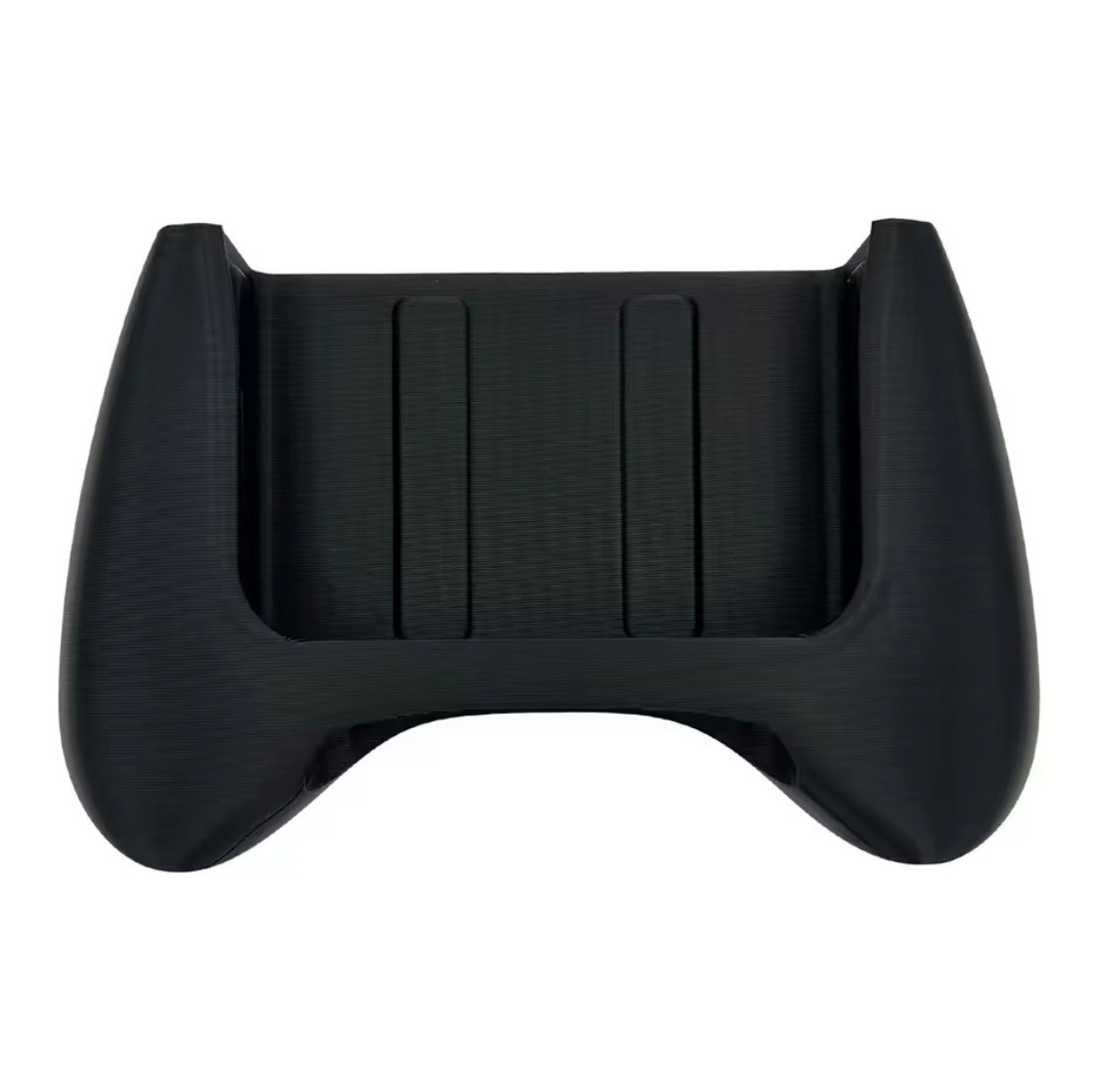 R36S Handheld Game Console 128GB Emulator Console - Fast Shipping$14.99View on eBay
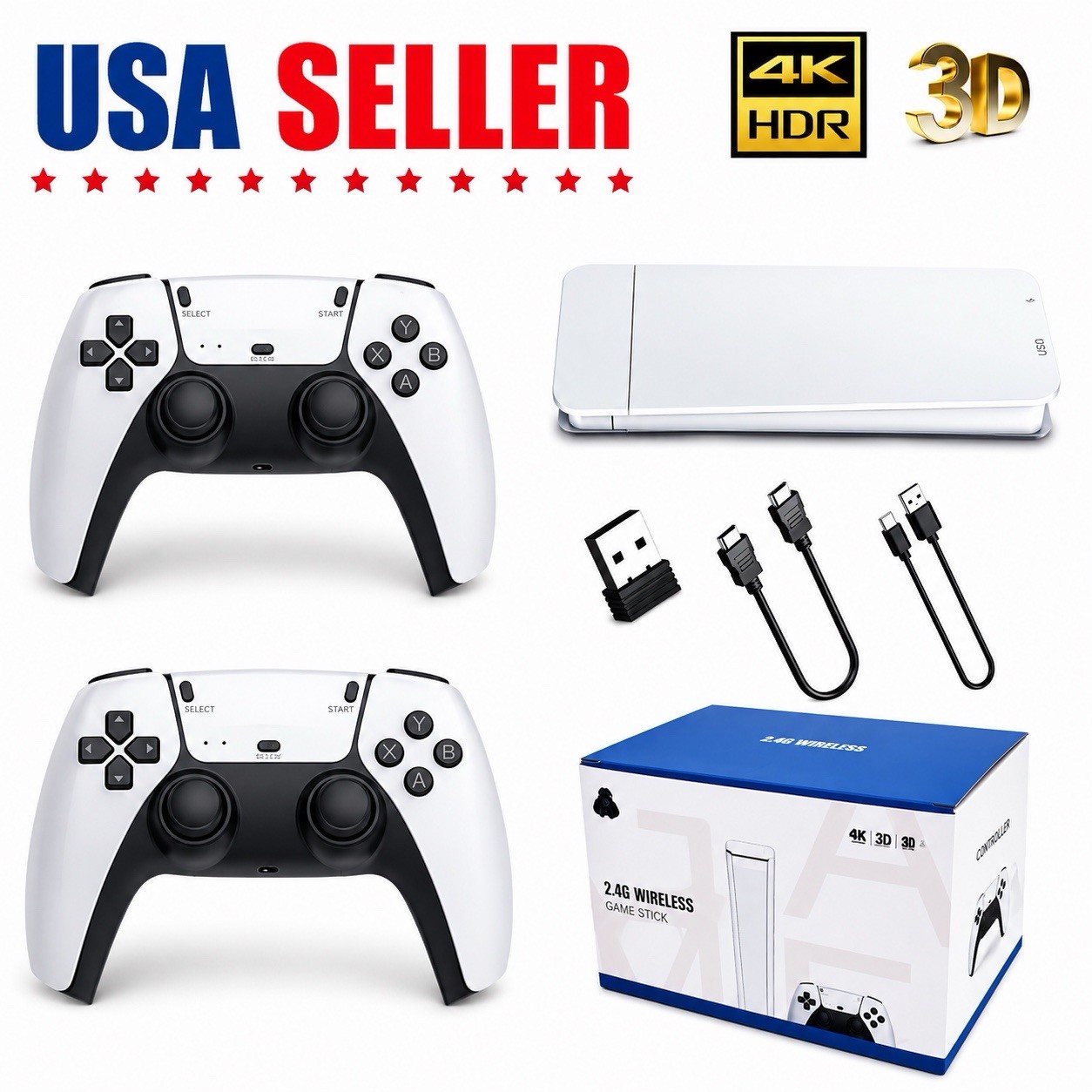 4K 64G HDMI TV Video Game Stick M15 Gaming Console Gamepad 2 Wireless Controller$20.66View on eBay
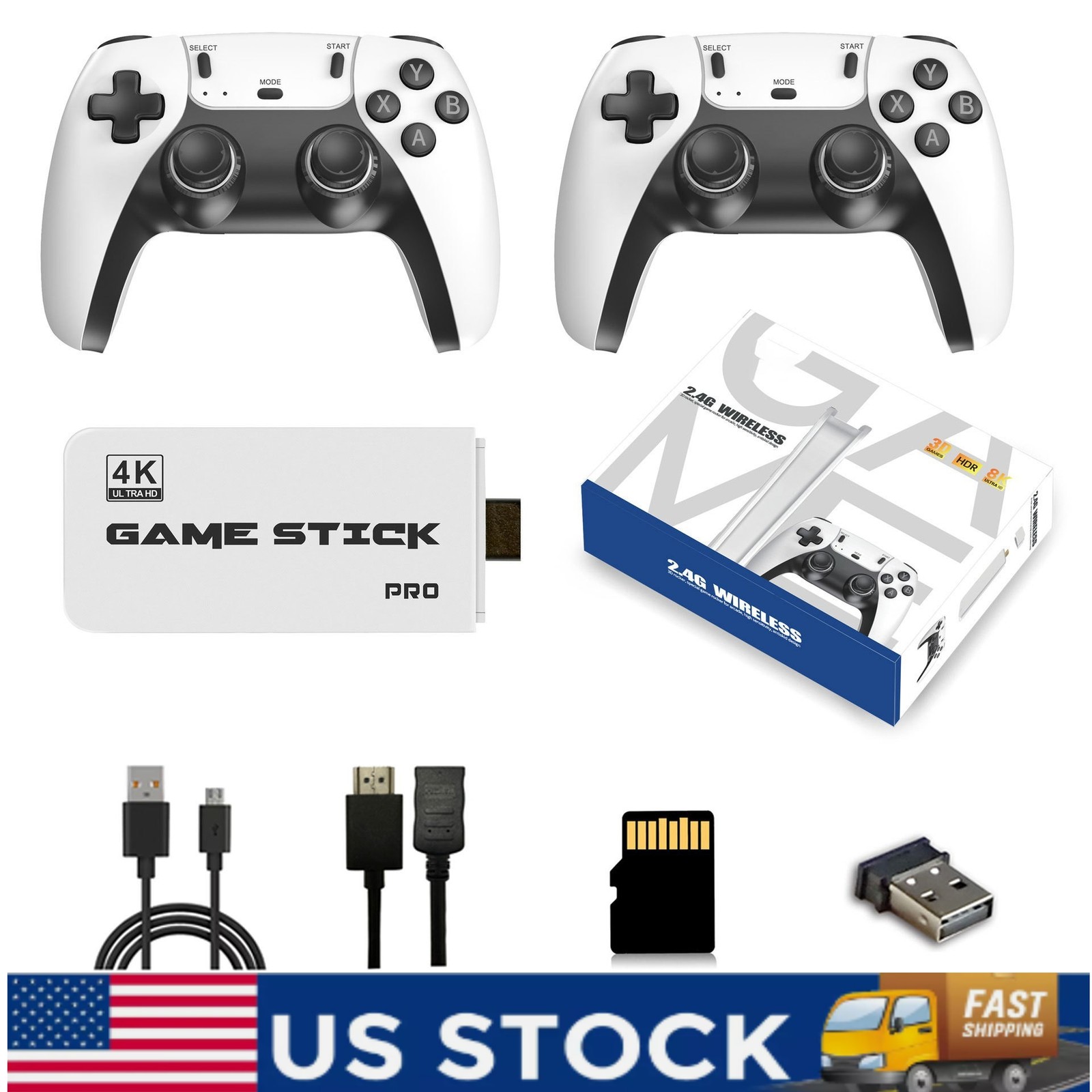 4K 64G HDMI TV Video Game Stick Gaming Console Gamepad 2 Pcs Wireless Controller$21.99View on eBay
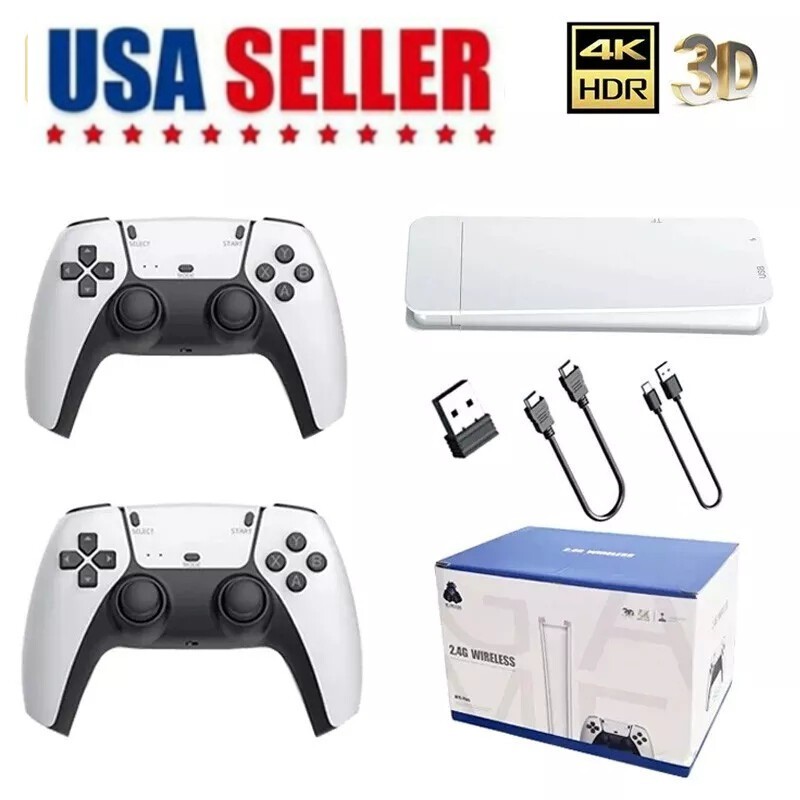 4K 64G HDMI TV Video Game Stick M15 Gaming Console Gamepad 2 Wireless Controller$22.89View on eBay
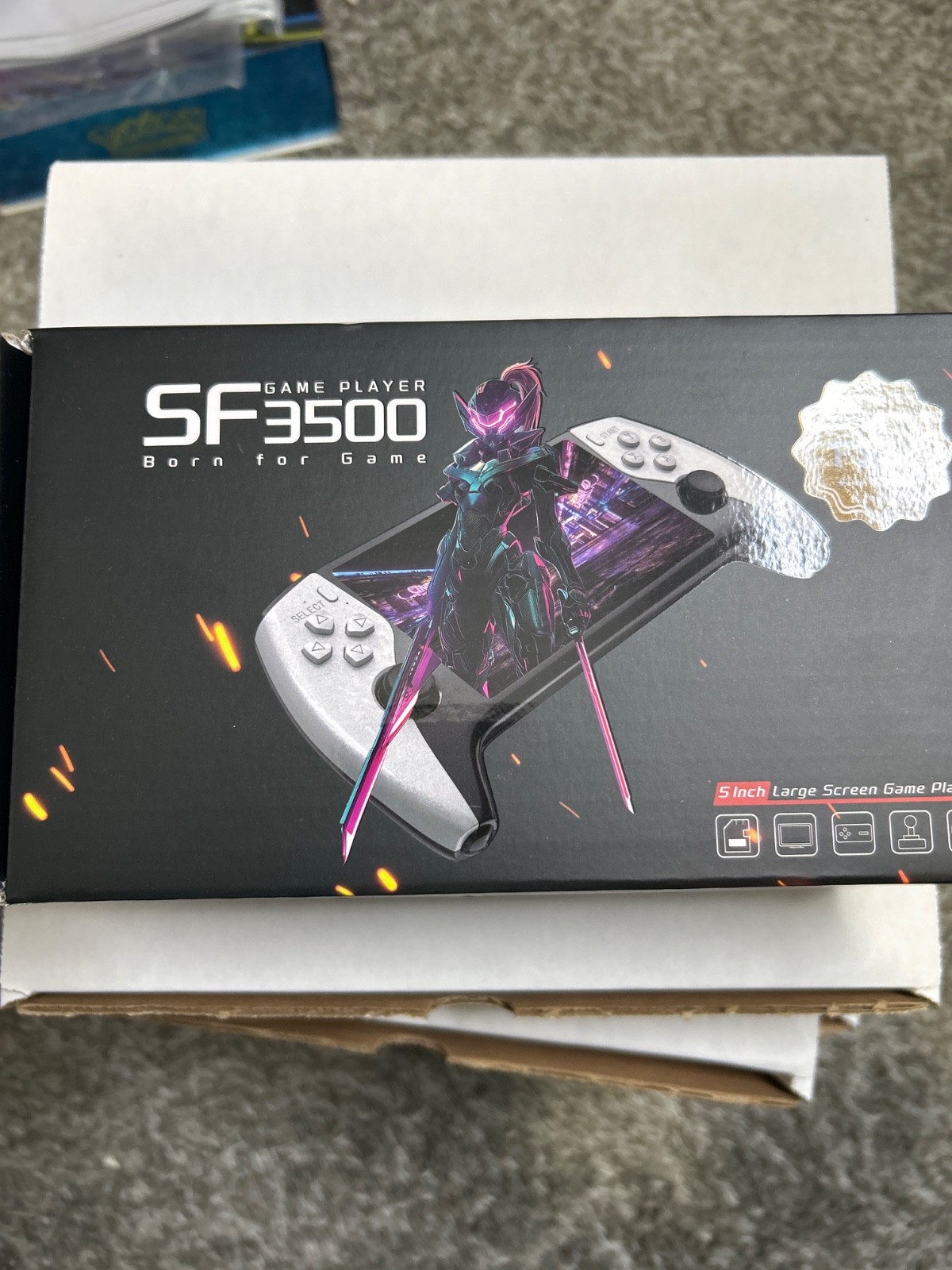 SF3500 Android Handheld Game Player 5" IPS 1080p FHD 64GB OTG Console$24.99View on eBay
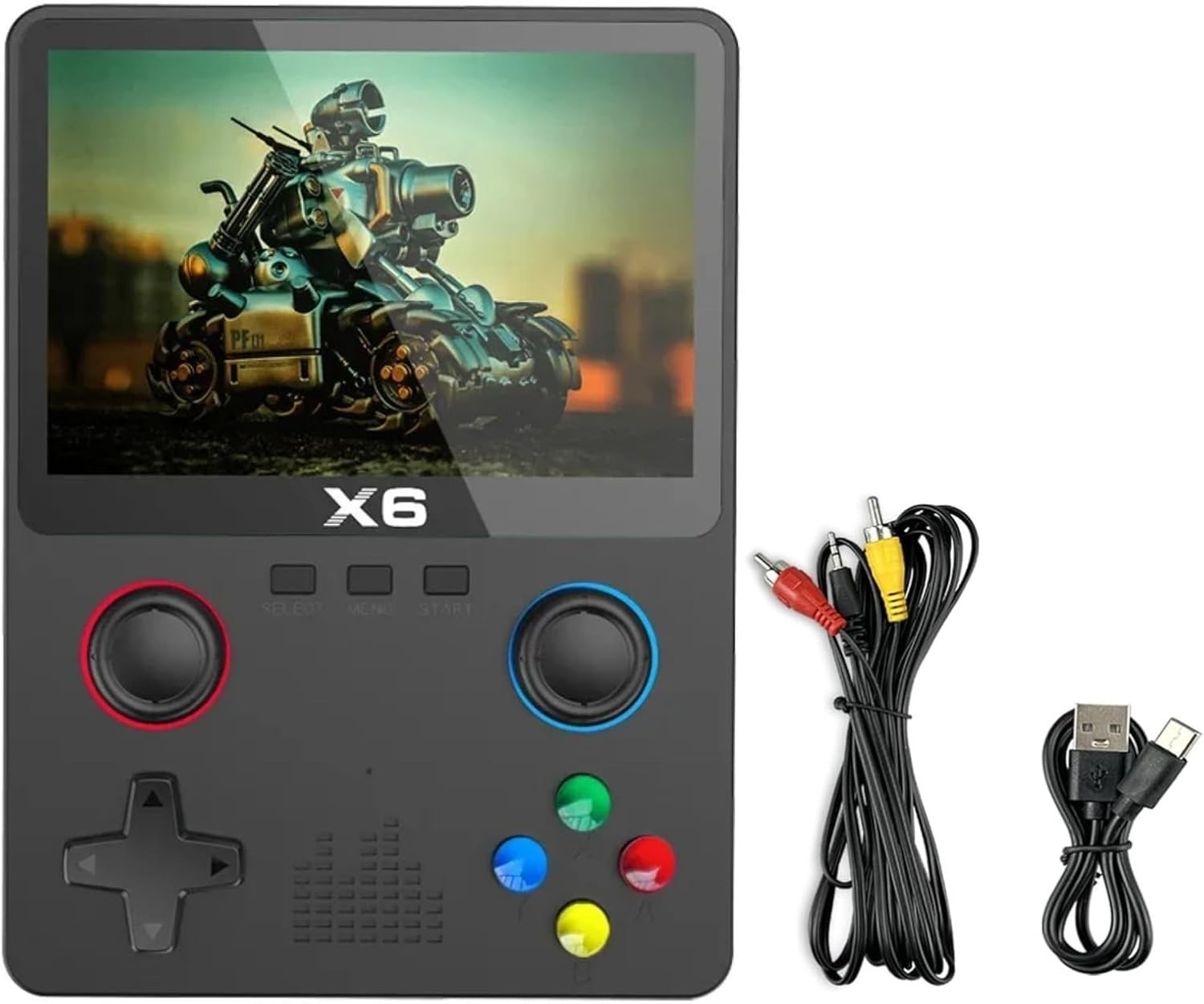 New - X6 Handheld Video Game Console 3.5 In 10000 Games Supports Expansion Cards$26.99View on eBay
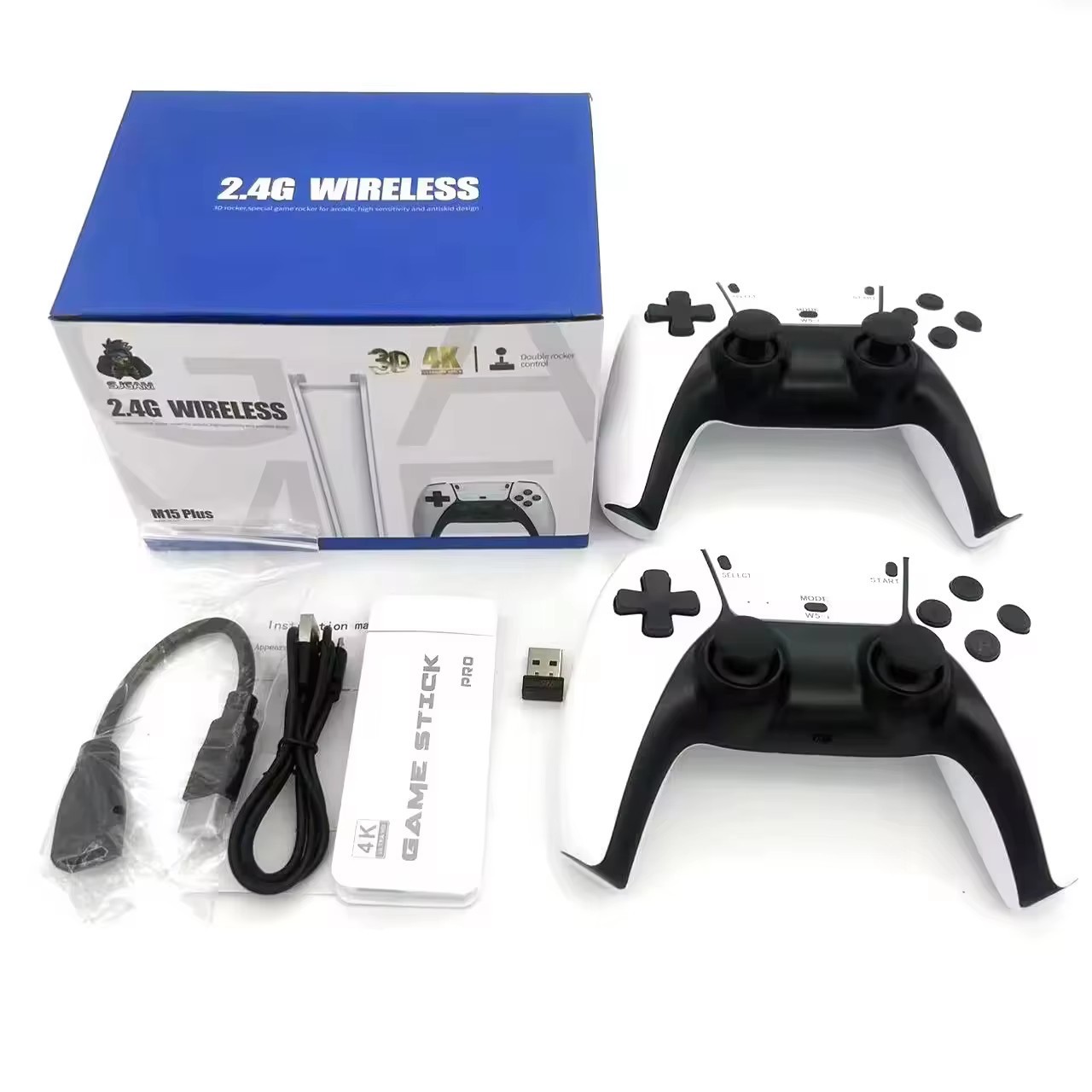 128G HDMI TV Video Game Stick M15 4K Gaming Console Gamepad 2Pack Controller 64$27.54View on eBay
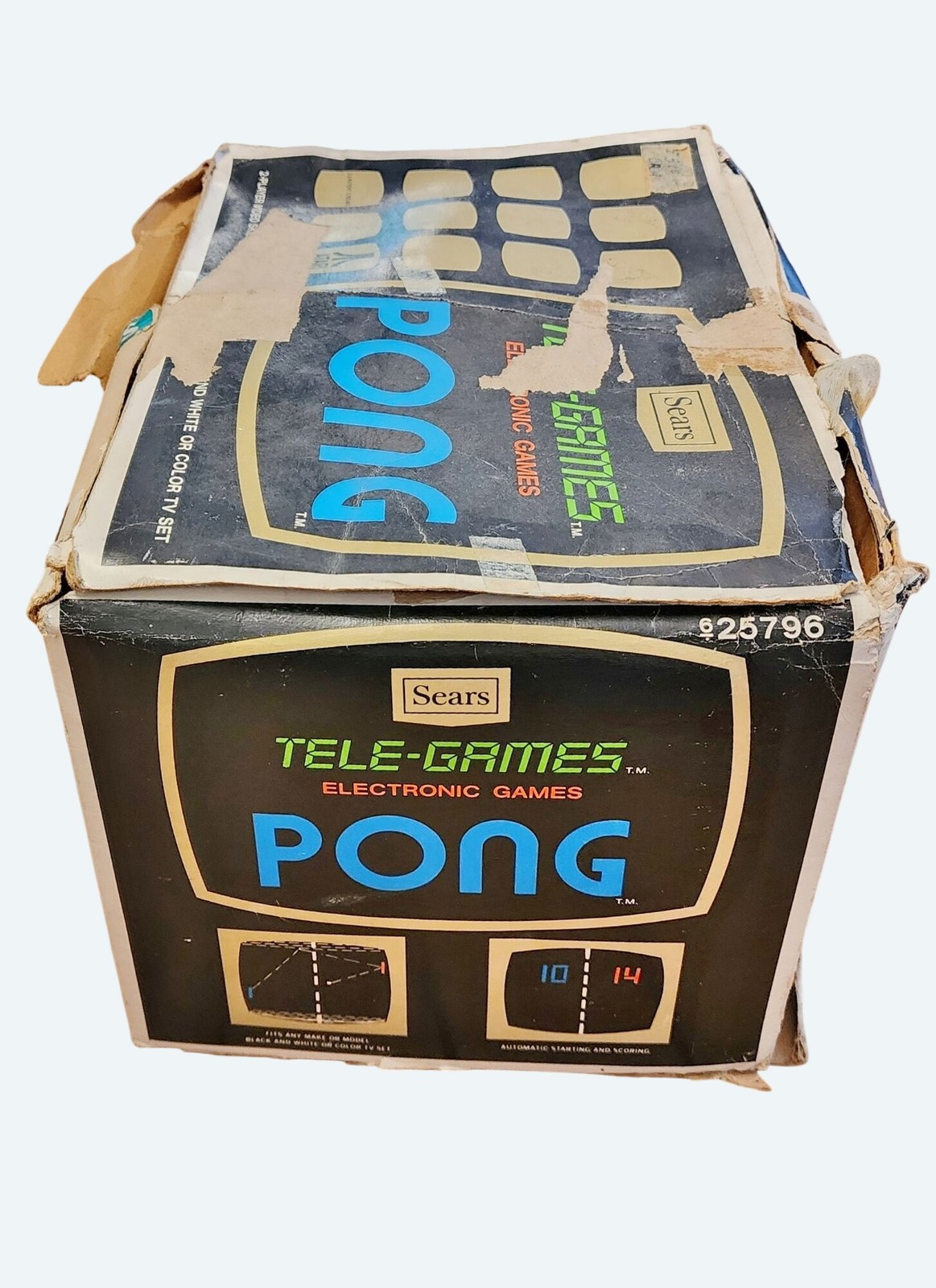 Vtg 1970s Sears Atari Tele-Games Pong Console 2-Player WORKS WELL w Original Box$47.00View on eBay
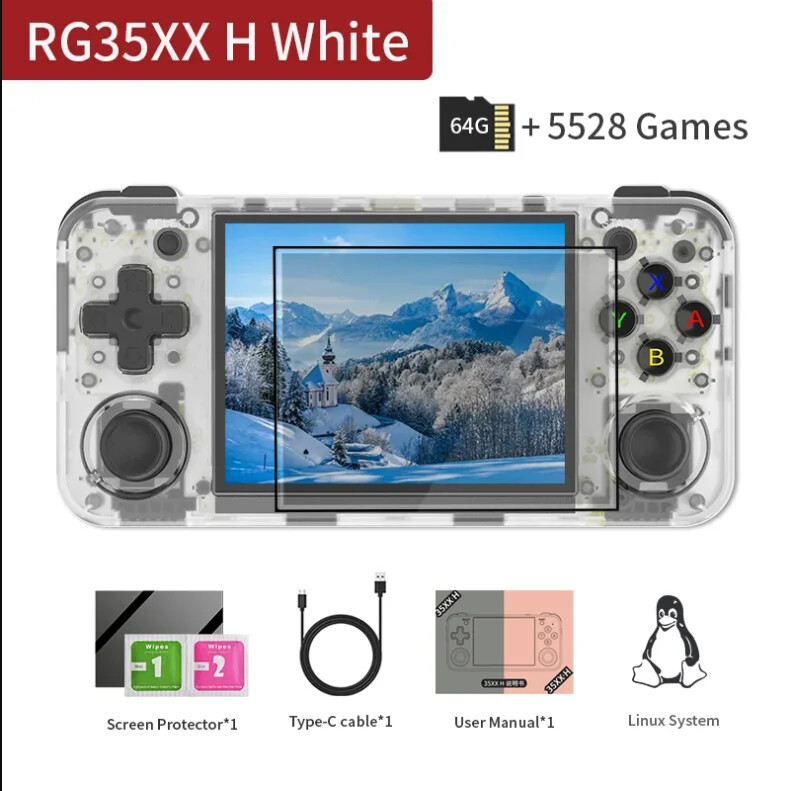 ANBERNIC RG35XX H handheld Game Console 3.5-inch IPS Screen 64G 5K+ Games Gifts$67.99View on eBay
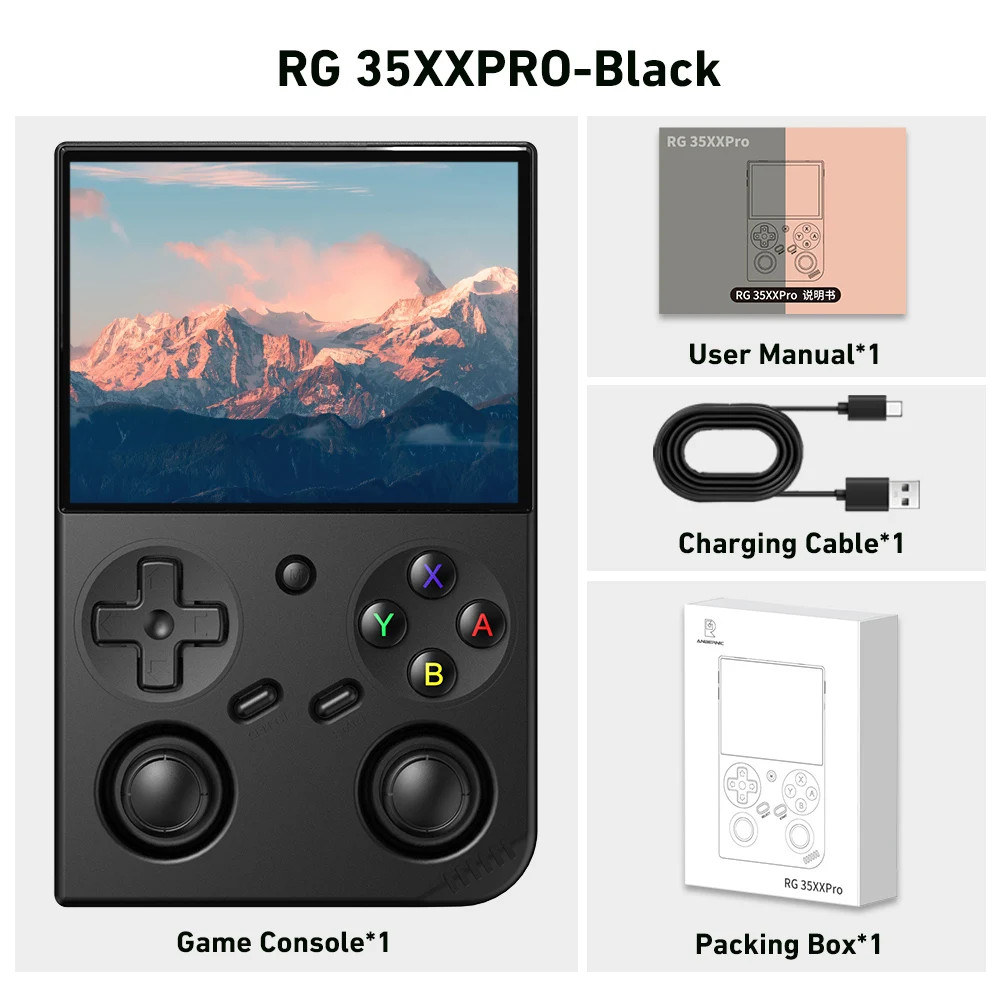 Anbernic RG 35XXPRO 3.5” IPS Screen Video Game Console Linux Built-in 64G Gifts$69.99Last checked Nov 28, 2026View on eBay
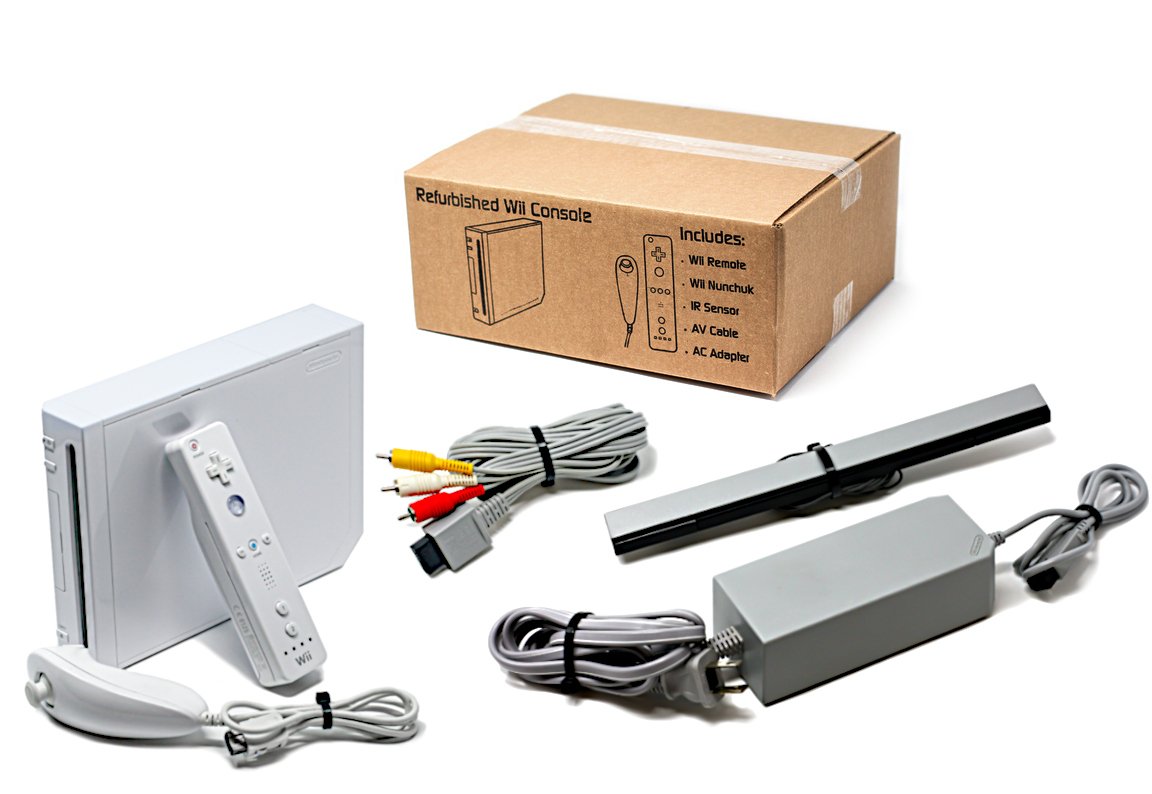 Authentic Wii Console White + Pick Games, Controllers & Cords + US Seller$84.99Last checked Nov 18, 2026View on eBay
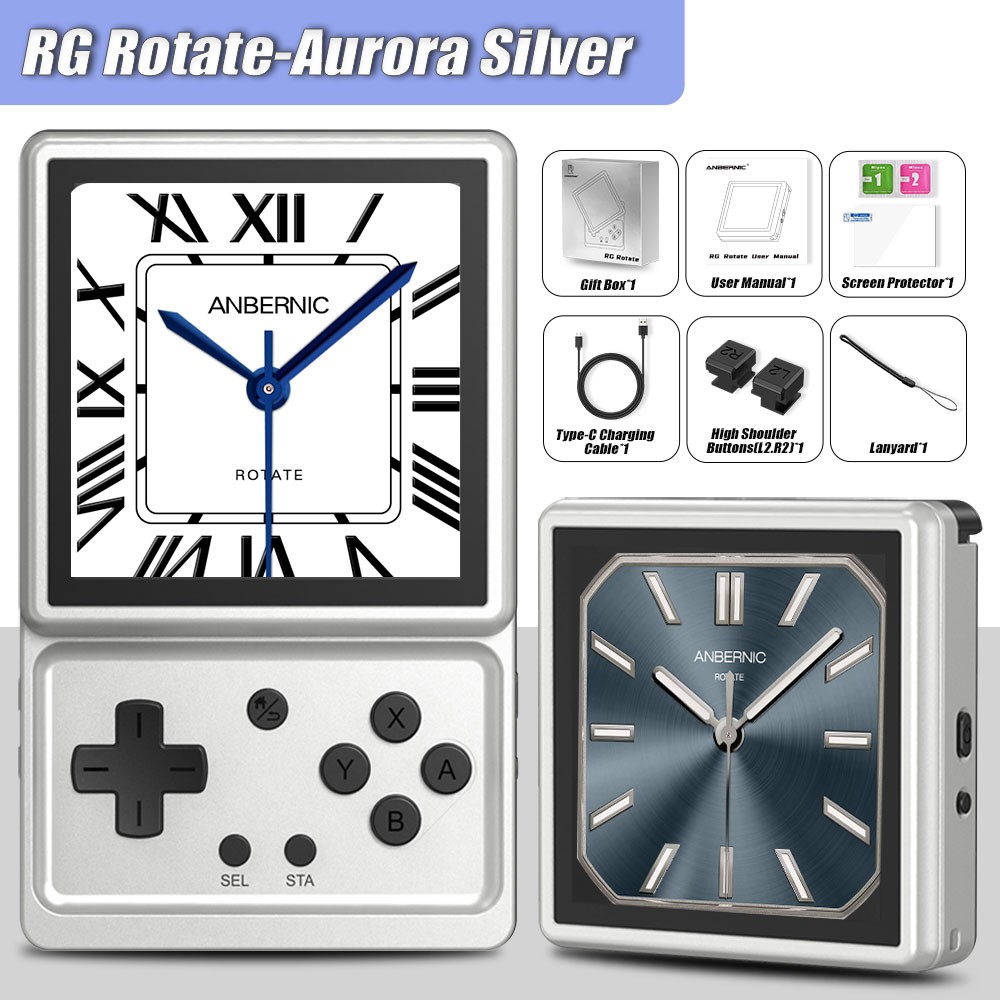 ANBERNIC RG Rotate T618 Handheld Game Console 3.5-inch Android12 2000 mAh Gifts$97.02Last checked Nov 26, 2026View on eBay
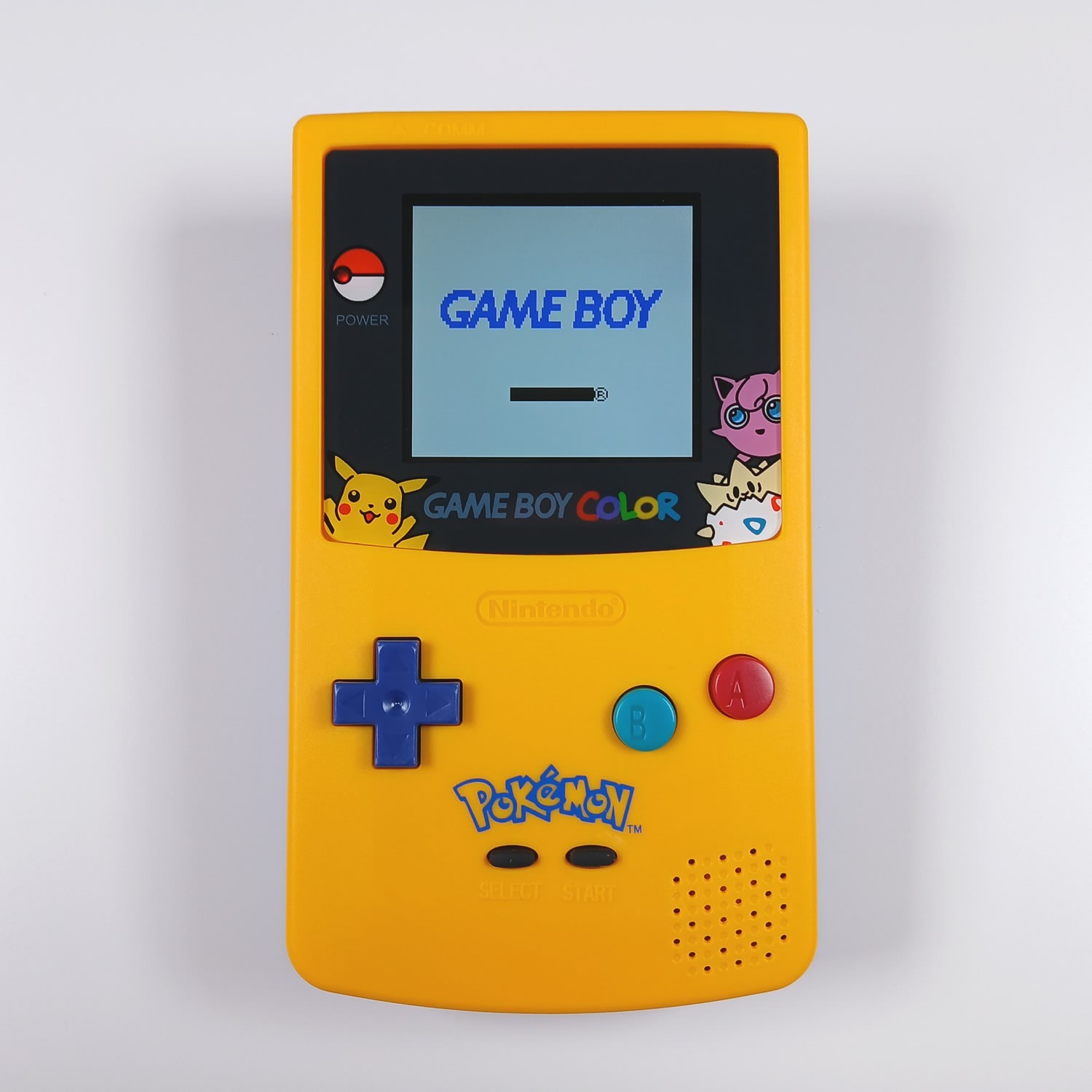 Nintendo Game Boy Color Console Pokemon - Professionally Refurbished - FLAWLESS!$118.95View on eBay
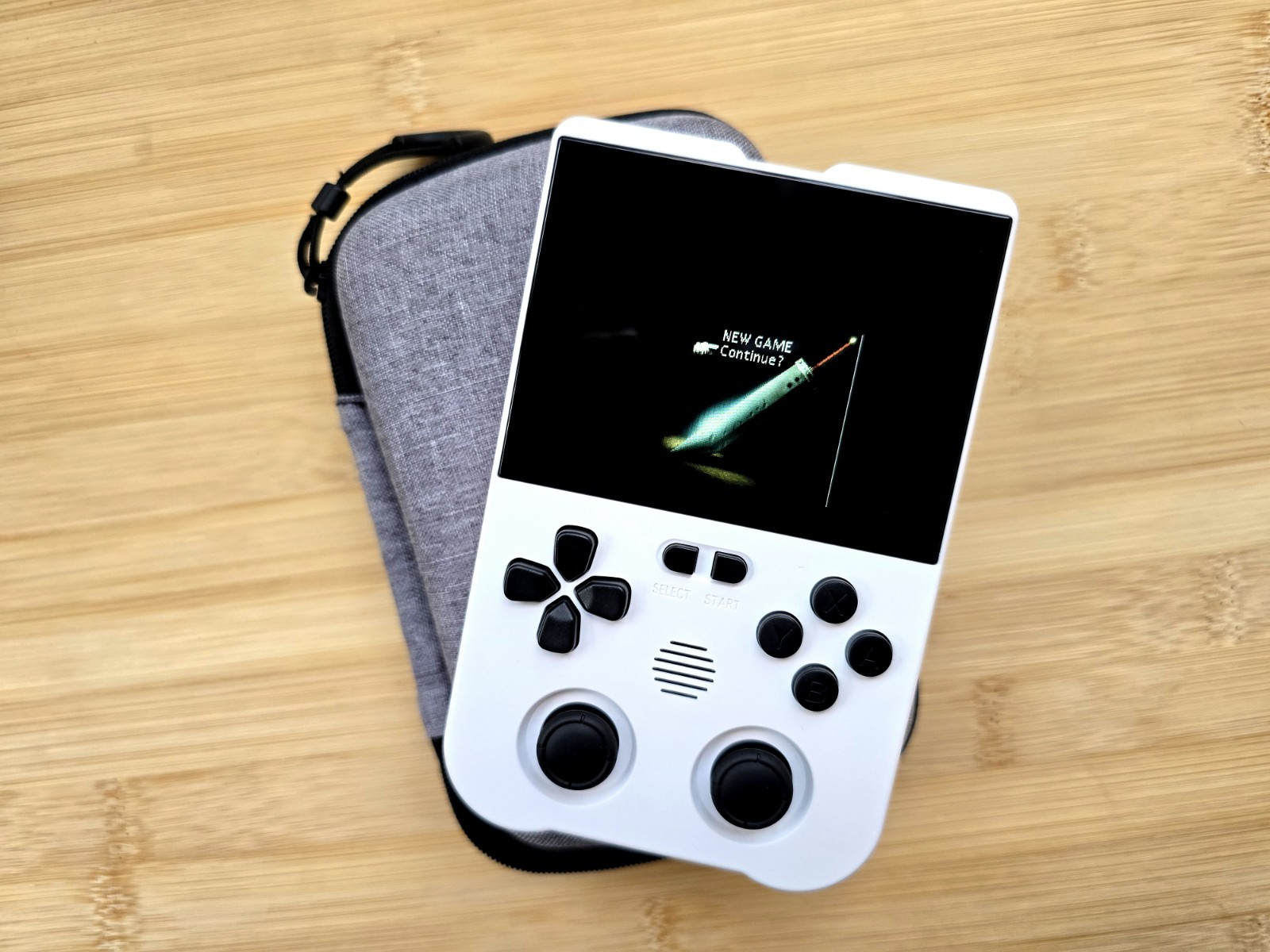 NEW XU10 Game Console - Full Library Read And Accessories + 256 Gb Card!! 💛🔥$125.00View on eBay
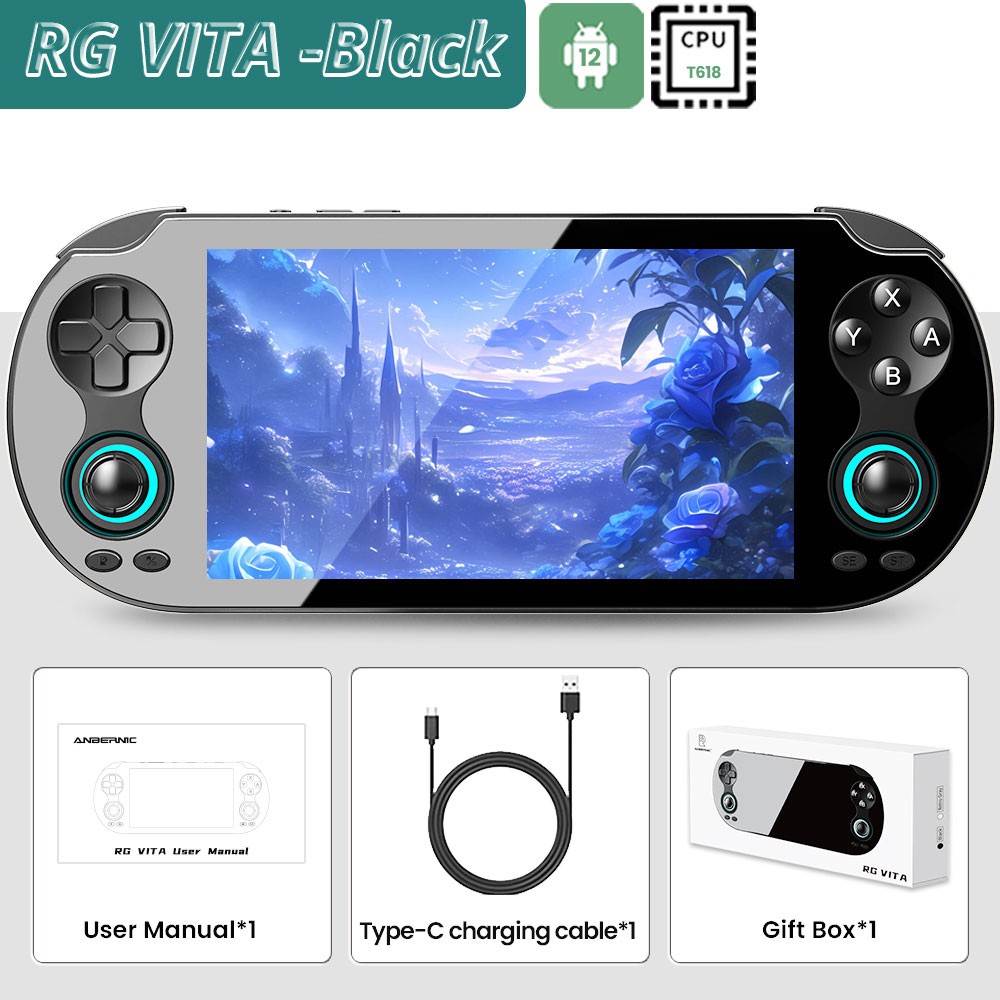 ANBERNIC RG VITA / RG VITA Pro Handheld Game Console Android Video Gaming Player$129.99View on eBay
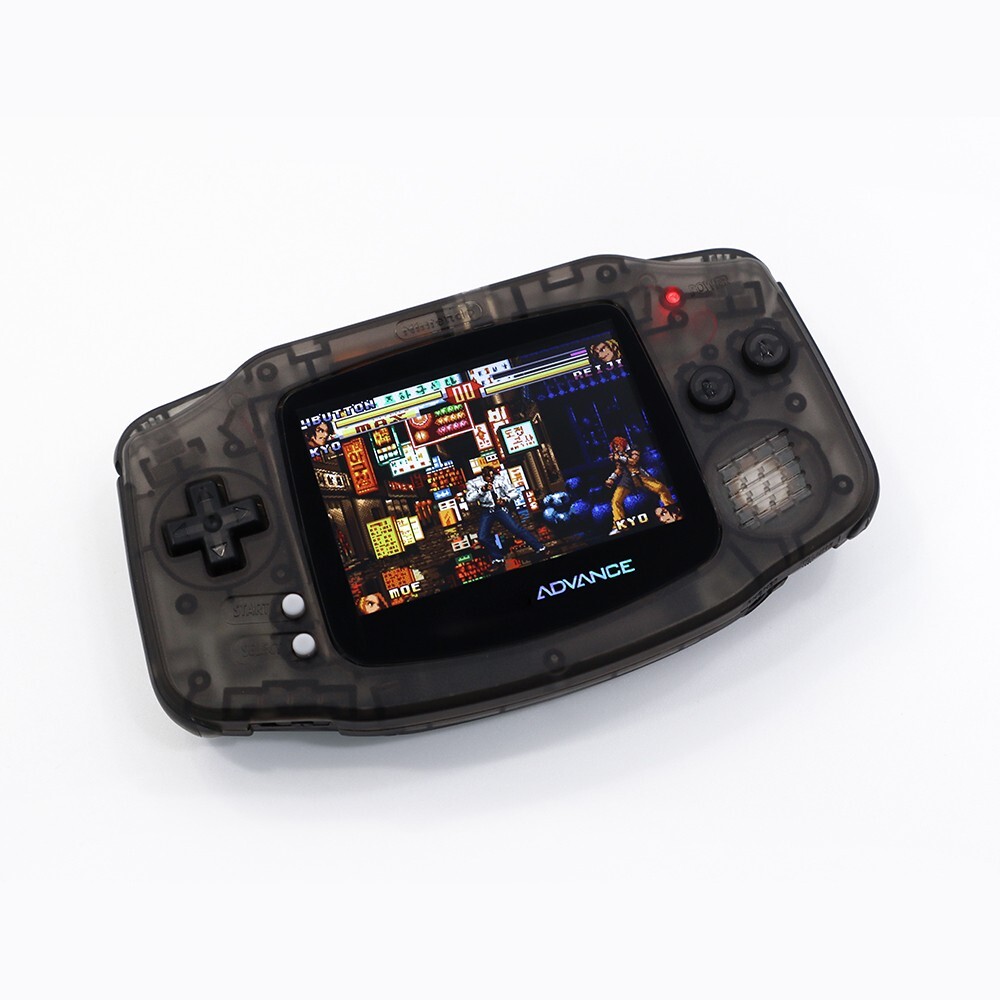 Clear Black Game Boy Advance Console with IPS V2 10 Backlight levels LCD Mod Kit$165.00Last checked Nov 28, 2026View on eBay
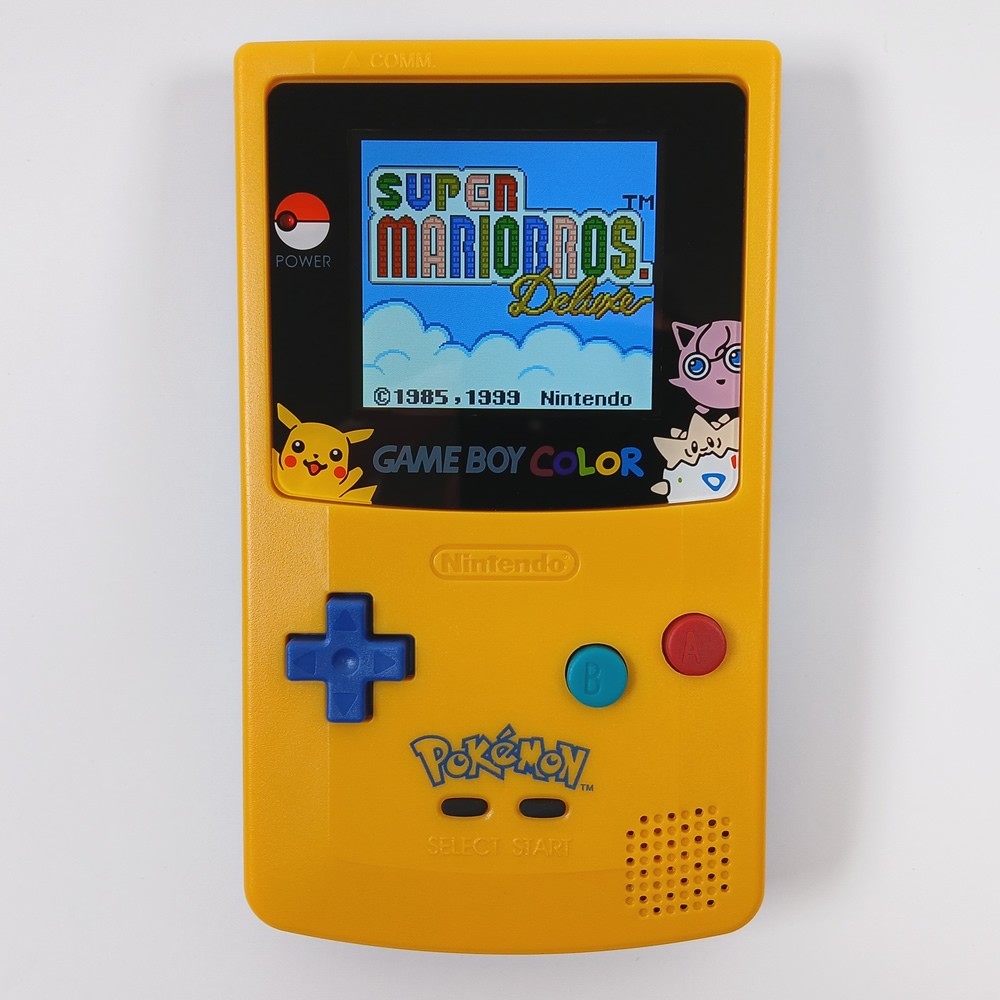 Nintendo Game Boy Color Console Pokemon GBC - Backlit IPS Screen With OSD - MINT$169.95View on eBay
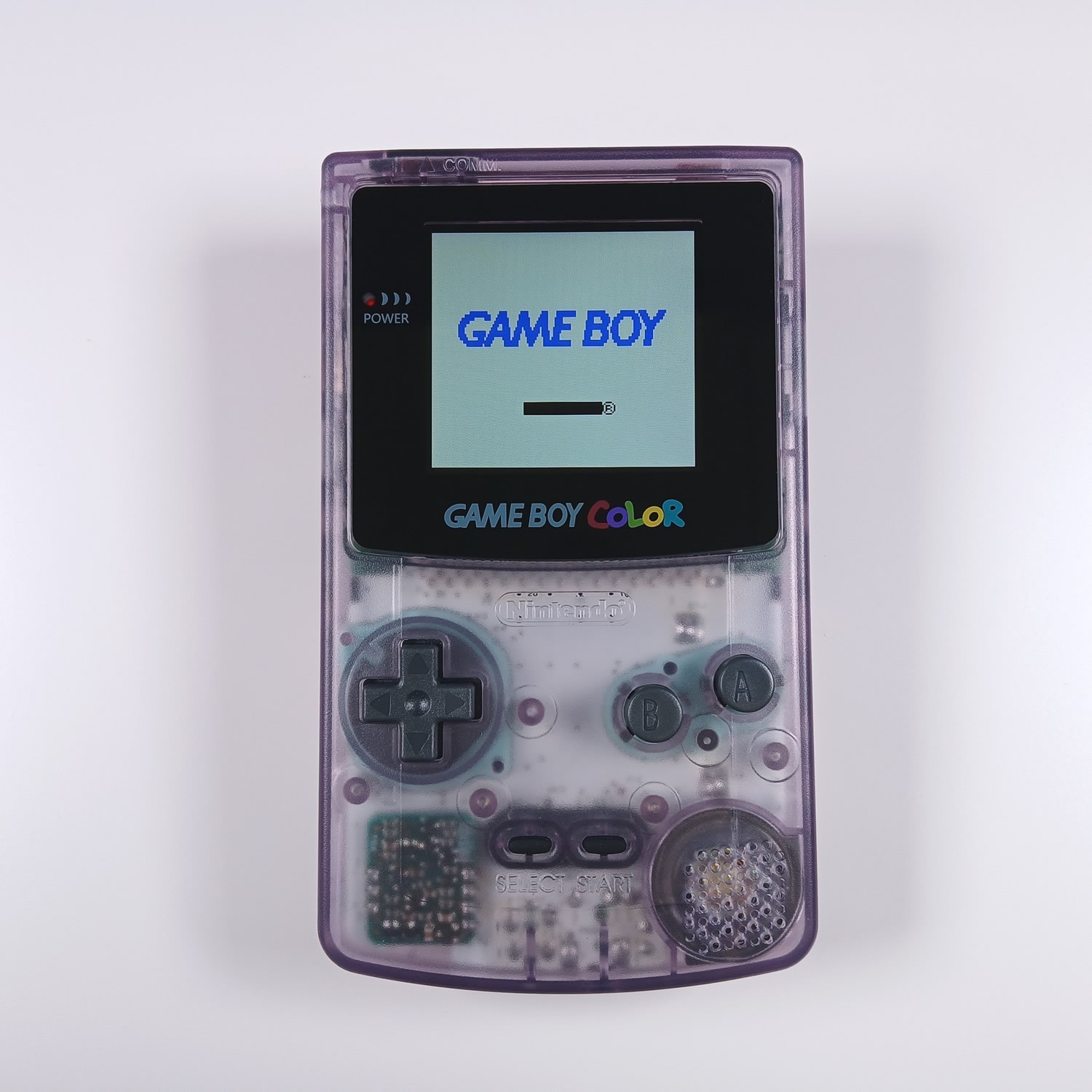 Nintendo Game Boy Color Console Clear Purple - Refurbished - Backlit IPS Screen!$169.95View on eBay
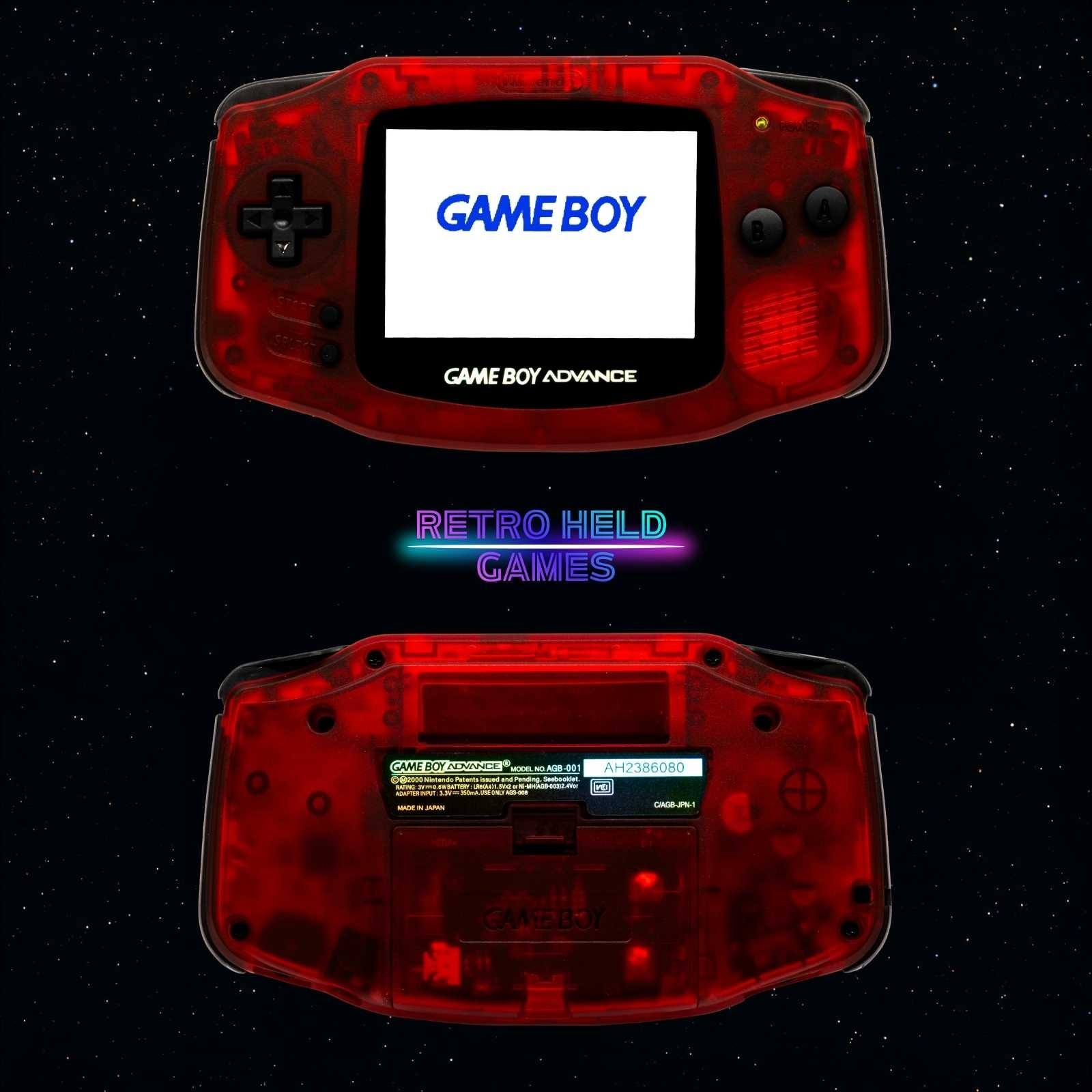 Nintendo Game Boy Advance Console with Backlit Screen IPS V5 GBA CHOOSE COLOR$234.99Last checked Nov 16, 2026View on eBay
Highlights
- Display grade separates tiers: fixed ROM toys use 2.4-2.5-inch TN LCDs with poor viewing angles, while open-source units use 3.5-inch IPS panels with 640x480 or higher resolution.
- Processor architecture dictates capability: 8-bit fixed ROM chips run built-in games only, while ARM Cortex-A35 or RK3326-class SoCs in Linux handhelds emulate up to 16-bit and some 32-bit systems.
- Storage and OS: open-source handhelds boot from microSD (often 64GB bundled) and run Linux frontends like EmuELEC, versus soldered ROM in fixed-function units.
- Build and battery: budget fixed units use 500-800mAh cells with 3-5 hours runtime, while mid-tier open-source handhelds use 3000-3500mAh cells and USB-C charging.
Best use cases
- Best fit: a child or casual gift — pick a fixed-function 2.5-inch 8-bit handheld with 150-500 built-in games; skip open-source units since emulator setup adds friction.
- Best fit: retro enthusiasts wanting NES/SNES/Genesis libraries — pick a 3.5-inch IPS Linux handheld with 64GB microSD and RK3326-class SoC; skip fixed ROM toys with non-expandable game counts.
- Best fit: TV-docked retro play — pick a 2.4G wireless controller console with HDMI output; skip handheld-only units if local multiplayer on a TV is the priority.
- Wrong fit: buyers wanting modern AAA titles — no handheld in this segment runs current-gen 3D games; skip entirely and look at dedicated current-gen consoles instead.
Buying tips
- Screen size rule: 2.4-2.5-inch LCDs suit pocket carry and kids, while 3.5-inch IPS is the minimum for comfortable multi-hour retro sessions with readable text.
- Storage rule: fixed ROM units with 150-500 games cannot be expanded; choose microSD-based open-source handhelds if you want to add your own ROM library.
- Emulation ceiling: RK3326-class SoCs handle 8- and 16-bit systems reliably; expect inconsistent performance on PlayStation 1 and Nintendo 64 titles.
- Battery math: 3000mAh at 3.7V delivers roughly 4-6 hours on a 3.5-inch IPS panel; 500-800mAh toy cells deliver 2-4 hours and degrade faster.
Specs
| Display Panel | 2.5" TN LCD vs 3.5" IPS |
|---|---|
| Game Source | Built-in ROM vs microSD emulation |
| Emulation Ceiling | 8/16-bit vs PS1-class |
| Charging Port | USB-C vs micro-USB / barrel |
Related searches
What to check before buying
- Confirm screen size and panel type: 2.5-inch TN for kids, 3.5-inch IPS for adult sessions.
- Check whether games are built-in ROM or microSD-loaded; built-in units cap your library permanently.
- Verify charging standard: USB-C is required for modern convenience; micro-USB and proprietary barrels are legacy.
- Confirm whether a TV-out cable or HDMI dock is included if you plan to play on a big screen.
FAQ
Data sources: eBay / Amazon listings and product attribute feeds. Updated Nov 29, 2026.
Some links on this page are affiliate links. If you buy after clicking one, we may earn a commission at no extra cost to you. This does not change which products appear here or their order. Affiliate disclosure.