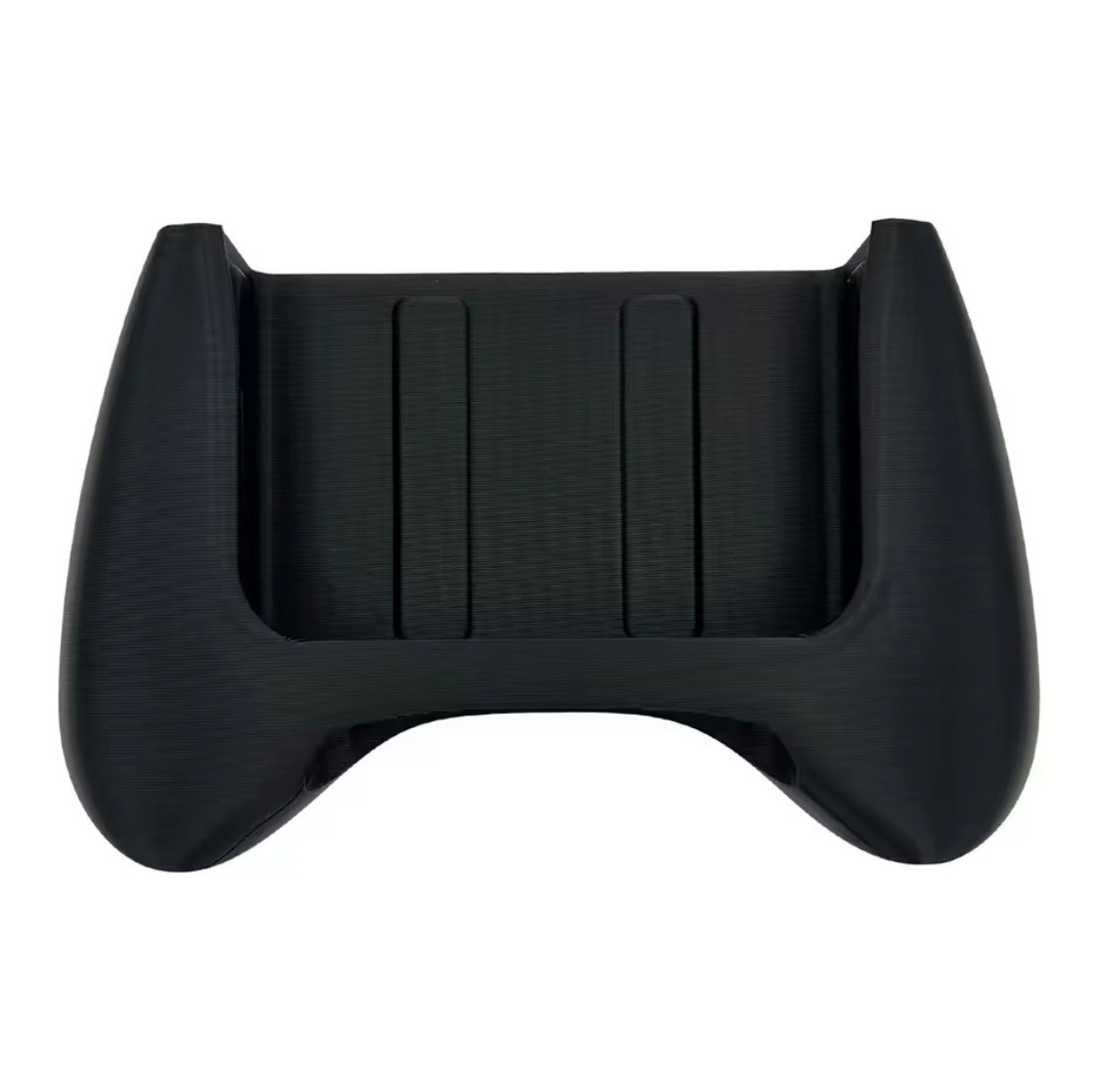

Photos from current listings. Actual item, color, and included accessories may vary.
Portable Emulator Console Buying Guide
Shoppers chasing a portable emulator console are usually trying to match a specific game library—8-bit, 16-bit, arcade, or 3D-era—to the right SoC, screen, and controller layout. The most common mistake is buying on screen size alone and ending up with a device that can't run the systems you care about or lacks the buttons those games require. Focus on emulation ceiling, display resolution, and input completeness before anything else.
Key takeaways
- Emulation ceiling is set by the SoC tier: entry ARM chips handle 8- and 16-bit systems, mid-tier chips add PlayStation 1 and some N64, and high-tier chips reach Dreamcast, PSP, and partial GameCube.
- IPS panels are the baseline for color and viewing angles; TN panels wash out and are only acceptable on budget 8-bit handhelds.
- Button count matters: 16-bit and arcade emulation needs a six-button face layout plus shoulder buttons, while 3D systems need dual analog sticks and clickable L3/R3.
At a glance
- Category
- Console & Handheld Hardware
- Last updated
- Nov 29, 2026
Current offers
Highlights
- Emulation ceiling is set by the SoC tier: entry ARM chips handle 8- and 16-bit systems, mid-tier chips add PlayStation 1 and some N64, and high-tier chips reach Dreamcast, PSP, and partial GameCube.
- IPS panels are the baseline for color and viewing angles; TN panels wash out and are only acceptable on budget 8-bit handhelds.
- Button count matters: 16-bit and arcade emulation needs a six-button face layout plus shoulder buttons, while 3D systems need dual analog sticks and clickable L3/R3.
- Battery capacity and charging standard affect real portability—look for USB-C charging and at least a 3000 mAh cell for multi-hour sessions.
Best use cases
- Best fit: a compact horizontal handheld with a 3.5- to 4-inch IPS screen, six face buttons, and a mid-tier ARM SoC for 8/16-bit and arcade emulation on commutes.
- Best fit: a vertical handheld with a high-tier SoC and dual analog sticks for PS1, Dreamcast, and PSP titles when you want one device for 3D-era libraries.
- Wrong fit: a low-cost arcade-style stick console with no shoulder buttons if your library includes SNES, GBA, or PS1 games that rely on L/R inputs.
- Wrong fit: a phone-clip controller or tablet setup if you need a self-contained device with integrated battery, screen, and controls for travel.
Buying tips
- Prioritize the SoC generation over screen size; a newer chip with a 3.5-inch IPS panel outperforms an older chip with a 4-inch TN display.
- Check the face-button layout against your target systems: six-button for arcade and Genesis, diamond four-button for SNES and PlayStation.
- Avoid devices without dual analog sticks if you plan to play PS1, N64, Dreamcast, or PSP titles that require analog input.
- Inspect battery and charging specs: USB-C with at least 3000 mAh is the practical floor for all-day portable use.
Specs
| SoC Tier | Entry / Mid / High ARM |
|---|---|
| Screen Type | IPS vs TN, 3.5-4 in |
| Button Layout | 4-button vs 6-button face |
| Analog Sticks | None / Single / Dual |
Related searches
What to check before buying
- Measure your bag or pocket space and confirm the handheld's length and thickness fit your carry setup.
- Verify the screen resolution matches the emulated systems' native output—integer scaling on a 640x480 or 720p panel avoids blur.
- Confirm the device charges over USB-C and that a standard 5V/2A charger is supported for travel.
- Check whether the console includes or requires a microSD card, since ROM storage is not built in.
FAQ
Data sources: eBay / Amazon listings and product attribute feeds. Updated Nov 29, 2026.
Some links on this page are affiliate links. If you buy after clicking one, we may earn a commission at no extra cost to you. This does not change which products appear here or their order. Affiliate disclosure.