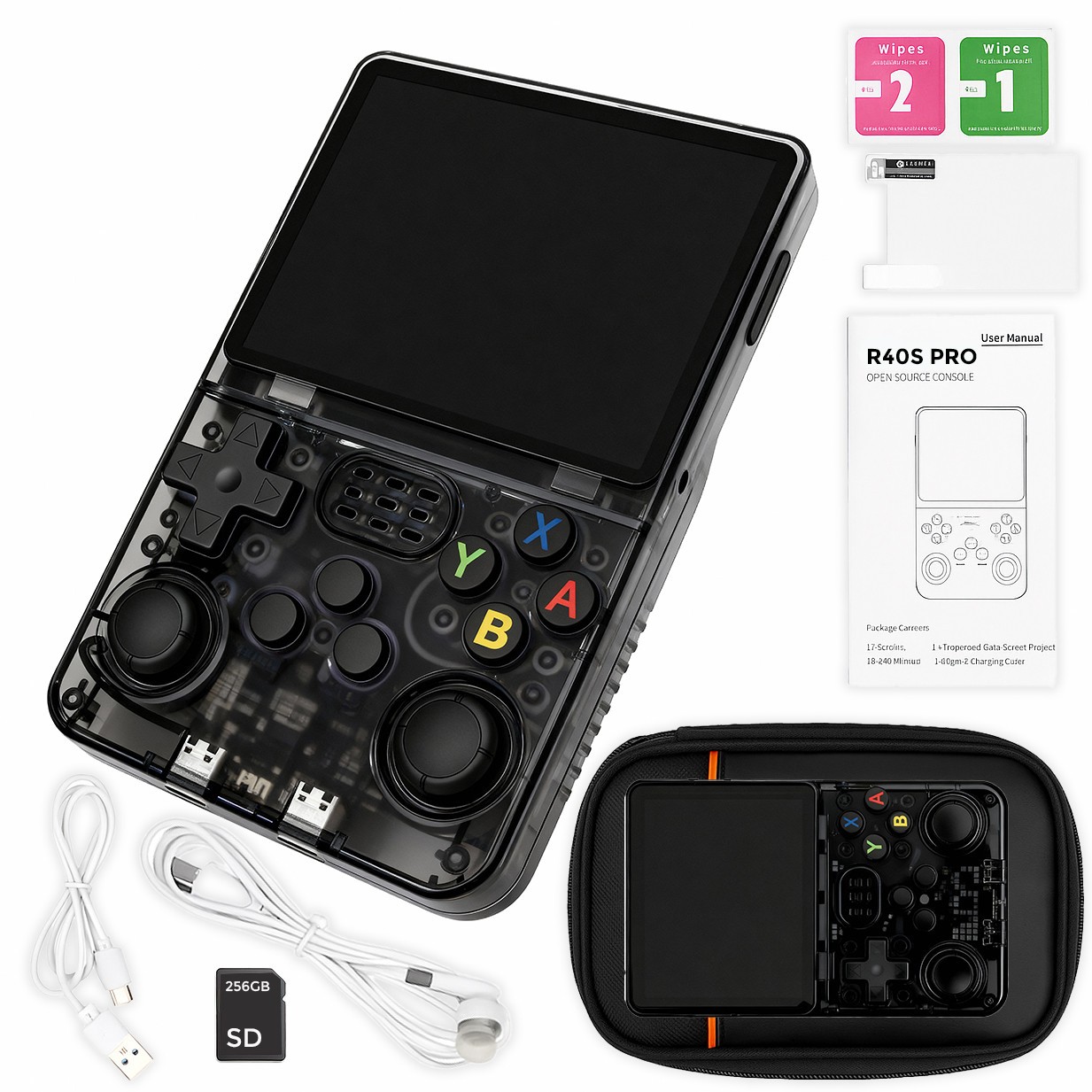

Photos from current listings. Actual item, color, and included accessories may vary.
Portable Console Buying Guide
A portable console is a self-contained handheld system with integrated controls, display, and battery, typically running either sealed retro Game Boy-style hardware or open-source Linux emulation. The core trade-off is between fixed-function simplicity (plug-and-play with built-in games) and open emulation flexibility (requires ROMs and setup). Buy sealed hardware for instant play and kid-safe durability; buy open-source Linux handhelds only if you will manage ROM libraries and accept a steeper setup curve.
Median $94.99
Key takeaways
- Sealed retro handhelds use 8-bit system-on-chip hardware with 2.4–3.0-inch color LCDs and fixed game libraries of roughly 150 to 500 titles; performance is not expandable.
- Open-source Linux handhelds such as the R36S pair a 3.5-inch IPS panel with a quad-core ARM chip and 64GB microSD, enabling emulation up to PlayStation 1 and some N64.
- Battery runtime splits by class: sealed retro units typically run 4–6 hours on a small Li-ion cell, while Linux emulation handhelds run 4–7 hours depending on emulator load and screen brightness.
At a glance
- Category
- Console & Handheld Hardware
- Last updated
- Nov 29, 2026
Current offers
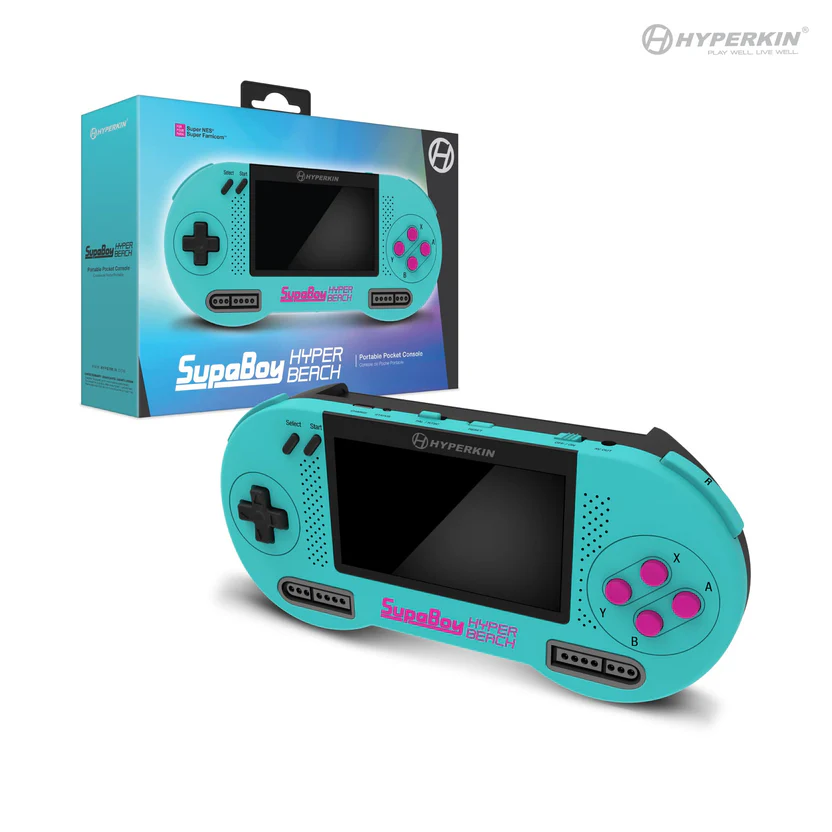
Highlights
- Sealed retro handhelds use 8-bit system-on-chip hardware with 2.4–3.0-inch color LCDs and fixed game libraries of roughly 150 to 500 titles; performance is not expandable.
- Open-source Linux handhelds such as the R36S pair a 3.5-inch IPS panel with a quad-core ARM chip and 64GB microSD, enabling emulation up to PlayStation 1 and some N64.
- Battery runtime splits by class: sealed retro units typically run 4–6 hours on a small Li-ion cell, while Linux emulation handhelds run 4–7 hours depending on emulator load and screen brightness.
- Build durability hinges on shell material and button type: ABS plastic with rubber dome membranes survives drops better than glossy shells with clicky micro-switches exposed at the edges.
Best use cases
- Best for kids and casual nostalgia: pick a sealed 8-bit handheld with 150–500 built-in games and a 2.4–3.0-inch LCD; skip open-source Linux devices that require ROM downloads.
- Best for tinkerers and retro enthusiasts: choose a 64GB Linux emulation handheld with a 3.5-inch IPS screen for PS1-era libraries; skip sealed units if you need save states and custom ROMs.
- Best for TV output and group play: select a model with 2.4G wireless controller support and 4K HDMI output; skip pocket-only handhelds if the primary use is the living room.
- Wrong fit: buyers expecting modern AAA titles or online store access; portable consoles in this segment are retro/emulation devices, not current-generation handhelds.
Buying tips
- Match screen size to use: 2.4–2.5 inches suits pocket carry for children, while 3.5-inch IPS panels are the minimum for comfortable text and UI in emulated RPGs.
- For emulation, require a microSD slot and at least 64GB capacity; 64GB holds a curated PS1 and SNES library, while 128GB is needed for larger MAME or N64 sets.
- Check battery type: removable 18650 or AAA cells allow field swaps, while sealed Li-ion packs demand USB charging and eventually limit device lifespan.
- Prioritize USB-C charging and 2.4G wireless controller compatibility for TV use; micro-USB and IR-only controllers are legacy compromises.
Specs
| System Type | Sealed 8-bit vs Linux emulation |
|---|---|
| Display | 2.4-3.0" LCD / 3.5" IPS |
| Storage | Built-in games / 64GB microSD |
| Battery | 4-7 hr Li-ion / removable 18650 |
Related searches
What to check before buying
- Measure pocket or bag space: sealed 2.5-inch handhelds fit shirt pockets, while 3.5-inch Linux units need a small pouch or cargo pocket.
- Confirm TV compatibility: HDMI output requires a mini-HDMI or USB-C dock and a 2.4G receiver; composite-only output will not work on modern TVs.
- Check charging standard: USB-C is the durable choice; micro-USB ports wear out faster and require the correct cable.
- Verify game library expectations: sealed units list built-in titles, while open-source handhelds ship blank or with a starter microSD and require your own ROM files.
FAQ
Data sources: eBay / Amazon listings and product attribute feeds. Updated Nov 29, 2026.
Some links on this page are affiliate links. If you buy after clicking one, we may earn a commission at no extra cost to you. This does not change which products appear here or their order. Affiliate disclosure.