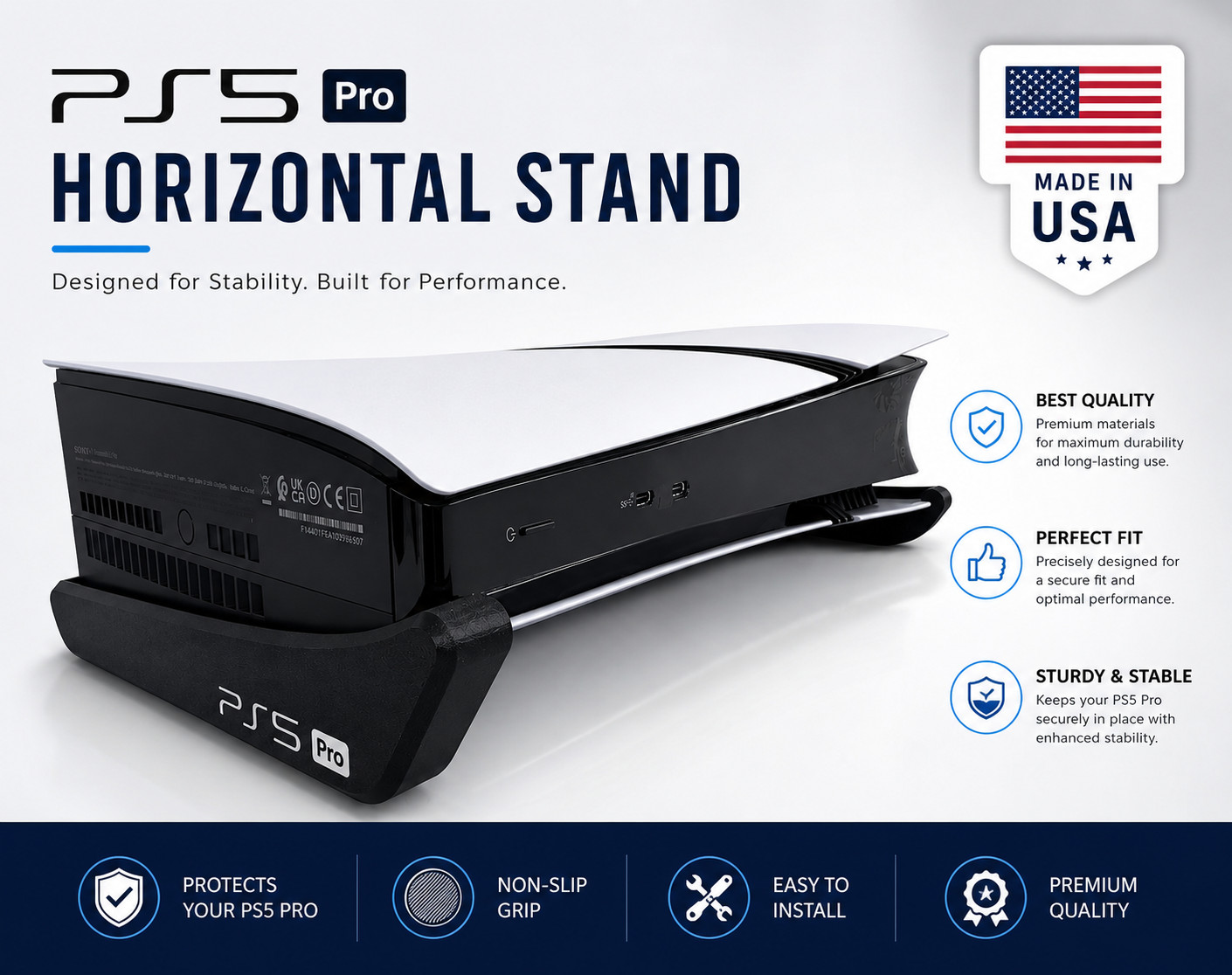

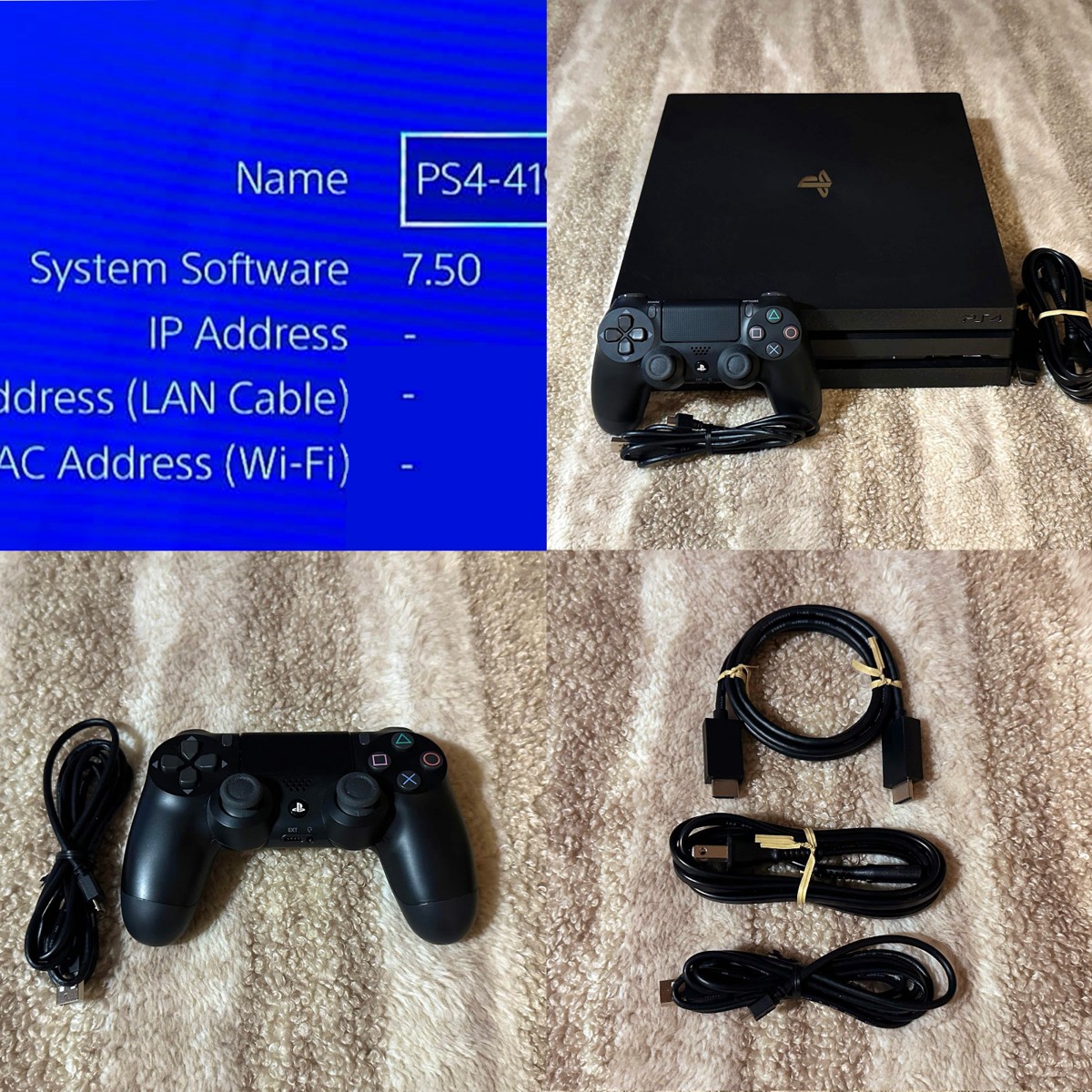
Photos from current listings. Actual item, color, and included accessories may vary.
Playstation Console Buying Guide
PlayStation consoles span five generations with distinct architectures: disc-based PS1/PS2, Cell-based PS3, x86 PS4, and SSD-driven PS5. The key trade-off is backward compatibility and media support versus modern performance and online access. Buy PS5 for current AAA games, PS4 Pro for budget 4K, PS3 for legacy titles and Blu-ray, or PS2 for physical PS1/PS2 libraries.
Median $95.47
Key takeaways
- PS5 vs PS4 Pro: PS5 adds Zen 2 CPU, RDNA 2 GPU, and NVMe SSD for near-instant loads; PS4 Pro uses Jaguar CPU and SATA HDD.
- PS3 models: Original 'Fat' has PS2 hardware backward compatibility; Slim and Super Slim remove PS2 support and use cheaper cooling.
- PS2 Slim vs Fat: Slim moves power supply external and adds integrated Ethernet; Fat has internal HDD bay for game installs.
At a glance
- Category
- Console & Handheld Hardware
- Last updated
- Nov 29, 2026
Current offers
Highlights
- PS5 vs PS4 Pro: PS5 adds Zen 2 CPU, RDNA 2 GPU, and NVMe SSD for near-instant loads; PS4 Pro uses Jaguar CPU and SATA HDD.
- PS3 models: Original 'Fat' has PS2 hardware backward compatibility; Slim and Super Slim remove PS2 support and use cheaper cooling.
- PS2 Slim vs Fat: Slim moves power supply external and adds integrated Ethernet; Fat has internal HDD bay for game installs.
- PSP regions: PSP-1000/2000/3000 are region-free for physical UMD games; only the PSP Go uses digital downloads tied to PSN region.
Best use cases
- Buy PS5 or PS4 Pro for modern 4K/HDR gaming and online store access; skip PS3 for new releases due to outdated PSN and no system-level party chat.
- Buy PS3 Slim or Super Slim for Blu-ray playback and PS1 classics; skip original PS3 Fat unless you need native PS2 disc compatibility and accept higher failure risk.
- Buy PS2 Slim or PSP-3000 for physical disc/UMD libraries; skip PS2 Fat if you want a smaller footprint and built-in Ethernet.
Buying tips
- Choose PS4 Pro CUH-7200 series over CUH-7000 for quieter fans and improved cooling; both support 4K output but not 4K Blu-ray.
- Select PS3 Slim (CECH-2000/3000) over Super Slim for a sturdier disc drive; Super Slim uses a manual sliding tray prone to wear.
- Pick PSP-3000 over PSP-1000 for brighter screen and video-out; PSP-2000 adds Skype and lighter weight but same 333 MHz CPU.
- Prefer PS2 Slim SCPH-90000 for integrated power supply; earlier Slim models use an external brick that is often missing used.
Specs
| Generation | PS1 / PS2 / PS3 / PS4 / PS5 / PSP |
|---|---|
| Backward Compatibility | PS5: PS4 discs; PS3 Fat: PS2; PS2: PS1 |
| Media Drive | CD/DVD/Blu-ray/UMD by model |
| Online Store Access | PS3/PS4/PS5 active; PS2/PSP closed |
Related searches
What to check before buying
- Confirm TV inputs: PS5 requires HDMI 2.1 for 120Hz; PS4 Pro needs HDMI 2.0 for 4K/60; PS3/PS2 use HDMI or component.
- Check controller compatibility: PS5 DualSense works on PS4 games; PS4 DualShock 4 does not work on PS5 games.
- Verify storage: PS5 accepts PCIe 4.0 NVMe M.2 drives; PS4 Pro supports SATA II internal HDD or external USB 3.0 drive.
- Ensure region-free power: PS2/PS3/PS4/PS5 use internal PSU with regional plug; PSP uses external 5V charger with regional plug.
FAQ
Data sources: eBay / Amazon listings and product attribute feeds. Updated Nov 29, 2026.
Some links on this page are affiliate links. If you buy after clicking one, we may earn a commission at no extra cost to you. This does not change which products appear here or their order. Affiliate disclosure.