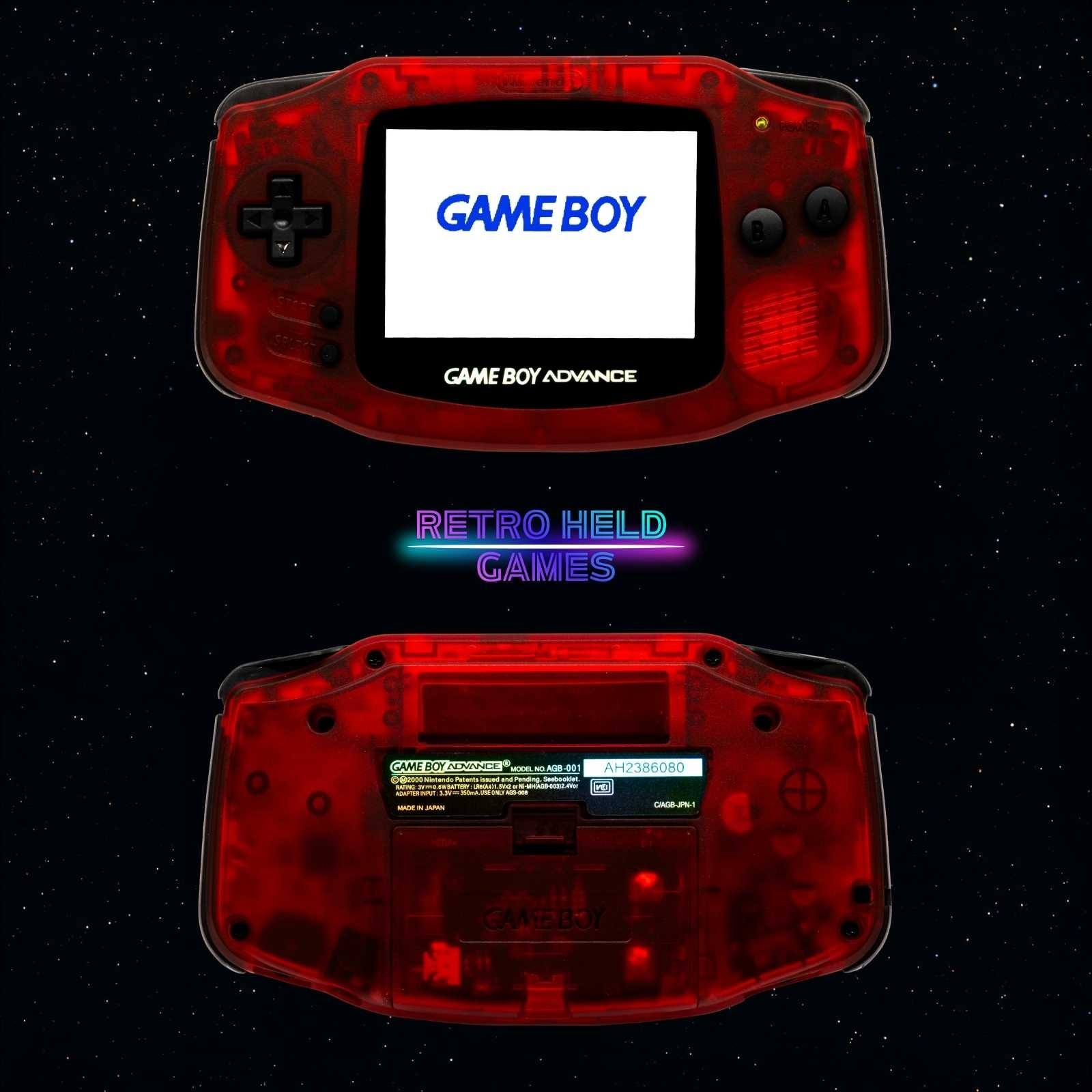

Photos from current listings. Actual item, color, and included accessories may vary.
Nintendo Game Boy Advance Buying Guide
Shopping for a Game Boy Advance in 2025 means choosing between original hardware, backlit-modded units, and the clamshell SP—each with distinct screen, battery, and ergonomic trade-offs. Original GBA screens are unlit and dim, so most buyers should prioritize an IPS-modded unit or an AGS-101 SP for playable visibility. Compatibility with original cartridges is universal, but link cables, battery type, and shell condition vary enough to change the ownership experience.
Key takeaways
- Original GBA (AGB-001) uses a reflective TFT with no backlight; visibility depends entirely on ambient light and viewing angle.
- IPS mod kits (e.g., V5) replace the stock screen with a bright backlit panel, but often require shell trimming and reduce battery life.
- Game Boy Advance SP shipped in two screen tiers: AGS-001 frontlit and AGS-101 backlit; AGS-101 is markedly brighter and more color-saturated.
At a glance
- Category
- Console & Handheld Hardware
- Last updated
- Nov 29, 2026
Current offers
Highlights
- Original GBA (AGB-001) uses a reflective TFT with no backlight; visibility depends entirely on ambient light and viewing angle.
- IPS mod kits (e.g., V5) replace the stock screen with a bright backlit panel, but often require shell trimming and reduce battery life.
- Game Boy Advance SP shipped in two screen tiers: AGS-001 frontlit and AGS-101 backlit; AGS-101 is markedly brighter and more color-saturated.
- All GBA models play the full library of over 1,500 cartridge titles and support link cables, but only the original GBA and SP support GameCube connectivity via a dedicated cable.
Best use cases
- Choose an IPS-modded original GBA if you want the horizontal grip, AA battery flexibility, and a modern bright screen without paying AGS-101 collector prices.
- Pick a Game Boy Advance SP AGS-101 if you need a pocketable clamshell with a rechargeable battery and the best stock screen—skip the AGS-001 unless budget is the only constraint.
- Avoid buying a stock AGB-001 for outdoor or dim-room play unless you plan to mod it; the unlit screen is frustrating for fast-action games like Metroid Fusion.
Buying tips
- Prioritize the AGS-101 model code on the SP label if you want the brightest stock screen; AGS-001 uses a frontlight that washes out colors.
- Inspect IPS-modded units for shell cut quality and battery life claims—V5 kits drain AA cells faster than the stock screen.
- Check that the cartridge slot pins are clean and the power switch works reliably; GBA power switches are a common failure point after years of use.
- Size your expectations for the original GBA’s lack of backlight: if you won’t mod it, plan to play near a lamp or window.
Specs
| Model Codes | AGB-001 / AGS-001 / AGS-101 |
|---|---|
| Screen Type | Unlit / Frontlit / Backlit IPS |
| Battery | 2x AA / Rechargeable Li-ion |
| Backward Compat | GB / GBC / GBA cartridges |
Related searches
What to check before buying
- Confirm the model code on the back label: AGB-001 for original GBA, AGS-001 or AGS-101 for SP.
- For IPS-modded units, verify the shell has been trimmed correctly and the screen lens is aligned without dust under the glass.
- Check battery compartment for corrosion (original GBA) or test the rechargeable pack holds charge (SP).
- Ensure you have the correct link cable or GameCube cable if you plan to use multiplayer or connectivity features.
FAQ
Data sources: eBay / Amazon listings and product attribute feeds. Updated Nov 29, 2026.
Some links on this page are affiliate links. If you buy after clicking one, we may earn a commission at no extra cost to you. This does not change which products appear here or their order. Affiliate disclosure.