
Photos from current listings. Actual item, color, and included accessories may vary.
HDMI Video Game Console Buying Guide
Shopping for an HDMI video game console means deciding between a modern disc-less or hybrid system, a retro plug-and-play stick, and a mini console—each with different HDMI standards and controller support. Most buyers misjudge the HDMI version, storage format, or whether the bundled gamepads are truly wireless, leading to disappointing 4K performance or compatibility issues. Sizing your TV's HDMI port (2.0 vs 2.1), confirming the console's output resolution, and checking the included storage type are the fastest ways to avoid a return.
Median $22.44
Key takeaways
- HDMI 2.1 consoles output 4K at 120 Hz with VRR and ALLM; HDMI 2.0 models cap at 4K 60 Hz—match to your TV's port version.
- Retro HDMI sticks typically use an Amlogic or Allwinner SoC with 64 GB or 128 GB microSD storage and emulate 8- and 16-bit systems, not native 4K rendering.
- Modern consoles use NVMe SSD storage (PCIe 4.0) for near-instant loads; retro sticks rely on slower eMMC or microSD, so boot and load times differ sharply.
At a glance
- Category
- Console & Handheld Hardware
- Last updated
- Nov 28, 2026
Current offers
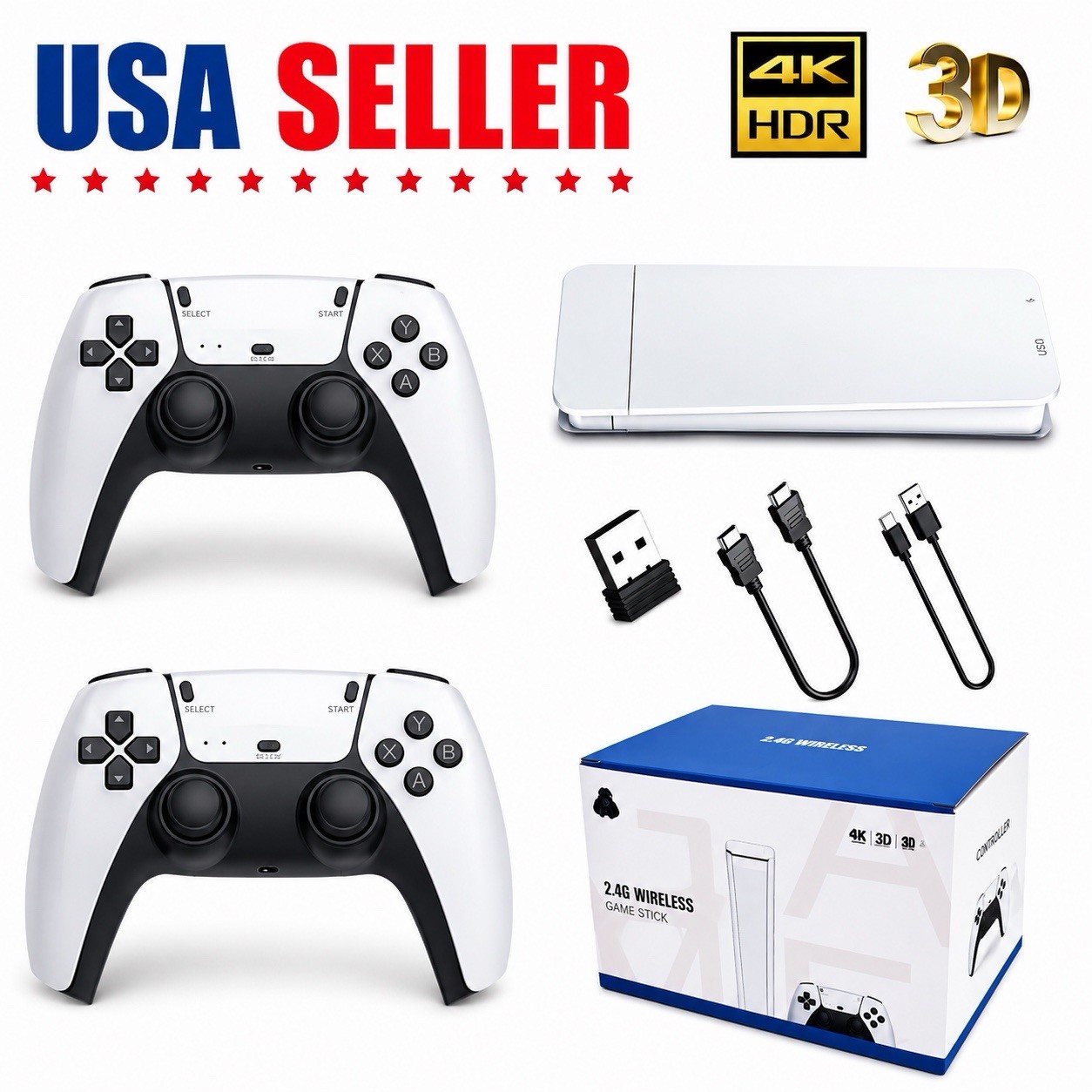 4K 64G HDMI TV Video Game Stick M15 Gaming Console Gamepad 2 Wireless Controller$20.66View on eBay
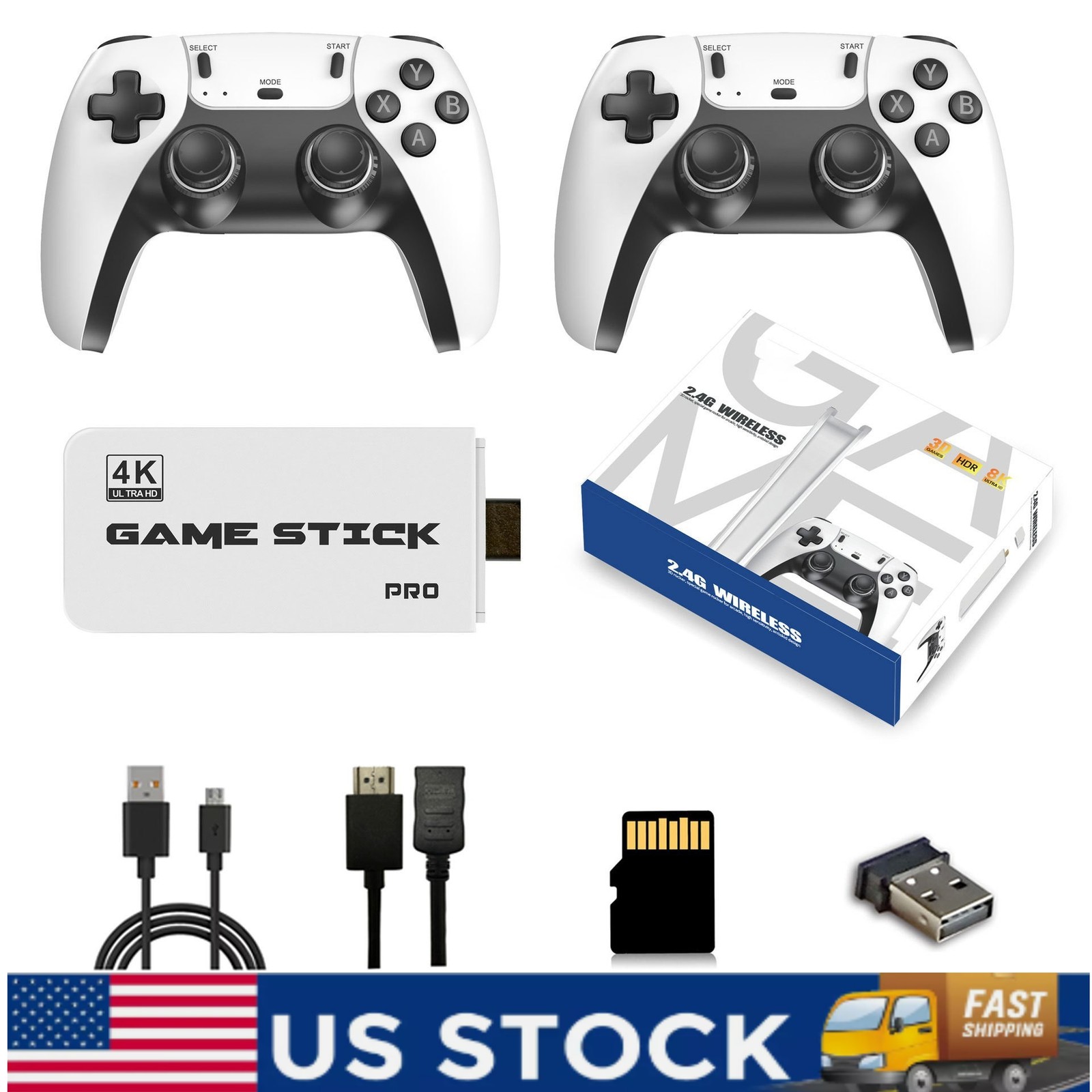 4K 64G HDMI TV Video Game Stick Gaming Console Gamepad 2 Pcs Wireless Controller$21.99View on eBay
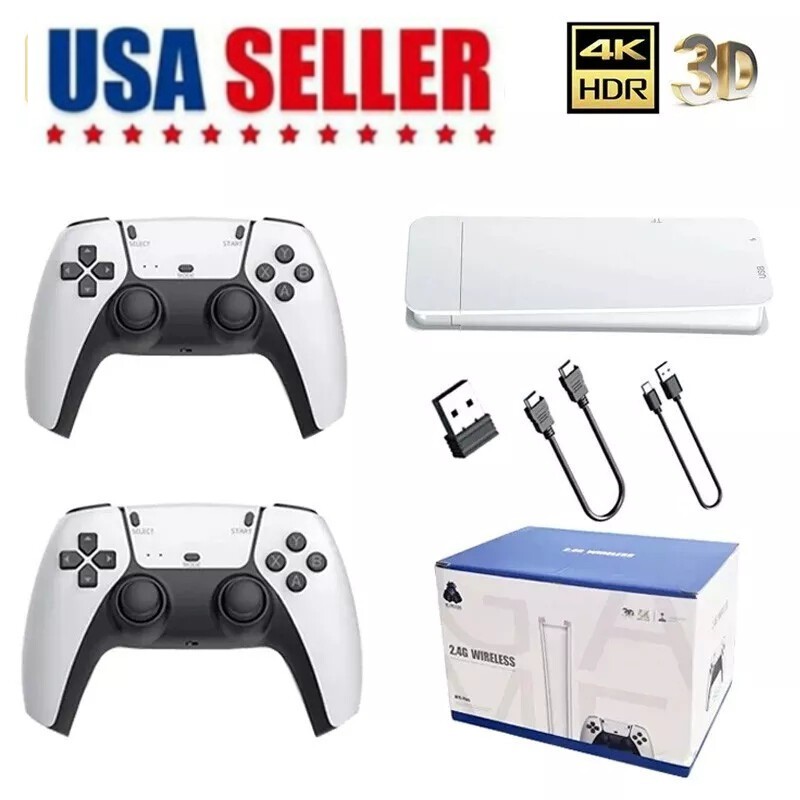 4K 64G HDMI TV Video Game Stick M15 Gaming Console Gamepad 2 Wireless Controller$22.89View on eBay
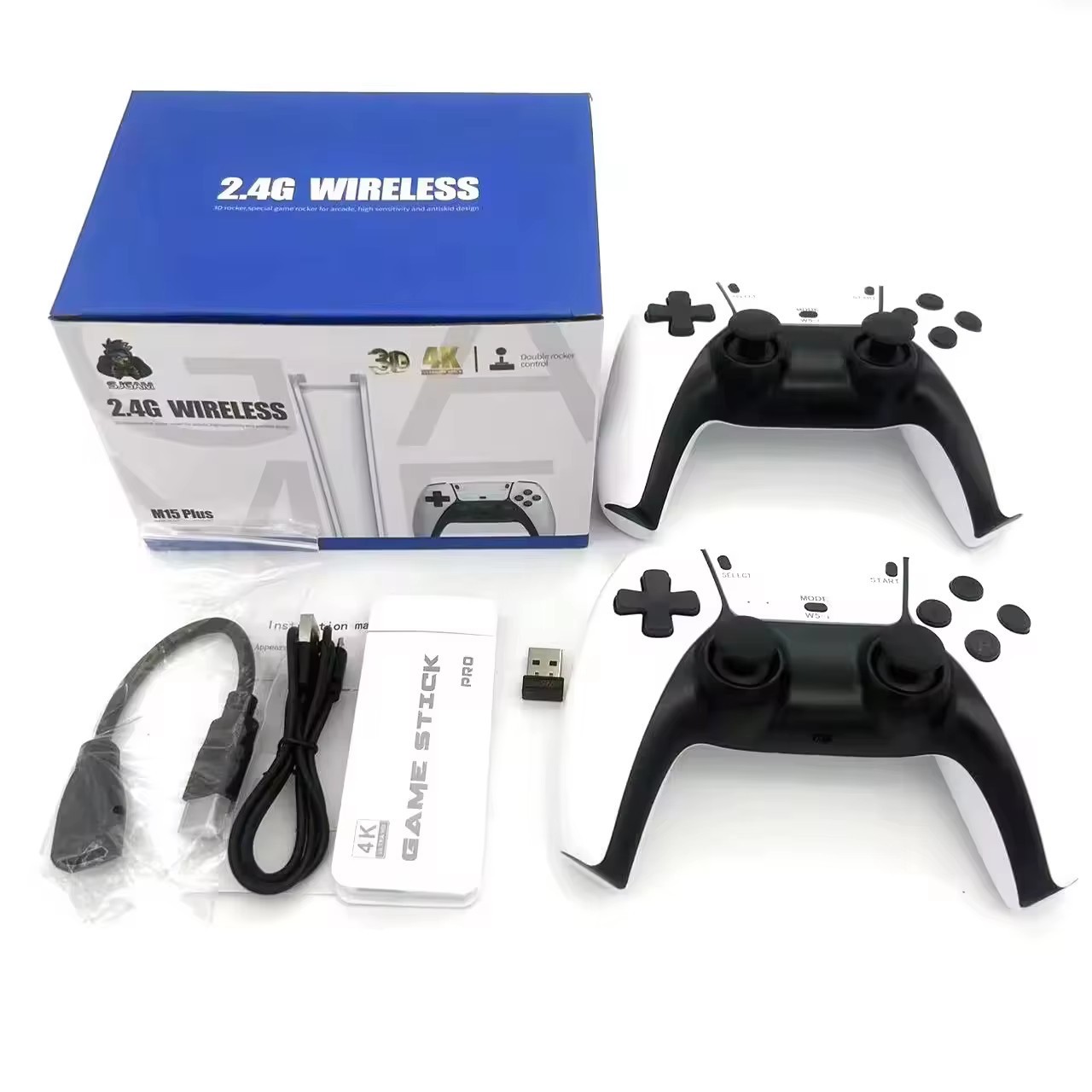 128G HDMI TV Video Game Stick M15 4K Gaming Console Gamepad 2Pack Controller 64$27.54View on eBay
Highlights
- HDMI 2.1 consoles output 4K at 120 Hz with VRR and ALLM; HDMI 2.0 models cap at 4K 60 Hz—match to your TV's port version.
- Retro HDMI sticks typically use an Amlogic or Allwinner SoC with 64 GB or 128 GB microSD storage and emulate 8- and 16-bit systems, not native 4K rendering.
- Modern consoles use NVMe SSD storage (PCIe 4.0) for near-instant loads; retro sticks rely on slower eMMC or microSD, so boot and load times differ sharply.
- Wireless gamepads on budget HDMI sticks often use 2.4 GHz dongles rather than Bluetooth—confirm the controller protocol matches the console's receiver.
Best use cases
- Best fit for a 4K 120 Hz TV owner: choose a current-gen HDMI 2.1 console (e.g., PS5, Xbox Series X) to unlock 120 fps and VRR; skip HDMI 2.0 retro sticks if you want modern titles.
- Best fit for a bedroom or secondary TV: a 64 GB or 128 GB HDMI retro stick with two 2.4 GHz wireless controllers is adequate for 8- and 16-bit classics; avoid it if you expect native 4K or online multiplayer.
- Best fit for a budget family gift: a plug-and-play HDMI stick with bundled gamepads works out of the box; skip it if the recipient wants disc playback or current-gen graphics.
- Wrong fit for competitive online play: budget HDMI sticks lack Ethernet, Wi-Fi 6, and low-latency controller polling—pick a modern console with wired LAN and HDMI 2.1 instead.
Buying tips
- Check your TV's HDMI port version before buying: HDMI 2.1 unlocks 4K 120 Hz and VRR, while HDMI 2.0 limits modern consoles to 4K 60 Hz.
- Prioritize the console's storage type: NVMe SSD (PCIe 4.0) for modern systems, microSD or eMMC for retro sticks—capacity alone doesn't indicate speed.
- Inspect controller connectivity: 2.4 GHz dongles are common on budget HDMI sticks, while Bluetooth and proprietary wireless are standard on major consoles.
- Avoid retro sticks marketed as '4K' unless the SoC natively outputs 4K; most upscale lower-resolution emulated games and won't render modern 4K titles.
Specs
| HDMI Version | HDMI 2.1 vs 2.0 |
|---|---|
| Console Storage | NVMe SSD vs microSD/eMMC |
| Controller Link | 2.4 GHz dongle / Bluetooth / wired |
| Max Output | 4K 120 Hz vs 4K 60 Hz vs 1080p |
Related searches
What to check before buying
- Measure your TV's HDMI port count and version—confirm at least one HDMI 2.1 input if you plan to use 4K 120 Hz or VRR.
- Confirm the console's included controller count and whether extra gamepads use 2.4 GHz dongles, Bluetooth, or wired USB.
- Check the console's power adapter voltage and plug type for your region (110–120 V vs 220–240 V).
- Verify storage capacity and type (64 GB vs 128 GB microSD) against the number and size of games you intend to load.
FAQ
Data sources: eBay / Amazon listings and product attribute feeds. Updated Nov 28, 2026.
Some links on this page are affiliate links. If you buy after clicking one, we may earn a commission at no extra cost to you. This does not change which products appear here or their order. Affiliate disclosure.