
Photos from current listings. Actual item, color, and included accessories may vary.
HDMI Retro Game Console Buying Guide
HDMI retro game consoles split into two architectures: TV-stick/plug-and-play boxes with preloaded ROM libraries, and cartridge/SD-based systems that run original hardware or FPGA cores. Buy based on whether you want instant access to a curated library or accurate playback of physical media, because the advertised '4K HDMI' almost always means upscaled 720p/1080p output, not native 4K rendering.
Median $24.97
Key takeaways
- Most plug-and-play boxes output 720p or 1080p internally and upscale to a 4K HDMI signal; the 4K label describes the output handshake, not the emulated resolution.
- Preloaded libraries typically run thousands of titles via software emulation on an ARM SoC, with save states but frame pacing and input lag below original hardware.
- Cartridge and SD-based consoles use FPGA or cycle-accurate emulation for lower latency and support for original controllers, at a higher cost and smaller libraries.
At a glance
- Category
- Console & Handheld Hardware
- Last updated
- Nov 29, 2026
Current offers
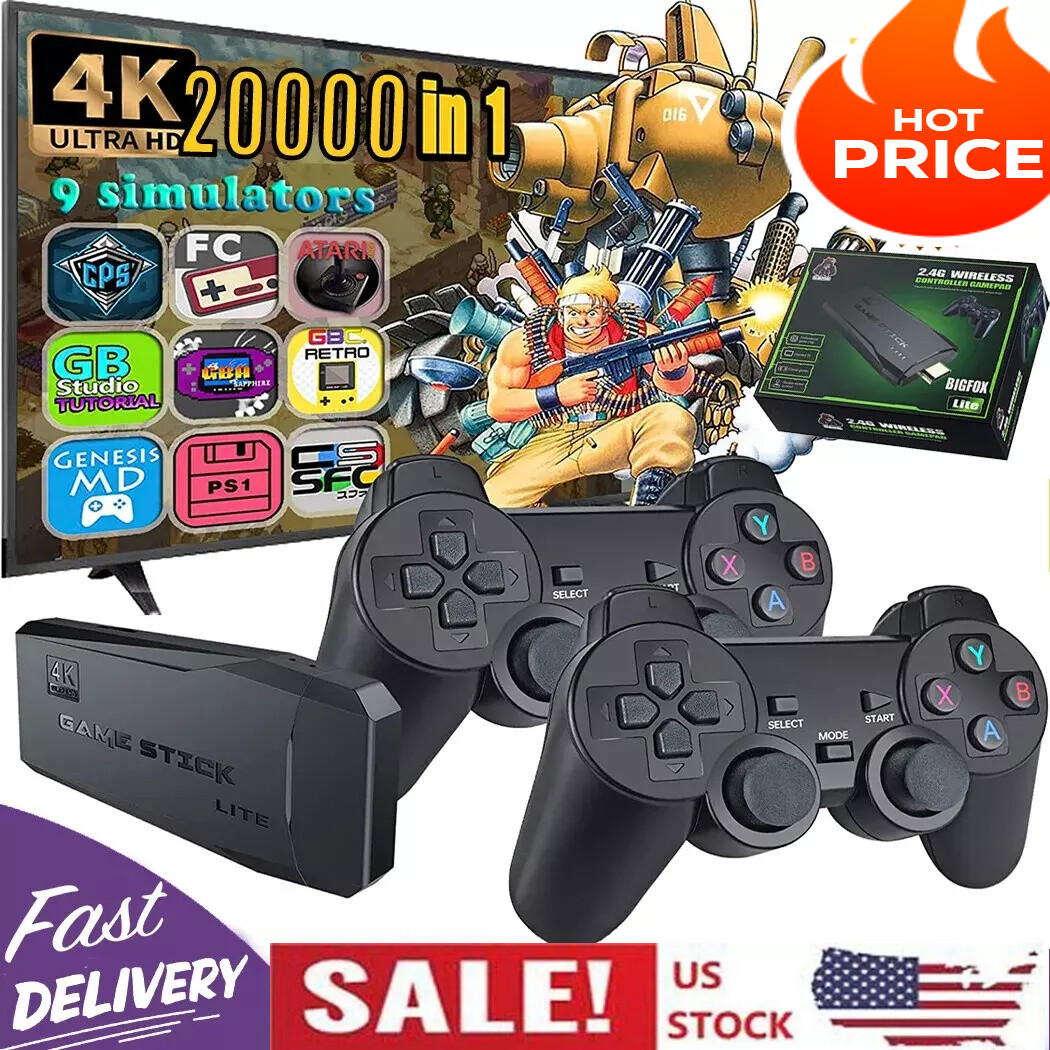 Retro Game Console 4K HDMI Output Plug and Play 20000+ Game Gamepad Controllers$16.99View on eBay
- Retro Game Console 4K HDMI Output Plug and Play 20000+ Game Gamepad Controllers$17.39View on eBay
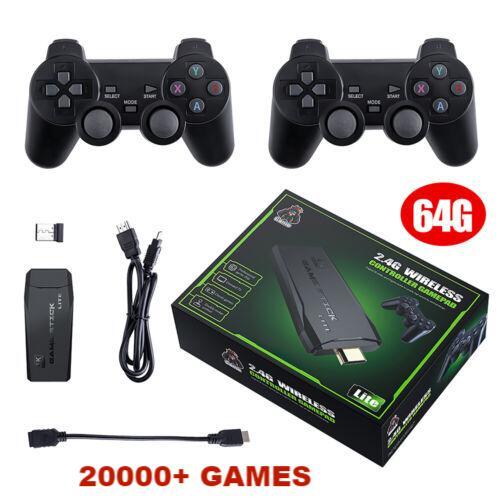 Video Game Console Retro TV Stick 64G 4K HDMI 2 Wireless Controller 20000+ Games$18.99View on eBay
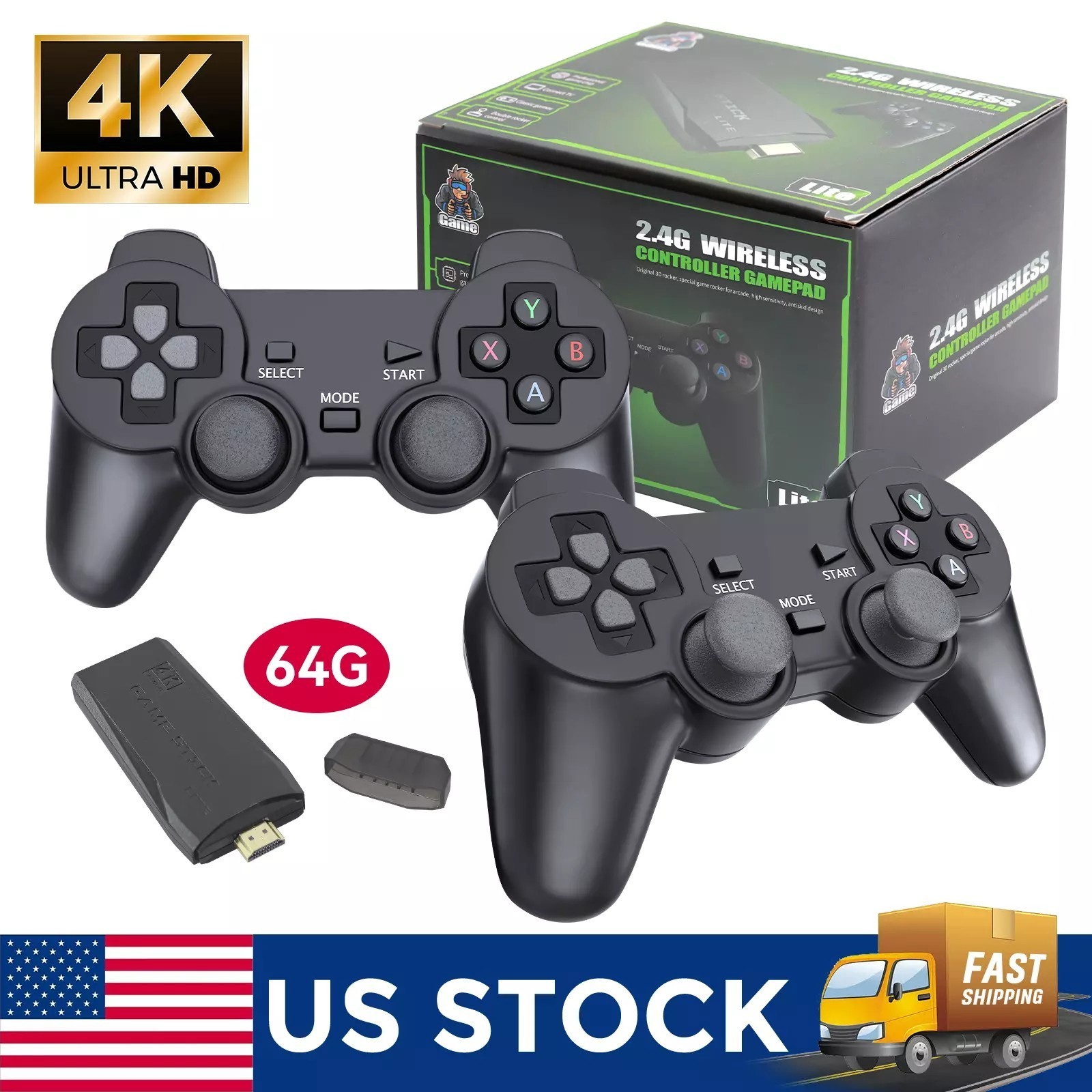 Retro Game Console 4K HDMI Output Plug and Play 20000+ Game Gamepad Controllers$19.99View on eBay
- Retro Game Console 4K HDMI Output Plug and Play 20000+ Game Gamepad Controllers$29.95Last checked Nov 26, 2026View on eBay
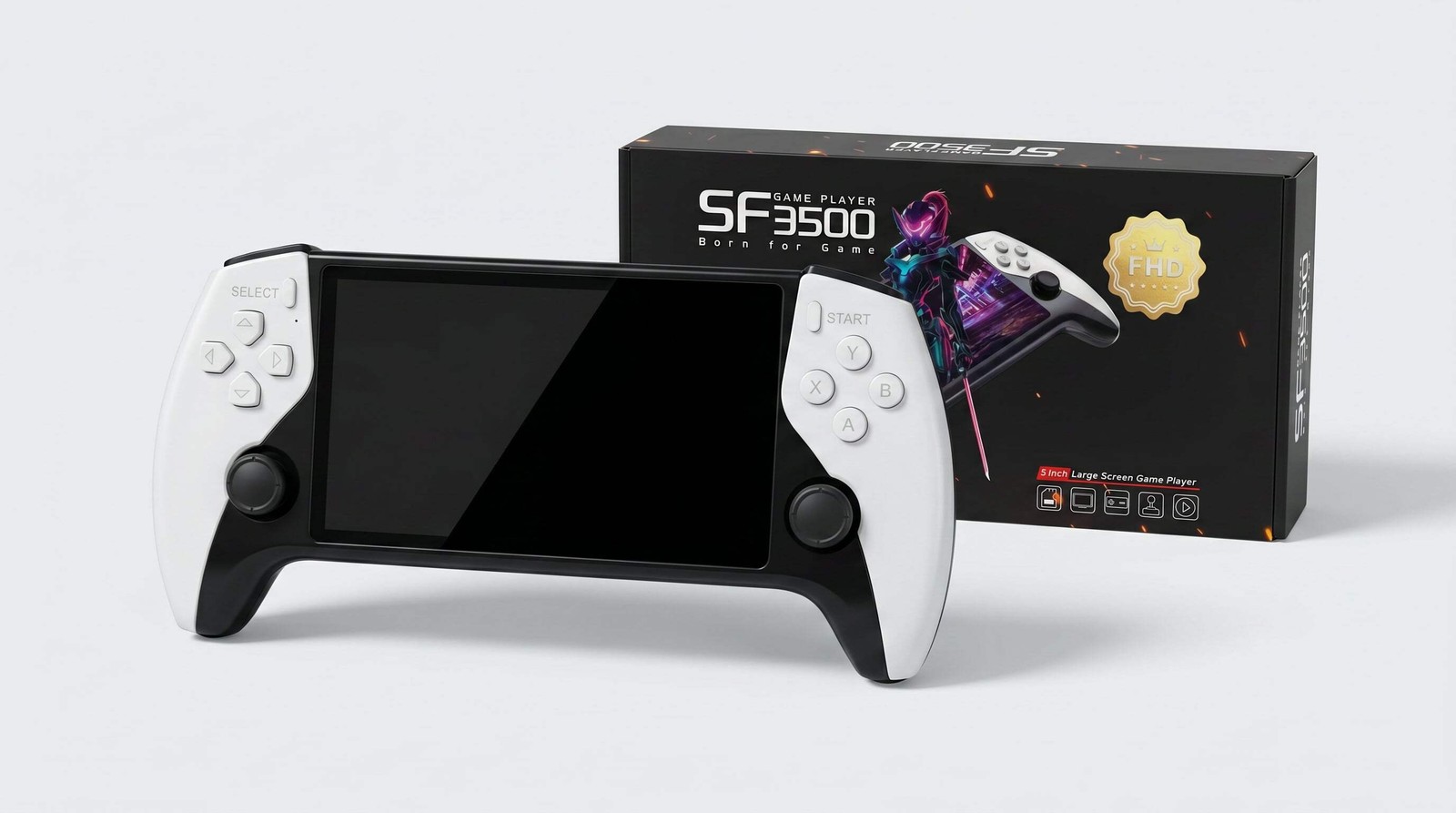 SF3500 Retro Handheld Game Console 5" IPS HDMI Dual Controllers$39.99View on eBay
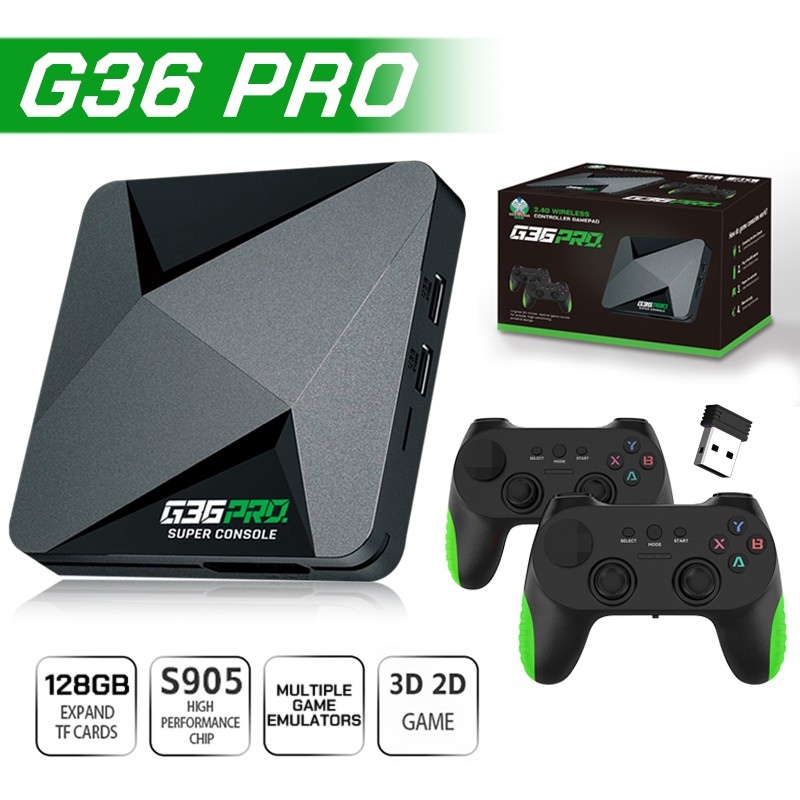 128GB G36PRO,HDMI TV Video Game Stick Retro Gaming Console Wireless Controller$88.99View on eBay
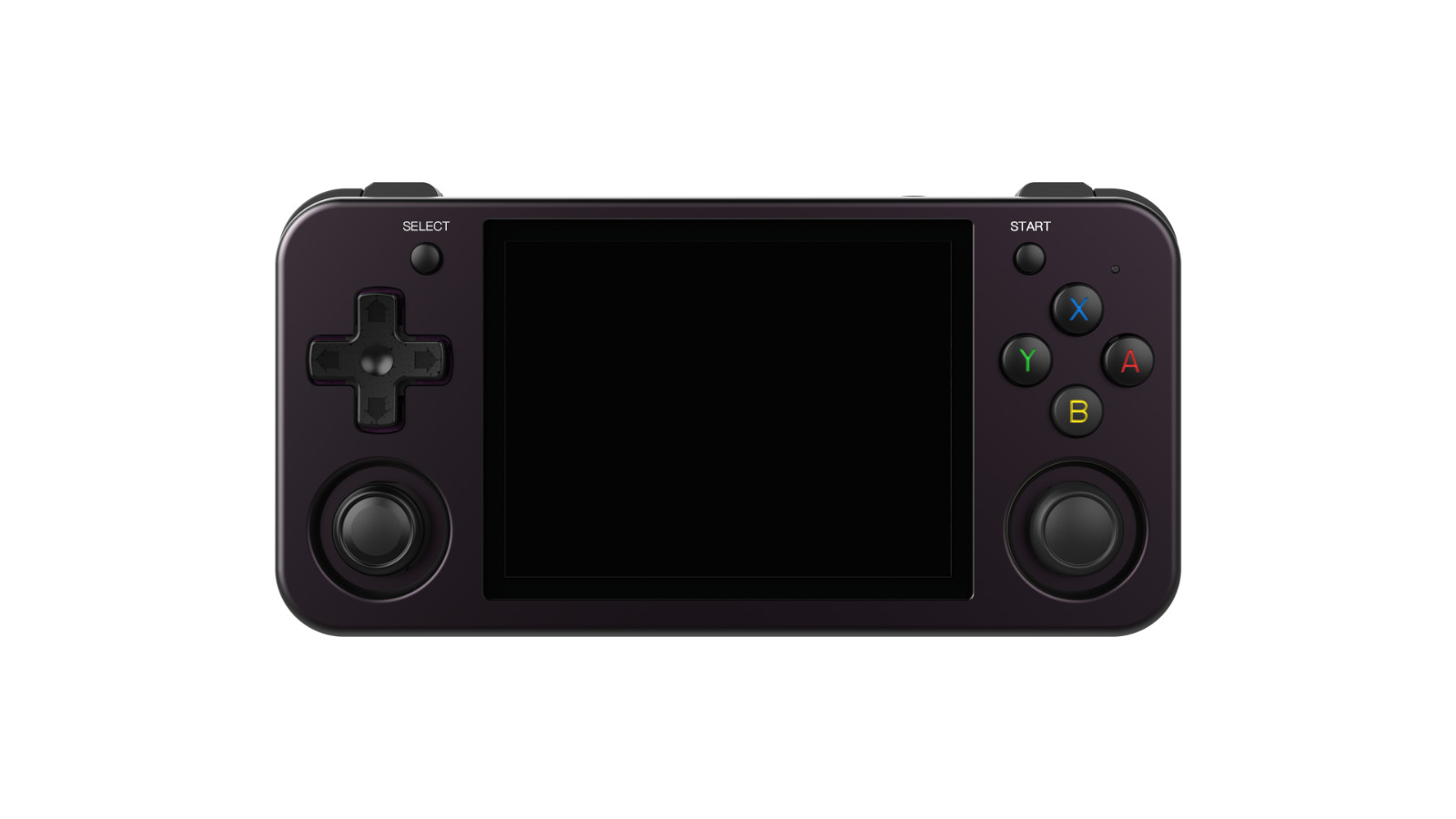 ANBERNIC RG353M Retro Handheld Game Console Dual OS Android/ Linux 3.5 inch HDMI$120.00Last checked Nov 27, 2026View on eBay
Highlights
- Most plug-and-play boxes output 720p or 1080p internally and upscale to a 4K HDMI signal; the 4K label describes the output handshake, not the emulated resolution.
- Preloaded libraries typically run thousands of titles via software emulation on an ARM SoC, with save states but frame pacing and input lag below original hardware.
- Cartridge and SD-based consoles use FPGA or cycle-accurate emulation for lower latency and support for original controllers, at a higher cost and smaller libraries.
- Build quality ranges from ABS plastic TV sticks to CNC-machined aluminum shells; metal housings improve heat dissipation during long sessions but add weight and cost.
Best use cases
- Best fit for casual family play: choose a plug-and-play HDMI stick or box with two bundled wireless controllers and a preloaded library. Skip if you need pixel-accurate timing for fighting games.
- Best fit for retro enthusiasts: choose an FPGA or cartridge-based console that accepts original pads and media. Skip the preloaded boxes if you already own a ROM collection and want accurate playback.
- Best fit for travel: choose a compact HDMI stick powered by USB from the TV. Skip aluminum-shell desktop boxes, which are heavier and need a dedicated power adapter.
- Wrong fit for competitive play: software-emulated boxes add input lag that matters in shooters and rhythm games. Choose original hardware or a low-latency FPGA core instead.
Buying tips
- Check the output resolution spec: native 720p or 1080p with HDMI upscaling is the norm; treat '4K' as a compatibility label, not a rendering claim.
- Prioritize controller connection type: bundled 2.4 GHz wireless dongles are common; confirm whether the console accepts original wired pads via USB if you want lower latency.
- Inspect storage: many boxes use internal flash or a microSD card; a larger card lets you add your own ROMs, while fixed-flash units lock you to the preloaded set.
- Avoid listings that promise tens of thousands of games without naming the emulation platform or chipset; a defined SoC and emulator core is a better durability and performance signal than a game count.
Specs
| Architecture | ARM emulation vs FPGA vs cart |
|---|---|
| HDMI Output | 720p/1080p native, 4K upscale |
| Controller Link | 2.4 GHz wireless vs wired USB |
| Storage | Internal flash vs microSD expandable |
Related searches
What to check before buying
- Measure your TV's HDMI port clearance and USB power availability; TV sticks need a free USB port or included adapter for power.
- Confirm your display supports the console's output modes (720p/1080p/4K upscale) and that you have an unused HDMI input.
- Check controller battery type and whether charging cables or dongles are included for two-player sessions.
- Verify the regional plug type for any included power adapter, or plan to power the console from the TV's USB port.
FAQ
Data sources: eBay / Amazon listings and product attribute feeds. Updated Nov 29, 2026.
Some links on this page are affiliate links. If you buy after clicking one, we may earn a commission at no extra cost to you. This does not change which products appear here or their order. Affiliate disclosure.