
Photos from current listings. Actual item, color, and included accessories may vary.
Handheld Game Console Buying Guide
Handheld game consoles split into two distinct architectures: retro emulation handhelds (Linux/Android ARM chips running ROMs) and modern native handhelds (x86 or ARM running current PC/console titles). The core trade-off is emulation library breadth and price versus screen quality, chip performance, and build durability. Decide by library: if you want thousands of legacy titles at low cost, buy an ARM emulation handheld with a known chipset; if you want current-generation games, you need an x86 or ARM native handheld with active cooling and a higher-tier SoC.
Median $47.49
Key takeaways
- ARM emulation handhelds (R36S, SF2000, RK3326/RK3566-class) cap out at PS1/N64/Dreamcast; PS2/GameCube need RK3588 or x86.
- Native x86 handhelds (Steam Deck, ROG Ally) run desktop-class PC games but weigh 600-700g and need 45W+ charging.
- IPS panels at 3.5-5 inches are the durability and readability baseline; TN panels wash out and fail earlier.
At a glance
- Category
- Console & Handheld Hardware
- Last updated
- Nov 28, 2026
Current offers
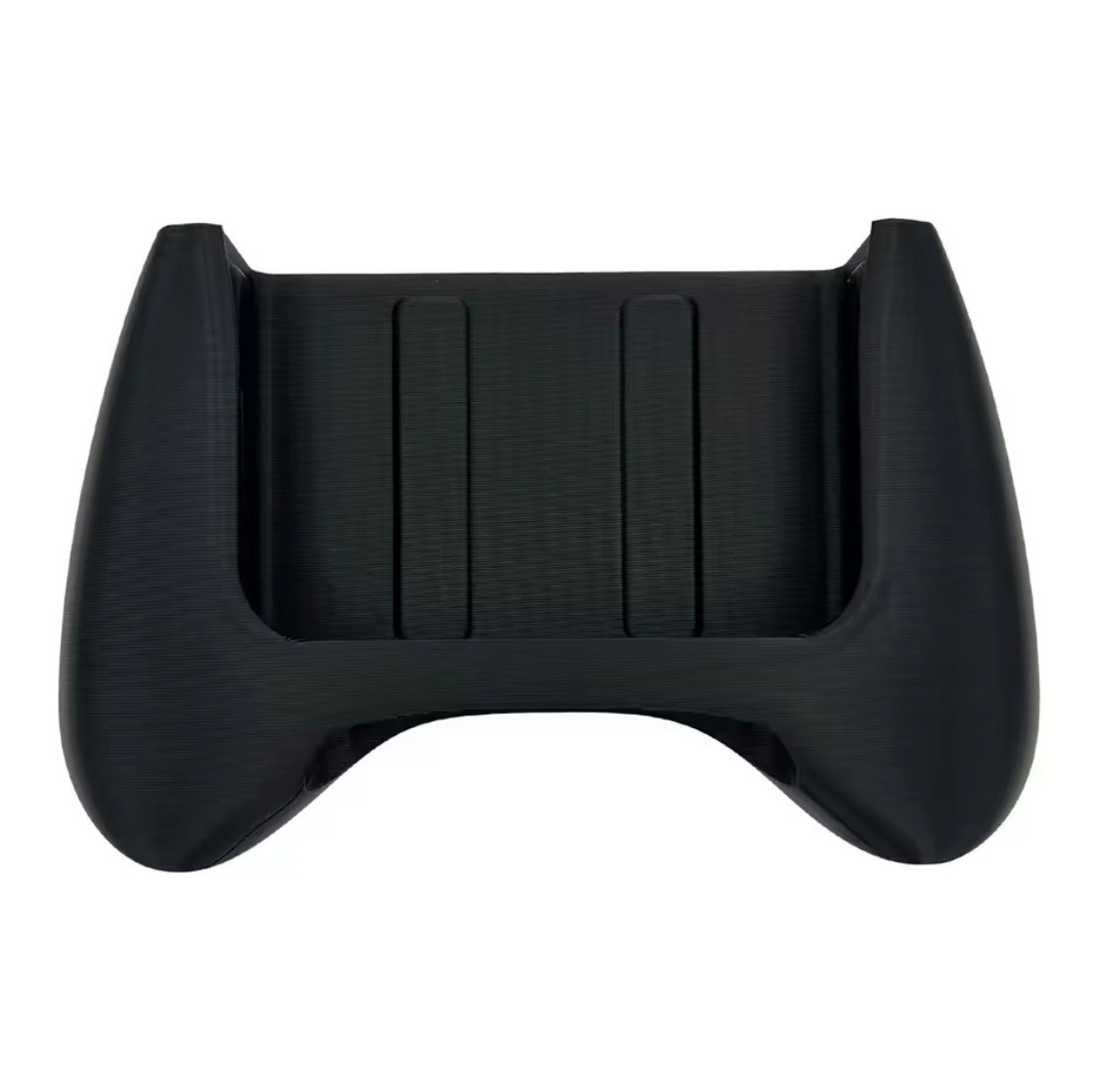 R36S Handheld Game Console 128GB Emulator Console - Fast Shipping$14.99View on eBay
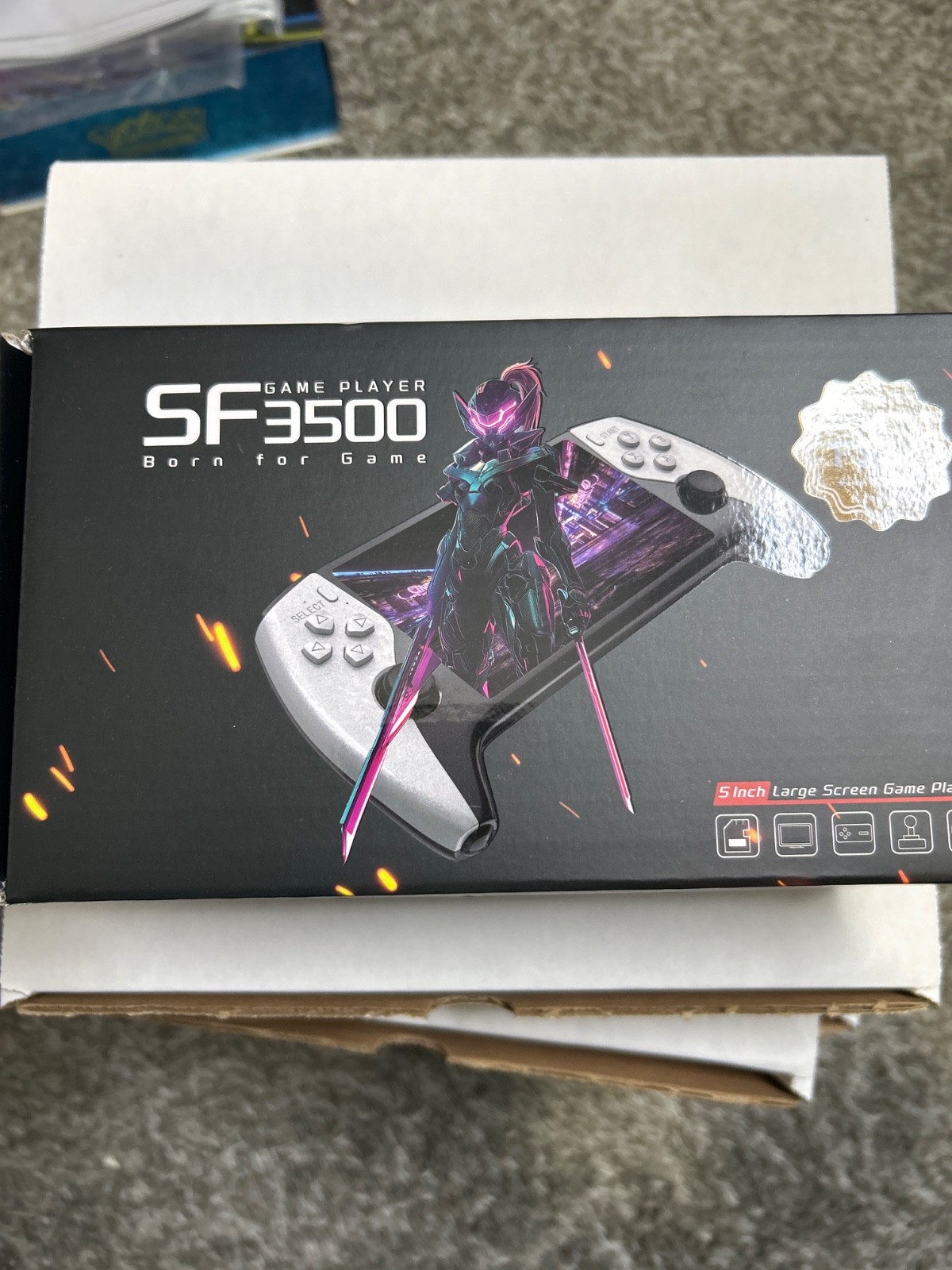 SF3500 Android Handheld Game Player 5" IPS 1080p FHD 64GB OTG Console$24.99View on eBay
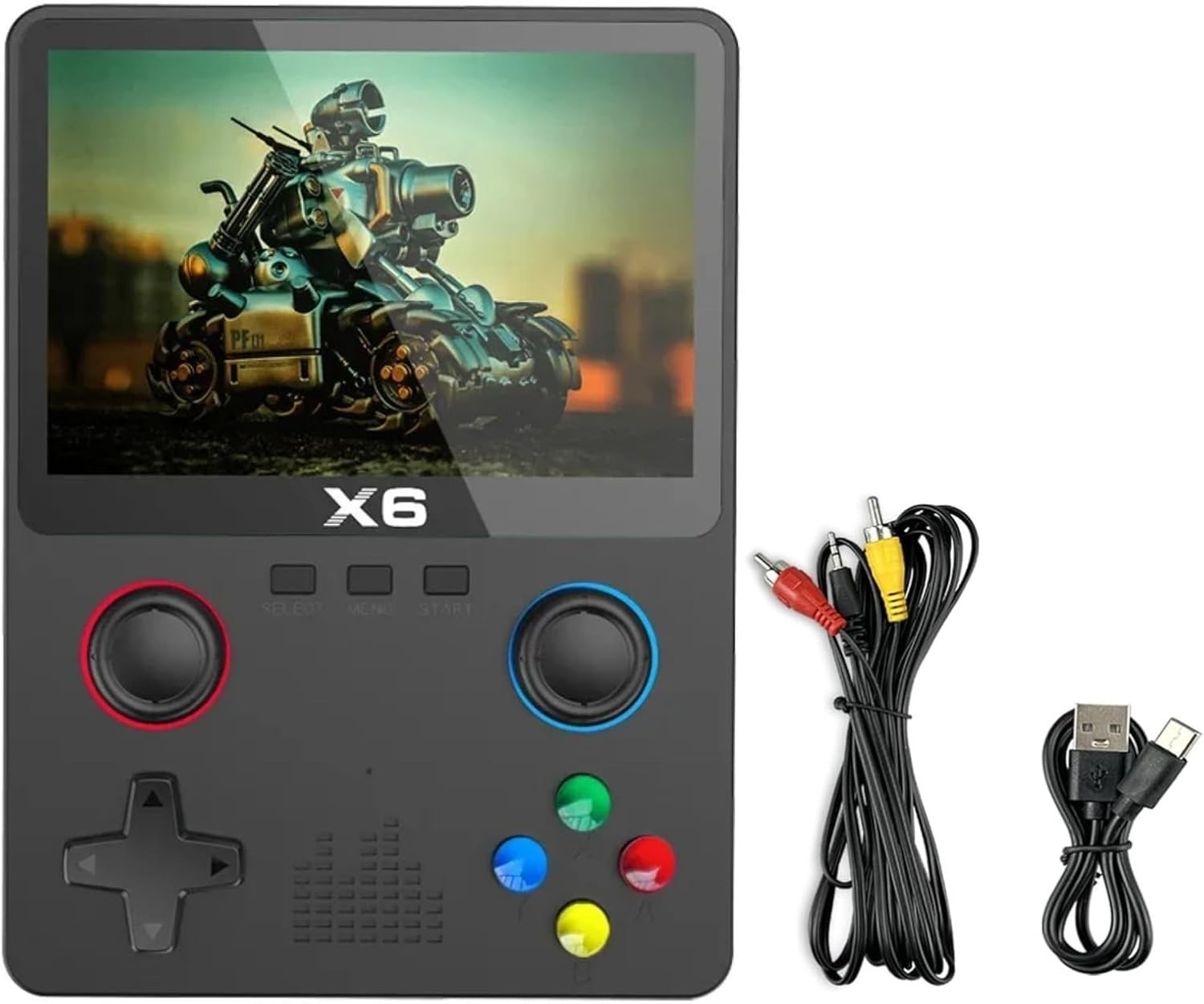 New - X6 Handheld Video Game Console 3.5 In 10000 Games Supports Expansion Cards$26.99View on eBay
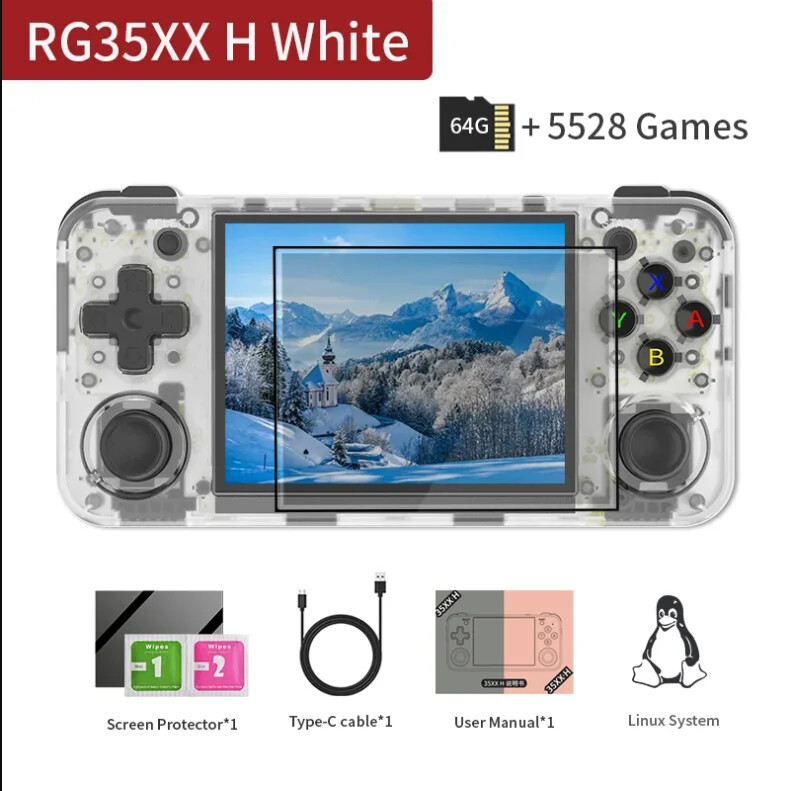 ANBERNIC RG35XX H handheld Game Console 3.5-inch IPS Screen 64G 5K+ Games Gifts$67.99View on eBay
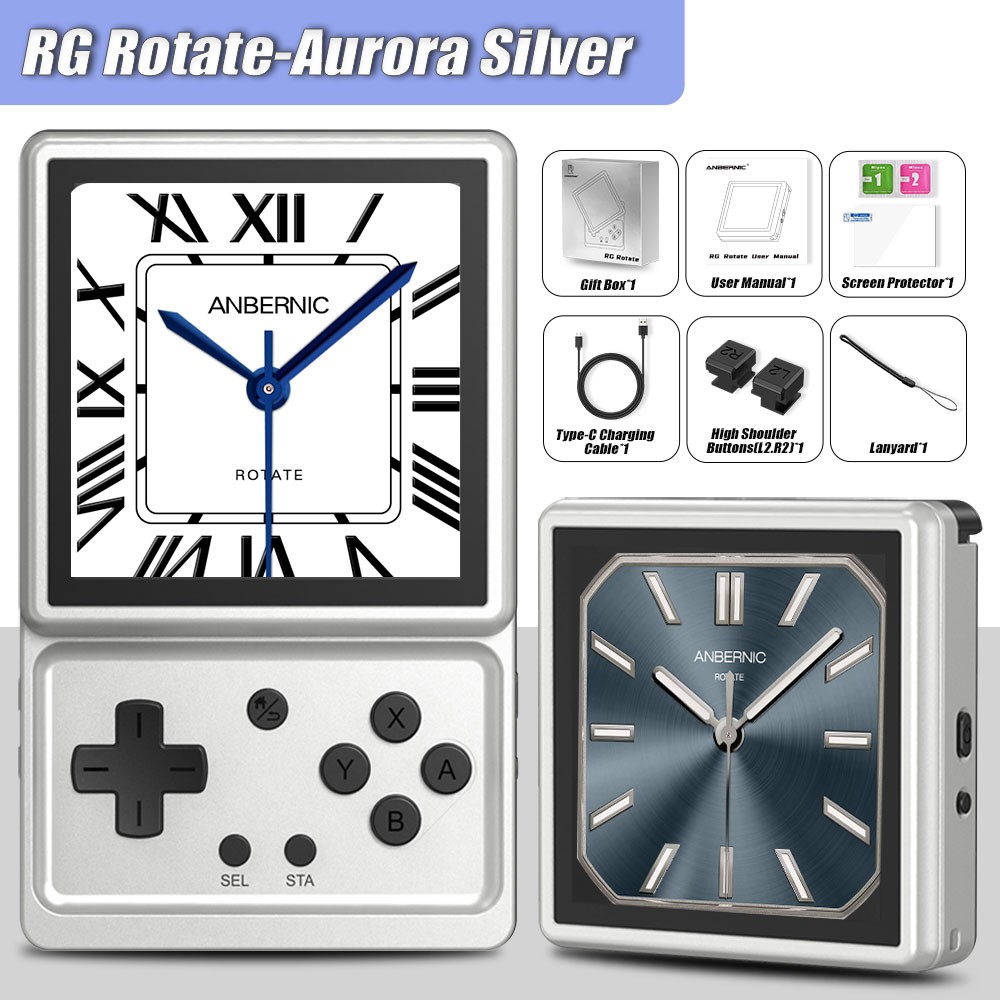 ANBERNIC RG Rotate T618 Handheld Game Console 3.5-inch Android12 2000 mAh Gifts$97.02Last checked Nov 26, 2026View on eBay
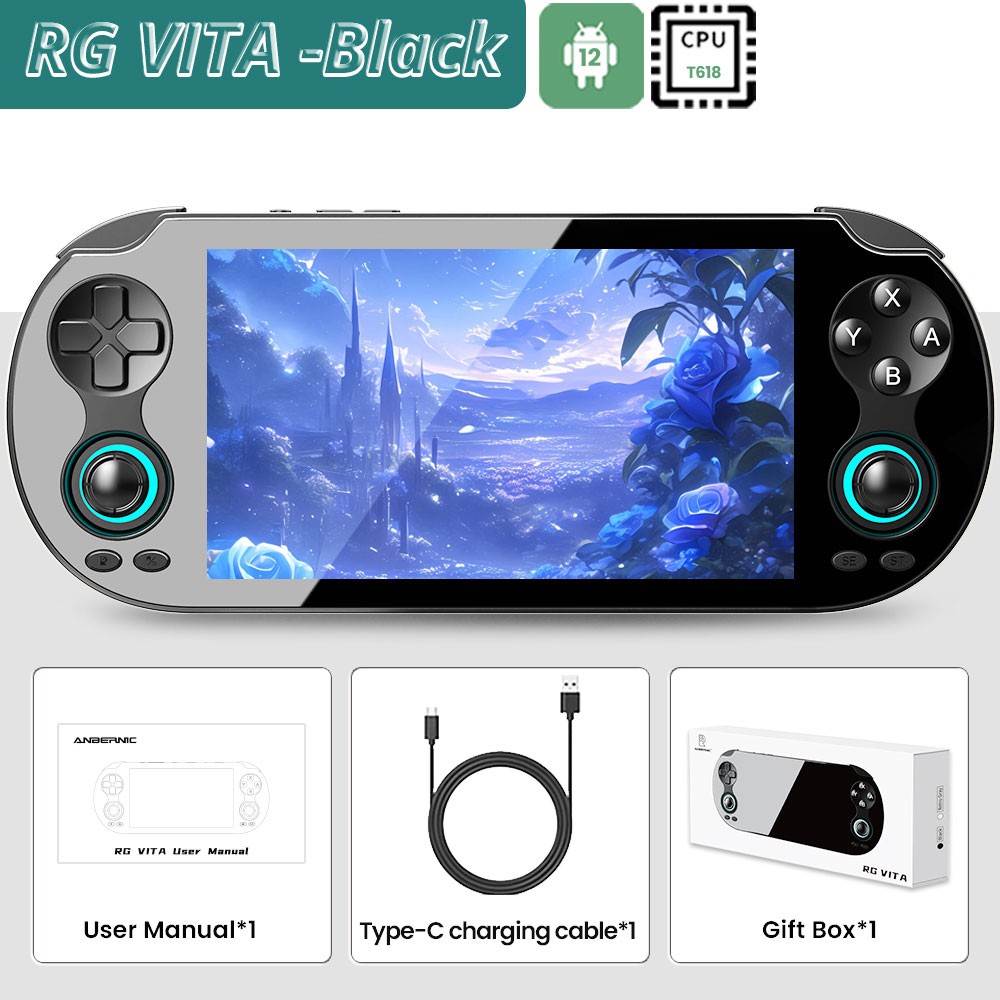 ANBERNIC RG VITA / RG VITA Pro Handheld Game Console Android Video Gaming Player$129.99View on eBay
Highlights
- ARM emulation handhelds (R36S, SF2000, RK3326/RK3566-class) cap out at PS1/N64/Dreamcast; PS2/GameCube need RK3588 or x86.
- Native x86 handhelds (Steam Deck, ROG Ally) run desktop-class PC games but weigh 600-700g and need 45W+ charging.
- IPS panels at 3.5-5 inches are the durability and readability baseline; TN panels wash out and fail earlier.
- Aluminum CNC shells improve rigidity and heat spreading versus ABS plastic but add weight and cost.
Best use cases
- Best fit: retro library fans (8/16/32-bit) should pick an ARM Linux handheld with 64-128GB storage and IPS screen.
- Wrong fit: buyers wanting PS2/GameCube/current PC games should skip ARM emulation units and choose an x86 handheld.
- Best fit: commuters and casual players should pick a 3.5-4 inch IPS unit under 250g with USB-C charging.
- Wrong fit: collectors wanting official current-console software should skip emulation handhelds entirely; they run ROMs, not cartridges.
Buying tips
- Match chipset to library: RK3326 handles up to PS1; RK3566 adds N64/Dreamcast; RK3588 or x86 needed for PS2/GameCube.
- Choose IPS over TN at any size; 640x480 is the minimum for 4:3 retro content, 1280x720 for 16:9 native titles.
- Prefer USB-C PD charging at 15W+ for ARM units and 45W+ for x86; micro-USB units charge slowly and wear out.
- Storage matters: 64GB covers 8/16-bit sets; 128GB+ needed for CD-based PS1/Dreamcast libraries.
Specs
| Chipset Class | ARM emulation vs x86 native |
|---|---|
| Screen Type | IPS 3.5-7 in / 640x480-1280x720 |
| Charging Standard | USB-C PD 15W+ (ARM) / 45W+ (x86) |
| Shell Material | ABS plastic vs CNC aluminum |
Related searches
What to check before buying
- Measure hand span and weight tolerance: ARM units run 150-250g; x86 handhelds run 600-700g.
- Confirm screen size against use: 3.5-4 inch for pocketability, 5-7 inch for home/sofa play.
- Check plug standard: USB-C PD is required for fast charging; micro-USB limits charge rate and cable life.
- Verify storage expansion: microSD slot supporting 256GB+ is essential for large ROM libraries.
FAQ
Data sources: eBay / Amazon listings and product attribute feeds. Updated Nov 28, 2026.
Some links on this page are affiliate links. If you buy after clicking one, we may earn a commission at no extra cost to you. This does not change which products appear here or their order. Affiliate disclosure.