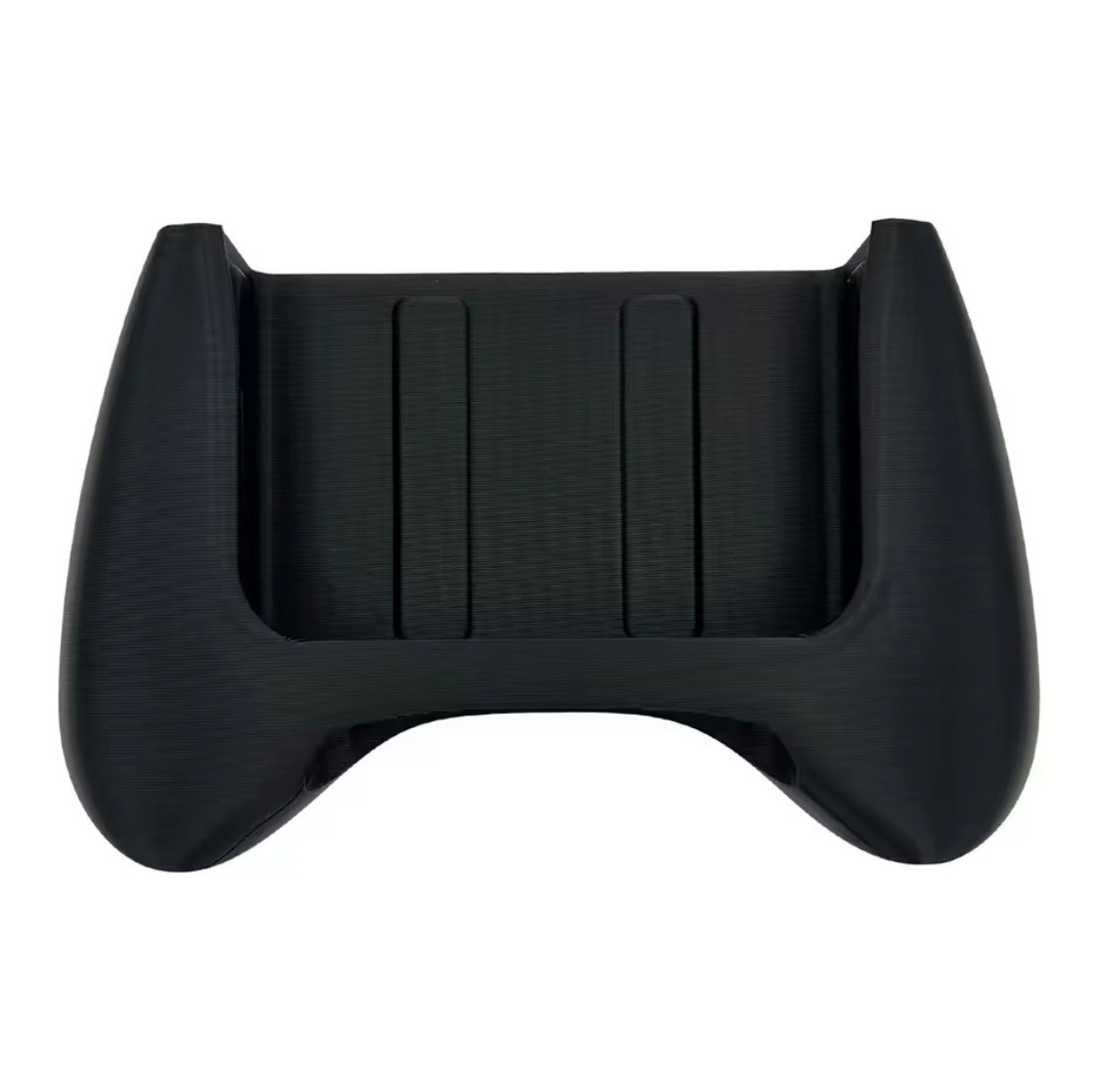

Photos from current listings. Actual item, color, and included accessories may vary.
Handheld Emulator Console Buying Guide
Shoppers chasing a handheld emulator console usually want one device that plays decades of ROMs without a PC—but the category spans cheap ARM toy-grade units up to x86 pocket PCs. The biggest mistakes are buying on 'games included' counts, ignoring screen/controls quality, and expecting flawless N64/GameCube emulation from budget chips.
Chipset Tier:ARM budget / ARM mid / x86RAM:1GB / 2-4GB / 8GB+Screen:4.5in IPS / 5in 720p / 7inEmulation Ceiling:PS1 / N64-PSP / GameCube-PS2
Typical price range$14.99
Key takeaways
- ARM budget tier (R36S, SF3000-class) typically uses Rockchip RK3326-class SoCs with 1GB RAM—reliable through PS1, weaker on N64 and PSP
- Mid-tier ARM (RK3566, T618) adds 2-4GB RAM and handles Dreamcast, N64, and some PSP/GameCube at playable frames
- x86 Windows handhelds (Steam Deck, ROG Ally class) run full emulators up to PS3/Switch via Ryzen Z1 or Intel Core Ultra APUs
At a glance
- Category
- Console & Handheld Hardware
- Last updated
- Nov 29, 2026
Current offers
Highlights
- ARM budget tier (R36S, SF3000-class) typically uses Rockchip RK3326-class SoCs with 1GB RAM—reliable through PS1, weaker on N64 and PSP
- Mid-tier ARM (RK3566, T618) adds 2-4GB RAM and handles Dreamcast, N64, and some PSP/GameCube at playable frames
- x86 Windows handhelds (Steam Deck, ROG Ally class) run full emulators up to PS3/Switch via Ryzen Z1 or Intel Core Ultra APUs
- Screen type is decisive: IPS panels beat TN for viewing angles and color; 4.5-inch 854x480 is common on budget, 5-inch 1280x720 on mid-tier
Best use cases
- Buy an R36S or SF3000-class ARM unit if you mainly play NES, SNES, Genesis, GBA, and PS1 and want the lowest entry cost
- Step up to an RK3566/T618 handheld (e.g., Anbernic RG353-series equivalents) if N64, Dreamcast, and PSP are must-haves
- Skip budget ARM entirely if you need GameCube, Wii, PS2, or Switch—those require x86 Windows handhelds or high-end Android (Snapdragon 8 Gen 2 class)
- Choose a 4.5-inch IPS budget unit for pocket portability; pick a 5-inch 720p mid-tier or 7-inch x86 handheld for at-home couch play
Buying tips
- Prioritize chipset generation over 'games included' counts—preloaded ROM libraries are often duplicates and filler titles
- Check RAM: 1GB suits 8/16-bit and PS1; 2GB+ needed for N64/Dreamcast; 4GB+ for PSP and Saturn
- Inspect controls: Hall-effect analog sticks and decent D-pads matter more than screen size on budget units
- Avoid units without microSD expansion or custom firmware support (ArkOS, JELOS, Batocera) if you plan to add your own ROMs
Specs
| Chipset Tier | ARM budget / ARM mid / x86 |
|---|---|
| RAM | 1GB / 2-4GB / 8GB+ |
| Screen | 4.5in IPS / 5in 720p / 7in |
| Emulation Ceiling | PS1 / N64-PSP / GameCube-PS2 |
Related searches
What to check before buying
- Measure pocket or bag space—4.5-inch units fit jacket pockets; 7-inch x86 handhelds need a case
- Confirm your region's plug type and charger wattage: budget ARM typically USB-C 5V/2A, x86 needs 45W+ PD
- Verify microSD card slot and maximum supported capacity (often 128GB-512GB on budget ARM)
- Check firmware/community support for your preferred emulators before buying a no-name white-label unit
FAQ
Data sources: eBay / Amazon listings and product attribute feeds. Updated Nov 29, 2026.
Some links on this page are affiliate links. If you buy after clicking one, we may earn a commission at no extra cost to you. This does not change which products appear here or their order. Affiliate disclosure.