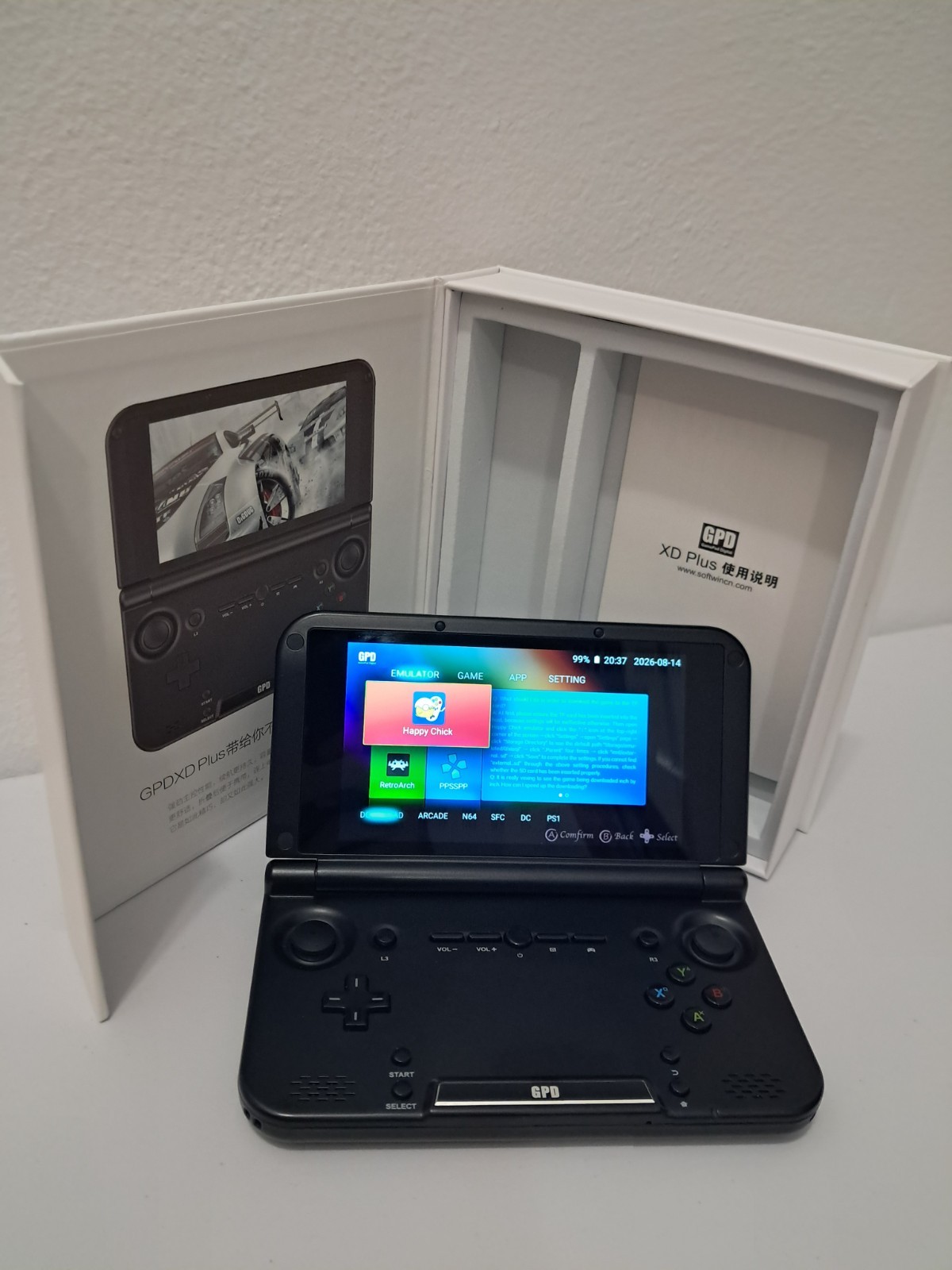

Photos from current listings. Actual item, color, and included accessories may vary.
GPD XD Plus Buying Guide
The GPD XD Plus is an Android-based clamshell handheld with a 5-inch 720p screen, physical gamepad controls, and a MediaTek Helio X20 deca-core chip. Its core trade-off is emulation-friendly ergonomics and a real D-pad versus outdated Android 7.0 software and a 6000 mAh battery that cannot match modern ARM handhelds. Buy it only if you specifically want dual-screen clamshell play and native Android gaming; skip it if you need current Android app compatibility or USB-C charging.
Key takeaways
- Helio X20 deca-core (2x A72 + 4x A53 + 4x A53) with Mali-T880 MP4 handles PSP, Dreamcast, and N64 emulation well but struggles with GameCube and Wii.
- 5-inch 1280x720 IPS clamshell display with a 3DS-style layout, dual shoulder buttons, and a proper cross D-pad rather than mushy membrane switches.
- Ships with Android 7.0 Nougat and micro-USB charging; no official Android 9+ update and no USB-C, so modern app compatibility and fast charging are limited.
At a glance
- Category
- Console & Handheld Hardware
- Status
- Listings available
- Last updated
- Nov 29, 2026
Current offers
Highlights
- Helio X20 deca-core (2x A72 + 4x A53 + 4x A53) with Mali-T880 MP4 handles PSP, Dreamcast, and N64 emulation well but struggles with GameCube and Wii.
- 5-inch 1280x720 IPS clamshell display with a 3DS-style layout, dual shoulder buttons, and a proper cross D-pad rather than mushy membrane switches.
- Ships with Android 7.0 Nougat and micro-USB charging; no official Android 9+ update and no USB-C, so modern app compatibility and fast charging are limited.
- 32GB or 64GB eMMC storage plus microSD expansion; the 6000 mAh battery delivers roughly 4-6 hours of emulation, well below current 8000 mAh-class handhelds.
Best use cases
- Best fit: Buy the XD Plus for portable PSP, Dreamcast, N64, and Android-native games where the clamshell hinge and real D-pad beat touchscreen-only handhelds.
- Wrong fit: Skip it for GameCube, Wii, PS2, or Switch emulation; the Helio X20 and 4GB RAM fall short of smooth frame rates on those systems.
- Wrong fit: Do not buy it as a modern Android tablet replacement; Android 7.0 blocks many current apps and micro-USB charging is slow compared with USB-C devices.
Buying tips
- Choose the 32GB model only if you stream or use microSD for ROMs; the 64GB variant is worth it if you keep a large local emulation library.
- Confirm the unit is the XD Plus (Helio X20) rather than the original XD (RK3288); the Plus roughly doubles emulation headroom for PSP and Dreamcast.
- Budget for a microSD card and a 5V/2A micro-USB charger; the XD Plus does not support USB-C Power Delivery or fast charging.
- Inspect the hinge and shoulder buttons on used units; the clamshell ribbon cable and L2/R2 triggers are the most common wear points on aging XD Plus stock.
Specs
| SoC Tier | Helio X20 deca-core vs RK3288 |
|---|---|
| RAM / Storage | 4GB RAM / 32GB or 64GB eMMC |
| Display | 5" 1280x720 IPS clamshell |
| Charging Port | Micro-USB 5V/2A, no USB-C |
Alternatives to compare
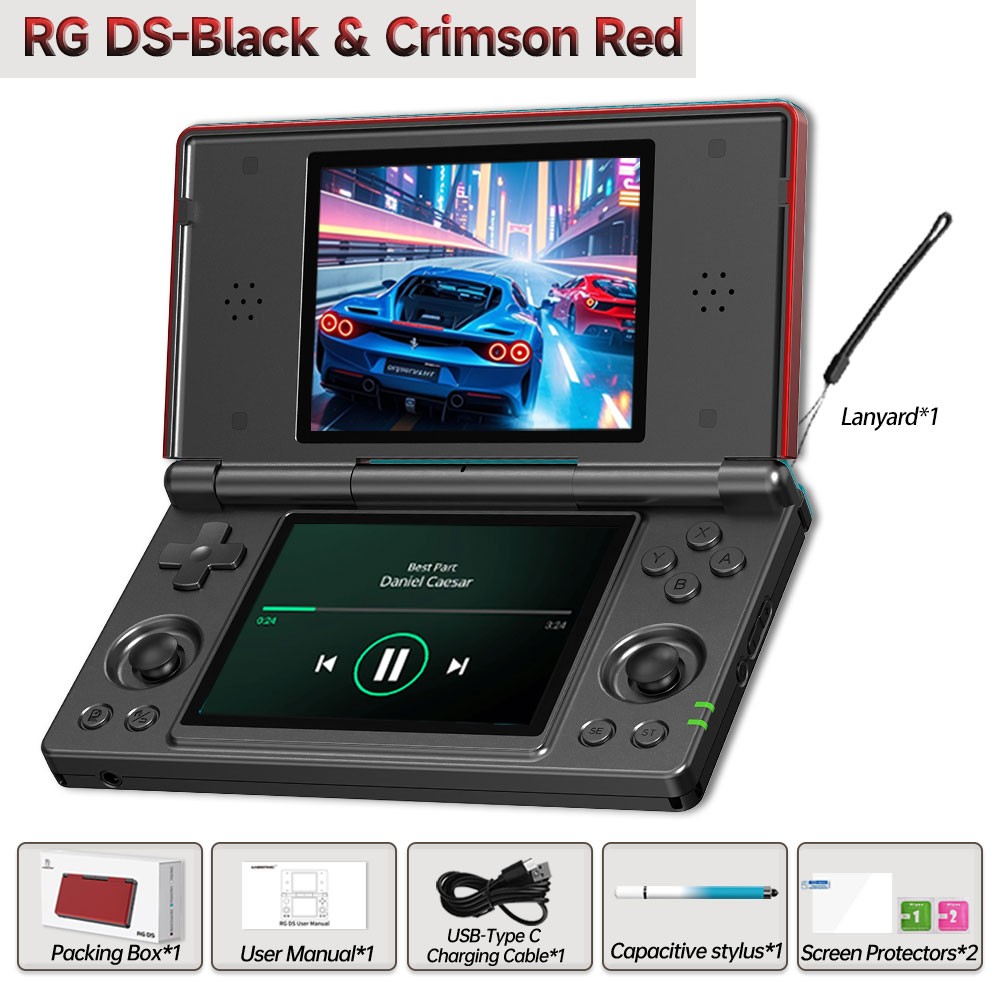
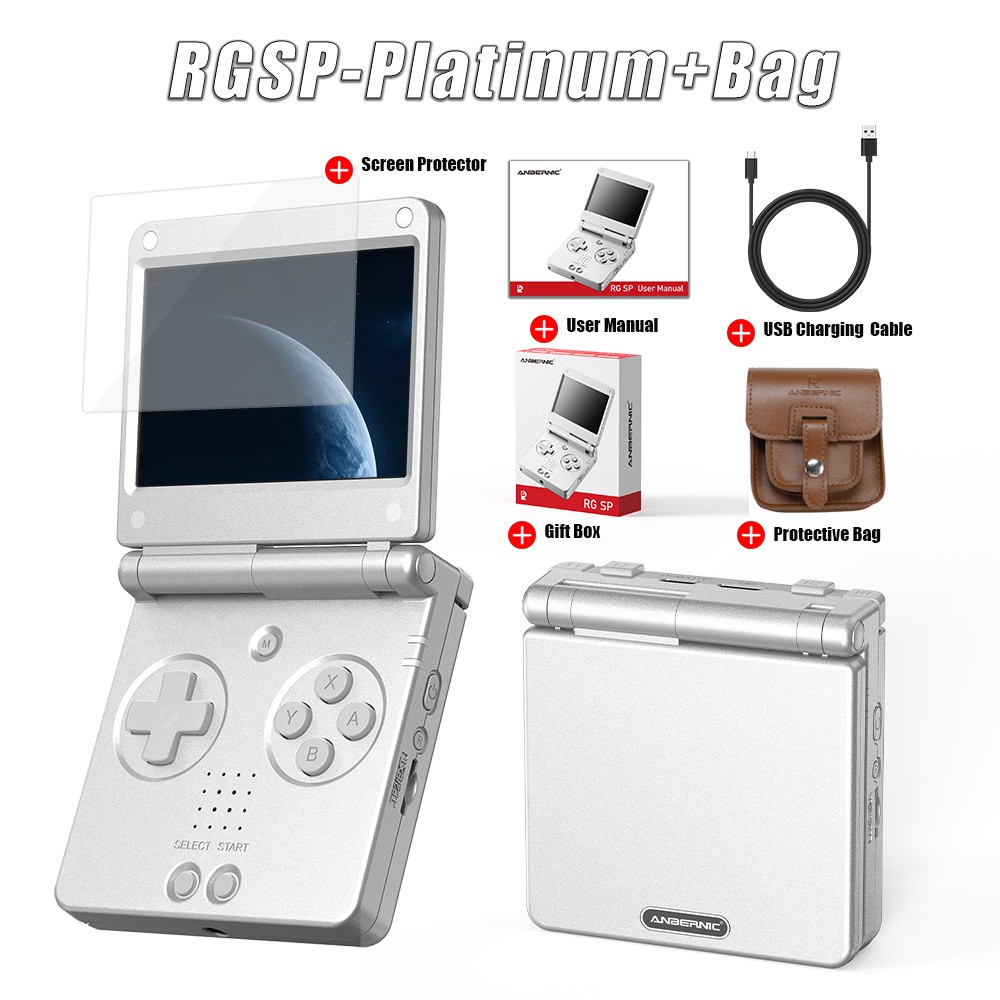
Related searches
What to check before buying
- Verify the listing specifies Helio X20 and 4GB RAM, not the original XD's RK3288 and 2GB RAM.
- Check that a micro-USB cable and 5V/2A charger are included or on hand; USB-C cables will not fit.
- Confirm the seller's unit includes the battery and that the hinge holds position; replacement batteries for this model are increasingly scarce.
- Measure your bag or pocket for the 155 x 89 x 24 mm clamshell footprint and 300 g weight before committing to daily carry.
FAQ
Data sources: eBay / Amazon listings and product attribute feeds. Updated Nov 29, 2026.
Some links on this page are affiliate links. If you buy after clicking one, we may earn a commission at no extra cost to you. This does not change which products appear here or their order. Affiliate disclosure.