
Photos from current listings. Actual item, color, and included accessories may vary.
Console Buying Guide
Console covers home and handheld hardware, from modern microconsoles to retro plug-and-play units. The core trade-off is computational architecture versus build quality: multicore ARM/x86 systems with HDMI and rechargeable lithium batteries are durable, while cheap plastic all-in-one handhelds with fixed game lists and AAA primary cells are compromises. The clear decision rule: buy for a known chipset and display specification, not for a game count.
Median $120.00
Key takeaways
- Handheld retro consoles split into 8-bit FC-style Allwinner-class chipsets with fixed game lists, and 16/32-bit ARM systems with microSD ROM loading and rechargeable batteries.
- Modern microconsoles and TV boxes use multicore ARM Cortex-A53/A55 or x86 APUs with HDMI output, USB controller support, and 1-4GB RAM; retro handhelds typically run 2.5-4.0-inch LCDs at 320x240 to 640x480.
- CNC-machined aluminum alloy shells resist flex and dissipate heat; commodity ABS plastic housings creak, strip screw bosses, and yellow under UV exposure.
At a glance
- Category
- Console & Handheld Hardware
- Last updated
- Nov 29, 2026
Current offers
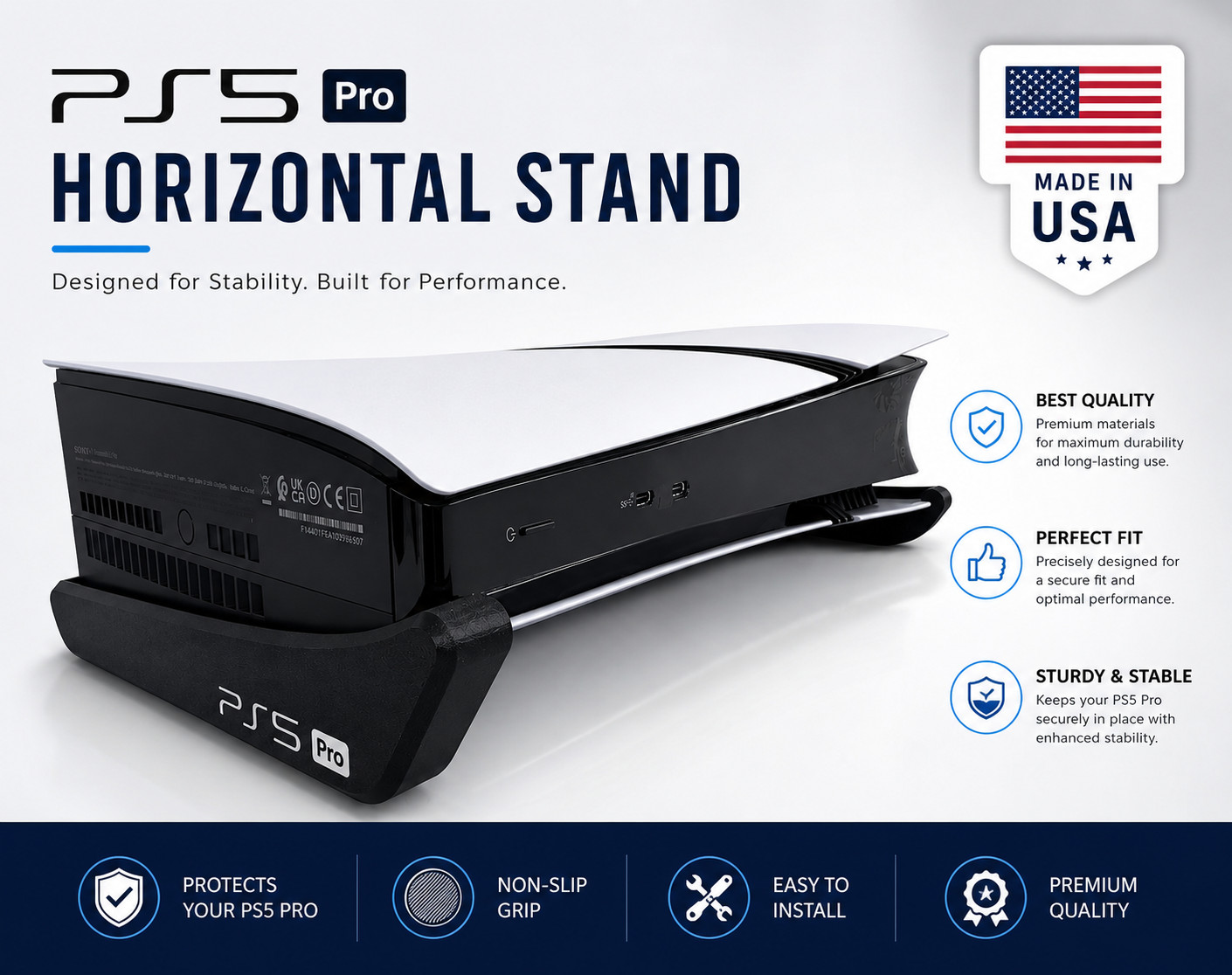 PS5 Pro Horizontal Stand Holder Base Stabilizer Dock Console Support Made in USA$10.95Last checked Nov 18, 2026View on eBay
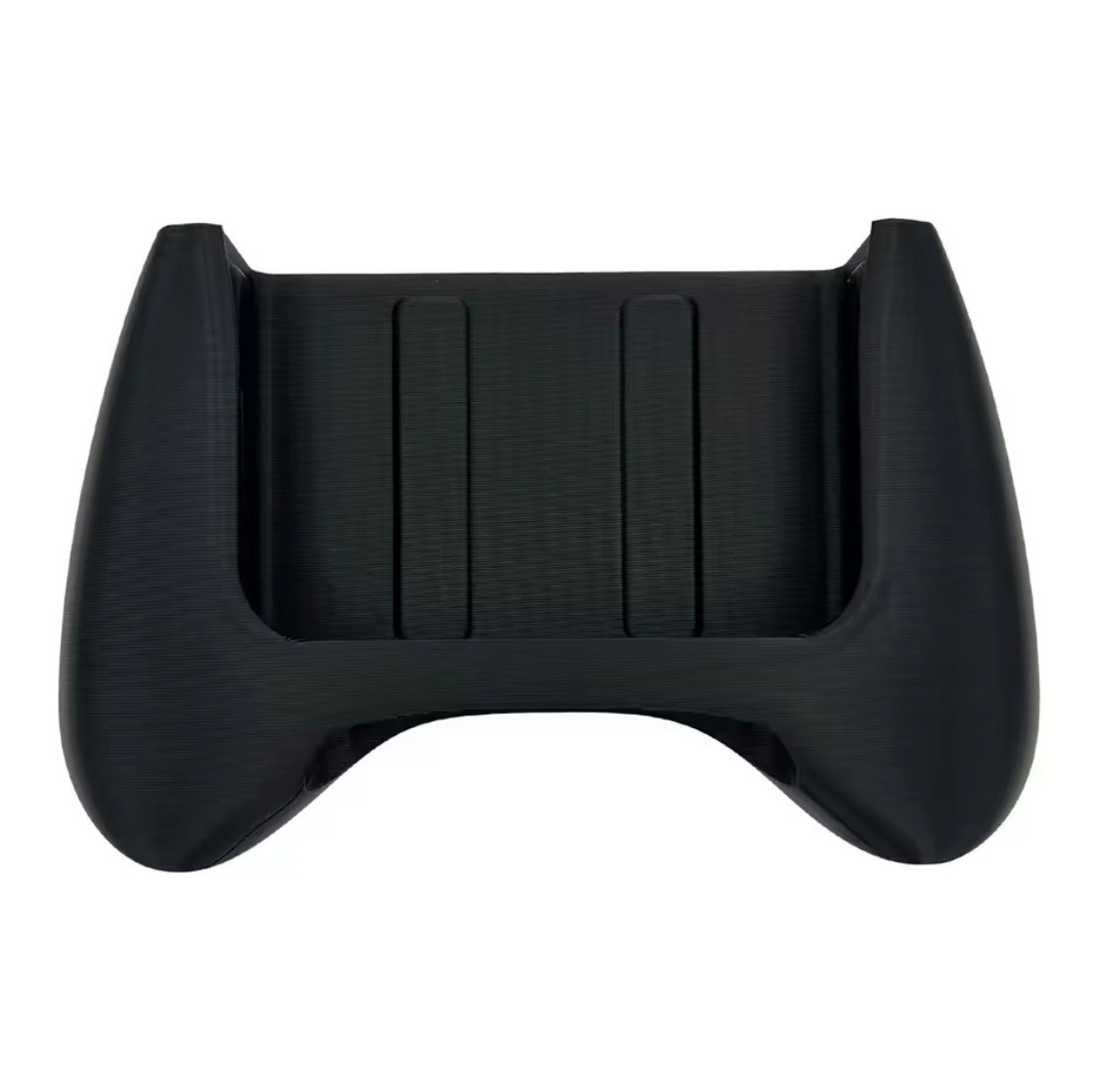 R36S Handheld Game Console 128GB Emulator Console - Fast Shipping$14.99View on eBay
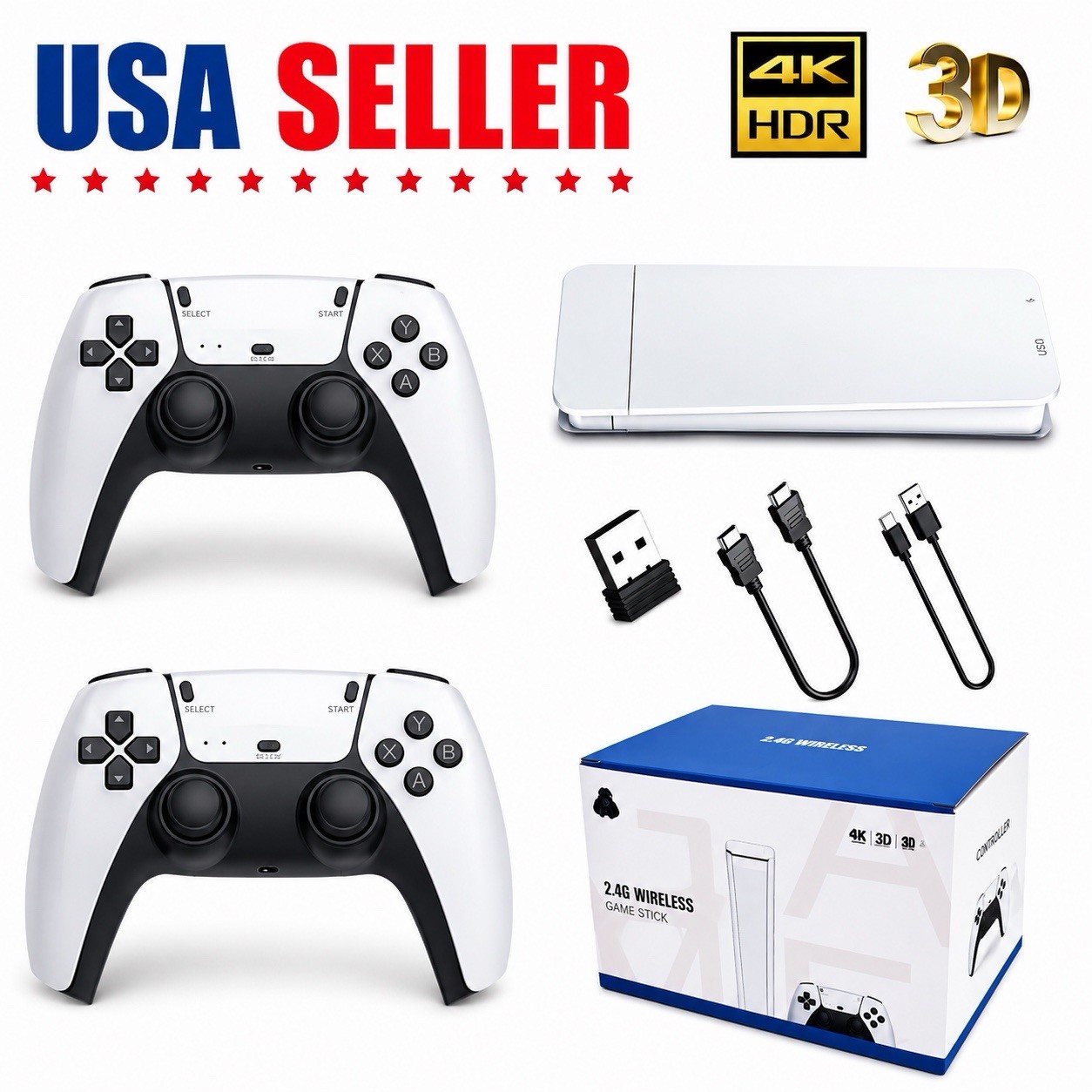 4K 64G HDMI TV Video Game Stick M15 Gaming Console Gamepad 2 Wireless Controller$20.66View on eBay
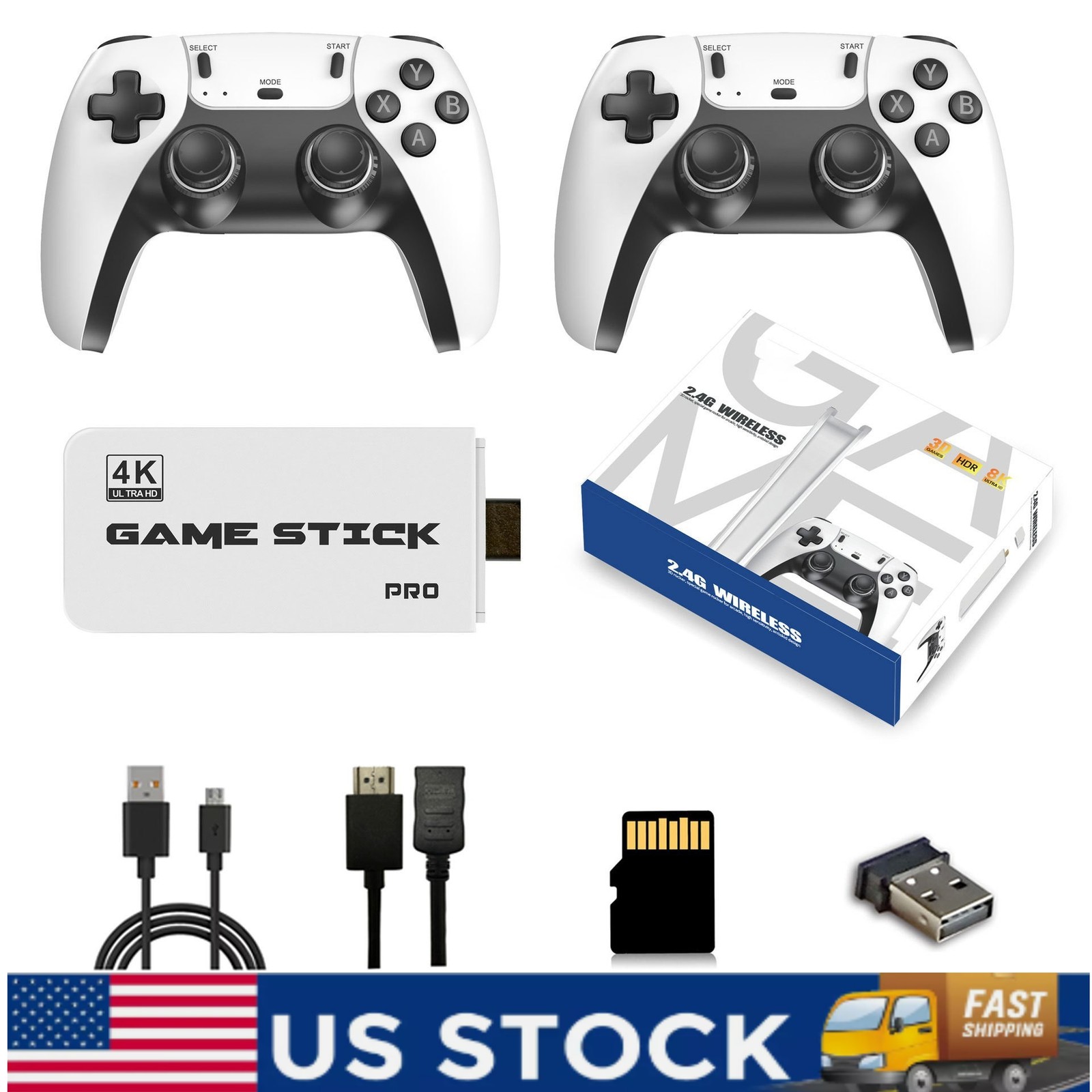 4K 64G HDMI TV Video Game Stick Gaming Console Gamepad 2 Pcs Wireless Controller$21.99View on eBay
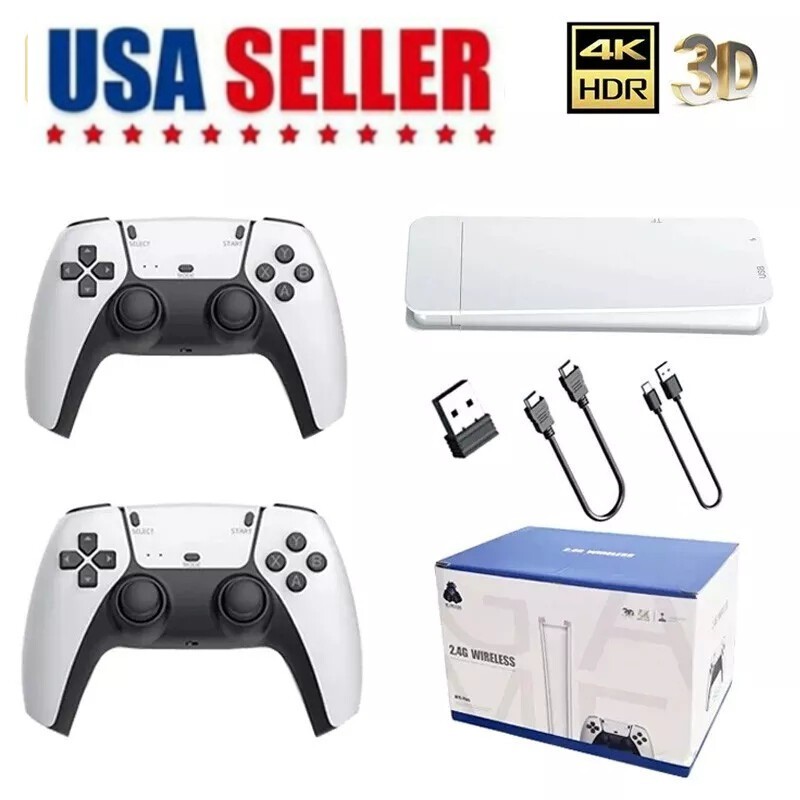 4K 64G HDMI TV Video Game Stick M15 Gaming Console Gamepad 2 Wireless Controller$22.89View on eBay
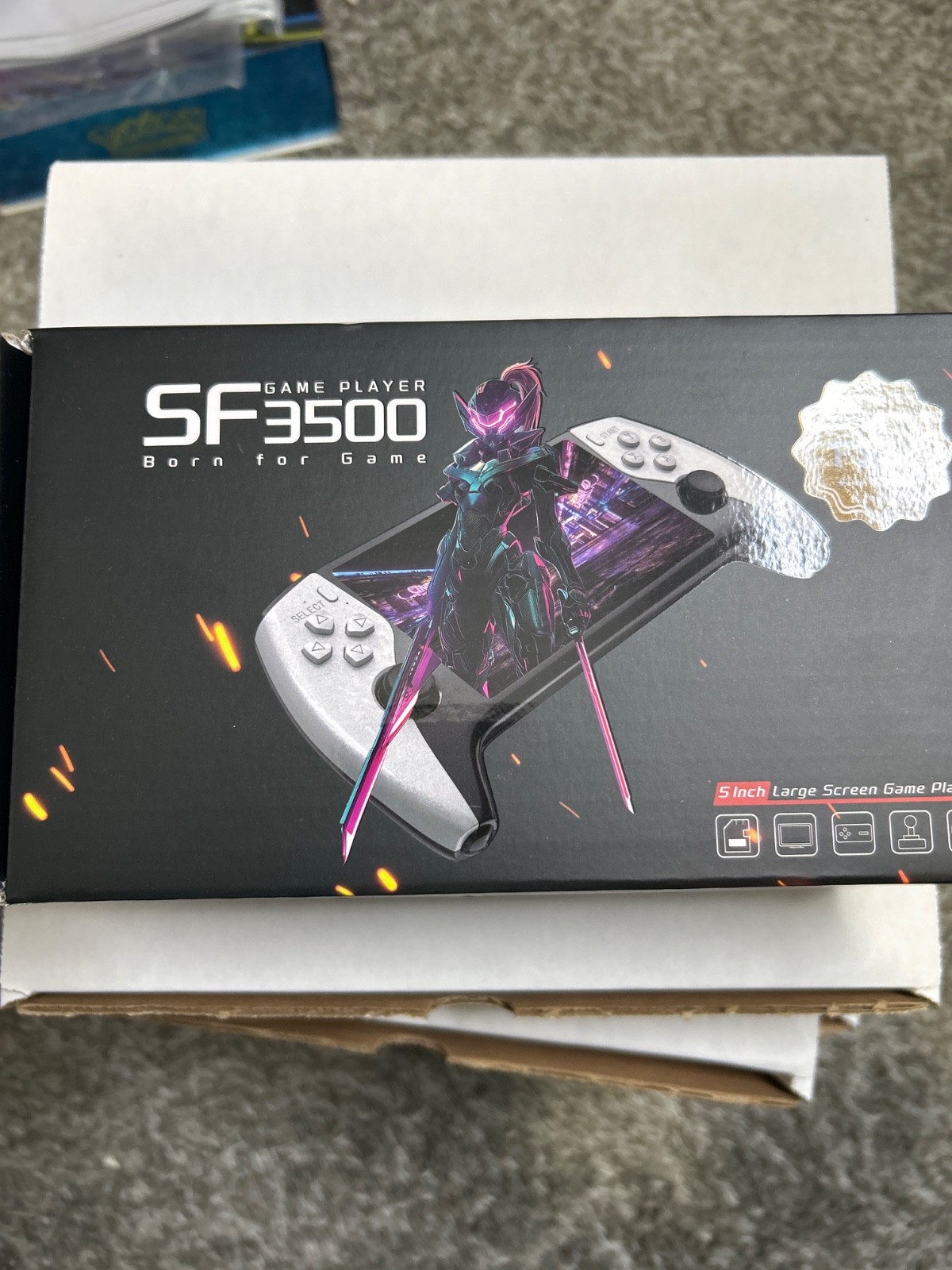 SF3500 Android Handheld Game Player 5" IPS 1080p FHD 64GB OTG Console$24.99View on eBay
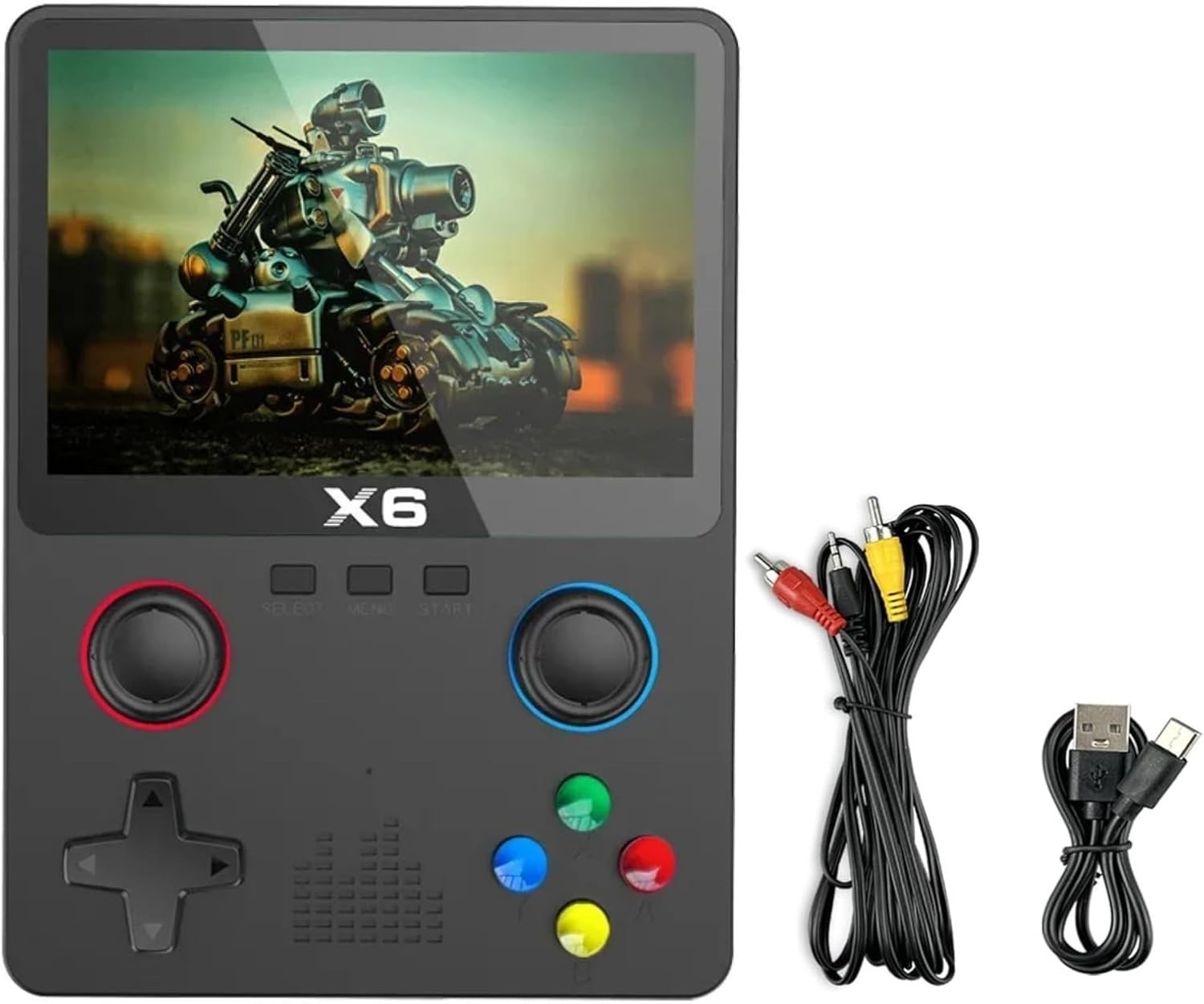 New - X6 Handheld Video Game Console 3.5 In 10000 Games Supports Expansion Cards$26.99View on eBay
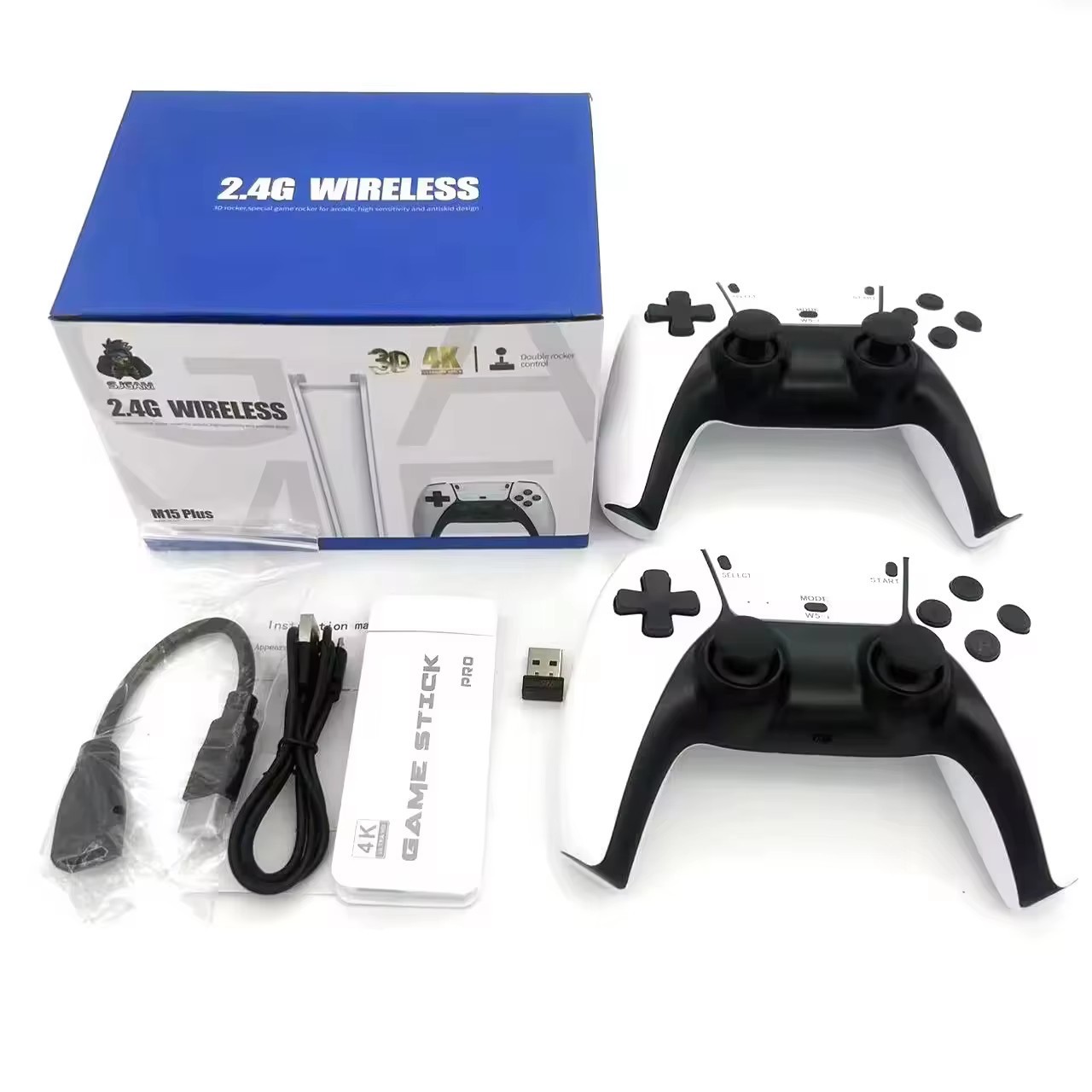 128G HDMI TV Video Game Stick M15 4K Gaming Console Gamepad 2Pack Controller 64$27.54View on eBay
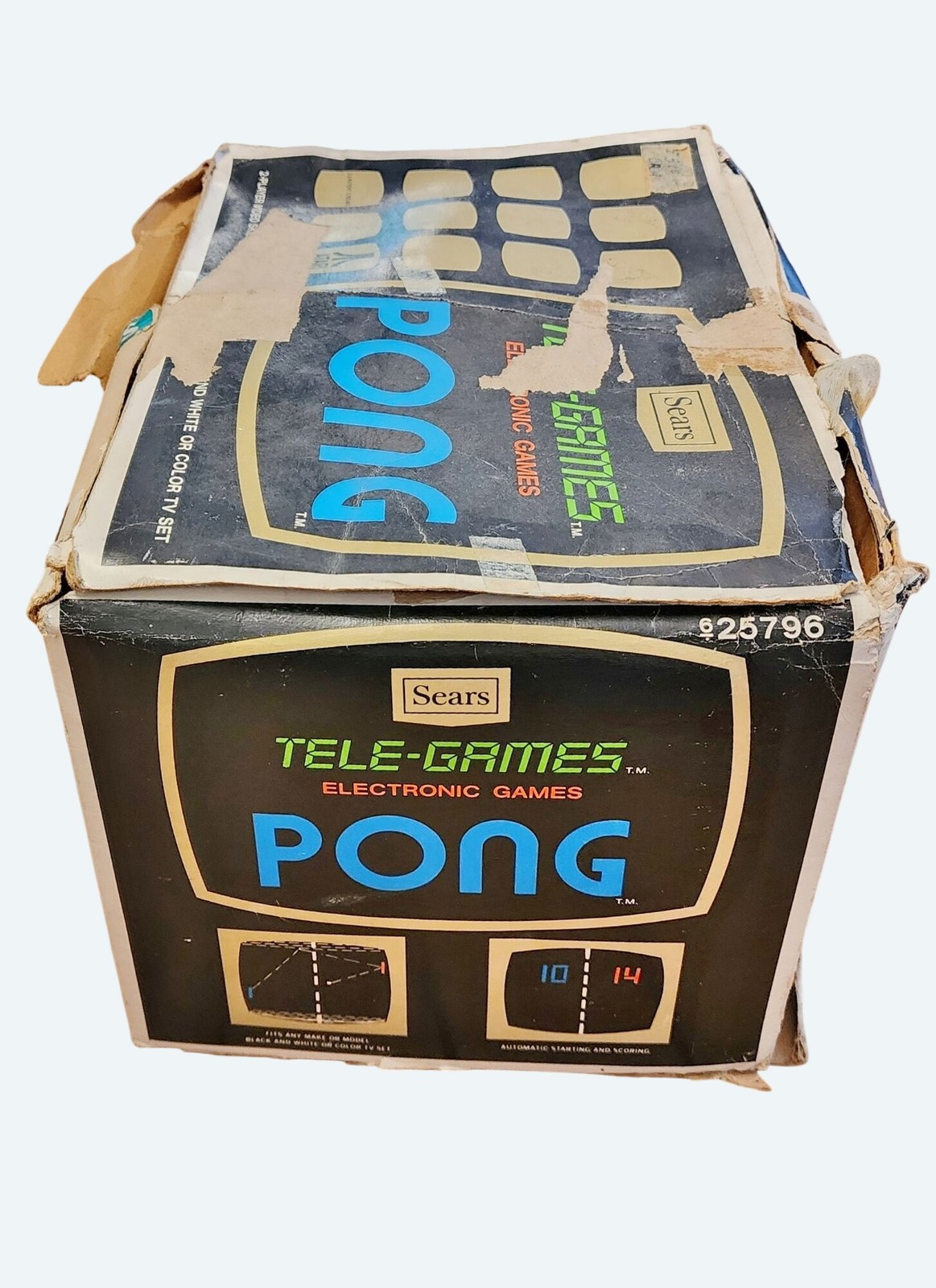 Vtg 1970s Sears Atari Tele-Games Pong Console 2-Player WORKS WELL w Original Box$47.00View on eBay
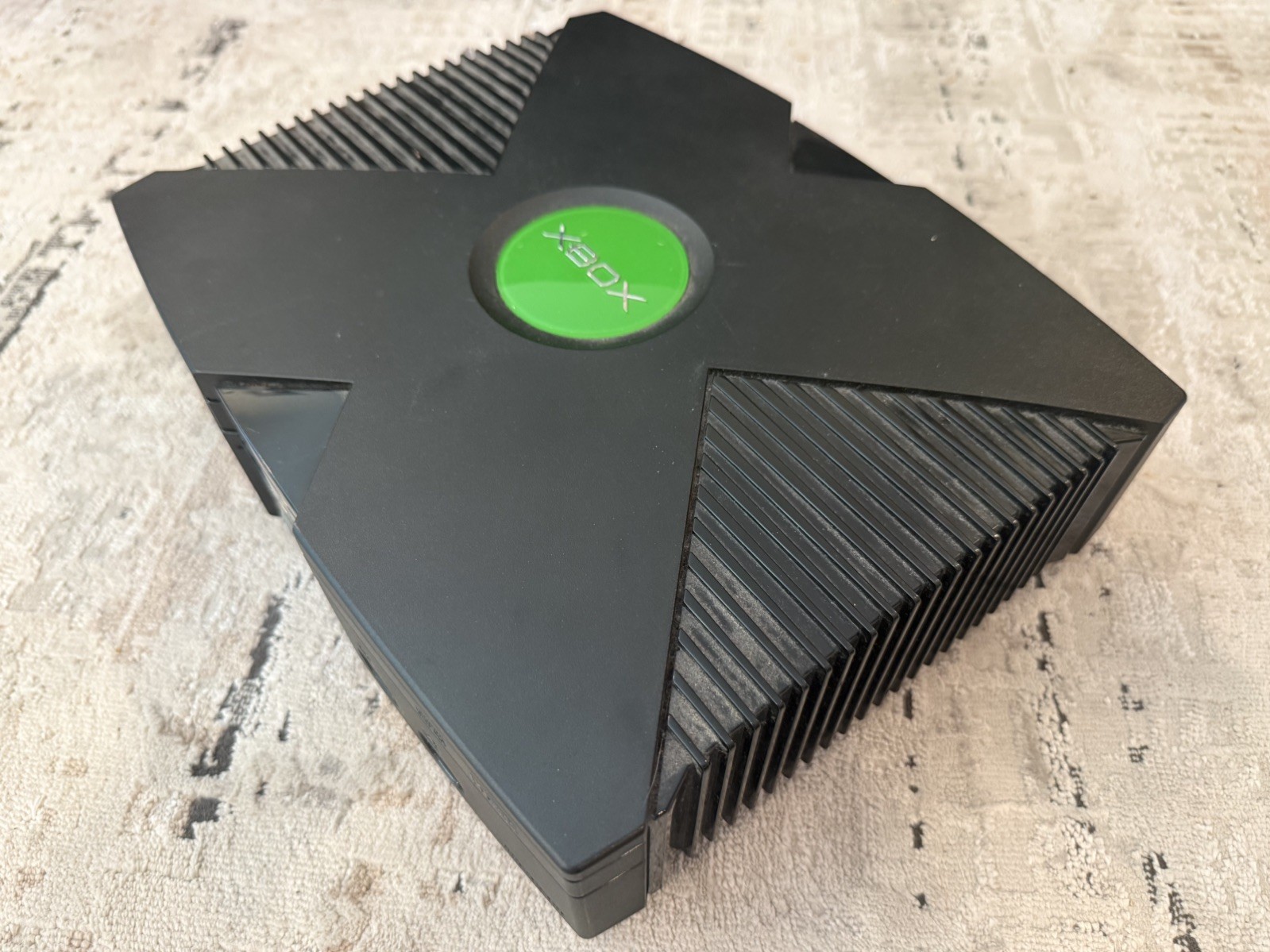 Original Xbox Console and accessories Microsoft Works Except DVD drive errors$55.00View on eBay
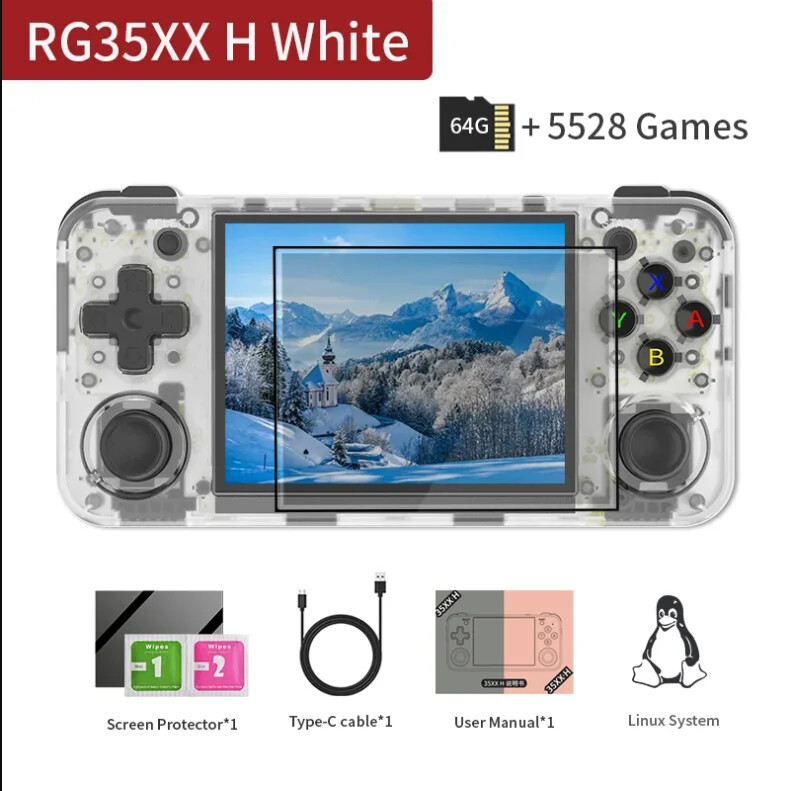 ANBERNIC RG35XX H handheld Game Console 3.5-inch IPS Screen 64G 5K+ Games Gifts$67.99View on eBay
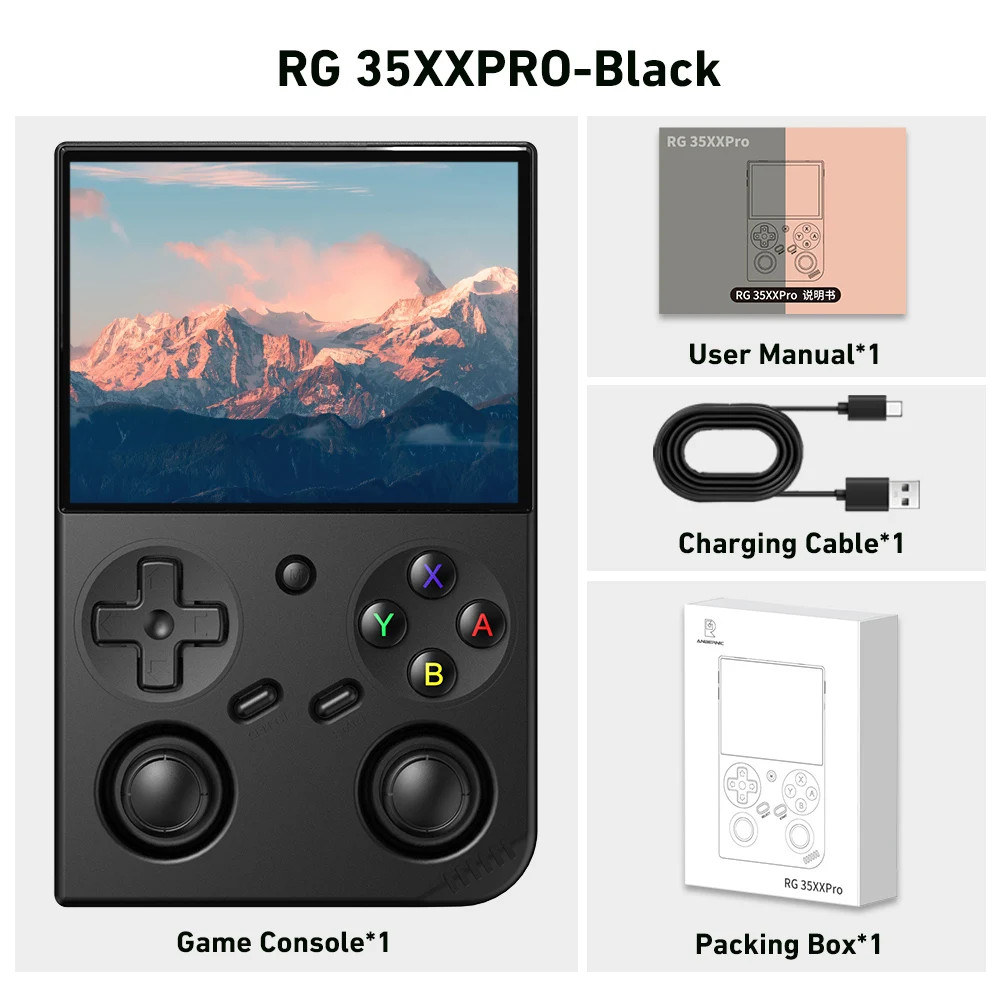 Anbernic RG 35XXPRO 3.5” IPS Screen Video Game Console Linux Built-in 64G Gifts$69.99Last checked Nov 28, 2026View on eBay
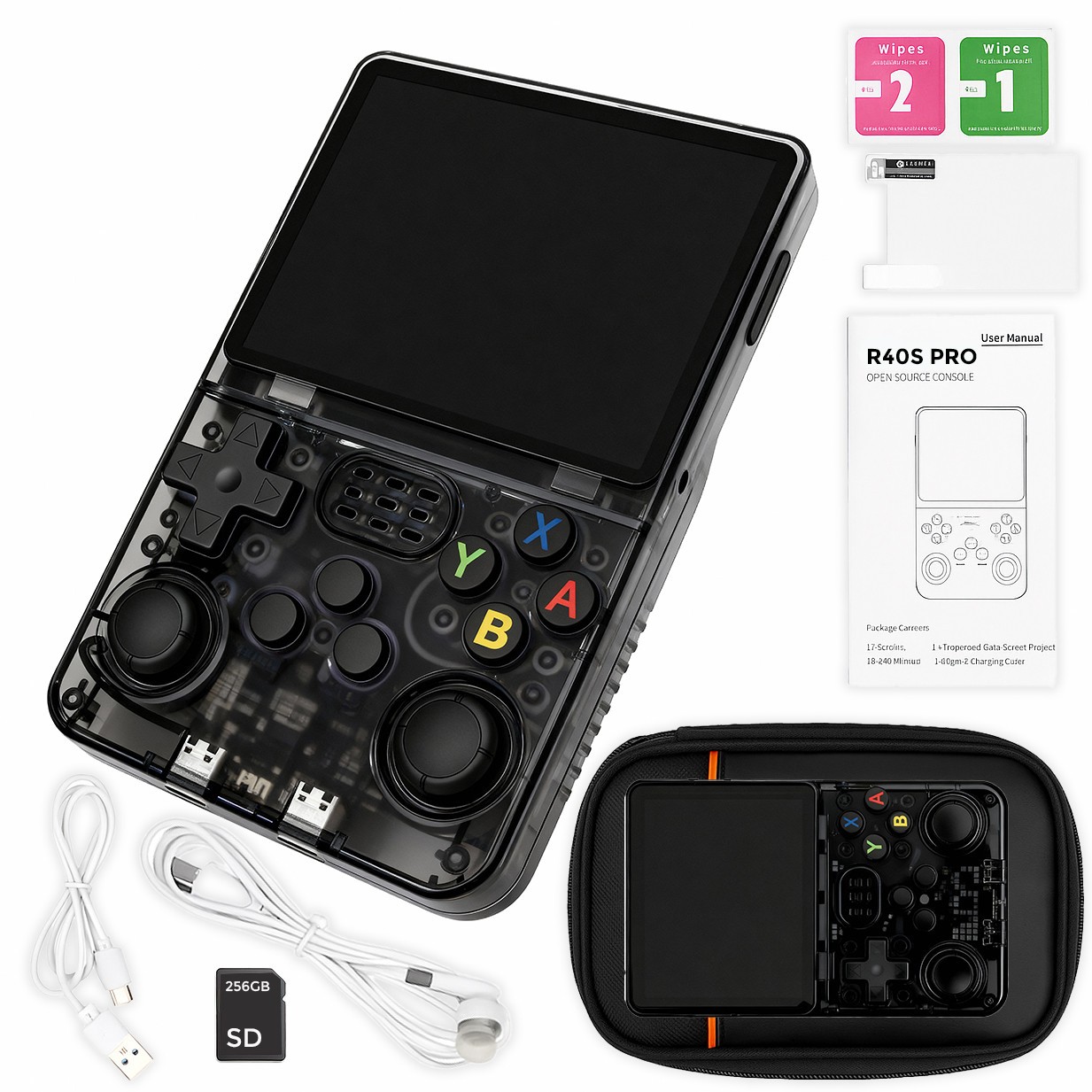 R36S R40S PRO Handheld Console 3.5 Inch IPS Screen Open Source Linux Portable$69.99View on eBay
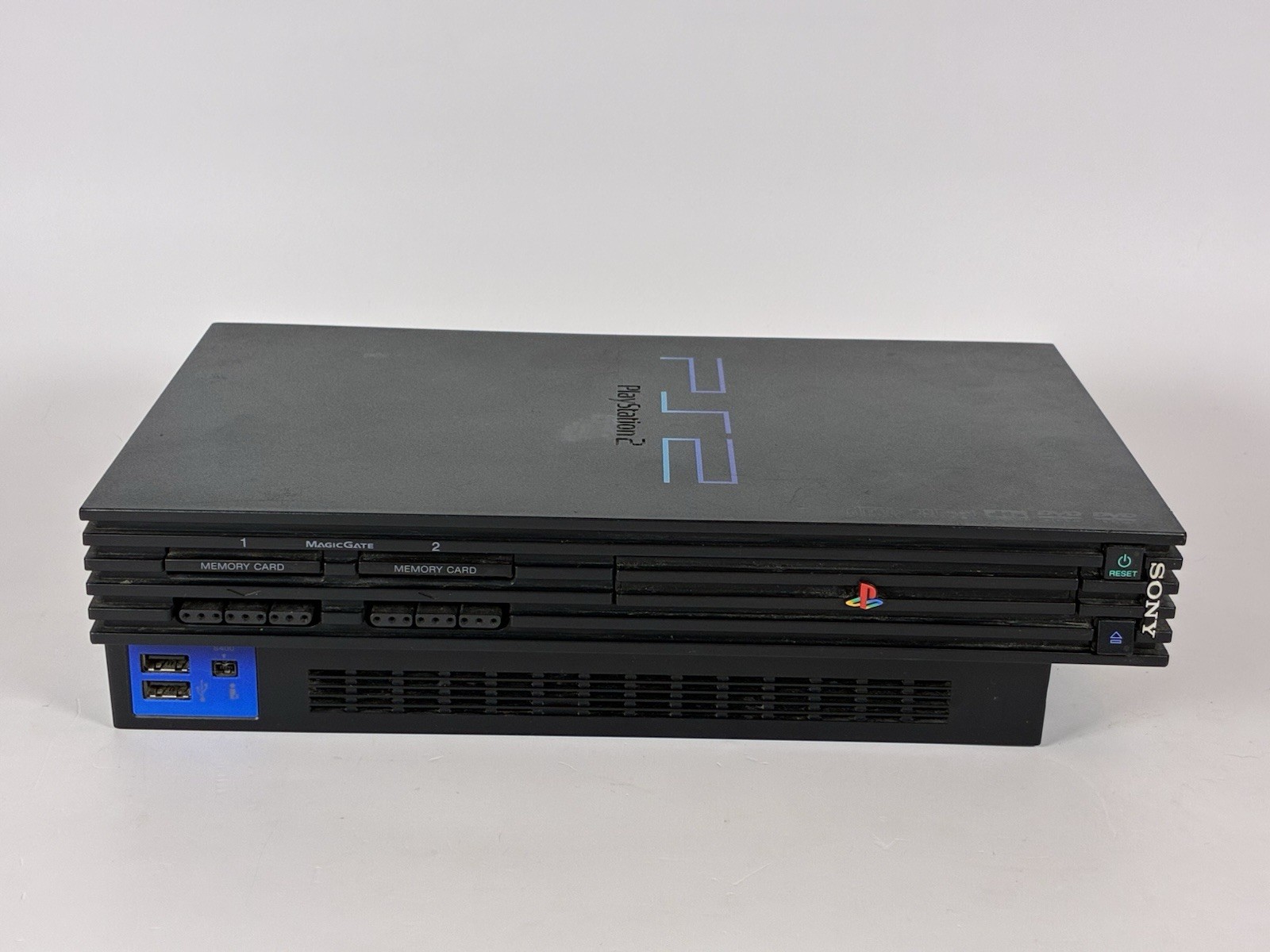 PlayStation 2 PS2 Console Only Fully Tested - Grade C$75.00View on eBay
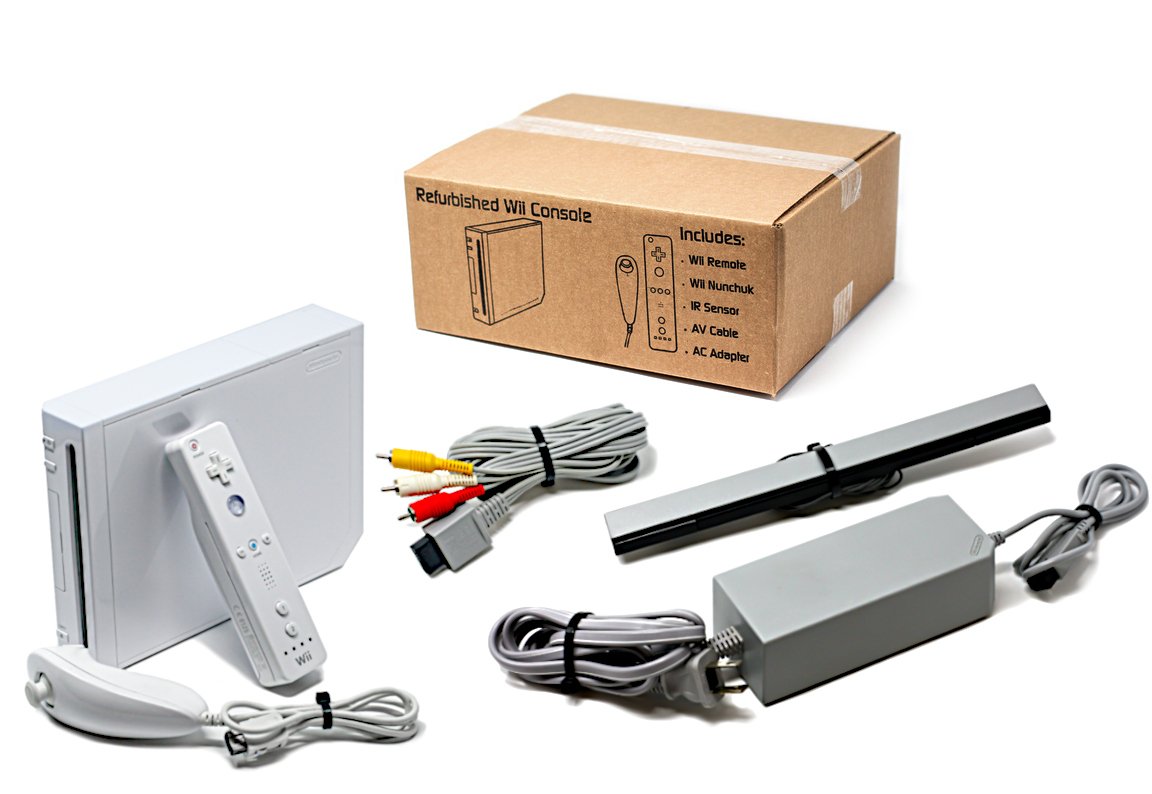 Authentic Wii Console White + Pick Games, Controllers & Cords + US Seller$84.99Last checked Nov 18, 2026View on eBay
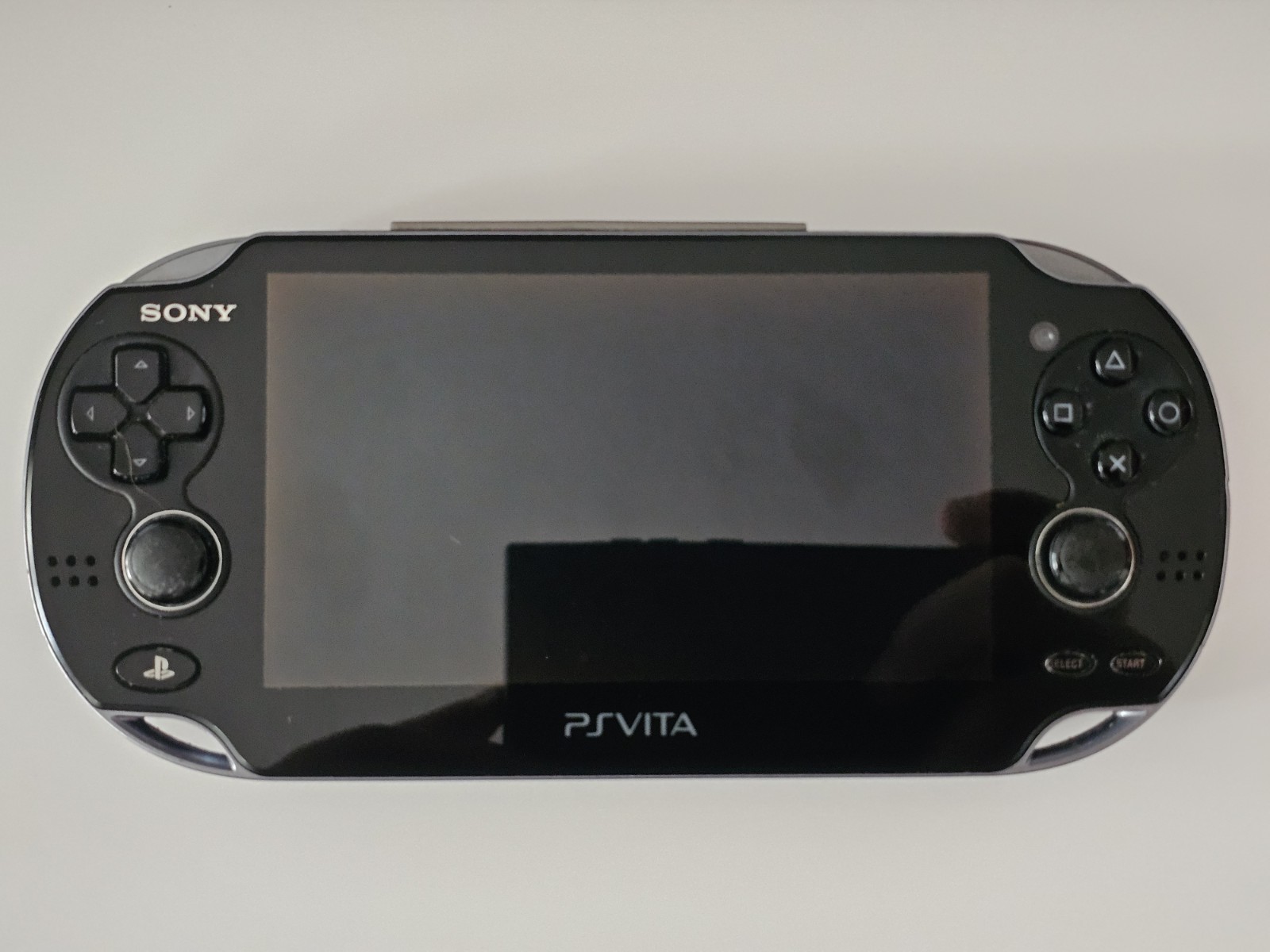 Sony PS Vita OLED PCH-1101 Black Handheld Console Demo Unit Parts Repair READ$84.99View on eBay
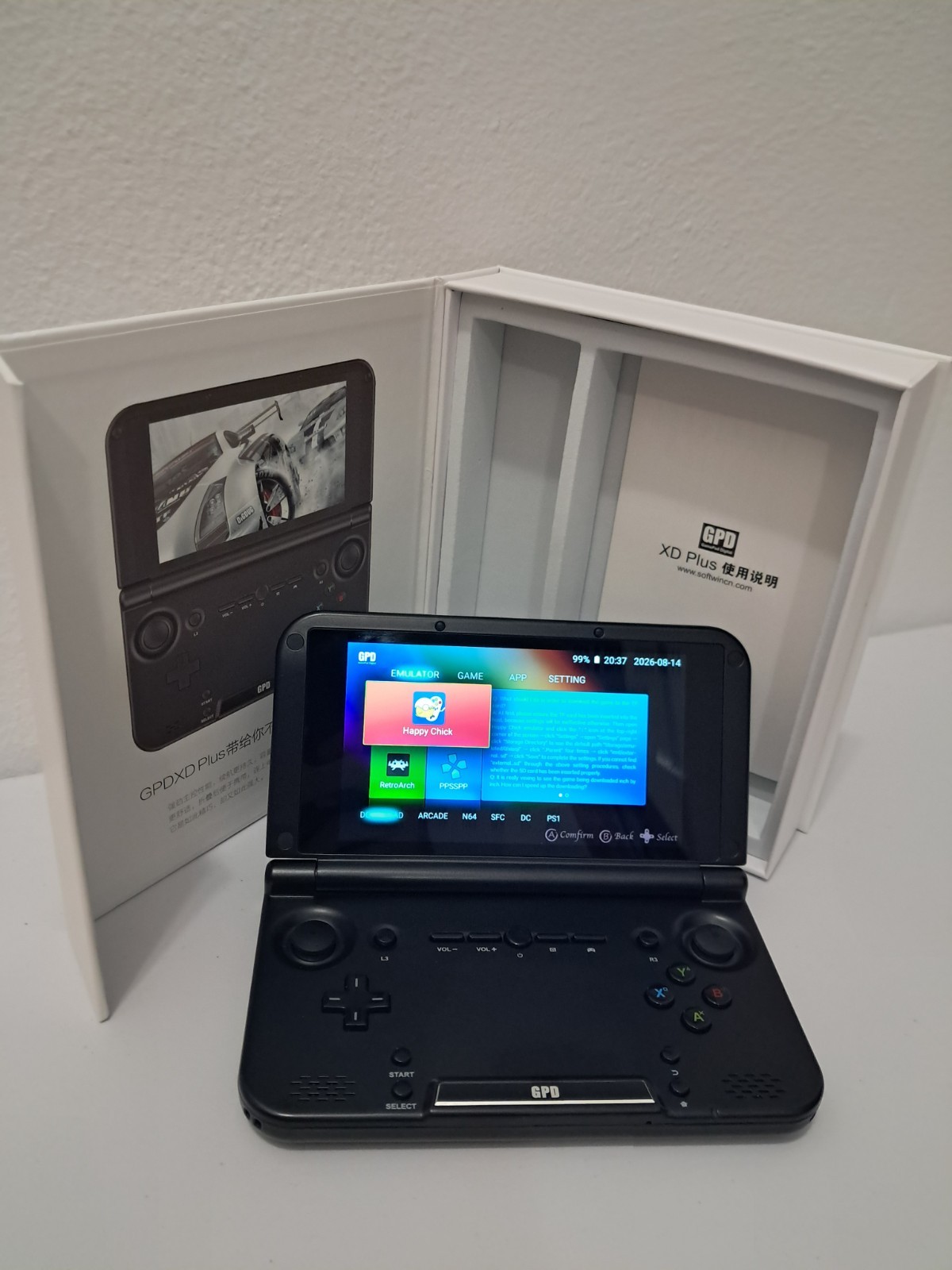 GPD XD Plus 32GB Android Handheld Gaming Console$85.00View on eBay
 The RetroPlay Console$86.89Last checked Nov 24, 2026View on eBay
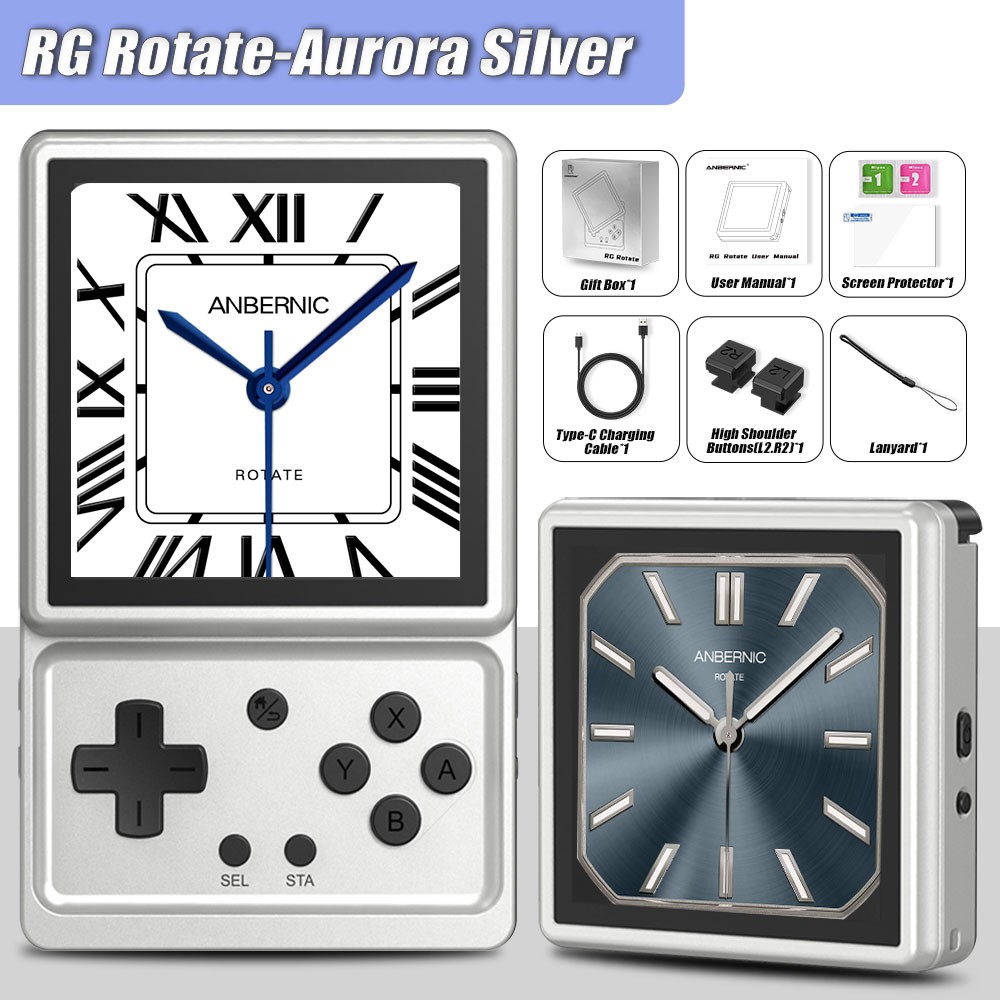 ANBERNIC RG Rotate T618 Handheld Game Console 3.5-inch Android12 2000 mAh Gifts$97.02Last checked Nov 26, 2026View on eBay
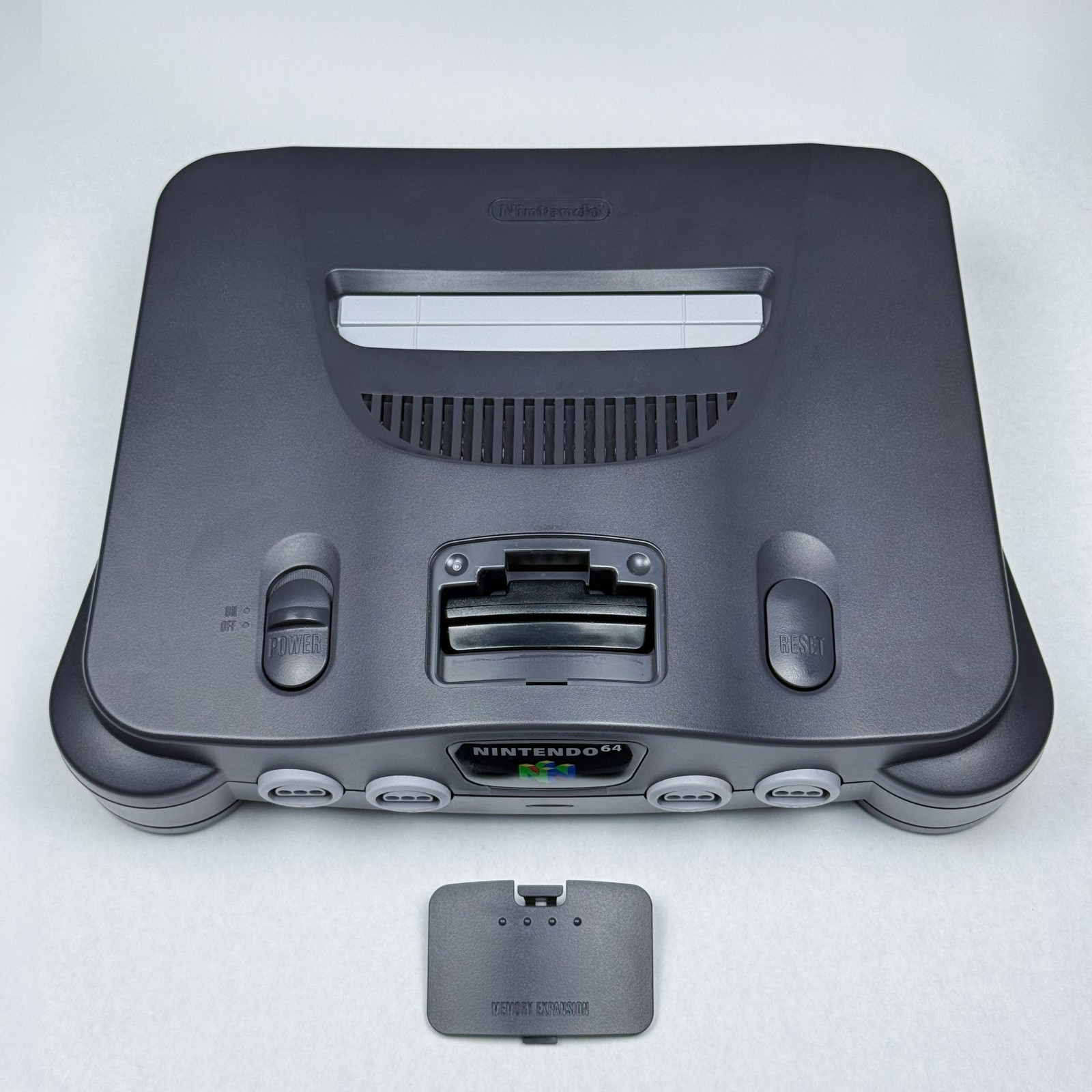 Official Nintendo 64 Console + OEM Controllers (Tight Sticks) - USA Seller$104.99View on eBay
Highlights
- Handheld retro consoles split into 8-bit FC-style Allwinner-class chipsets with fixed game lists, and 16/32-bit ARM systems with microSD ROM loading and rechargeable batteries.
- Modern microconsoles and TV boxes use multicore ARM Cortex-A53/A55 or x86 APUs with HDMI output, USB controller support, and 1-4GB RAM; retro handhelds typically run 2.5-4.0-inch LCDs at 320x240 to 640x480.
- CNC-machined aluminum alloy shells resist flex and dissipate heat; commodity ABS plastic housings creak, strip screw bosses, and yellow under UV exposure.
- Battery architecture determines shelf life: rechargeable 18650 or Li-polymer cells with USB-C are serviceable; AAA/AA primary cells and non-replaceable pouch cells limit longevity.
Best use cases
- Pick a 16/32-bit ARM handheld with microSD storage if you want to load your own ROMs and charge by USB-C; skip 8-bit 500-in-1 units that lock you to a fixed list.
- Choose a home microconsole or mini-PC emulator box with HDMI and USB controller ports for couch multiplayer; a 2.5-inch handheld screen is too small for shared play.
- For a child's first console, a plastic 8-bit handheld with a rubberized grip and AA cells is appropriate; for adult travel, buy an aluminum-shell unit with a replaceable rechargeable cell.
- For console repair or pad/button restoration, buy exact-generation replacement modules — e.g., Deck power button fix kits and model-specific signal separators — rather than universal parts.
Buying tips
- Ignore "500 games" or "150 games" labels; instead confirm whether storage is fixed internal flash or a microSD slot, which decides if the library is expandable.
- Match battery chemistry to use: USB-C rechargeable Li-ion for frequent play, AA/AAA primary cells for low-cost kids' units and long shelf storage without charging.
- For emulation accuracy, check the chipset generation: 8-bit FC clones emulate NES-era titles, while ARM Cortex-A53/A55 or x86 APUs are needed for 16-bit and 32-bit systems.
- Verify display resolution and panel type: 320x240 to 640x480 IPS panels are the practical floor; TN panels and stretched widescreen scaling cause blurry pixel art.
Specs
| Form Factor | Handheld / Home microconsole / Bundle |
|---|---|
| Shell Material | CNC aluminum alloy / ABS plastic |
| Battery Type | USB-C Li-ion / AA-AAA / Pouch cell |
| Game Storage | Fixed flash / microSD expandable |
Related searches
What to check before buying
- Measure the handheld's grip-to-screen ratio and check the weight threshold (under 250g for one-handed play, under 400g for long sessions) against your use.
- Confirm power input: USB-C PD or 5V USB-A charging versus AA/AAA cells, and check whether the battery is user-replaceable.
- For home consoles, count HDMI, USB, and Ethernet ports and confirm the AC adapter voltage and plug type for your region.
- Check the buttons and D-pad material: silicone membrane versus metal dome versus microswitch changes durability and feel; verify replacement parts are available.
FAQ
Data sources: eBay / Amazon listings and product attribute feeds. Updated Nov 29, 2026.
Some links on this page are affiliate links. If you buy after clicking one, we may earn a commission at no extra cost to you. This does not change which products appear here or their order. Affiliate disclosure.