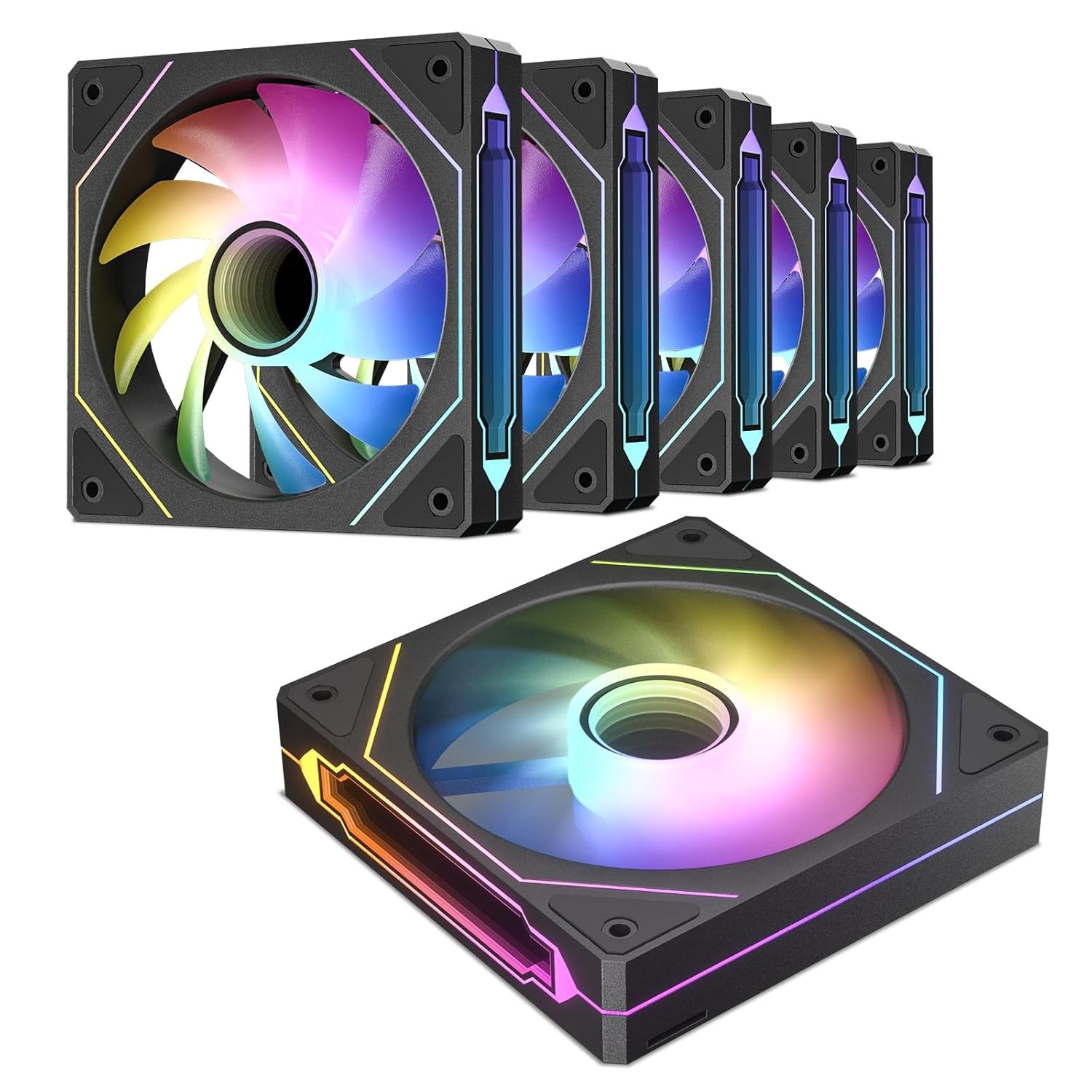

Photos from current listings. Actual item, color, and included accessories may vary.
Case Fan Buying Guide
Case fans are the primary airflow and static-pressure components that determine whether a PC breathes or chokes, and the core trade-off is bearing type and blade geometry: cheap sleeve-bearing, low-pressure units are noisy and short-lived, while fluid-dynamic or magnetic bearings with high static pressure hold up for years. The decision rule is simple: buy fans rated for the mounting restriction they face — high static pressure for radiators and dust filters, high airflow for open mesh — and never accept sleeve bearings in a horizontal or high-heat orientation.
Key takeaways
- Bearing type is the durability divider: sleeve bearings fail in 1-2 years in horizontal mounts, while fluid dynamic, magnetic levitation, and rifle bearings are rated 50,000-150,000+ hours.
- Static pressure (mmH2O) matters more than CFM behind filters and radiators; aim for 1.5+ mmH2O on restrictive mounts and 60+ CFM on open mesh intakes.
- PWM 4-pin fans allow 200-2000+ RPM control via motherboard curves; 3-pin DC fans only vary by voltage and often idle louder at low load.
At a glance
- Category
- PC Cases & Cooling
- Last updated
- Nov 23, 2026
Current offers
Highlights
- Bearing type is the durability divider: sleeve bearings fail in 1-2 years in horizontal mounts, while fluid dynamic, magnetic levitation, and rifle bearings are rated 50,000-150,000+ hours.
- Static pressure (mmH2O) matters more than CFM behind filters and radiators; aim for 1.5+ mmH2O on restrictive mounts and 60+ CFM on open mesh intakes.
- PWM 4-pin fans allow 200-2000+ RPM control via motherboard curves; 3-pin DC fans only vary by voltage and often idle louder at low load.
- 120mm fans fit nearly all cases and radiators, while 140mm move roughly 25-30% more air at the same RPM and are the better choice wherever mounting holes allow.
Best use cases
- Pick high-static-pressure 120mm PWM fans with rubber corner pads for AIO radiators and front intakes behind dust filters; skip low-pressure RGB show fans that stall against mesh.
- Choose 140mm high-airflow fans for open-mesh front and top exhaust in ATX mid-towers where noise-normalized airflow matters more than pressure.
- For budget multi-fan builds, a 3- or 6-pack of 120mm PWM fans is the right value tier — but skip bundled 3-pin sleeve-bearing packs if the fans will run horizontally or at full speed.
- Small-form-factor and ITX builds should use slim 15mm-thick 120mm fans in tight clearances, not standard 25mm frames that foul the GPU or side panel.
Buying tips
- Match fan size to the case's stamped mounting pattern: 120mm holes are 105mm apart, 140mm holes are 124.5mm apart — measure before ordering multi-packs.
- Prioritize static pressure above 1.5 mmH2O for any fan behind a filter or on a radiator; pure airflow fans lose 30-50% of their CFM through dense mesh.
- Insist on 4-pin PWM and a 4-pin motherboard header (or a powered hub) for multi-fan arrays; daisy-chaining more than 3 fans from one header risks overload.
- For vertical GPU or bottom-intake layouts, only use fans rated for horizontal operation — fluid dynamic or mag-lev bearings — because sleeve bearings dry out and rattle.
Specs
| Bearing Type | Fluid dynamic / mag-lev vs sleeve |
|---|---|
| Fan Size | 120mm / 140mm (105 / 124.5mm holes) |
| Static Pressure | 1.5+ mmH2O restrictive / 60+ CFM open |
| Control Interface | 4-pin PWM vs 3-pin DC voltage |
Related searches
What to check before buying
- Measure the case's fan mounting slots and clearance: standard frames are 25mm thick, so confirm at least 30mm of clearance behind the mounting surface for cables and vibration pads.
- Count available 4-pin fan headers and their amp ratings; most board headers supply 1A, enough for 2-3 fans, and beyond that a SATA-powered hub is required.
- Check whether intake paths are filtered or mesh-restricted — this alone dictates whether you need static-pressure or airflow-optimized blades.
- Confirm the case's maximum radiator and fan stack depth if pairing fans with an AIO, and verify the fan screw length (typically 30mm for 25mm frames).
FAQ
Data sources: eBay / Amazon listings and product attribute feeds. Updated Nov 23, 2026.
Some links on this page are affiliate links. If you buy after clicking one, we may earn a commission at no extra cost to you. This does not change which products appear here or their order. Affiliate disclosure.