
Photos from current listings. Actual item, color, and included accessories may vary.
Atx Case Buying Guide
An ATX case is the standardized enclosure that defines motherboard fit, airflow path, and build ergonomics for full-size desktop PCs. The primary trade-off is between airflow-optimized mesh front panels and silence-optimized solid panels, with steel thickness and fan provisioning separating durable chassis from flex-prone budget shells. Buy mesh-front, 0.7mm+ steel, and at least two pre-installed 120mm fans for any build using a discrete GPU.
Median $49.99
Key takeaways
- ATX motherboards measure 305 × 244 mm; mid-tower cases must list ATX support and provide 7 expansion slots to fit them.
- Mesh front panels with ≥40% open area drop GPU temperatures 5–10°C versus solid front panels with side intakes.
- Steel chassis thickness of 0.7–0.8 mm resists flex and fan vibration; sub-0.6 mm panels rattle and warp under GPU load.
At a glance
- Category
- PC Cases & Cooling
- Last updated
- Nov 23, 2026
Current offers
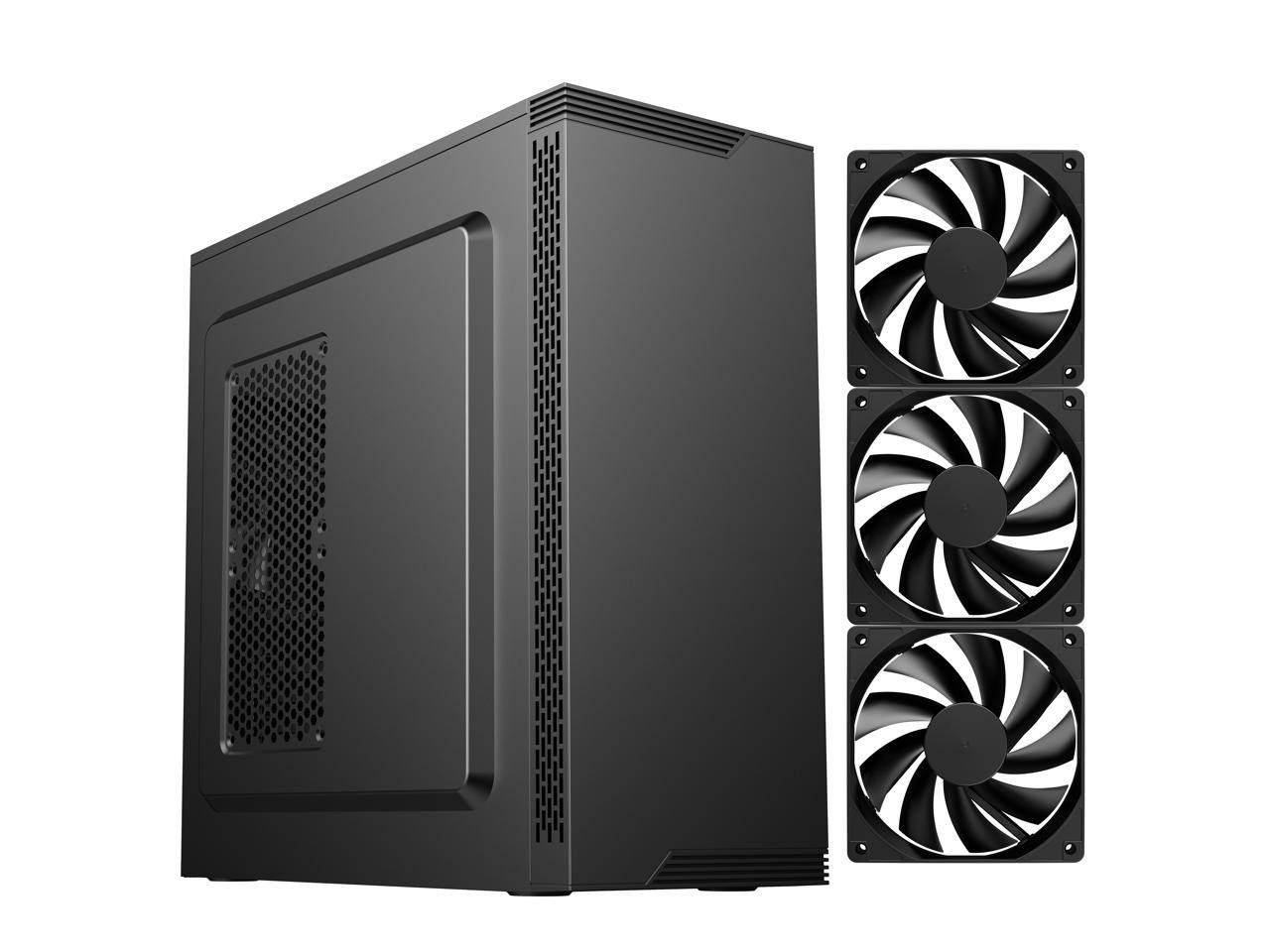 DIYPC DIY-S05-BK Black USB3.0 Steel ATX Mid Tower Computer Case, 3 x120mm Blac$37.49View on eBay
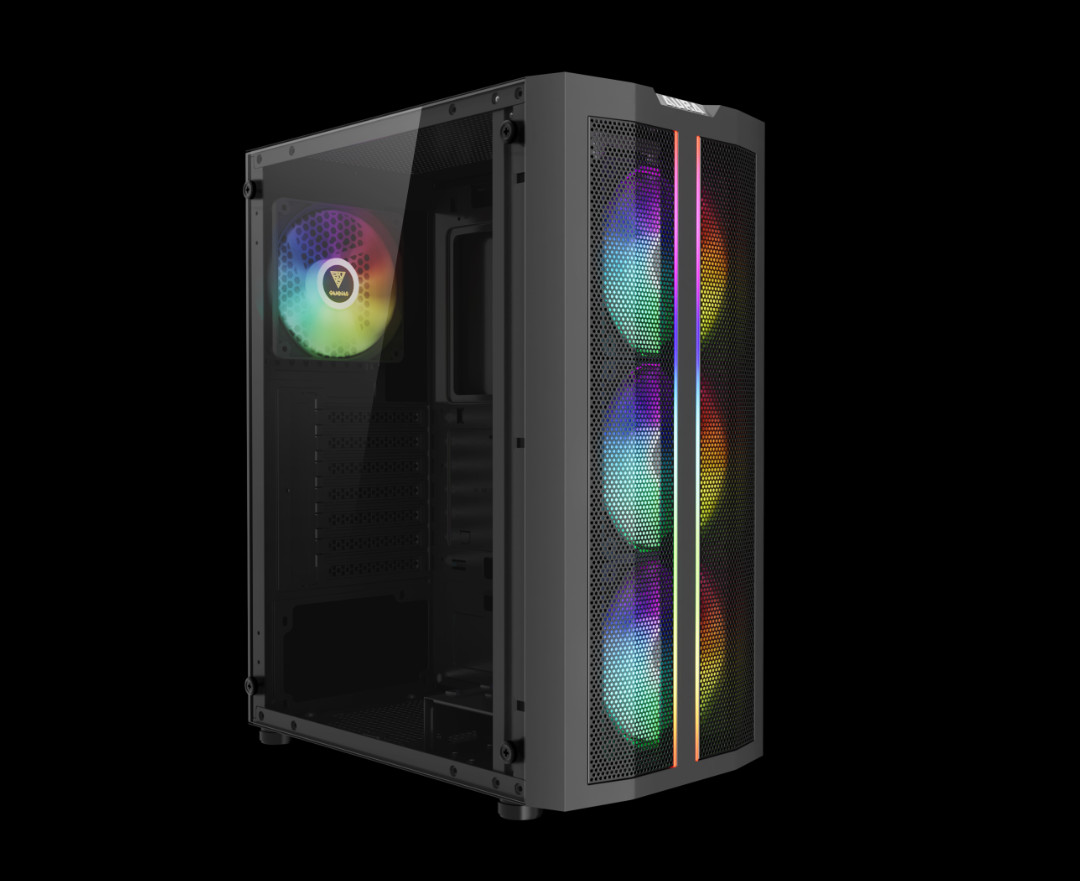 GAMDIAS ATX Mid Tower Gaming PC Case with Tempered Glass, ARGB Fans & Lighting$49.99View on eBay
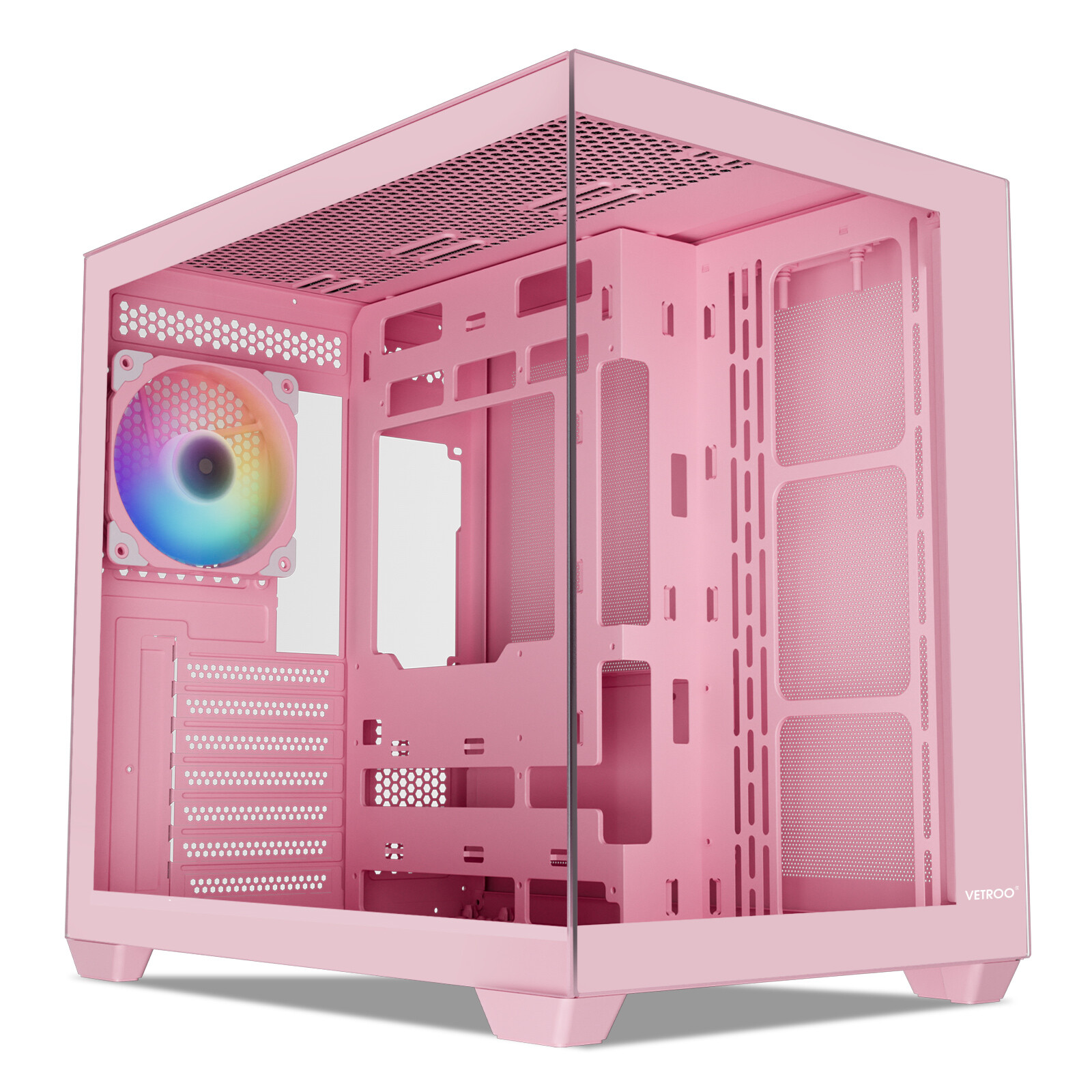 Vetroo AL900 Pink Computer hardware and computer peripherals ATX PC Case$94.99Last checked Nov 18, 2026View on eBay
Highlights
- ATX motherboards measure 305 × 244 mm; mid-tower cases must list ATX support and provide 7 expansion slots to fit them.
- Mesh front panels with ≥40% open area drop GPU temperatures 5–10°C versus solid front panels with side intakes.
- Steel chassis thickness of 0.7–0.8 mm resists flex and fan vibration; sub-0.6 mm panels rattle and warp under GPU load.
- Pre-installed fan count and size (2×120mm or 3×120mm) determine out-of-box airflow; ARGB adds lighting but not static pressure.
Best use cases
- Best for high-wattage gaming builds: pick a mesh-front mid-tower with 3×120mm front intake and 360mm radiator support to feed a 250W+ GPU.
- Best for storage-heavy workstations: choose a case with 4+ internal 3.5-inch bays and a solid front panel to dampen HDD noise.
- Wrong fit for SFF or mATX budgets: an ATX mid-tower wastes 15–20L of volume; step down to mATX or ITX only if you never need 7 slots or 360mm radiators.
- Wrong fit for silent-office builds: skip ARGB glass cases; a solid-panel case with sound-dampening foam and 2×140mm fans runs quieter at the same thermals.
Buying tips
- Measure GPU length first: ATX mid-towers clear 320–360mm; add 20mm for front fan clearance and verify radiator thickness if top-mounting.
- CPU cooler height clearance must exceed your tower cooler by 5mm; most ATX mid-towers allow 160–175mm, so 120mm AIOs are always safe.
- Pick 0.7mm+ SPCC steel and a PSU shroud; thinner panels transmit HDD and pump vibration into audible resonance.
- For 360mm radiators, confirm top or front mounting with ≥55mm total clearance (radiator + fan) and offset motherboard standoffs.
Specs
| Motherboard Support | ATX / mATX / ITX (E-ATX select) |
|---|---|
| Expansion Slots | 7 slots (ATX standard) |
| Max GPU Length | 320–360 mm mid-tower |
| Radiator Support | 240/280/360 mm front or top |
Related searches
What to check before buying
- Motherboard form factor: confirm ATX (305×244mm) or E-ATX support and 7 expansion slots before ordering.
- GPU clearance: measure card length plus 20mm fan gap against listed max GPU length; check vertical-mount support if using a riser.
- Cooler and PSU fit: verify CPU cooler height ≤ listed max and PSU length ≤ shroud bay (typically 160–200mm).
- Desk and airflow: allow 50mm rear and 30mm top exhaust clearance; mesh fronts need unobstructed intake, not a closed cabinet.
FAQ
Data sources: eBay / Amazon listings and product attribute feeds. Updated Nov 23, 2026.
Some links on this page are affiliate links. If you buy after clicking one, we may earn a commission at no extra cost to you. This does not change which products appear here or their order. Affiliate disclosure.