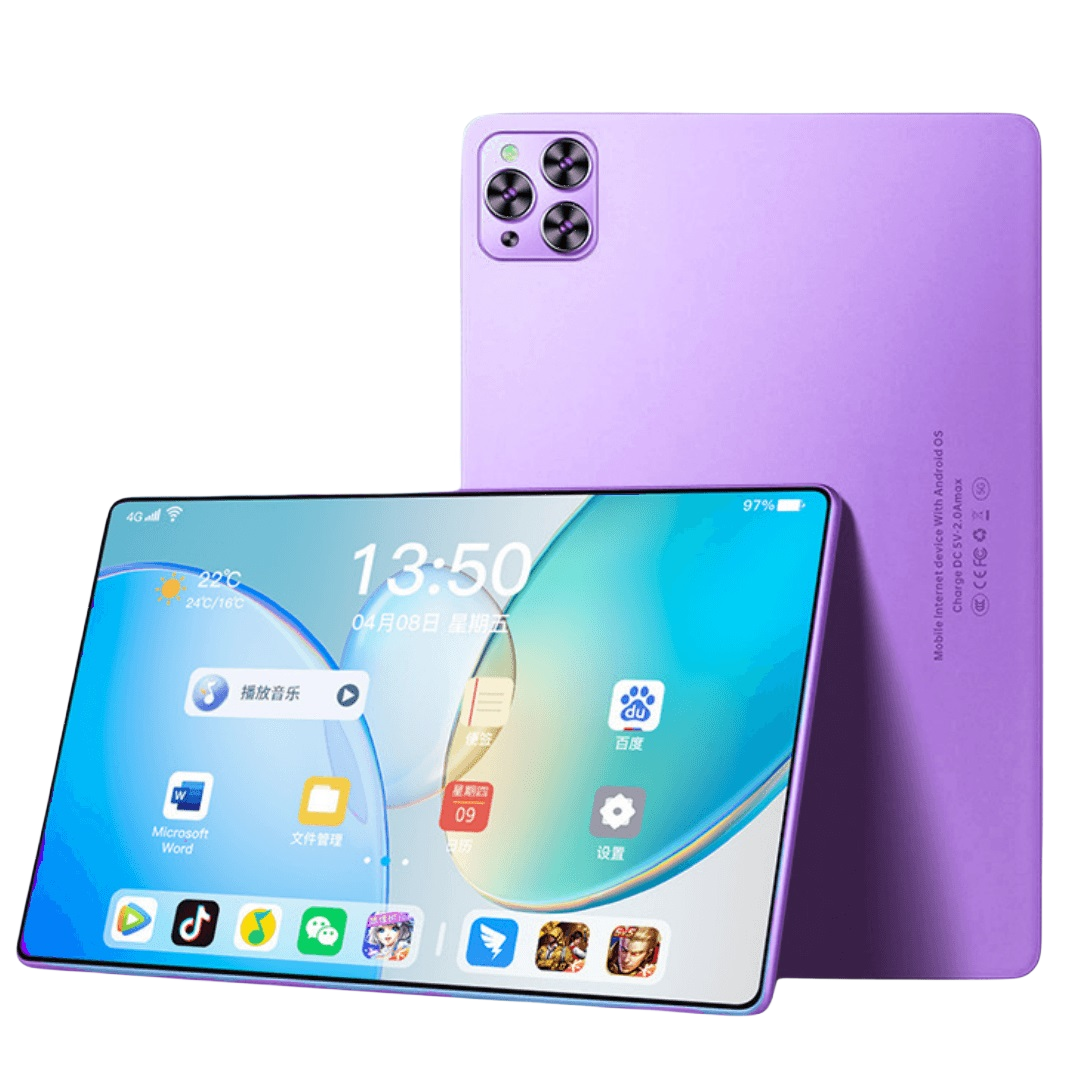

Photos from current listings. Actual item, color, and included accessories may vary.
Tablet With Stylus Buying Guide
A tablet with stylus pairs a pressure-sensitive digitizer with a display, and the core trade-off is active pen technology (Wacom AES/EMR, Apple Pencil, USI) versus capacitive rubber-tip stylus on a budget panel. Durable, low-latency writing requires an active digitizer with palm rejection; capacitive styluses cannot deliver pressure or tilt and are a compromise for note-taking.
Key takeaways
- Active digitizers fall into three families: Wacom EMR (no battery in pen, best tilt), Wacom AES (battery/USB-C pen, fine pressure), and Apple Pencil (magnetic pairing, 9ms latency on ProMotion).
- USI 1.0/2.0 is the open standard for Chromebook and many Android tablets; USI pens are interchangeable across compliant devices, while proprietary pens are not.
- Capacitive styluses use a conductive rubber tip with no pressure sensing or palm rejection; they suit casual drawing but not sustained handwriting.
At a glance
- Category
- Tablets & E-Readers
- Last updated
- Nov 28, 2026
Current offers
Highlights
- Active digitizers fall into three families: Wacom EMR (no battery in pen, best tilt), Wacom AES (battery/USB-C pen, fine pressure), and Apple Pencil (magnetic pairing, 9ms latency on ProMotion).
- USI 1.0/2.0 is the open standard for Chromebook and many Android tablets; USI pens are interchangeable across compliant devices, while proprietary pens are not.
- Capacitive styluses use a conductive rubber tip with no pressure sensing or palm rejection; they suit casual drawing but not sustained handwriting.
- Display bonding matters: laminated panels reduce parallax between tip and ink, while non-laminated budget panels show a visible air gap that hurts precision.
Best use cases
- Best fit: students taking handwritten notes — pick an active pen tablet with palm rejection and at least 4,096 pressure levels; skip capacitive-only budget tablets.
- Best fit: digital artists sketching on the go — choose Wacom EMR or Apple Pencil 2 with tilt support and a laminated display; skip USI pens on non-laminated panels.
- Best fit: Chromebook classrooms — buy a USI 2.0-compatible convertible so pens are replaceable across brands; skip tablets with proprietary pen protocols.
- Wrong fit: buyers wanting a cheap stylus for occasional tapping — a capacitive stylus on any tablet is fine, but do not expect note-taking accuracy.
Buying tips
- Confirm pen pressure levels: 1,024 is entry, 4,096 is standard for note-taking, and 8,192+ targets artists; below 1,024 is not suitable for handwriting.
- Check pen protocol compatibility: USI pens work only on USI-certified devices; Apple Pencil 1 uses Lightning, Pencil 2 uses magnetic induction — they are not interchangeable.
- Prefer laminated displays for stylus use; non-laminated panels add 1–2 mm of parallax that makes fine lines harder to control.
- For budget tablets, verify active pen support in the spec sheet: many low-cost models list 'stylus compatible' but ship only capacitive support with no pressure sensitivity.
Specs
| Stylus Protocol | Wacom EMR / AES / Apple Pencil / USI |
|---|---|
| Pressure Levels | 1,024 entry / 4,096 standard / 8,192+ pro |
| Display Bonding | Laminated vs non-laminated panel |
| Palm Rejection | Active digitizer required / none on capacitive |
Related searches
What to check before buying
- Measure your bag or desk space: 10–11 inch tablets suit note-taking, 12.9 inch suits drawing but adds 200–300 g of weight.
- Confirm the tablet has an active digitizer layer in its published specs, not just 'stylus support' — check for pressure levels and palm rejection.
- Match the pen to the tablet generation: Apple Pencil 2 requires magnetic charging on iPad Pro/Air 4+/mini 6; Pencil 1 needs Lightning port.
- Check charging standard for the pen: EMR pens need no battery, AES/USI pens need AAAA or USB-C charging, so plan for spare batteries or cables.
FAQ
Data sources: eBay / Amazon listings and product attribute feeds. Updated Nov 28, 2026.
Some links on this page are affiliate links. If you buy after clicking one, we may earn a commission at no extra cost to you. This does not change which products appear here or their order. Affiliate disclosure.