
Photos from current listings. Actual item, color, and included accessories may vary.
E Reader Buying Guide
E-readers are single-purpose devices built around an E Ink display, where the core trade-off is panel technology and front-light quality versus price and ecosystem lock-in. E Ink panels are fundamentally different from LCD/OLED tablets: they are bistable, glare-free, and easy on the eyes, but refresh slowly and are poor for color or video. The decision rule is simple: buy a dedicated E Ink reader for long-form reading and battery life; buy a tablet only if you need color, video, or pen-heavy annotation.
Median $122.49
Key takeaways
- E Ink panel generations determine contrast and refresh: Carta and Carta 1200 offer the best text contrast, while Kaleido 3 adds muted color at reduced brightness and pixel density.
- Front-light systems differ by tier: basic models offer white light only, while ComfortLight PRO, GlowLight, and warm-light systems add adjustable amber tint for night reading.
- Waterproofing is model-specific: IPX8 ratings appear on premium tiers like the Nook GlowLight 4 Plus and Kindle Paperwhite, but not on base models.
At a glance
- Category
- Tablets & E-Readers
- Last updated
- Nov 24, 2026
Current offers
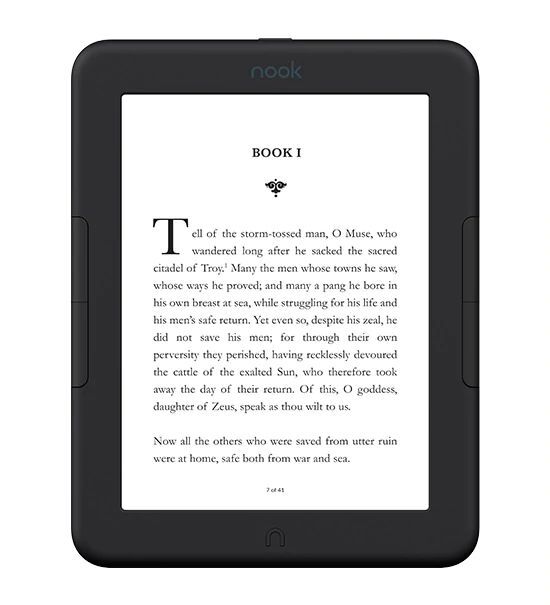 Barnes and Noble Nook Glowlight 4 eReader 6" 32GB BNRV1100$89.99View on eBay
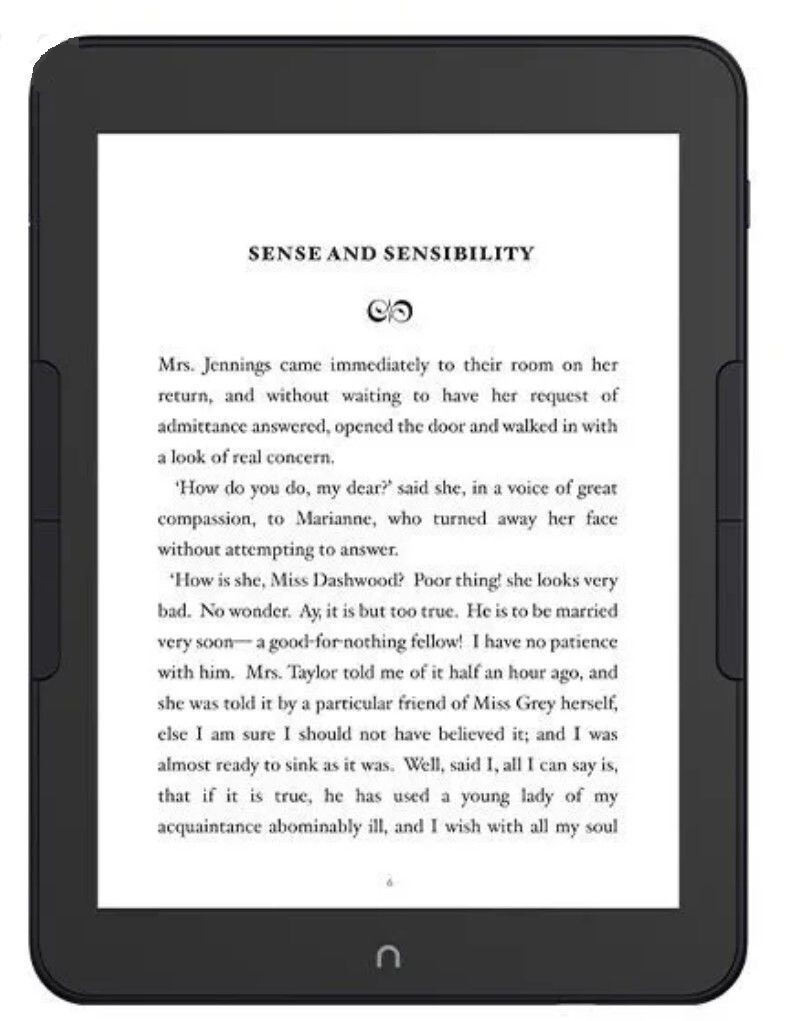 Barnes & Noble NOOK GlowLight 4 Plus eReader 7.8" 32GB BNRV1300 Waterproof$104.99View on eBay
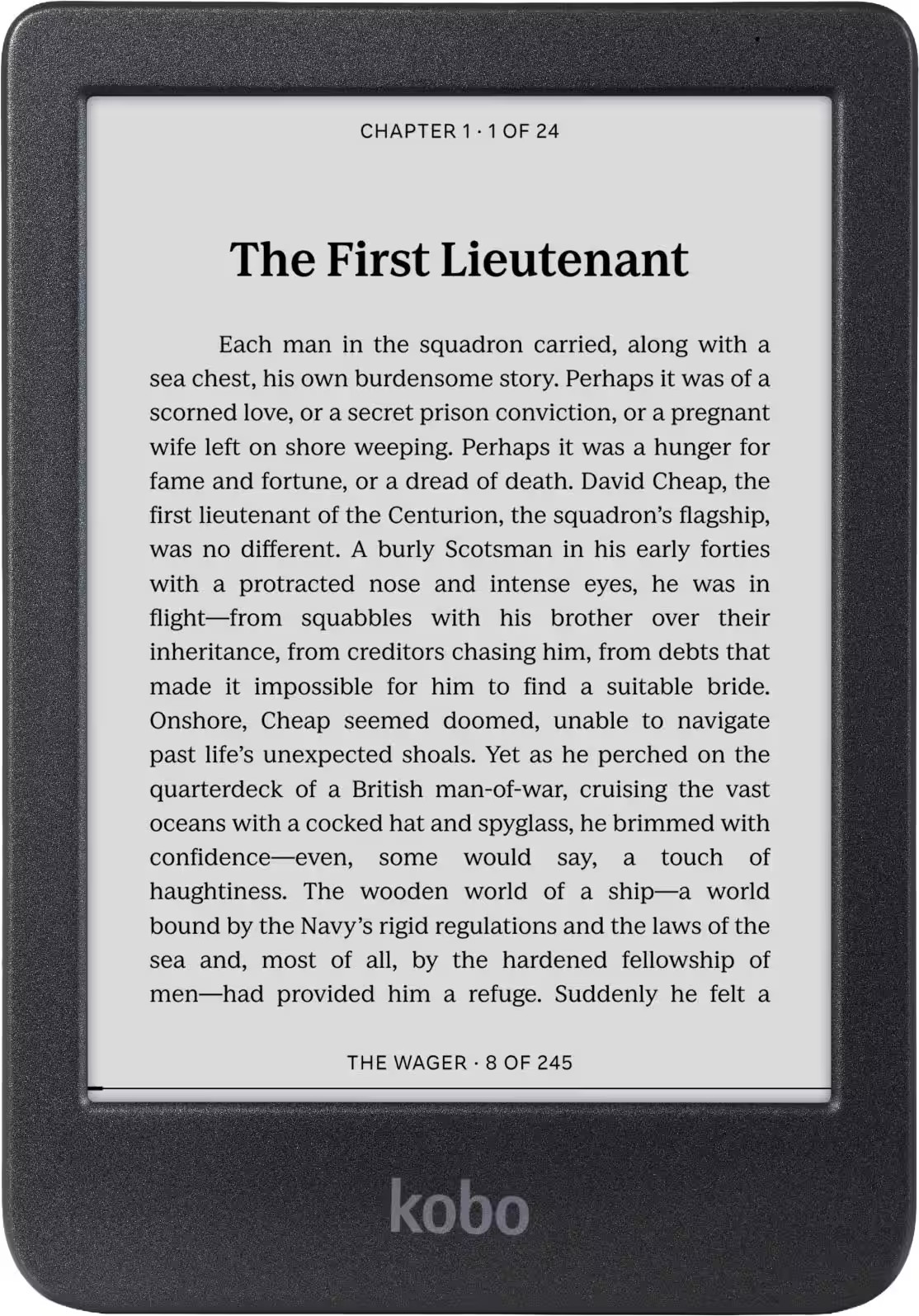 Kobo - Clara BW-eReader-6" Glare-Free Touchscreen with ComfortLight PRO-Dark ...$139.99View on eBay
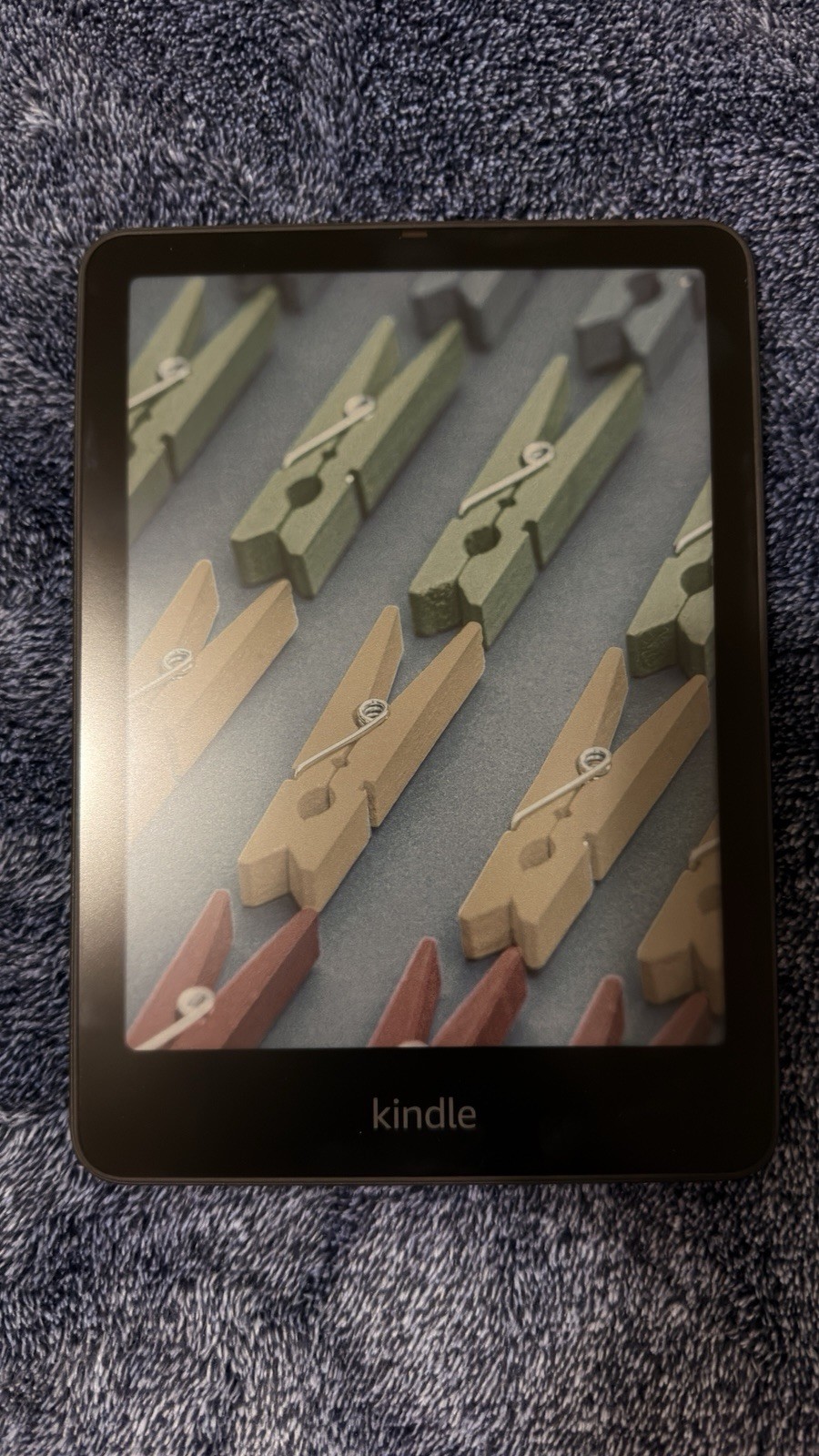 Amazon Kindle Colorsoft Signature Edition 32GB Wi‑Fi 7in Black eReader$180.00View on eBay
Highlights
- E Ink panel generations determine contrast and refresh: Carta and Carta 1200 offer the best text contrast, while Kaleido 3 adds muted color at reduced brightness and pixel density.
- Front-light systems differ by tier: basic models offer white light only, while ComfortLight PRO, GlowLight, and warm-light systems add adjustable amber tint for night reading.
- Waterproofing is model-specific: IPX8 ratings appear on premium tiers like the Nook GlowLight 4 Plus and Kindle Paperwhite, but not on base models.
- Storage tiers are typically 8GB, 16GB, or 32GB; 8GB holds roughly 3,000-5,000 text-heavy books, so 32GB matters mainly for comics, PDFs, and audiobooks.
Best use cases
- Long-form novel reading: pick a 6-inch E Ink model with warm front light and 300 ppi; skip color panels and stylus support you will not use.
- Comics, magazines, and note-taking: choose a 7- to 10-inch color E Ink (Kaleido 3) or pen-enabled model; skip 6-inch base readers with no stylus layer.
- Beach, bath, and travel reading: choose an IPX8-rated model such as the Nook GlowLight 4 Plus or Kindle Paperwhite; skip non-waterproof budget readers.
- PDFs and textbooks: choose a 10-inch or larger screen; skip 6-inch models, where PDF reflow and page scaling become unusable.
Buying tips
- Match screen size to content: 6-inch for novels, 7-8-inch for comics and note-taking, 10-inch and above for PDFs and textbooks.
- Check pixel density: 300 ppi is the sharp-text threshold; 212 ppi and below looks visibly softer, especially on larger panels.
- Confirm front-light temperature control: warm/amber adjustment is the single biggest comfort upgrade for night reading.
- Verify ecosystem compatibility: Kindle books are locked to Kindle devices or apps, Kobo uses KEPUB/EPUB, and Nook uses Barnes & Noble's store; sideloaded EPUB support varies.
Specs
| Display Technology | E Ink Carta vs Kaleido 3 color |
|---|---|
| Screen Size | 6 in / 7-8 in / 10 in+ |
| Pixel Density | 212 ppi vs 300 ppi |
| Waterproof Rating | IPX8 vs none |
Related searches
What to check before buying
- Measure your bag or sleeve: a 6-inch reader fits a jacket pocket, while 7.8-inch and 10-inch models need a dedicated sleeve or case.
- Confirm your book library source: Amazon, Kobo, Barnes & Noble, or DRM-free EPUB determines which ecosystem you should buy into.
- Check charging port and cable: USB-C is now standard, but older Kindles and Nooks use micro-USB, so match your existing cables.
- Assess ambient lighting and eye comfort: if you read in dim light, prioritize a warm front light; if outdoors, prioritize glare-free E Ink over LCD.
FAQ
Data sources: eBay / Amazon listings and product attribute feeds. Updated Nov 24, 2026.
Some links on this page are affiliate links. If you buy after clicking one, we may earn a commission at no extra cost to you. This does not change which products appear here or their order. Affiliate disclosure.