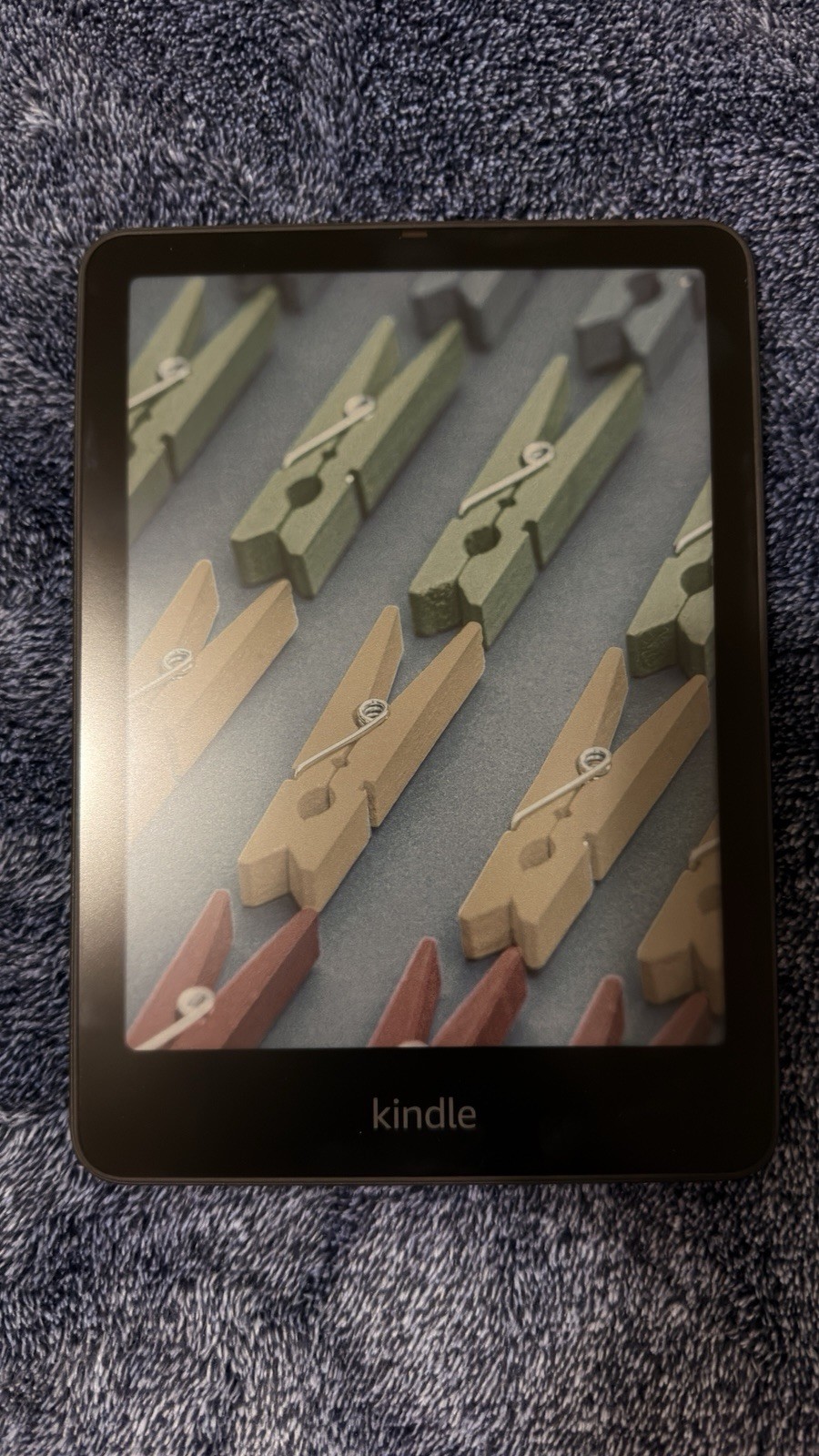

Photos from current listings. Actual item, color, and included accessories may vary.
Kindle Buying Guide
Kindle is Amazon's dedicated e-reader line, built around E Ink displays that consume power only on page changes, giving weeks of battery life versus hours on a tablet. The core trade-off is display technology: standard monochrome E Ink offers the sharpest text and longest battery, while the Colorsoft's color E Ink layer adds comic and cover art at the cost of slightly reduced contrast and higher price. Buy a Kindle if you read long-form text and want a distraction-free, single-purpose device; skip it if you need video, apps, or stylus annotation.
Key takeaways
- E Ink panel generations: standard 300 ppi monochrome (Paperwhite, basic Kindle) vs Colorsoft color E Ink with 300 ppi black-and-white and 150 ppi color — text stays crisp on both, but color layer softens contrast.
- Front-light systems: base Kindle has 4 LEDs with no warm adjustment; Paperwhite and Colorsoft add 17–25 LEDs plus adjustable warm light (amber) for night reading without blue-light disruption.
- Water resistance: only Paperwhite and Colorsoft carry IPX8 (up to 60 min in 2 m fresh water); the base Kindle has no official water rating, so pool or bath reading demands the step-up tier.
At a glance
- Category
- Tablets & E-Readers
- Last updated
- Nov 28, 2026
Current offers
Highlights
- E Ink panel generations: standard 300 ppi monochrome (Paperwhite, basic Kindle) vs Colorsoft color E Ink with 300 ppi black-and-white and 150 ppi color — text stays crisp on both, but color layer softens contrast.
- Front-light systems: base Kindle has 4 LEDs with no warm adjustment; Paperwhite and Colorsoft add 17–25 LEDs plus adjustable warm light (amber) for night reading without blue-light disruption.
- Water resistance: only Paperwhite and Colorsoft carry IPX8 (up to 60 min in 2 m fresh water); the base Kindle has no official water rating, so pool or bath reading demands the step-up tier.
- Storage and connectivity tiers: 16 GB is ample for thousands of text books; 32 GB targets audiobook and comic libraries; Wi-Fi is standard, while cellular (4G/LTE) is limited to Signature Edition models and adds no monthly fee in most regions.
Best use cases
- Best fit for pure novel readers: base Kindle or Paperwhite (16 GB, Wi-Fi) — choose base if budget is tight and you never read in the bath; choose Paperwhite for warm light and IPX8.
- Best fit for comics, magazines, and cookbooks: Kindle Colorsoft — the only tier with color E Ink; skip monochrome Kindles if cover art and panel color matter to you.
- Wrong fit for note-takers and PDF annotators: Kindle does not support an active stylus — buy a Kindle Scribe (10.2 in, included Basic Pen) or an Android tablet instead.
- Wrong fit for video, apps, or web browsing: E Ink refresh is too slow — an Amazon Fire tablet or iPad is the correct device; Kindle is for reading only.
Buying tips
- Match screen size to portability: 6 in (base Kindle) fits a jacket pocket; 7 in (Paperwhite, Colorsoft) is the sweet spot for one-hand reading; 10.2 in (Scribe) is for PDFs and handwriting, not pocket carry.
- Check the panel resolution before buying: all current monochrome Kindles are 300 ppi, but older or discounted models at 167 ppi show visibly softer text — insist on 300 ppi for crisp fonts.
- Pick storage by content type, not book count: 16 GB holds roughly 5,000–6,000 text-only titles; 32 GB is the safe floor for audiobooks (each 8–12 hr title is 300–500 MB) and color comics.
- Verify the charge port and generation: current models use USB-C; pre-2021 Paperwhite (micro-USB) and older base Kindles are legacy — buy USB-C for cable compatibility with modern chargers.
Specs
| Display Tech | E Ink: mono 300 ppi / color 150 ppi |
|---|---|
| Screen Size | 6 in base / 7 in PW & Colorsoft / 10.2 in Scribe |
| Water Resistance | IPX8 on Paperwhite & Colorsoft; none base |
| Storage & Charging | 16/32 GB · USB-C (micro-USB legacy) |
What to check before buying
- Measure your hand and bag: a 7 in screen with bezels is about 6.9 × 4.9 in and 7–8 oz — confirm it fits your commute bag or jacket pocket before choosing 7 in over 6 in.
- Check your reading light environment: if you read in bed next to a partner, require adjustable warm light (Paperwhite/Colorsoft) — the base Kindle's cool-only front light is brighter and bluer.
- Confirm water exposure: only IPX8-rated models survive a tub or beach; if you read in water, budget for Paperwhite or Colorsoft — no case makes the base Kindle waterproof.
- Verify your ebook ecosystem: Kindle reads Amazon AZW/KFX and library Libby loans via the Kindle app; if your library is EPUB-heavy from Kobo or Google Play, check conversion or choose a Kobo instead.
FAQ
Data sources: eBay / Amazon listings and product attribute feeds. Updated Nov 28, 2026.
Some links on this page are affiliate links. If you buy after clicking one, we may earn a commission at no extra cost to you. This does not change which products appear here or their order. Affiliate disclosure.