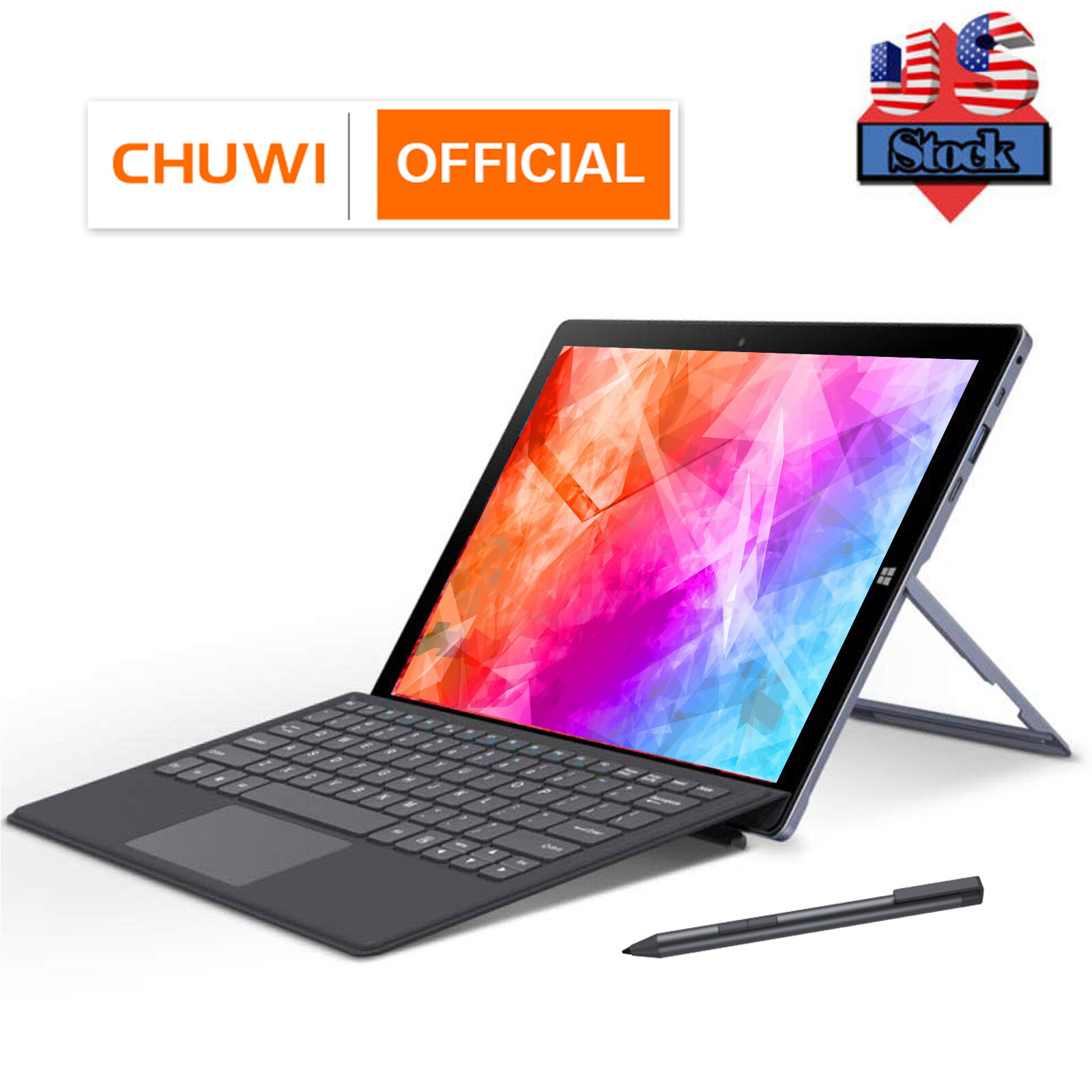

Photos from current listings. Actual item, color, and included accessories may vary.
Chuwi Tablet Buying Guide
Chuwi tablets are budget Windows convertibles that pair Intel Celeron-class CPUs with detachable keyboards, targeting light productivity rather than creative or gaming workloads. The core trade-off is price versus build and panel quality: entry UBook models use plastic chassis and basic LCDs, while CoreBook and Hi10 X tiers add metal bodies, higher-resolution screens, and stylus support. Buy a Chuwi only if you need full Windows on a tight budget for documents and browsing; skip it if you need color-accurate screens, long battery life, or sustained performance.
Median $174.99
Key takeaways
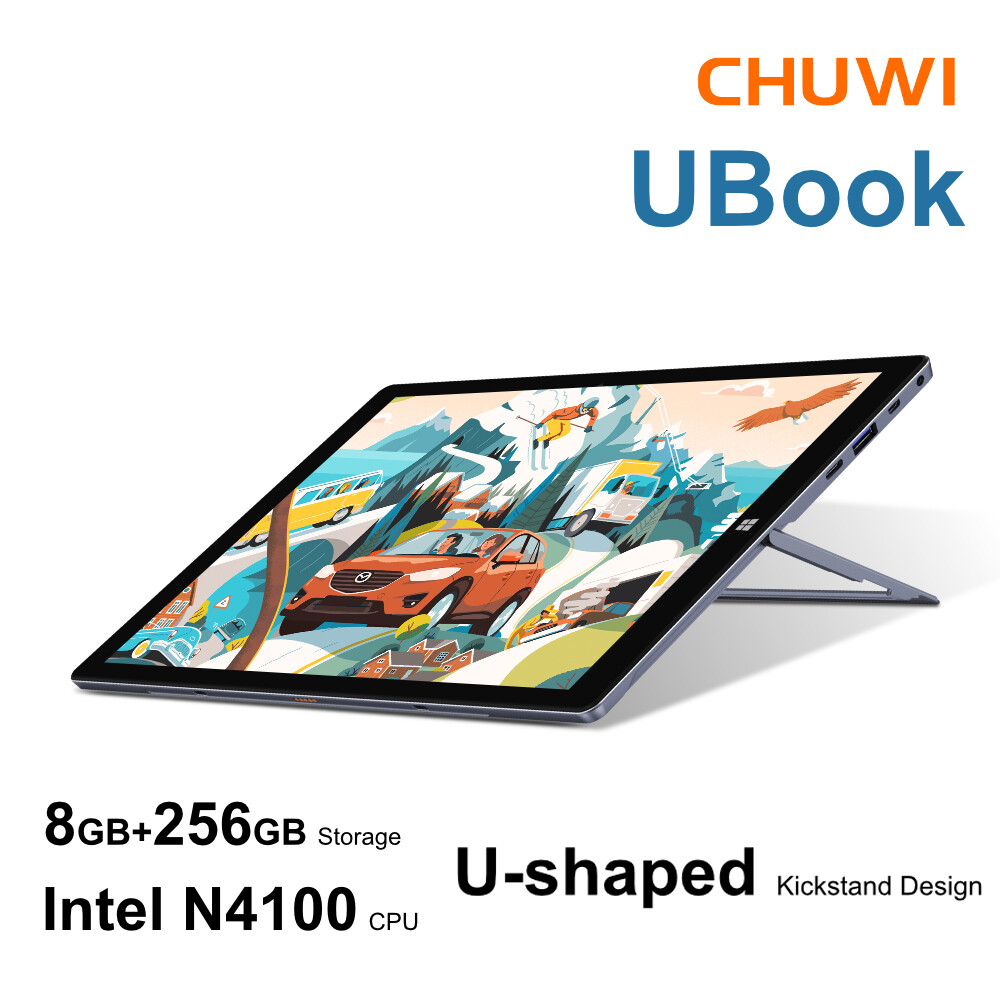
- UBook X runs Intel Celeron N4100/N4120 (Gemini Lake, 4 cores, 6W TDP) with 8GB LPDDR4 and 256GB SSD—adequate for Office and web, not for sustained CPU loads.
- Hi10 X uses Intel N4100/N4120 with 6GB RAM and a 10.1-inch 1920x1200 IPS panel plus 4096-level stylus support, a step up in portability but lower RAM than UBook X.
- CoreBook X jumps to Intel Core i5-8259U (Coffee Lake, 4C/8T, 28W TDP) with 8GB RAM and 14-inch 2160x1440 IPS, delivering roughly 3x the CPU throughput of Celeron models.
At a glance
- Category
- Tablets & E-Readers
- Last updated
- Nov 28, 2026
Current offers
Highlights
- UBook X runs Intel Celeron N4100/N4120 (Gemini Lake, 4 cores, 6W TDP) with 8GB LPDDR4 and 256GB SSD—adequate for Office and web, not for sustained CPU loads.
- Hi10 X uses Intel N4100/N4120 with 6GB RAM and a 10.1-inch 1920x1200 IPS panel plus 4096-level stylus support, a step up in portability but lower RAM than UBook X.
- CoreBook X jumps to Intel Core i5-8259U (Coffee Lake, 4C/8T, 28W TDP) with 8GB RAM and 14-inch 2160x1440 IPS, delivering roughly 3x the CPU throughput of Celeron models.
- All Chuwi detachables use eMMC or SATA/NVMe SSD storage tiers; check the interface—eMMC models have far slower write speeds and are not upgradable, while SSD models often allow M.2 replacement.
Best use cases
- Best fit: students and office workers who need full Windows for Word, Excel, PDF annotation, and browser tabs—pick UBook X 8GB/256GB SSD for the larger 12-inch screen.
- Best fit: frequent travelers wanting a lightweight secondary PC—choose Hi10 X for its 10.1-inch form factor and stylus support, accepting 6GB RAM limits.
- Best fit: light photo editing and multitasking—step up to CoreBook X with i5-8259U and 2160x1440 display; skip Celeron models if you run Photoshop or many browser tabs.
- Wrong fit: gamers, video editors, or anyone needing all-day battery—Chuwi's Celeron tablets deliver roughly 5-7 hours of mixed use and integrated UHD 600 graphics cannot handle modern 3D titles.
Buying tips
- Prioritize 8GB RAM over 6GB: Windows 11 idles near 3-4GB, so 6GB Hi10 X models stutter with more than a few browser tabs; 8GB is the practical minimum for multitasking.
- Choose SSD over eMMC: 256GB SATA/NVMe SSD models boot and load apps 3-5x faster than 64/128GB eMMC variants; eMMC is soldered and cannot be upgraded.
- Match screen size to use: 10.1-inch Hi10 X fits tray tables and bags, while 12-inch UBook X and 14-inch CoreBook X suit desk work; detachable keyboards add roughly 0.5-0.7 kg.
- Verify the CPU generation: N4100/N4120 (Gemini Lake) is fine for documents; CoreBook X's i5-8259U is the only Chuwi tier suitable for sustained productivity loads.
Specs
| CPU Tier | Celeron N4100/N4120 vs Core i5-8259U |
|---|---|
| RAM/Storage | 6-8GB LPDDR4 / 128-256GB eMMC or SSD |
| Display Size | 10.1" / 12" / 14" IPS, 1920x1200 to 2160x1440 |
| Form Factor | Detachable 2-in-1 with pogo-pin keyboard |
Related searches
What to check before buying
- Confirm the detachable keyboard and active stylus are included—many Chuwi listings sell the tablet alone, and keyboards use pogo-pin connectors that are model-specific.
- Check the charging standard: most Chuwi tablets use 12V DC barrel or USB-C PD; ensure your power bank or charger supports the required voltage and wattage.
- Measure your bag or sleeve for 10.1-inch, 12-inch, or 14-inch chassis dimensions plus keyboard; UBook X is roughly 28 x 18 cm as a tablet.
- Verify Windows 11 driver support for your region's Wi-Fi bands and confirm the unit ships with a licensed Windows 11 Home installation, not a trial.
FAQ
Data sources: eBay / Amazon listings and product attribute feeds. Updated Nov 28, 2026.
Some links on this page are affiliate links. If you buy after clicking one, we may earn a commission at no extra cost to you. This does not change which products appear here or their order. Affiliate disclosure.