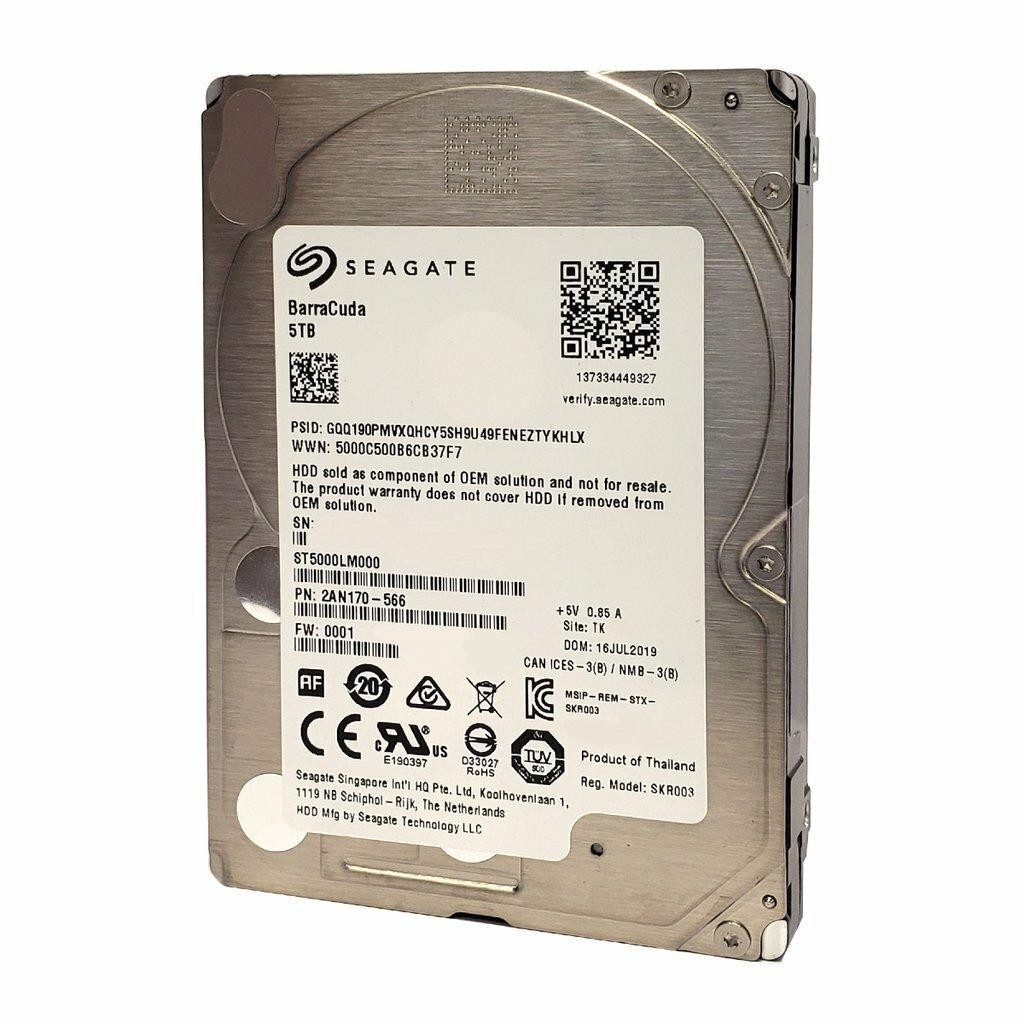

Photos from current listings. Actual item, color, and included accessories may vary.
Seagate Barracuda ST5000LM000 Buying Guide
The Seagate Barracuda ST5000LM000 is a 5TB 2.5-inch internal hard drive using SMR recording and a 5400 RPM spindle, designed to fit 15mm-tall laptop bays and small-form-factor desktops. The core trade-off is capacity density versus SMR write behavior: it packs 5TB into a 2.5-inch shell but slows on sustained large writes and rebuilds.
Capacity Tier:5TB (2.5-inch SATA)Recording Tech:SMR vs CMRDrive Height:15mm vs 9.5mm/7mmSpindle Speed:5400 RPM
Typical price range$141.54
Key takeaways
- 5TB capacity on a 2.5-inch SATA 6Gb/s interface with a 5400 RPM spindle and 128MB cache
- SMR (shingled magnetic recording) media requires rewrite of adjacent tracks, cutting sustained write speed versus CMR drives
- 15mm z-height fits most external enclosures and some laptops, but not standard 7mm or 9.5mm laptop bays
At a glance
- Category
- PC Storage Upgrades
- Status
- Listings available
- Last updated
- Nov 24, 2026
Current offers
Highlights
- 5TB capacity on a 2.5-inch SATA 6Gb/s interface with a 5400 RPM spindle and 128MB cache
- SMR (shingled magnetic recording) media requires rewrite of adjacent tracks, cutting sustained write speed versus CMR drives
- 15mm z-height fits most external enclosures and some laptops, but not standard 7mm or 9.5mm laptop bays
- Seagate Barracuda Guard 2-year limited warranty applies to this 2.5-inch model tier
Best use cases
- Best fit: bulk media library, backup target, or NAS cold-storage drive in a 15mm-capable bay where write-once/read-many dominates
- Best fit: external USB enclosure build for a high-capacity portable archive, provided the enclosure accepts 15mm drives
- Wrong fit: primary boot drive or OS drive — SMR sustained write behavior and 5400 RPM make it slower than SSD or CMR HDD alternatives
- Wrong fit: standard 7mm/9.5mm laptop upgrades or RAID arrays needing fast rebuilds — choose a 9.5mm CMR drive or 2.5-inch SSD instead
Buying tips
- Confirm drive height: measure the bay or enclosure clearance for 15mm; 7mm and 9.5mm laptops will not accept the ST5000LM000
- Avoid SMR for sustained writes: if your workload copies large files or runs RAID rebuilds, pick a CMR drive or SSD
- Match interface and power: SATA 6Gb/s and standard SATA power are required; 2.5-inch drives typically draw well under 5V/0.7A
- Buy from a seller with clear SMART data or a return path — used/recertified 2.5-inch 5TB drives often ship with high power-on hours
Specs
| Capacity Tier | 5TB (2.5-inch SATA) |
|---|---|
| Recording Tech | SMR vs CMR |
| Drive Height | 15mm vs 9.5mm/7mm |
| Spindle Speed | 5400 RPM |
Alternatives to compare
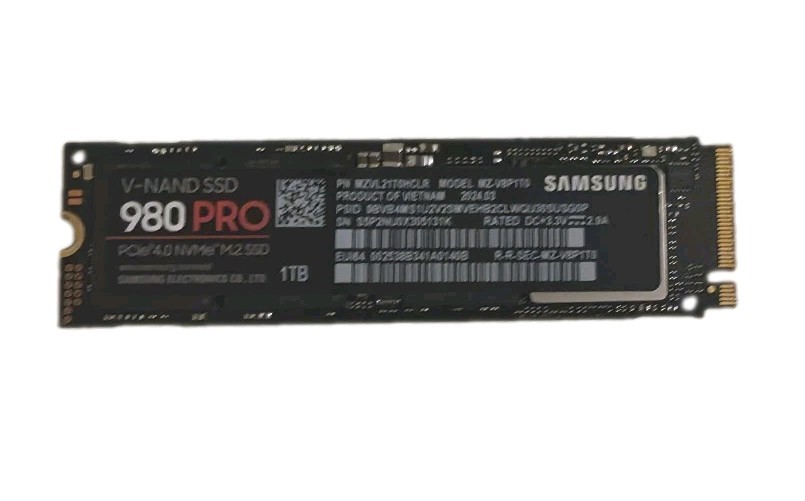
Related searches
What to check before buying
- Measure the drive bay or enclosure internal height — confirm 15mm clearance before ordering
- Confirm your SATA port and power connector are available; 2.5-inch drives use the same SATA data/power as 3.5-inch
- Check the motherboard or enclosure supports drives over 2TB (GPT partitioning required beyond 2TB)
- For external use, verify the USB enclosure spec explicitly lists 15mm 2.5-inch drive support
FAQ
Data sources: eBay / Amazon listings and product attribute feeds. Updated Nov 24, 2026.
Some links on this page are affiliate links. If you buy after clicking one, we may earn a commission at no extra cost to you. This does not change which products appear here or their order. Affiliate disclosure.