
Photos from current listings. Actual item, color, and included accessories may vary.
Smartphone Buying Guide
A smartphone is a pocket computer where the SoC, modem, and software-support window determine real-world longevity far more than camera megapixel counts or case color. The core trade-off is between flagship-grade silicon and update commitments versus budget tiers that cut corners on band support, panel quality, and security patches. The decision rule: buy a named chipset with published OS-update years and verified LTE/5G band coverage for your carrier; skip white-label 'Ultra' models with no chipset disclosure or upgrade policy.
Median $114.81
Key takeaways
- SoC tier dictates usable lifespan: flagship Snapdragon 8-series or Apple A-series deliver 5-7 years of updates; entry 4G chipsets typically stop at 2-3 years.
- 5G sub-6 band support varies by region — a global-unlocked model may lack n71, n77, or mmWave bands your carrier uses for coverage.
- Battery capacity above 5,000 mAh with 25W+ USB-C PD charging is now standard mid-range; 6,800-6,900 mAh cells appear mainly in white-label large-screen models with unverified cell grades.
At a glance
- Category
- Smartphones
- Last updated
- Nov 28, 2026
Current offers
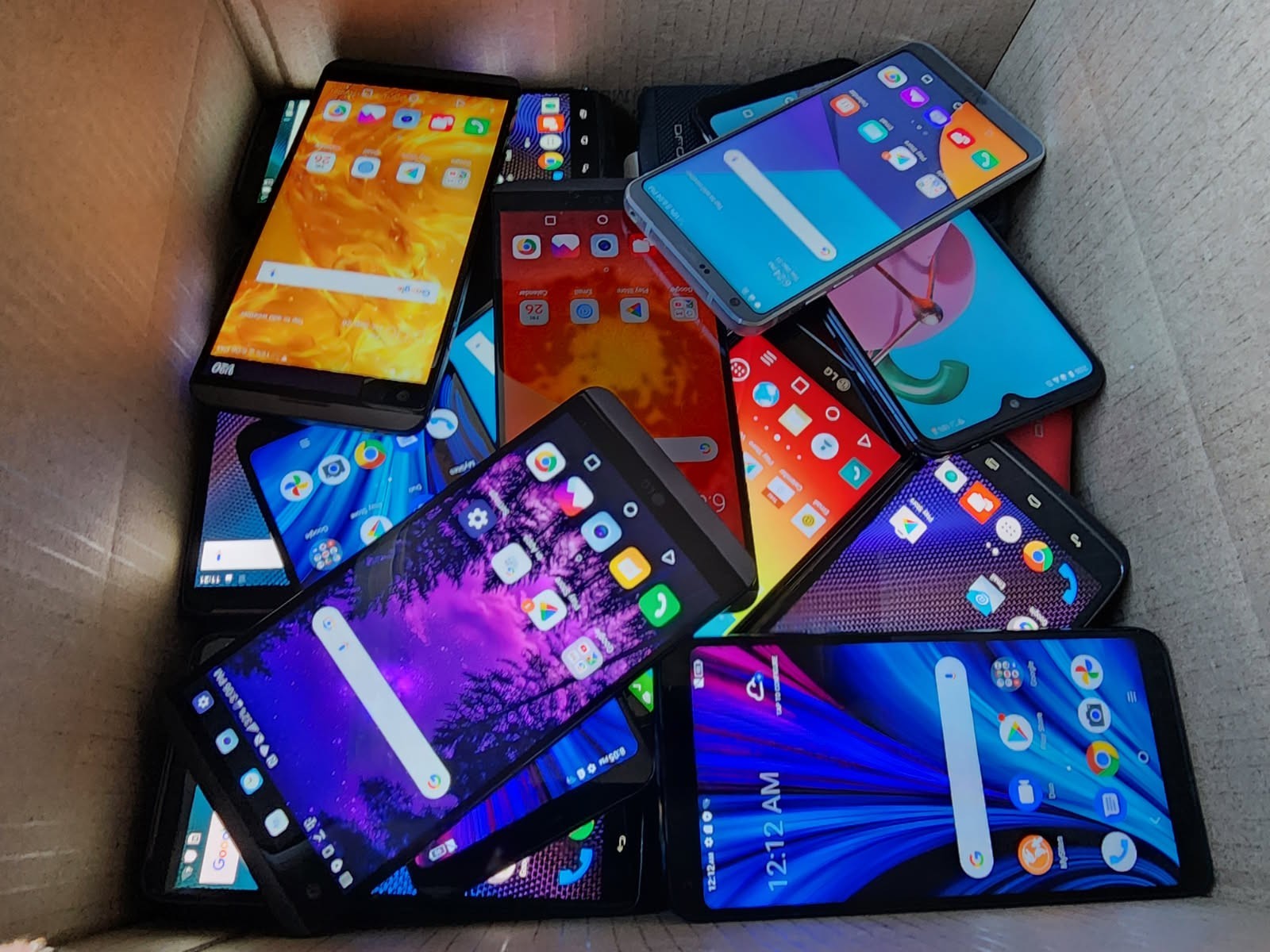 Unlocked Smartphone - Android$29.99Last checked Nov 28, 2026View on eBay
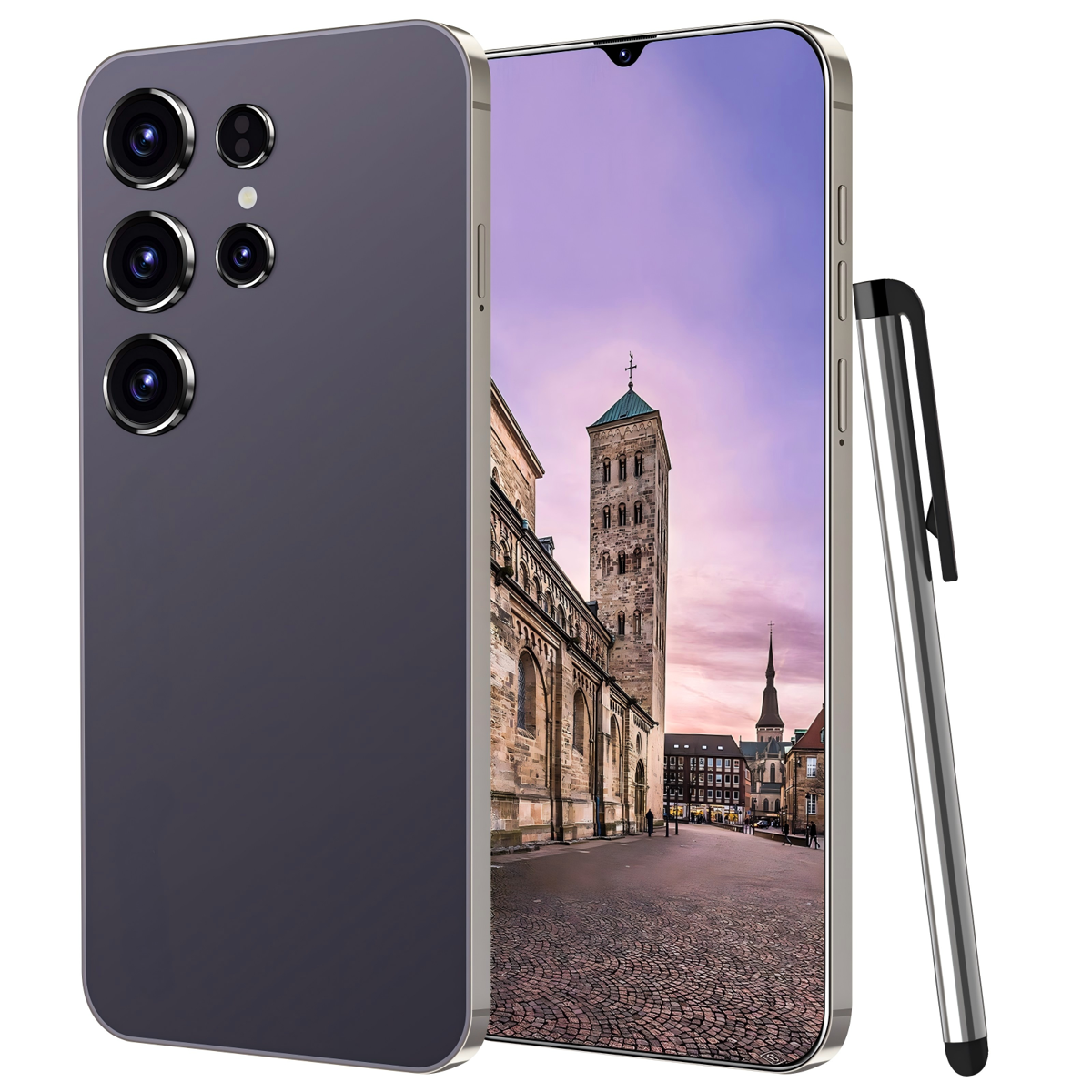 24 Cell Phone 4GB+128GB Unlocked Phone,5G Smartphone with Tool Pen, Android 14.0 Dual SIM Standby$130.99View on Mallflare
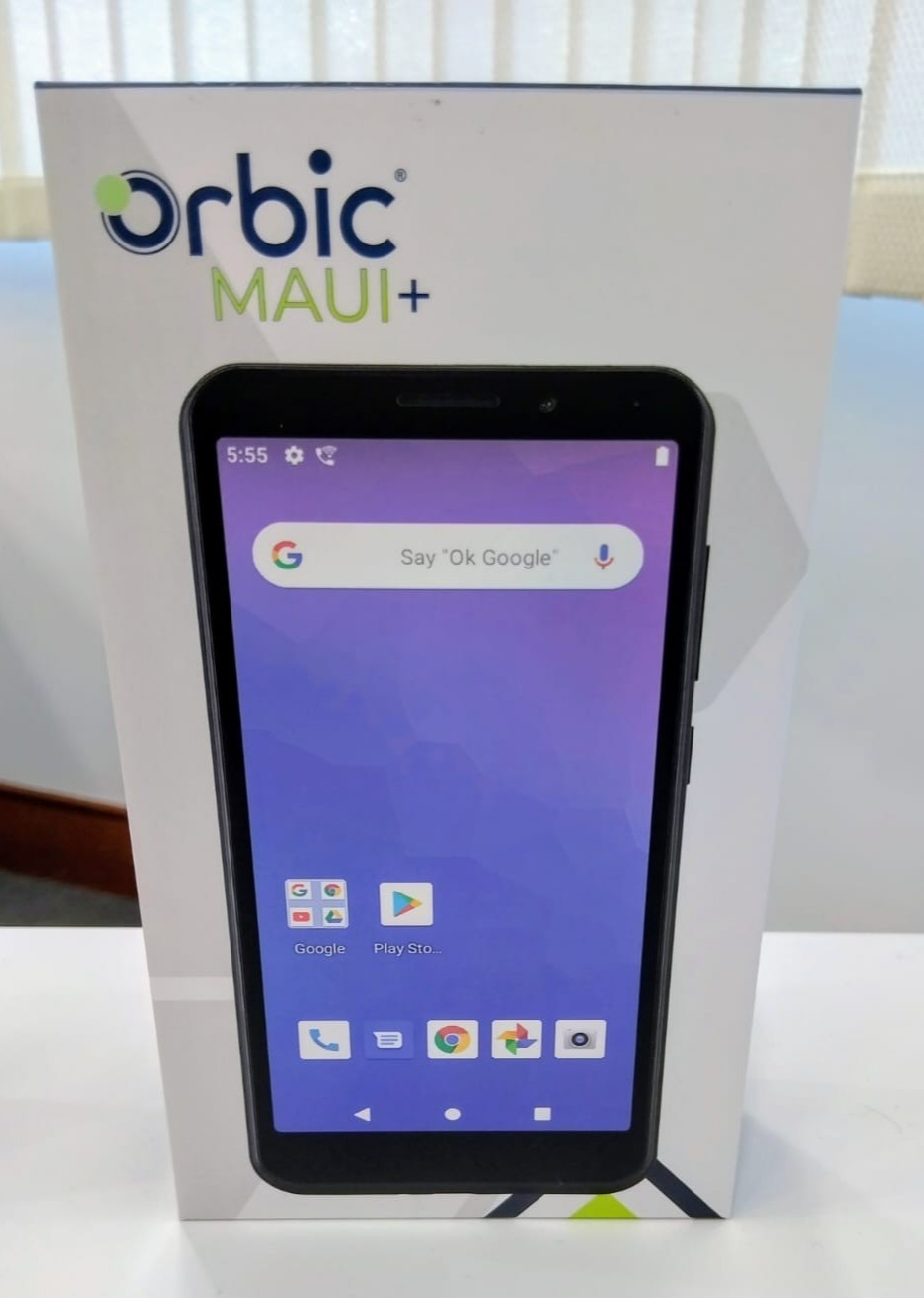 Orbic Maui+ ORB545LBTF 32GB Unlocked 4G LTE Black Smartphone$49.99View on eBay
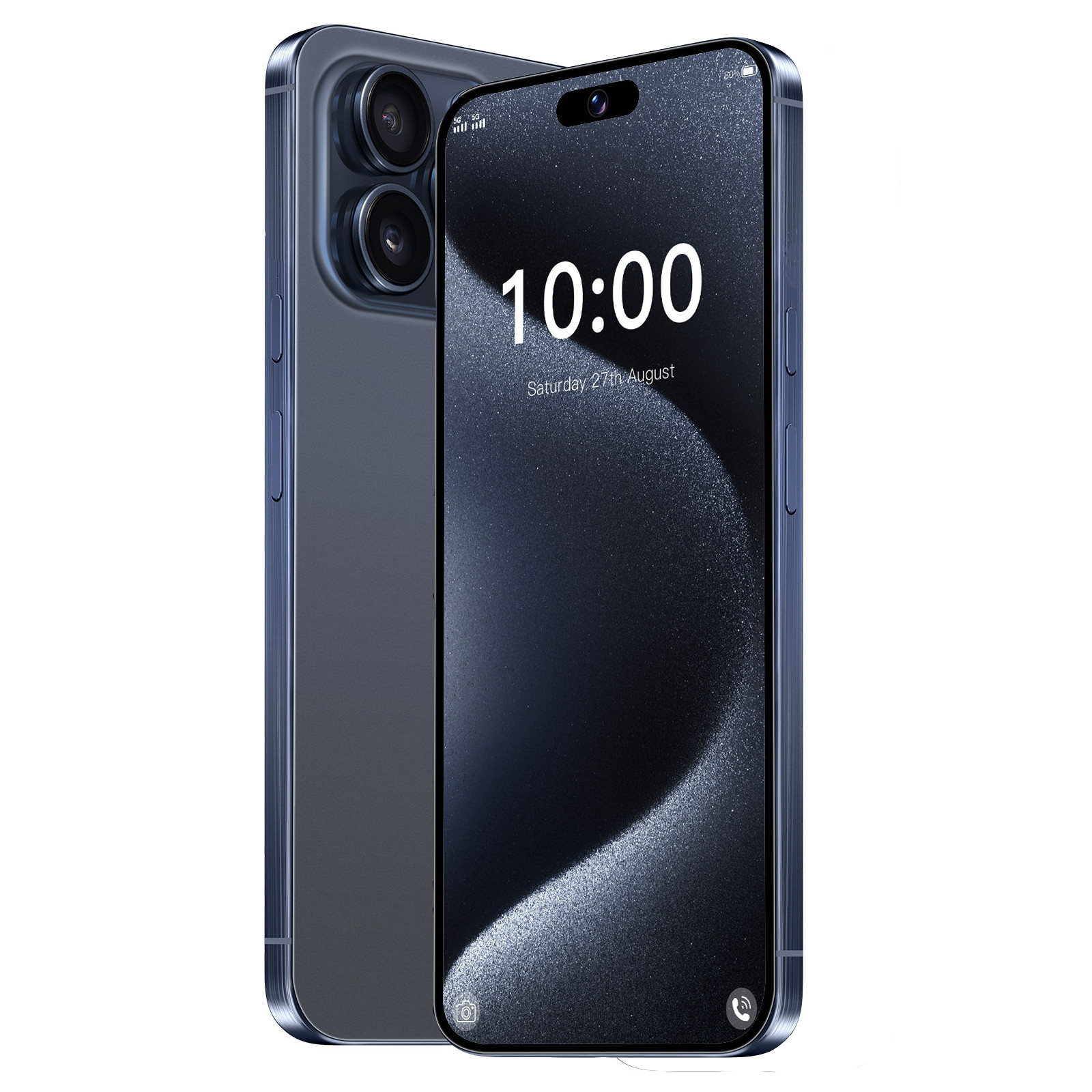 A15 Pro Max 5G Android 145 Smartphone, 6.8' FHD+ Display, 8GB RAM + 256GB Storage, 72MP Front & 108MP Rear Camera,6800mAh Battery, Global Version$152.99View on Mallflare
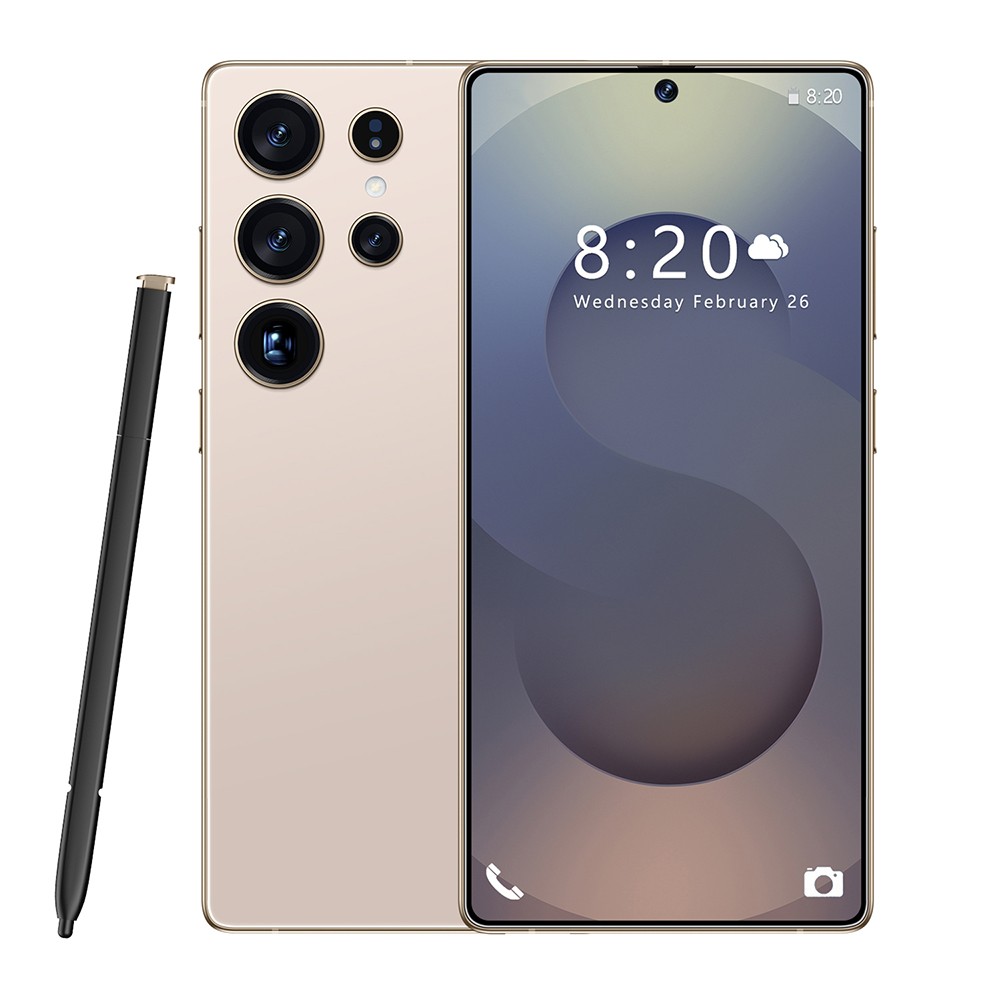 2026 Unlocked 5G Smartphone G25 Ultra Android 15 128GB Dual SIM Cheap Cell Phone$95.99View on eBay
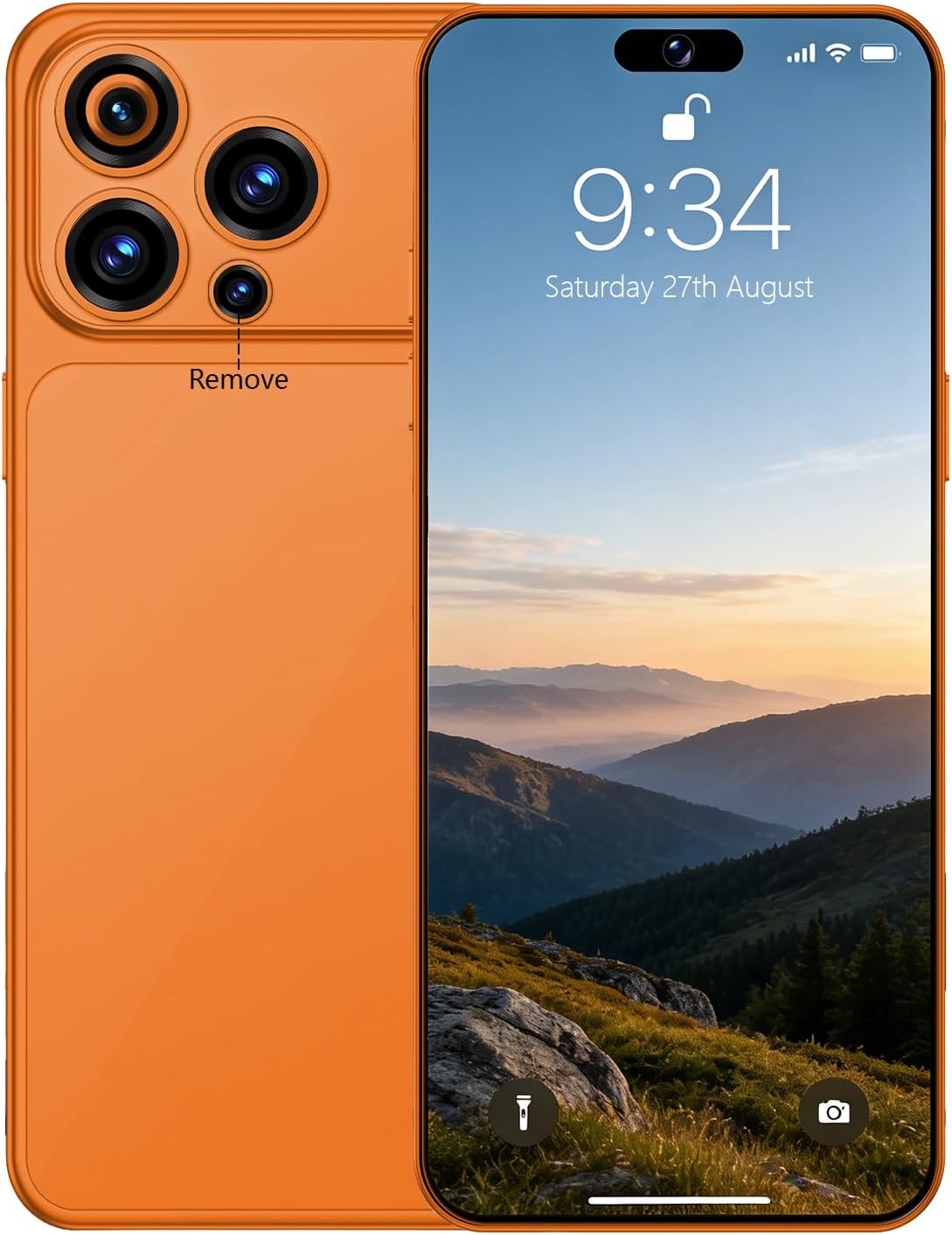 A17 Pro Max 5G Android 15 Smartphone, 6.8' FHD+ Display, 8GB RAM + 256GB Storage, 72MP Front & 108MP Rear Camera, 6800mAh Battery, Global Version$161.99View on Mallflare
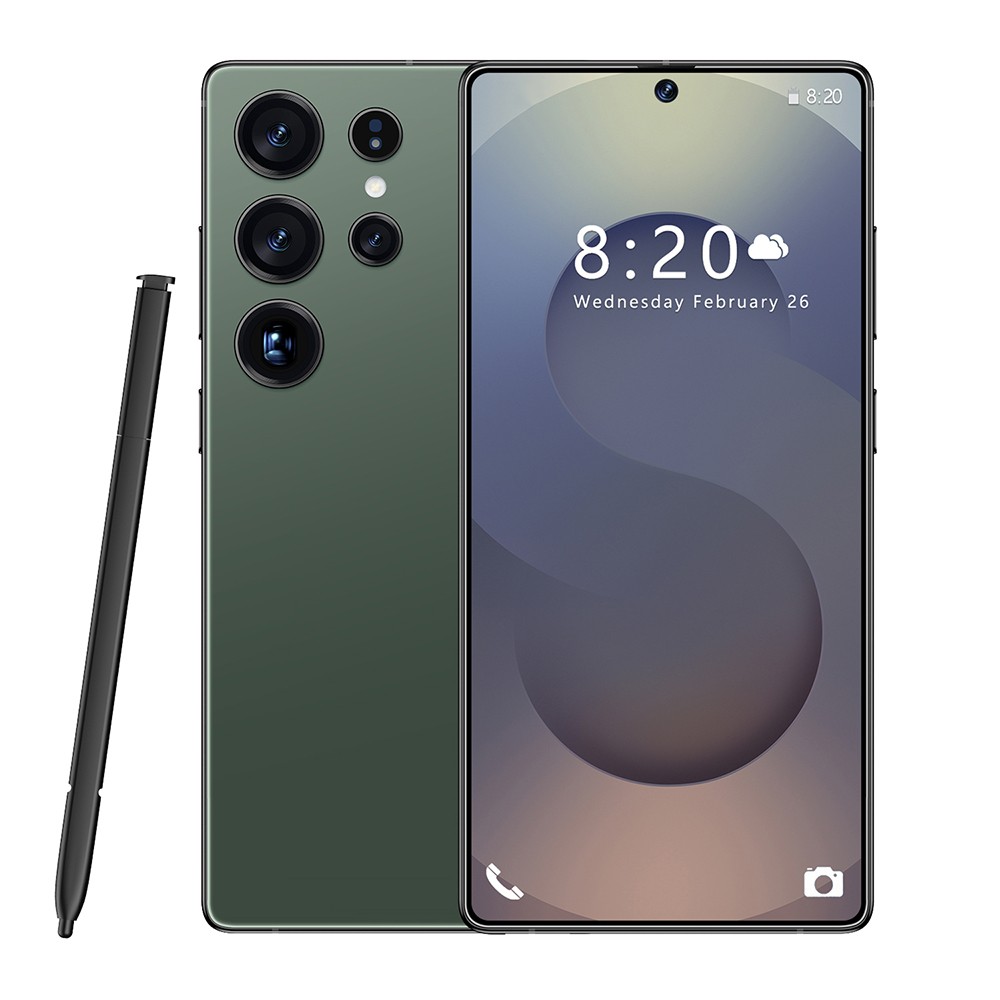 G25 Ultra 256GB Unlocked Cell Phone Android 5G Smartphone Dual SIM Cheap Mobile$105.99Last checked Nov 28, 2026View on eBay
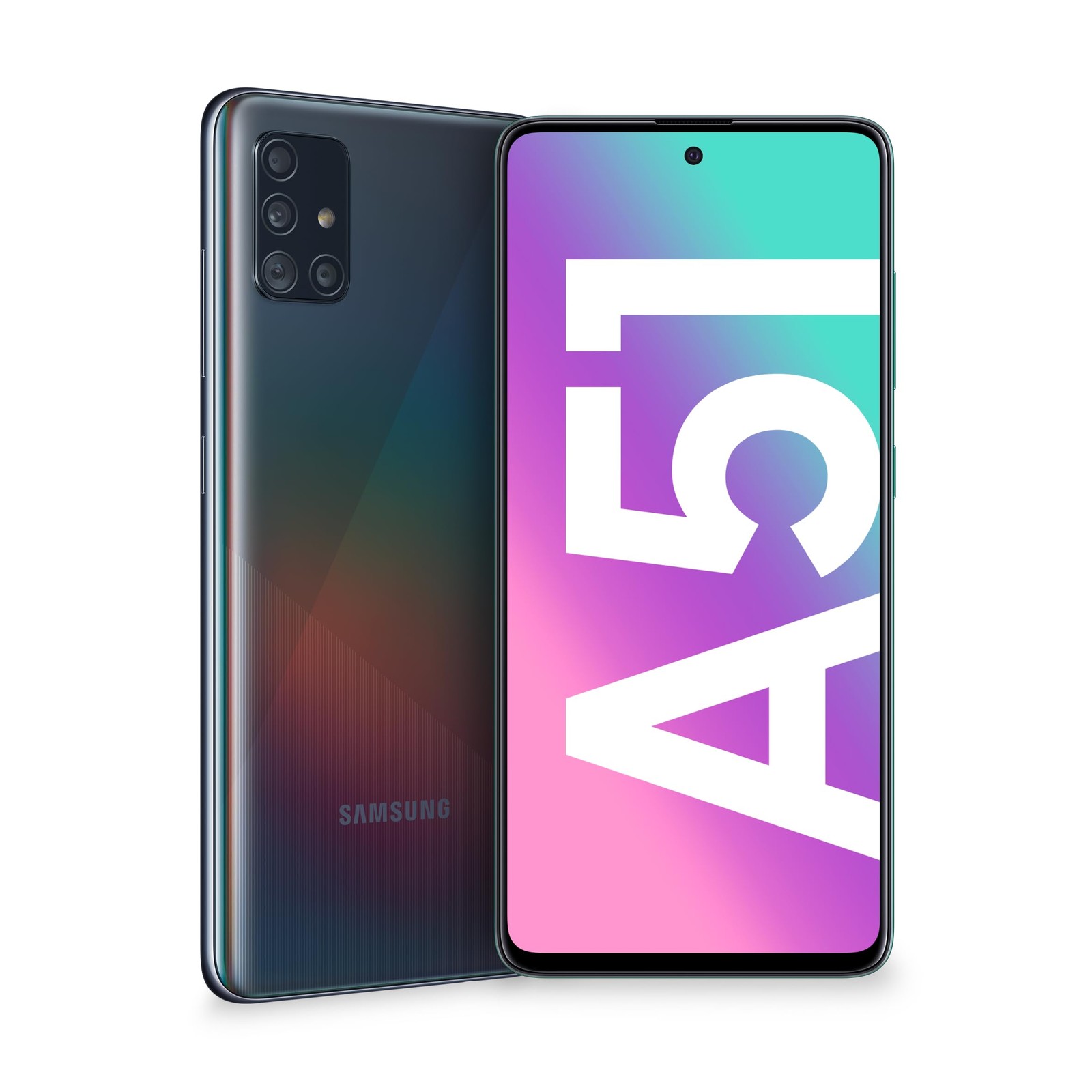 Samsung Galaxy A51 128GB SM-A515U Factory Unlocked New Sealed Smartphone$114.81View on eBay
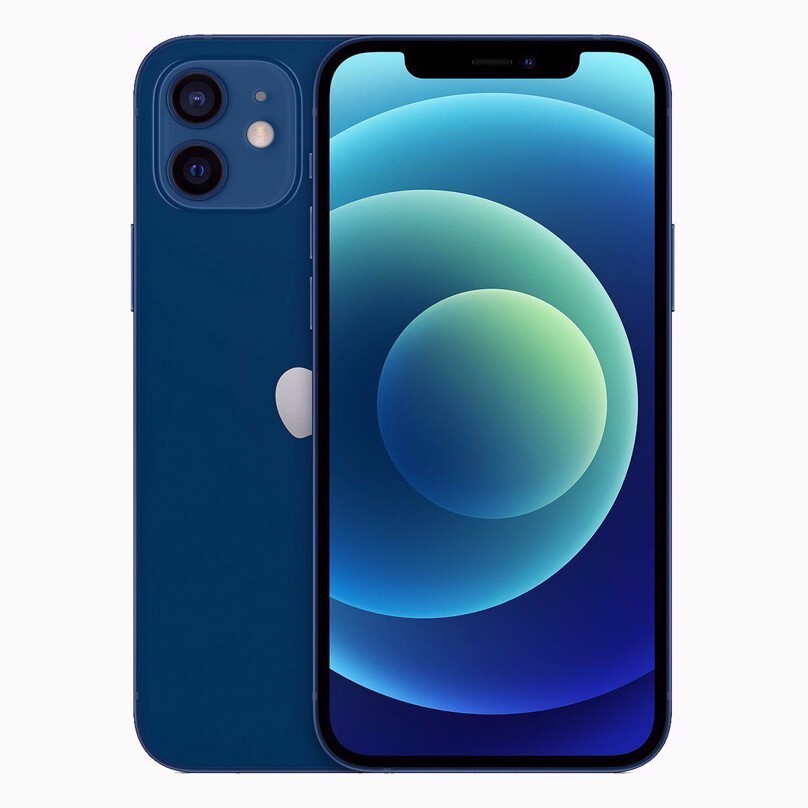 Apple iPhone 12 64GB 128GB 256GB Unlocked Smartphone - Good$204.99Last checked Nov 18, 2026View on eBay
Highlights
- SoC tier dictates usable lifespan: flagship Snapdragon 8-series or Apple A-series deliver 5-7 years of updates; entry 4G chipsets typically stop at 2-3 years.
- 5G sub-6 band support varies by region — a global-unlocked model may lack n71, n77, or mmWave bands your carrier uses for coverage.
- Battery capacity above 5,000 mAh with 25W+ USB-C PD charging is now standard mid-range; 6,800-6,900 mAh cells appear mainly in white-label large-screen models with unverified cell grades.
- Display quality separates tiers: FHD+ AMOLED at 90-120 Hz versus HD+ LCD at 60 Hz — the latter is common on sub-entry devices and shows visible pixelation at 6.5 inches and above.
Best use cases
- Seniors: pick a 6.1-6.7 inch phone with large-text UI, 5,000 mAh battery, and at least 4 years of security updates — skip 5.3-inch mini models with cramped keyboards and unverified update policies.
- Photography: choose a flagship or upper-mid device with a stabilized main sensor and optical zoom (2x-5x); skip 108MP/72MP white-label claims, which are interpolated from smaller sensors.
- Budget buyers: target a named mid-range chipset (Snapdragon 6/7-series, Dimensity 7000-series) with 6-8 GB RAM and 128 GB storage — skip 12+512 GB 'Ultra' listings with no chipset named.
- Wrong fit: carrier-locked or region-specific models bought for use on a different network — band mismatch causes dropped calls and missing 5G even when the phone shows 'unlocked'.
Buying tips
- Check the exact model number (e.g., SM-A515U vs SM-A515F) — the suffix determines US/EU band support and bootloader policy, not the marketing name.
- Prioritize published OS-update commitments: 4+ years of security patches is now standard on mid-range Samsung Galaxy A and Google Pixel A-series; white-label Android 14/15 phones rarely publish any.
- For seniors, measure hand span: phones under 6.0 inches are easier to grip but harder to type on; 6.1-6.5 inches is the practical balance with large-text accessibility modes.
- Verify charging standard: USB-C PD 25W+ is universal; proprietary fast-charge bricks add cost and e-waste if you switch brands.
Specs
| Chipset Tier | Flagship 8-series vs mid 6/7 vs entry 4G |
|---|---|
| Update Window | 7 yr flagship / 4 yr mid / 2 yr entry |
| Display | FHD+ AMOLED 120Hz vs HD+ LCD 60Hz |
| Battery & Charge | 5,000 mAh + USB-C PD 25W+ |
Related searches
What to check before buying
- Carrier band check: confirm your carrier's LTE/5G bands (e.g., n71 for T-Mobile, n77 for Verizon/AT&T mid-band) match the model's published spec sheet.
- Update policy: confirm the manufacturer publishes a minimum security-patch window in years before buying any budget or white-label model.
- Accessibility fit for seniors: verify large-text mode, hearing-aid compatibility (M3/T3 rating), and physical button layout on the exact model.
- Charging and case ecosystem: confirm USB-C PD support and available case/screen-protector options — obscure white-label models often lack both.
FAQ
Data sources: eBay / Amazon listings and product attribute feeds. Updated Nov 28, 2026.
Some links on this page are affiliate links. If you buy after clicking one, we may earn a commission at no extra cost to you. This does not change which products appear here or their order. Affiliate disclosure.