
Photos from current listings. Actual item, color, and included accessories may vary.
Wireless Home Security Buying Guide
Wireless home security covers battery/solar cameras, Wi-Fi doorbells, and hub-based sensor systems that communicate without drilled data cabling. The core trade-off is between wire-free convenience (battery/solar power, mesh radio links) and the reliability of constant power plus local storage. Durable systems use encrypted protocols (Z-Wave S2, Wi-Fi WPA3), rated IP65+ housings for outdoor units, and local microSD/NVR fallback; compromised kits use proprietary sub-GHz radios, plastic-only mounts, and cloud-only recording.
Median $31.99
Key takeaways
- Camera resolution tiers: 1080p (2MP) for indoor/close-range, 2K/4MP for outdoor identification at 20–30 ft, 4K/8MP only with adequate Wi-Fi and local NVR storage.
- Power architecture: battery cameras (rechargeable 5V–12V) need 2–6 month recharge cycles; solar panels add 3–5W trickle charge but require 4+ hours direct sun; wired 12V/POE is maintenance-free.
- Sensor hubs use Z-Wave 700/800 (S2 encryption, 100–300 ft indoor range) or Zigbee 3.0; Wi-Fi sensors crowd the 2.4GHz band and drop under load.
At a glance
- Category
- Smart Home Electronics
- Last updated
- Nov 29, 2026
Current offers
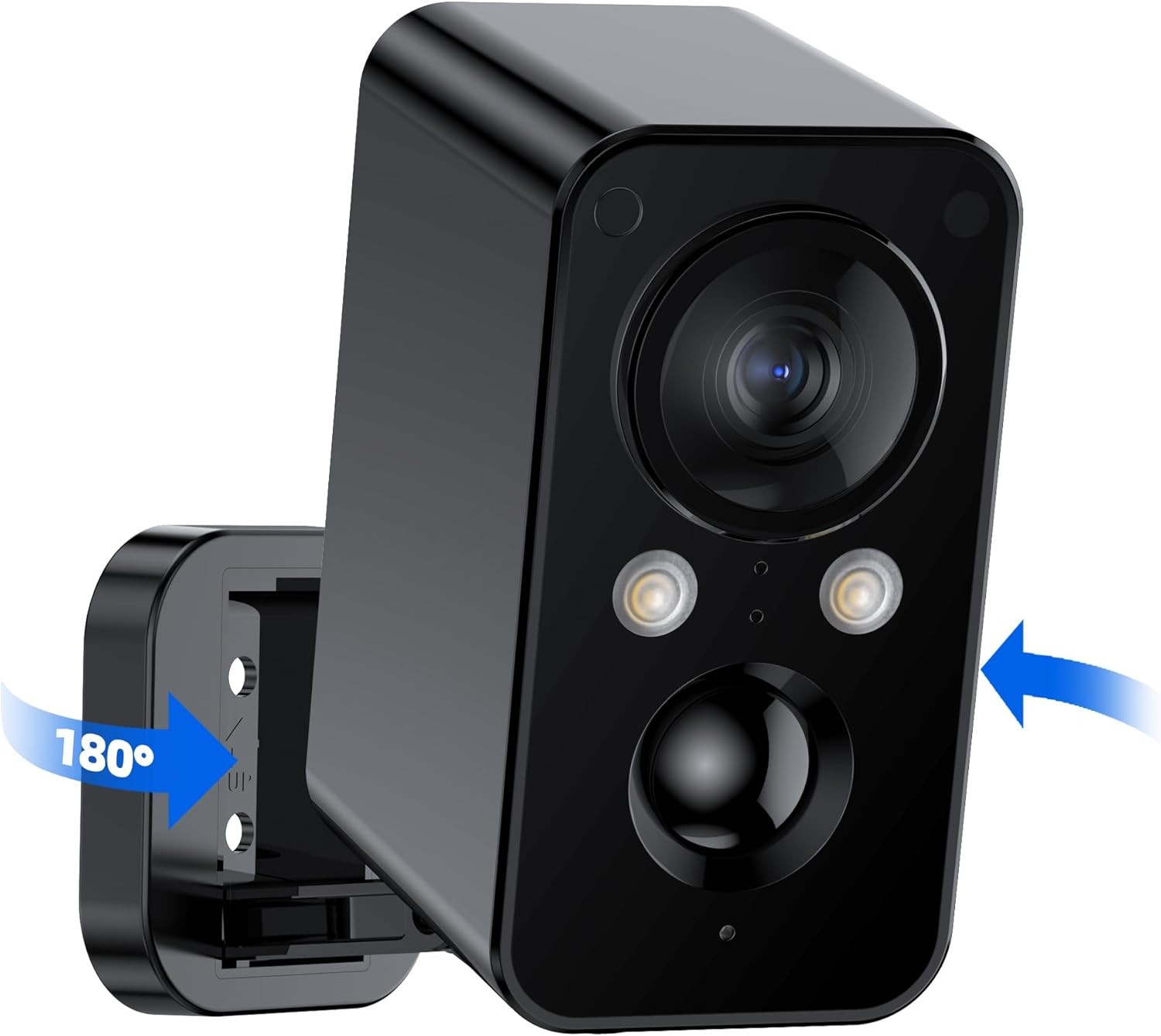 2K Wireless Security Camera For Home Outdoor Security, Color Night Vision, Siren$28.95Last checked Nov 28, 2026View on eBay
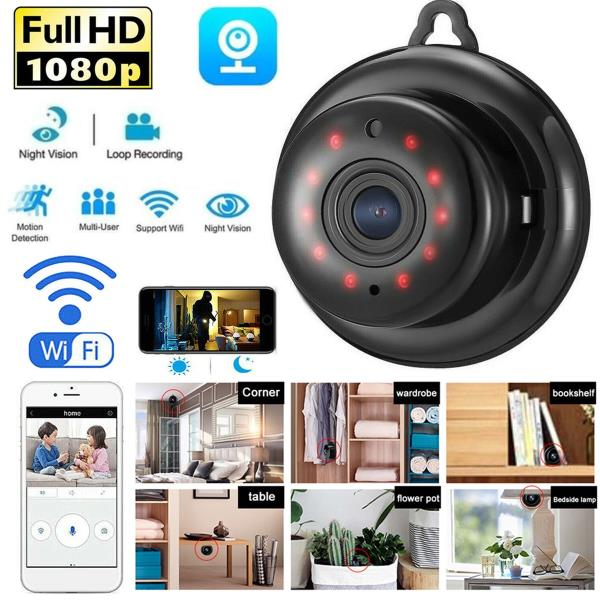 CCTV Camera WiFi 1080P Wireless IR Indoor Outdoor Security Night Vision Home CAM$27.99View on Mallflare
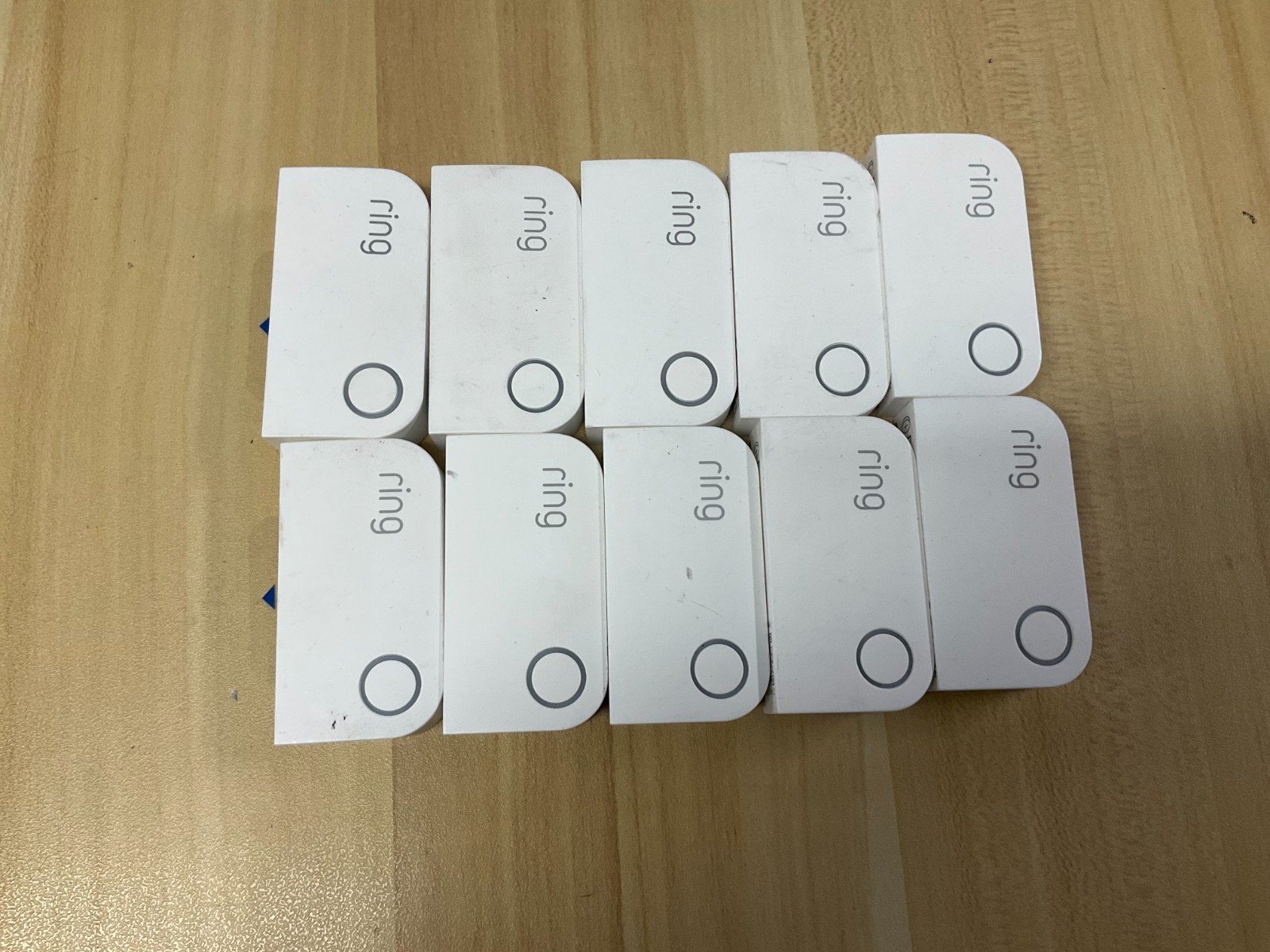 10X Ring Smart Home Security Alarm 5AT3S2 2nd Gen Wireless Sensor Z Wave S2$51.06Last checked Nov 20, 2026View on eBay
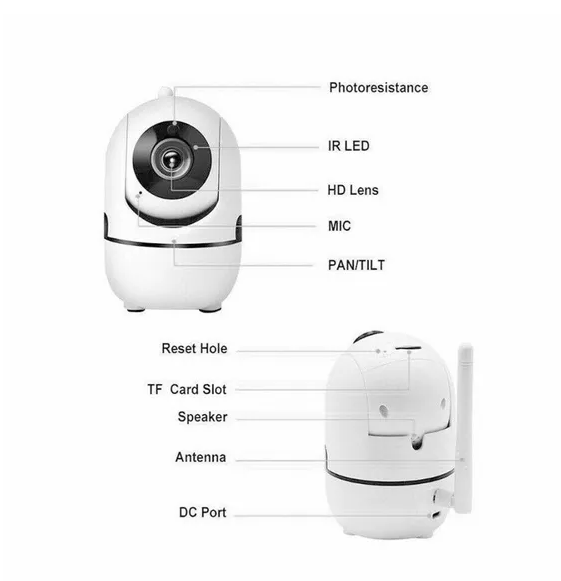 1080P WiFi Wireless Indoor Home Security Camera Night Vision Baby Pet Monitor$31.99View on Mallflare
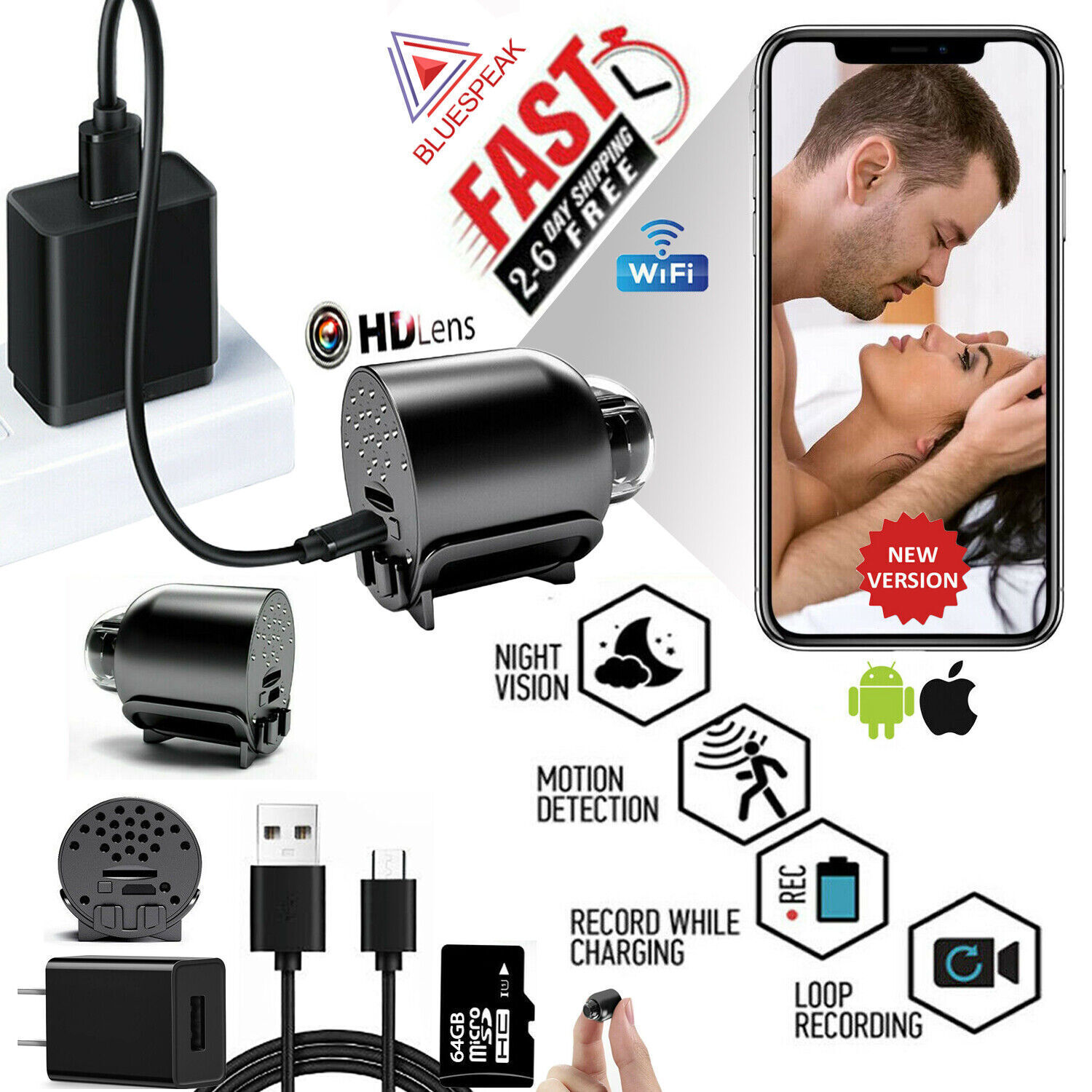 FREE 64G HD Hidden Spy Nanny Camera Wireless Wifi Home Security Night Vision HD 1080P$35.99View on Mallflare
Highlights
- Camera resolution tiers: 1080p (2MP) for indoor/close-range, 2K/4MP for outdoor identification at 20–30 ft, 4K/8MP only with adequate Wi-Fi and local NVR storage.
- Power architecture: battery cameras (rechargeable 5V–12V) need 2–6 month recharge cycles; solar panels add 3–5W trickle charge but require 4+ hours direct sun; wired 12V/POE is maintenance-free.
- Sensor hubs use Z-Wave 700/800 (S2 encryption, 100–300 ft indoor range) or Zigbee 3.0; Wi-Fi sensors crowd the 2.4GHz band and drop under load.
- Outdoor ratings: IP65 handles rain jets, IP66/67 handles heavy rain and temporary immersion; indoor-only cameras lack gaskets and UV-stable plastics.
Best use cases
- Renter or apartment: choose a 2K indoor pan/tilt Wi-Fi camera on a shelf plus a hub-free doorbell; skip solar outdoor cams that need drilling and direct sun.
- Detached home with yard: pick a solar 2K/4K outdoor camera with PIR motion and local microSD, plus Z-Wave S2 sensors on a hub; skip battery-only cams in cold climates below -10°C.
- Whole-home alarm monitoring: use a Z-Wave S2 hub with door/window sensors and a siren; skip Wi-Fi-only sensor kits because they lack mesh range and battery reporting.
- Temporary or off-grid setup: battery camera with 10,000mAh+ cell and LTE/4G option; skip wired POE systems that require cabling and a recorder.
Buying tips
- Size camera coverage by pixel density: 1080p identifies faces at 10–15 ft, 2K at 20–25 ft, 4K at 35–40 ft; wider fields of view reduce pixels per foot.
- Check radio protocol before mixing brands: Z-Wave S2 and Zigbee 3.0 sensors only pair with matching hubs; Wi-Fi cameras work standalone but max 10–15 devices per router.
- For outdoor units, require IP65 or higher, a metal or UV-rated mount, and 2.4GHz Wi-Fi (5GHz has shorter range through walls).
- Match storage to retention: microSD up to 256GB gives 3–7 days of 2K continuous; NVR/POE kits give 7–30 days but need a recorder and cabling.
Specs
| Camera Resolution | 1080p / 2K / 4K (2–8MP) |
|---|---|
| Power Source | Battery / Solar / Wired 12V / POE |
| Sensor Protocol | Z-Wave S2 / Zigbee 3.0 / Wi-Fi |
| Outdoor Rating | IP65 / IP66 / IP67 |
Related searches
What to check before buying
- Measure the mount surface and cable run: battery/solar cams need a 2–3 inch screw base and 4+ hours of direct sun for solar panels.
- Verify Wi-Fi signal at the camera location: minimum -65 dBm RSSI on 2.4GHz; add a mesh node if the signal is weaker.
- Confirm power: battery cams need a 5V/2A USB charger for recharge; wired cams need a 12V DC adapter or POE injector (802.3af).
- Check hub compatibility for sensors: Z-Wave S2 requires a certified hub (SmartThings, Hubitat, Home Assistant with Z-Wave stick); Wi-Fi sensors need the vendor app.
FAQ
Data sources: eBay / Amazon listings and product attribute feeds. Updated Nov 29, 2026.
Some links on this page are affiliate links. If you buy after clicking one, we may earn a commission at no extra cost to you. This does not change which products appear here or their order. Affiliate disclosure.