
Photos from current listings. Actual item, color, and included accessories may vary.
Smart Plug With Switch Buying Guide
A smart plug with switch combines a relay-controlled outlet with a physical on/off button, letting you automate lamps and appliances while retaining manual control. The core trade-off is relay and Wi-Fi module quality versus price: budget plugs use low-rated 10A relays and single-band 2.4GHz radios, while durable units use 15A relays, energy monitoring, and certified components. Buy 15A-rated plugs with a physical button and local fallback for heavy loads; skip 10A no-name units for anything beyond lamps and small electronics.
Median $24.49
Key takeaways
- Relay rating separates tiers: 10A/1200W plugs handle lamps and fans, while 15A/1800W plugs are required for space heaters, kettles, and window ACs.
- Wi-Fi band matters: nearly all smart plugs connect only on 2.4GHz, so a 5GHz-only router network will fail during setup unless a 2.4GHz band is enabled.
- Physical switch types differ: latching push-buttons retain state after power loss, while touch-capacitive buttons can mis-trigger and lack tactile feedback.
At a glance
- Category
- Smart Home Electronics
- Last updated
- Nov 27, 2026
Current offers
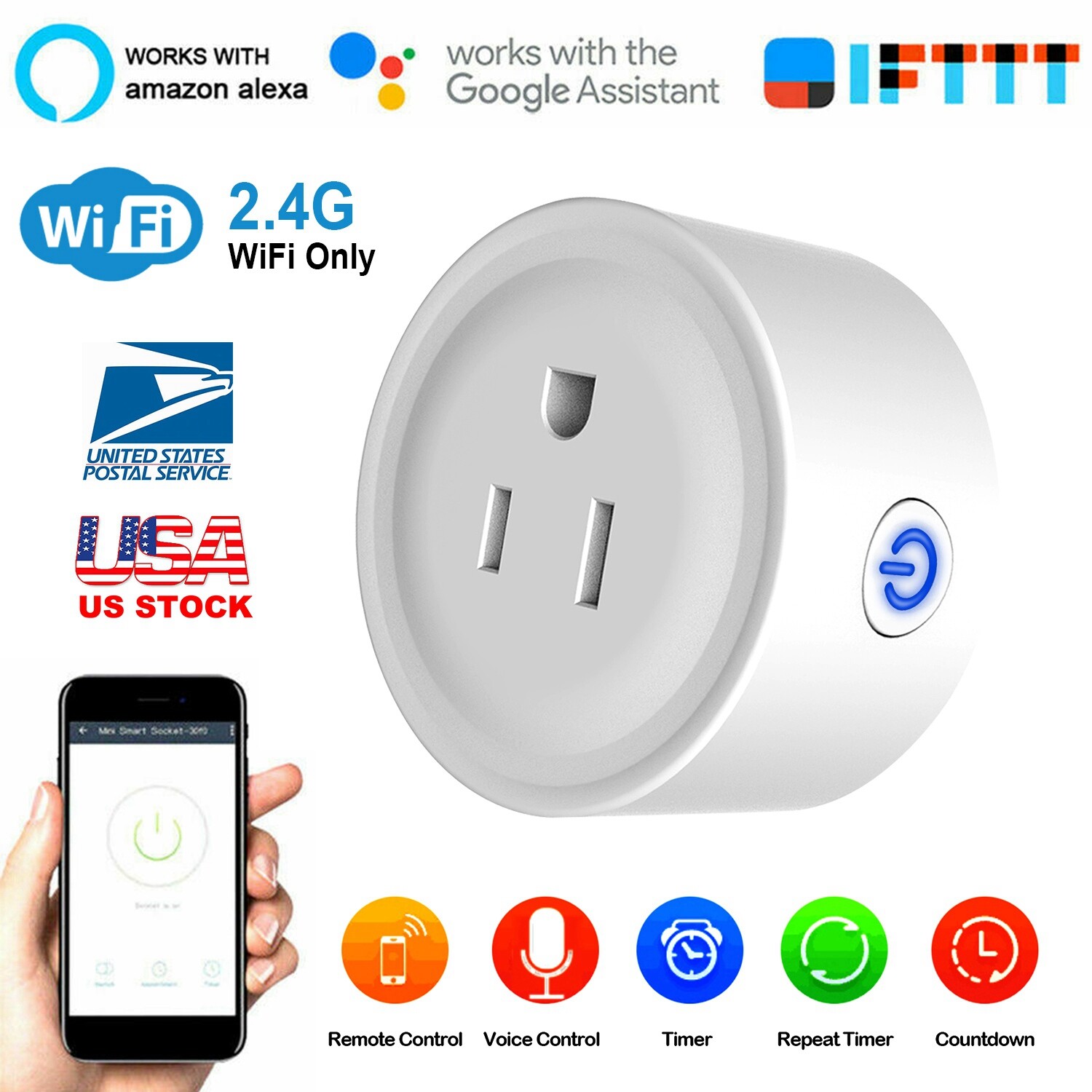 Smart Socket Wifi Plug Outlet Timer Switch Socket Work With Alexa Google Home$12.92Last checked Nov 25, 2026View on eBay
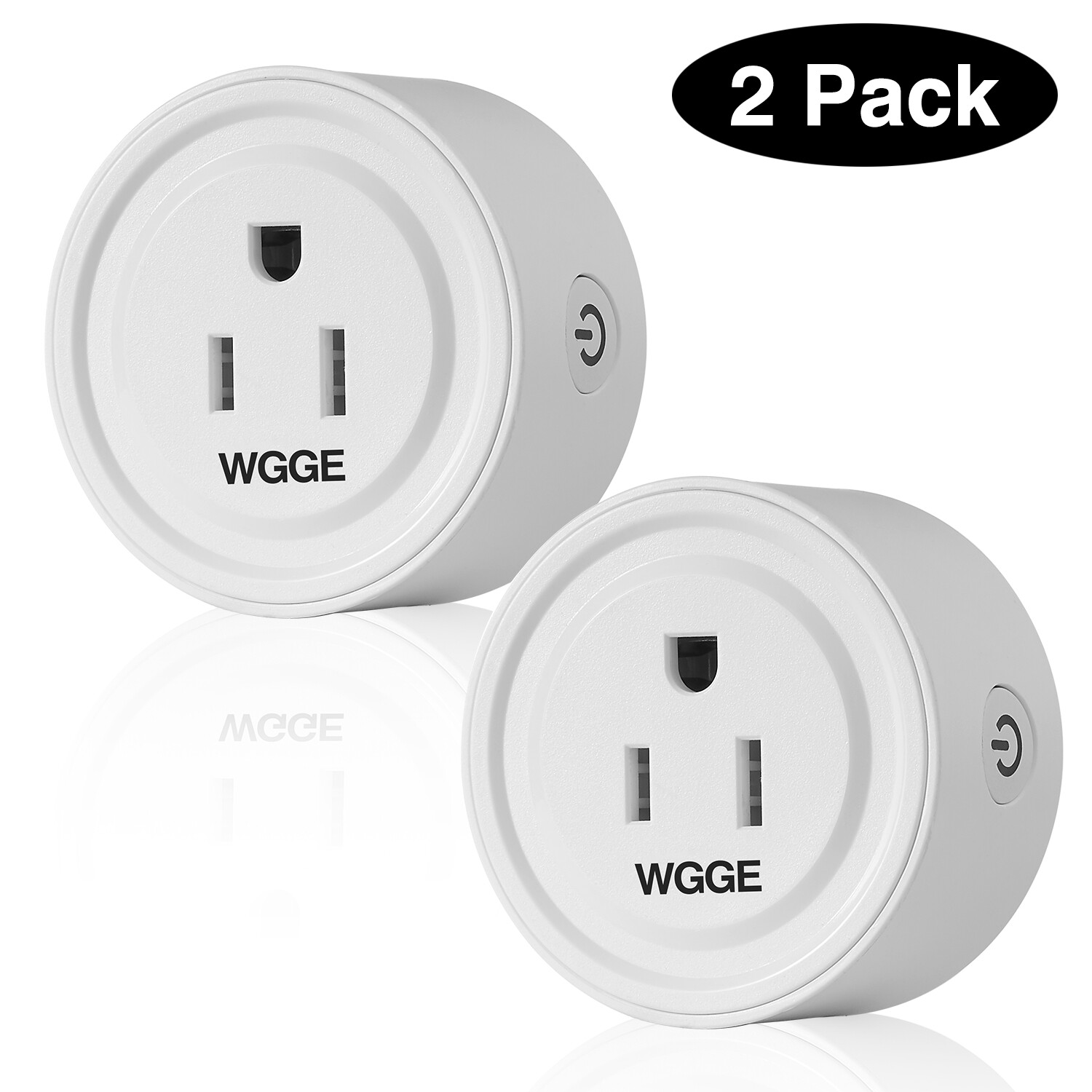 Smart Plug, Mini Smart WiFi Outlet Compatible with Alexa, Google Assistant 2/PK$14.99Last checked Nov 22, 2026View on eBay
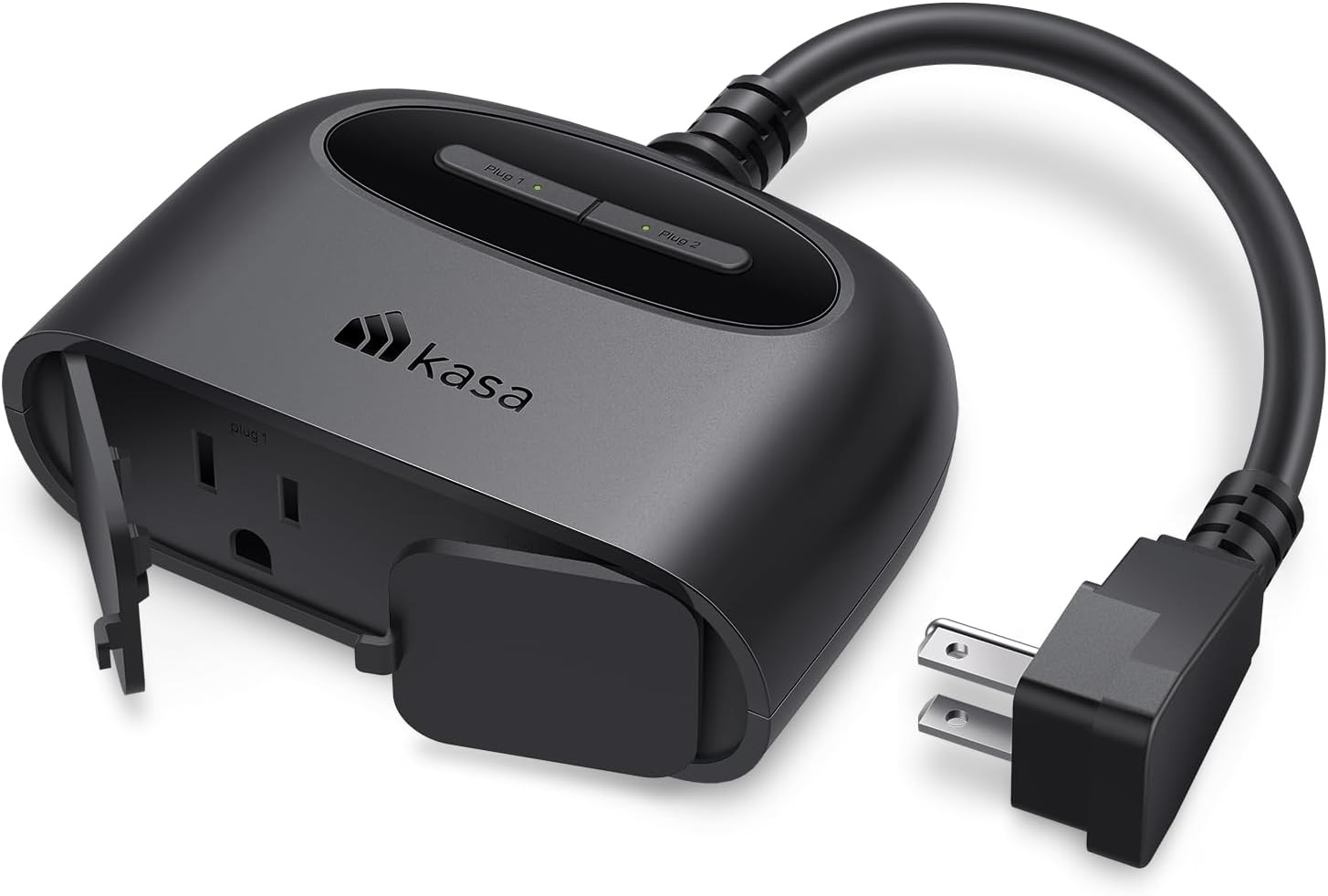 Kasa Outdoor Smart Plug, Smart Home Wi-Fi Outlet with 2 Sockets, EP40 | IP64$33.99Last checked Nov 25, 2026View on eBay
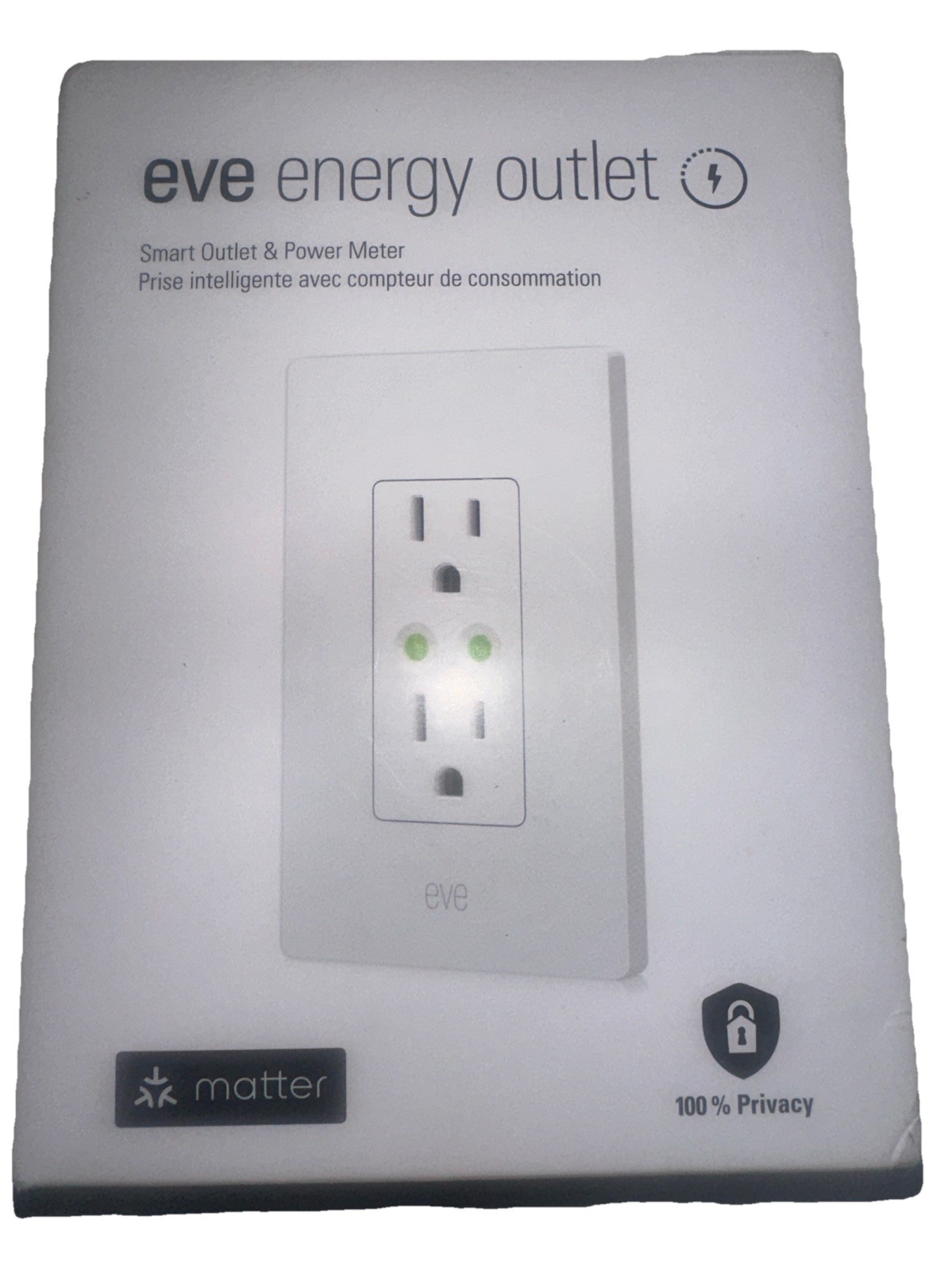 Smart Home Matter Electrical Plug w/ Voice Control Dual Outlets Matter Enabled$59.99Last checked Nov 22, 2026View on eBay
Highlights
- Relay rating separates tiers: 10A/1200W plugs handle lamps and fans, while 15A/1800W plugs are required for space heaters, kettles, and window ACs.
- Wi-Fi band matters: nearly all smart plugs connect only on 2.4GHz, so a 5GHz-only router network will fail during setup unless a 2.4GHz band is enabled.
- Physical switch types differ: latching push-buttons retain state after power loss, while touch-capacitive buttons can mis-trigger and lack tactile feedback.
- Energy-monitoring models (like TP-Link HS105/Kasa EP25 class) report real-time watts and kWh, while basic plugs only switch power with no consumption data.
Best use cases
- Best fit: lamps, fans, holiday lights, and coffee makers on a 10A plug with app scheduling and a physical button for manual override at the outlet.
- Best fit: space heaters, irons, and kitchen appliances on a 15A/1800W plug with a latching relay and certified over-current protection.
- Wrong fit: outdoor or damp locations using an indoor-only plug — choose an IP44+ outdoor smart plug with a light sensor or weatherproof housing instead.
- Wrong fit: whole-room load control or anything above 15A/1800W (dryers, EV chargers) — these require hardwired smart switches or contactors, not plug-in units.
Buying tips
- Match the relay to the load: 10A/1200W for lighting and electronics; 15A/1800W for resistive heating loads; never exceed 80% continuous load.
- Confirm 2.4GHz Wi-Fi support and that your router broadcasts a separate 2.4GHz SSID during pairing; 5GHz-only setups will not complete onboarding.
- Prefer plugs with a physical tactile button plus app and voice control (Alexa/Google) so the outlet still works manually if Wi-Fi drops.
- For automation reliability, choose models supporting local control or standard protocols (Matter, Zigbee hub) rather than cloud-only Tuya/white-label apps.
Specs
| Relay Rating | 10A/1200W vs 15A/1800W |
|---|---|
| Wi-Fi Band | 2.4GHz only (most models) |
| Control Type | Physical button + app + voice |
| Form Factor | Mini ~2.1x2.1x1.1 in vs full-size |
Related searches
What to check before buying
- Measure your outlet spacing: mini plugs (about 2.1x2.1x1.1 in) fit side-by-side; full-size plugs block the second receptacle in a standard duplex outlet.
- Check the plug type and voltage: US models are 120V NEMA 1-15 or 5-15; verify 120V/60Hz before use in other regions.
- Verify load wattage on the appliance label stays under the plug's rating (10A/1200W or 15A/1800W) with margin for surge on motor loads.
- Confirm your Wi-Fi router runs a 2.4GHz band and that you have the companion app and account ready before pairing.
FAQ
Data sources: eBay / Amazon listings and product attribute feeds. Updated Nov 27, 2026.
Some links on this page are affiliate links. If you buy after clicking one, we may earn a commission at no extra cost to you. This does not change which products appear here or their order. Affiliate disclosure.