
Photos from current listings. Actual item, color, and included accessories may vary.
Smart Plug Socket Buying Guide
A smart plug socket is a plug-in module that adds app, voice, and schedule control to any standard outlet without rewiring. The core trade-off is protocol choice: Wi-Fi models need no hub but congest 2.4 GHz networks, while Zigbee, Z-Wave, or Matter-over-Thread models require a bridge yet respond faster and scale better. Buy Wi-Fi if you have fewer than 20 devices and a strong router; buy hub-based or Matter if you are building a whole-home system or need local automation that survives an internet outage.
Median $24.49
Key takeaways
- Wi-Fi smart plugs connect directly to the 2.4 GHz band and need no hub, but each one occupies a router client slot and cannot run local automations offline.
- Zigbee and Z-Wave plugs pair to a hub (SmartThings, Hubitat, Home Assistant) and form a mesh that extends range; Z-Wave uses sub-GHz frequencies that avoid Wi-Fi congestion.
- Matter-over-Thread plugs require a Thread border router (HomePod, Apple TV 4K, Echo 4th gen) and deliver low-latency local control across Apple, Google, and Amazon ecosystems.
At a glance
- Category
- Smart Home Electronics
- Last updated
- Nov 27, 2026
Current offers
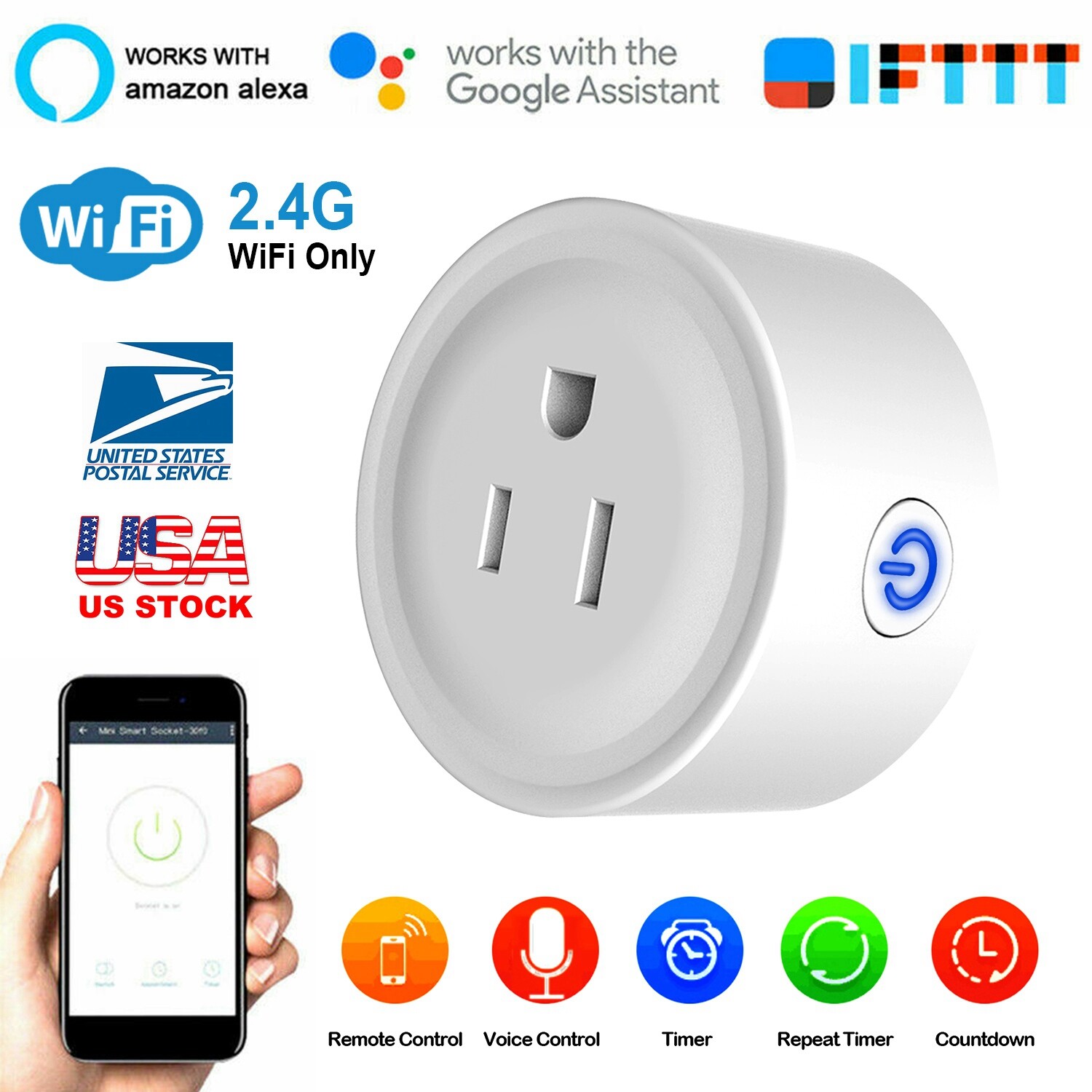 Smart Socket Wifi Plug Outlet Timer Switch Socket Work With Alexa Google Home$12.92Last checked Nov 25, 2026View on eBay
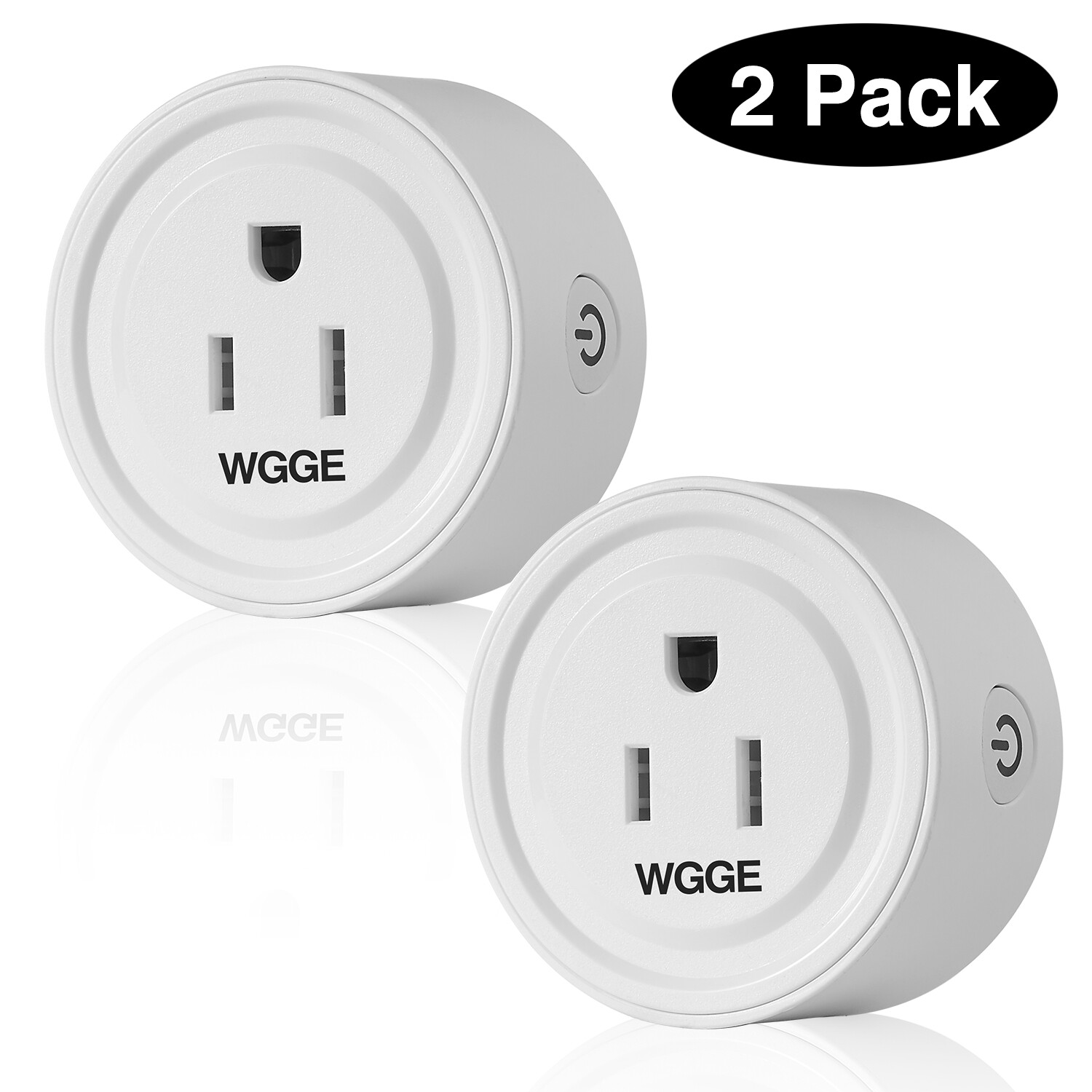 Smart Plug, Mini Smart WiFi Outlet Compatible with Alexa, Google Assistant 2/PK$14.99Last checked Nov 22, 2026View on eBay
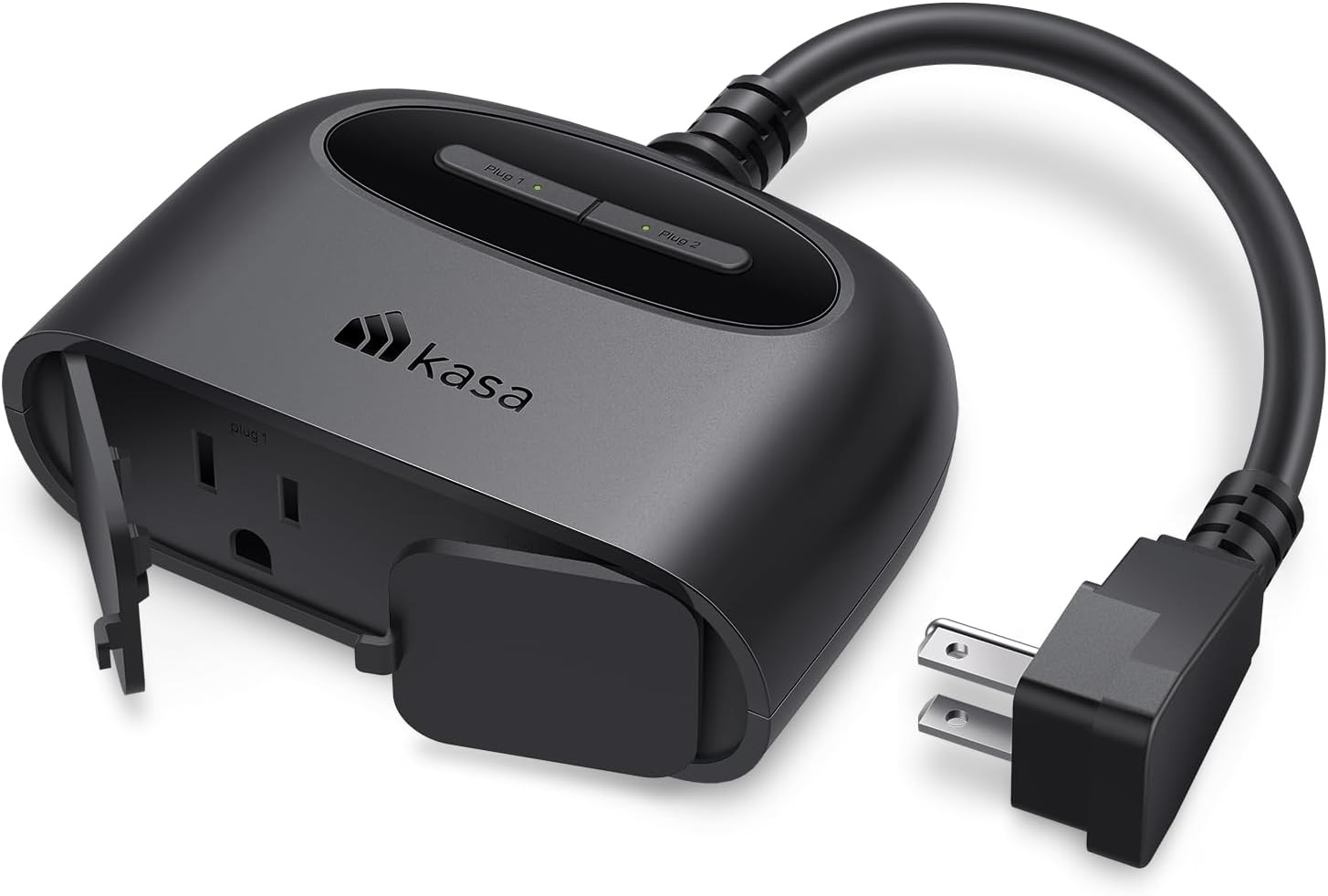 Kasa Outdoor Smart Plug, Smart Home Wi-Fi Outlet with 2 Sockets, EP40 | IP64$33.99Last checked Nov 25, 2026View on eBay
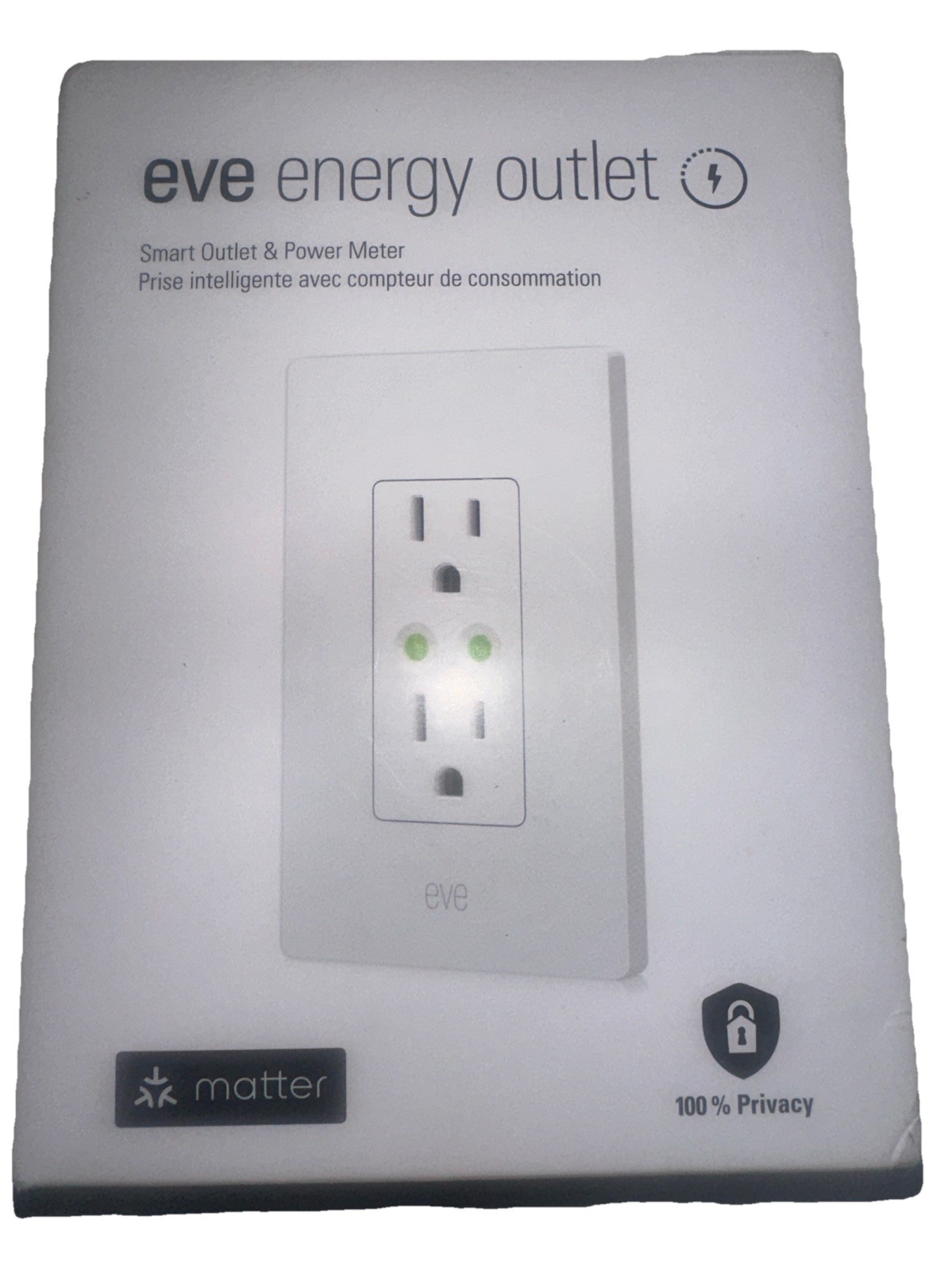 Smart Home Matter Electrical Plug w/ Voice Control Dual Outlets Matter Enabled$59.99Last checked Nov 22, 2026View on eBay
Highlights
- Wi-Fi smart plugs connect directly to the 2.4 GHz band and need no hub, but each one occupies a router client slot and cannot run local automations offline.
- Zigbee and Z-Wave plugs pair to a hub (SmartThings, Hubitat, Home Assistant) and form a mesh that extends range; Z-Wave uses sub-GHz frequencies that avoid Wi-Fi congestion.
- Matter-over-Thread plugs require a Thread border router (HomePod, Apple TV 4K, Echo 4th gen) and deliver low-latency local control across Apple, Google, and Amazon ecosystems.
- 15 A / 1800 W relays handle space heaters and kettles; 10 A / 1200 W mini plugs suit lamps and fans. Outdoor models add IP44+ enclosures and dual independent outlets like the Kasa KP400.
Best use cases
- Best fit: lamps, fans, holiday lights, and coffee makers on a schedule — pick a 15 A Wi-Fi mini plug in a 2.1 x 2.1 x 1.1 in housing that leaves the second wall outlet free.
- Best fit: whole-home automation with dozens of devices — choose Zigbee or Z-Wave plugs paired to a hub; skip Wi-Fi to avoid router client exhaustion and cloud dependency.
- Best fit: outdoor lighting, pumps, or seasonal decor — use an IP44+ dual-outlet outdoor plug like the Kasa KP400 or Enbrighten 51511; skip indoor mini plugs entirely.
- Wrong fit: high-draw 240 V appliances such as dryers or EV chargers — no standard smart plug is rated for them; use a smart circuit breaker or contactor instead.
Buying tips
- Match the relay to the load: 15 A / 1800 W for heaters and kitchen appliances, 10 A / 1200 W for lighting. Never exceed 80% continuous load (12 A on a 15 A plug).
- Choose protocol by scale: Wi-Fi for 1–15 plugs, Zigbee or Z-Wave for 15+ with a hub, Matter-over-Thread for cross-ecosystem local control with a border router.
- Buy energy-monitoring plugs only where you will act on the data — for known-schedule lamps a plain relay saves cost; for space heaters and pumps the kWh log pays off.
- For outdoor use require an IP44 or higher enclosure, a grounded 3-prong plug, and a weatherproof cover; indoor mini plugs fail within one wet season.
Specs
| Protocol | Wi-Fi 2.4 GHz / Zigbee / Z-Wave / Matter |
|---|---|
| Load Rating | 10 A (1200 W) mini / 15 A (1800 W) standard |
| Form Factor | Mini 2.1x2.1x1.1 in / Wide / Dual-outlet |
| Indoor/Outdoor | Indoor dry / Outdoor IP44+ GFCI |
Related searches
What to check before buying
- Measure the wall outlet spacing — confirm the plug body (2.1 x 2.1 x 1.1 in mini vs wider) will not cover the second receptacle you need.
- Confirm 2.4 GHz Wi-Fi coverage at the outlet location; 5 GHz-only networks and weak signal cause repeated dropouts on Wi-Fi plugs.
- For hub-based plugs, verify your hub supports the exact protocol (Zigbee 3.0, Z-Wave Plus, or Thread) and has capacity for additional mesh devices.
- For outdoor installs, check the receptacle is GFCI-protected, the plug is IP44+ rated, and a weatherproof in-use cover fits over the plug body.
FAQ
Data sources: eBay / Amazon listings and product attribute feeds. Updated Nov 27, 2026.
Some links on this page are affiliate links. If you buy after clicking one, we may earn a commission at no extra cost to you. This does not change which products appear here or their order. Affiliate disclosure.