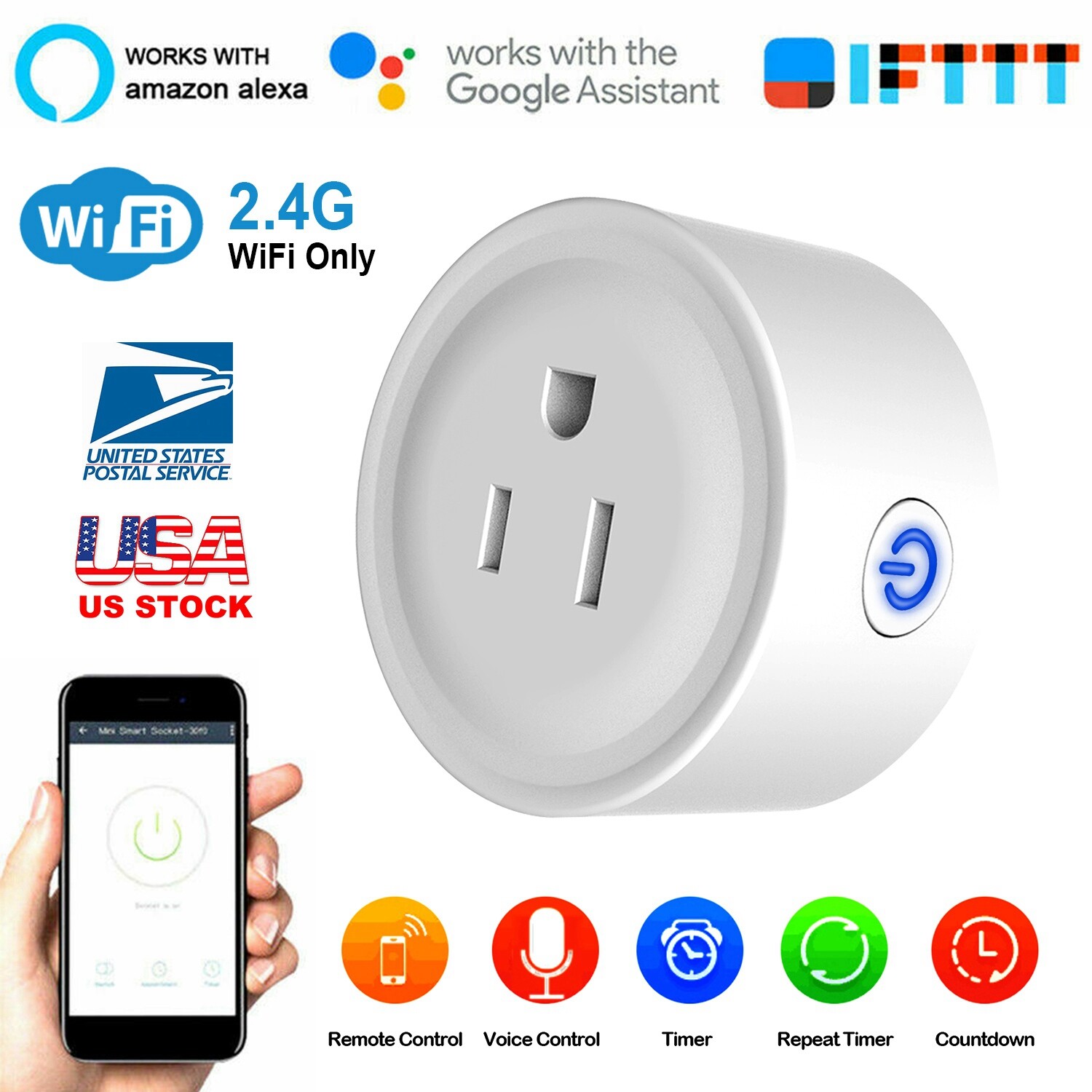

Photos from current listings. Actual item, color, and included accessories may vary.
Smart Outlet Switch Buying Guide
A smart outlet switch is a Wi-Fi or hub-based plug-in or in-wall module that adds app, voice, and timer control to any standard receptacle. The core trade-off is between plug-in modules (zero wiring, limited load) and in-wall units (clean look, 15A hardwired capacity), plus protocol choice: Wi-Fi for standalone simplicity versus Zigbee/Z-Wave for hub-based reliability. Buy in-wall only if you are comfortable with line-voltage wiring and have a 2-gang box depth of at least 1.5 inches; otherwise choose a grounded plug-in module rated for the load.
Key takeaways
- In-wall smart outlets are rated 15A/120V with a 1/2-inch box depth requirement and need a neutral wire; plug-in modules typically cap at 10-15A resistive and 1/2 HP motor loads.
- Wi-Fi (2.4 GHz only) modules join the router directly with no hub, while Zigbee/Z-Wave units need a compatible hub but form mesh networks that stay reliable as device count grows.
- Matter-certified outlets work across Alexa, Google, and Apple Home simultaneously; older Wi-Fi SKUs often lock you into one ecosystem's app for setup.
At a glance
- Category
- Smart Home Electronics
- Last updated
- Nov 28, 2026
Current offers
Highlights
- In-wall smart outlets are rated 15A/120V with a 1/2-inch box depth requirement and need a neutral wire; plug-in modules typically cap at 10-15A resistive and 1/2 HP motor loads.
- Wi-Fi (2.4 GHz only) modules join the router directly with no hub, while Zigbee/Z-Wave units need a compatible hub but form mesh networks that stay reliable as device count grows.
- Matter-certified outlets work across Alexa, Google, and Apple Home simultaneously; older Wi-Fi SKUs often lock you into one ecosystem's app for setup.
- Tamper-resistant shutters and UL/ETL listing separate safe units from unlisted white-label imports; outdoor models add IP44+ gaskets and a 6-inch cord forGFCI-protected receptacles.
Best use cases
- Best fit: plug-in mini Wi-Fi module for lamps, fans, and holiday lighting where no wiring is allowed and the load stays under 10A resistive.
- Best fit: hardwired 15A in-wall outlet for kitchens and living rooms where you want a clean look and switch-controlled receptacles without dongles.
- Wrong fit: using a 10A plug-in module for a space heater, air conditioner, or EV charger—these require a dedicated in-wall 15-20A circuit, not a smart plug.
- Skip hub-dependent Zigbee/Z-Wave outlets if you have no SmartThings, Hubitat, or Home Assistant controller—Wi-Fi or Matter is the correct standalone choice.
Buying tips
- Measure your wall box first: in-wall smart outlets need a 2-gang box at least 1.5 inches deep with a neutral wire; old 1-gang boxes without neutral cannot host them.
- Match the load: 15A/1800W max for in-wall; plug-in modules should be kept to 10A/1200W resistive and never used with continuous motor or heating loads unless explicitly rated.
- Choose 2.4 GHz Wi-Fi for standalone control; pick Zigbee or Z-Wave only when you already own a hub, because they extend mesh range rather than congest your router.
- For outdoor use, select an IP44-or-better plug-in module with a GFCI-protected receptacle and a cord long enough to reach from the box to the mounting point.
Specs
| Install Type | Plug-in module vs in-wall hardwired |
|---|---|
| Protocol | Wi-Fi 2.4 GHz / Zigbee / Z-Wave / Matter |
| Load Rating | 10A plug-in / 15A in-wall (120V) |
| Wiring Need | Neutral wire + 2-gang box for in-wall |
Related searches
What to check before buying
- Box and wiring: confirm a 2-gang, 1.5-inch-deep box with neutral wire for in-wall units; verify a standard duplex receptacle faceplate fits the module depth.
- Circuit capacity: check the breaker and wire gauge (14 AWG for 15A) so the smart outlet is not the weakest link on the circuit.
- Network: confirm 2.4 GHz Wi-Fi coverage at the outlet location; 5 GHz-only routers will not onboard most Wi-Fi smart plugs.
- Load and environment: for outdoor or damp locations, verify GFCI protection, IP rating, and that the plug-in module's cord reaches the mounting point.
FAQ
Data sources: eBay / Amazon listings and product attribute feeds. Updated Nov 28, 2026.
Some links on this page are affiliate links. If you buy after clicking one, we may earn a commission at no extra cost to you. This does not change which products appear here or their order. Affiliate disclosure.