
Photos from current listings. Actual item, color, and included accessories may vary.
Smart Outlet Buying Guide
Smart outlets split into two architectures: plug-in smart plugs that retrofit any receptacle, and in-wall smart switches that replace the fixture for built-in control. The defining trade-off is protocol and wiring: Wi-Fi plugs need no neutral but crowd the app ecosystem, while in-wall switches often require a neutral wire and a deeper box for dimming. Choose plug-ins for renters and lamps; choose in-wall switches only when you have verified neutral wiring and a load within the switch's rated wattage.
Median $18.49
Key takeaways
- Plug-in smart plugs are 15A/120V UL-listed devices that switch resistive loads up to 1800W; they cannot dim and should not control motors above their rated inductive load.
- In-wall dimmer switches require a neutral wire in most models and are rated by load type: 150W LED/CFL vs 600W incandescent, so verify bulb wattage against the LED rating, not the incandescent number.
- Wi-Fi (2.4GHz only) plugs connect directly to the router and work with Alexa and Google Home without a hub; Zigbee and Bluetooth models need a compatible hub or bridge for remote access.
At a glance
- Category
- Smart Home Electronics
- Last updated
- Nov 27, 2026
Current offers
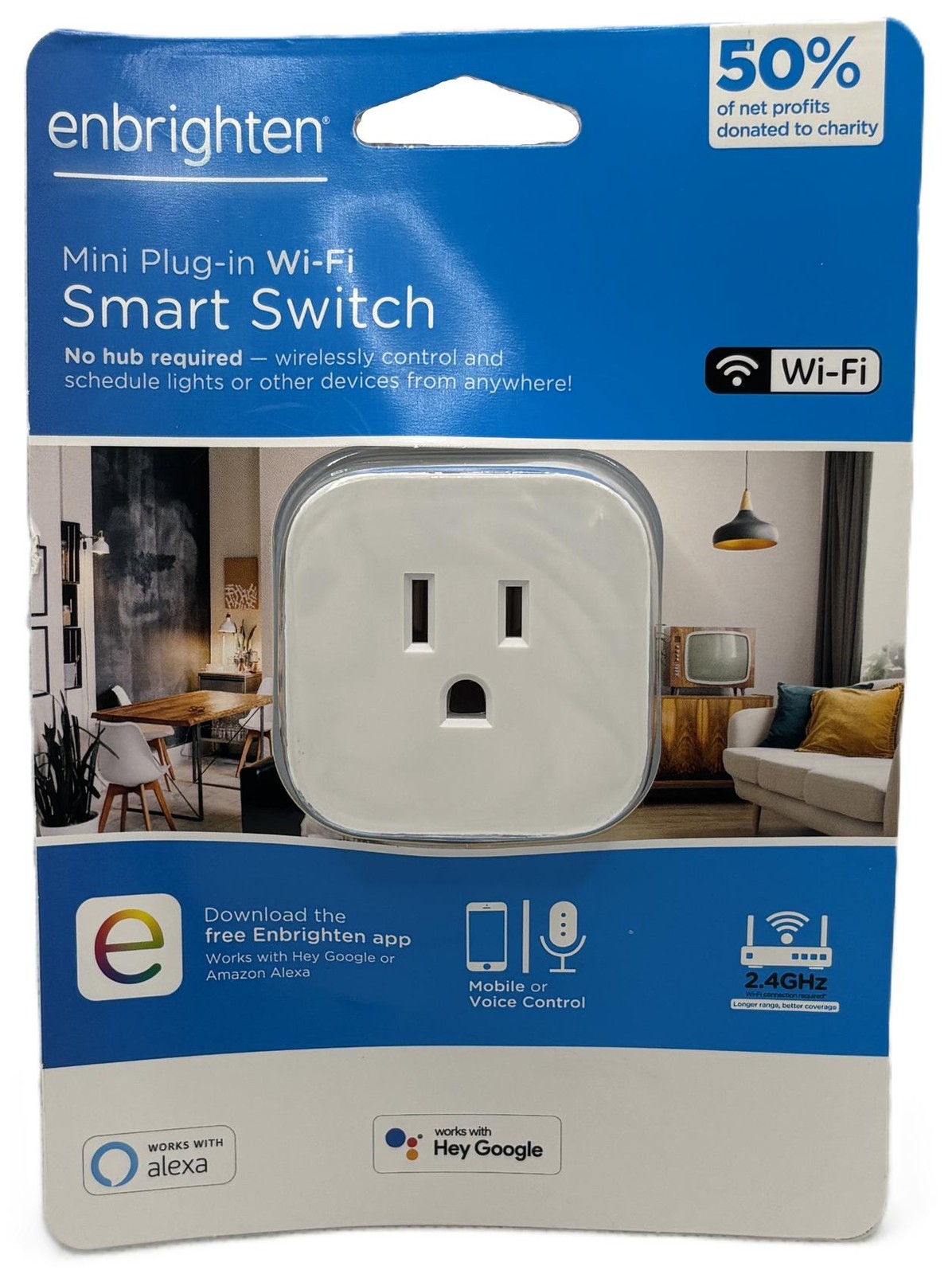 Enbrighten Mini Plug-In Wi-Fi Smart Switch Grounded Outlet No Hub Required 51511$15.09Last checked Nov 23, 2026View on eBay
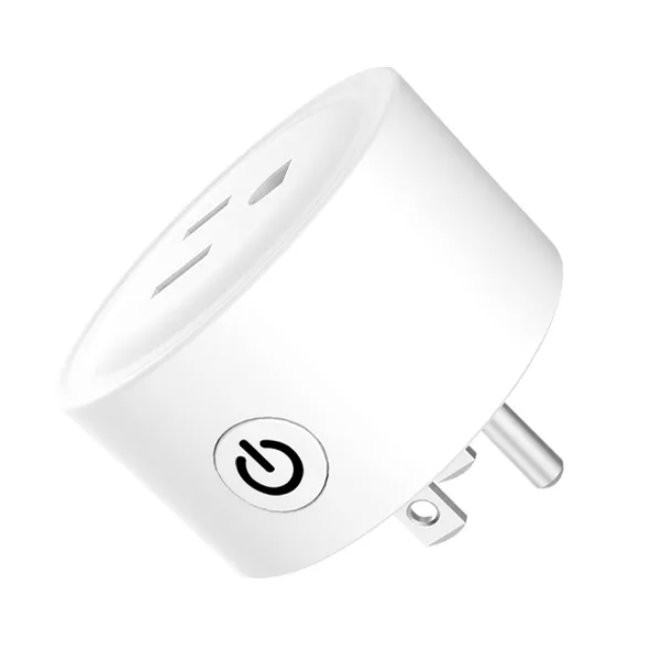 WiFi Smart Plug Outlet Wireless Socket APP Remote Voice Control Timer Alexa Google US$29.99View on Mallflare
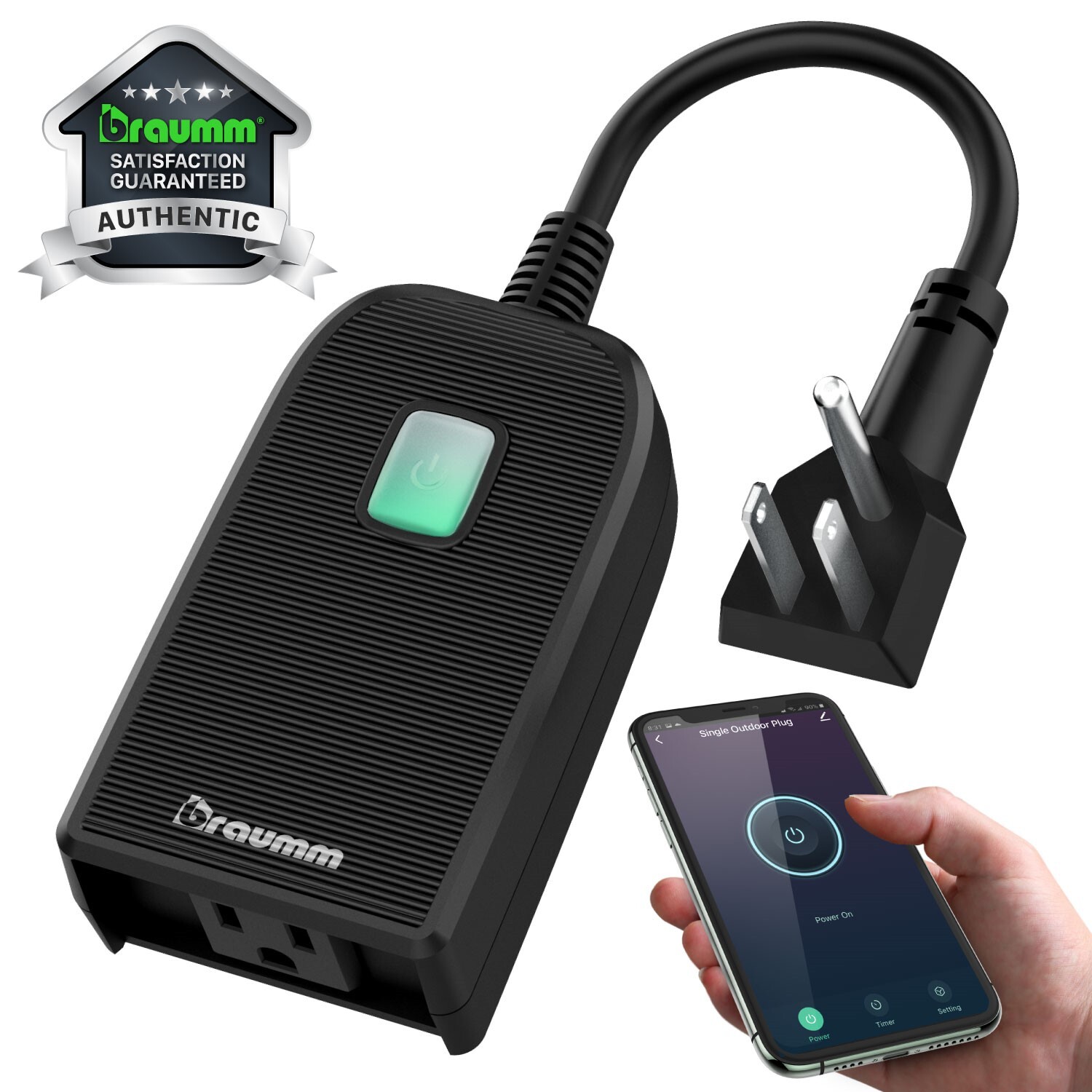 Braumm Outdoor Smart WiFi Outlet Compatible with Alexa and Google Assistant$18.49Last checked Nov 25, 2026View on eBay
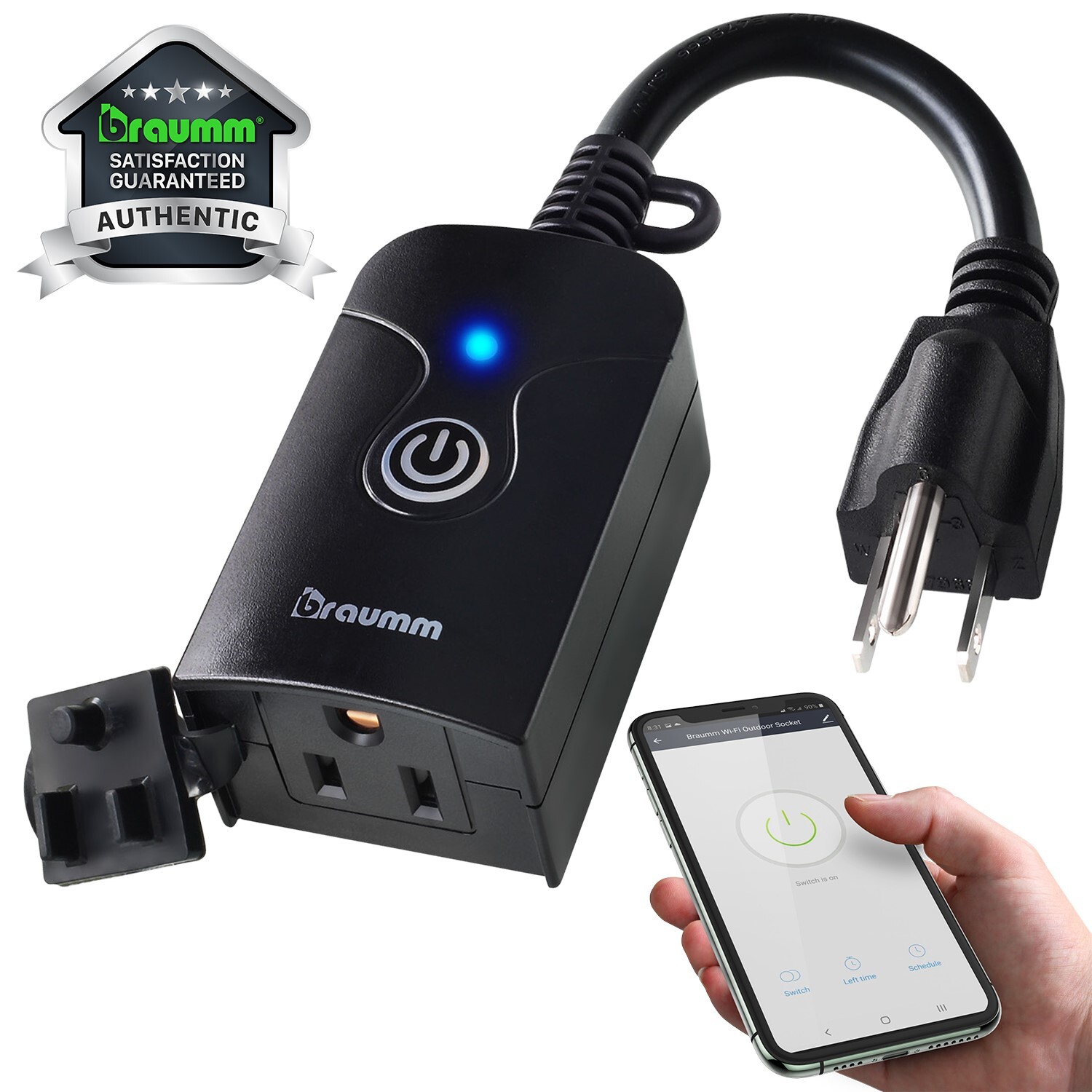 Braumm Smart Outdoor WiFi Outlet Compatible w/ Alexa Google Assistant ETL Listed$18.49Last checked Nov 22, 2026View on eBay
Highlights
- Plug-in smart plugs are 15A/120V UL-listed devices that switch resistive loads up to 1800W; they cannot dim and should not control motors above their rated inductive load.
- In-wall dimmer switches require a neutral wire in most models and are rated by load type: 150W LED/CFL vs 600W incandescent, so verify bulb wattage against the LED rating, not the incandescent number.
- Wi-Fi (2.4GHz only) plugs connect directly to the router and work with Alexa and Google Home without a hub; Zigbee and Bluetooth models need a compatible hub or bridge for remote access.
- No-neutral switches work by leaking a small current through the load; they require a minimum load (often 25W) and can cause flicker or ghosting with low-wattage LED bulbs.
Best use cases
- Best fit: renters controlling lamps, fans, and holiday lights — pick a 15A Wi-Fi plug with a manual override button and 2.4GHz radio; skip in-wall switches that require landlord-approved wiring changes.
- Best fit: homeowners replacing a wall switch for ceiling lights — pick an in-wall dimmer only after confirming a neutral wire and a load within the LED rating; skip no-neutral models on circuits with dimmable LEDs under 25W total.
- Best fit: Google Home or Alexa households wanting schedules and voice — pick a plug explicitly certified for Google Home/Alexa with 2.4GHz Wi-Fi; skip Bluetooth-only or hub-required Zigbee plugs unless you own the matching bridge.
- Wrong fit: high-draw appliances like space heaters or EV chargers — skip all plug-in smart plugs; those loads exceed 15A/1800W and require a dedicated smart circuit breaker or hardwired solution.
Buying tips
- Match the plug's amperage to the load: 15A/1800W covers lamps and small appliances; anything with a motor or heating element above that rating needs a hardwired smart switch or breaker.
- For dimming, compare the LED/CFL wattage rating (often 150W) rather than the incandescent rating (600W); LED bulbs draw far less but inrush current can still stress cheap triac dimmers.
- Choose 2.4GHz Wi-Fi for plug-and-play voice control; choose Zigbee/Thread only if you already own a compatible hub, since 5GHz-only routers will not connect directly to most smart plugs.
- Confirm wall-box depth and neutral wiring before buying an in-wall switch: most smart dimmers need 2.5–3 inches of depth plus a neutral bundle, and no-neutral models require a minimum load to function.
Specs
| Device Type | Plug-in plug vs in-wall switch |
|---|---|
| Protocol | Wi-Fi 2.4GHz / Zigbee / Bluetooth |
| Electrical Rating | 15A 120V / 1800W resistive |
| Dimming Support | On/off only vs triac dimmer |
Related searches
What to check before buying
- Measure your wall box depth and confirm a neutral wire bundle (usually white) before selecting an in-wall smart switch; no-neutral models need at least 25W of load to stay powered.
- Check your router broadcasts a 2.4GHz band — most Wi-Fi smart plugs will not join a 5GHz-only network during setup.
- Verify the appliance's amps and watts against the plug's 15A/1800W rating; motors and heaters need inductive-load ratings, not just resistive.
- For multi-packs and 3-pin US plugs, confirm the outlet spacing on your receptacle or power strip so bulky smart plugs do not block adjacent sockets.
FAQ
Data sources: eBay / Amazon listings and product attribute feeds. Updated Nov 27, 2026.
Some links on this page are affiliate links. If you buy after clicking one, we may earn a commission at no extra cost to you. This does not change which products appear here or their order. Affiliate disclosure.