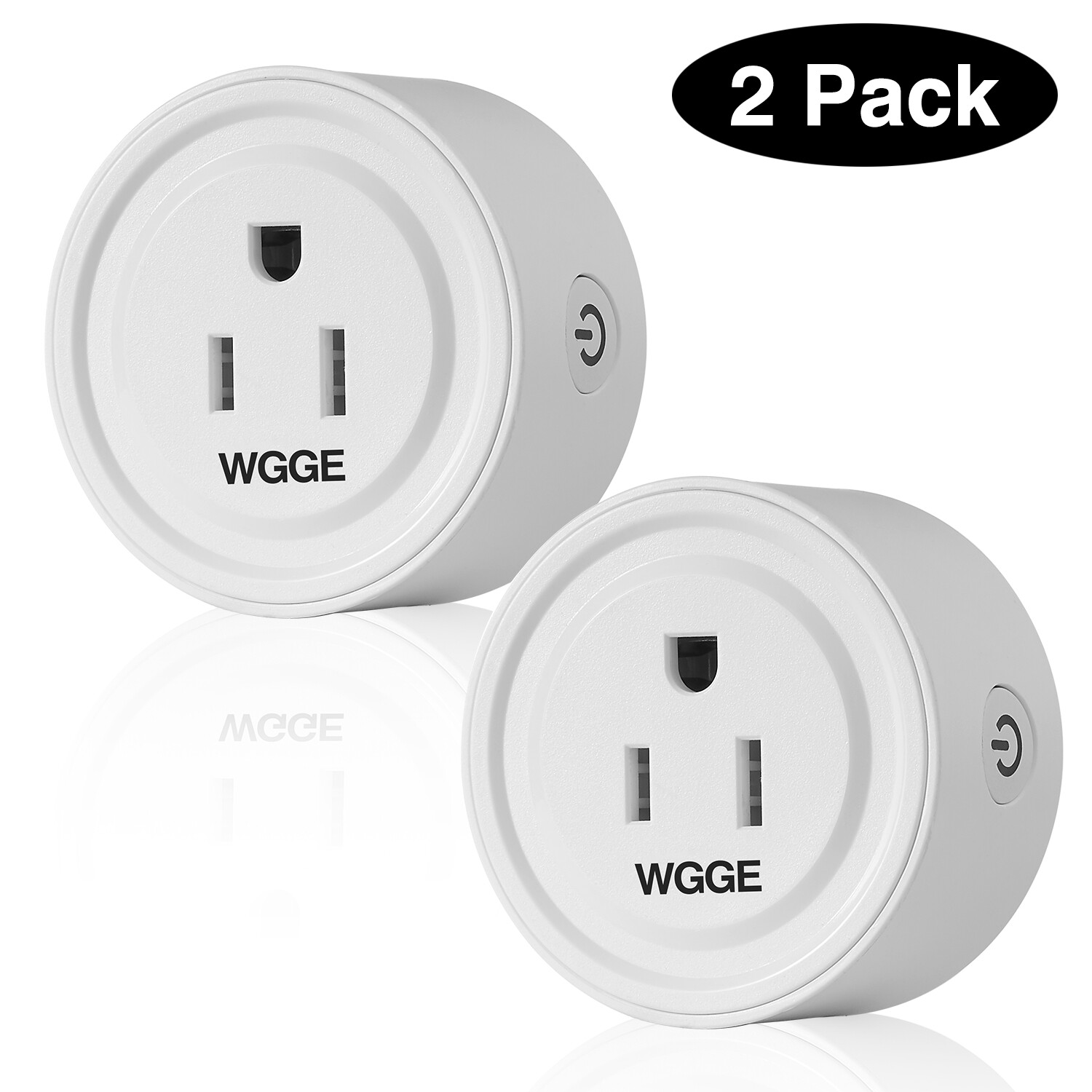

Photos from current listings. Actual item, color, and included accessories may vary.
Mini Smart Socket Buying Guide
A mini smart socket is a compact Wi-Fi or hub-based plug that adds app, voice, and schedule control to any outlet while preserving the second receptacle. The core trade-off is relay/contact rating and protocol compatibility versus enclosure bulk: 10A/1200W units suit lamps and fans, while 15A/1800W or energy-monitoring models handle heaters and cost tracking. Buy a UL/ETL-listed unit with 2.4GHz Wi-Fi and a stated amp rating for your load; skip unlisted no-name plugs and 5GHz-only or hub-locked designs unless you already own that ecosystem.
Key takeaways
- Contact rating defines safe load: 10A/1200W for lighting and small appliances, 15A/1800W for space heaters, irons, and window ACs.
- Protocol split: Wi-Fi 2.4GHz plugs work standalone with Alexa/Google; Zigbee, Z-Wave, and Thread models need a hub or border router.
- Pass-through designs preserve the second outlet; block-style minis occupy one receptacle and can obstruct adjacent plugs or wall switches.
At a glance
- Category
- Smart Home Electronics
- Last updated
- Nov 28, 2026
Current offers
Highlights
- Contact rating defines safe load: 10A/1200W for lighting and small appliances, 15A/1800W for space heaters, irons, and window ACs.
- Protocol split: Wi-Fi 2.4GHz plugs work standalone with Alexa/Google; Zigbee, Z-Wave, and Thread models need a hub or border router.
- Pass-through designs preserve the second outlet; block-style minis occupy one receptacle and can obstruct adjacent plugs or wall switches.
- Energy-monitoring models report real-time watts and kWh history, enabling schedules and cost tracking beyond simple on/off relays.
Best use cases
- Lamp, fan, or holiday-light control: pick a 10A Wi-Fi mini with 2.4GHz support and schedule/away modes; skip 15A or energy-monitor tiers that add cost without benefit.
- Space heater or window AC: choose a 15A/1800W listed plug rated for resistive or motor loads; never use a 10A mini for high-draw heating appliances.
- Apple Home or SmartThings household: select a Thread or Zigbee plug that matches the existing hub; skip Wi-Fi-only plugs that fragment control across apps.
- Whole-home energy insight: buy a plug with built-in power metering per outlet; skip basic on/off minis that cannot report consumption.
Buying tips
- Match the plug's amp rating to the appliance nameplate: 10A for loads under 1200W, 15A for up to 1800W; add 20% headroom for motor startup.
- Confirm 2.4GHz Wi-Fi (802.11 b/g/n) support; 5GHz-only routers require band splitting or a 2.4GHz guest network for setup.
- Choose pass-through or slim-side-entry housing if the outlet is behind furniture or shares a duplex with a bulky adapter.
- For hub ecosystems, buy the same protocol as the hub (Zigbee 3.0, Z-Wave Plus, or Thread) to keep one app and local control.
Specs
| Load Rating | 10A/1200W vs 15A/1800W |
|---|---|
| Protocol | Wi-Fi 2.4GHz / Zigbee / Thread |
| Outlet Design | Block-style vs pass-through |
| Energy Monitoring | Basic on/off vs watt/kWh metering |
Related searches
What to check before buying
- Measure receptacle spacing and wall-plate clearance; block-style minis can cover the second outlet or block a switch plate.
- Verify appliance wattage and plug type (grounded 3-prong vs polarized 2-prong) against the plug's rating and socket.
- Confirm 2.4GHz Wi-Fi coverage at the outlet; weak signal causes dropped schedules and failed voice commands.
- Check whether the plug requires a neutral wire, hub, or Matter border router before purchase.
FAQ
Data sources: eBay / Amazon listings and product attribute feeds. Updated Nov 28, 2026.
Some links on this page are affiliate links. If you buy after clicking one, we may earn a commission at no extra cost to you. This does not change which products appear here or their order. Affiliate disclosure.