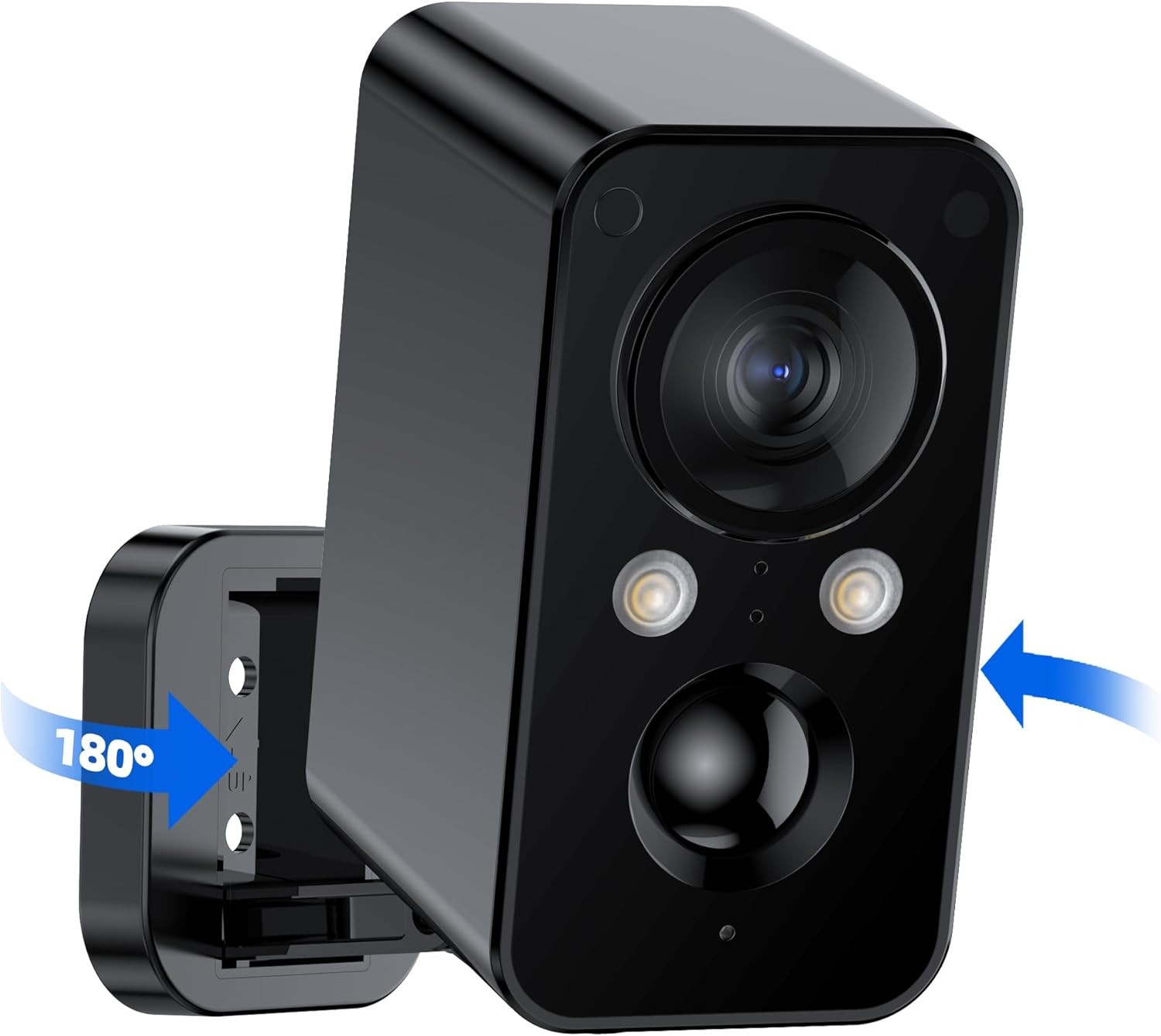

Photos from current listings. Actual item, color, and included accessories may vary.
Home Security Camera Without WiFi Buying Guide
A no-WiFi security camera records locally to an SD card or DVR/NVR and connects by wired Ethernet or 4G LTE, so it keeps working when your internet or router goes down. The core trade-off is setup effort and cabling versus true network independence: WiFi-free models cost more upfront and need power runs or SIM data plans. Buy a wired PoE or 4G camera if you need operation without home internet; skip pure WiFi cameras and battery cams that still rely on a WiFi router for setup and remote viewing.
Key takeaways
- PoE (802.3af/at) cameras carry both power and data over one Cat5e/Cat6 cable up to 100 m, with no router or WiFi needed at the camera.
- 4G LTE cameras use a nano-SIM and ship in two tiers: battery/solar models for remote sites and wired 12V models for continuous recording.
- Local recording capacity scales with card class: a 128GB microSD card holds roughly 10-14 days of 2K footage at continuous bitrate.
At a glance
- Category
- Smart Home Electronics
- Last updated
- Nov 29, 2026
Current offers
Highlights
- PoE (802.3af/at) cameras carry both power and data over one Cat5e/Cat6 cable up to 100 m, with no router or WiFi needed at the camera.
- 4G LTE cameras use a nano-SIM and ship in two tiers: battery/solar models for remote sites and wired 12V models for continuous recording.
- Local recording capacity scales with card class: a 128GB microSD card holds roughly 10-14 days of 2K footage at continuous bitrate.
- IP66/IP67 weatherproofing and a metal housing decide outdoor life; plastic-shell cameras fade and crack under UV and freeze-thaw cycles.
Best use cases
- Best fit: a shed, barn, or off-grid gate with no router — pick a 4G LTE camera with a solar panel and an SD card for local backup, and skip WiFi-only models entirely.
- Best fit: a multi-camera home perimeter — run an 8-channel PoE NVR with 802.3af cameras on Cat6; this beats battery cams because there are no recharges or WiFi dropouts.
- Wrong fit: an apartment where you cannot drill or run cable — a WiFi-free camera will not help; use a plug-in local-storage camera on your existing network instead.
- Wrong fit: you want cloud AI alerts without any subscription or SIM — 4G cameras need a data plan, and PoE cameras need an NVR or local NAS for remote access.
Buying tips
- Match cable to distance: Cat5e is rated to 100 m for PoE; beyond that, add a PoE extender or switch rather than a longer run.
- Size the NVR to the camera count plus headroom: an 8-channel NVR with 8 PoE ports handles 8 cameras, but 4K cameras need H.265 decoding and a 4TB+ drive.
- For 4G cameras, confirm band support for your carrier (B2/B4/B5/B12/B13 in the US) and buy a data SIM with at least 2-4 GB/month for remote viewing.
- Choose IP66 or better and a metal body for outdoors; plastic housings are only acceptable under a roof overhang or indoors.
Specs
| Connectivity | PoE wired / 4G LTE / local SD |
|---|---|
| Power Source | PoE 802.3af/at, 12V DC, solar battery |
| Weather Rating | IP66 / IP67 outdoor |
| Local Storage | microSD up to 256GB / NVR HDD |
Related searches
What to check before buying
- Measure the cable run from your router/switch to each camera; PoE tops out at 100 m per segment.
- Confirm a power outlet or PoE injector at each camera location — battery/solar models need 4-6 hours of direct sun for reliable charging.
- Check your carrier's 4G bands and coverage at the install spot before buying a cellular camera.
- Verify the NVR or camera supports the resolution and codec (H.265) you plan to record, and budget a surveillance-grade drive.
FAQ
Data sources: eBay / Amazon listings and product attribute feeds. Updated Nov 29, 2026.
Some links on this page are affiliate links. If you buy after clicking one, we may earn a commission at no extra cost to you. This does not change which products appear here or their order. Affiliate disclosure.