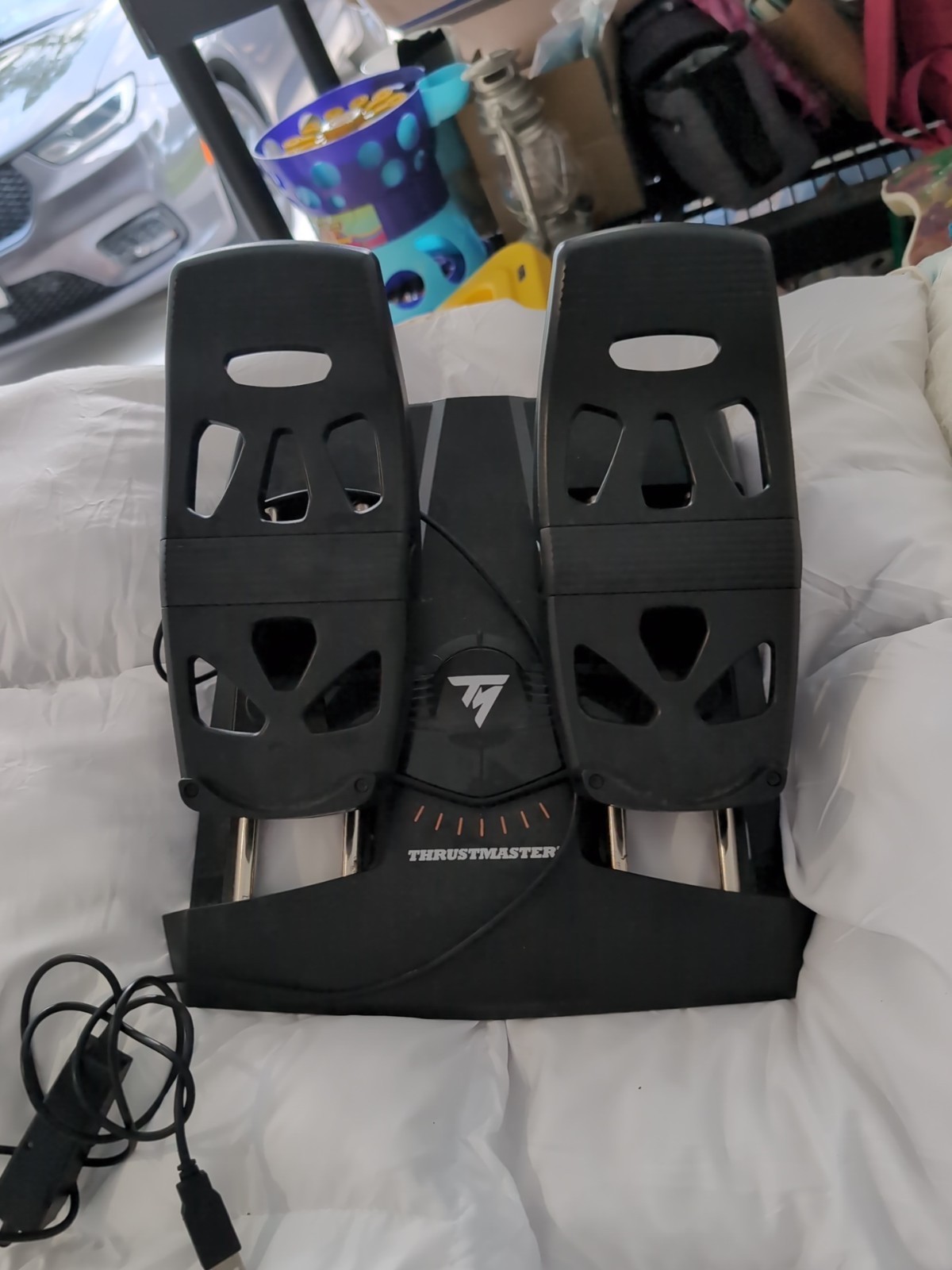

Photos from current listings. Actual item, color, and included accessories may vary.
Thrustmaster T.Flight Rudder Buying Guide
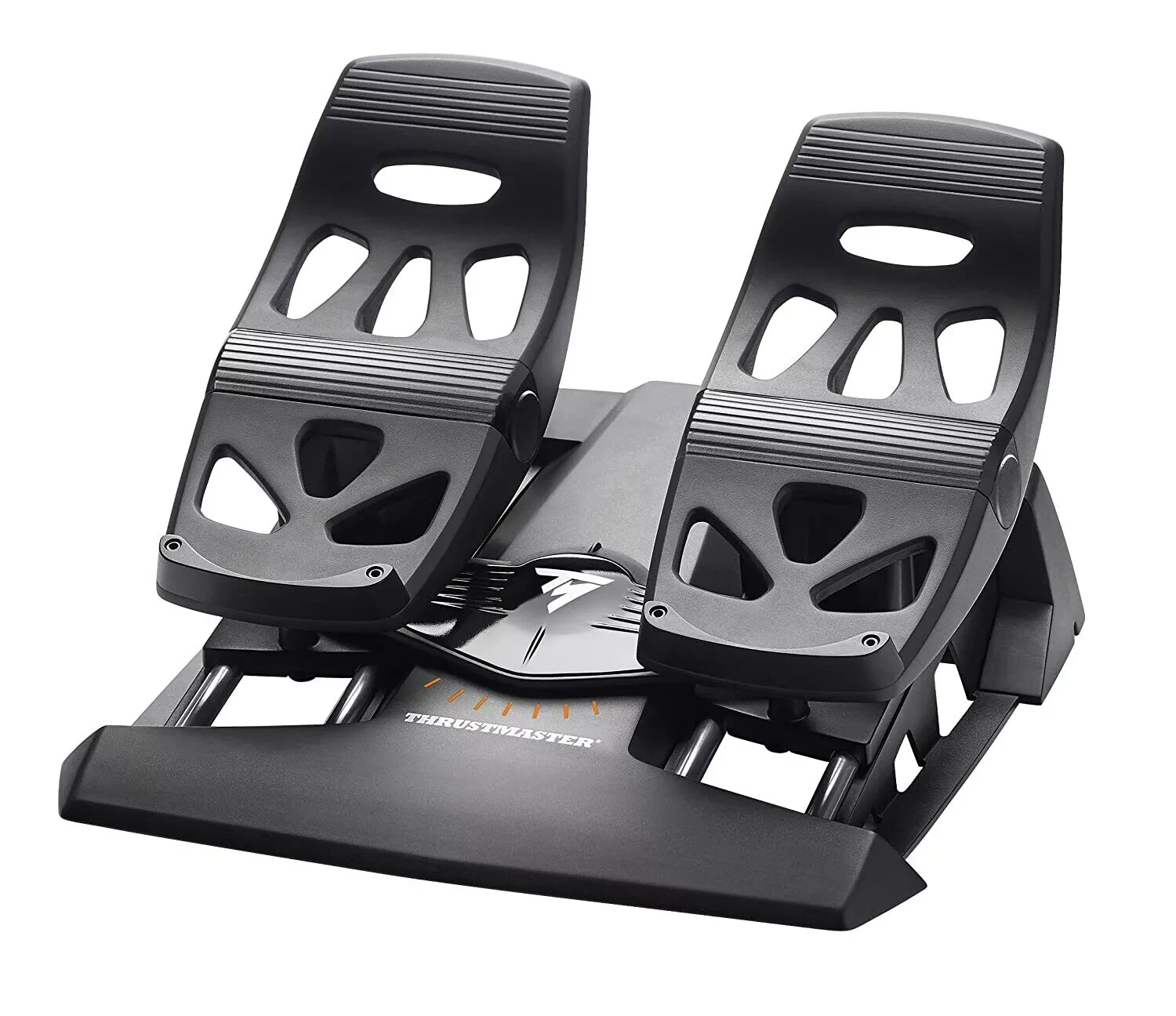
The Thrustmaster T.Flight Rudder Pedals (TFRP) are entry-level flight-sim pedals using a sliding rail mechanism rather than a pivoting arm, with a plastic housing and three axes (rudder plus differential toe brakes). The core trade-off is cost versus durability: the TFRP's S.M.A.R.T. sliding design is smooth and compact but less robust and less precise than the metal, tension-adjustable cam systems on mid-range and high-end pedals. The decision rule is simple: buy the TFRP only for casual to intermediate flight simming on a desk or compact rig, and step up to metal-construction pedals if you fly competitively, use high-tension springs, or plan years of heavy use.
Key takeaways
- Three-axis design: rudder travel plus independent left/right toe brakes, essential for realistic taxiing, differential braking, and crosswind landings.
- S.M.A.R.T. sliding rail mechanism moves the pedals fore and aft rather than pivoting, giving compact footprint and smooth travel but limited tension adjustment versus cam-based pedals.
- Plastic housing and pedal arms keep weight and cost down; the TFRP is not designed for high-force load cells or long-term heavy stomping.
At a glance
- Category
- Flight Sim Rudder Pedals
- Status
- Listings available
- Last updated
- Nov 23, 2026
Current offers
Highlights
- Three-axis design: rudder travel plus independent left/right toe brakes, essential for realistic taxiing, differential braking, and crosswind landings.
- S.M.A.R.T. sliding rail mechanism moves the pedals fore and aft rather than pivoting, giving compact footprint and smooth travel but limited tension adjustment versus cam-based pedals.
- Plastic housing and pedal arms keep weight and cost down; the TFRP is not designed for high-force load cells or long-term heavy stomping.
- Native compatibility with Thrustmaster's T.Flight and T.16000M ecosystems and PC/console flight sims; check for the specific USB connection and any required adapter for your platform.
Best use cases
- Best fit: PC or console flight simmers on a budget who want true three-axis rudder and toe brakes for airliners, GA aircraft, and combat sims without spending mid-range money.
- Best fit: Desk or compact cockpit setups where the sliding mechanism's smaller footprint and forward-back motion suit limited space under a desk.
- Wrong fit: Competitive or high-hour pilots who need precise centering, adjustable spring tension, and metal durability — choose cam-based metal pedals instead.
- Wrong fit: Helicopter-focused simmers needing very fine anti-torque control; the TFRP's plastic slider is less consistent for hover-precision work than higher-tier pedals.
Buying tips
- Confirm platform support: the TFRP connects via USB and works on PC; console use requires the correct Thrustmaster ecosystem compatibility (e.g., specific T.Flight or T.16000M bundles).
- Measure under-desk clearance: the sliding rail needs roughly 30–40 cm of fore-aft travel room, so ensure your chair and desk allow full leg extension without hitting walls.
- Match to your sim: airliners and GA benefit most from toe brakes; if you only fly space sims or arcade titles, a simpler single-axis rudder may suffice.
- Plan for material limits: plastic pedals are fine for moderate use but avoid high-tension aftermarket springs or heavy stomping, which accelerate wear on the slider and housing.
Specs
| Axes | 3 (rudder + 2 toe brakes) |
|---|---|
| Mechanism | Sliding rail (S.M.A.R.T.) |
| Construction | Plastic housing and pedals |
| Connectivity | USB-A (PC); console via bundle |
Alternatives to compare
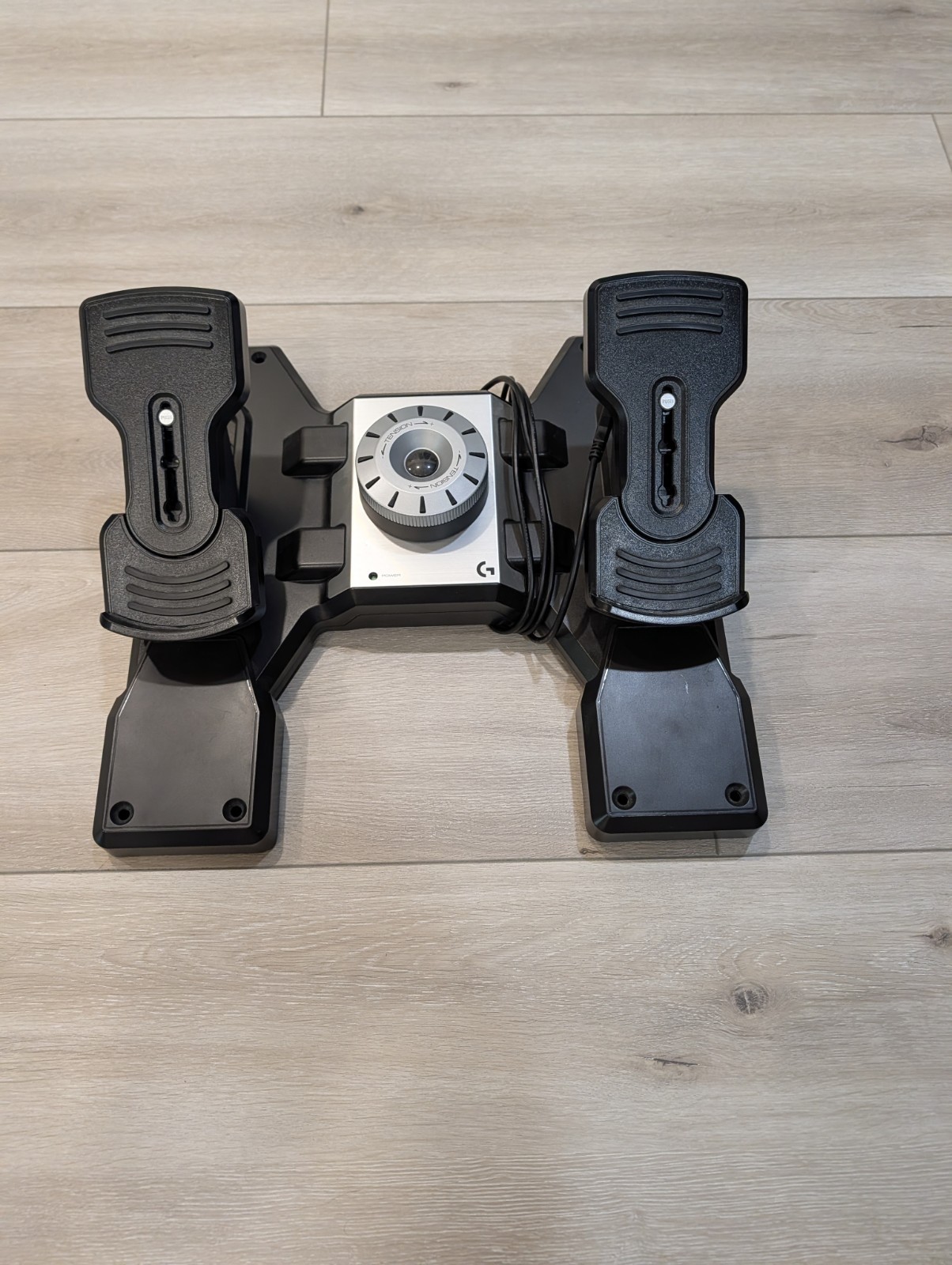
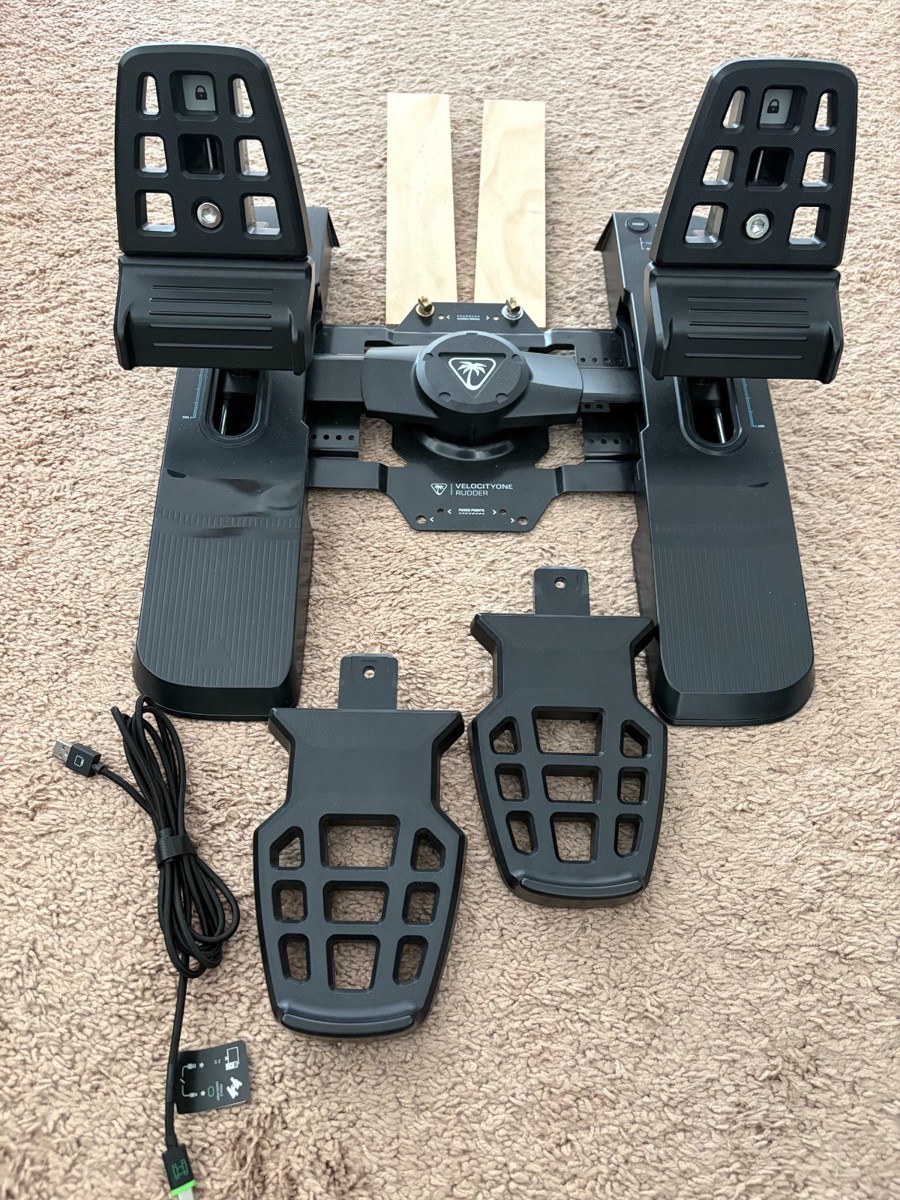
Related searches
What to check before buying
- Floor and chair setup: ensure a stable, non-slip surface and a chair that won't roll away under rudder pressure; a rug or pedal stopper helps.
- Desk clearance: verify at least 30–40 cm of forward/backward space for the sliding pedal travel and room for your legs to extend.
- USB and platform: confirm a free USB-A port on PC, or the correct Thrustmaster console adapter/bundle for your Xbox or PlayStation.
- Companion gear: check that your stick/throttle and pedals are from compatible Thrustmaster ecosystems if you want unified software and calibration.
FAQ
Data sources: eBay / Amazon listings and product attribute feeds. Updated Nov 23, 2026.
Some links on this page are affiliate links. If you buy after clicking one, we may earn a commission at no extra cost to you. This does not change which products appear here or their order. Affiliate disclosure.