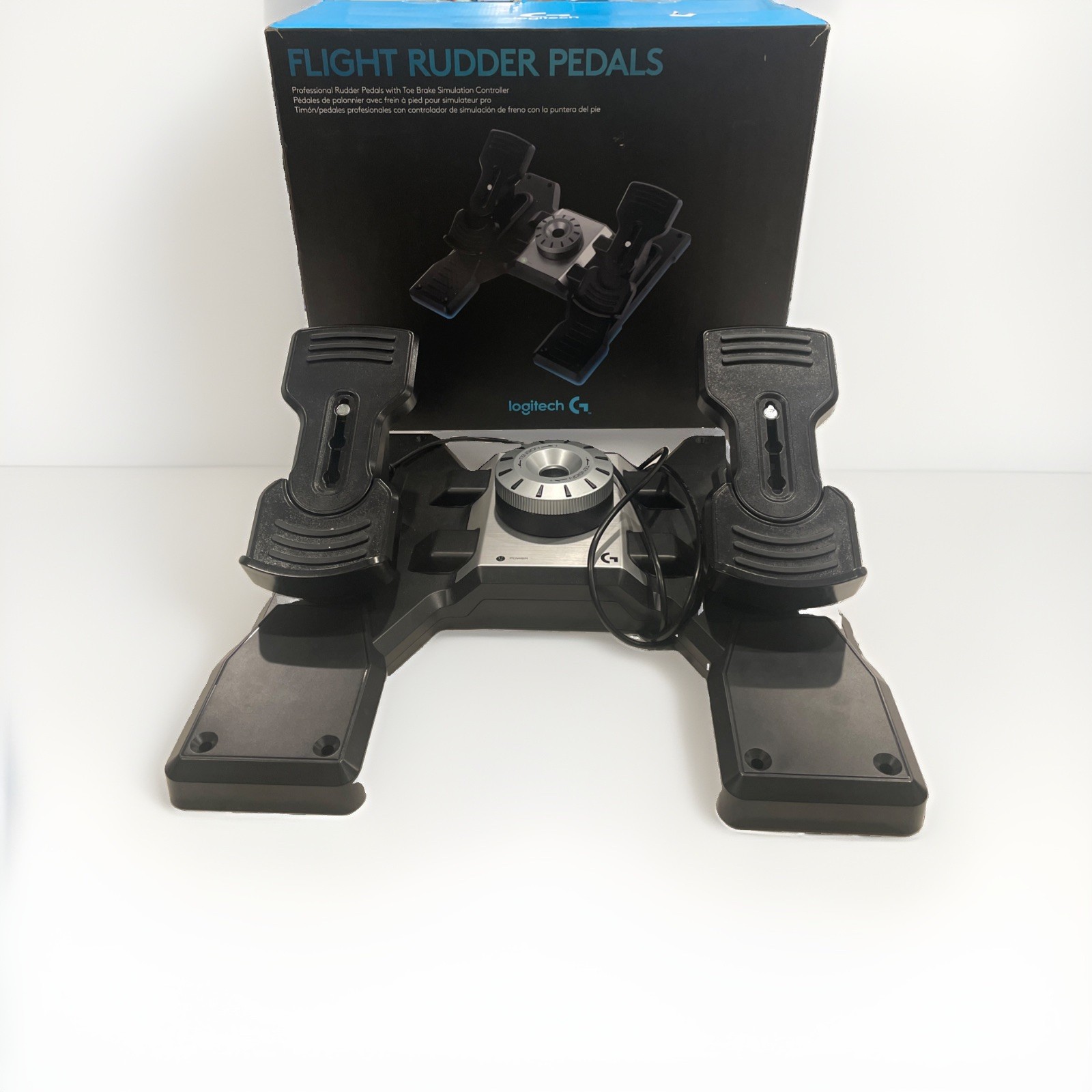

Photos from current listings. Actual item, color, and included accessories may vary.
Logitech Flight Buying Guide
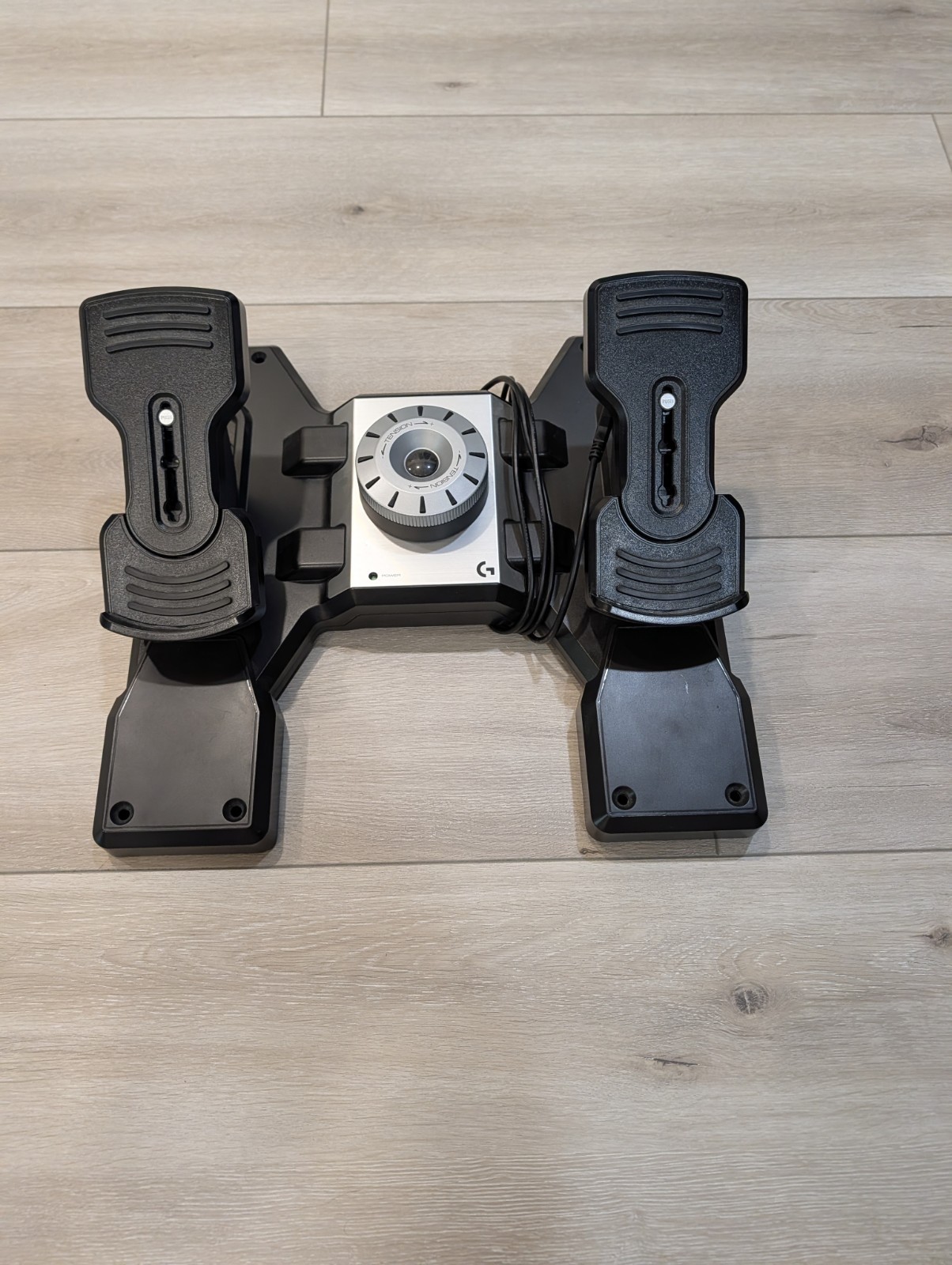
Logitech Flight rudder pedals are plastic-bodied, potentiometer-based controllers for flight simulators, with the G Pro Flight Rudder Pedals as the sole current model. The key trade-off is that their toe-brake and yaw axes rely on contact potentiometers rather than Hall-effect or load-cell sensors, so smoothness and longevity depend on keeping the internal tracks clean. Buy them if you need a proven, widely supported three-axis pedal set at a mid-tier price; skip them if you require contactless sensors, adjustable spring preload, or metal construction.
Key takeaways
- Single current model: the G Pro Flight Rudder Pedals (945-000024) uses three potentiometers—one for yaw and one per toe brake—not Hall-effect or load-cell sensors.
- Pedal spacing and tilt are fixed; there is no tool-free width, angle, or spring-rate adjustment, unlike higher-tier pedals with swappable cams and springs.
- Chassis and pedals are injection-molded plastic with a metal internal slide track; the unit is light enough to need carpet or a hard-mount to prevent sliding.
At a glance
- Category
- Flight Sim Rudder Pedals
- Status
- Listings available
- Last updated
- Nov 23, 2026
Current offers
Highlights
- Single current model: the G Pro Flight Rudder Pedals (945-000024) uses three potentiometers—one for yaw and one per toe brake—not Hall-effect or load-cell sensors.
- Pedal spacing and tilt are fixed; there is no tool-free width, angle, or spring-rate adjustment, unlike higher-tier pedals with swappable cams and springs.
- Chassis and pedals are injection-molded plastic with a metal internal slide track; the unit is light enough to need carpet or a hard-mount to prevent sliding.
- Connects via USB Type-A and is recognized natively in Windows; in X-Plane, MSFS, and DCS you must assign the three axes manually because default profiles vary.
Best use cases
- Best fit: fixed-wing and helicopter simmers on a desk or sim rig who want a proven three-axis pedal set with toe brakes for under a mid-tier budget and accept plastic construction.
- Wrong fit: users who need contactless Hall-effect sensors, adjustable pedal width, or metal pedals should skip this and look at higher-tier metal pedal sets with contactless sensors.
- Best fit: Microsoft Flight Simulator and X-Plane users who want native Windows USB recognition and manual axis assignment without proprietary software.
- Wrong fit: competitive racers or users needing high-force load-cell brakes should not buy these—they are flight-sim pedals with light potentiometer brakes, not racing pedals.
Buying tips
- Confirm the model is the G Pro Flight Rudder Pedals (945-000024), the only current Logitech flight rudder pedal; older 'Flight Rudder Pedals' listings are the same architecture, not a newer generation.
- Check the listing includes the pedals only or the full set—Logitech sells the pedal unit separately from the G Pro Flight Yoke and Throttle Quadrant, so budget for those if you need a complete cockpit.
- Plan for a non-slip surface or hard mount: the plastic base is light and will slide on smooth floors during aggressive rudder input unless placed on carpet or bolted down.
- Verify USB Type-A connectivity and manual axis assignment in your sim; there is no Bluetooth or wireless mode, and toe-brake axes must be bound separately from yaw.
Specs
| Sensor Type | Potentiometer (yaw + 2 toe brakes) |
|---|---|
| Axes | 3 axes: yaw, left brake, right brake |
| Construction | Plastic chassis + metal slide track |
| Connectivity | USB Type-A wired, Windows native |
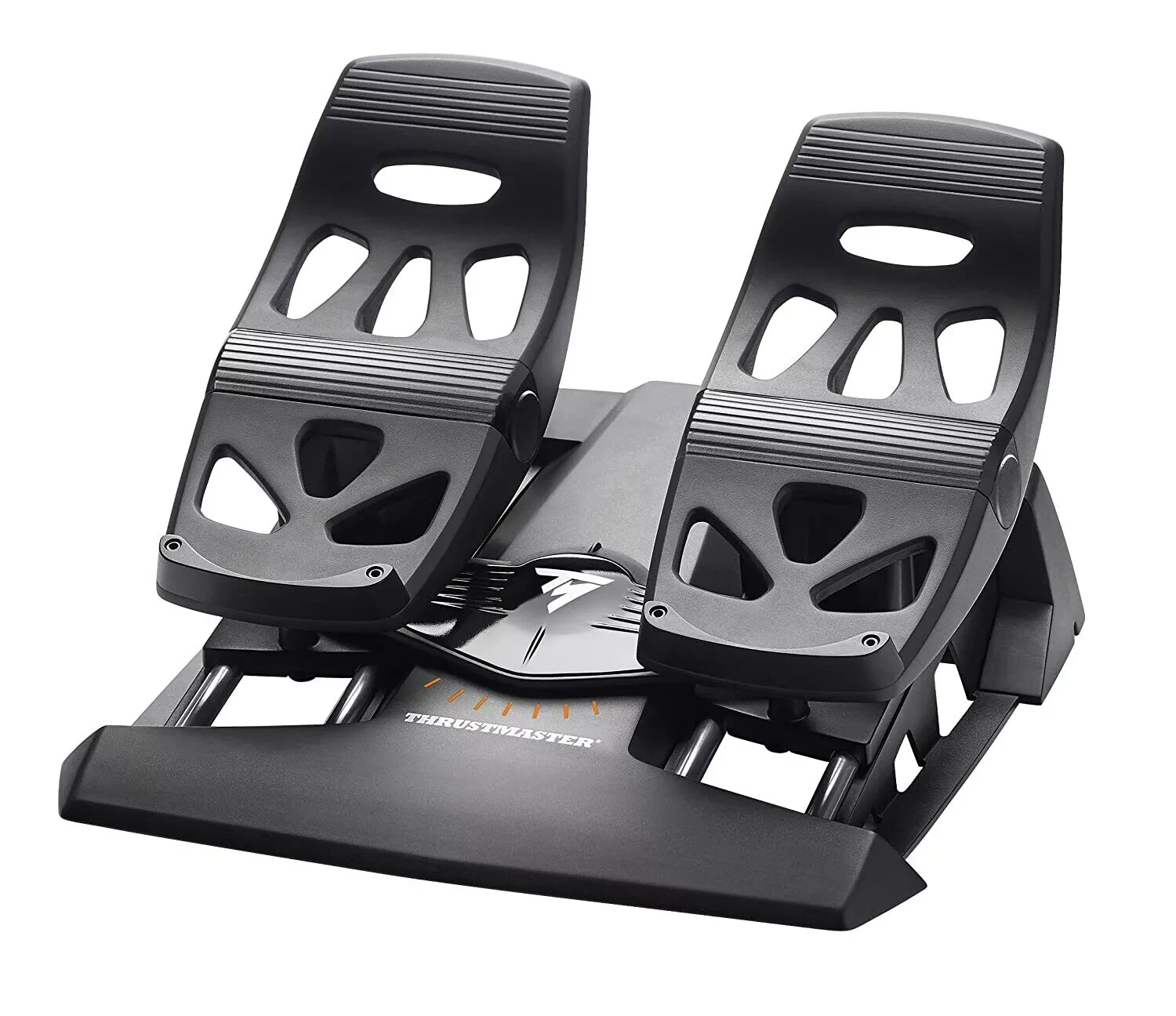
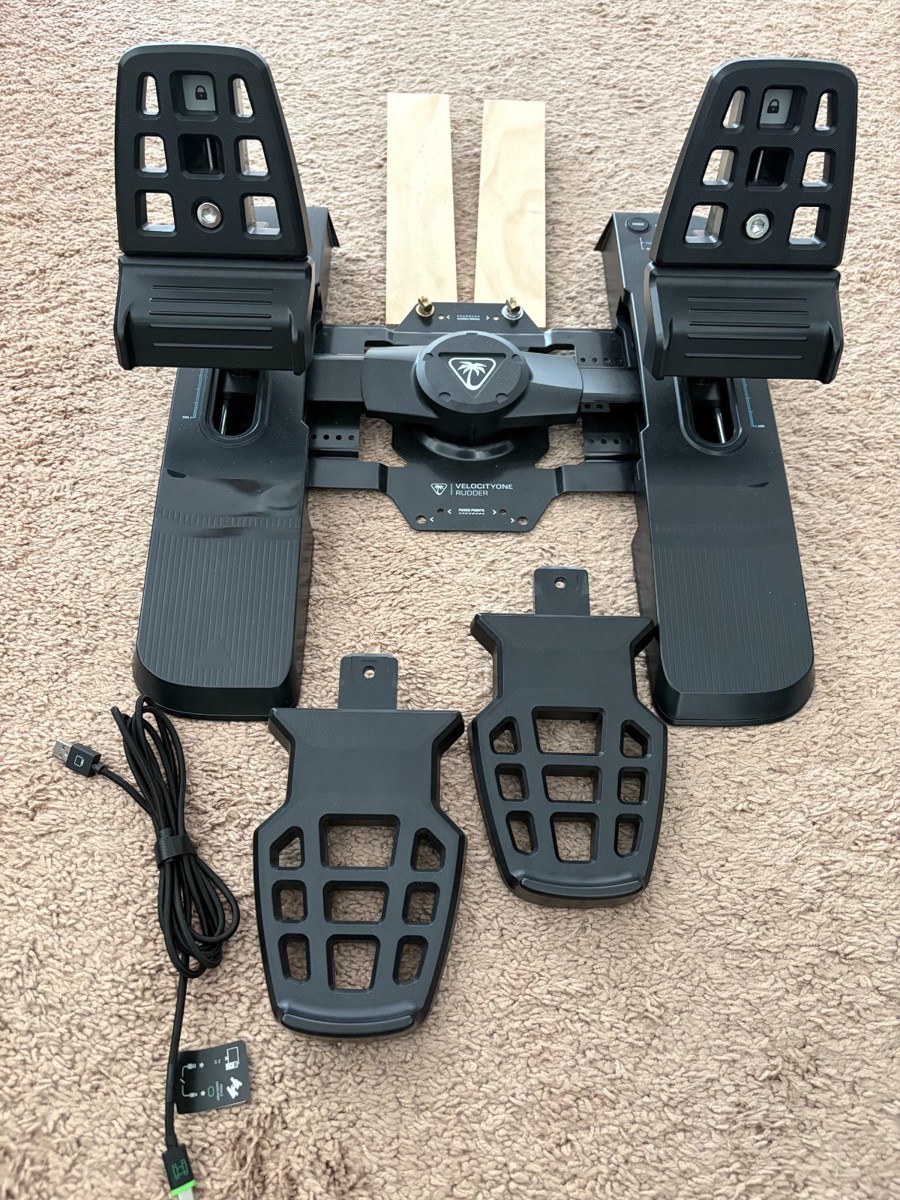
Alternatives to compare
Related searches
What to check before buying
- Measure your floor or rig footprint: the pedal unit is roughly 12 x 16 inches and needs clear space behind the pedals for full heel-to-toe travel.
- Confirm a stable, non-slip surface or hard-mount points—carpet or a bolted sim rig—because the plastic base slides on hard smooth floors.
- Check your PC has a free USB Type-A port and that your sim (MSFS, X-Plane, DCS) supports manual three-axis assignment.
- Decide whether you need the matching Logitech yoke and throttle quadrant, since the pedals ship as a standalone unit and do not include them.
FAQ
Data sources: eBay / Amazon listings and product attribute feeds. Updated Nov 23, 2026.
Some links on this page are affiliate links. If you buy after clicking one, we may earn a commission at no extra cost to you. This does not change which products appear here or their order. Affiliate disclosure.