
Photos from current listings. Actual item, color, and included accessories may vary.
Robotics Kit Buying Guide
A robotics kit is a curated bundle of controller, motors, sensors, and structural parts, but the bundle architecture determines whether it teaches coding, electronics, or mechanical design. Most buyer mistakes come from mismatching the kit's controller ecosystem and expansion bus to the learner's existing tools and age, not from raw part count. Choose by controller family and programming environment first, then by motor and sensor completeness.
Median $99.48
Key takeaways
- Controller ecosystem defines the kit: Arduino shield kits stack onto an existing Uno/Mega, while ESP32 and Raspberry Pi kits are standalone Linux or Wi-Fi boards.
- Motor type and count set capability: brushed DC gearmotors with encoders enable closed-loop navigation, plain servos suit arm and gripper work, and stepper motors suit precision positioning.
- Shield kits like Parallax's Arduino shield require a separate host board, whereas all-in-one kits include the brain, battery holder, and chassis in the box.
At a glance
- Category
- Robotics Motors & Maker Kits
- Last updated
- Nov 23, 2026
Current offers
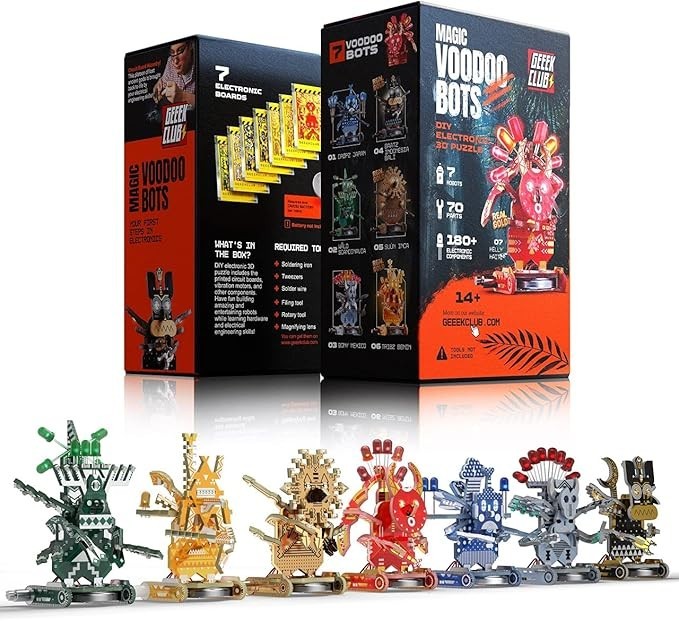 Magic Voodoo Bots Robot Building Kit for Kids - Robotics STEM Construction$27.74View on eBay
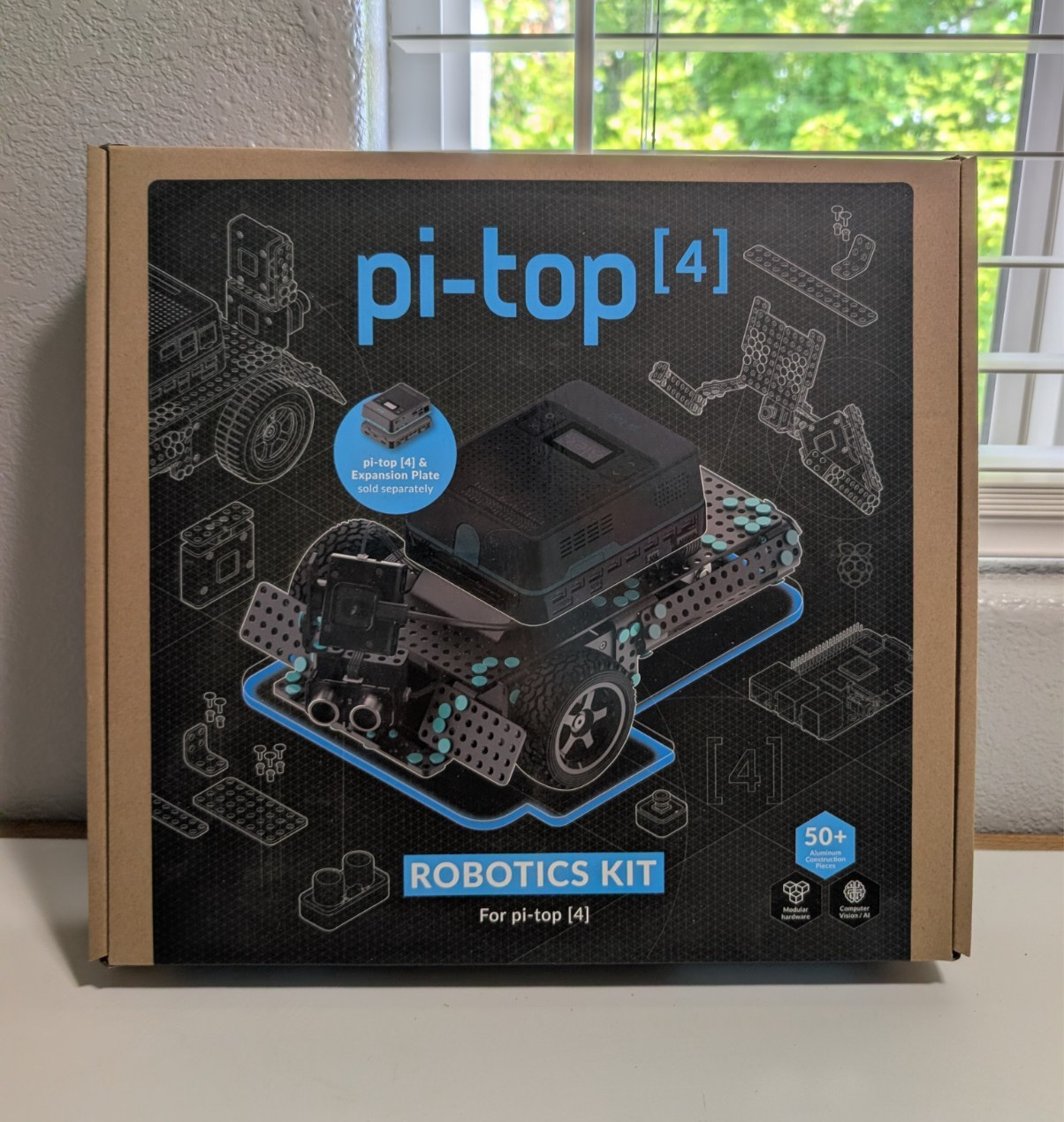 NEW Pi-Top [4] CS Robotics Kit$89.95View on eBay
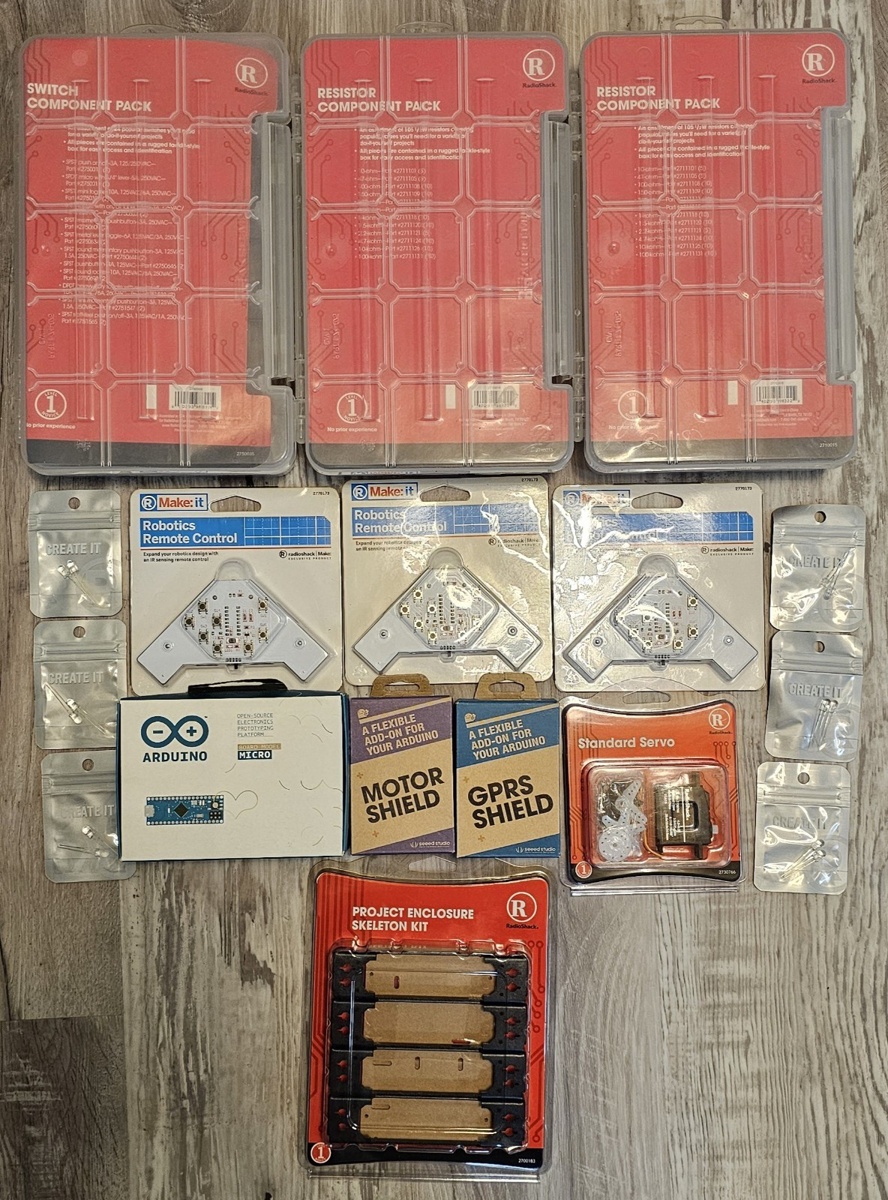 Arduino Micro RadioShack Robotics Kit Lot Servo Shields Resistors Components NEW$109.00View on eBay
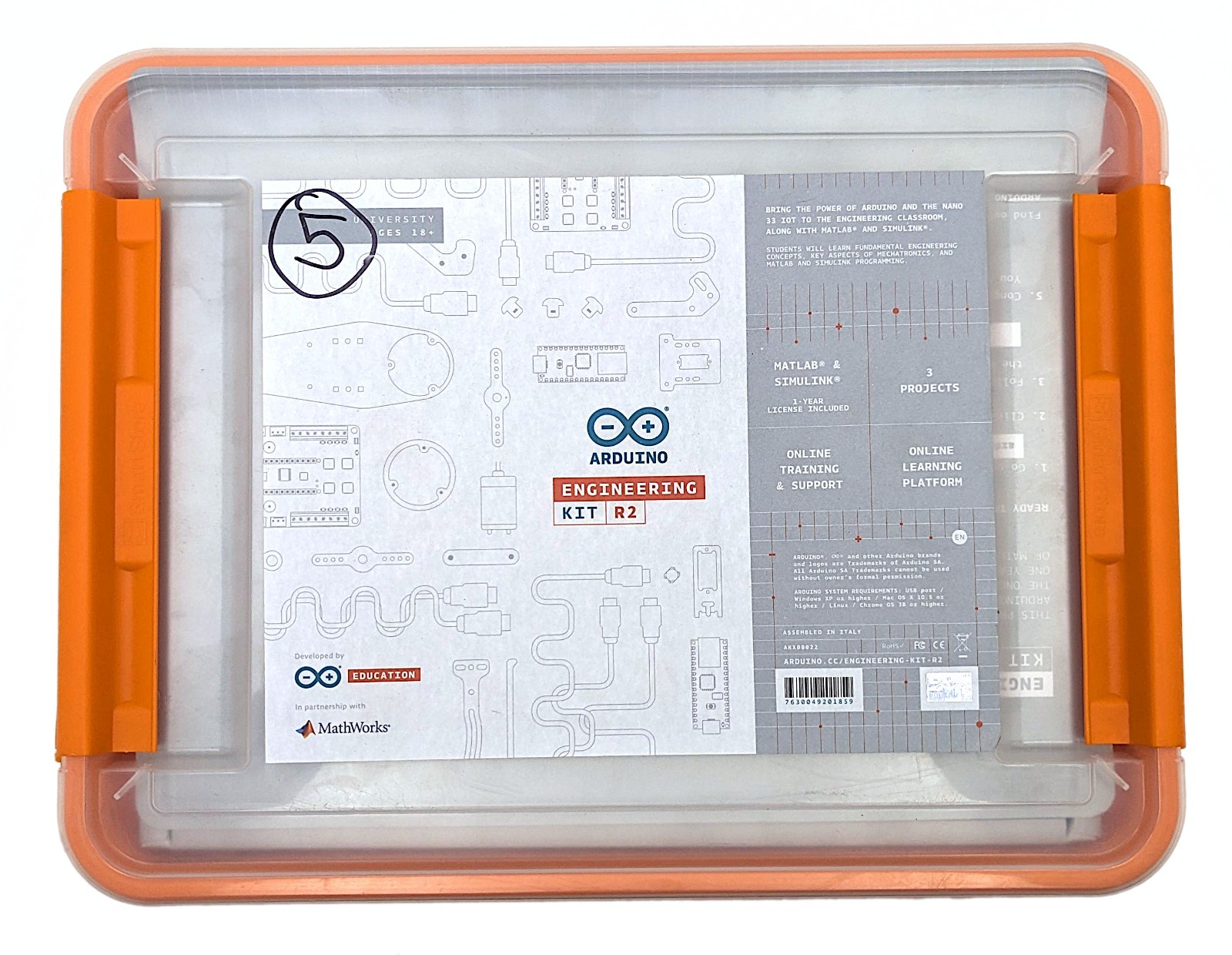 Arduino Engineering Kit R2 Robotics Kit MathWorks Nano Hardware Only - AKX00022$119.99View on eBay
Highlights
- Controller ecosystem defines the kit: Arduino shield kits stack onto an existing Uno/Mega, while ESP32 and Raspberry Pi kits are standalone Linux or Wi-Fi boards.
- Motor type and count set capability: brushed DC gearmotors with encoders enable closed-loop navigation, plain servos suit arm and gripper work, and stepper motors suit precision positioning.
- Shield kits like Parallax's Arduino shield require a separate host board, whereas all-in-one kits include the brain, battery holder, and chassis in the box.
- Curriculum-grade kits such as VEX EXP and Arduino Engineering Kit R2 pair hardware with structured lessons, while generic lot kits supply components without guided software.
Best use cases
- Pick an Arduino shield kit if the learner already owns an Uno and wants solder-free sensor and servo expansion; skip it if no host board is present.
- Choose a Raspberry Pi or ESP32 kit for Wi-Fi, camera, and Python/IoT projects; avoid these if the goal is purely mechanical construction with no coding.
- Select a VEX EXP or Arduino Engineering Kit R2 for classroom or structured curriculum use; pass on component lots when lesson plans and teacher guides are required.
- For young beginners, a construction-style bot kit with snap-together parts and app control fits; skip encoder-based kits that demand soldering and code debugging.
Buying tips
- Check the controller family first: Arduino Uno R3 shields do not fit Raspberry Pi GPIO layouts, and ESP32 pinouts differ from both.
- Prioritize kits that include motor drivers and a battery holder; a bare shield with no H-bridge cannot drive DC gearmotors directly.
- Inspect sensor payload: ultrasonic distance plus line-tracking plus IMU covers most beginner autonomous navigation tasks.
- Avoid kits that list only a shield or only a board when the learner needs a complete build; confirm chassis, wheels, and fasteners are included.
Specs
| Controller Ecosystem | Arduino / ESP32 / Raspberry Pi / VEX |
|---|---|
| Motor Type | DC gearmotor / servo / stepper |
| Build Form | Shield stack / standalone board / full chassis |
| Programming Level | Block-based / C++ / Python |
Related searches
What to check before buying
- Confirm the host board model and logic level (5V Arduino vs 3.3V ESP32/Pi) before buying a shield or expansion kit.
- Measure chassis footprint and wheel diameter against your desk or competition field, and check battery chemistry (AA vs LiPo) with charger included.
- Verify voltage and plug standard for the included power supply, especially for Raspberry Pi kits needing 5V/3A USB-C.
- List required companion parts: USB cable, microSD card for Pi kits, and soldering iron if headers are unpopulated.
FAQ
Data sources: eBay / Amazon listings and product attribute feeds. Updated Nov 23, 2026.
Some links on this page are affiliate links. If you buy after clicking one, we may earn a commission at no extra cost to you. This does not change which products appear here or their order. Affiliate disclosure.