
Photos from current listings. Actual item, color, and included accessories may vary.
Wall Mount Buying Guide
Wall-mount racks are 19-inch EIA-310 equipment enclosures or open frames that hang from a wall to save floor space in network closets, home labs, and AV installs. The core trade-off is enclosure depth and static load capacity versus wall-mount simplicity: shallow cabinets fit patch panels but block deep servers, while open frames carry more weight but expose gear. Choose a true 19-inch EIA-compliant frame rated above your loaded weight with a depth that clears your longest device; skip any rack that lacks a stated U-height and load rating.
Median $142.99
Key takeaways
- EIA-310 19-inch rail spacing is the universal standard; verify front rail to rear rail depth equals or exceeds your deepest device plus cable clearance.
- Wall-mount cabinets typically cap at 150-200 lbs static load, while open 4-post frames support heavier loads but rely on wall studs or floor stands.
- Enclosed cabinets use locking tempered glass doors and removable side panels for security and airflow; open frames maximize access but offer no physical security.
At a glance
- Category
- Server Racks, Cooling & Cabling
- Last updated
- Nov 27, 2026
Current offers
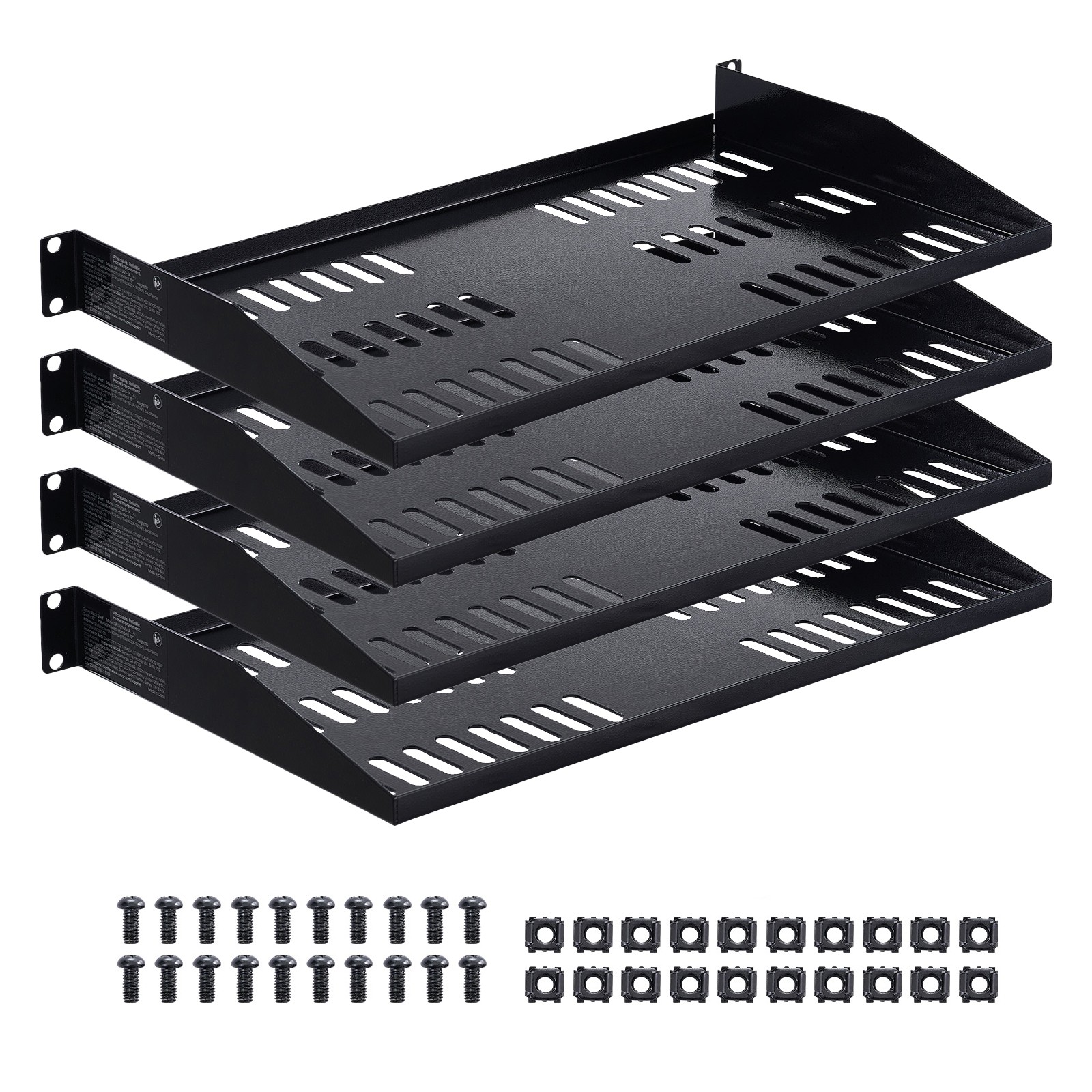 Uimoso 1U Rack Shelf Set, 4 Pieces, 10-Inch Deep, Vented Wall-Mount Tray$37.99View on eBay
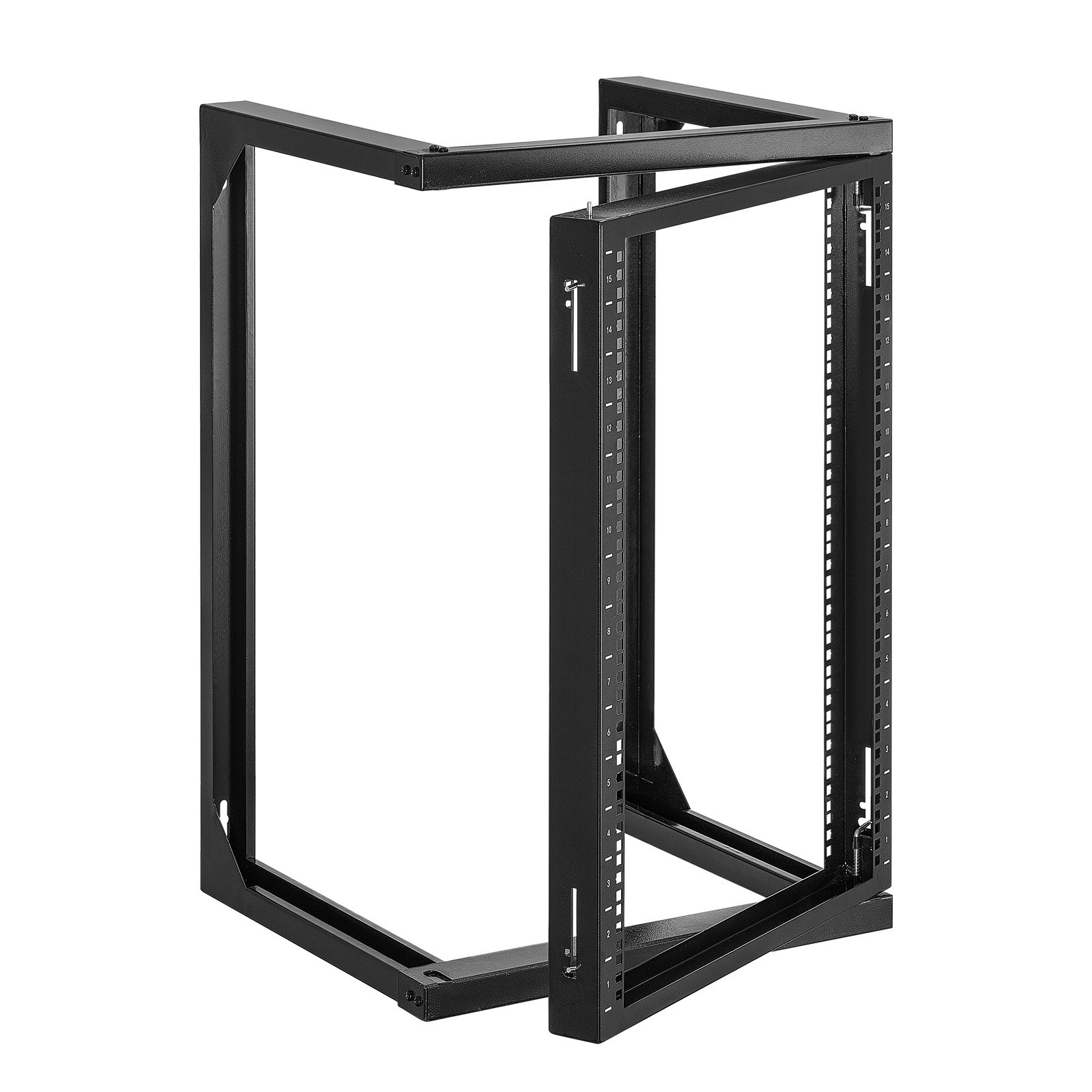 15U Wall Mount Server Rack, 150 Lbs Max Load Capacity, Open Frame Network With 180 Degrees Gate Swing, Carbon Steel, For 19-Inch IT Equipment & AV Devices Computer Black$107.99View on Mallflare
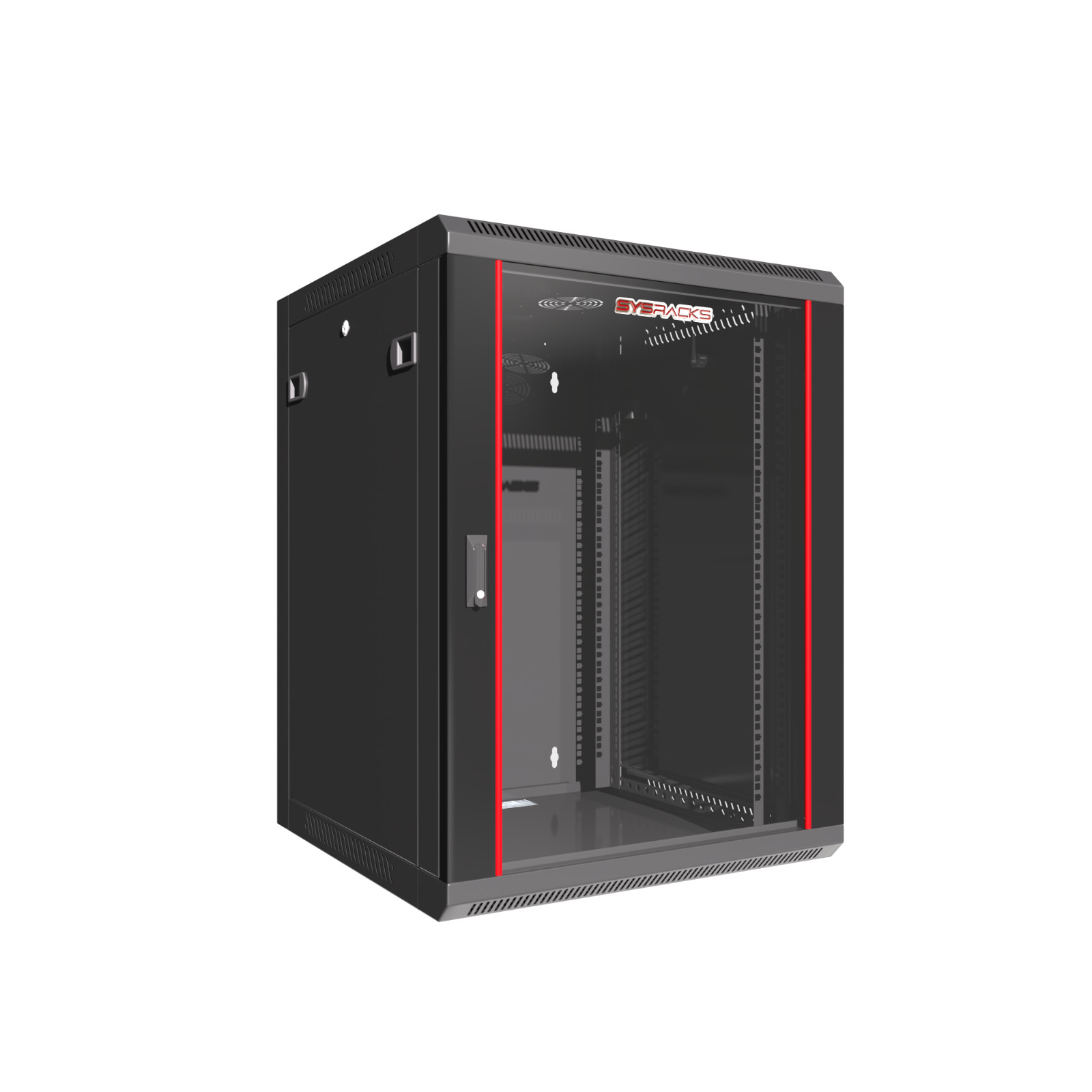 Server Rack 12U Wall Mount Cabinet Locking Networking Data Enclosure Glass Door$180.00View on eBay
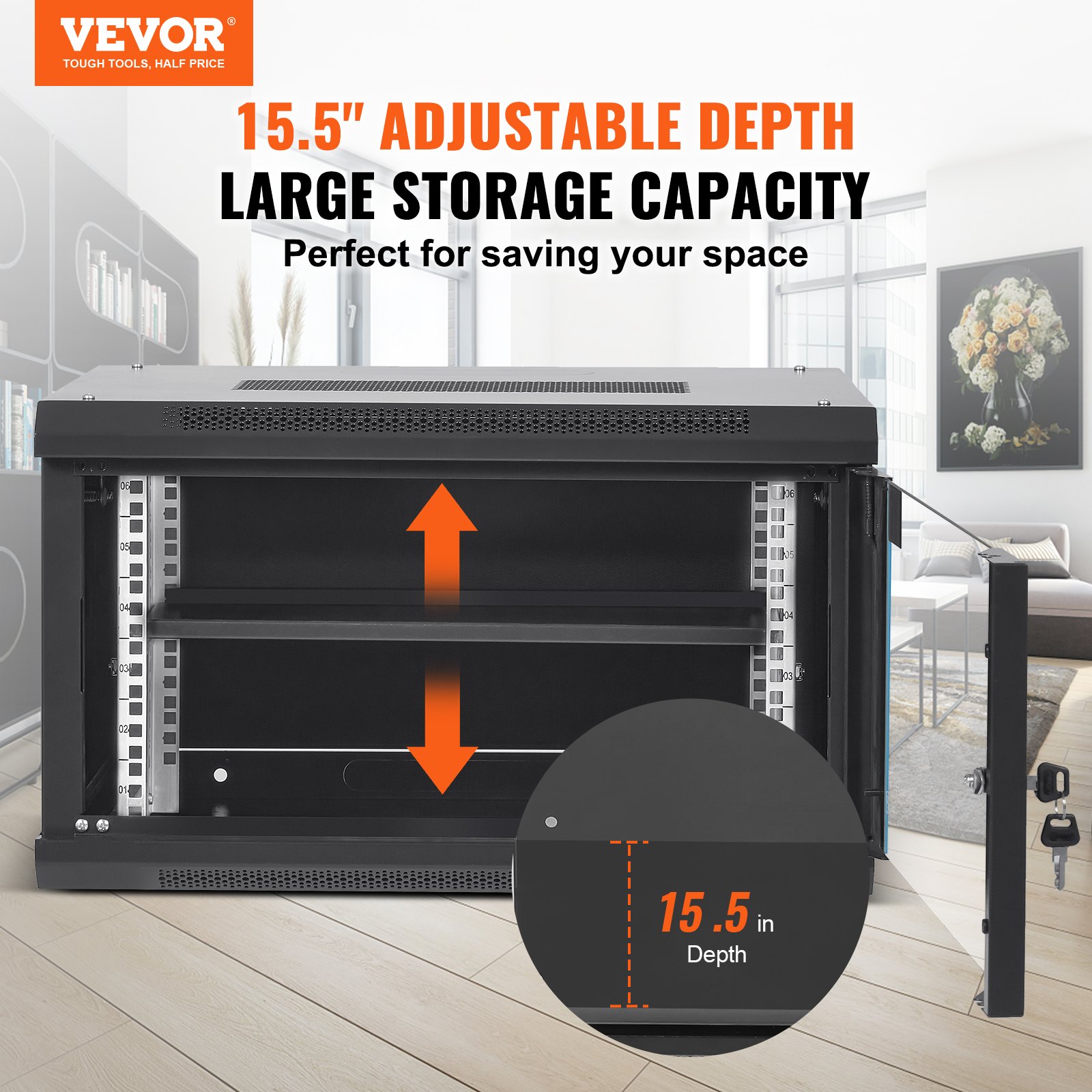 VEVOR 6U Wall Mount Network Server Cabinet, 15.5 Deep, Rack Enclosure, 200 Lbs Max. Ground-mounted Load Capacity, With Locking Glass Door Side Panels, For IT Equipment, A V Devices$118.99View on Mallflare
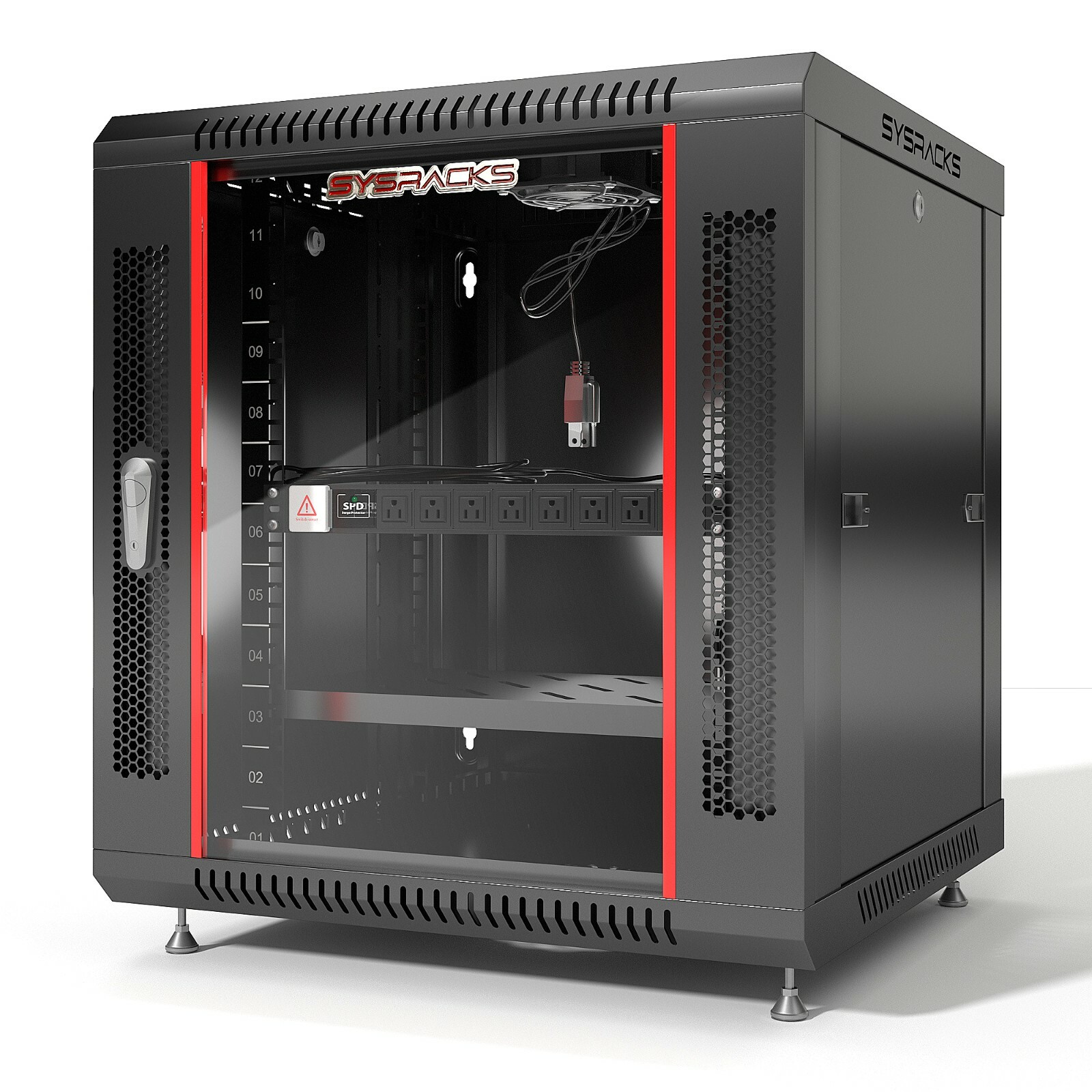 12U 18" Deep Wall Mount Server Rack Cabinet 19" Network IT Enclosure Home Lab$219.00Last checked Nov 18, 2026View on eBay
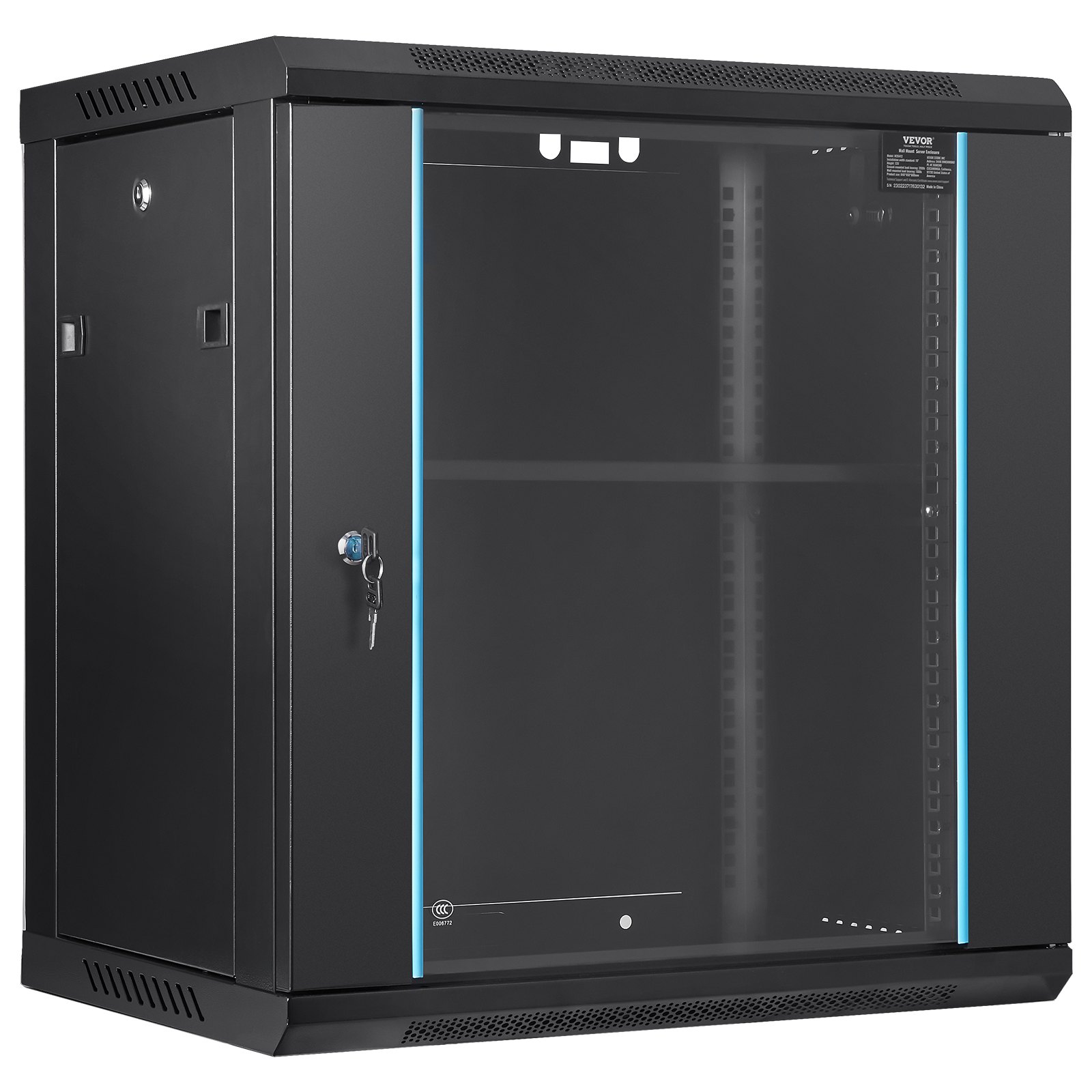 12U Wall Mount Network Server Cabinet, 15.5 Deep, Rack Enclosure, 200 Lbs Max. Ground-mounted Load Capacity, With Locking Glass Door Side Panels, For IT Equipment, A V Devices$126.99View on Mallflare
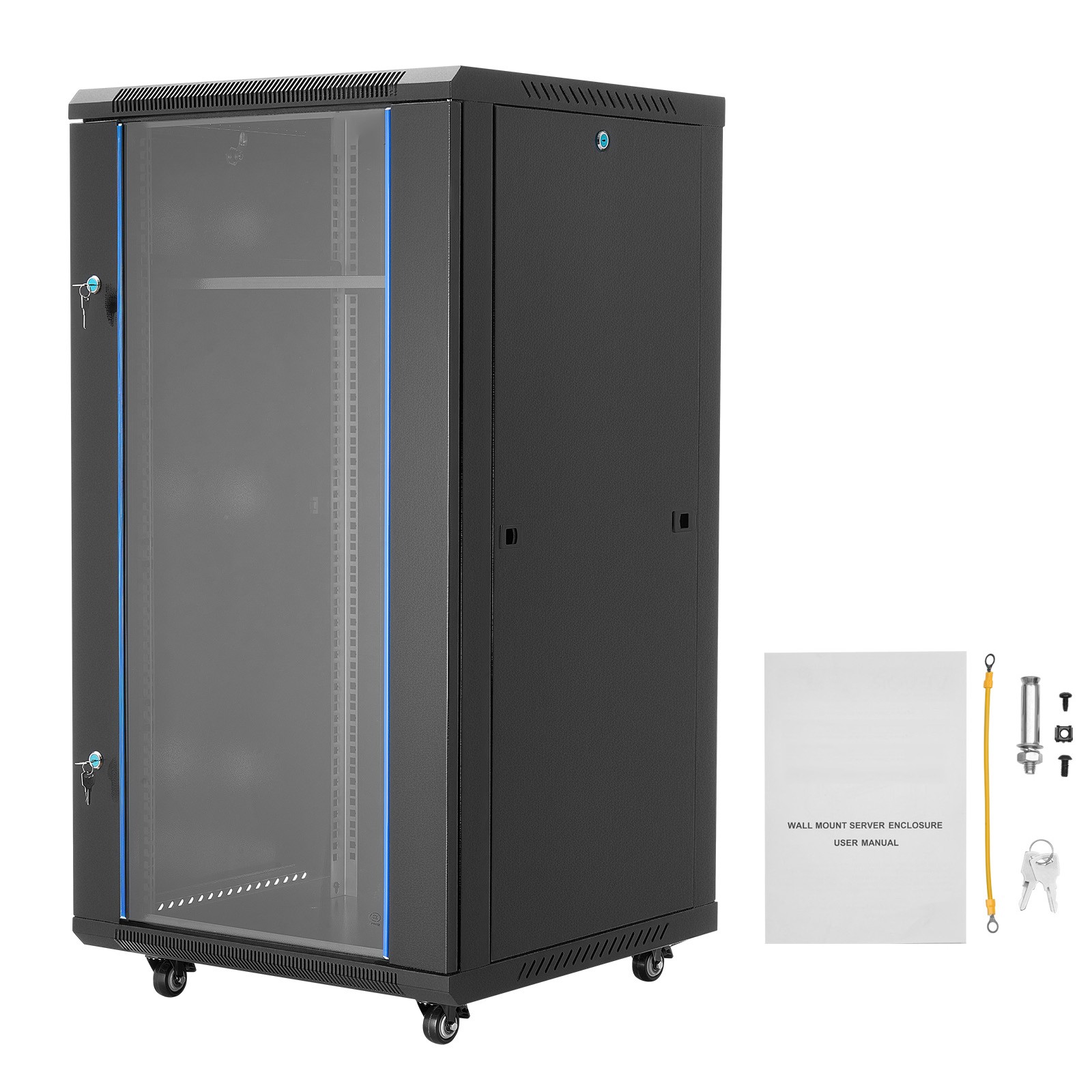 22U Wall Mount Network Server Rack Cabinet Enclosure 23.6'' Deep Door Lock$237.48Last checked Nov 18, 2026View on eBay
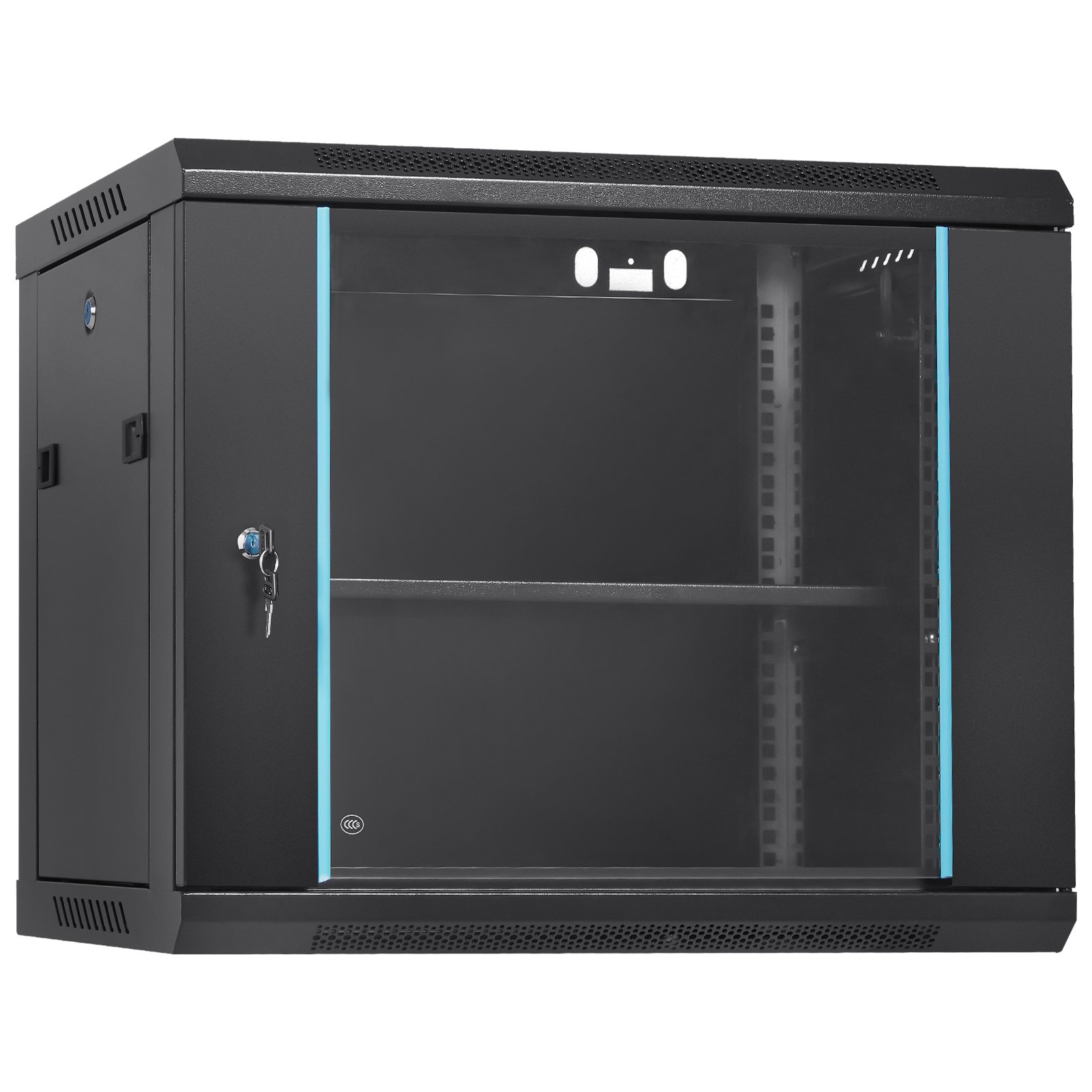 9U Wall Mount Network Server Cabinet, 15.5'' Deep, Rack Enclosure, 200 Lbs Max. Ground-mounted Load Capacity, With Locking Glass Door Side Panels, For IT Equipment, A/V Devices$130.99View on Mallflare
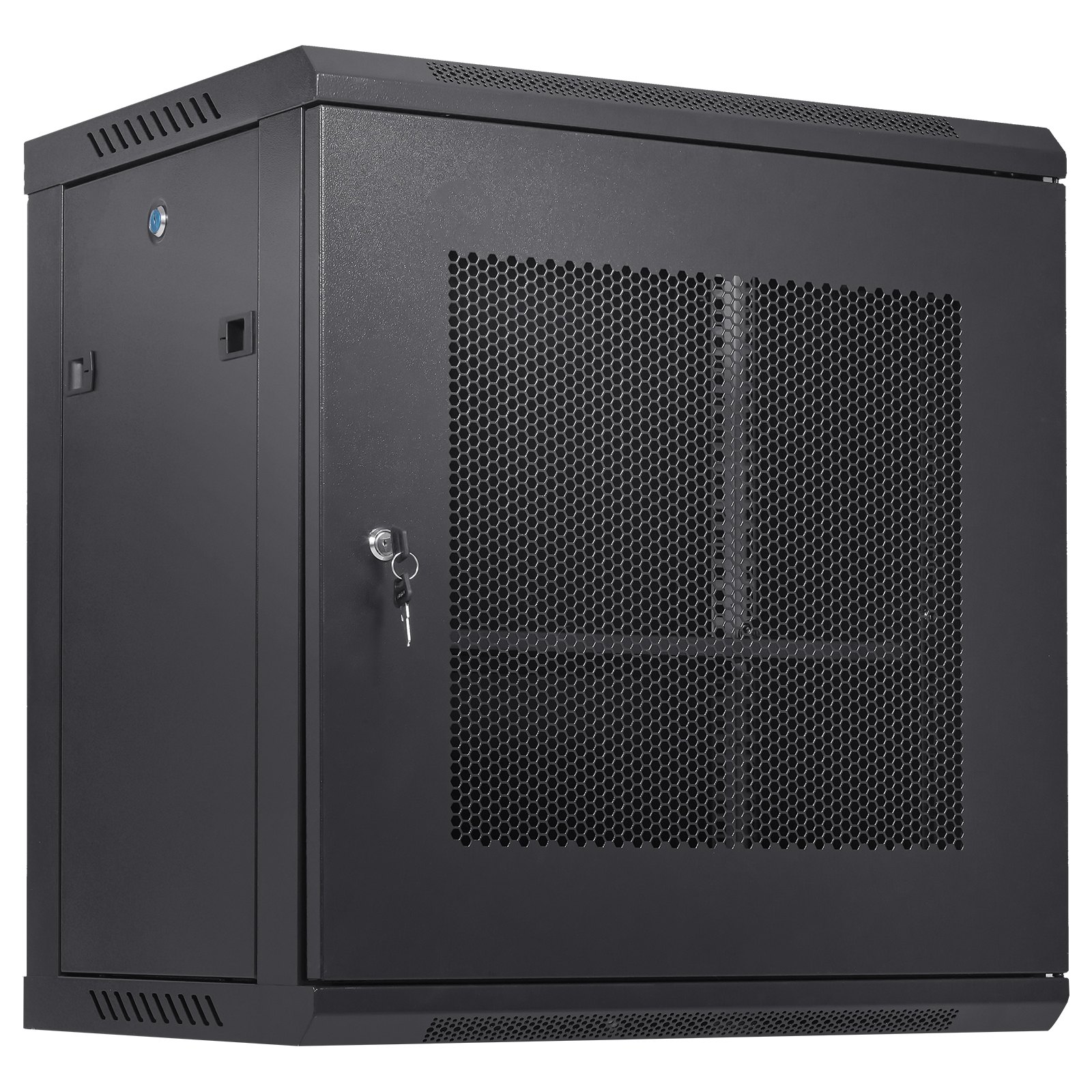 12U Wall Mount Network Server Cabinet, 15.5'' Deep, Rack Enclosure, 200 Lbs Max. Ground-mounted Load Capacity, With Locking Door Side Panels, For IT Equipment, A/V Devices$154.99View on Mallflare
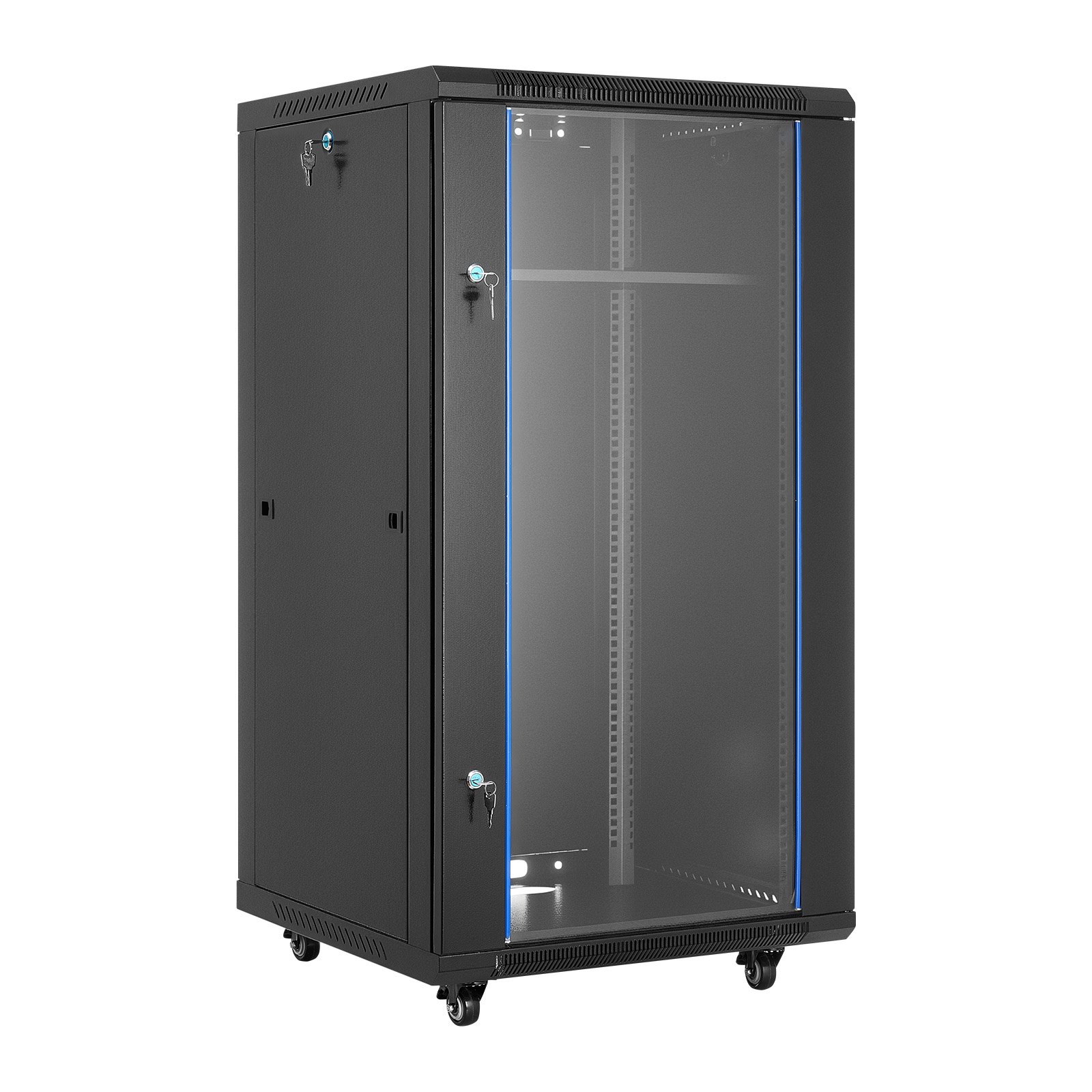 22U Network Cabinet Wall Mount, 23.6 In Depth, 300 Lbs Max Load Capacity Server Rack Enclosure With Locking Tempered Glass Door, Side Panels, For IT Equipment, A/V Devices$282.99View on Mallflare
Highlights
- EIA-310 19-inch rail spacing is the universal standard; verify front rail to rear rail depth equals or exceeds your deepest device plus cable clearance.
- Wall-mount cabinets typically cap at 150-200 lbs static load, while open 4-post frames support heavier loads but rely on wall studs or floor stands.
- Enclosed cabinets use locking tempered glass doors and removable side panels for security and airflow; open frames maximize access but offer no physical security.
- Vented shelves and perforated doors are required for passive airflow; sealed enclosures need fan kits or mesh tops to prevent thermal throttling.
Best use cases
- Home lab or SMB network closet with switches, patch panels, and shallow 1U servers: pick a 6U-12U enclosed cabinet 15.5 inches deep with a locking glass door.
- Deep rack servers or AV receivers needing front-to-back clearance: choose an open 4-post adjustable-depth frame (23-40 inches) or skip wall mounting for a floor rack.
- Light-duty wall-mounted tray for routers, modems, and small NVRs: a 1U-4U vented wall-mount shelf is sufficient; skip full cabinets if no security or depth is needed.
- Mission-critical gear requiring security and dust control: select a locking cabinet with side panels and add a fan kit; avoid open frames in shared or dirty spaces.
Buying tips
- Match U-height to gear: sum the rack units of all devices plus 20% headroom; a 12U cabinet fits roughly 10U of equipment after cable management and ventilation space.
- Confirm wall structure: wall-mount racks need solid wood studs or concrete anchors; drywall alone cannot safely hold a loaded 12U cabinet exceeding 100 lbs.
- Check depth before purchase: 15.5-inch cabinets fit patch panels and shallow switches but not full-depth servers; measure your deepest device and add 2-3 inches for cables.
- Verify load rating against total weight: add device weights plus shelves and cabling; choose a rack rated at least 1.5x your calculated load for safety margin.
Specs
| Rack Width Standard | 19-inch EIA-310 compliant |
|---|---|
| U-Height Range | 6U to 20U (wall-mount) |
| Max Static Load | 150-200 lbs (enclosed cabinets) |
| Enclosure Depth | 15.5 in shallow / 23-40 in adjustable |
Related searches
What to check before buying
- Measure available wall space height and width; a 12U cabinet is roughly 24 inches tall, and door swing plus side-panel removal need clearance.
- Confirm wall material and stud location; use a stud finder and ensure anchors match wood studs or concrete, not hollow drywall.
- Measure the deepest device front-to-back and compare to cabinet internal depth minus cable clearance.
- Check power and cable routing: plan for a PDU inside the cabinet and verify top or bottom cable entry knockouts align with your conduit.
FAQ
Data sources: eBay / Amazon listings and product attribute feeds. Updated Nov 27, 2026.
Some links on this page are affiliate links. If you buy after clicking one, we may earn a commission at no extra cost to you. This does not change which products appear here or their order. Affiliate disclosure.