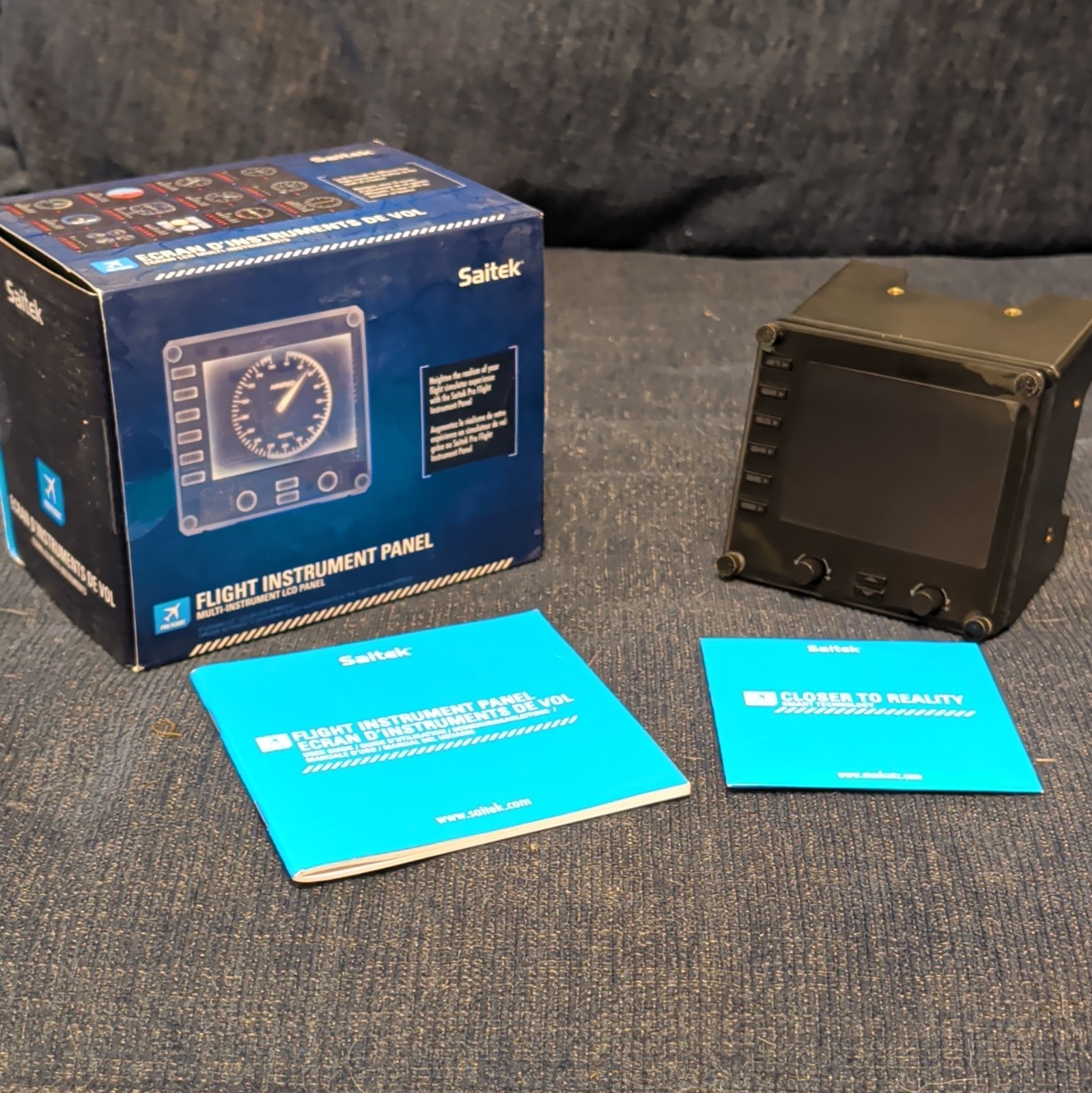

Photos from current listings. Actual item, color, and included accessories may vary.
Logitech Flight Panel Buying Guide
Logitech flight panels are USB plug-and-play avionics modules—Multi Panel, Switch Panel, Radio Panel, and Instrument Panel—that bolt onto a desk or yoke rig and integrate with Microsoft Flight Simulator via native drivers. The core trade-off is module specialization versus cockpit unification: each panel owns one control domain, so expandability and mounting rigidity matter more than any single unit's feature list. Buy individual Logitech G/Saitek panels when your sim needs dedicated avionics hardware; skip them if you fly on console or expect force feedback.
Median $199.93
Key takeaways
- Each panel is a single-domain controller: Multi Panel handles autopilot/trim/flaps, Radio Panel handles COM/NAV/XPDR/ADF, Instrument Panel handles six analog gauges with a digital readout.
- Logitech G-branded units (post-2016) are the current production line; legacy Saitek-branded units use identical internals but may lack current driver bundles.
- Instrument Panel gauges are driven by simulator telemetry over USB—no pitot-static or electrical wiring is required, and no physical air lines connect to the gauges.
At a glance
- Category
- Flight Sim Panels & Instruments
- Last updated
- Nov 23, 2026
Current offers
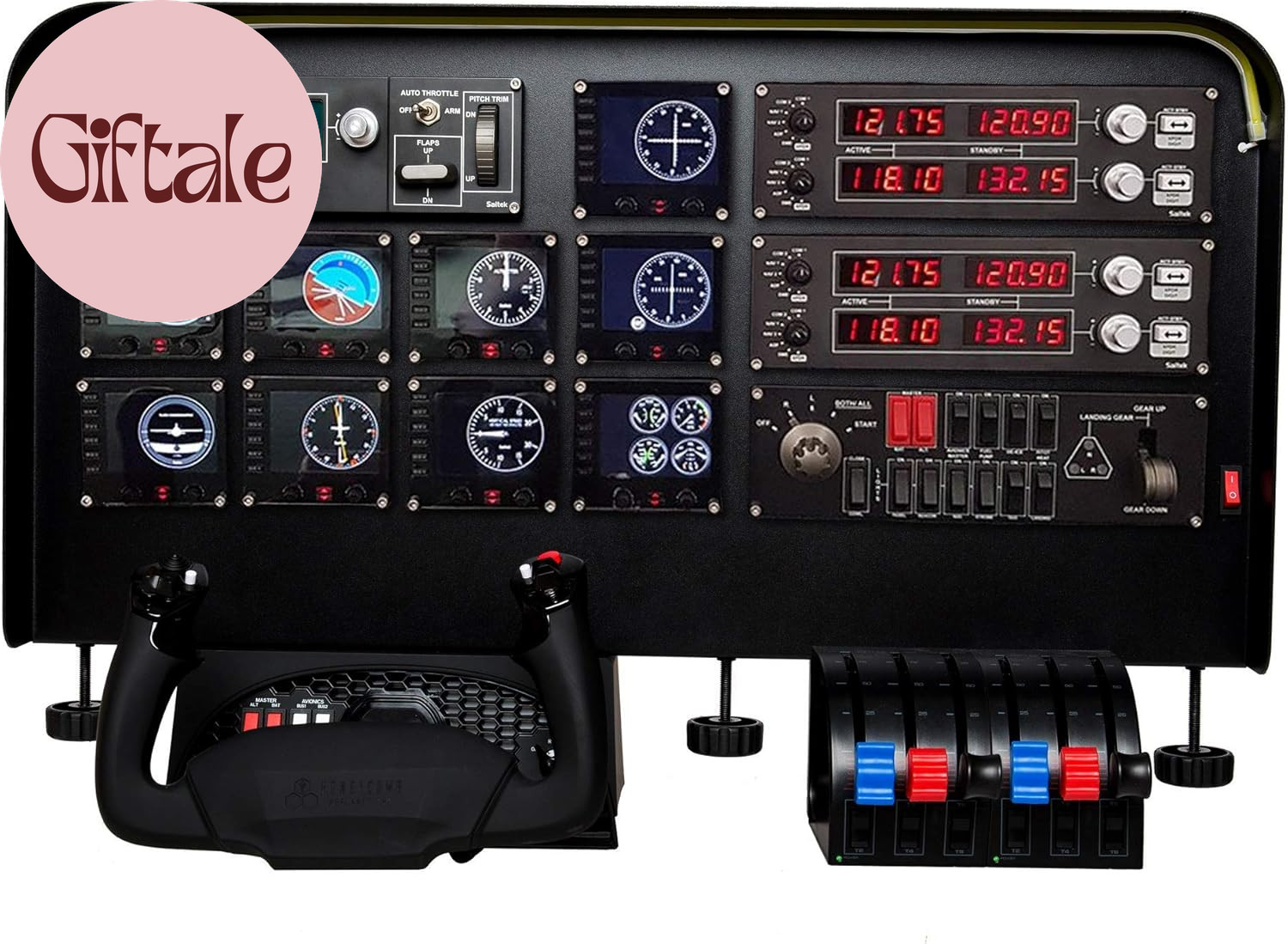
Highlights
- Each panel is a single-domain controller: Multi Panel handles autopilot/trim/flaps, Radio Panel handles COM/NAV/XPDR/ADF, Instrument Panel handles six analog gauges with a digital readout.
- Logitech G-branded units (post-2016) are the current production line; legacy Saitek-branded units use identical internals but may lack current driver bundles.
- Instrument Panel gauges are driven by simulator telemetry over USB—no pitot-static or electrical wiring is required, and no physical air lines connect to the gauges.
- All panels are USB 2.0 bus-powered with no external PSU; daisy-chaining multiple panels through an unpowered hub can cause dropouts, so use a powered hub beyond two devices.
Best use cases
- Best fit: IFR procedural practice in MSFS/X-Plane with a fixed desk rig—pair the Multi Panel with the Radio Panel for autopilot and frequency workflows without touching the keyboard.
- Best fit: Cessna/GA cockpit replication—add the Instrument Panel and Switch Panel so airspeed, altitude, and electrical/battery switches map to physical controls.
- Wrong fit: Xbox or PlayStation flight sim—Logitech panels require Windows PC drivers and are not console-compatible; buy a console-licensed yoke instead.
- Wrong fit: Helicopter or combat-jet focus—these panels target fixed-wing GA/airliner flows; collective and weapon-system controls need a different HOTAS-class device.
Buying tips
- Budget for the full stack, not one panel: Multi Panel + Radio Panel + Switch Panel together cover autopilot, comms, and systems; a single panel leaves half your flows on the keyboard.
- Match panel count to USB ports: each Logitech panel consumes one USB-A port; a four-panel stack needs a powered hub with at least four free ports.
- Prefer the Logitech G label over loose Saitek units for driver certainty; Saitek-era panels work but may need manual driver installation on Windows 11.
- Check mounting before buying: the Multi/Radio/Switch panels use Logitech's modular clip system and stack horizontally; the Instrument Panel is a separate footprint and does not clip into the same stack.
Specs
| Panel Type | Multi / Radio / Switch / Instrument |
|---|---|
| Connectivity | USB 2.0 Type-A, bus-powered |
| Platform | Windows PC (MSFS, X-Plane) |
| Mounting | Modular clip stack (Multi/Radio/Switch) |
Related searches
What to check before buying
- Measure desk depth and width: the three-panel horizontal stack spans roughly 75 cm, so confirm clearance beside your yoke or throttle quadrant.
- Confirm Windows PC with USB-A ports; macOS support is community-driven and not officially maintained by Logitech.
- Verify your sim supports Logitech panel drivers natively—MSFS and X-Plane do; some older titles need third-party plugins.
- Check that your yoke or throttle has a free USB port or that a powered hub is on hand before adding more than two panels.
FAQ
Data sources: eBay / Amazon listings and product attribute feeds. Updated Nov 23, 2026.
Some links on this page are affiliate links. If you buy after clicking one, we may earn a commission at no extra cost to you. This does not change which products appear here or their order. Affiliate disclosure.