
Photos from current listings. Actual item, color, and included accessories may vary.
Wireless Headphones TV Buying Guide
Wireless TV headphones are over-ear systems that pair a headset with a dedicated base station to deliver lag-free, private audio from your television without disturbing others. The critical trade-off is between RF (radio frequency) systems, which offer low latency and long range but require a charging dock, and Bluetooth models, which are convenient but prone to audio delay unless they use aptX Low Latency. Choose an RF system with a dedicated transmitter for watching TV, and skip standard Bluetooth headphones unless they explicitly support a low-latency codec and you can verify your TV's output.
Median $59.99
Key takeaways
- RF systems transmit over 900 MHz or 2.4 GHz bands, delivering under 30 ms latency and up to 100 ft range through walls; Bluetooth typically adds 100-200 ms delay unless using aptX LL.
- Digital RF models like the Sennheiser RS 175 use Kleer technology for uncompressed 2.4 GHz audio, while older analog RF sets suffer hiss and interference from Wi-Fi and microwaves.
- Battery runtime ranges from 12 to 20 hours per charge; docking stations double as charging cradles, so a depleted headset is useless unless you return it to the base.
At a glance
- Category
- Over-Ear Headphones
- Last updated
- Nov 27, 2026
Current offers
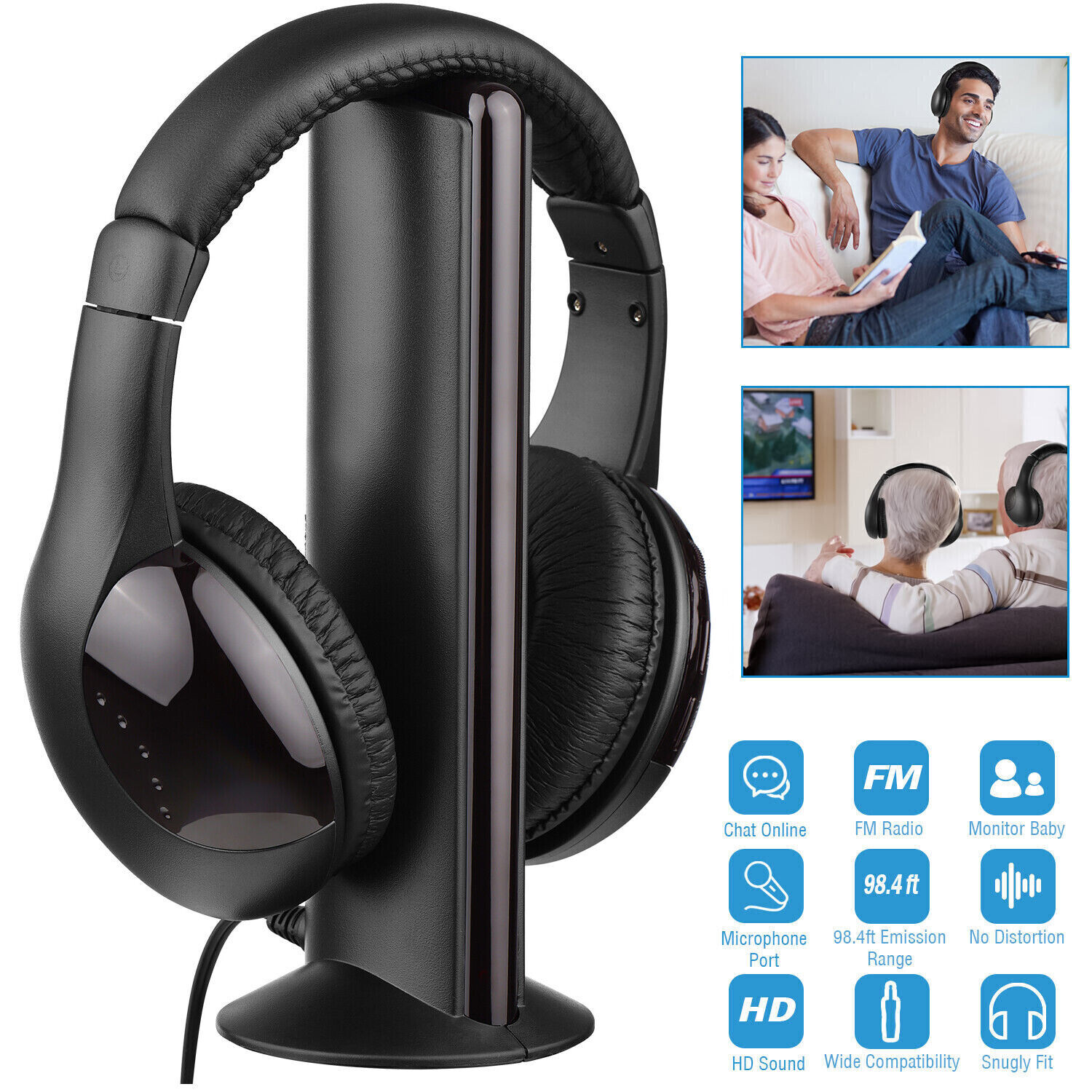 5 in 1 Wireless TV Headphone with RF Transmitter Hi-Fi Over-Ear Headset G7L5$24.95Last checked Nov 20, 2026View on eBay
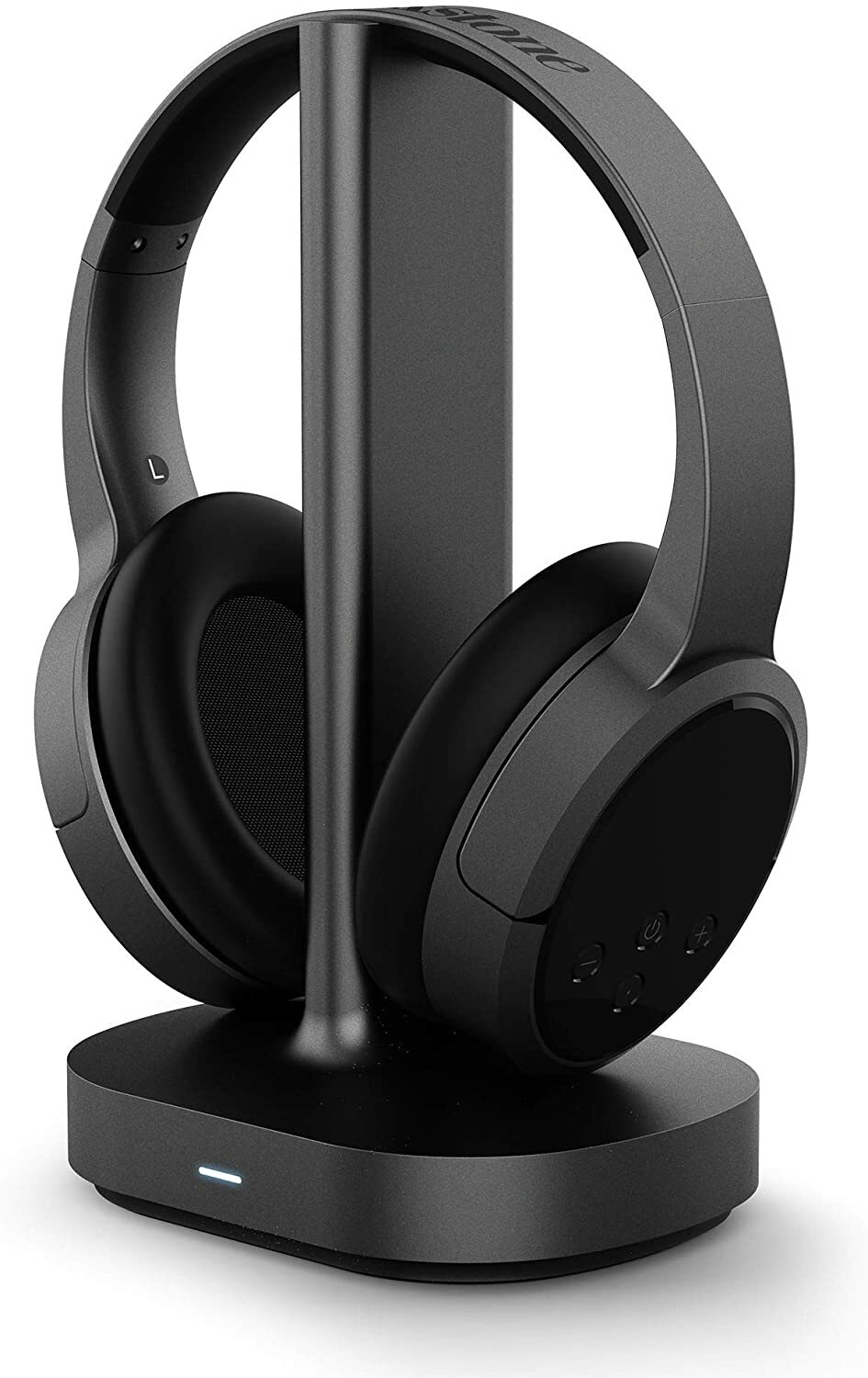 Brookstone Airphones Wireless RF TV Headphones with Audio/Charging Dock$59.99Last checked Nov 22, 2026View on eBay
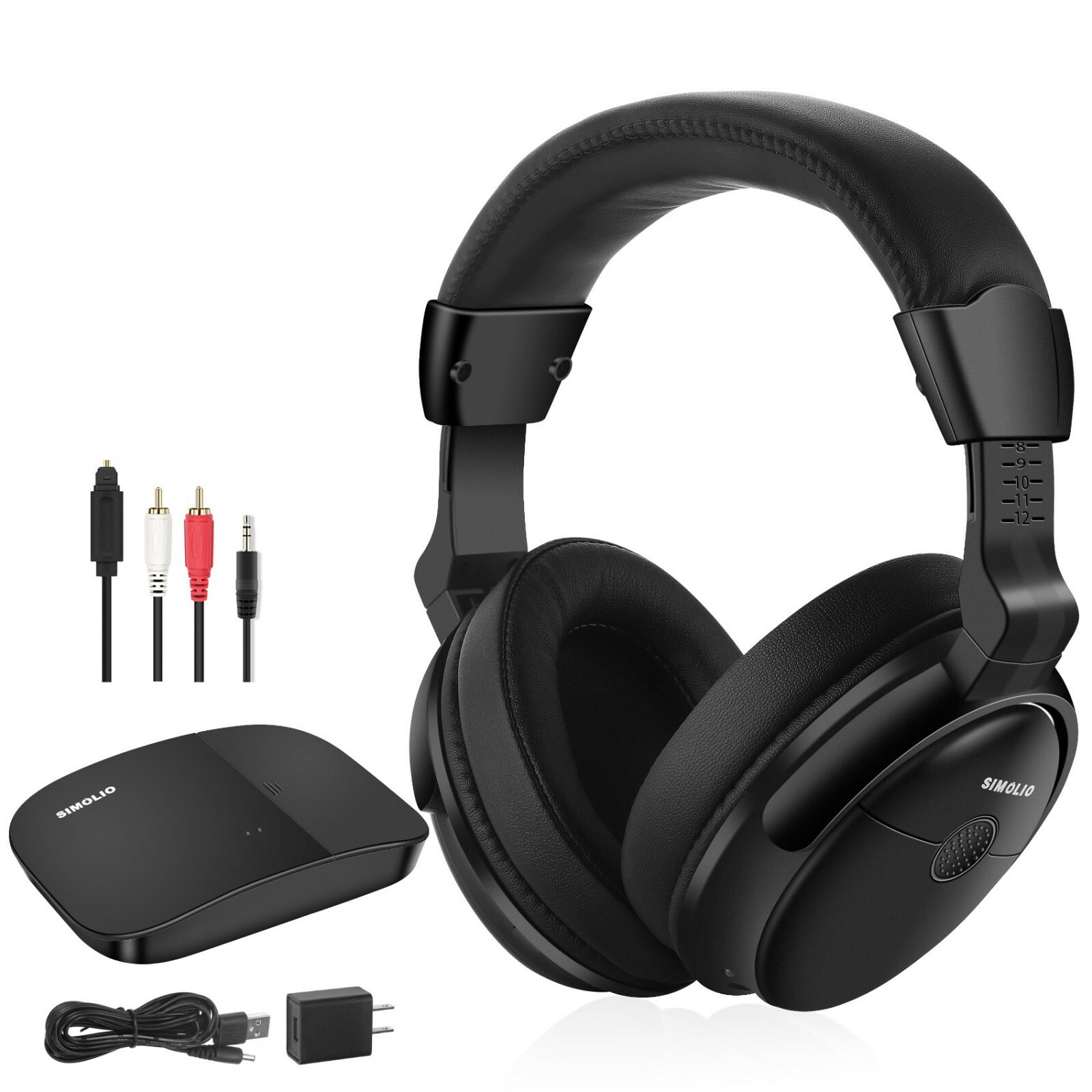 SIMOLIO Wireless TV Headphones for Seniors with Max Comfort, 825D PRO, New$91.99Last checked Nov 24, 2026View on eBay
Highlights
- RF systems transmit over 900 MHz or 2.4 GHz bands, delivering under 30 ms latency and up to 100 ft range through walls; Bluetooth typically adds 100-200 ms delay unless using aptX LL.
- Digital RF models like the Sennheiser RS 175 use Kleer technology for uncompressed 2.4 GHz audio, while older analog RF sets suffer hiss and interference from Wi-Fi and microwaves.
- Battery runtime ranges from 12 to 20 hours per charge; docking stations double as charging cradles, so a depleted headset is useless unless you return it to the base.
- Closed-back ear cups with 32-ohm impedance and built-in volume boost (often +10 to +20 dB) are essential for seniors or hard-of-hearing users; open-back designs leak sound and reduce isolation.
Best use cases
- Best fit: Late-night TV watching in a shared household — pick an RF system with a dedicated transmitter dock and optical or RCA input to avoid waking others.
- Best fit: Seniors or hard-of-hearing viewers — choose a model with independent volume control, voice clarity mode, and a charging dock that does not require precise placement.
- Wrong fit: Competitive gaming or critical music listening — skip TV-specific RF headphones; their latency and frequency response are tuned for dialogue, not positional audio or hi-fi.
- Wrong fit: Travel or outdoor use — TV headphones are not portable; their base stations need wall power and they lack Bluetooth multipoint for phone calls.
Buying tips
- Match the transmitter to your TV output: optical (TOSLINK) is standard for modern TVs, but older sets may need RCA or 3.5 mm; avoid models that only accept 3.5 mm if your TV lacks a headphone jack.
- Prioritize RF over Bluetooth for TV: RF systems use a dedicated base station for zero-lip-sync issues; Bluetooth is acceptable only if both TV and headphones support aptX Low Latency.
- Check battery and charging: a 12-hour battery with a docking station beats a 20-hour battery with micro-USB charging, because you will forget to plug in a cable.
- Look for 32-ohm closed-back designs with built-in volume boost of at least +10 dB; higher impedance or open-back models will sound weak on TV-level output.
Specs
| Transmission | RF (900 MHz / 2.4 GHz) vs Bluetooth |
|---|---|
| Latency | Under 30 ms RF / 100-200 ms Bluetooth |
| Battery / Charge | 12-20 hr / Docking station or USB |
| Audio Input | Optical, RCA, 3.5 mm, or HDMI ARC |
Related searches
What to check before buying
- Measure your TV's audio outputs: confirm you have optical, RCA, or 3.5 mm available; if not, a transmitter with HDMI ARC passthrough is required.
- Verify seating distance: RF range of 100 ft covers most rooms, but walls and appliances reduce it; place the transmitter dock within line-of-sight or use a 2.4 GHz system for better penetration.
- Confirm power: the base station needs a nearby wall outlet; check that the included power adapter matches your country's voltage and plug type.
- Check headband and ear cup fit: over-ear cups should fully enclose your ears; adjustable headbands and swivel cups matter for glasses wearers and larger heads.
FAQ
Data sources: eBay / Amazon listings and product attribute feeds. Updated Nov 27, 2026.
Some links on this page are affiliate links. If you buy after clicking one, we may earn a commission at no extra cost to you. This does not change which products appear here or their order. Affiliate disclosure.