
Photos from current listings. Actual item, color, and included accessories may vary.
Gaming Headset Buying Guide
A gaming headset is a stereo or virtual-surround headphone with an integrated boom or built-in mic, tuned for low-latency voice chat and positional audio. The core trade-off is wired analog (3.5mm/USB) latency and power-free reliability versus wireless convenience and its battery/codec constraints. Buy wired 3.5mm/USB for cross-platform competition play and wireless only when the model names its console/PC dongle and real battery tier.
Median $45.49
Key takeaways
- Connection tier decides latency: 3.5mm analog and USB wired are plug-and-play with zero charge; 2.4GHz dongle wireless beats Bluetooth for chat and positional cues.
- Surround audio is either true multi-driver (rare), virtual 7.1 via USB software, or console spatial processing; virtual 7.1 only works through USB, not the 3.5mm jack.
- Boom mic quality tracks pickup pattern: flexible omni-directional boom with flip-to-mute is the practical standard; built-in hidden mics trade voice clarity for portability.
At a glance
- Category
- Over-Ear Headphones
- Last updated
- Nov 28, 2026
Current offers
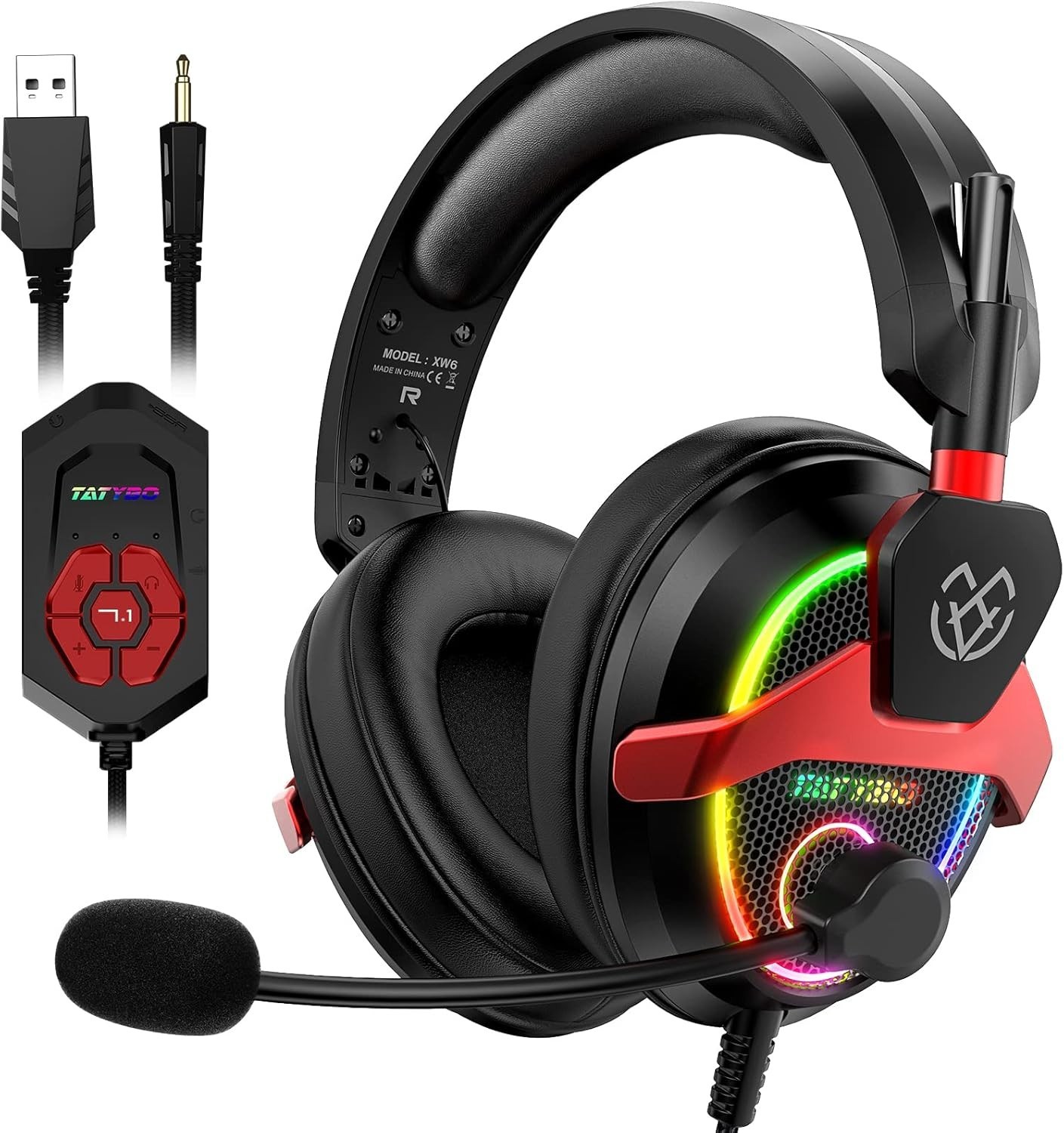 XW6 7.1 Gaming Headset for PC, PS4, PS5, Xbox One, Switch, USB & 3.5mm Gaming He$21.98View on eBay
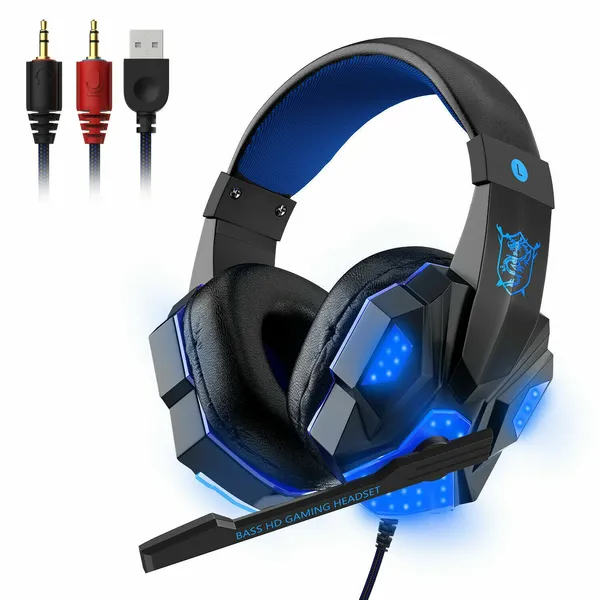 3.5mm Gaming Headset Mic LED Headphones Stereo Bass Surround For PC PS4 One$29.99View on Mallflare
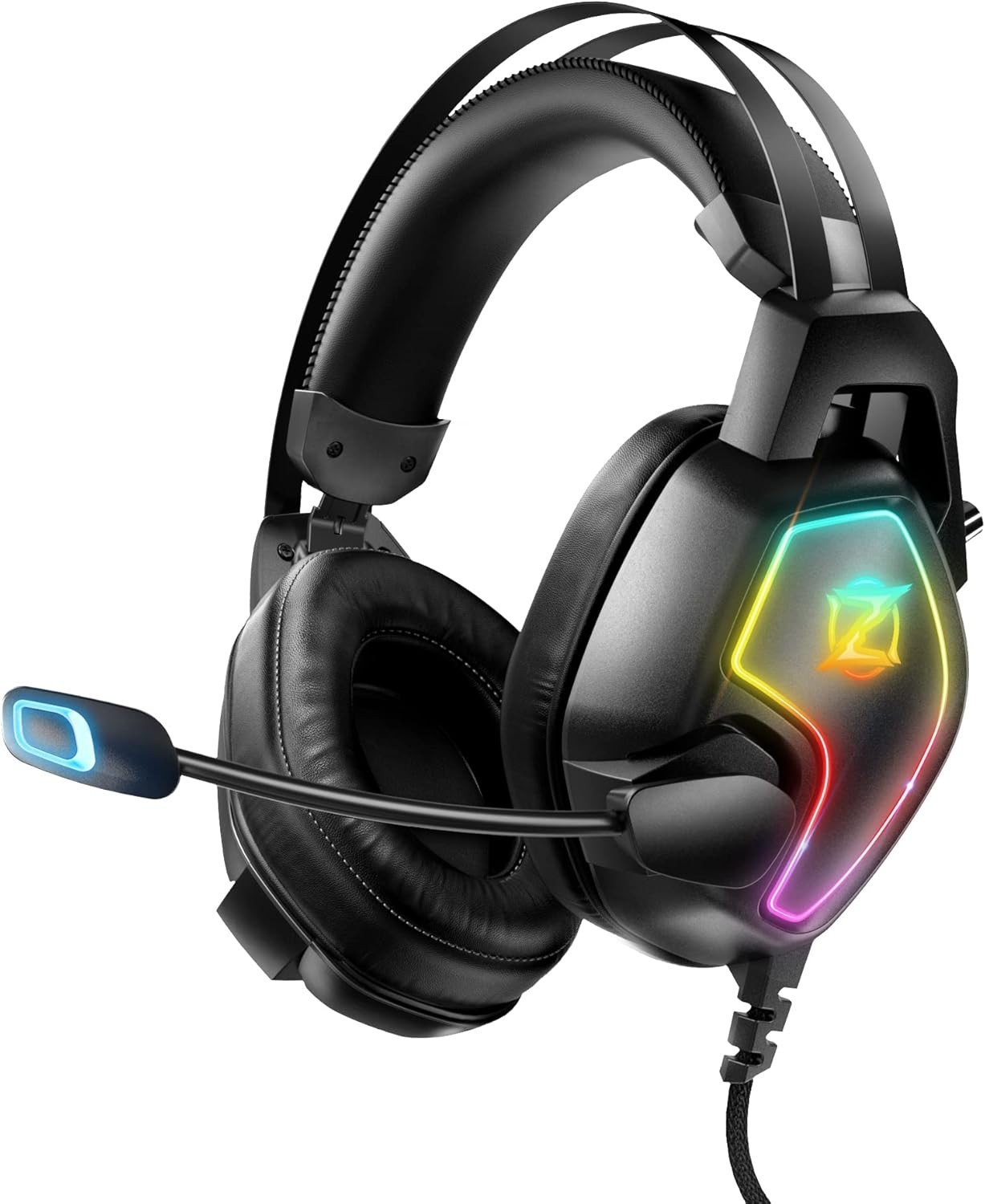 Gaming Headset for Xbox One Series X/S Ps5, Ps4, PC Switch, Noise Canceling Head$22.98View on eBay
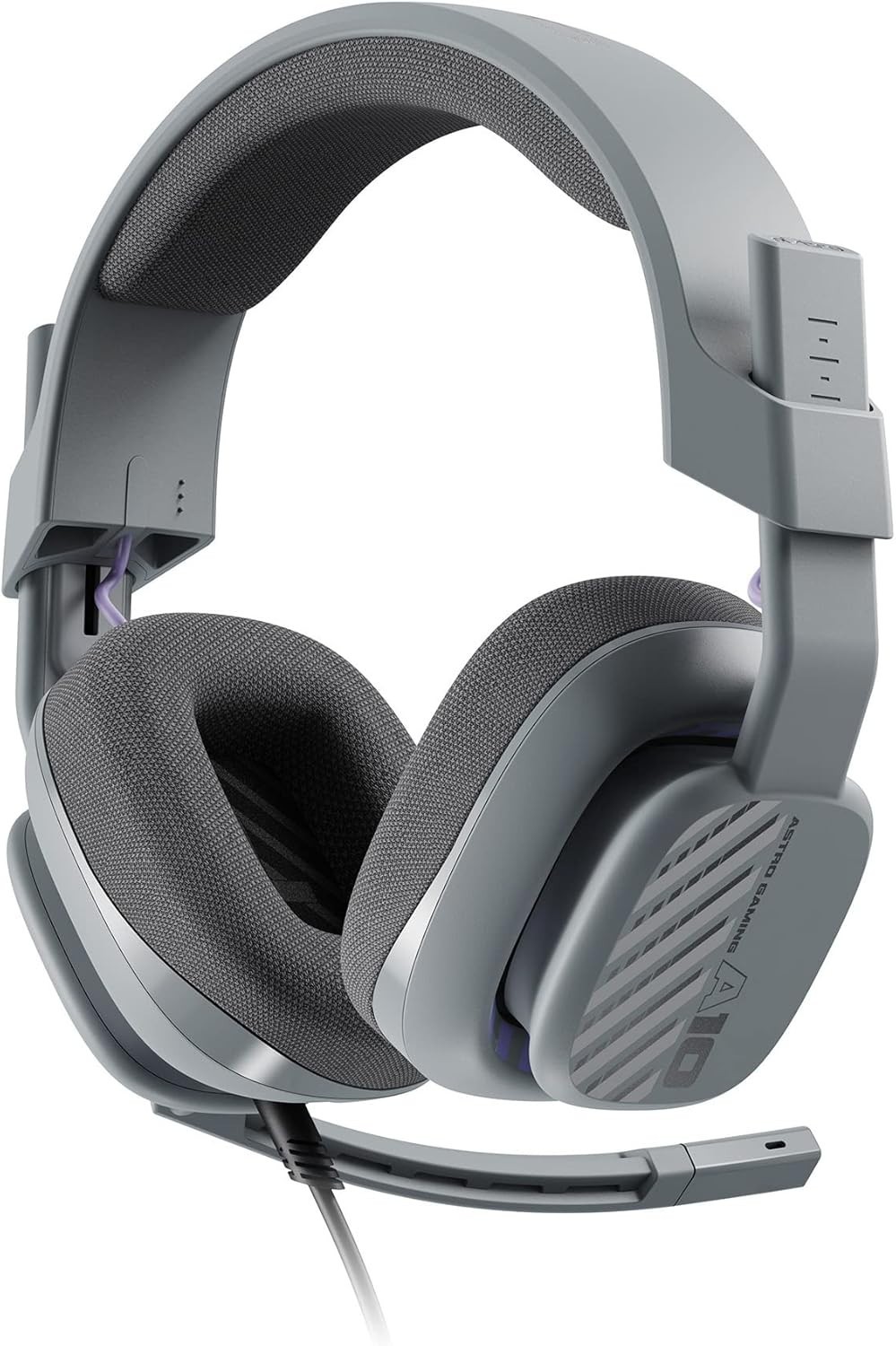 Logitech G Astro A10 Gen 2 Cross-Platform 3.5MM Wired Gaming Headset PS5 Xbox PC$23.99View on eBay
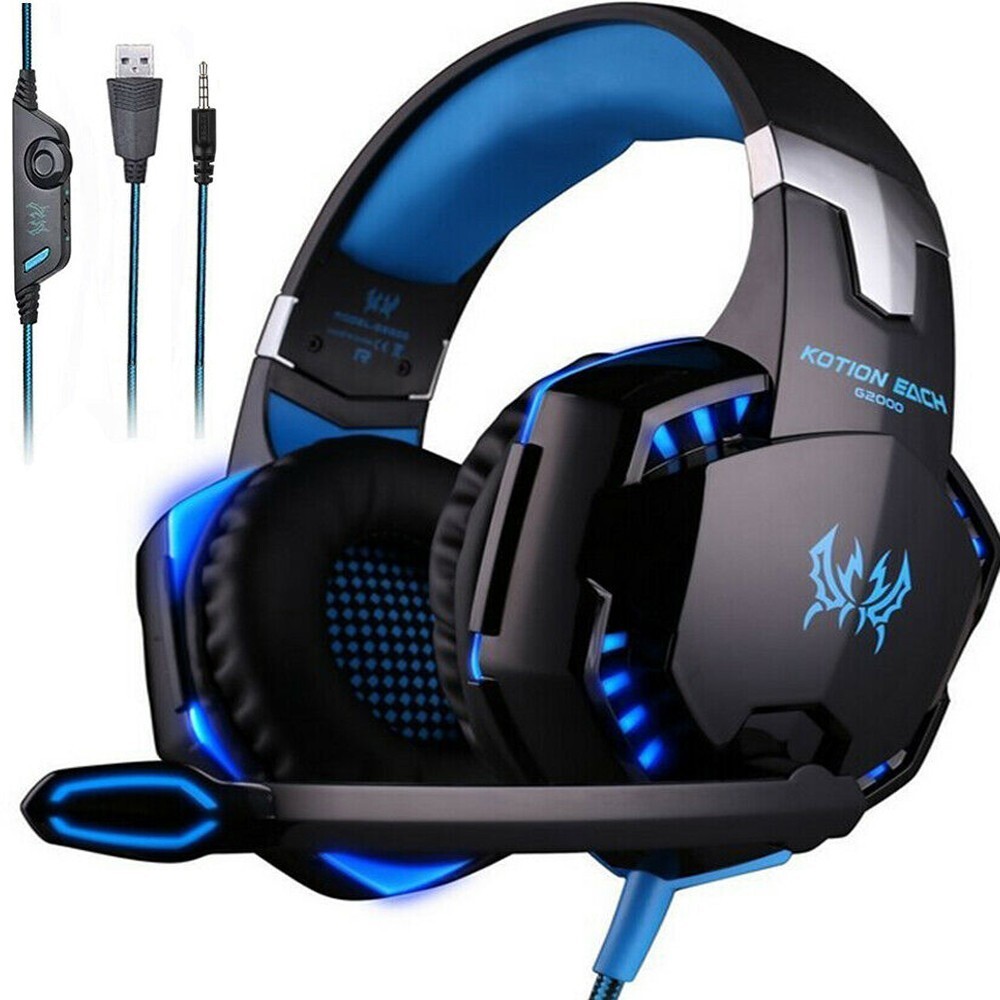 3.5mm Gaming Headset Mic LED Headphones Stereo Bass Surround For PC PS4 Xbox ONE$23.99View on eBay
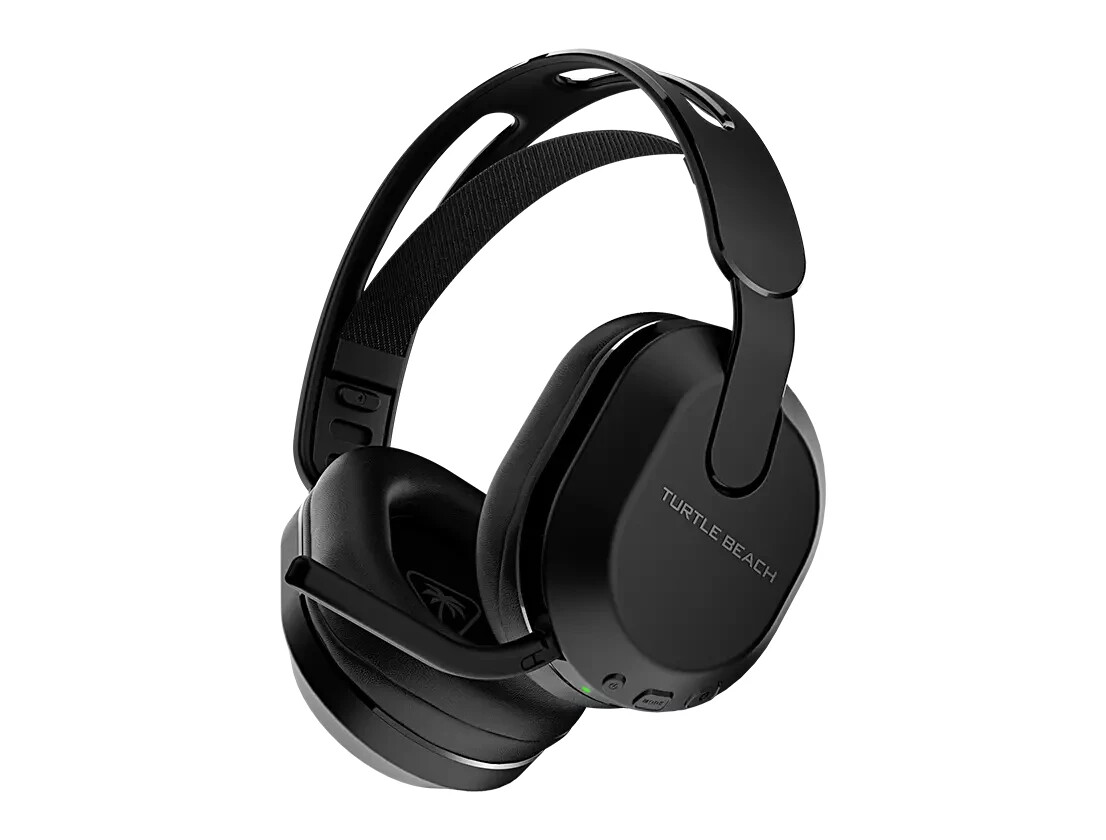 Turtle Beach Stealth 500 Wireless Gaming Headset for PlayStation -NB$24.99View on eBay
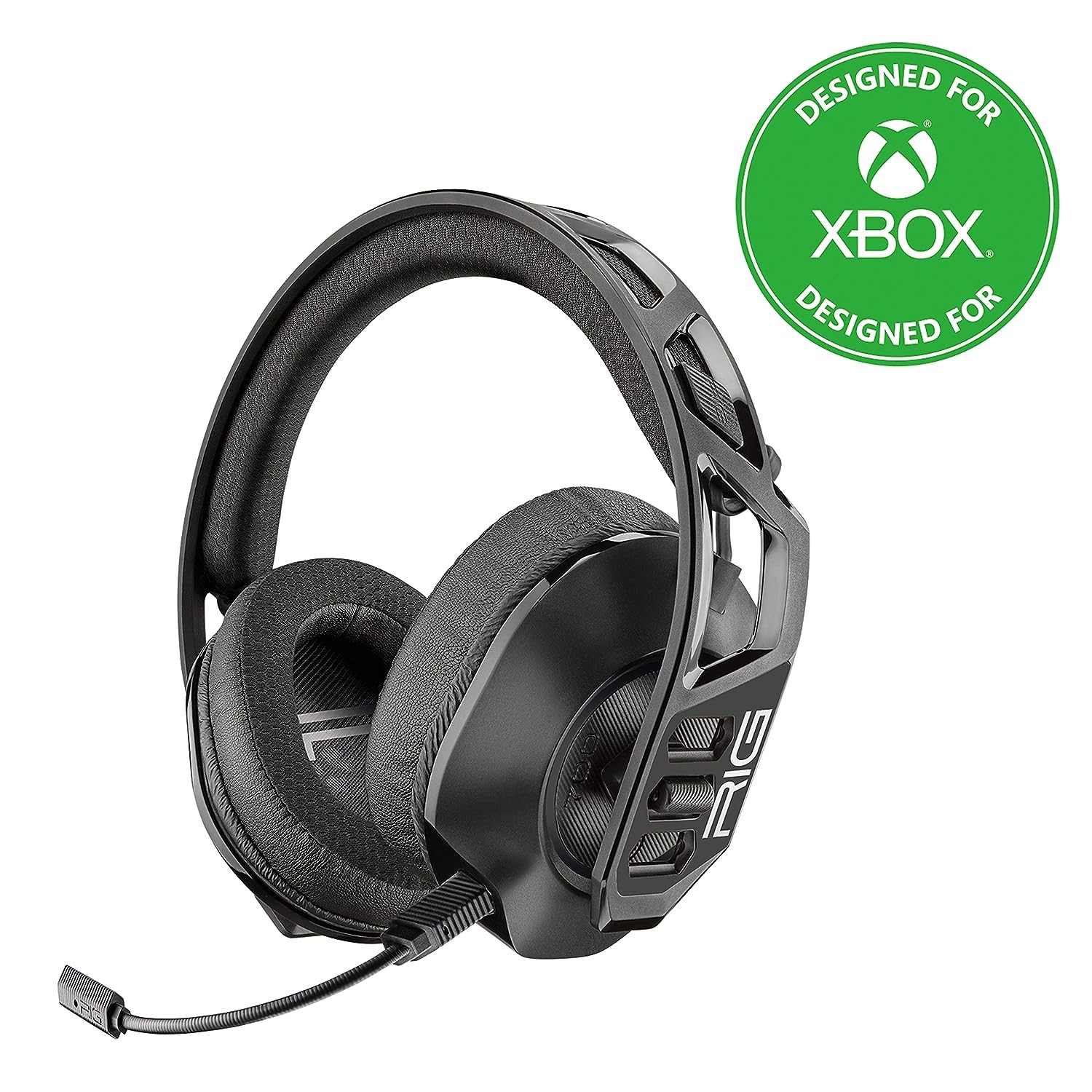 RIG 700HX Wireless 3D Surround Sound Gaming Headset for Xbox$24.99View on eBay
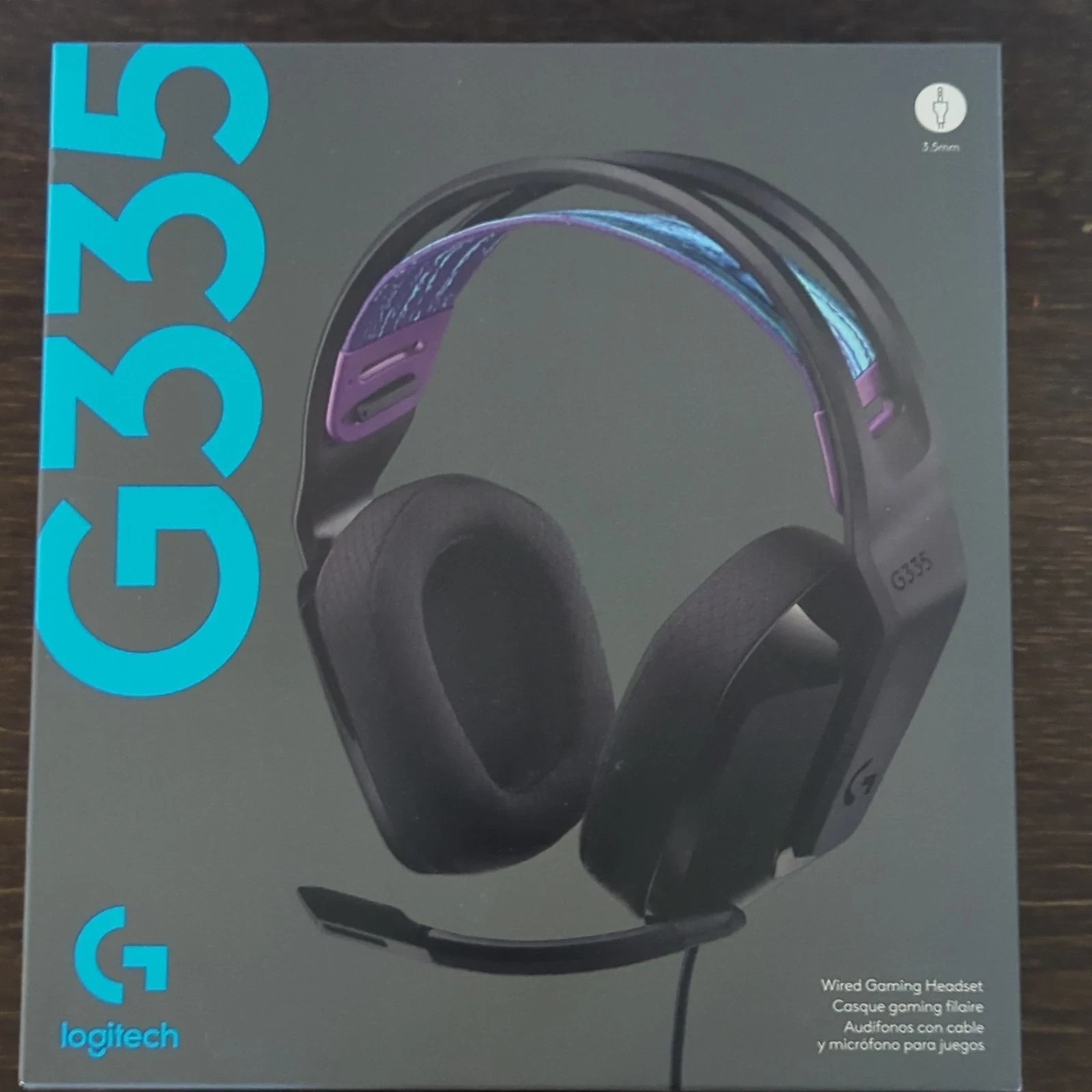 Logitech G335 Wired Gaming Headset 3.5mm Boom Mic Adjustable Headband Black$27.99View on eBay
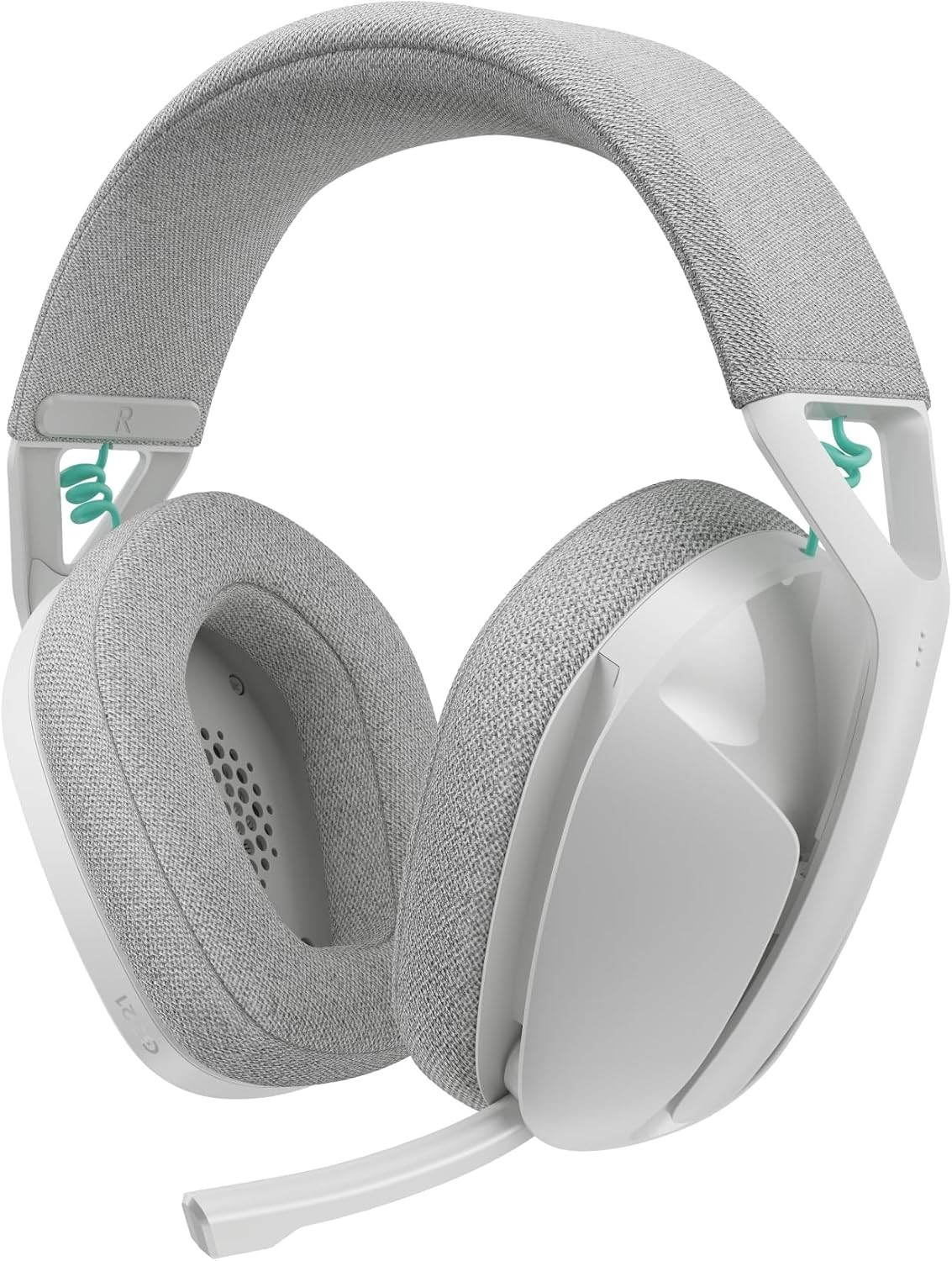 Logitech G321 Lightspeed Wireless Bluetooth Gaming Headset PC, PS4, PS5 - White$34.99View on eBay
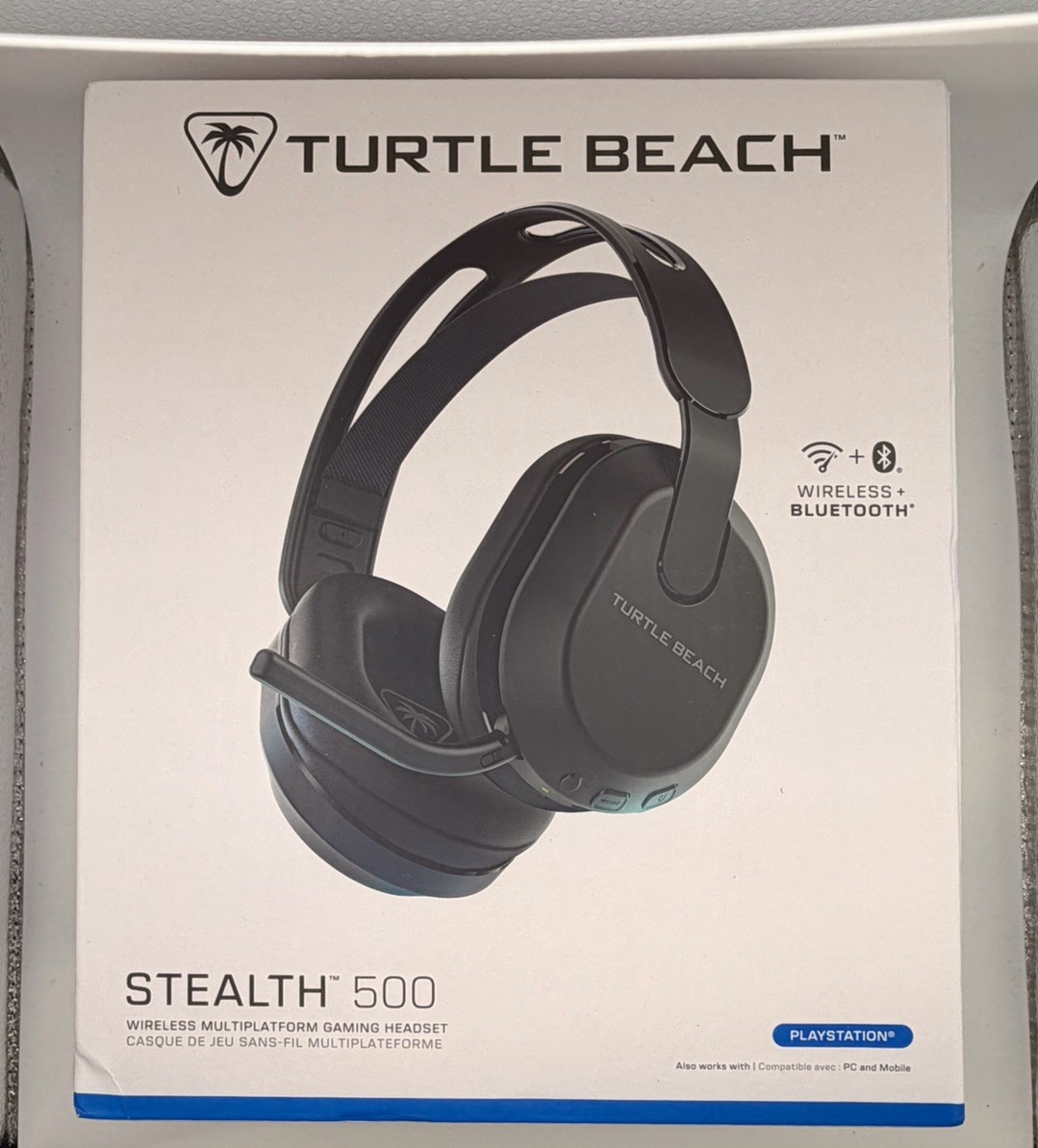 Turtle Beach - Stealth 500 Wireless Amplified Gaming Headset - Black for PlaySta$36.50View on eBay
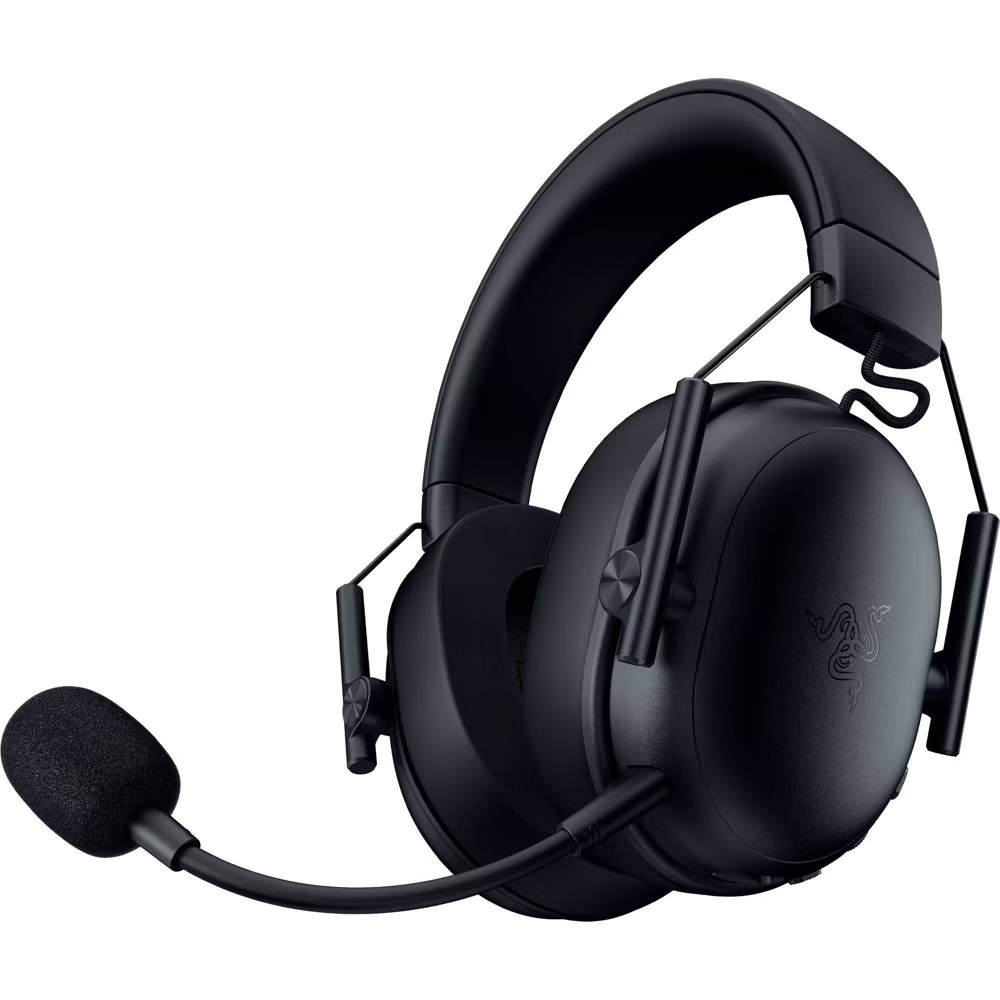 Razer BlackShark V3 X HyperSpeed Gaming Headset$39.94View on eBay
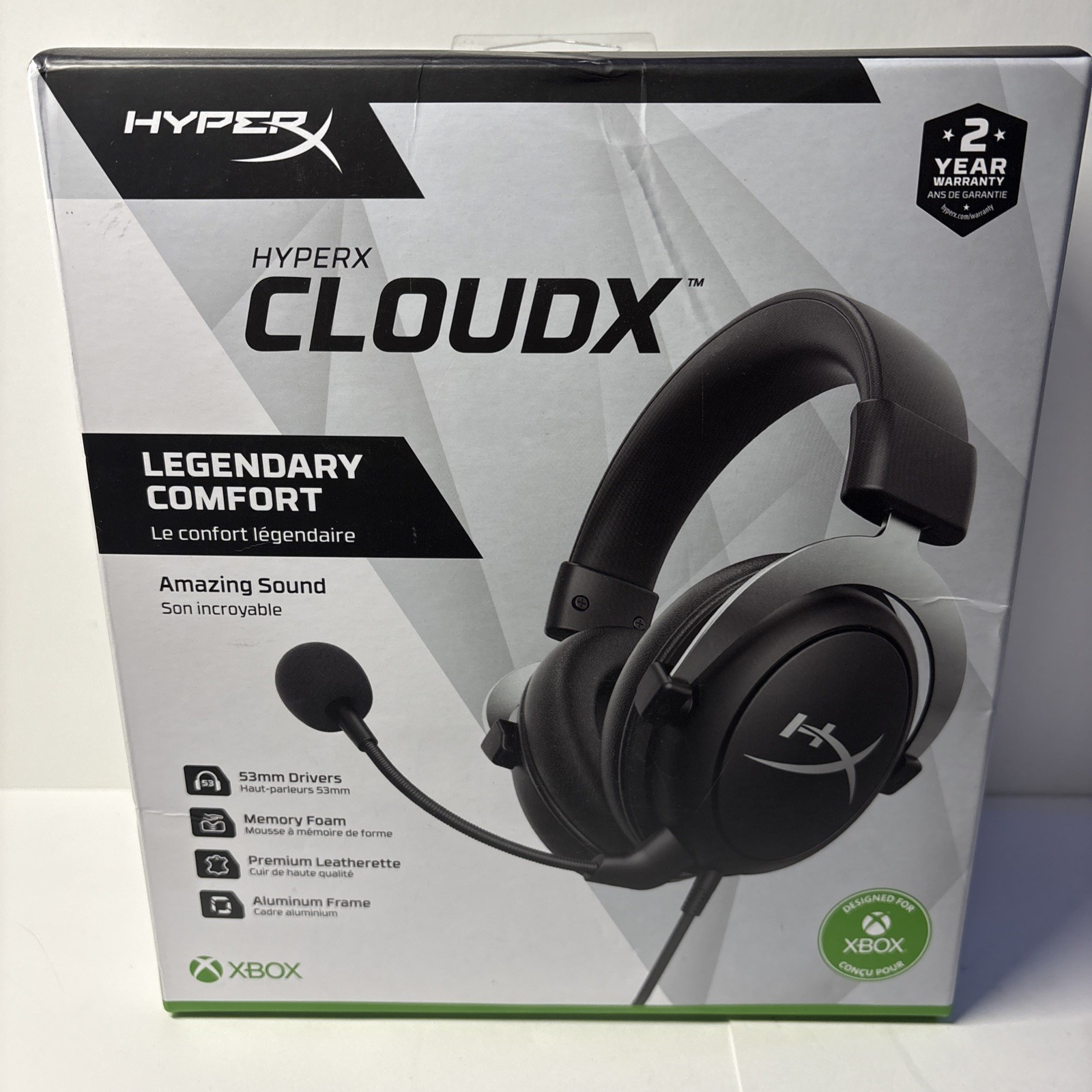 HyperX CloudX Gaming Headset (Black & Silver) for Xbox$44.99View on eBay
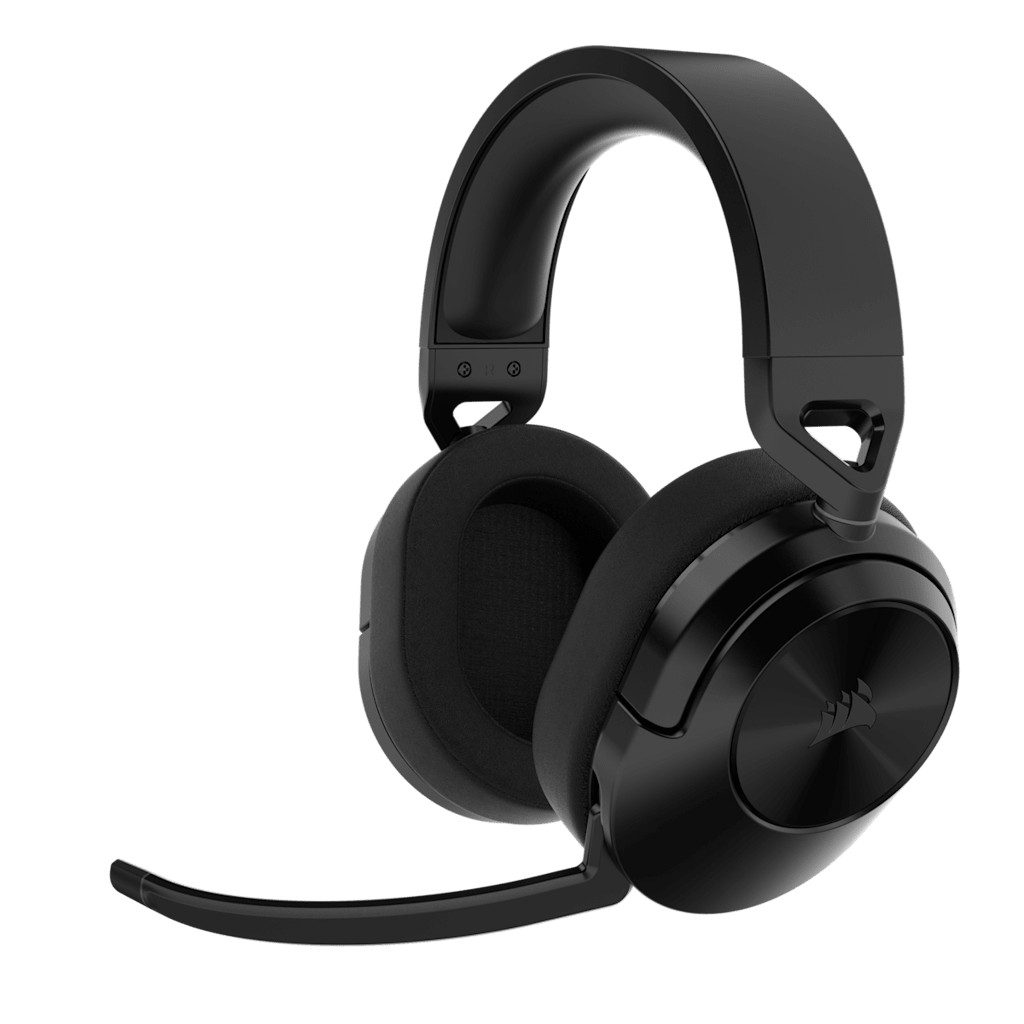 Corsair HS55 Wireless Gaming Headset Dolby 7.1 Bluetooth Carbon Certified Refurb$45.99View on eBay
- Razer BlackShark V3 X HyperSpeed Gaming Headset$46.99View on eBay
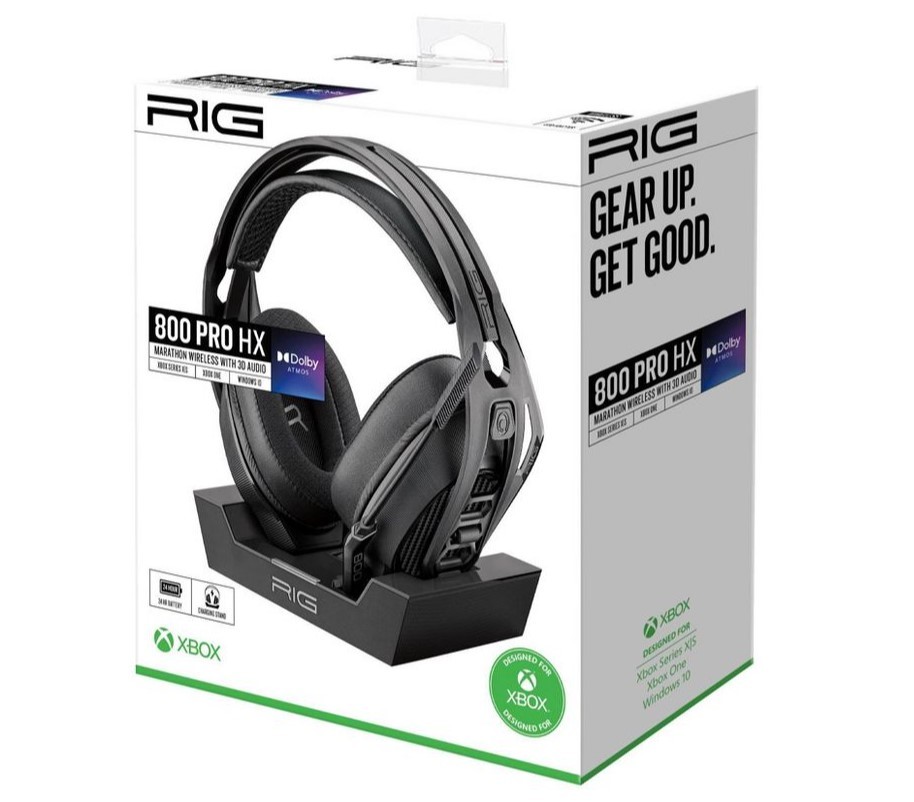 RIG 335852 800 Pro HX Marathon Wireless Gaming Headset for Xbox Series X|S/Xbox$49.00View on eBay
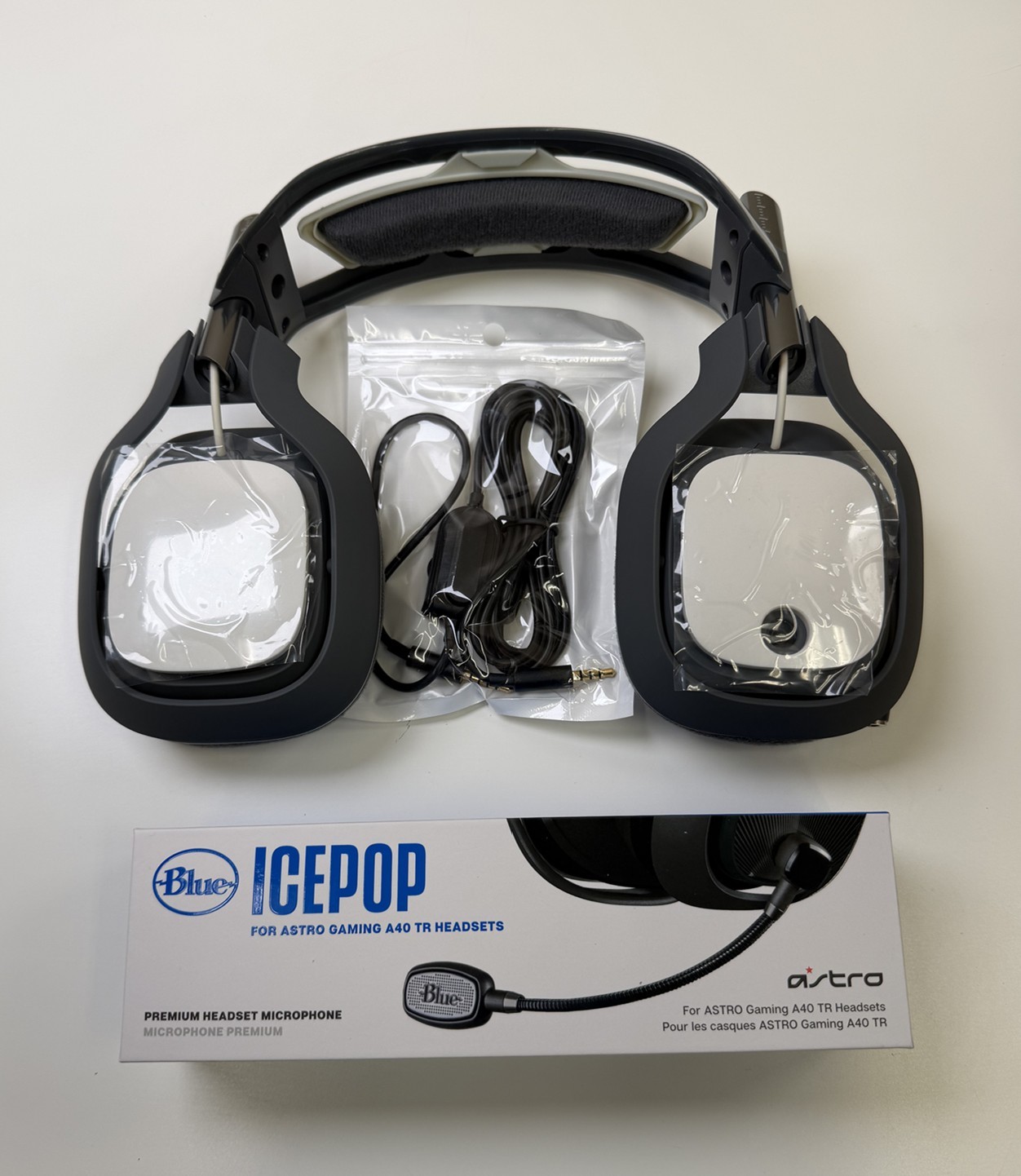 Astro A40 TR Gen 2 Gaming Headset PC Gray White - Upgraded Blue Microphone$54.88View on eBay
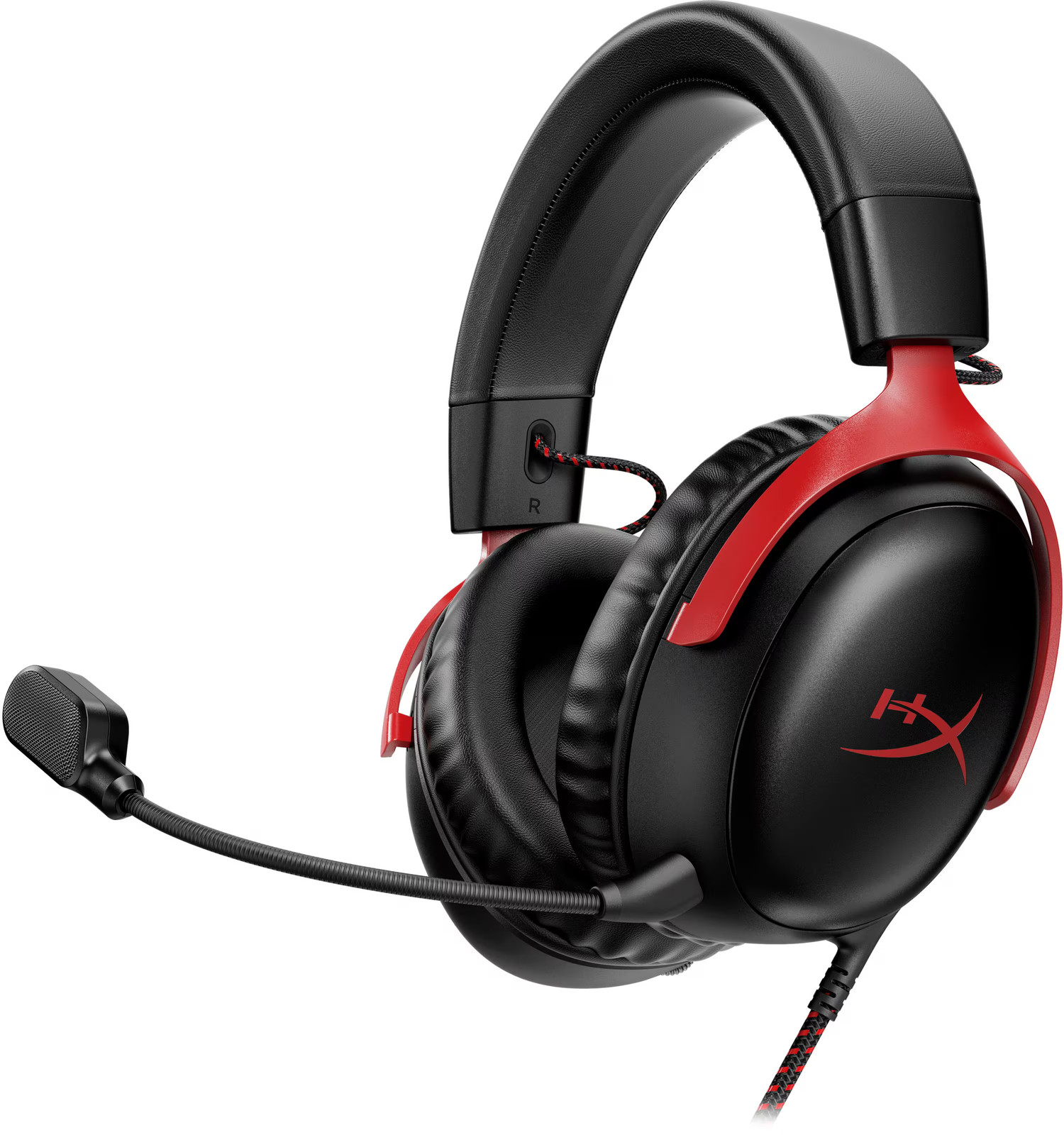 HyperX - Cloud III Wired Gaming Headset for PC, PS5, PS4, Xbox Series X|S, Xb...$57.99View on eBay
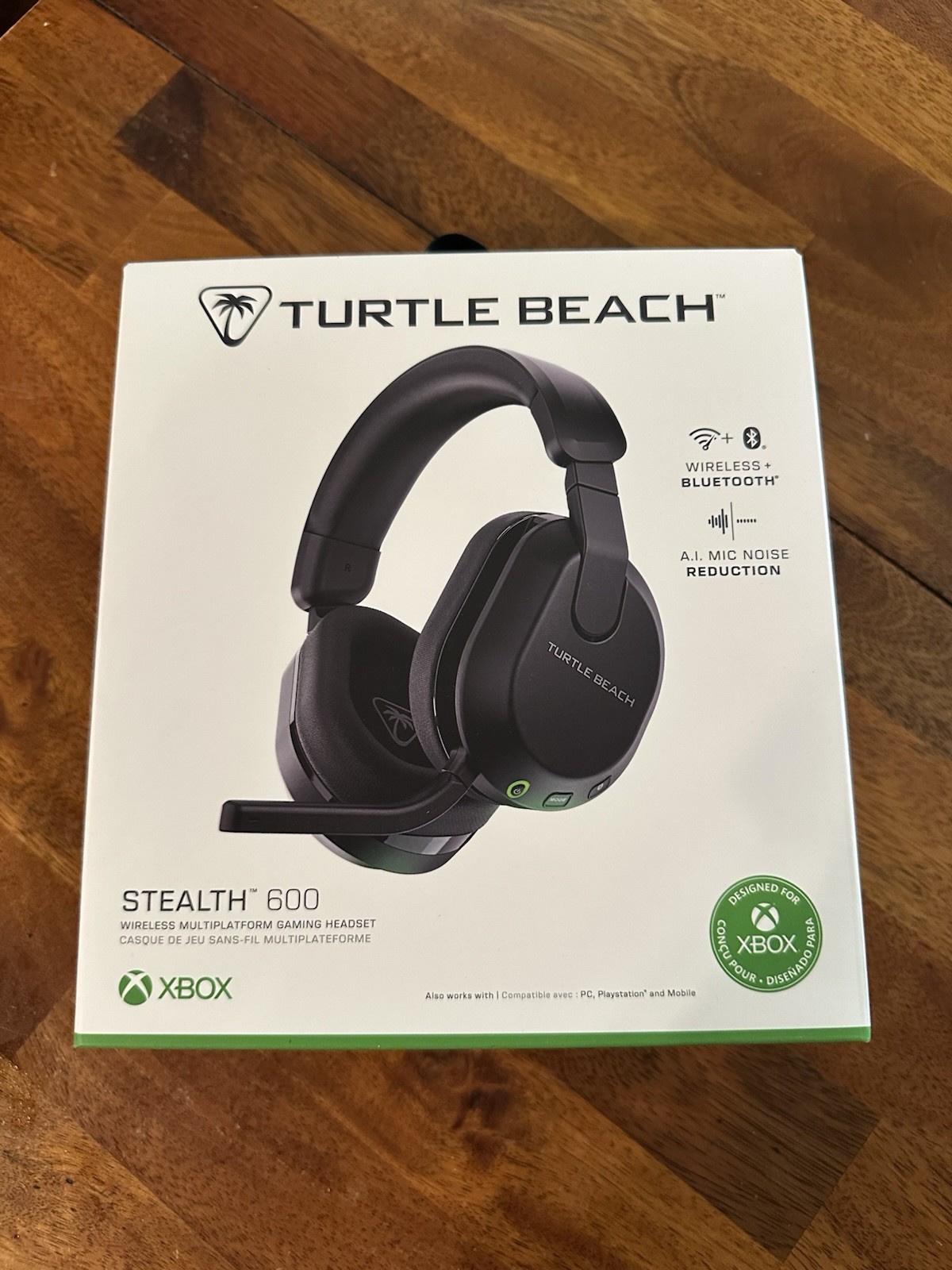 Turtle Beach Stealth 600 Gen 3 Wireless Gaming Headset Xbox PlayStation PC NEW$58.29View on eBay
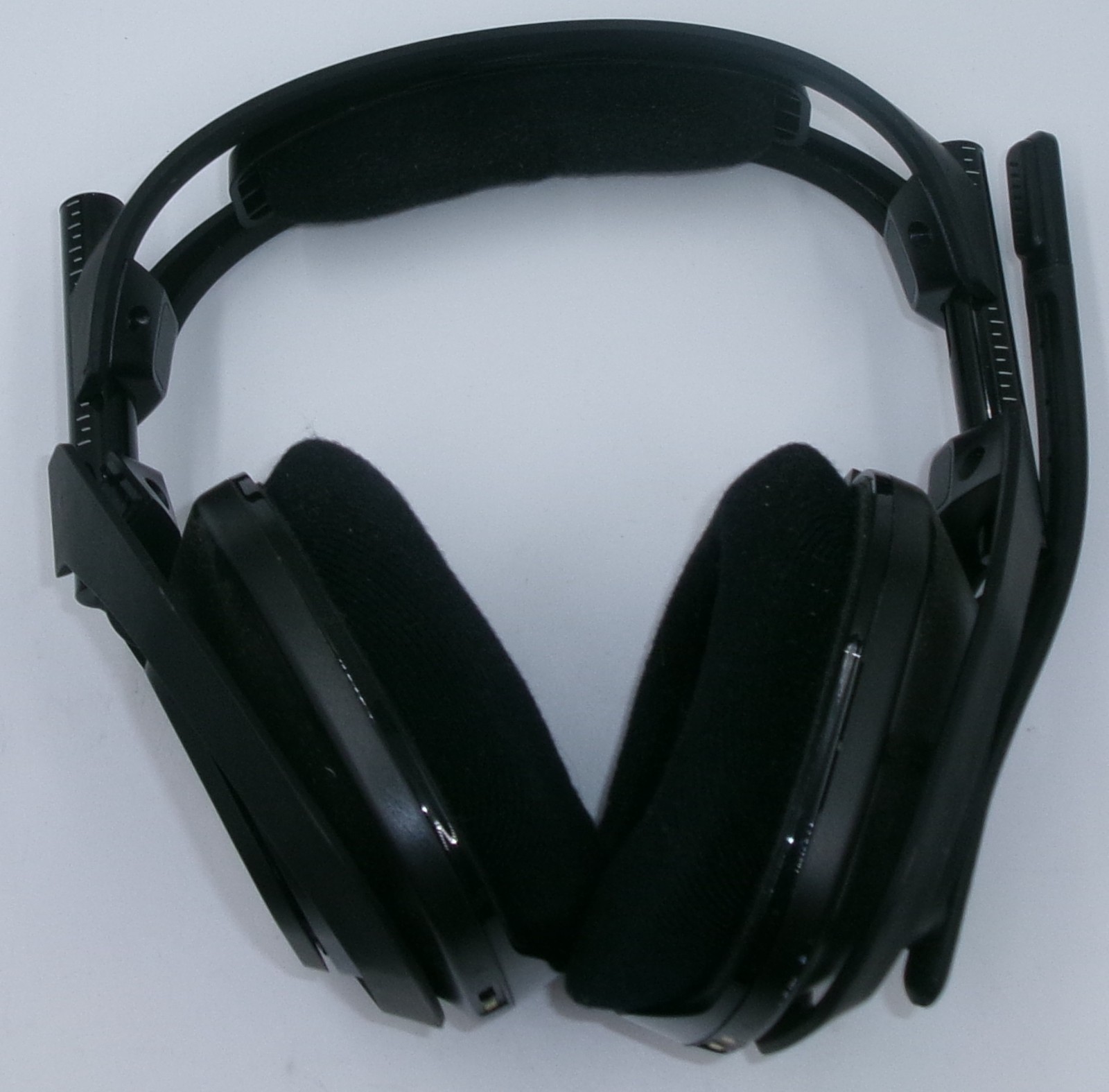 Astro Gaming A50 Wireless Gaming Headset Dolby Audio for PC PS4 PS5$69.99View on eBay
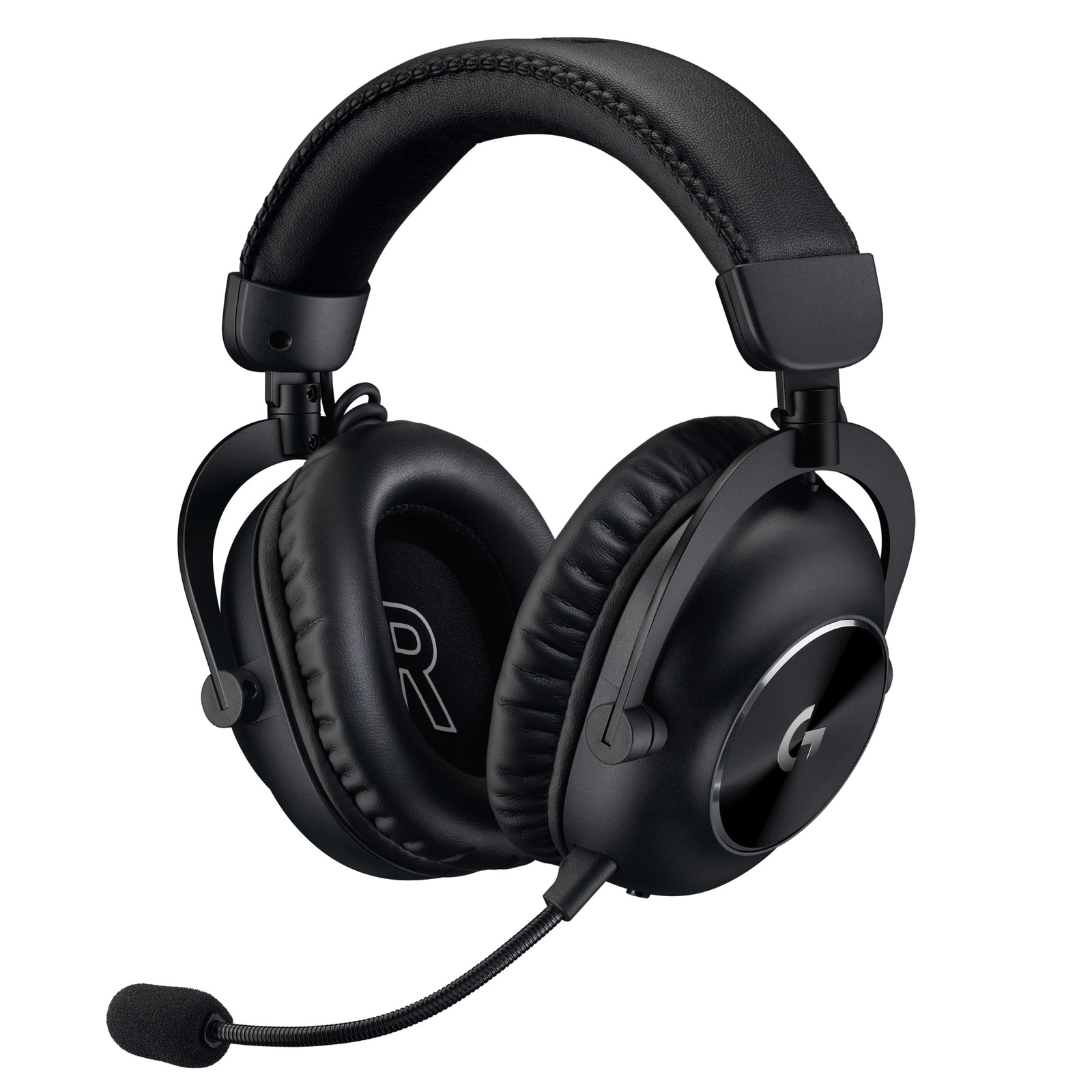 Logitech G PRO X 2 Lightspeed Wireless 7.1 Gaming Headset with Bluetooth$140.00View on eBay
Highlights
- Connection tier decides latency: 3.5mm analog and USB wired are plug-and-play with zero charge; 2.4GHz dongle wireless beats Bluetooth for chat and positional cues.
- Surround audio is either true multi-driver (rare), virtual 7.1 via USB software, or console spatial processing; virtual 7.1 only works through USB, not the 3.5mm jack.
- Boom mic quality tracks pickup pattern: flexible omni-directional boom with flip-to-mute is the practical standard; built-in hidden mics trade voice clarity for portability.
- Cross-platform claims require the right connector mix — a 3.5mm 4-pole TRRS plug plus a USB dongle covers PC, PlayStation, Xbox, and Switch; Bluetooth-only models skip console chat.
Best use cases
- Pick a wired 3.5mm headset with a 4-pole TRRS plug and flexible boom mic for competitive PC and console play — it works on every controller and needs no charging.
- Pick a 2.4GHz USB-dongle wireless headset with a named battery tier (e.g., 30-40 hr) for couch console sessions; skip Bluetooth-only sets for Xbox/PS party chat.
- Pick a USB wired virtual-7.1 headset for PC-only positional audio and software EQ; skip it for Switch handheld or phone use where 3.5mm is the only port.
- Pick a lightweight sub-250g wired headset with an adjustable headband for long sessions and glasses wearers; skip heavy RGB metal-frame sets if neck fatigue is a concern.
Buying tips
- Match the plug: a 4-pole 3.5mm TRRS plug carries mic + stereo; a 3-pole TRS plug gives audio only and needs a splitter for PC mic use.
- For wireless, require a dedicated 2.4GHz dongle for console/PC chat; Bluetooth models add latency and often drop mic support on Xbox.
- Target 30+ hours battery for wireless use and confirm USB-C charging; under 20 hours means daily charging interruptions.
- Check weight and clamp: sub-300g with a suspension or adjustable headband reduces fatigue; metal-frame RGB sets typically run heavier.
Specs
| Connectivity | 3.5mm wired / USB / 2.4GHz / Bluetooth |
|---|---|
| Surround Sound | Virtual 7.1 (USB) vs console spatial |
| Mic Type | Flexible boom vs built-in |
| Weight Class | Light <300g / Heavy 300g+ |
Related searches
What to check before buying
- Confirm your controller or console has a 3.5mm headset jack (Xbox Series X/S and PS5 controllers do; older PS4 controllers do not).
- For USB virtual 7.1, verify you have a free USB-A or USB-C port and the platform supports the software (PC Windows; console surround is handled by the console).
- Measure head circumference and check earcup depth if you wear glasses — over-ear circumaural cups need enough inner depth to avoid pressing on frames.
- For wireless, confirm the dongle type (USB-A vs USB-C) and that your console/PC has the matching port; Bluetooth-only headsets need a separate console chat solution.
FAQ
Data sources: eBay / Amazon listings and product attribute feeds. Updated Nov 28, 2026.
Some links on this page are affiliate links. If you buy after clicking one, we may earn a commission at no extra cost to you. This does not change which products appear here or their order. Affiliate disclosure.