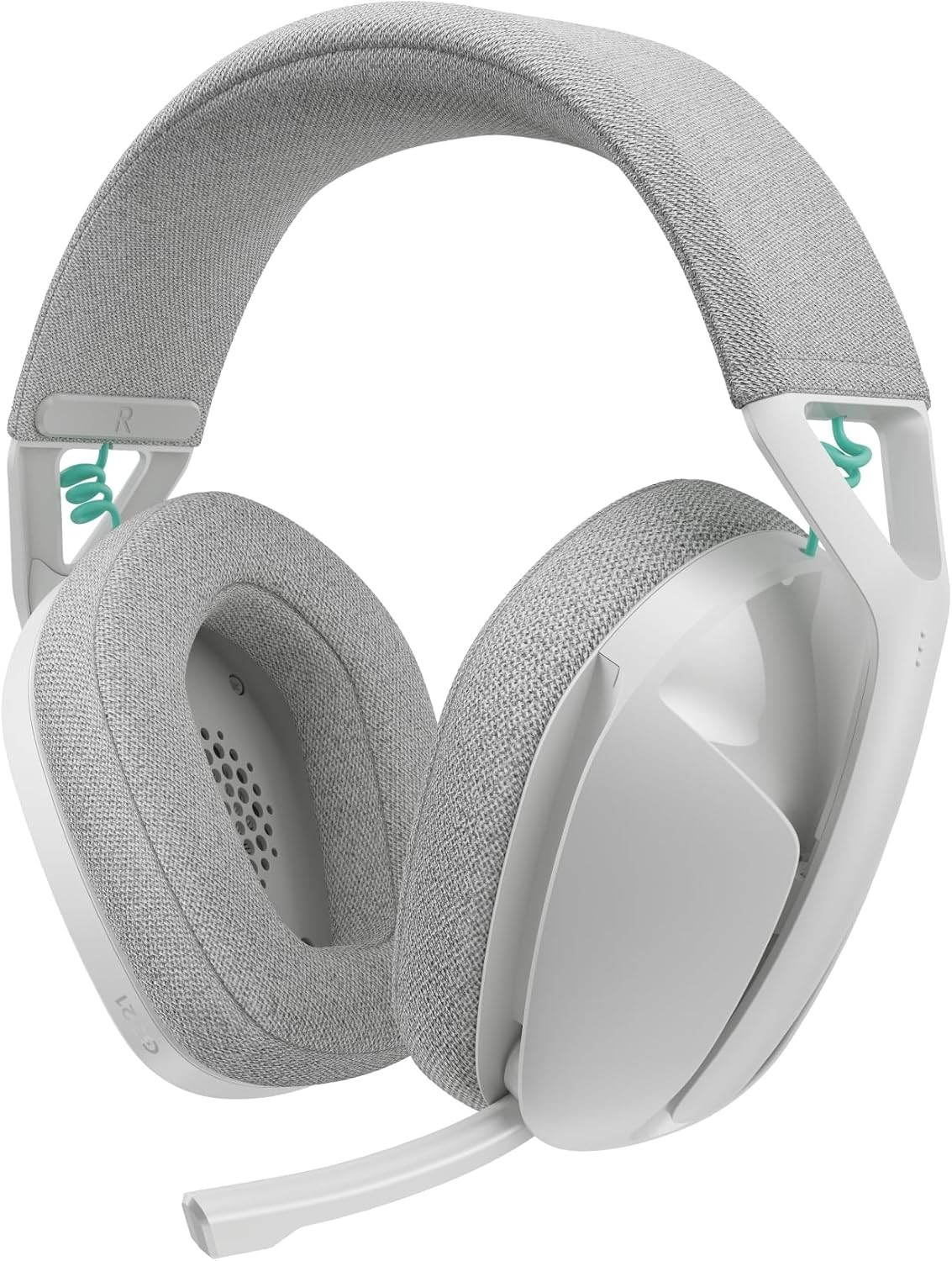

Photos from current listings. Actual item, color, and included accessories may vary.
PS5 Headset Wireless Buying Guide
Wireless PS5 headphones must solve a fundamental latency problem: Bluetooth audio introduces 100-200ms delay that ruins competitive timing, so the only true low-latency options are 2.4GHz USB dongle headsets. The secondary trade-off is microphone architecture—boom mics deliver clear chat while built-in mics pick up room noise. Buy a 2.4GHz dongle headset with a boom mic if chat and sync matter; skip Bluetooth-only models for anything beyond single-player casual use.
Key takeaways
- PS5 supports USB audio class devices natively, so 2.4GHz dongle headsets are plug-and-play without a firmware workaround or optical cable.
- Bluetooth audio on PS5 is limited to AV content and requires a USB transmitter; native PS5 Bluetooth does not support voice chat or low-latency game audio.
- Dual-mic architectures split into boom (cardioid, noise-rejecting) and built-in (omnidirectional); boom mics consistently outperform built-in mics for party chat clarity.
At a glance
- Category
- Over-Ear Headphones
- Last updated
- Nov 28, 2026
Current offers
Highlights
- PS5 supports USB audio class devices natively, so 2.4GHz dongle headsets are plug-and-play without a firmware workaround or optical cable.
- Bluetooth audio on PS5 is limited to AV content and requires a USB transmitter; native PS5 Bluetooth does not support voice chat or low-latency game audio.
- Dual-mic architectures split into boom (cardioid, noise-rejecting) and built-in (omnidirectional); boom mics consistently outperform built-in mics for party chat clarity.
- Battery tiers separate headsets: 15-20 hr entry models vs 30-40 hr flagship models, with USB-C fast charging becoming standard on current-generation units.
Best use cases
- Competitive FPS and timing-sensitive games: pick a 2.4GHz dongle headset with a boom mic and sub-30ms latency; skip Bluetooth models entirely.
- Single-player cinematic sessions on PS5: a Bluetooth transmitter plus any comfortable over-ear works, but expect no chat mic support.
- Cross-platform PC/PS5/Switch use: choose a headset with a USB-A dongle and a platform switch; skip PS5-only models with proprietary wireless.
- Party chat with friends: require a boom mic with cardioid pickup; built-in mics on Bluetooth headsets pick up TV and room noise.
Buying tips
- Match the dongle to your console: USB-A dongle for PS5 rear/front ports; USB-C dongle if you also play handheld or PS5 Digital without a hub.
- Latency threshold: 2.4GHz dongle lands under 30ms; Bluetooth SBC/AAC lands 100-200ms—unusable for rhythm or shooter timing.
- Battery math: 20 hr rating covers about 3-4 long sessions; 30 hr+ means charging once a week for average players.
- Check the mic pattern: cardioid boom mic rejects background noise; omnidirectional built-in mics pick up speakers and HVAC.
Specs
| Connectivity | 2.4GHz USB dongle vs Bluetooth |
|---|---|
| Mic Type | Boom cardioid vs built-in omni |
| Battery Life | 15-40 hr (USB-C charging) |
| Platform Support | PS5 / PC / Switch / Mobile |
Related searches
What to check before buying
- Confirm your PS5 has a free USB-A port (front or rear) for the 2.4GHz dongle—no adapter needed.
- Measure headband extension and ear-cup depth if you wear glasses or have a large head; over-ear fit varies 1-2 cm.
- Check whether the headset supports PS5 voice chat natively or requires a companion app for mic routing.
- Verify the dongle is USB audio class compliant for PS5; proprietary wireless (e.g., Xbox-only) will not work.
FAQ
Data sources: eBay / Amazon listings and product attribute feeds. Updated Nov 28, 2026.
Some links on this page are affiliate links. If you buy after clicking one, we may earn a commission at no extra cost to you. This does not change which products appear here or their order. Affiliate disclosure.