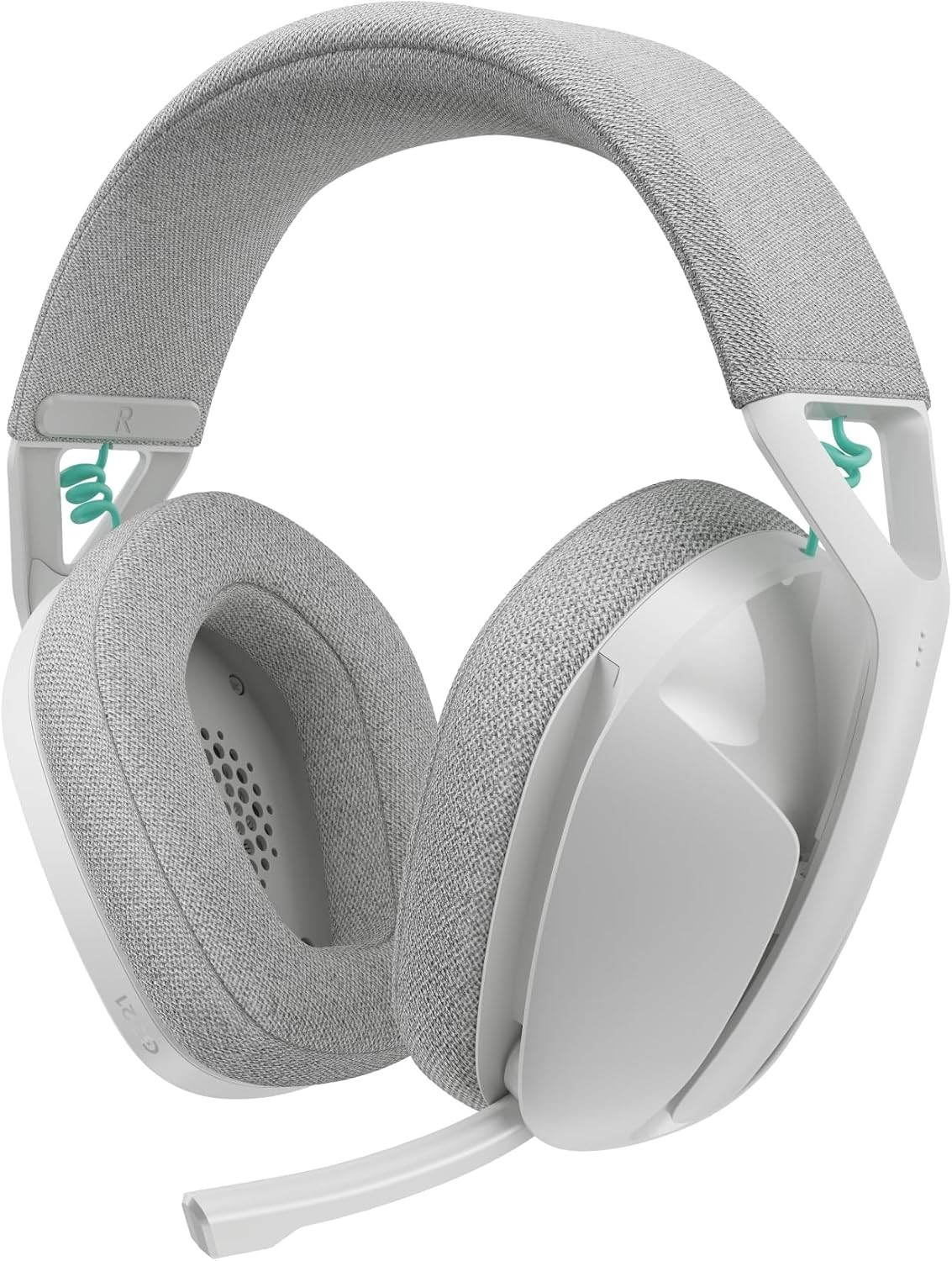

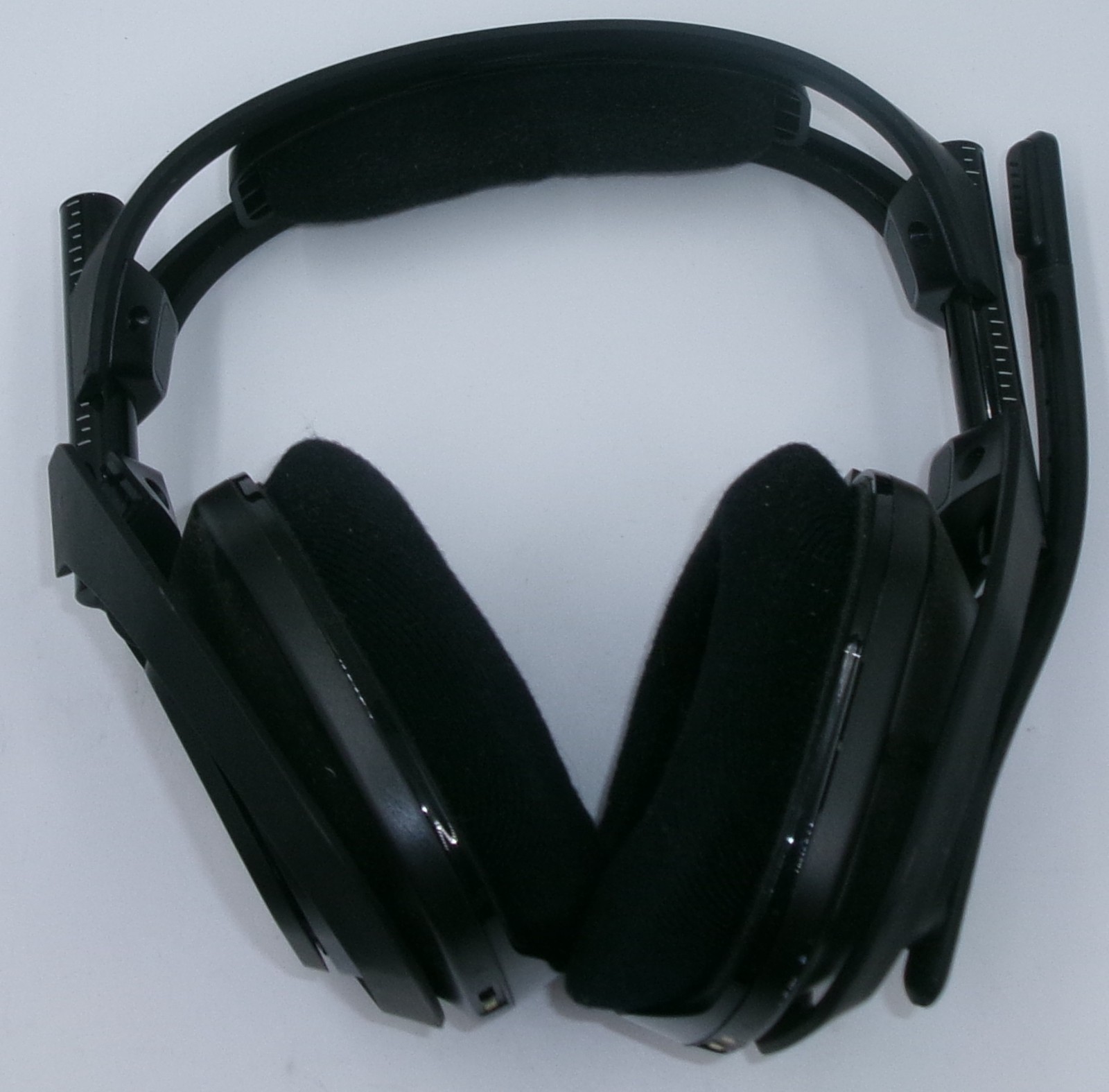
Photos from current listings. Actual item, color, and included accessories may vary.
PS4 Wireless Headset Buying Guide
Wireless headphones for PS4 split into two architectures: USB dongle headsets using 2.4GHz RF for low-latency chat and audio, and Bluetooth headsets that work only for PS4 system audio (not party chat) unless a USB adapter is added. The primary trade-off is latency and console compatibility versus convenience and cross-device use. Buy a 2.4GHz dongle headset for competitive chat and lip-sync accuracy; buy Bluetooth only for single-player audio or multiplatform use with a separate dongle.
Median $52.49
Key takeaways
- PS4 party chat requires a USB dongle or wired connection; Bluetooth headsets transmit game audio only and need a USB Bluetooth adapter for chat.
- 2.4GHz RF dongles deliver sub-20ms latency and reliable chat; Bluetooth adds 100-200ms audio delay unsuitable for competitive shooters.
- Dongle-based headsets store pairing on the USB receiver; a replacement dongle must match the headset's exact model and frequency protocol.
At a glance
- Category
- Over-Ear Headphones
- Last updated
- Nov 28, 2026
Current offers
Highlights
- PS4 party chat requires a USB dongle or wired connection; Bluetooth headsets transmit game audio only and need a USB Bluetooth adapter for chat.
- 2.4GHz RF dongles deliver sub-20ms latency and reliable chat; Bluetooth adds 100-200ms audio delay unsuitable for competitive shooters.
- Dongle-based headsets store pairing on the USB receiver; a replacement dongle must match the headset's exact model and frequency protocol.
- Dolby Audio and virtual surround on PS4 are processed by the headset's base station or dongle, not by the console; check the base supports PS4 optical or USB output.
Best use cases
- Best fit: Buy a 2.4GHz USB dongle gaming headset (e.g., Astro A50 with base station) for PS4 party chat, competitive shooters, and lip-sync-accurate audio.
- Wrong fit: Skip pure Bluetooth headsets for PS4 party chat; they transmit game audio only and require a separate USB Bluetooth adapter for microphone use.
- Best fit: Choose a Bluetooth headset with a low-latency gaming mode if you also listen on phone and PC and accept single-player audio on PS4.
- Wrong fit: Skip headsets requiring optical S/PDIF if your PS4 Slim lacks the optical port; use USB-only audio or HDMI audio extraction.
Buying tips
- Match the headset to the PS4 model: original PS4 and Pro have optical S/PDIF; PS4 Slim has no optical port and needs USB or HDMI audio.
- For chat, require a boom microphone or built-in mic with a USB dongle; Bluetooth-only headsets cannot transmit voice chat on PS4 without an adapter.
- Choose 2.4GHz RF over Bluetooth for gaming; RF latency stays under 20ms while Bluetooth SBC/AAC adds 100-200ms delay.
- Confirm the headset's dongle or base station lists PS4 compatibility; PS5-only dongles may not enumerate as a PS4 audio device.
Specs
| Connectivity | 2.4GHz USB dongle vs Bluetooth |
|---|---|
| PS4 Chat Support | Dongle/wired yes; Bluetooth no |
| Audio Latency | RF <20ms; Bluetooth 100-200ms |
| PS4 Port | Optical on Pro/original; USB on Slim |
Related searches
What to check before buying
- Measure your headband fit: over-ear cups need 1-2cm clearance around the ear; adjustable headbands should extend at least 4cm per side for larger heads.
- Check your PS4 model's ports: optical S/PDIF on original and Pro, USB-only on Slim; plan audio output accordingly.
- Verify the headset's USB dongle or base station supports PS4 USB audio class; PS5-only dongles may not work.
- For Bluetooth use, confirm a USB Bluetooth adapter is supported for PS4 chat; built-in Bluetooth handles audio only.
FAQ
Data sources: eBay / Amazon listings and product attribute feeds. Updated Nov 28, 2026.
Some links on this page are affiliate links. If you buy after clicking one, we may earn a commission at no extra cost to you. This does not change which products appear here or their order. Affiliate disclosure.