
Photos from current listings. Actual item, color, and included accessories may vary.
Wired Gaming Headset Buying Guide
A wired gaming headset delivers lag-free audio and consistent power over a 3.5mm or USB connection, eliminating battery anxiety and wireless interference. The core trade-off is between analog 3.5mm headsets that work across consoles and mobile devices versus USB/DAC models that unlock virtual surround and software EQ on PC. Buy a 3.5mm headset with a detachable cable and replaceable ear pads for cross-platform durability; skip USB-only models if you game on consoles or need plug-and-play across devices.
Median $27.99
Key takeaways
- 3.5mm 4-pole (TRRS) connection carries stereo audio and mic over a single cable, compatible with PC, PS5, Xbox, and Switch; USB models require onboard DAC and often restrict surround sound to PC.
- Closed-back over-ear earcups with 40mm–50mm neodymium drivers provide passive noise isolation and bass response; open-back designs like Astro A40 TR trade isolation for wider soundstage and breathability.
- Boom microphone types split into fixed omnidirectional and detachable noise-cancelling cardioid; cardioid boom mics reject keyboard noise better than built-in mics for competitive voice chat.
At a glance
- Category
- Over-Ear Headphones
- Last updated
- Nov 28, 2026
Current offers
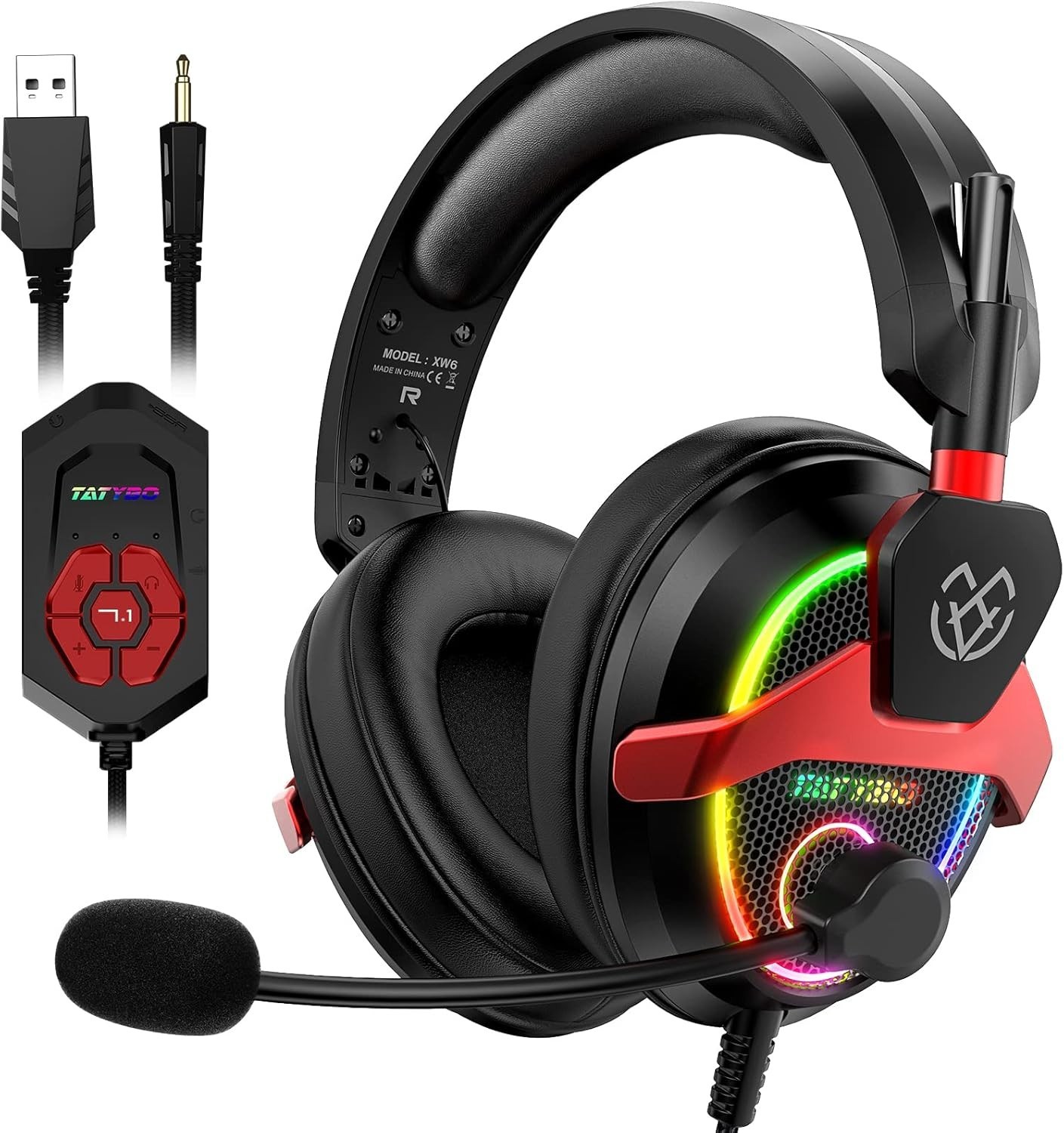 XW6 7.1 Gaming Headset for PC, PS4, PS5, Xbox One, Switch, USB & 3.5mm Gaming He$21.98View on eBay
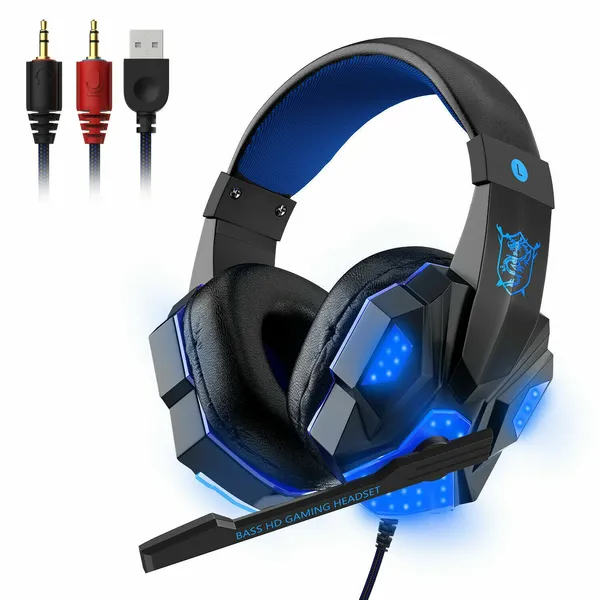 3.5mm Gaming Headset Mic LED Headphones Stereo Bass Surround For PC PS4 One$29.99View on Mallflare
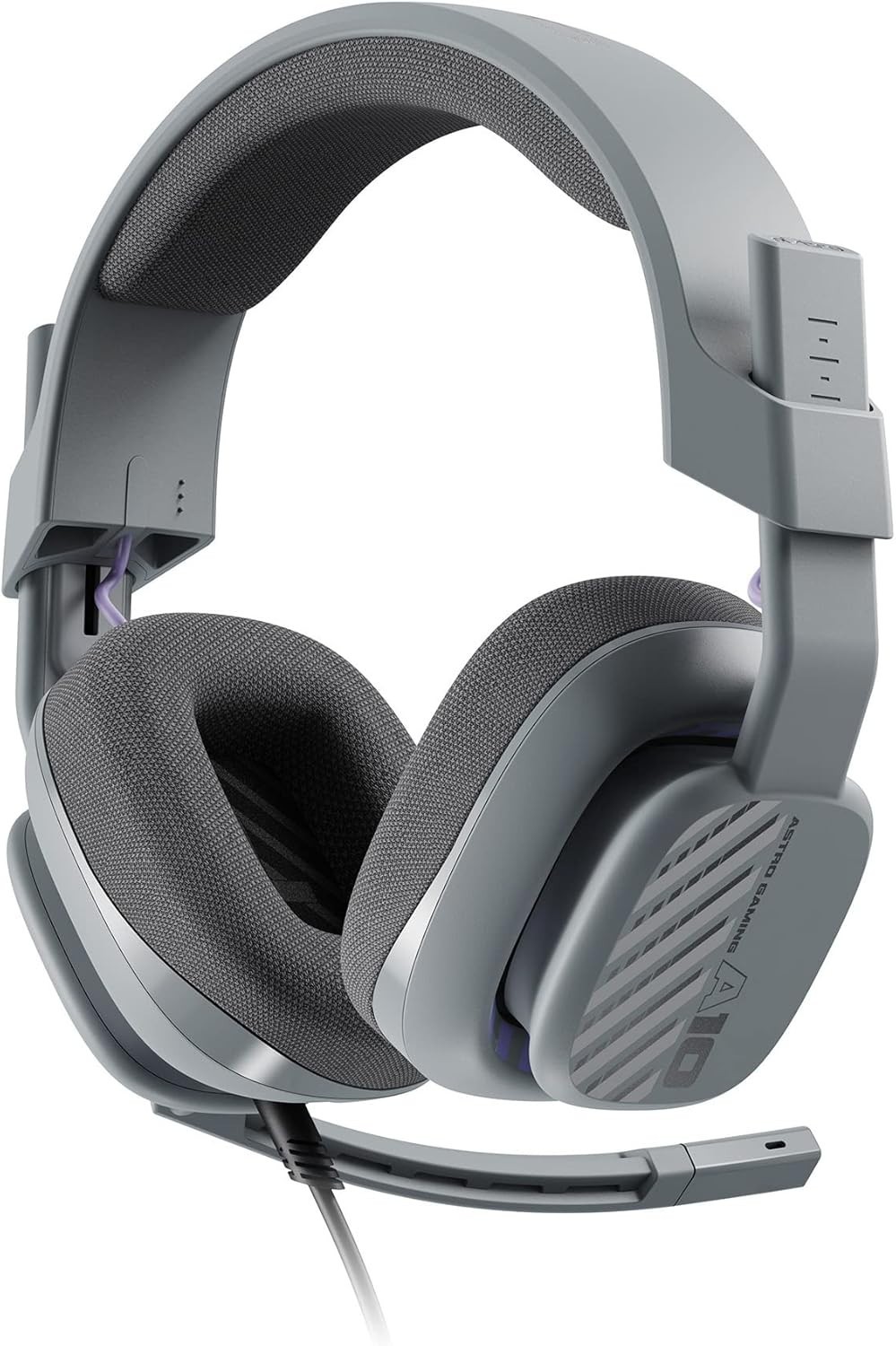 Logitech G Astro A10 Gen 2 Cross-Platform 3.5MM Wired Gaming Headset PS5 Xbox PC$23.99View on eBay
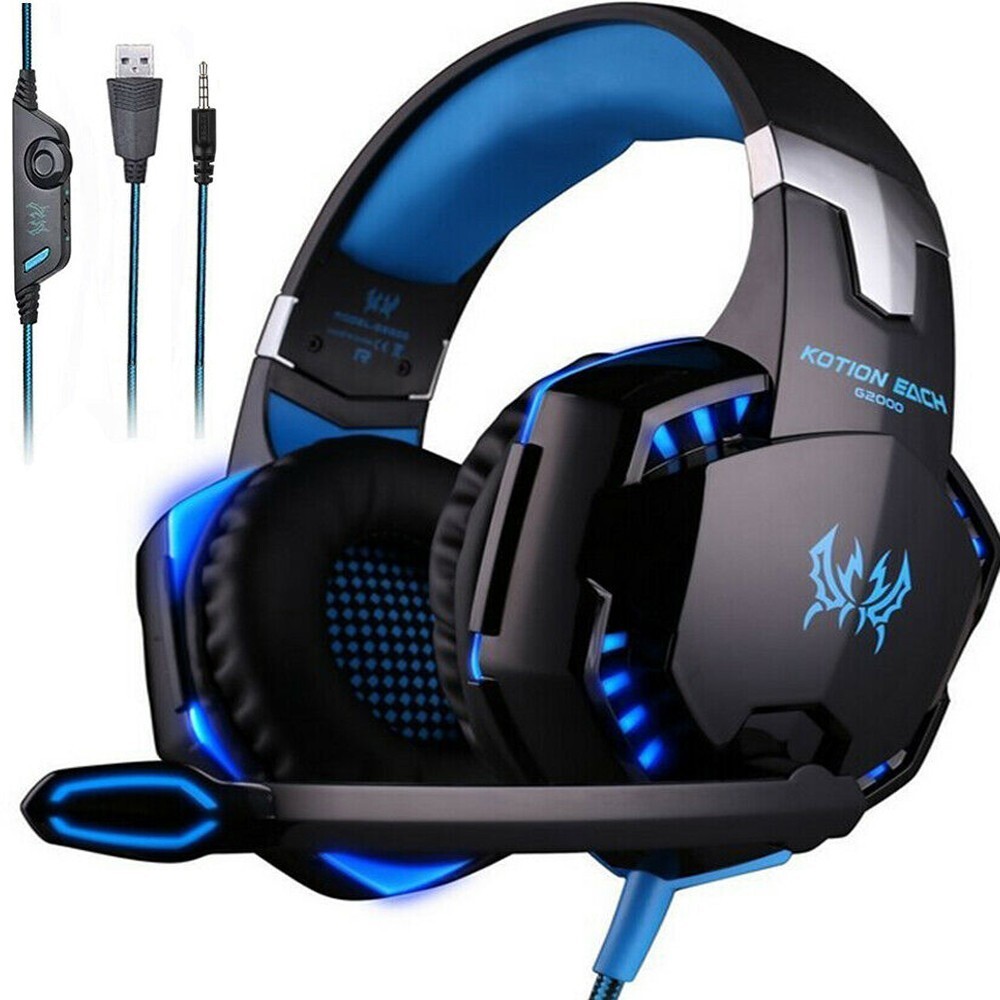 3.5mm Gaming Headset Mic LED Headphones Stereo Bass Surround For PC PS4 Xbox ONE$23.99View on eBay
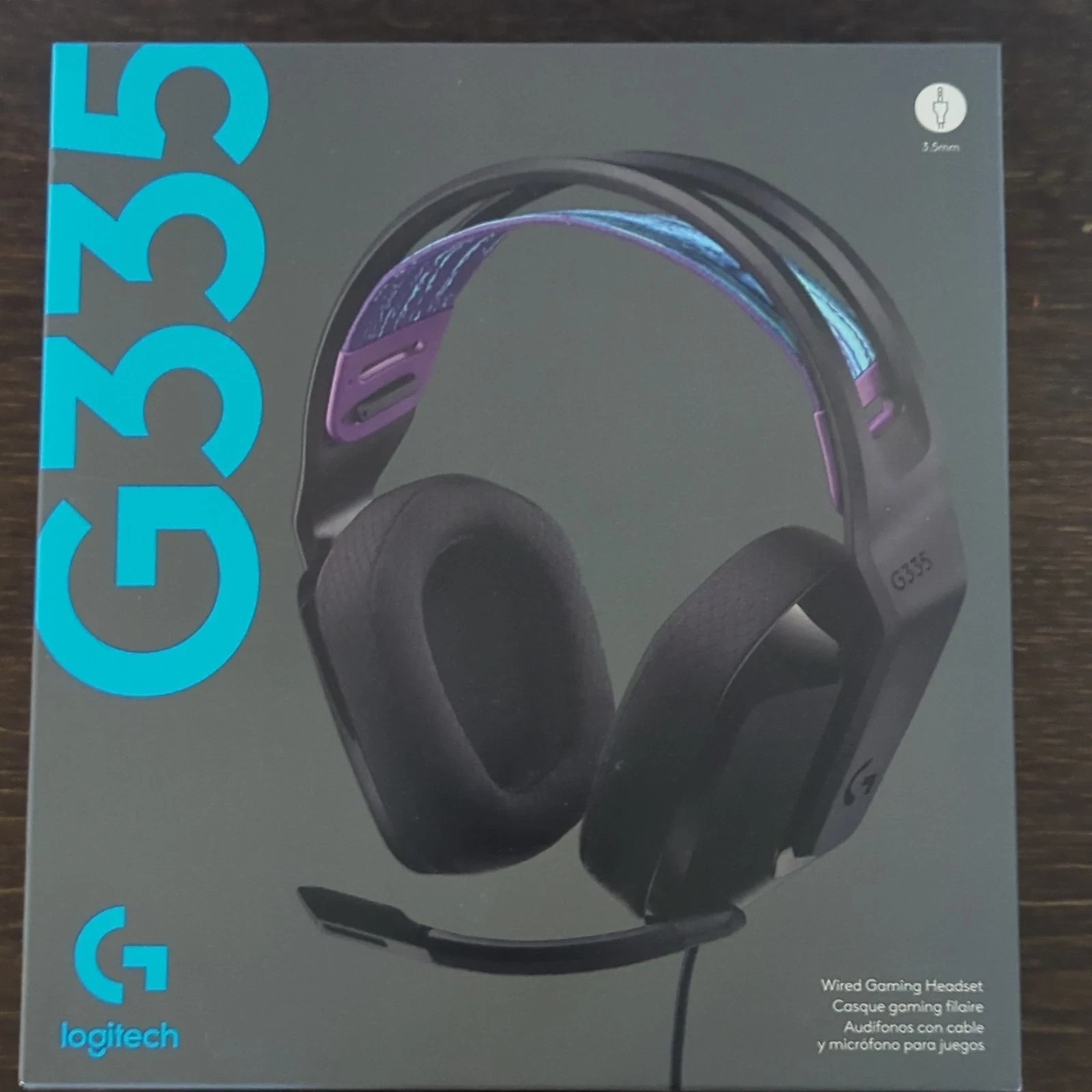 Logitech G335 Wired Gaming Headset 3.5mm Boom Mic Adjustable Headband Black$27.99View on eBay
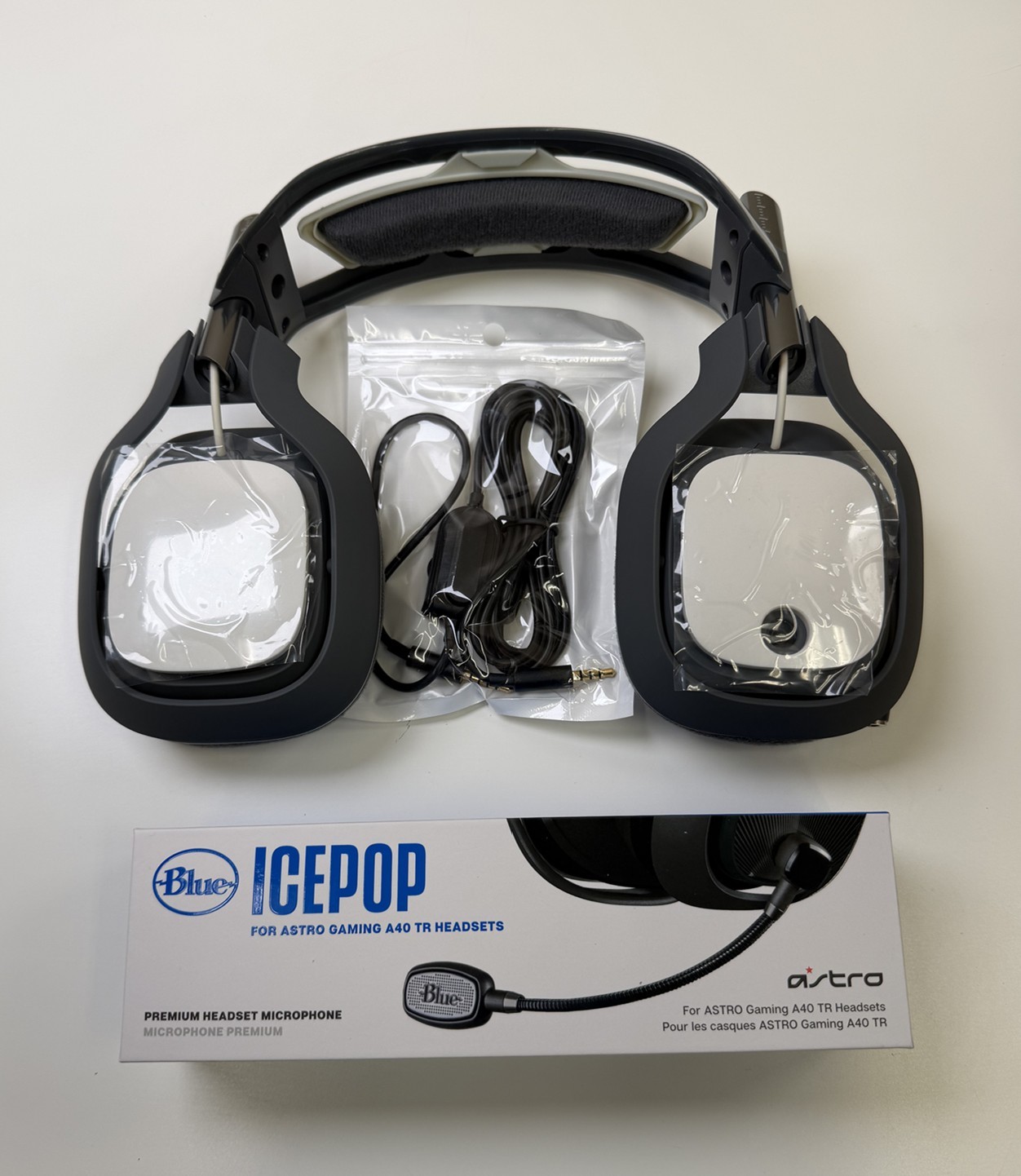 Astro A40 TR Gen 2 Gaming Headset PC Gray White - Upgraded Blue Microphone$54.88View on eBay
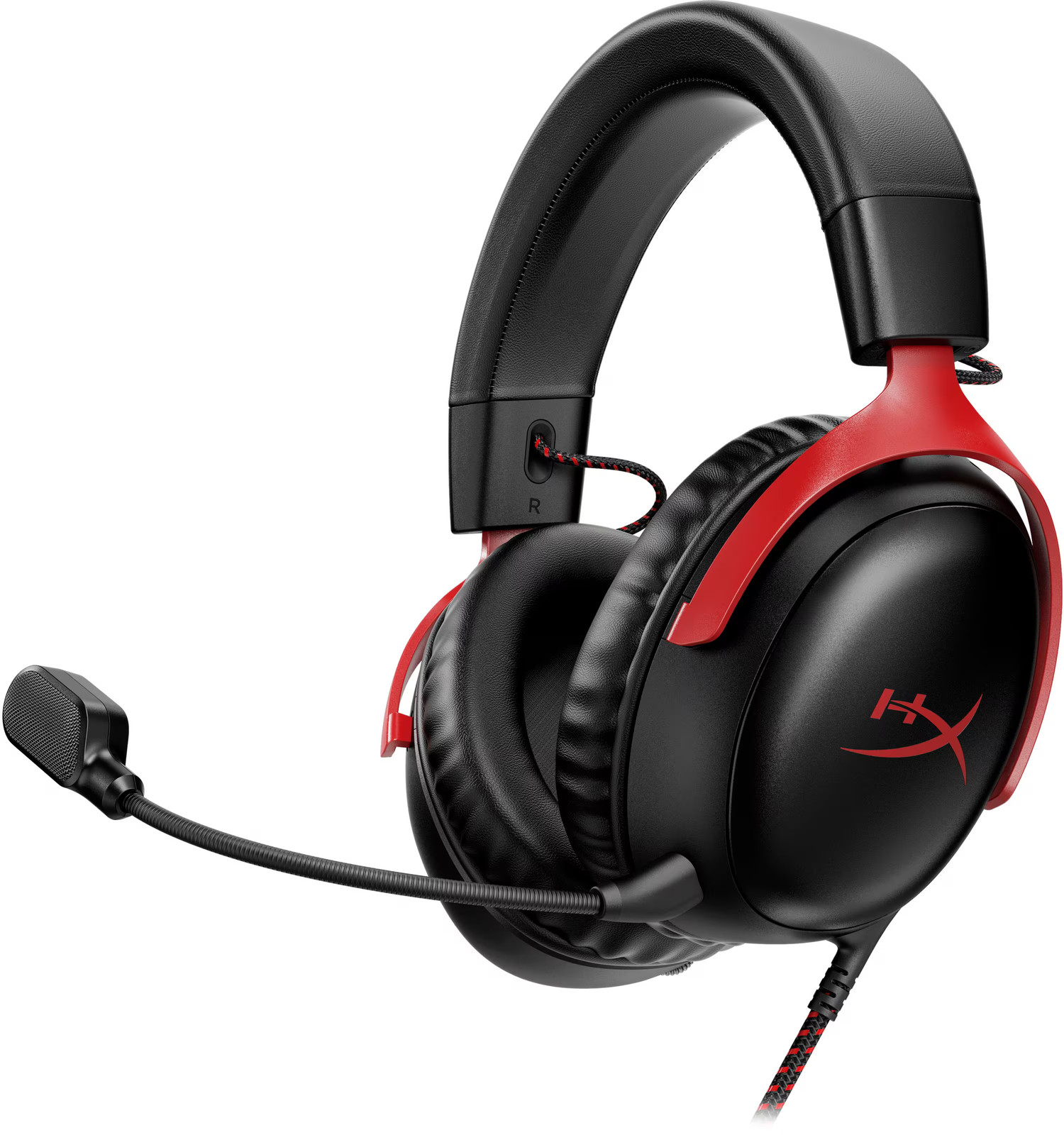 HyperX - Cloud III Wired Gaming Headset for PC, PS5, PS4, Xbox Series X|S, Xb...$57.99View on eBay
Highlights
- 3.5mm 4-pole (TRRS) connection carries stereo audio and mic over a single cable, compatible with PC, PS5, Xbox, and Switch; USB models require onboard DAC and often restrict surround sound to PC.
- Closed-back over-ear earcups with 40mm–50mm neodymium drivers provide passive noise isolation and bass response; open-back designs like Astro A40 TR trade isolation for wider soundstage and breathability.
- Boom microphone types split into fixed omnidirectional and detachable noise-cancelling cardioid; cardioid boom mics reject keyboard noise better than built-in mics for competitive voice chat.
- Build tiers separate at headband and ear pad materials: plastic sliders with leatherette pads (Logitech G335, Astro A10 Gen 2) versus metal-reinforced frames with memory foam (HyperX Cloud III, Razer Kraken V4 X).
Best use cases
- Best for competitive PC players: pick a USB or 3.5mm headset with virtual 7.1 surround and a cardioid boom mic (e.g., Razer Kraken V4 X, HyperX Cloud III); skip open-back studio-style headsets that leak sound and lack mic monitoring.
- Best for console and cross-platform gamers: choose a 3.5mm TRRS headset with inline volume and mute (Astro A10 Gen 2, Logitech G335) that plugs directly into the controller; skip USB-only headsets that need a dongle or PC software.
- Best for long-session comfort: select a headset under 300g with breathable fabric ear pads and an adjustable suspension headband (HyperX Cloud III, Logitech G335); skip heavy metal-framed models over 400g if you wear glasses or game for more than two hours.
- Wrong fit: buyers wanting wireless freedom or ANC should not buy a wired gaming headset; wired models lack battery and active noise cancellation, so choose a wireless ANC headset instead.
Buying tips
- Confirm the plug: a 4-pole TRRS 3.5mm jack works with PS5, Xbox, and Switch controllers; a separate headphone and mic splitter (2x TRS) is required for desktop PCs with dedicated pink/green jacks.
- Match impedance to source: 32-ohm headsets drive easily from controller jacks; 60-ohm-and-higher models need a USB DAC or amplifier for adequate volume on consoles.
- Prioritize mic quality: choose a detachable cardioid boom mic with a foam pop filter over a fixed omnidirectional mic; cardioid rejects background noise and is replaceable if damaged.
- Check ear pad replaceability: leatherette pads flake within 12-18 months of daily use; fabric or velour pads and user-replaceable pads extend headset life beyond the cable.
Specs
| Connection | 3.5mm TRRS vs USB-A/USB-C |
|---|---|
| Driver Size | 40mm–50mm neodymium |
| Microphone | Detachable cardioid boom vs fixed omni |
| Ear Cup Type | Closed-back over-ear / open-back |
Related searches
What to check before buying
- Measure your headband fit: adjustable sliders should span at least 30mm; headsets under 280g avoid hot spots during 3+ hour sessions.
- Verify ear cup inner dimensions: opening should be at least 60mm tall and 40mm wide to fit over ears rather than pressing on them.
- Confirm connection type against your devices: 3.5mm TRRS for console controllers, USB-A or USB-C for PC, and check for a Y-splitter if your PC has separate mic and headphone jacks.
- Check inline controls: volume wheel and mic mute on the cable are essential for console use where software EQ is unavailable.
FAQ
Data sources: eBay / Amazon listings and product attribute feeds. Updated Nov 28, 2026.
Some links on this page are affiliate links. If you buy after clicking one, we may earn a commission at no extra cost to you. This does not change which products appear here or their order. Affiliate disclosure.