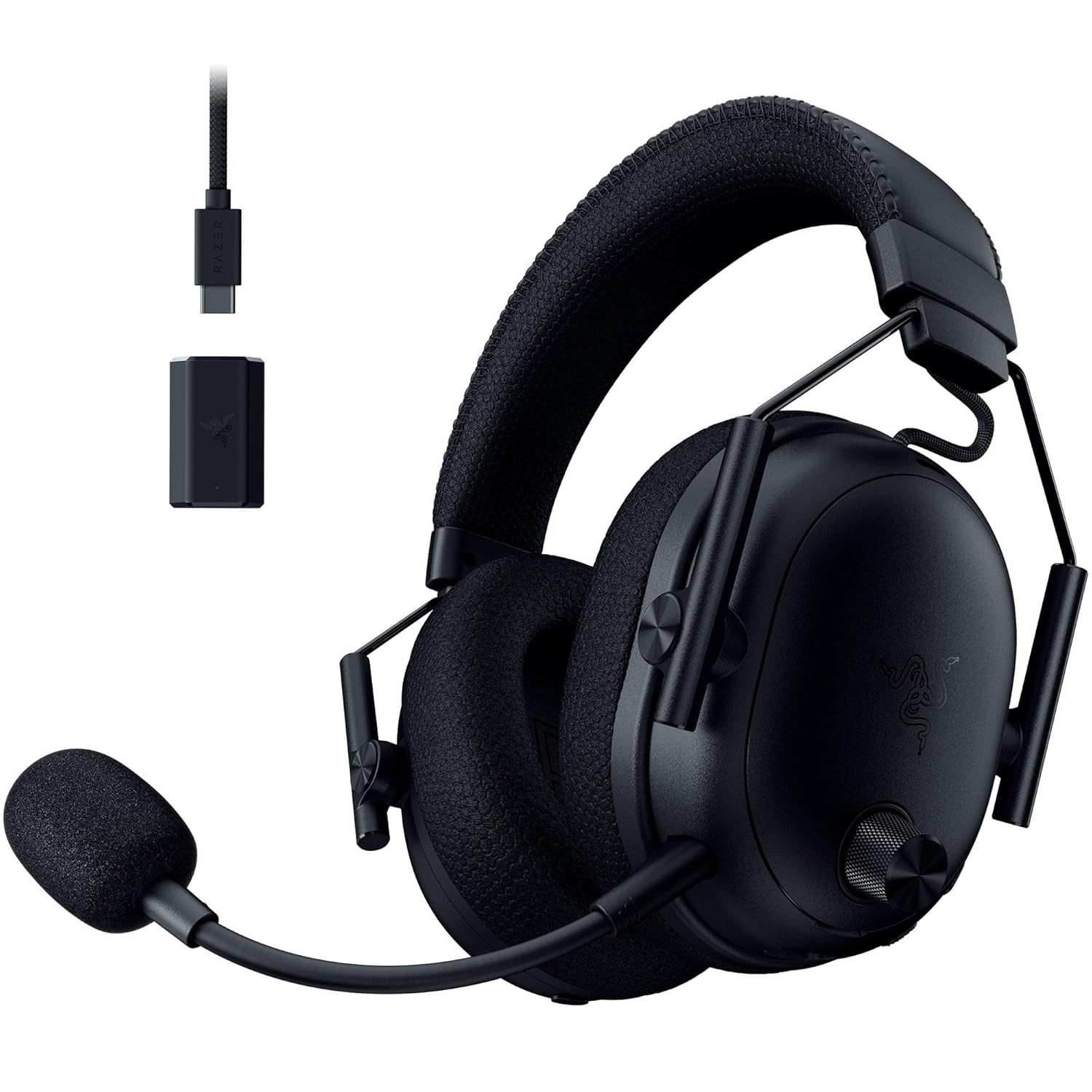

Photos from current listings. Actual item, color, and included accessories may vary.
Razer Wireless Headset Buying Guide
Razer wireless headsets span three distinct architectures: HyperSpeed 2.4GHz dongle for low-latency PC/console, Bluetooth for mobile, and dual-mode hybrids. The core trade-off is driver size and acoustic isolation versus battery endurance and connection stability—larger 50mm drivers with ANC typically cost weight and battery life, while 40mm HyperSpeed models prioritize all-day comfort. Buy the BlackShark V3 X HyperSpeed for competitive PC play on a budget, the V3 Pro for ANC and platform-agnostic dongle use, and skip tri-mode models if you only game at a desk.
Median $172.99
Key takeaways
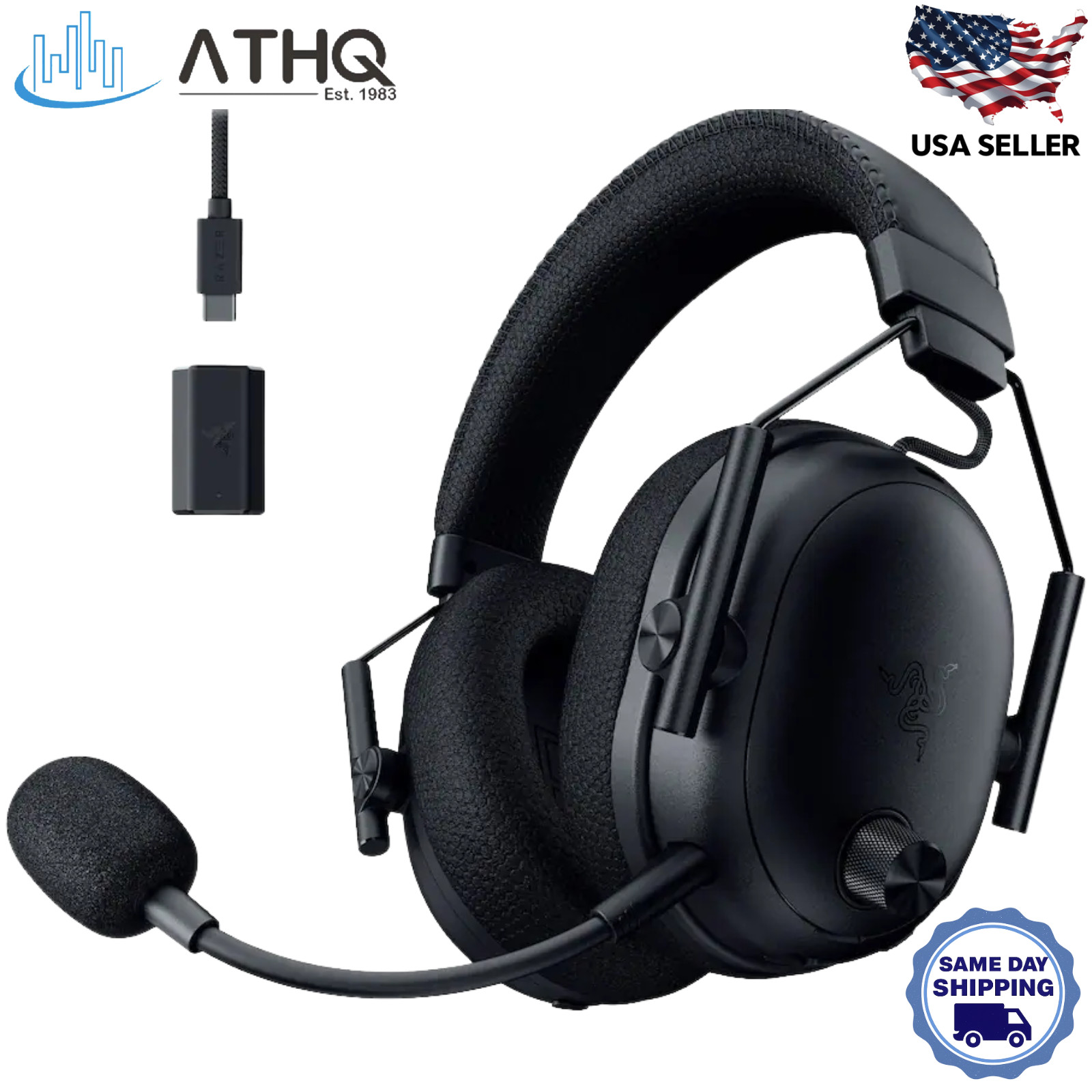
- BlackShark V3 Pro uses 50mm TriForce Bio-cellulose drivers with hybrid ANC and a 2.4GHz dongle plus Bluetooth 5.3 dual-mode; V3 X HyperSpeed drops ANC and uses 40mm drivers.
- HyperSpeed 2.4GHz dongle latency runs around 20-60ms depending on model, versus 100-200ms+ on Bluetooth—competitive shooters require the dongle, not Bluetooth.
- Closed-back over-ear cups with memory foam and a detachable boom mic are standard; V3 Pro adds a 10mm super-wideband mic for clearer voice pickup.
At a glance
- Category
- Over-Ear Headphones
- Last updated
- Nov 28, 2026
Current offers
Highlights
- BlackShark V3 Pro uses 50mm TriForce Bio-cellulose drivers with hybrid ANC and a 2.4GHz dongle plus Bluetooth 5.3 dual-mode; V3 X HyperSpeed drops ANC and uses 40mm drivers.
- HyperSpeed 2.4GHz dongle latency runs around 20-60ms depending on model, versus 100-200ms+ on Bluetooth—competitive shooters require the dongle, not Bluetooth.
- Closed-back over-ear cups with memory foam and a detachable boom mic are standard; V3 Pro adds a 10mm super-wideband mic for clearer voice pickup.
- Battery tiers: V3 X HyperSpeed reaches roughly 60 hours on a single charge, while V3 Pro ANC drops to roughly 25-35 hours with ANC enabled.
Best use cases
- Pick BlackShark V3 X HyperSpeed if you play PC or PS5 at a desk and want low-latency 2.4GHz without ANC—skip if you need noise isolation on a commute.
- Pick BlackShark V3 Pro if you switch between PC, console, and mobile and need ANC plus 50mm drivers for immersion—overkill for casual single-platform players.
- Choose a Bluetooth-only Razer headset only for mobile/tablet listening; never buy Bluetooth-only for competitive PC shooters where dongle latency matters.
- Skip tri-mode flagship models if you game exclusively on one platform with wired power nearby—the extra wireless modes add cost and weight you won't use.
Buying tips
- Match connection to platform: PC and PlayStation use USB-A/C 2.4GHz dongles; Xbox requires a licensed Xbox Wireless or Xbox-compatible dongle—standard HyperSpeed dongles will not connect to Xbox.
- Driver size and ANC drive weight: 50mm ANC models typically weigh 280-330g, while 40mm non-ANC models sit near 240-280g—choose under 300g for multi-hour sessions.
- Expect 25-35 hours with ANC on and 50-60 hours without; plan a USB-C charge every 2-3 days for heavy ANC use.
- Check ear-cup depth and material: leatherette seals better for ANC but runs hotter; fabric or hybrid pads breathe better for long summer sessions at the cost of bass isolation.
Specs
| Connection | 2.4GHz dongle / Bluetooth 5.3 / Dual-mode |
|---|---|
| Driver Size | 40mm vs 50mm TriForce Bio-cellulose |
| Noise Cancelling | Hybrid ANC (Pro) vs Passive (X) |
| Battery Life | 25-35 hr ANC / 50-60 hr non-ANC |
Related searches
What to check before buying
- Confirm your platform's dongle standard: PC/PS use USB-A 2.4GHz, Xbox needs Xbox Wireless, and Switch uses dock USB or Bluetooth—verify the headset ships with the right dongle.
- Measure headband clearance and cup depth: over-ear cups need roughly 60-70mm inner depth to avoid pressing on ears; adjustable headbands should span at least 20cm of travel.
- Check your desk and room for 2.4GHz interference from routers and USB 3.0 hubs, which can degrade HyperSpeed range—keep the dongle on a front-panel or extension cable.
- Verify USB-C charging availability and whether the headset supports pass-through audio while charging; some models disable wireless audio during charge.
FAQ
Data sources: eBay / Amazon listings and product attribute feeds. Updated Nov 28, 2026.
Some links on this page are affiliate links. If you buy after clicking one, we may earn a commission at no extra cost to you. This does not change which products appear here or their order. Affiliate disclosure.