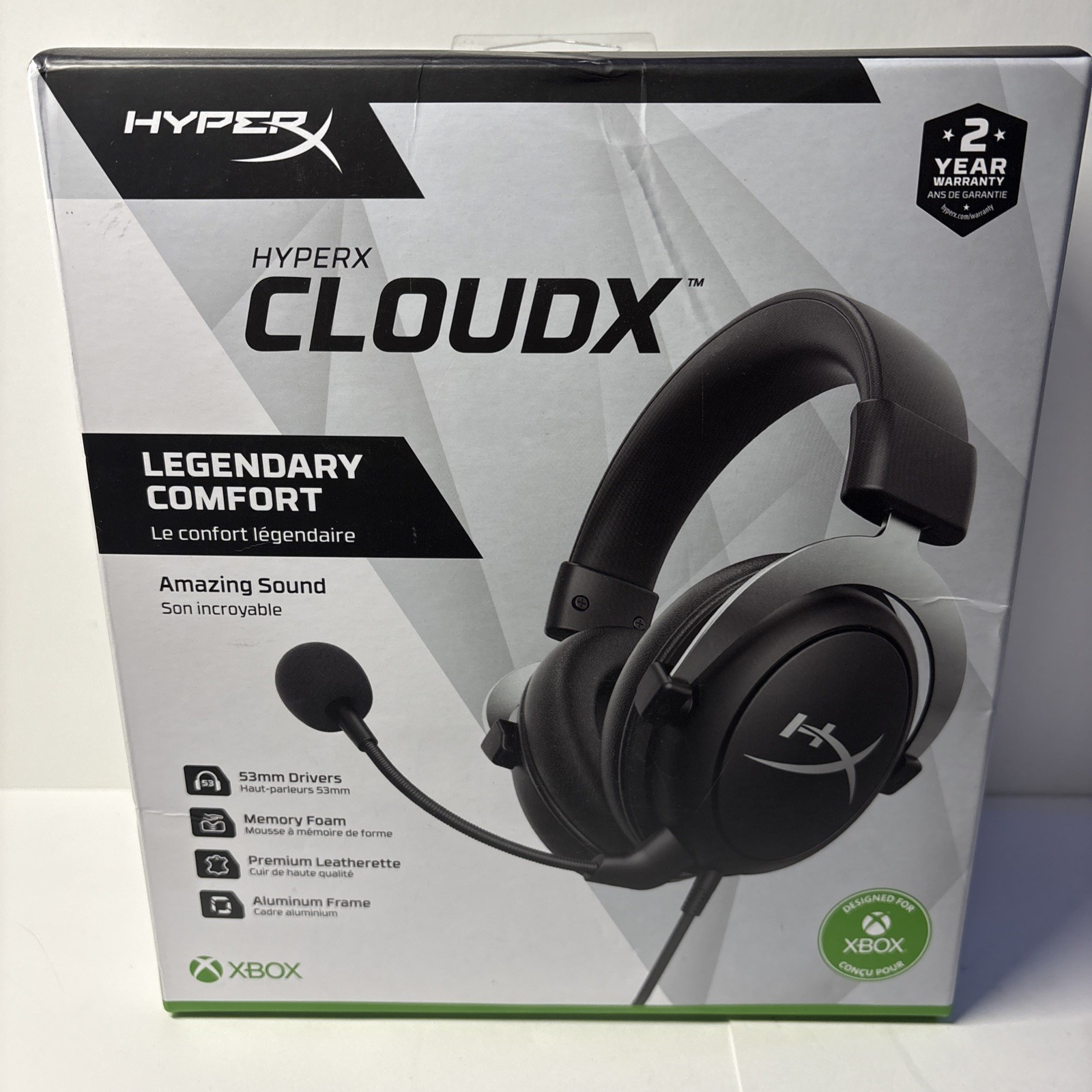

Photos from current listings. Actual item, color, and included accessories may vary.
HyperX Headset Buying Guide
HyperX headsets are gaming-first over-ear cans split into two clear families: wired analog models (Cloud Stinger/Alpha/Cloud III, 3.5mm or USB) and wireless models (Cloud II/III Wireless, Flight). The core trade-off is connectivity and platform licensing versus build materials and driver tuning: wired 3.5mm sets work on every platform via a single plug, while wireless sets add latency, charging, and console-specific USB dongle compatibility. The decision rule: buy a wired 3.5mm HyperX if you want zero-latency, no-battery cross-platform audio under a tight budget; step up to a wireless model only if you specifically need untethered movement and your console supports its dongle.
Median $51.49
Key takeaways
- Cloud III wired uses 53mm angled dynamic drivers with a detachable 3.5mm plug plus USB-C DAC, while Cloud Stinger uses 50mm drivers and a fixed 3.5mm cable — driver size alone does not equal better sound; clamping force and earpad depth decide comfort.
- Cloud Alpha uses a dual-chamber driver design that separates bass from mids, a genuine acoustic architecture upgrade over single-chamber Cloud Stinger/Core models.
- Wireless models split by dongle: Cloud II Wireless and Cloud III Wireless use a 2.4GHz USB dongle with roughly 20-30 hours battery, while Cloud Flight adds a detachable mic and longer battery — Bluetooth-only HyperX sets are not suitable for competitive gaming due to latency.
At a glance
- Category
- Over-Ear Headphones
- Last updated
- Nov 28, 2026
Current offers
Highlights
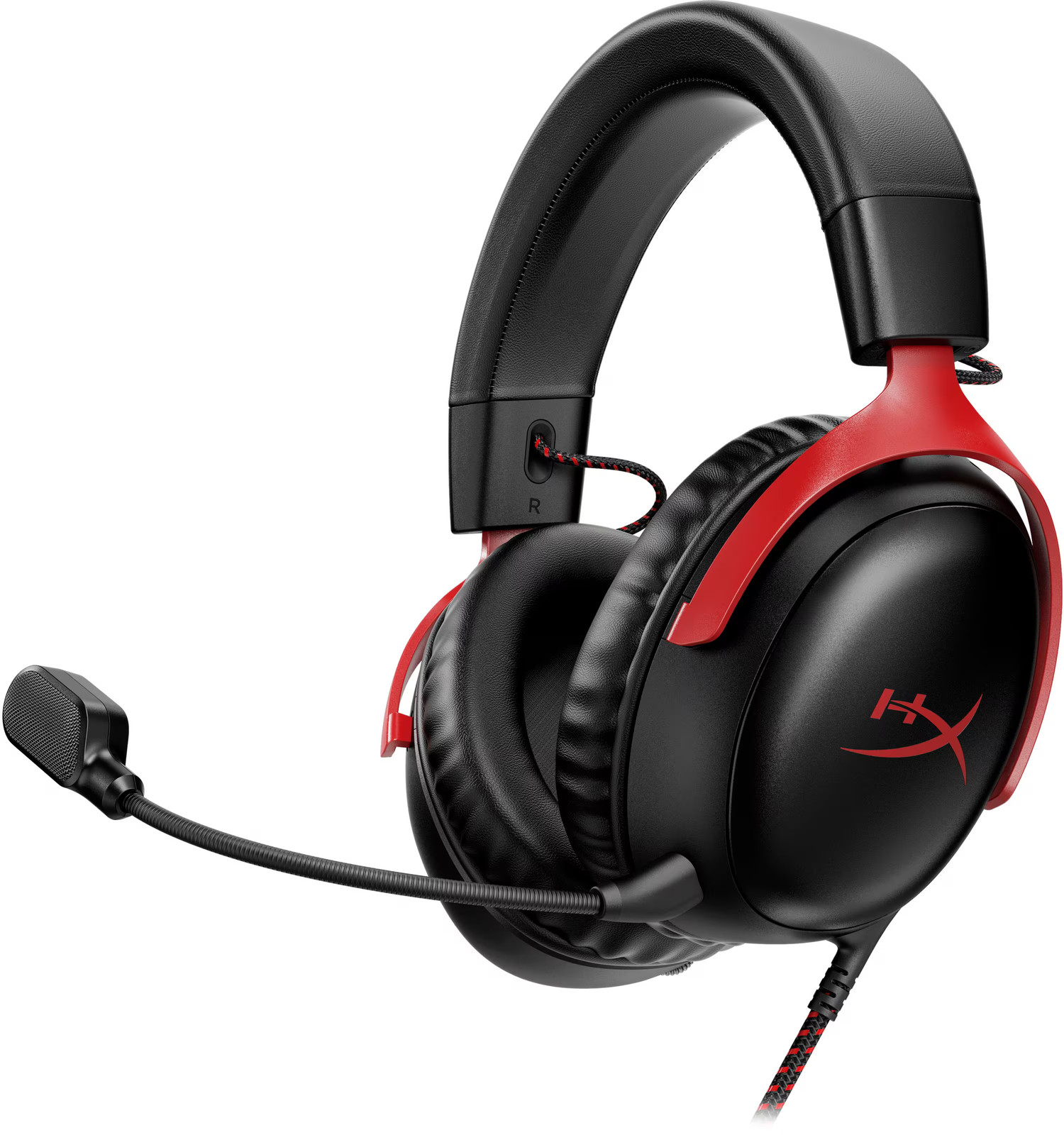
- Cloud III wired uses 53mm angled dynamic drivers with a detachable 3.5mm plug plus USB-C DAC, while Cloud Stinger uses 50mm drivers and a fixed 3.5mm cable — driver size alone does not equal better sound; clamping force and earpad depth decide comfort.
- Cloud Alpha uses a dual-chamber driver design that separates bass from mids, a genuine acoustic architecture upgrade over single-chamber Cloud Stinger/Core models.
- Wireless models split by dongle: Cloud II Wireless and Cloud III Wireless use a 2.4GHz USB dongle with roughly 20-30 hours battery, while Cloud Flight adds a detachable mic and longer battery — Bluetooth-only HyperX sets are not suitable for competitive gaming due to latency.
- Console licensing matters: the CloudX is tuned and licensed for Xbox, and the Cloud III wired includes a USB-C to USB-A adapter for PS5/PS4/Xbox Series X|S/PC — buy the platform-labeled variant for guaranteed in-line chat support.
Best use cases
- Pick the wired Cloud III (3.5mm + USB-C DAC) if you game across PC, PS5, and Xbox Series X|S and want one headset with a detachable mic and no charging — skip wireless if you hate battery management.
- Pick the CloudX if you are primarily on Xbox and want out-of-box chat compatibility without a separate adapter — skip it for PC-only use where a standard Cloud III or Cloud Alpha gives more tuning options.
- Pick Cloud Alpha or Cloud II wired if you want the dual-chamber driver and aluminum frame for long sessions — skip the entry Cloud Stinger if you wear glasses or have a large head, since its lighter plastic frame clamps harder.
- Skip any HyperX wireless model if you play rhythm games or competitive shooters at high level — 2.4GHz dongle latency and battery degradation make wired 3.5mm the safer choice.
Buying tips
- Match the connector to your platform first: 3.5mm 4-pole TRRS works on Xbox/PS5/PC/Switch, but Xbox controllers need the CTIA-standard plug; USB-C DAC adds volume control and mic monitoring only on PC/PS5.
- Check the earpad material grade: leatherette (PU) isolates better but traps heat; velour or fabric breathes for multi-hour summer sessions — HyperX replacement earpads are sold separately, so confirm the model supports swapping.
- For wireless, confirm the dongle type and console support: Cloud II/III Wireless dongles are USB-A and work on PS5/PS4/PC/Switch dock, while Xbox wireless requires the Xbox-licensed variant — a generic 2.4GHz dongle will not deliver chat on Xbox.
- Weigh the mic: detachable boom mics (Cloud III, Cloud Alpha) are better for streaming and replaceable; fixed or inline mics (Cloud Stinger) are fine for casual chat but not for content creation.
Specs
| Connectivity | 3.5mm wired / 2.4GHz dongle / USB-C |
|---|---|
| Driver Size | 50mm or 53mm angled dynamic |
| Mic Type | Detachable boom / fixed inline |
| Platform License | Xbox (CloudX) / Universal (Cloud III) |
Related searches
What to check before buying
- Measure your head and ear: HyperX over-ears fit head circumferences roughly 21-24 inches; if your head is larger than 24 inches, choose the aluminum-frame Cloud Alpha/Cloud II over the plastic Cloud Stinger for less clamping.
- Confirm your controller or console has a 3.5mm jack (Xbox Series X|S and PS5 controllers do; older PS4 controllers need a USB adapter) before buying a wired 3.5mm model.
- Check your desk/room for wireless interference: 2.4GHz dongles can conflict with crowded Wi-Fi; if you stream or have many wireless devices, wired avoids dropouts.
- For console chat, verify the platform license on the box (CloudX for Xbox, standard Cloud III for PlayStation/PC) — mismatched variants may output game audio but not mic input.
FAQ
Data sources: eBay / Amazon listings and product attribute feeds. Updated Nov 28, 2026.
Some links on this page are affiliate links. If you buy after clicking one, we may earn a commission at no extra cost to you. This does not change which products appear here or their order. Affiliate disclosure.