
Photos from current listings. Actual item, color, and included accessories may vary.
Uno R3 Board Buying Guide
The Uno R3 is the classic ATmega328P-based development board that defined the Arduino form factor, and buyers face a three-way split: genuine Arduino boards, faithful clones, and clones bundled with starter kits. The core trade-off is USB-serial bridge quality and voltage regulator headroom versus cost, and the decision rule is simple—buy a genuine or name-brand clone board if you need warranty and reliable drivers, and buy a kit only when the included tutorial and parts list match your first project.
Median $46.50
Key takeaways
- Genuine Arduino Uno R3 uses an ATmega328P at 16 MHz with 32 KB flash, 2 KB SRAM, and 1 KB EEPROM, plus a replaceable DIP chip in early revisions.
- USB-serial bridge varies by tier: genuine boards use an ATmega16U2, while most clones use CH340 or CP2102, which need different drivers on Windows and macOS.
- Voltage regulator quality separates durable clones: a proper 5 V/800 mA LDO with thermal pad handles 7-12 V Vin, while cheap AMS1117 clones overheat above 9 V.
At a glance
- Category
- Microcontrollers & Dev Boards
- Last updated
- Nov 25, 2026
Current offers
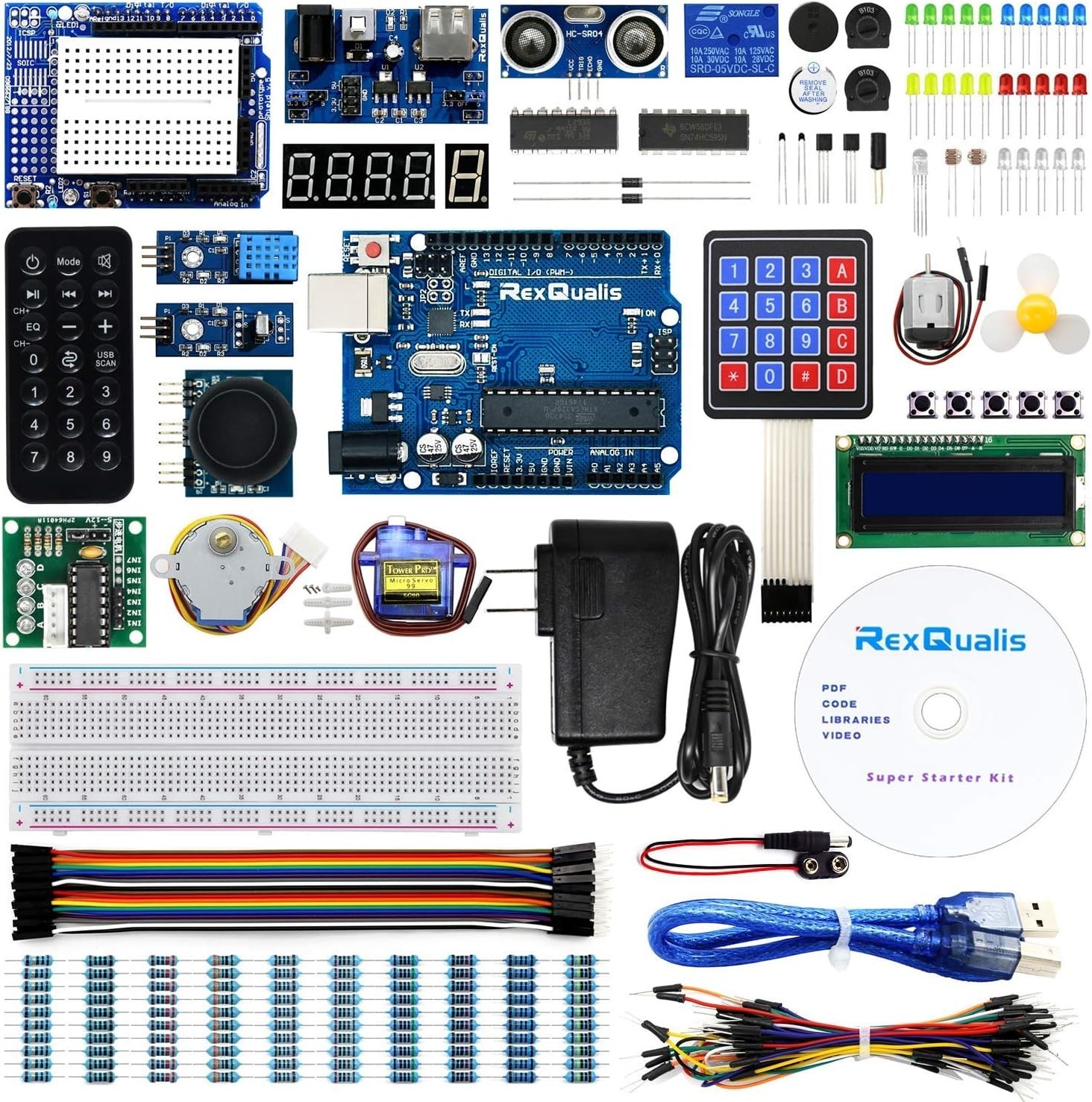 Super Starter Kit Based on Arduino UNO R3 with Tutorial and Controller Board Com$42.59View on eBay
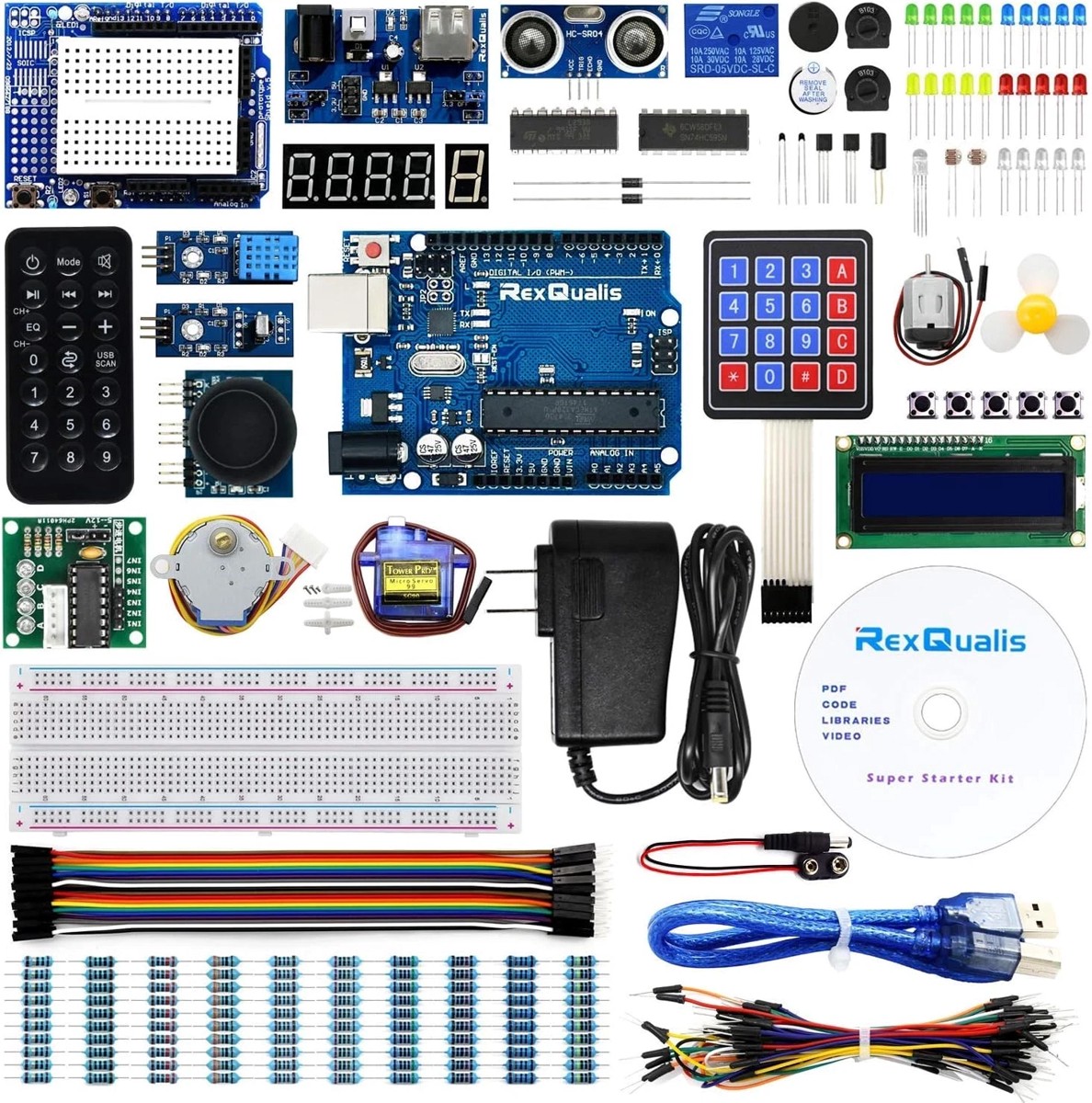 Super Starter Kit Based on Arduino UNO R3 with Tutorial and Controller Board Com$43.74View on eBay
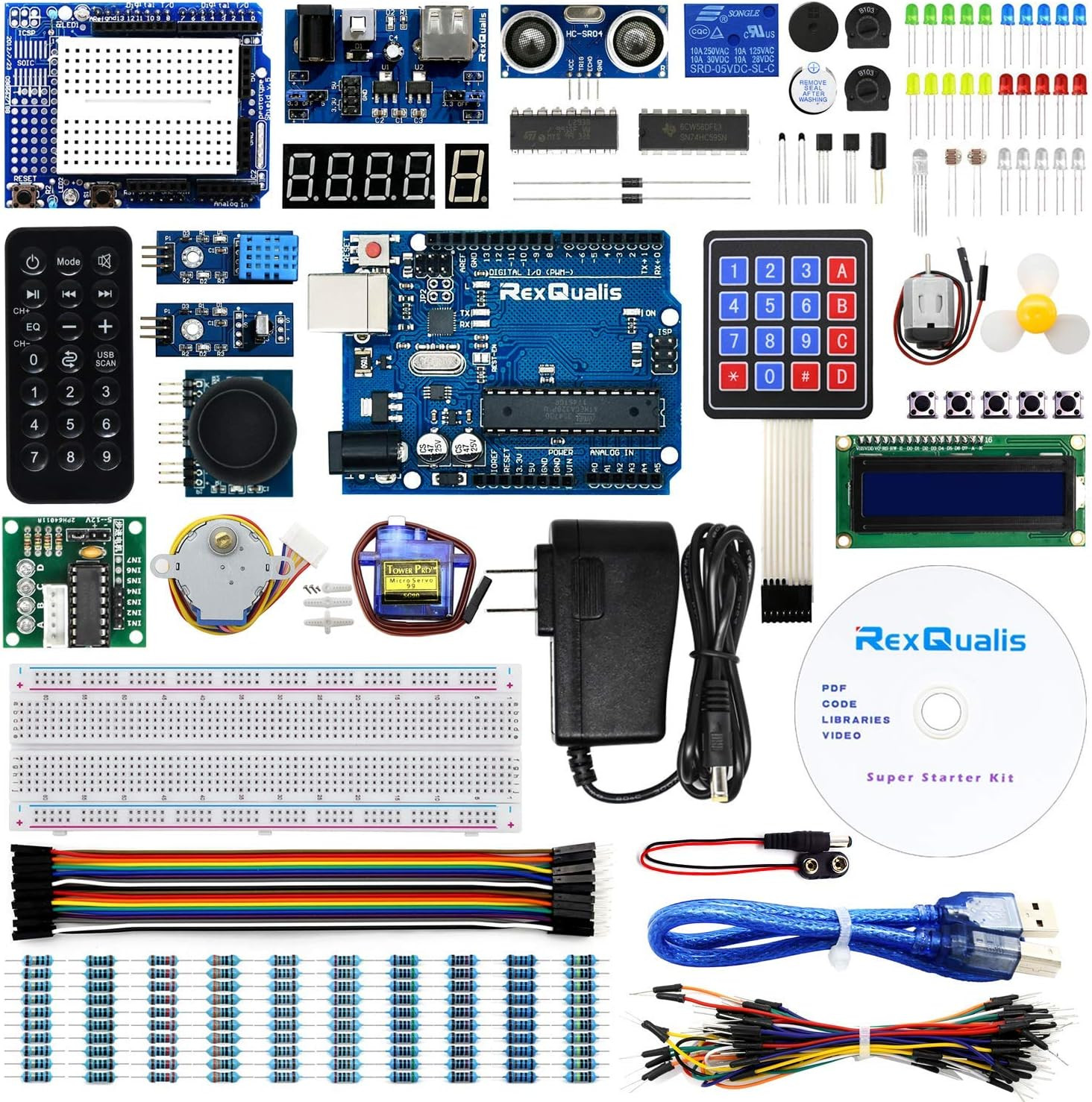 Super Starter Kit Based on Arduino UNO R3 with Tutorial and Controller Board Com$44.30View on eBay
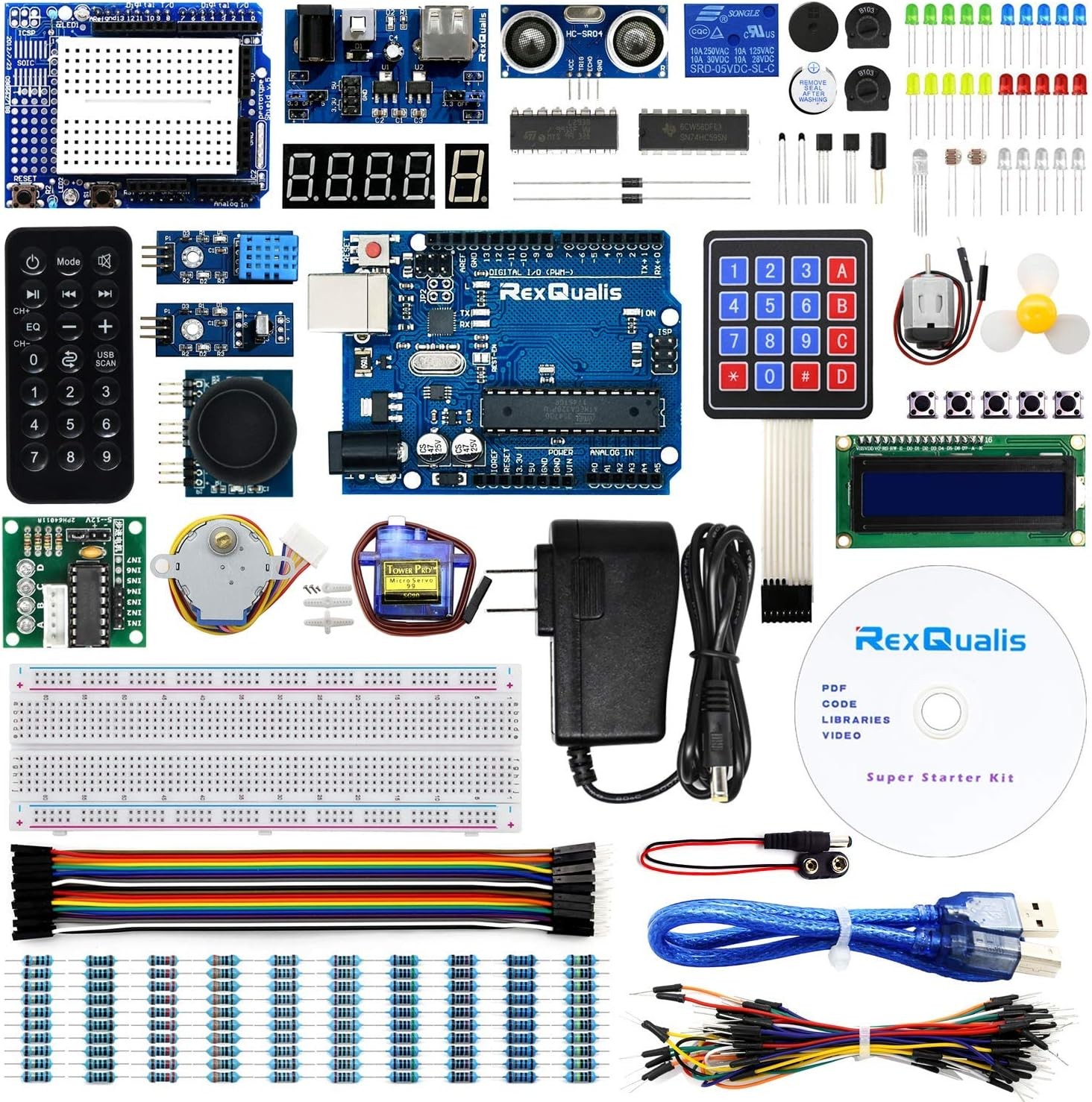 Super Starter Kit Based on Arduino UNO R3 with Tutorial and Controller Board Com$44.38View on eBay
- Super Starter Kit Based on Arduino UNO R3 with Tutorial and Controller Board Com$45.06View on eBay
- Arduino UNO R3 Super Starter Kit with Sensors, LCD, Motor Modules & Tutorial Set$45.43View on eBay
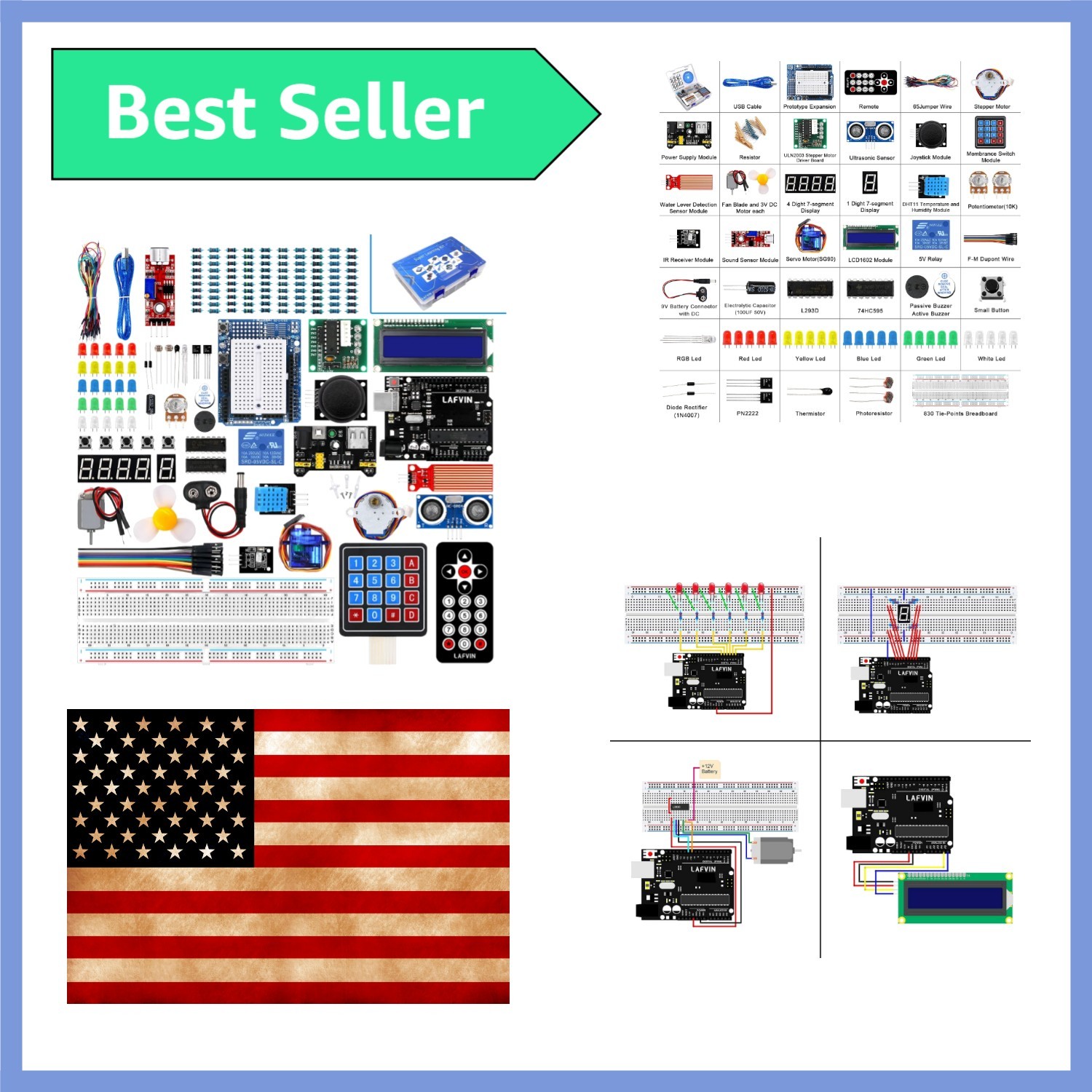 Super Starter Kit Based on Arduino UNO R3 with Tutorial and Controller Board Com$47.58View on eBay
- Super Starter Kit Based on Arduino UNO R3 with Tutorial and Controller Board Com$51.07View on eBay
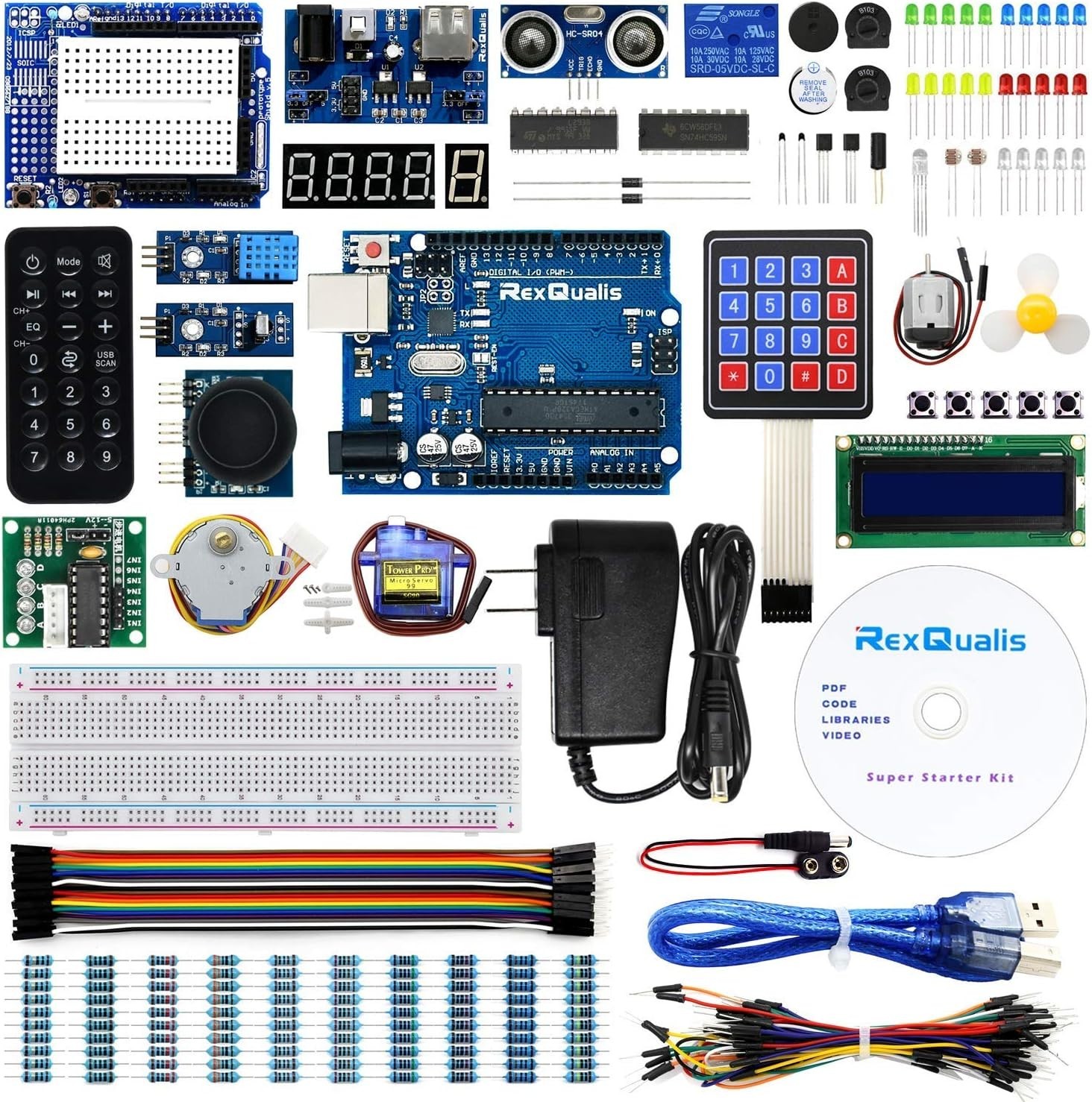 Super Starter Kit Based on Arduino UNO R3 with Tutorial and Controller Board Com$51.99View on eBay
- Super Starter Kit Based on Arduino UNO R3 with Tutorial and Controller Board Com$52.70View on eBay
- Rexqualis Super Starter Kit Based on Arduino UNO R3 with Tutorial and Controller$53.09View on eBay
- Super Starter Kit Based on Arduino UNO R3 with Tutorial and Controller Board Com$53.42View on eBay
Highlights
- Genuine Arduino Uno R3 uses an ATmega328P at 16 MHz with 32 KB flash, 2 KB SRAM, and 1 KB EEPROM, plus a replaceable DIP chip in early revisions.
- USB-serial bridge varies by tier: genuine boards use an ATmega16U2, while most clones use CH340 or CP2102, which need different drivers on Windows and macOS.
- Voltage regulator quality separates durable clones: a proper 5 V/800 mA LDO with thermal pad handles 7-12 V Vin, while cheap AMS1117 clones overheat above 9 V.
- Header layout follows the Arduino shield standard, so shields physically fit any R3-compatible board, but clone header spacing and solder quality can cause intermittent contact.
Best use cases
- Best fit for a first-time learner: a kit with a genuine or name-brand clone R3, breadboard, jumper wires, LEDs, and a printed tutorial—skip bare boards if you own no parts.
- Best fit for a classroom or repeated prototyping: buy the bare genuine R3 board and source sensors separately, because kit components are often low-grade and duplicate what you already own.
- Best fit for permanent installation: choose a board with a CH340 or CP2102 bridge and a verified 800 mA regulator, and skip kits whose included power supply is unregulated.
- Wrong fit for battery-powered or wireless projects: the Uno R3 has no native Wi-Fi or Bluetooth and draws tens of milliamps—choose an ESP32 or Uno R4 WiFi instead.
Buying tips
- Match the USB bridge to your OS: CH340 needs a driver on Windows and macOS, CP2102 is plug-and-play on most systems, and ATmega16U2 is driver-free but costs more.
- Check the voltage regulator package: a SOT-223 AMS1117 without a thermal pad is limited to roughly 500 mA at 12 V Vin, so prefer boards with a larger regulator or heatsink.
- For kit bundles, count the included sensors and modules against your first three projects—kits with a 16x2 LCD, servo, and breadboard cover most beginner tutorials, while kits heavy on LEDs and resistors add little value.
- Prefer boards with a DIP ATmega328P if you want to swap chips after a GPIO mistake; SMD-only clones are cheaper but unrecoverable if the MCU is damaged.
Specs
| MCU & Clock | ATmega328P @ 16 MHz |
|---|---|
| Memory | 32 KB flash / 2 KB SRAM / 1 KB EEPROM |
| USB Bridge | ATmega16U2 vs CH340 vs CP2102 |
| Input Voltage | 7-12 V DC (5.5x2.1 mm jack) |
Related searches
What to check before buying
- Confirm your computer has a USB-A port or a USB-A to USB-B cable, since the Uno R3 uses the large square USB-B connector, not USB-C or micro-USB.
- Measure your enclosure or shield stack: the R3 is 68.6 x 53.4 mm with mounting holes at 61 x 48.5 mm, and shields add height above the headers.
- Check your power source: Vin accepts 7-12 V DC, the barrel jack is 5.5 x 2.1 mm center-positive, and USB power alone limits you to 500 mA total.
- Verify the kit's tutorial language and board revision—R3 kits sometimes ship with R2-era guides, and non-English tutorials slow beginners significantly.
FAQ
Data sources: eBay / Amazon listings and product attribute feeds. Updated Nov 25, 2026.
Some links on this page are affiliate links. If you buy after clicking one, we may earn a commission at no extra cost to you. This does not change which products appear here or their order. Affiliate disclosure.