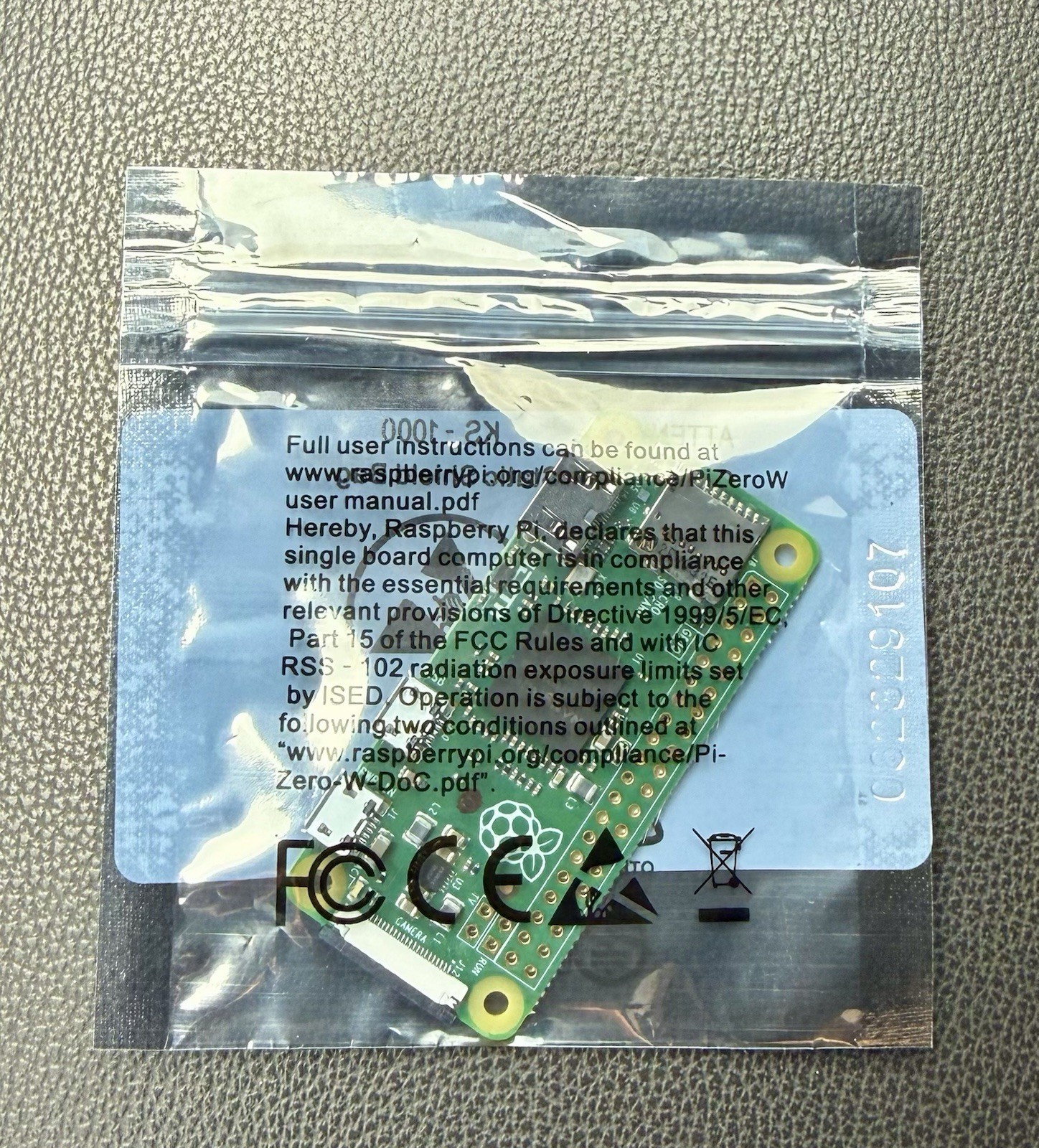

Photos from current listings. Actual item, color, and included accessories may vary.
Raspberry Pi Zero Buying Guide
The Raspberry Pi Zero family is a series of ultra-compact single-board computers for embedded, wearable, and space-constrained projects where full-size Pi boards won't fit. The core trade-off is between the original Zero/Zero W (single-core, 512 MB) and the Zero 2 W (quad-core, 512 MB), which delivers roughly 5x the CPU performance at the same footprint. Choose Zero 2 W for any new build needing real compute; choose original Zero only for legacy single-purpose tasks or minimal power draw.
Key takeaways
- Zero 2 W uses a quad-core 64-bit Arm Cortex-A53 at 1 GHz; original Zero/Zero W use a single-core 32-bit Arm11 at 1 GHz — a 4-5x CPU gap.
- All Zero models share the 65mm x 30mm board size and 40-pin unpopulated GPIO header requiring soldering or press-fit headers.
- Zero 2 W adds 2.4 GHz 802.11 b/g/n Wi-Fi and Bluetooth 4.2; original Zero has no wireless, Zero W has 2.4 GHz Wi-Fi and BT 4.1.
At a glance
- Category
- Microcontrollers & Dev Boards
- Status
- Listings available
- Last updated
- Nov 25, 2026
Current offers
Highlights
- Zero 2 W uses a quad-core 64-bit Arm Cortex-A53 at 1 GHz; original Zero/Zero W use a single-core 32-bit Arm11 at 1 GHz — a 4-5x CPU gap.
- All Zero models share the 65mm x 30mm board size and 40-pin unpopulated GPIO header requiring soldering or press-fit headers.
- Zero 2 W adds 2.4 GHz 802.11 b/g/n Wi-Fi and Bluetooth 4.2; original Zero has no wireless, Zero W has 2.4 GHz Wi-Fi and BT 4.1.
- Power draw: Zero 2 W peaks near 350mA under load versus ~150mA for original Zero, affecting battery and solar project runtime.
Best use cases
- Pick Zero 2 W for retro gaming emulation, camera streaming, or home automation hubs — the quad-core CPU handles multitasking where original Zero stutters.
- Pick original Zero W for always-on sensor nodes or battery-powered monitors where the lower idle current and single-core simplicity extend runtime.
- Skip all Zero models if you need USB host ports, Ethernet, or 4K output — step up to Raspberry Pi 4/5 for built-in connectivity and display support.
Buying tips
- Match RAM to workload: all Zero models ship 512 MB — sufficient for headless Linux, but not for desktop browsing or heavy containers.
- Buy the correct header: Zero boards ship without GPIO pins; add a 40-pin header or solder directly, and factor a micro-USB OTG adapter for USB peripherals.
- For camera projects, confirm the board has the CSI camera connector — Zero V1.3 and later include it; very early Zero boards lack it.
- Storage speed matters: use a high-endurance A1/A2 microSD card; the Zero's limited RAM makes swap-heavy cards a bottleneck under load.
Specs
| Processor | Quad-core A53 (Zero 2 W) vs single-core Arm11 |
|---|---|
| RAM | 512 MB LPDDR2 (all Zero models) |
| Wireless | None / Wi-Fi 4+BT 4.1 / Wi-Fi 4+BT 4.2 |
| Board Size | 65mm x 30mm (all models) |
Alternatives to compare
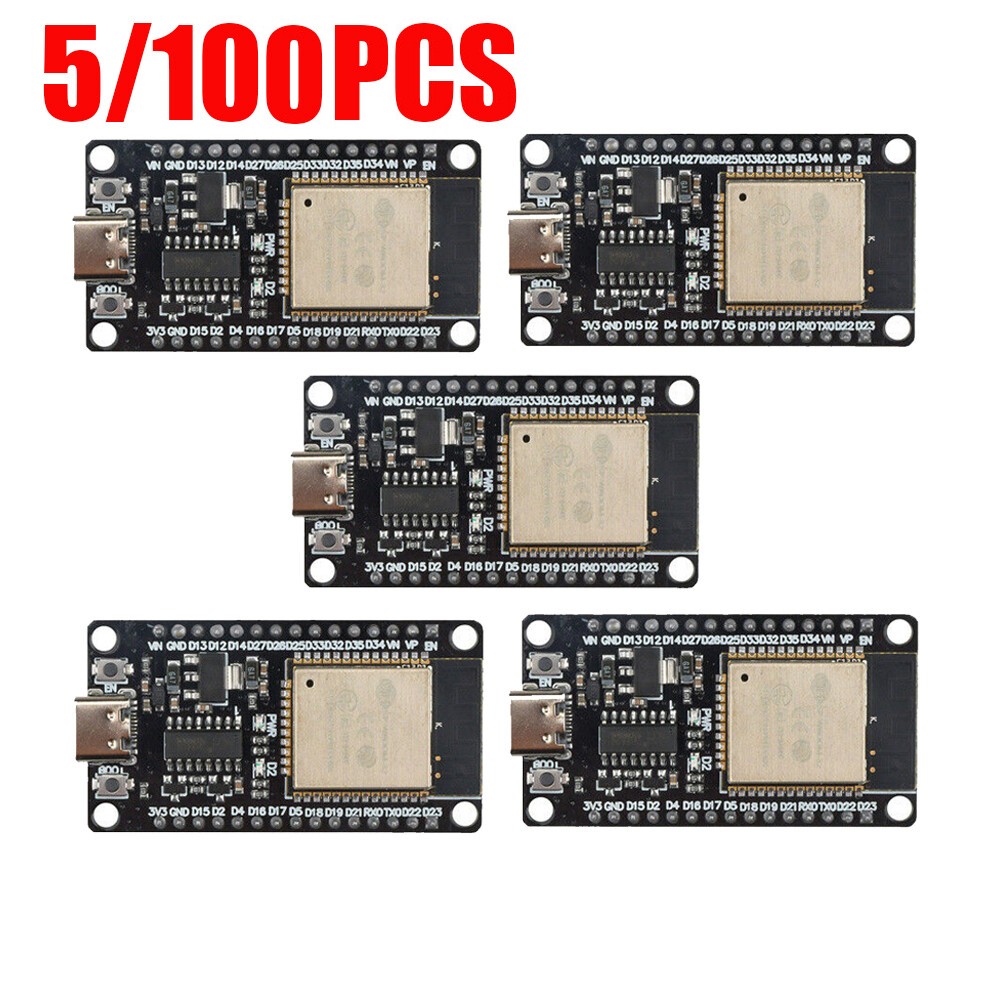
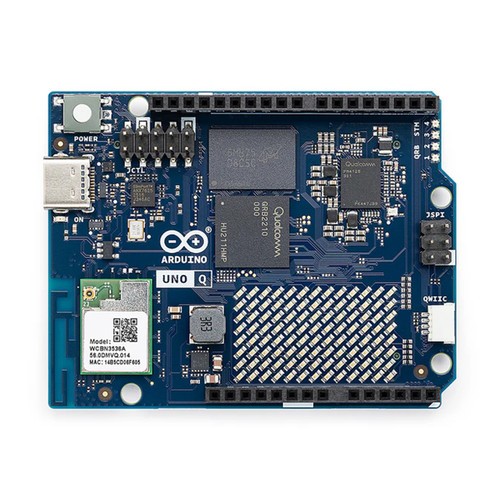
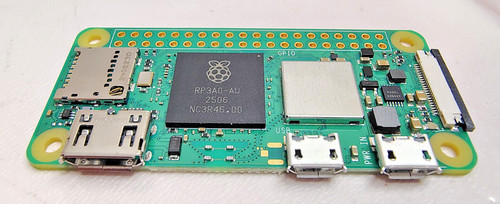
Related searches
What to check before buying
- Measure your enclosure: the Zero is 65mm x 30mm — ensure at least 5mm clearance above the board for the GPIO header and microSD card insertion.
- Confirm power supply: Zero boards need a regulated 5V micro-USB source; Zero 2 W draws more current, so use a supply rated at least 2A.
- Verify camera or display compatibility: CSI cameras use the narrower 22-pin Zero connector, not the standard 15-pin Pi camera cable.
- Plan for wireless: original Zero has no radio; if you need Wi-Fi, choose Zero W or Zero 2 W — USB Wi-Fi adapters add bulk and power draw.
FAQ
Data sources: eBay / Amazon listings and product attribute feeds. Updated Nov 25, 2026.
Some links on this page are affiliate links. If you buy after clicking one, we may earn a commission at no extra cost to you. This does not change which products appear here or their order. Affiliate disclosure.