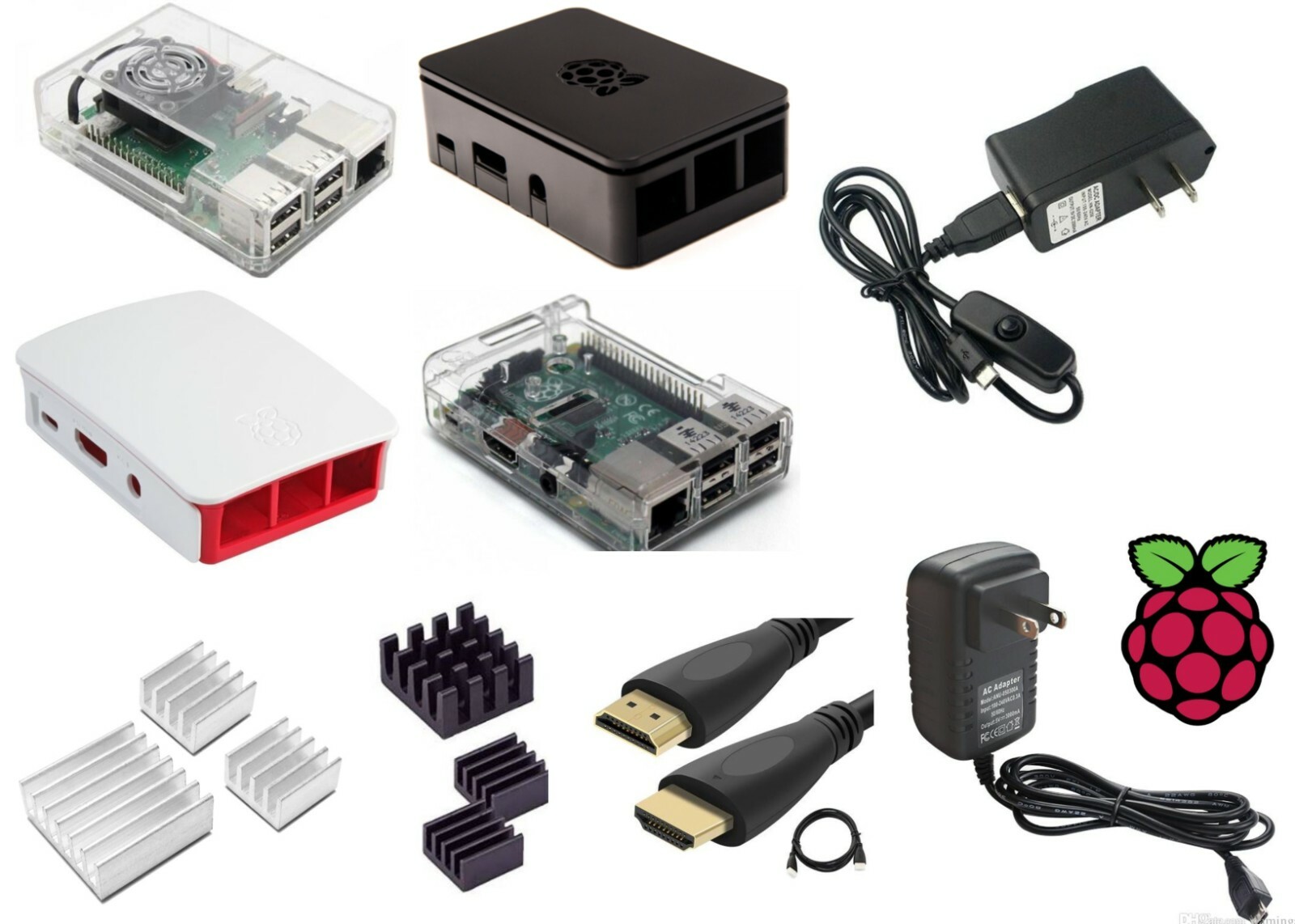

Photos from current listings. Actual item, color, and included accessories may vary.
Raspberry Pi 0 Buying Guide
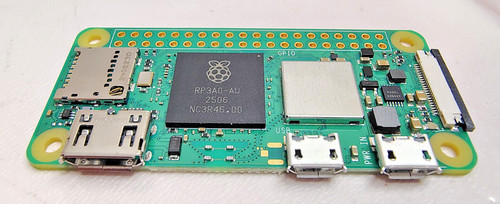
Raspberry Pi Zero boards are ultra-compact (65mm × 30mm) Linux SBCs built around Broadcom SoCs, offered in the original Zero (v1.3, BCM2835, single-core) and Zero 2 W (BCM2710A1, quad-core) generations, with the Zero 2 W being the only current production line and the sole variant worth buying for new builds. The core trade-off is price-and-size versus wireless (only the 'W' suffix boards include Wi-Fi/Bluetooth) and CPU headroom (Zero 2 W delivers roughly 5× the multi-threaded throughput of the single-core Zero). Decide by CPU generation and wireless need first: choose Zero 2 W for anything running a modern OS or server workload, and skip original Zero boards except for legacy GPIO-only projects where their lower power draw is the whole point.
Median $39.99
Key takeaways
- CPU generations are not interchangeable: original Zero v1.3/Zero W use a single-core 1GHz BCM2835 (ARM11, ARMv6), while Zero 2 W uses a quad-core 1GHz BCM2710A1 (Cortex-A53, ARMv8) with 512MB RAM—ARMv6-only means many modern 64-bit binaries simply won't run on older boards.
- Wireless is a suffix decision: 'W' boards (Zero W, Zero 2 W) include 2.4GHz 802.11 b/g/n Wi-Fi and Bluetooth 4.2/BLE; the plain Zero has no radio at all and must be networked via USB or a HAT.
- All Zero boards share the same 65mm × 30mm footprint, 40-pin GPIO header, microSD slot, micro-USB OTG data/power ports, and mini-HDMI output—mechanical and accessory compatibility is universal across generations, so a case or HAT that fits one fits all.
At a glance
- Category
- Microcontrollers & Dev Boards
- Last updated
- Nov 25, 2026
Current offers
Highlights
- CPU generations are not interchangeable: original Zero v1.3/Zero W use a single-core 1GHz BCM2835 (ARM11, ARMv6), while Zero 2 W uses a quad-core 1GHz BCM2710A1 (Cortex-A53, ARMv8) with 512MB RAM—ARMv6-only means many modern 64-bit binaries simply won't run on older boards.
- Wireless is a suffix decision: 'W' boards (Zero W, Zero 2 W) include 2.4GHz 802.11 b/g/n Wi-Fi and Bluetooth 4.2/BLE; the plain Zero has no radio at all and must be networked via USB or a HAT.
- All Zero boards share the same 65mm × 30mm footprint, 40-pin GPIO header, microSD slot, micro-USB OTG data/power ports, and mini-HDMI output—mechanical and accessory compatibility is universal across generations, so a case or HAT that fits one fits all.
- Power draw and thermal headroom differ sharply: original Zero idles around 0.1–0.2A and runs fanless at 5V/1A, while Zero 2 W can pull up to ~0.6A peaks and benefits from a 5V/2.5A supply; the Zero 2 W's higher clock and quad-core SoC run warmer under sustained load but remain within passive-cooling limits in open air.
Best use cases
- Best fit: headless home-automation or GPIO sensor nodes—pick Zero 2 W with a 5V/2.5A supply and a quality microSD; skip original Zero unless you specifically need the lowest possible idle current for battery or solar operation.
- Best fit: retro-gaming or lightweight desktop via mini-HDMI—choose Zero 2 W (quad-core handles emulation and a browser far better); skip any single-core Zero, which struggles with modern browser and emulation workloads.
- Best fit: camera or time-lapse builds using the CSI camera connector—Zero 2 W with the official camera cable is the right tier; skip Zero W only if your software stack still targets 32-bit ARMv6 kernels, otherwise the 2 W is strictly better.
- Wrong fit: anything needing dual-band 5GHz Wi-Fi, Gigabit Ethernet, or USB 3.0—no Zero variant provides these; step up to a full-size Raspberry Pi 4/5 rather than adding dongles that tax the single OTG port.
Buying tips
- Buy the Zero 2 W unless a legacy ARMv6-only binary forces you to the original Zero; the quad-core A53 at the same 65×30mm size is the current production standard and the only tier with long-term OS support.
- Budget the power supply to the board: 5V/1A is marginal for Zero 2 W under load, so choose a 5V/2.5A micro-USB supply (or powered hub) to avoid undervoltage throttling.
- Use a high-endurance microSD (A1/A2 rated, 16–32GB is plenty for Raspberry Pi OS Lite); cheap cards are the leading cause of corruption on these always-on boards.
- If you need Wi-Fi, buy the 'W' suffix explicitly—the plain Zero cannot be retrofitted with onboard wireless, and USB Wi-Fi dongles consume the only OTG data port.
Specs
| SoC Generation | Single-core ARMv6 vs quad-core ARMv8 |
|---|---|
| Wireless | 2.4GHz Wi-Fi + BT (W models only) |
| Board Footprint | 65mm × 30mm, 40-pin GPIO |
| Power Input | 5V micro-USB, 1A min / 2.5A rec. |
Related searches
What to check before buying
- Confirm your enclosure or HAT targets the 65mm × 30mm Zero footprint and the 40-pin GPIO—full-size Pi cases will not mount a Zero without an adapter.
- Check the display path: Zero boards output mini-HDMI (not micro-HDMI or full HDMI), so you need a mini-HDMI-to-HDMI cable or adapter for any monitor setup.
- Verify your power source delivers a stable 5V at 2.5A via micro-USB (not USB-C); undersized supplies cause random reboots and SD corruption.
- Plan storage and networking before purchase: a microSD card is mandatory (no onboard eMMC), and non-W boards require a USB OTG adapter for both networking and peripherals.
FAQ
Data sources: eBay / Amazon listings and product attribute feeds. Updated Nov 25, 2026.
Some links on this page are affiliate links. If you buy after clicking one, we may earn a commission at no extra cost to you. This does not change which products appear here or their order. Affiliate disclosure.