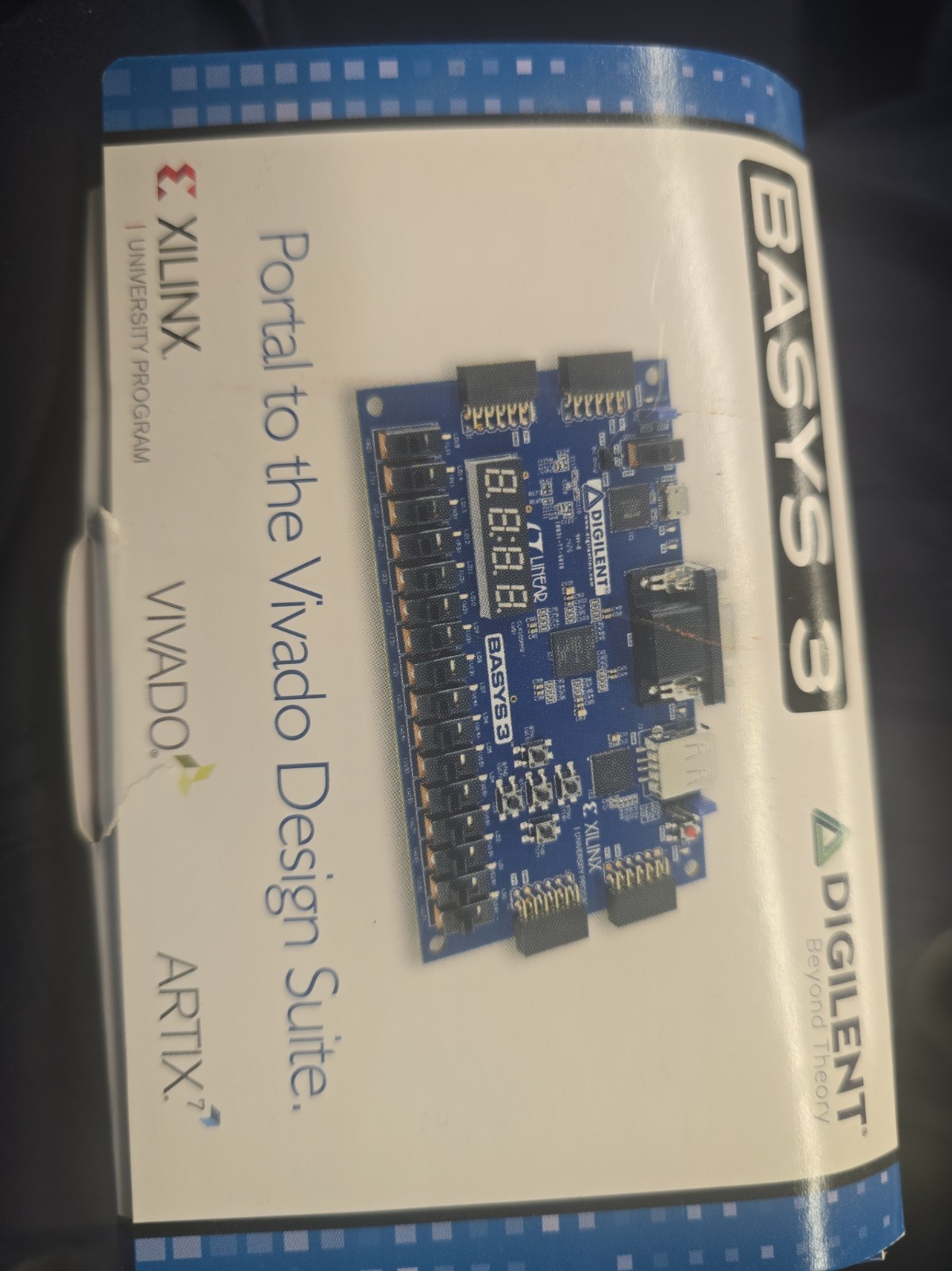

Photos from current listings. Actual item, color, and included accessories may vary.
Fpga Board Buying Guide
FPGA boards are programmable-logic development platforms that let you implement custom digital circuits in hardware, trading fixed microcontroller peripherals for parallel, reconfigurable fabric. The decisive trade-off is toolchain lock-in and I/O capability versus logic capacity: entry boards use vendor IDE flows and modest fabric, while larger devices demand paid toolchains and high-speed I/O. Buy the smallest device that fits your design's LUT/BRAM/DSP budget with the I/O standard you actually need; oversizing fabric wastes money, undersizing forces a board swap.
Median $99.95
Key takeaways
- Logic capacity scales by device family: Artix-7 XC7A35T offers ~33K logic cells and 1,800 Kb BRAM, while XC7A100T roughly triples LUTs — pick by synthesis utilization headroom, not marketing names.
- Configuration memory type dictates boot behavior: SRAM-based FPGAs (Xilinx 7-series, Lattice ECP5) need external flash or host loading at power-up; flash-based (Microchip IGLOO2, Lattice MachXO2) are instant-on and radiation-tolerant.
- On-board I/O determines real usability: PMOD/Arduino headers, HDMI, and 100 MHz system clocks are standard on education boards; high-speed transceivers (GTP/GTX) only appear on mid-range and up — verify before committing to SerDes designs.
At a glance
- Category
- Microcontrollers & Dev Boards
- Last updated
- Nov 25, 2026
Current offers
Highlights
- Logic capacity scales by device family: Artix-7 XC7A35T offers ~33K logic cells and 1,800 Kb BRAM, while XC7A100T roughly triples LUTs — pick by synthesis utilization headroom, not marketing names.
- Configuration memory type dictates boot behavior: SRAM-based FPGAs (Xilinx 7-series, Lattice ECP5) need external flash or host loading at power-up; flash-based (Microchip IGLOO2, Lattice MachXO2) are instant-on and radiation-tolerant.
- On-board I/O determines real usability: PMOD/Arduino headers, HDMI, and 100 MHz system clocks are standard on education boards; high-speed transceivers (GTP/GTX) only appear on mid-range and up — verify before committing to SerDes designs.
- Toolchain tier is a hard gate: Xilinx Vivado supports Artix-7 at no cost for the device sizes used on Basys 3-class boards, but larger UltraScale+ parts require paid node-locked licenses.
Best use cases
- Best fit for learning digital design and Verilog/VHDL: a Basys 3-style board with Artix-7 XC7A35T, 7-segment display, switches, and PMOD expansion — skip fabric-heavy boards with no user I/O.
- Best fit for retro-computing and soft-core CPUs: Lattice ECP5 or Xilinx 7-series boards with external SRAM/PSRAM and 5V-tolerant I/O; skip modern UltraScale+ boards whose 1.0V I/O and high pin density complicate level shifting.
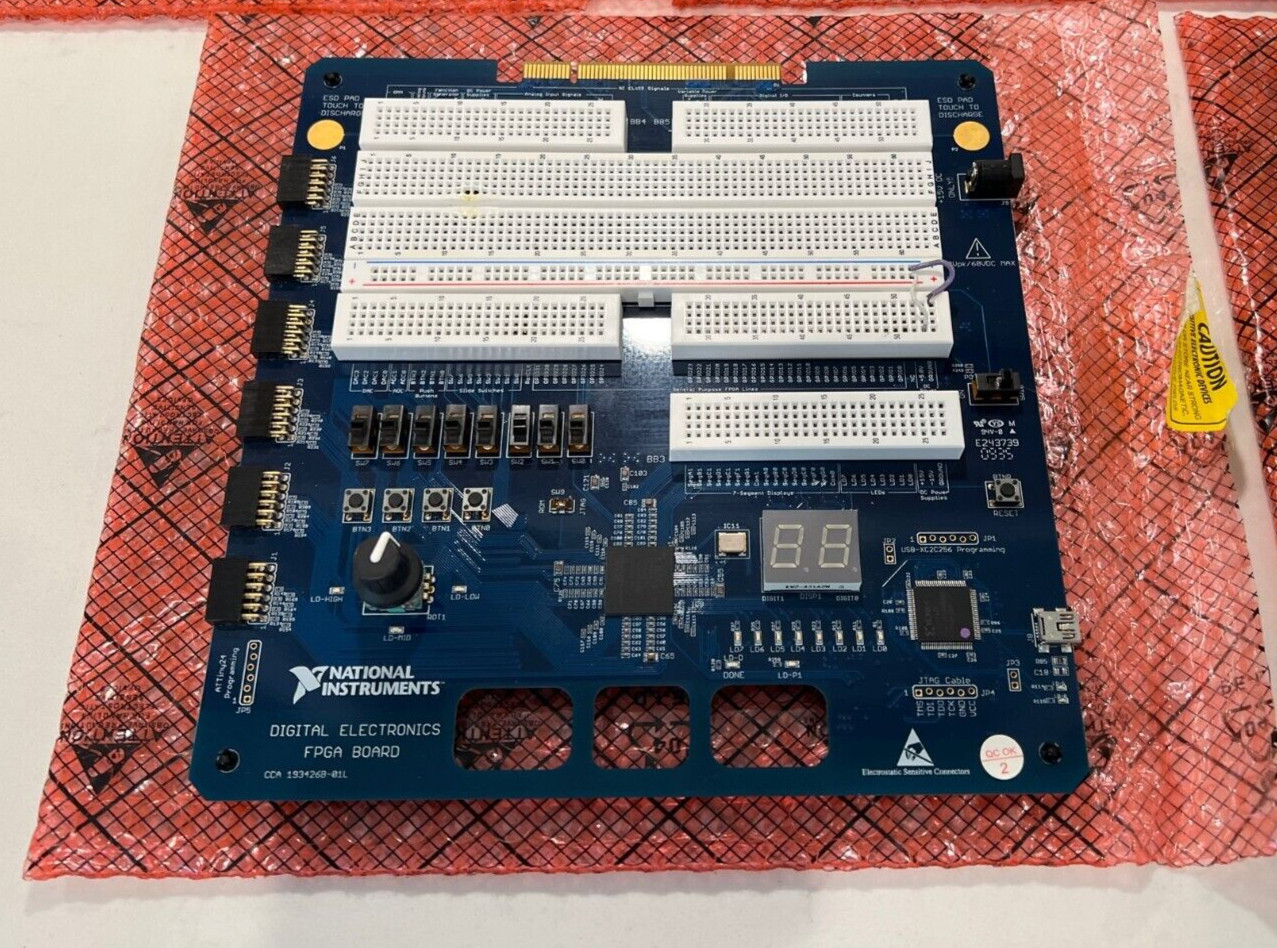
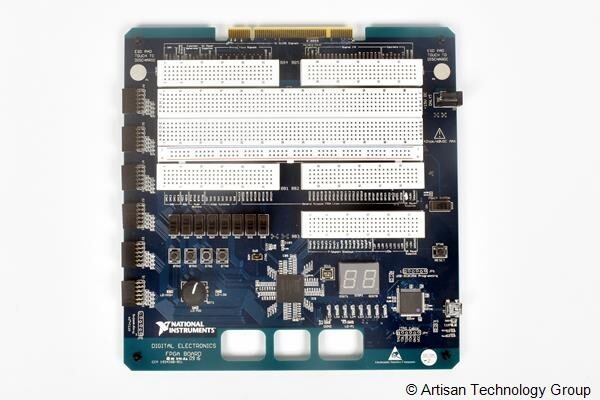
- Best fit for industrial prototyping with NI Digital Electronics FPGA Board (193426B-01L): use when the course/lab mandates NI ELVIS or Multisim co-simulation; skip it if you need standalone HDMI/video or broad open-source toolchain support.
- Wrong fit: buying a bare FPGA module (no USB-JTAG, no clock, no power regulation) for a first project — it forces custom carrier design before blinkenlights.
Buying tips
- Size fabric to your design: budget at least 2x the synthesis LUT count for routing and future features — a 33K-cell Artix-7 handles soft RISC-V cores and video pipelines that a 7K-cell part cannot fit.
- Match I/O voltage to your peripherals: 3.3V LVCMOS headers cover most sensors and PMODs; 1.8V/1.2V-only banks require level shifters that add cost and latency.
- Prefer boards with on-board USB-JTAG and QSPI flash: external programmers add cost and cabling; onboard flash allows standalone boot without a host PC.
- For NI 193426B-01L, confirm ELVIS/national-instruments courseware compatibility before purchase — the board is designed as a lab companion, not a general-purpose dev kit.
Specs
| Logic Fabric | ~33K–100K logic cells (Artix-7 class) |
|---|---|
| Configuration Memory | SRAM + external QSPI flash |
| Toolchain | Vivado / Diamond / Libero (vendor) |
| I/O Standard | 3.3V LVCMOS, PMOD/Arduino headers |
Related searches
What to check before buying
- Measure your desk/bench space and confirm the board's physical dimensions plus clearance for PMOD cables and HDMI connectors; crowded benches need right-angle adapters.
- Verify host PC OS and USB driver support: Xilinx Vivado runs on Windows/Linux but not macOS natively; NI boards often require Windows-only ELVIS drivers.
- Check power input: most dev boards are USB-powered (5V, 0.5–1A); confirm your USB port or powered hub can supply the board plus any PMOD peripherals.
- Confirm included accessories: USB cable, JTAG programmer, and SD/flash card are frequently sold separately; factor these into the total build bill.
FAQ
Data sources: eBay / Amazon listings and product attribute feeds. Updated Nov 25, 2026.
Some links on this page are affiliate links. If you buy after clicking one, we may earn a commission at no extra cost to you. This does not change which products appear here or their order. Affiliate disclosure.