
Photos from current listings. Actual item, color, and included accessories may vary.
Esp32 Development Board With WiFi And Bluetooth Buying Guide
An ESP32 development board is a microcontroller module built around Espressif's dual-core Xtensa LX6 SoC with integrated 2.4 GHz Wi-Fi and Bluetooth, used to prototype connected devices. The core trade-off is module variant and USB bridge quality: WROOM-32 with a genuine CP2102 or CH340C gives reliable flashing, while WROVER adds PSRAM for audio and display workloads, and bare ESP32-C3/S3 modules change the architecture entirely. Choose a board with a documented module marking, native USB or a known-good bridge, and accessible GPIO headers; skip unlabeled clones with ambiguous antenna and flash specs.
Median $549.99
Key takeaways
- ESP32-WROOM-32 pairs a dual-core 240 MHz Xtensa LX6 with 4 MB SPI flash and PCB antenna; WROVER-B adds 8 MB PSRAM for buffering camera, audio, or LVGL display frames.
- USB bridge determines flash reliability: CP2102 and CH340C are the common UART chips, while ESP32-S3 and C3 boards offer native USB-OTG/JTAG and skip the bridge entirely.
- Bluetooth support differs by silicon: classic ESP32 covers Bluetooth Classic plus BLE 4.2, while C3/S3 variants are BLE 5.0 only and cannot act as Classic SPP devices.
At a glance
- Category
- Microcontrollers & Dev Boards
- Last updated
- Nov 25, 2026
Current offers
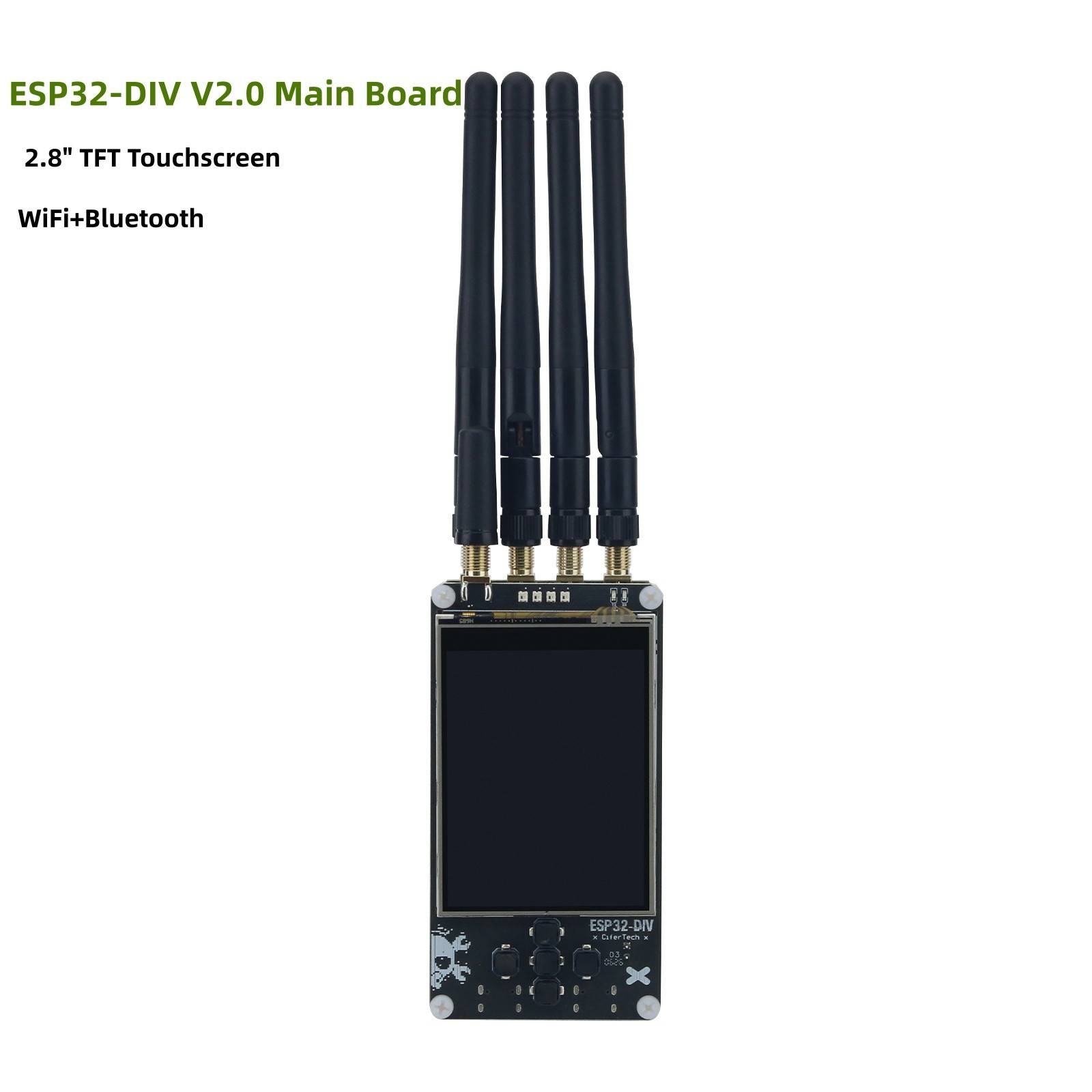 ESP32-DIV V2.0 WiFi+Bluetooth NRF24 ESP32 Development Board Wireless$91.99View on eBay
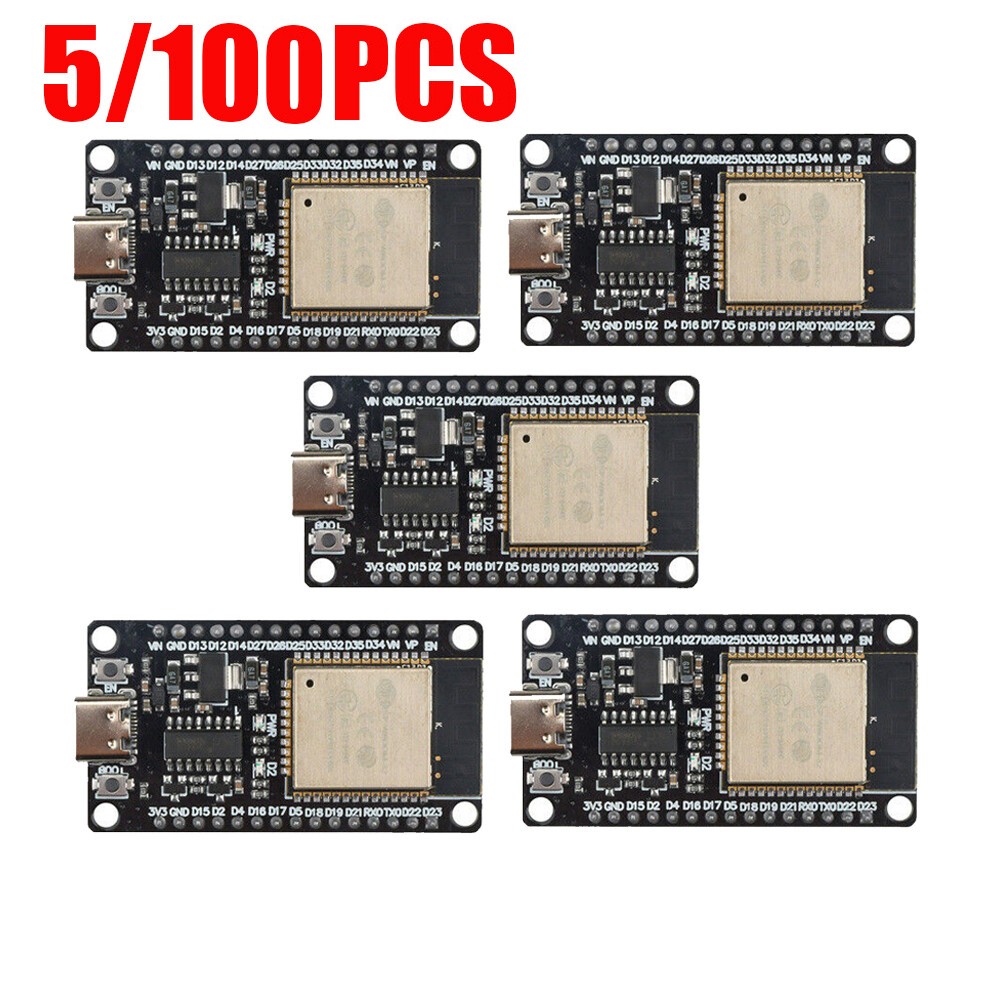 ESP32 WROOM-32 Type-C CH340C Development Board Dual Core WiFi Bluetooth 5/100PCS$549.99Last checked Nov 18, 2026View on eBay
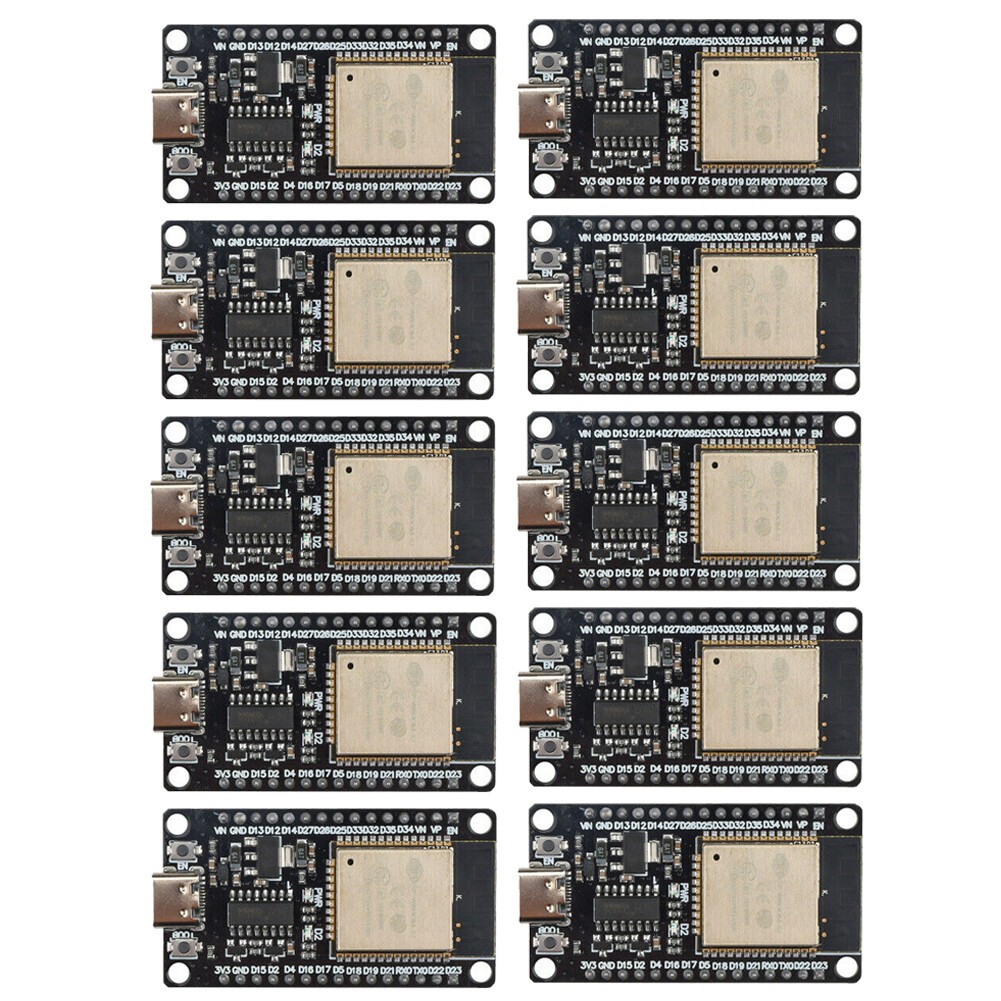 100PCS ESP32 CH340C WROOM-32 Type-C Development Board Dual Core WiFi Bluetooth$549.99Last checked Nov 17, 2026View on eBay
Highlights
- ESP32-WROOM-32 pairs a dual-core 240 MHz Xtensa LX6 with 4 MB SPI flash and PCB antenna; WROVER-B adds 8 MB PSRAM for buffering camera, audio, or LVGL display frames.
- USB bridge determines flash reliability: CP2102 and CH340C are the common UART chips, while ESP32-S3 and C3 boards offer native USB-OTG/JTAG and skip the bridge entirely.
- Bluetooth support differs by silicon: classic ESP32 covers Bluetooth Classic plus BLE 4.2, while C3/S3 variants are BLE 5.0 only and cannot act as Classic SPP devices.
- GPIO count and strapping pins matter: classic ESP32 exposes about 25 usable GPIOs, with GPIO 0, 2, 12, and 15 tied to boot mode and best left for buttons, not sensors.
Best use cases
- Best fit: Wi-Fi sensor nodes, MQTT dashboards, and BLE bridges — pick a WROOM-32 board with CP2102 or CH340C and a Type-C connector for stable flashing.
- Best fit: camera, audio, or display projects needing frame buffers — choose a WROVER module with 8 MB PSRAM, since standard WROOM-32 runs out of RAM quickly.
- Wrong fit: Bluetooth Classic audio or SPP serial replacement — skip C3/S3 boards and use a classic ESP32-WROOM or WROVER variant instead.
- Wrong fit: battery-only field deployments — standard dev boards carry linear regulators and USB LEDs that drain cells; use a board with a low-quiescent regulator or a bare module.
Buying tips
- Match the module marking to your workload: ESP32-WROOM-32 for general Wi-Fi/BLE, ESP32-WROVER-B/E for 8 MB PSRAM, and ESP32-C3/S3 only when you want RISC-V or native USB.
- Prefer boards with CP2102 or CH340C bridge chips and a Type-C or micro-USB data connector; avoid boards with unlabeled bridge chips that need manual driver hunting.
- Check flash size before buying: 4 MB is standard, but OTA updates and filesystem use need 8 MB or 16 MB; the module suffix (N4, N8, N16) states flash capacity.
- For breadboard work, confirm the board is 2.54 mm pitch and under about 28 mm wide; wider boards bridge adjacent rows and leave no room for jumper wires.
Specs
| Module Variant | WROOM-32 / WROVER / C3 / S3 |
|---|---|
| Flash / PSRAM | 4-16 MB flash / 0-8 MB PSRAM |
| USB Bridge | CP2102 / CH340C / native USB |
| Wireless | Wi-Fi 2.4 GHz + BLE 4.2/5.0 |
Related searches
What to check before buying
- Confirm the module variant printed on the shield: WROOM-32 (no PSRAM) vs WROVER (PSRAM) vs C3/S3 (RISC-V or native USB) — this decides your firmware target.
- Verify the USB connector and bridge: Type-C or micro-USB, CP2102 or CH340C, and whether the board supports auto-reset for one-click flashing.
- Measure header spacing and board width against your breadboard or enclosure; 2.54 mm pitch and under 28 mm width keeps adjacent rows usable.
- Check power input: 5 V via USB or 5-12 V on VIN, and confirm the 3.3 V regulator current rating if you plan to drive LEDs, relays, or sensors.
FAQ
Data sources: eBay / Amazon listings and product attribute feeds. Updated Nov 25, 2026.
Some links on this page are affiliate links. If you buy after clicking one, we may earn a commission at no extra cost to you. This does not change which products appear here or their order. Affiliate disclosure.