
Photos from current listings. Actual item, color, and included accessories may vary.
Arduino Uno Nano Buying Guide
The Arduino Uno and Nano are 5V ATmega328P-based development boards that differ mainly in form factor, header layout, and USB interface—not core processing power. The key trade-off is genuine vs. clone silicon and USB-serial bridge quality: authentic boards use an ATmega16U2 or FTDI chip for reliable drivers, while clones often use CH340 or CP2102 bridges that require manual driver installation. The decision rule is simple: buy an official or reputable clone board with a known USB-serial bridge for driver stability, and choose Uno for shield compatibility or Nano for breadboard density.
Median $47.58
Key takeaways
- Both Uno R3 and Nano use the same 8-bit ATmega328P MCU at 16 MHz with 32 KB flash, 2 KB SRAM, and 1 KB EEPROM—identical compute, different pinout.
- Uno R3 exposes 20 I/O pins via female headers and accepts Arduino shields; Nano exposes the same 22 I/O pins (2 extra analog) on 0.1" male headers for breadboard use.
- USB-serial bridge determines driver pain: ATmega16U2 (official Uno) and FTDI (official Nano) are plug-and-play; CH340 clones need a one-time driver install on Windows/macOS.
At a glance
- Category
- Microcontrollers & Dev Boards
- Last updated
- Nov 25, 2026
Current offers
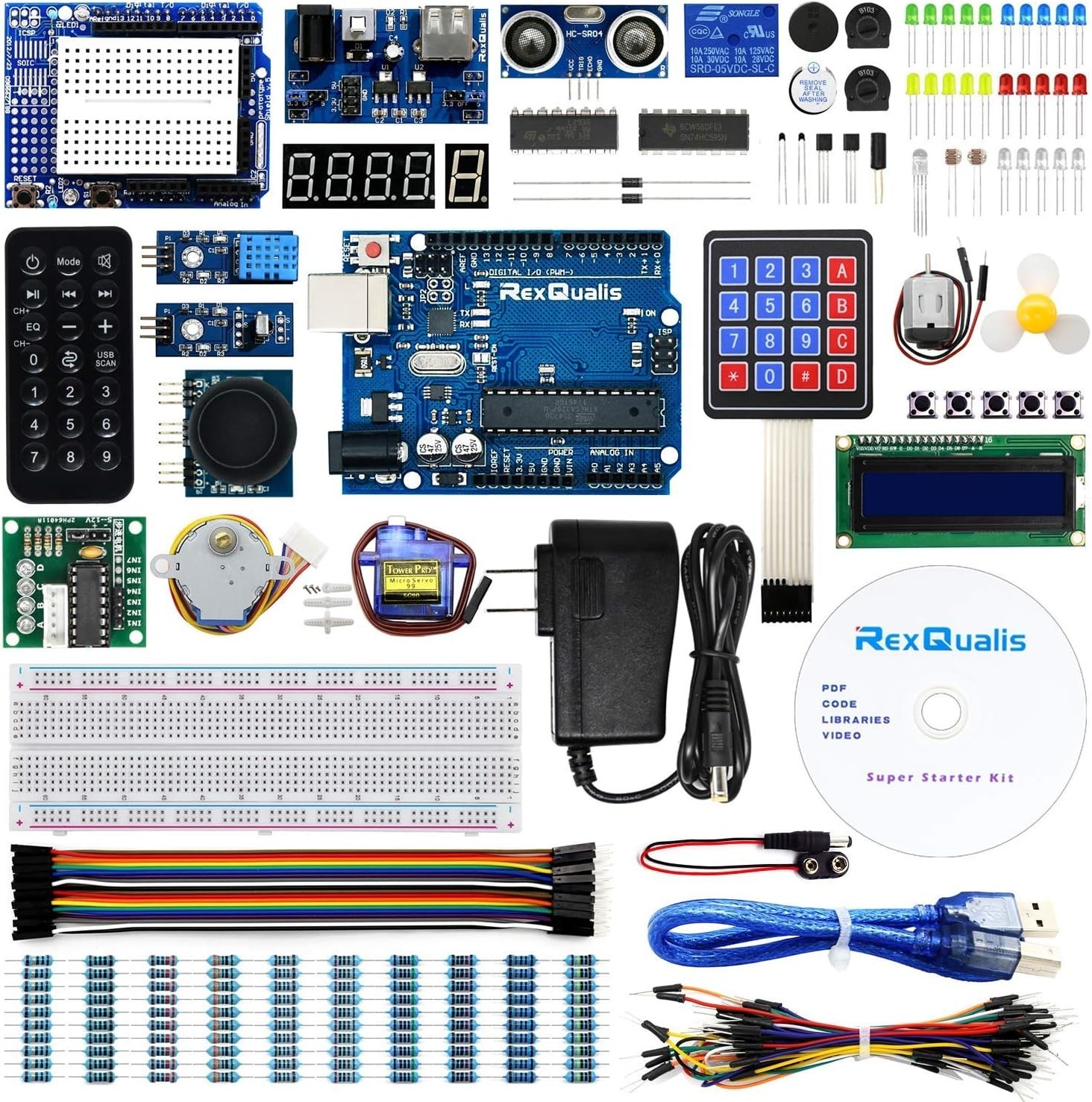 Super Starter Kit Based on Arduino UNO R3 with Tutorial and Controller Board Com$42.59View on eBay
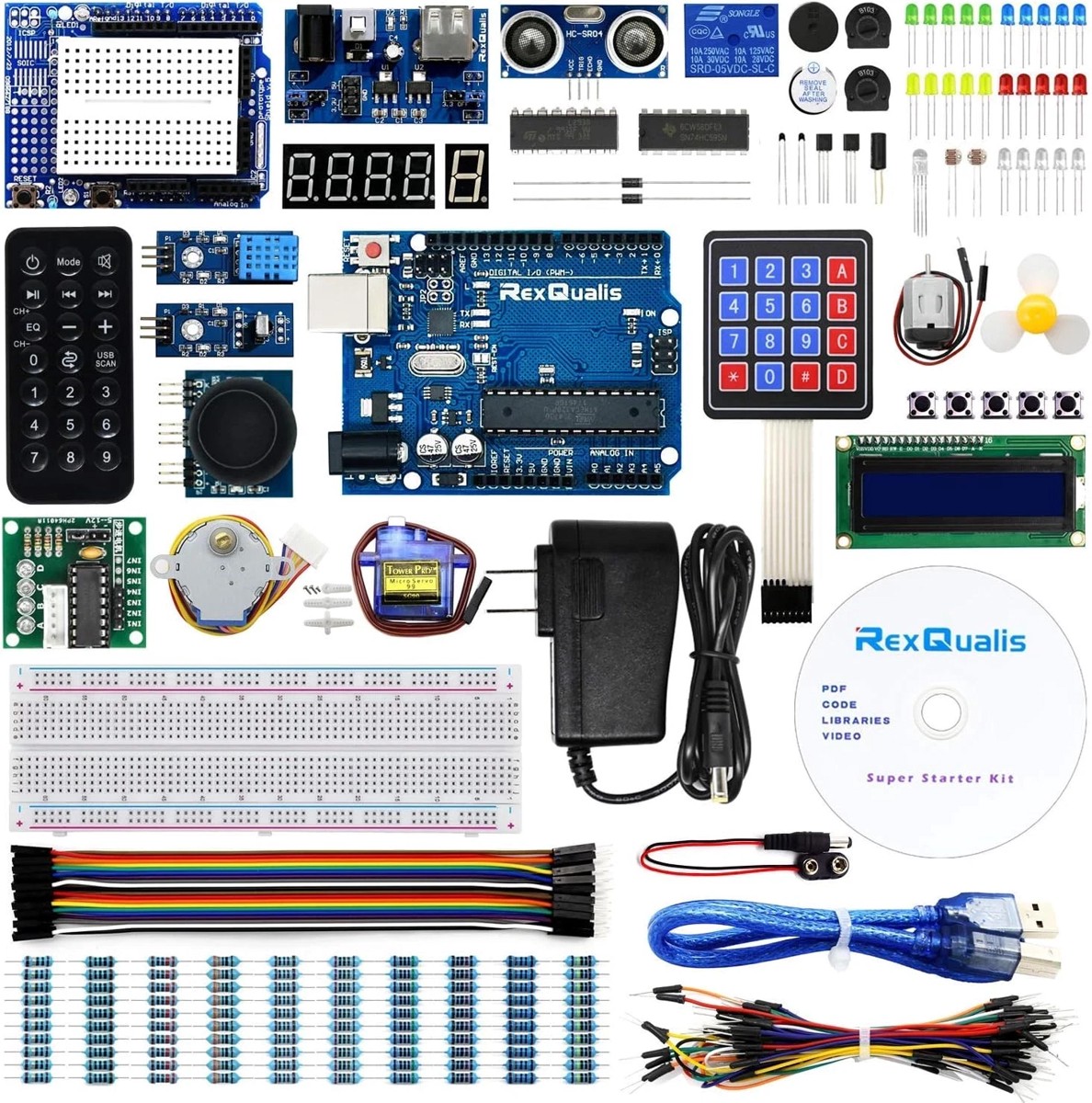 Super Starter Kit Based on Arduino UNO R3 with Tutorial and Controller Board Com$43.74View on eBay
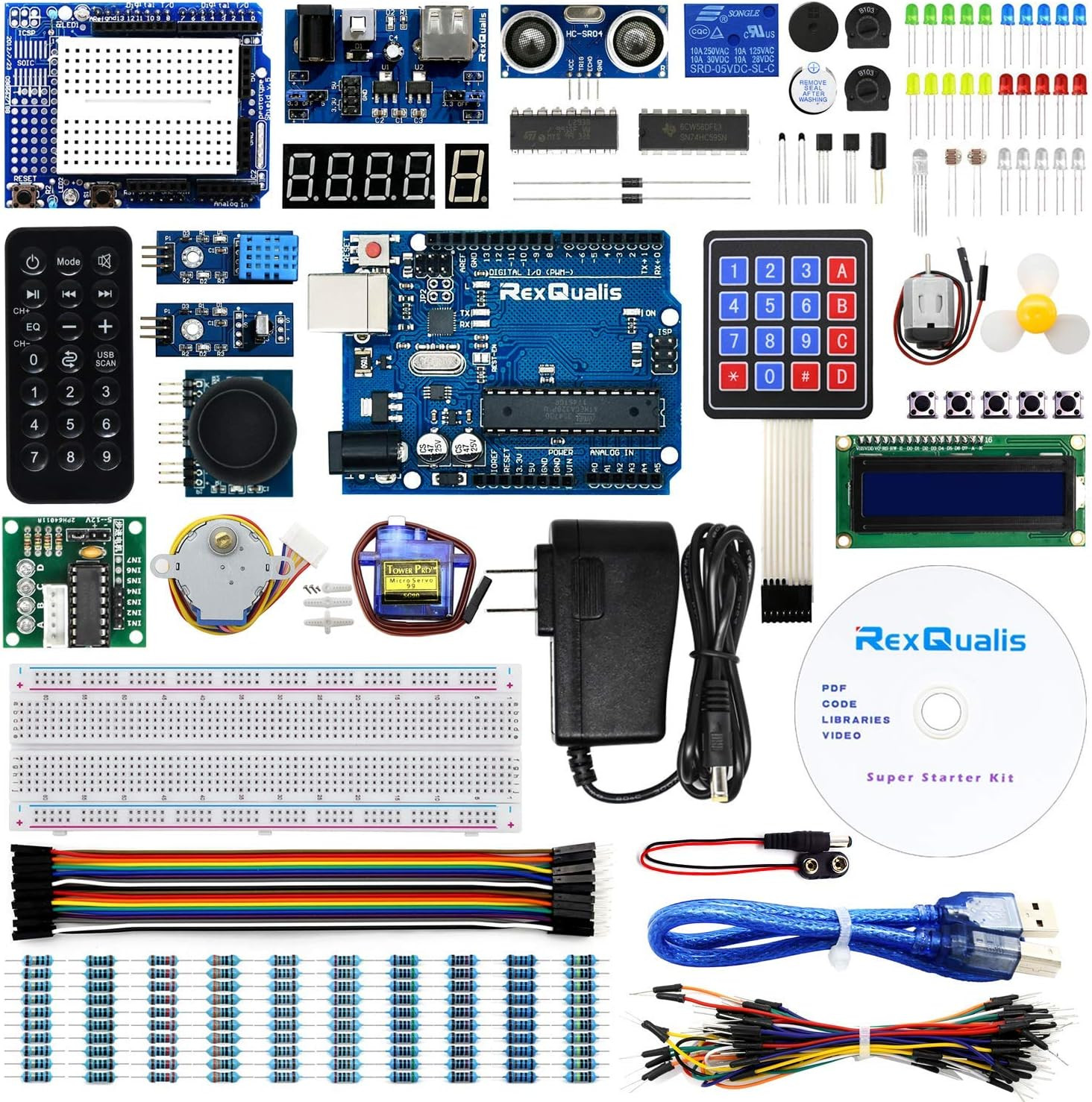 Super Starter Kit Based on Arduino UNO R3 with Tutorial and Controller Board Com$44.30View on eBay
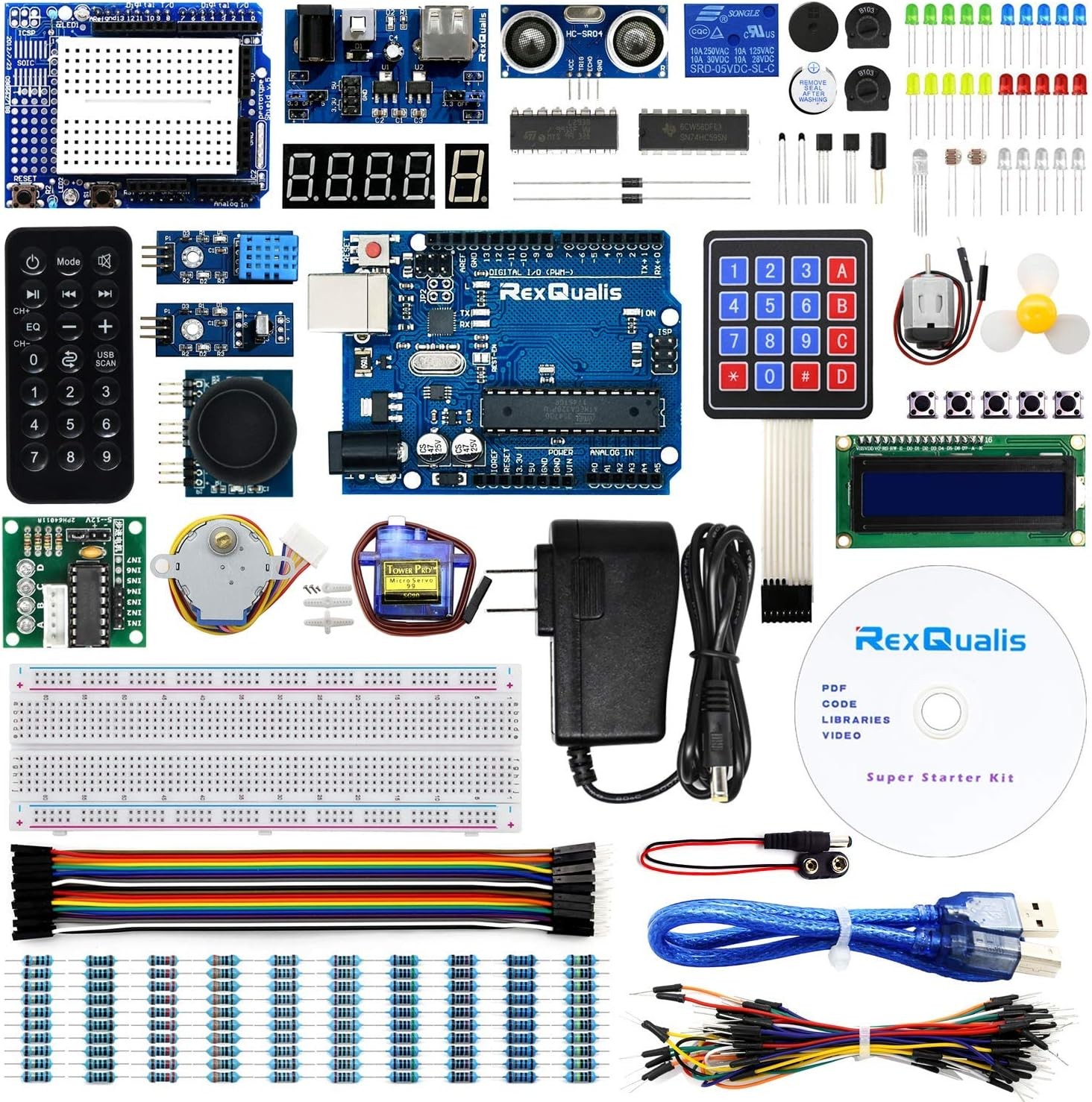 Super Starter Kit Based on Arduino UNO R3 with Tutorial and Controller Board Com$44.38View on eBay
- Super Starter Kit Based on Arduino UNO R3 with Tutorial and Controller Board Com$45.06View on eBay
- Arduino UNO R3 Super Starter Kit with Sensors, LCD, Motor Modules & Tutorial Set$45.43View on eBay
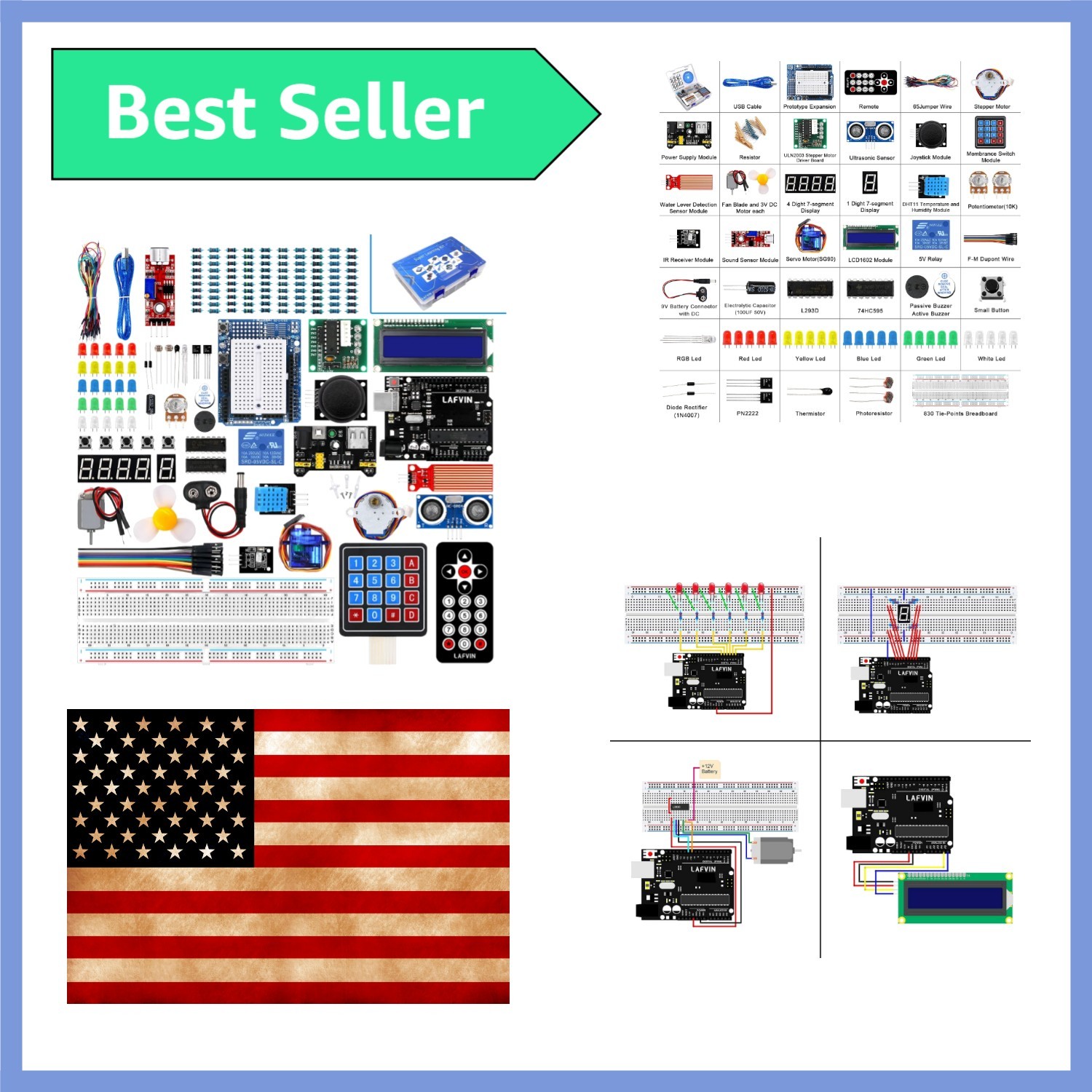 Super Starter Kit Based on Arduino UNO R3 with Tutorial and Controller Board Com$47.58View on eBay
- Super Starter Kit Based on Arduino UNO R3 with Tutorial and Controller Board Com$51.07View on eBay
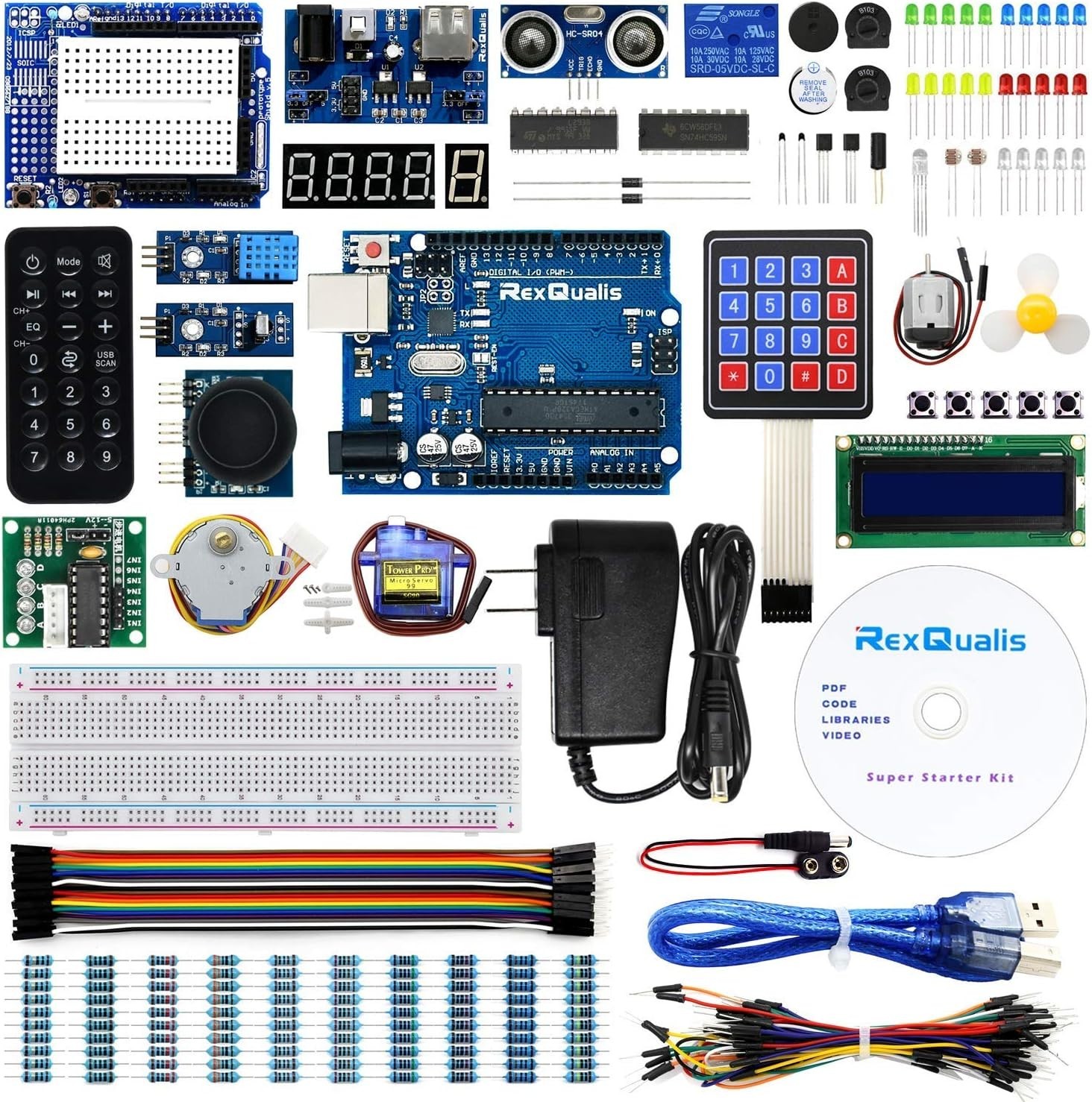 Super Starter Kit Based on Arduino UNO R3 with Tutorial and Controller Board Com$51.99View on eBay
- Super Starter Kit Based on Arduino UNO R3 with Tutorial and Controller Board Com$52.70View on eBay
- Rexqualis Super Starter Kit Based on Arduino UNO R3 with Tutorial and Controller$53.09View on eBay
- Super Starter Kit Based on Arduino UNO R3 with Tutorial and Controller Board Com$53.42View on eBay
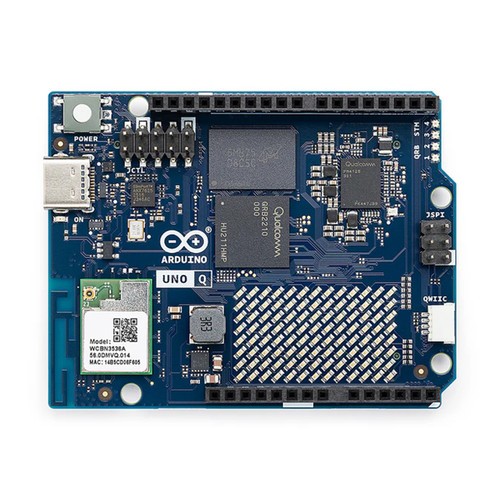 Arduino UNO Q Hybrid Board Qualcomm QRB2210 & STM32U585 AI Vision IoT$59.00View on eBay
Highlights
- Both Uno R3 and Nano use the same 8-bit ATmega328P MCU at 16 MHz with 32 KB flash, 2 KB SRAM, and 1 KB EEPROM—identical compute, different pinout.
- Uno R3 exposes 20 I/O pins via female headers and accepts Arduino shields; Nano exposes the same 22 I/O pins (2 extra analog) on 0.1" male headers for breadboard use.
- USB-serial bridge determines driver pain: ATmega16U2 (official Uno) and FTDI (official Nano) are plug-and-play; CH340 clones need a one-time driver install on Windows/macOS.
- Voltage regulation differs: Uno's onboard regulator tolerates 7–12 V Vin and supplies more current on the 5V rail; Nano's smaller regulator limits 5V rail output, so power high-current peripherals externally.
Best use cases
- Choose the Uno R3 if you plan to stack shields (motor, Ethernet, LCD) or follow beginner tutorials written for the Uno's pin layout—skip it only if board size is constrained.
- Choose the Nano if you are wiring on a breadboard or embedding the board in a tight enclosure; skip the Nano if you need more than a few hundred mA from the 5V pin or want shield compatibility.
- Choose a starter kit only if it includes a genuine or reputable-clone board plus a known USB bridge; skip unbranded kits with no bridge chip specification—you risk driver frustration and unreliable headers.
- Skip either board for Wi-Fi/Bluetooth projects requiring native networking—step up to ESP32 or Arduino MKR WiFi 1010 instead.
Buying tips
- Match the board to your wiring method: Uno for shield stacks, Nano for breadboard rows—pin count is nearly identical, so choose by physical fit, not specs.
- Check the USB-serial bridge before buying: ATmega16U2 or FTDI mean no driver install; CH340 requires a driver download and is common on clones.
- Buy official or reputable-clone boards with clear bridge-chip labeling; unbranded kits that do not name the bridge chip are a driver-support gamble.
- For battery projects, plan external 5V regulation: Nano's small regulator cannot power servos or motor drivers from Vin—use a separate buck converter.
Specs
| MCU & Clock | ATmega328P @ 16 MHz |
|---|---|
| Memory | 32 KB flash / 2 KB SRAM / 1 KB EEPROM |
| Form Factor | Uno 68×53 mm / Nano 45×18 mm |
| USB-Serial Bridge | ATmega16U2 / FTDI / CH340 / CP2102 |
Related searches
What to check before buying
- Measure your enclosure or breadboard space: Uno is roughly 68 × 53 mm, Nano is roughly 45 × 18 mm—confirm clearance for USB and headers.
- Confirm your computer's USB port type (USB-A vs USB-C) and that the board's cable matches; many kits ship micro-USB or USB-B cables only.
- Check that your project's shields or modules match the Uno's female header spacing or the Nano's 0.1" male pin pitch.
- Verify your power source: Vin range 7–12 V for Uno; Nano accepts 7–12 V Vin but supplies less 5V current—plan external power for motors and LEDs.
FAQ
Data sources: eBay / Amazon listings and product attribute feeds. Updated Nov 25, 2026.
Some links on this page are affiliate links. If you buy after clicking one, we may earn a commission at no extra cost to you. This does not change which products appear here or their order. Affiliate disclosure.