
Photos from current listings. Actual item, color, and included accessories may vary.
Arduino Uno Mega Buying Guide
The Arduino Uno and Mega are 5V, 16 MHz ATmega-based development boards: the Uno uses the ATmega328P with 14 digital and 6 analog pins, while the Mega 2560 offers 54 digital and 16 analog pins with 256 KB flash. The core trade-off is pin count and memory versus board size, cost, and shield compatibility. Buy the Uno for compact, shield-based projects and the Mega only when your I/O or sketch size exceeds Uno limits; avoid clones with CH340 serial chips if you need native driver-free USB.
Median $47.58
Key takeaways
- Uno R3 uses ATmega328P (32 KB flash, 2 KB SRAM, 1 KB EEPROM) with 14 digital I/O (6 PWM) and 6 analog inputs at 10-bit resolution.
- Mega 2560 uses ATmega2560 (256 KB flash, 8 KB SRAM, 4 KB EEPROM) with 54 digital I/O (15 PWM) and 16 analog inputs—8x the flash and 4x the SRAM of the Uno.
- Official boards use ATmega16U2 or ATmega8U2 USB-to-serial; most clones use CH340G/CH340C, which needs a driver on Windows and macOS but is class-compliant on modern Linux.
At a glance
- Category
- Microcontrollers & Dev Boards
- Last updated
- Nov 25, 2026
Current offers
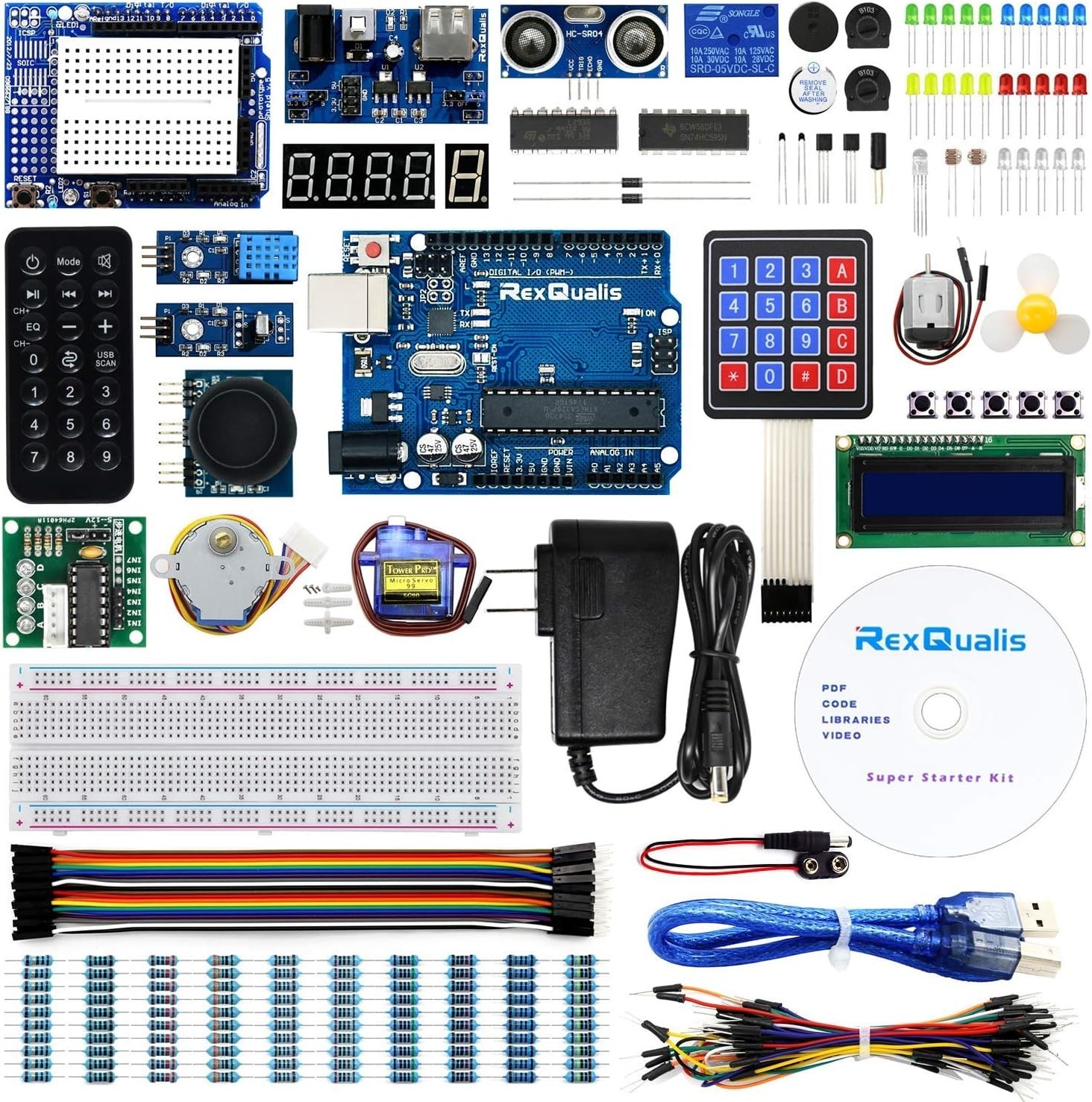 Super Starter Kit Based on Arduino UNO R3 with Tutorial and Controller Board Com$42.59View on eBay
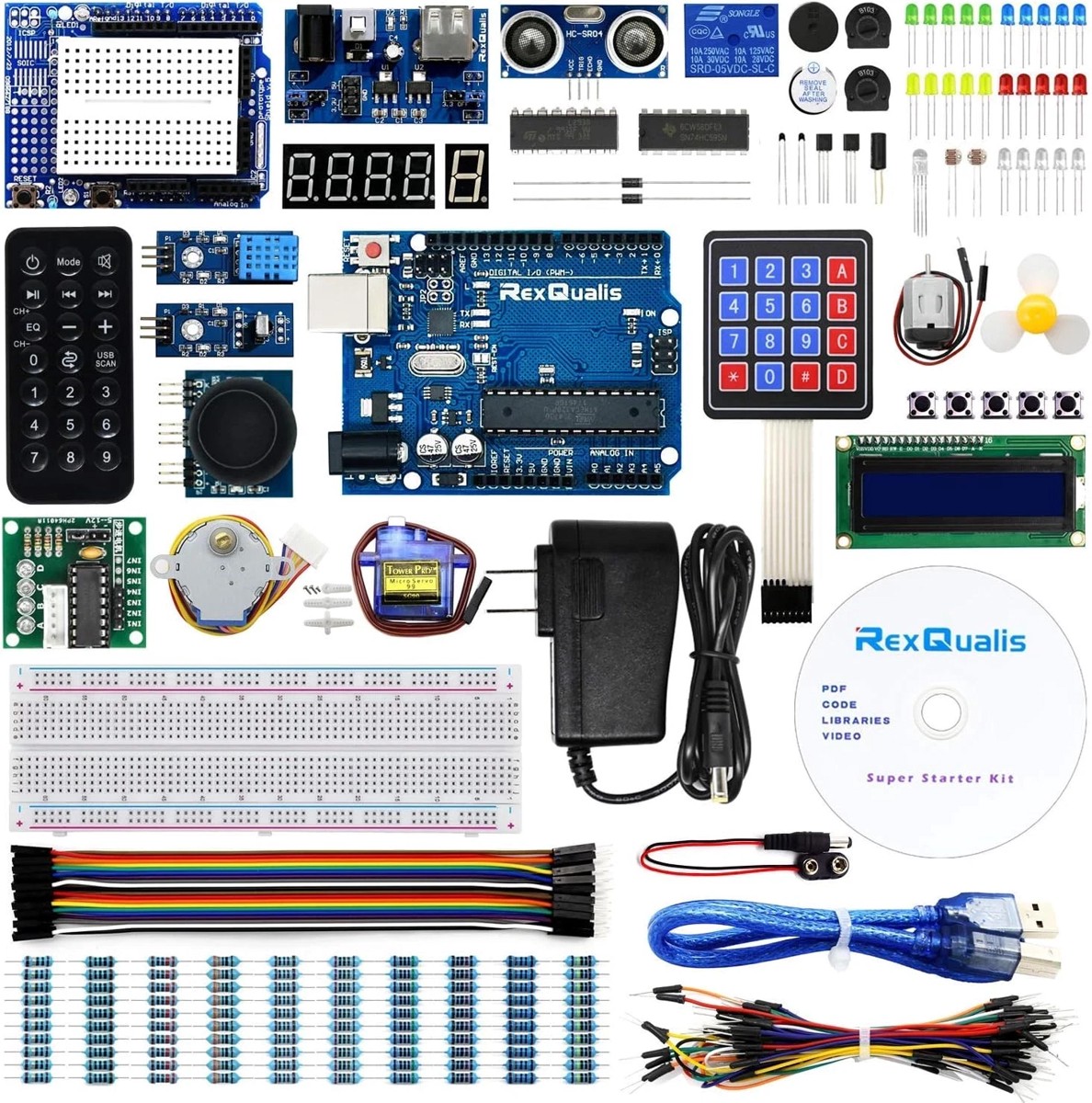 Super Starter Kit Based on Arduino UNO R3 with Tutorial and Controller Board Com$43.74View on eBay
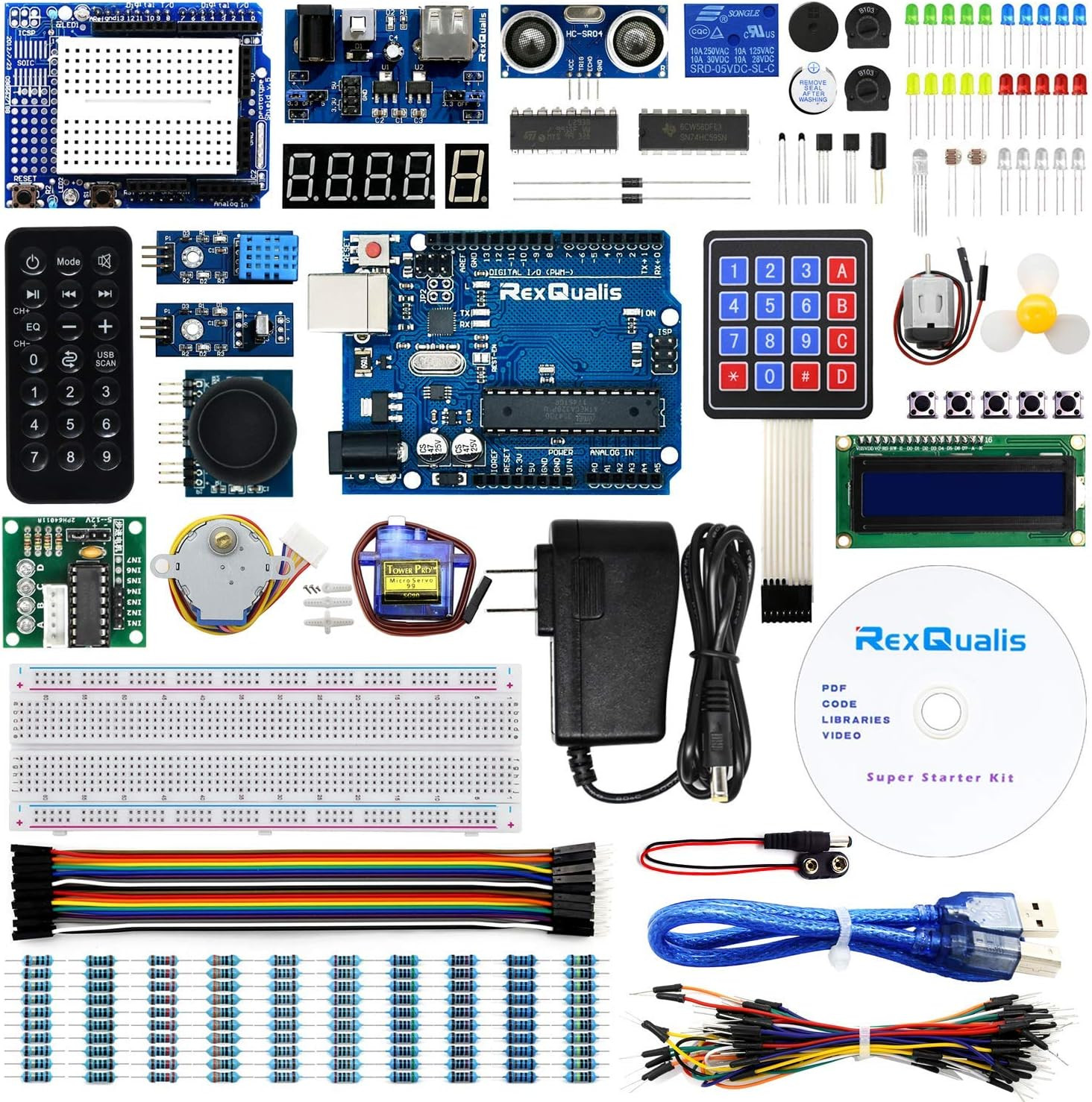 Super Starter Kit Based on Arduino UNO R3 with Tutorial and Controller Board Com$44.30View on eBay
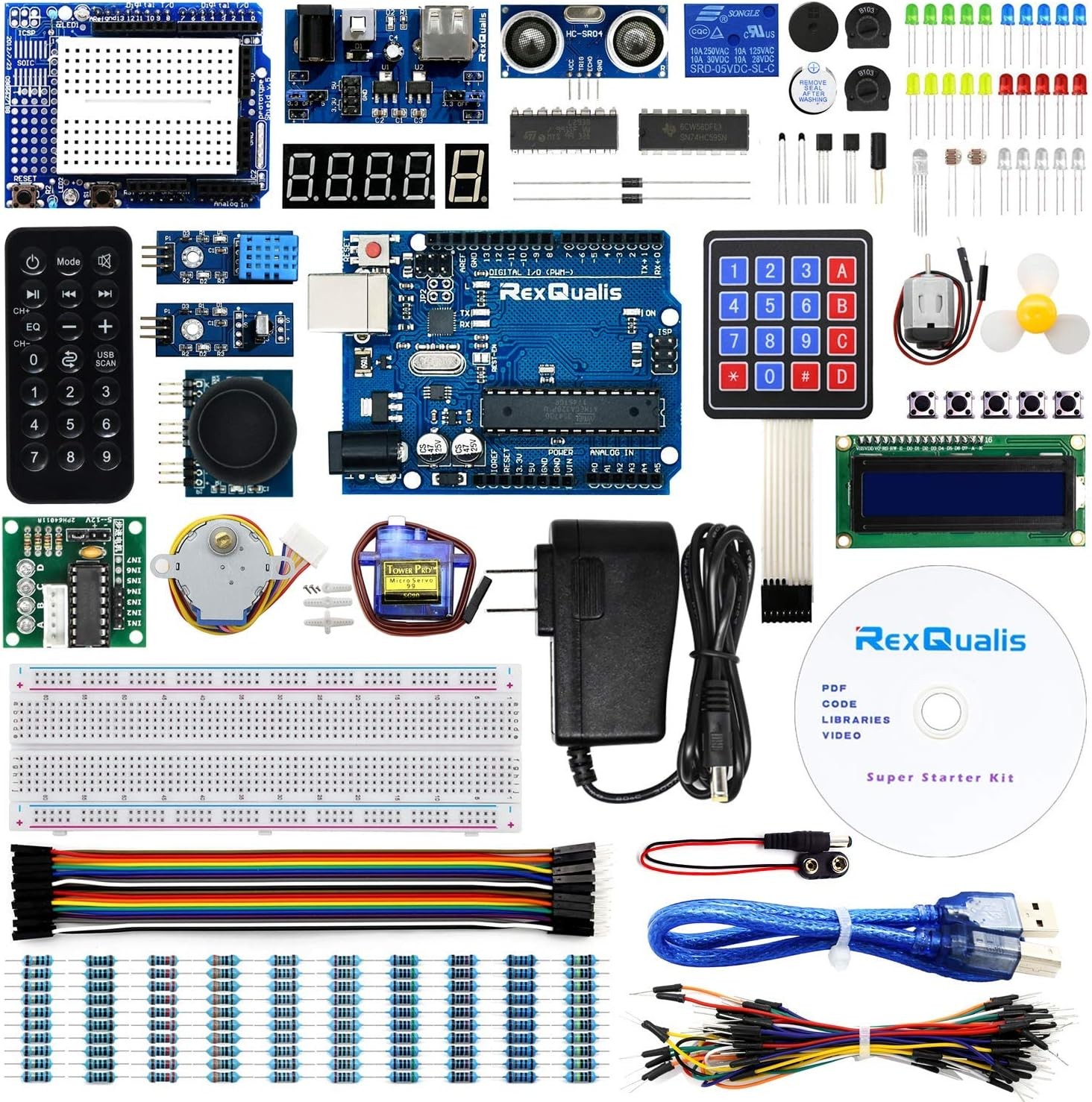 Super Starter Kit Based on Arduino UNO R3 with Tutorial and Controller Board Com$44.38View on eBay
- Super Starter Kit Based on Arduino UNO R3 with Tutorial and Controller Board Com$45.06View on eBay
- Arduino UNO R3 Super Starter Kit with Sensors, LCD, Motor Modules & Tutorial Set$45.43View on eBay
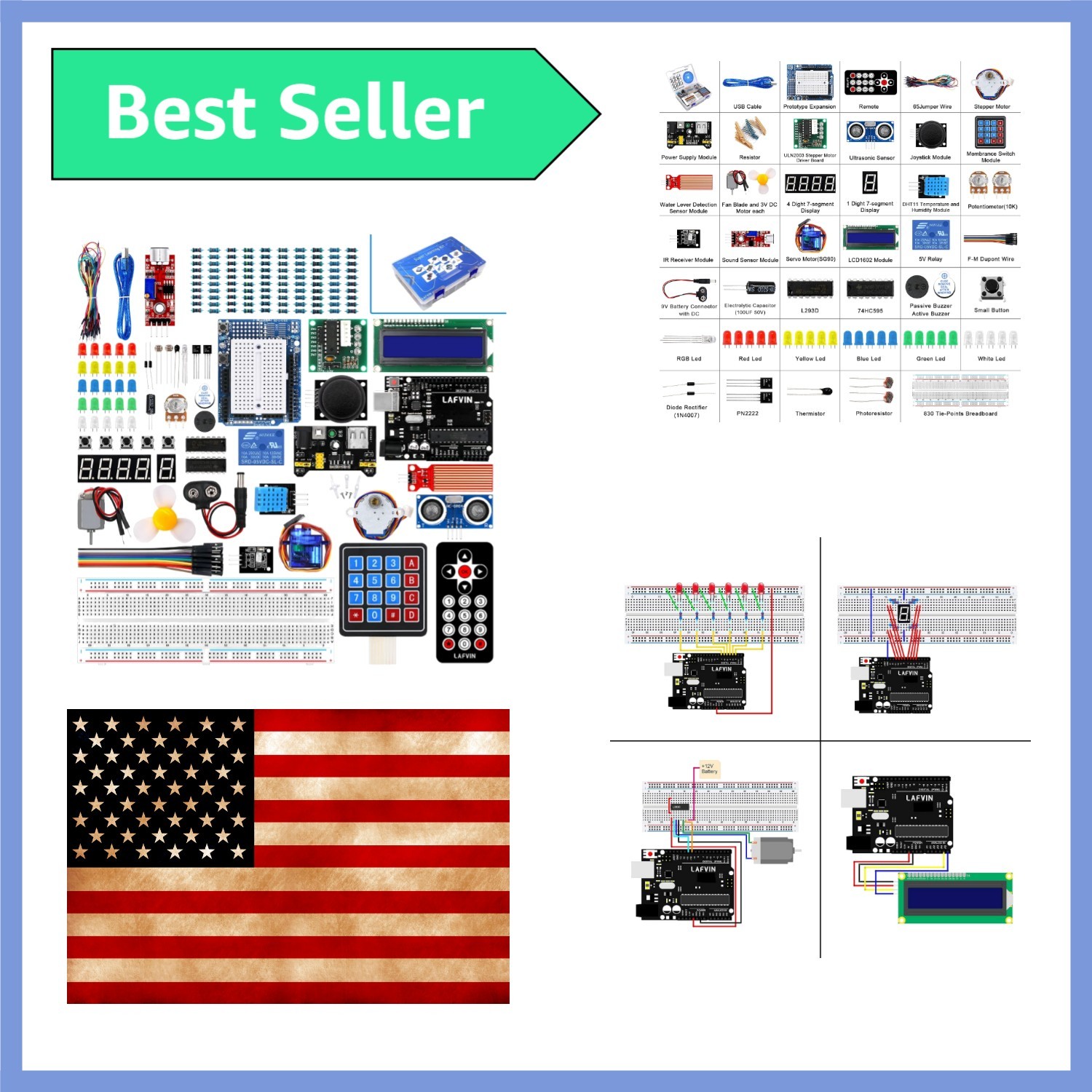 Super Starter Kit Based on Arduino UNO R3 with Tutorial and Controller Board Com$47.58View on eBay
- Super Starter Kit Based on Arduino UNO R3 with Tutorial and Controller Board Com$51.07View on eBay
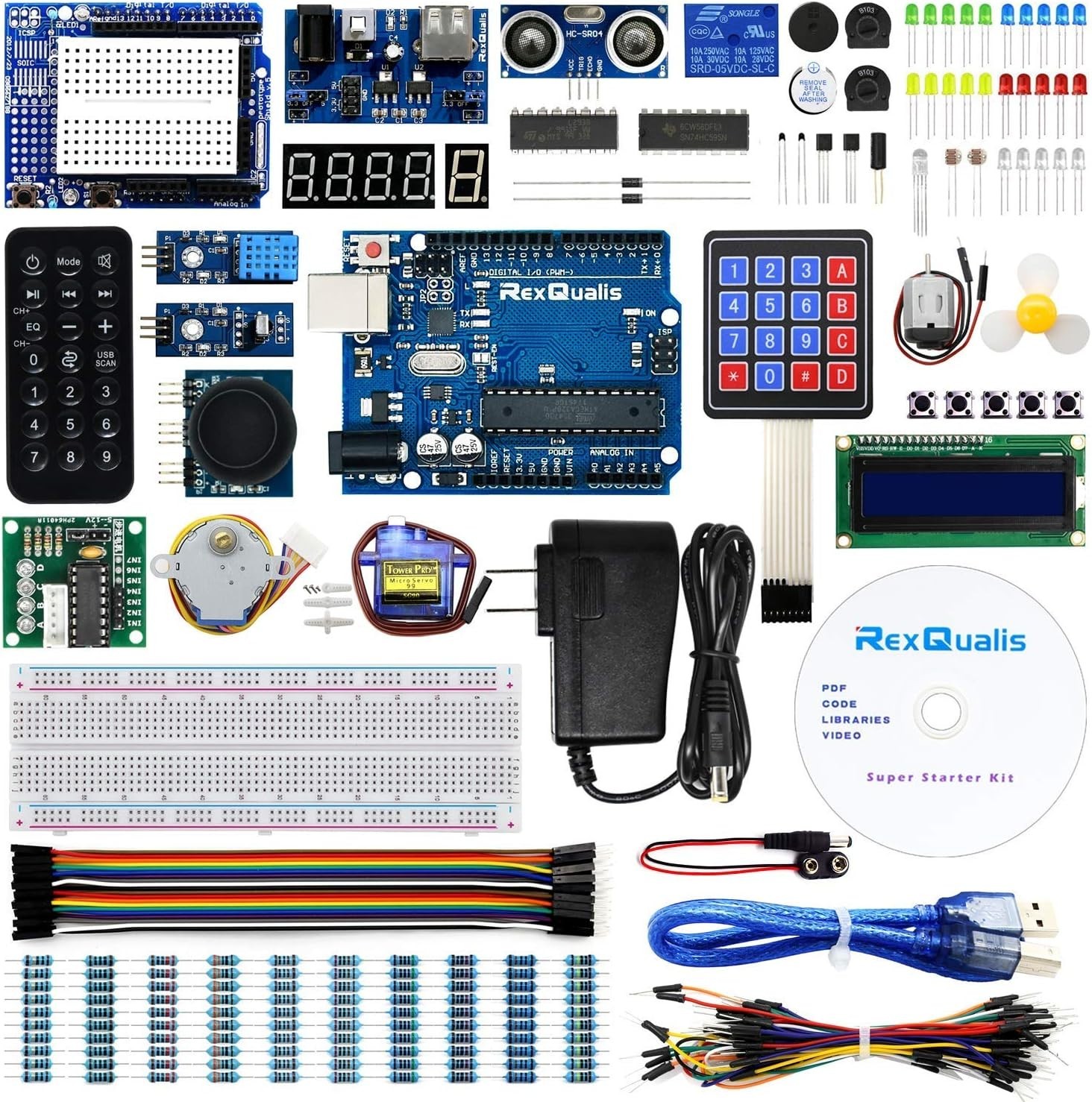 Super Starter Kit Based on Arduino UNO R3 with Tutorial and Controller Board Com$51.99View on eBay
- Super Starter Kit Based on Arduino UNO R3 with Tutorial and Controller Board Com$52.70View on eBay
- Rexqualis Super Starter Kit Based on Arduino UNO R3 with Tutorial and Controller$53.09View on eBay
- Super Starter Kit Based on Arduino UNO R3 with Tutorial and Controller Board Com$53.42View on eBay
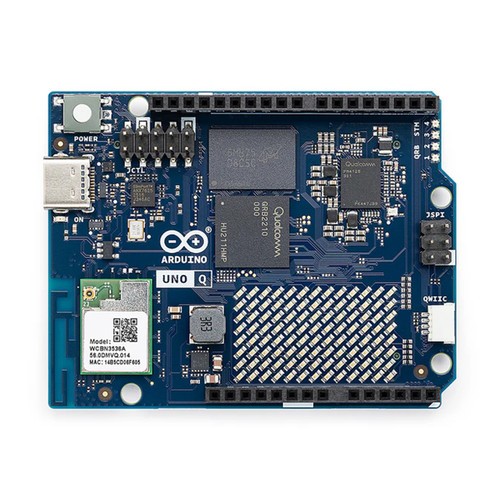 Arduino UNO Q Hybrid Board Qualcomm QRB2210 & STM32U585 AI Vision IoT$59.00View on eBay
Highlights
- Uno R3 uses ATmega328P (32 KB flash, 2 KB SRAM, 1 KB EEPROM) with 14 digital I/O (6 PWM) and 6 analog inputs at 10-bit resolution.
- Mega 2560 uses ATmega2560 (256 KB flash, 8 KB SRAM, 4 KB EEPROM) with 54 digital I/O (15 PWM) and 16 analog inputs—8x the flash and 4x the SRAM of the Uno.
- Official boards use ATmega16U2 or ATmega8U2 USB-to-serial; most clones use CH340G/CH340C, which needs a driver on Windows and macOS but is class-compliant on modern Linux.
- Both run at 5V logic and 16 MHz; the Uno's DC jack accepts 7-12V (recommended) and the Mega 2560 accepts 7-12V, with the on-board regulator limiting total 5V current to roughly 800 mA on USB power.
Best use cases
- Pick the Uno R3 for first projects, single-sensor builds, and standard Arduino shields—its 14 digital pins cover LEDs, buttons, servos, and I2C/SPI devices without wasted board area.
- Pick the Mega 2560 when a project needs more than 20 total I/O (e.g., 3D printer RAMPS, multi-motor robots, LED matrices) or a sketch that exceeds 32 KB flash.
- Skip the Uno for RAMPS/Firmware-heavy 3D printing or CNC builds—Mega's 256 KB flash and 8 KB SRAM are required, and Uno clones cannot be substituted.
- Choose an official board over a clone if you need guaranteed ATmega16U2 USB serial, precise 5V regulation, and documented tolerance to 20V input; clones vary widely in regulator and USB chip quality.
Buying tips
- Count your required pins first: if digital I/O + analog inputs exceed 20, move to the Mega; the Uno's 14 digital + 6 analog is a hard ceiling for shields and sensors.
- Check the USB-serial chip: ATmega16U2 (official) is driver-free on all OSes; CH340 clones need the WCH driver on Windows and older macOS—factor that into classroom or shared-computer use.
- For shields, confirm R3 header layout (the extra SDA/SCL pins near AREF); older Duemilanove-era shields may not align on R3 boards.
- Prefer boards with a 5V/3.3V selector and reverse-polarity protection on the DC jack; budget clones often omit the polyfuse and diode, risking damage from a wrong adapter.
Specs
| Microcontroller | ATmega328P (Uno) / ATmega2560 (Mega) |
|---|---|
| Digital I/O | 14 (Uno) / 54 (Mega), 6 vs 15 PWM |
| Flash / SRAM | 32 KB/2 KB (Uno) vs 256 KB/8 KB (Mega) |
| USB-Serial Chip | ATmega16U2 (official) vs CH340 (clones) |
Related searches
What to check before buying
- Measure your enclosure: Uno is ~68.6 x 53.4 mm with mounting holes at 66.04 x 47.0 mm spacing; Mega 2560 is ~101.6 x 53.3 mm—verify clearance before ordering a case.
- Confirm your project's voltage: both boards are 5V logic; 3.3V sensors need level shifting, and 5V-only shields will not work on 3.3V boards like the Due or Zero.
- Check your power source: USB provides 500 mA; for motors or LED strips, plan a separate 5-12V supply on Vin or the DC jack and respect the ~800 mA regulator limit.
- Verify companion parts: you need a USB A-to-B cable for Uno/Mega (not USB-C), a 7-12V center-positive adapter for standalone use, and a breadboard with 2.1 mm power jack if you expand.
FAQ
Data sources: eBay / Amazon listings and product attribute feeds. Updated Nov 25, 2026.
Some links on this page are affiliate links. If you buy after clicking one, we may earn a commission at no extra cost to you. This does not change which products appear here or their order. Affiliate disclosure.